



ABCya
by ABCya.com LLC
ABCya = Fun and educational games for kids
A closer look
Overview
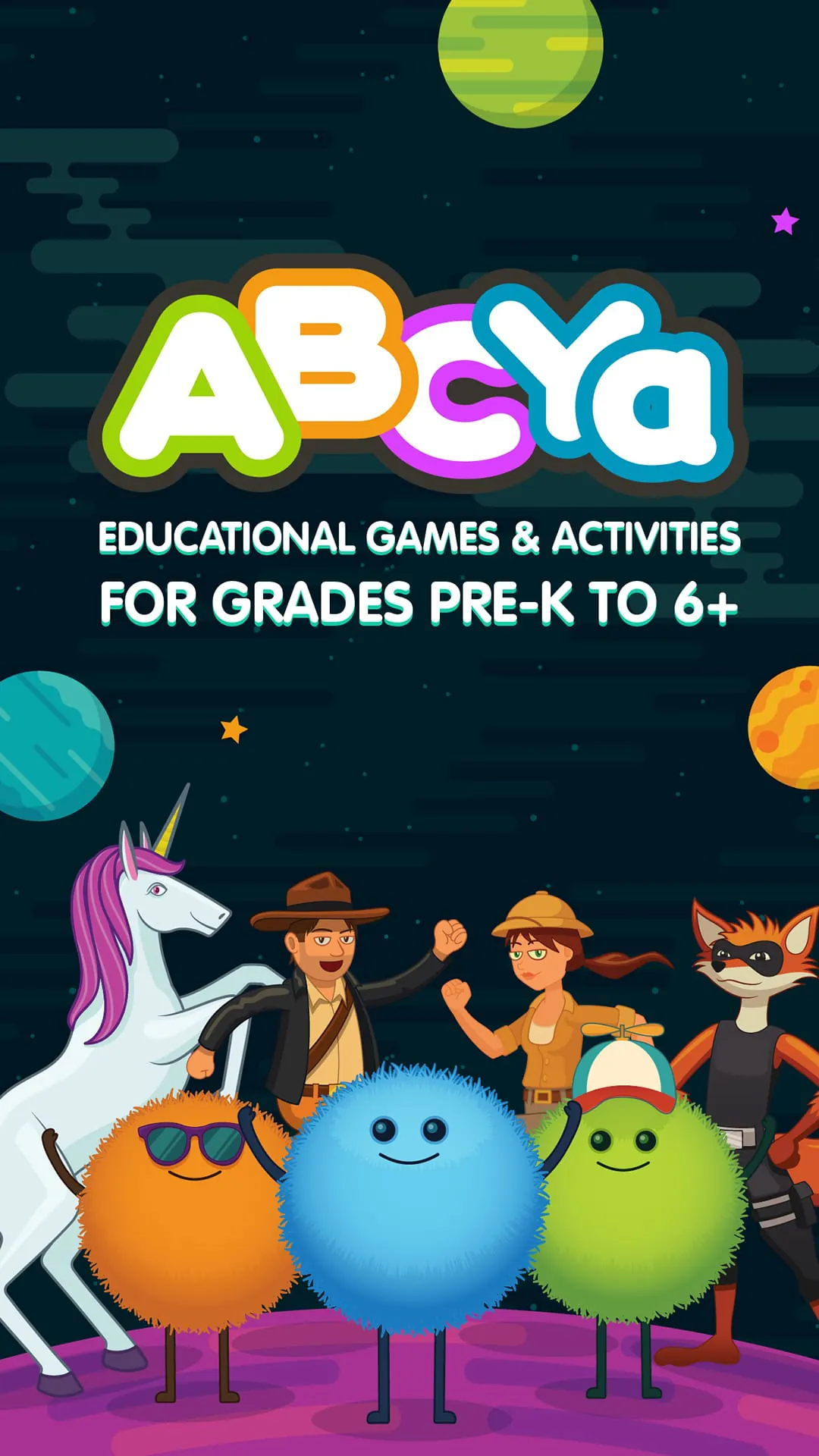
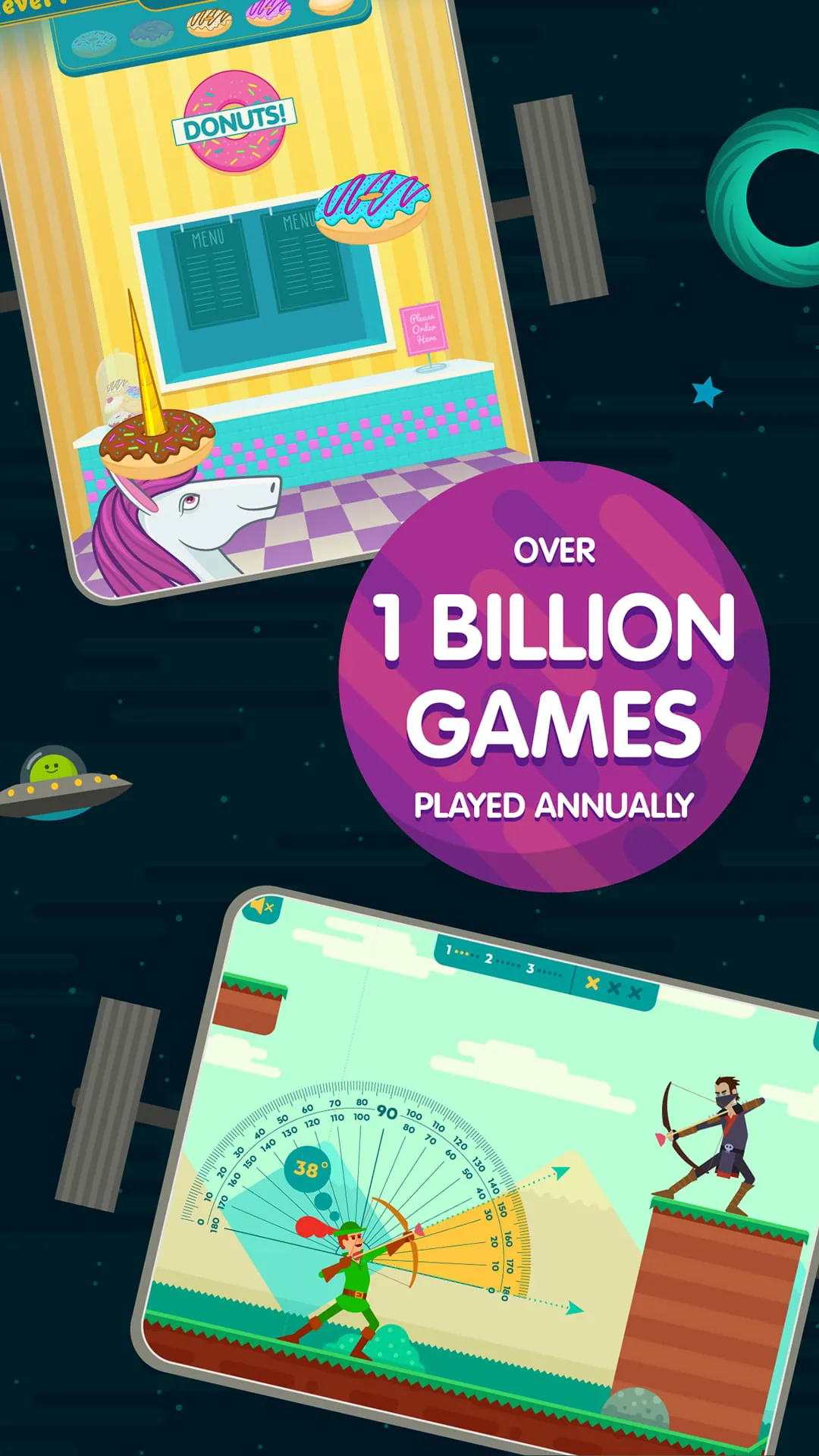
ABCya! Games is an educational gaming platform designed primarily for children in grades Pre-K through 6, offering a wide variety of interactive activities that blend learning with play; developed by certified teachers, the app focuses on reinforcing core academic skills such as math, reading, spelling, and strategy through colorful games that engage young learners while supporting classroom curriculum standards.
Key Features
ABCya! Games stands out for its curriculum-based approach and child-friendly design. Some notable features include:
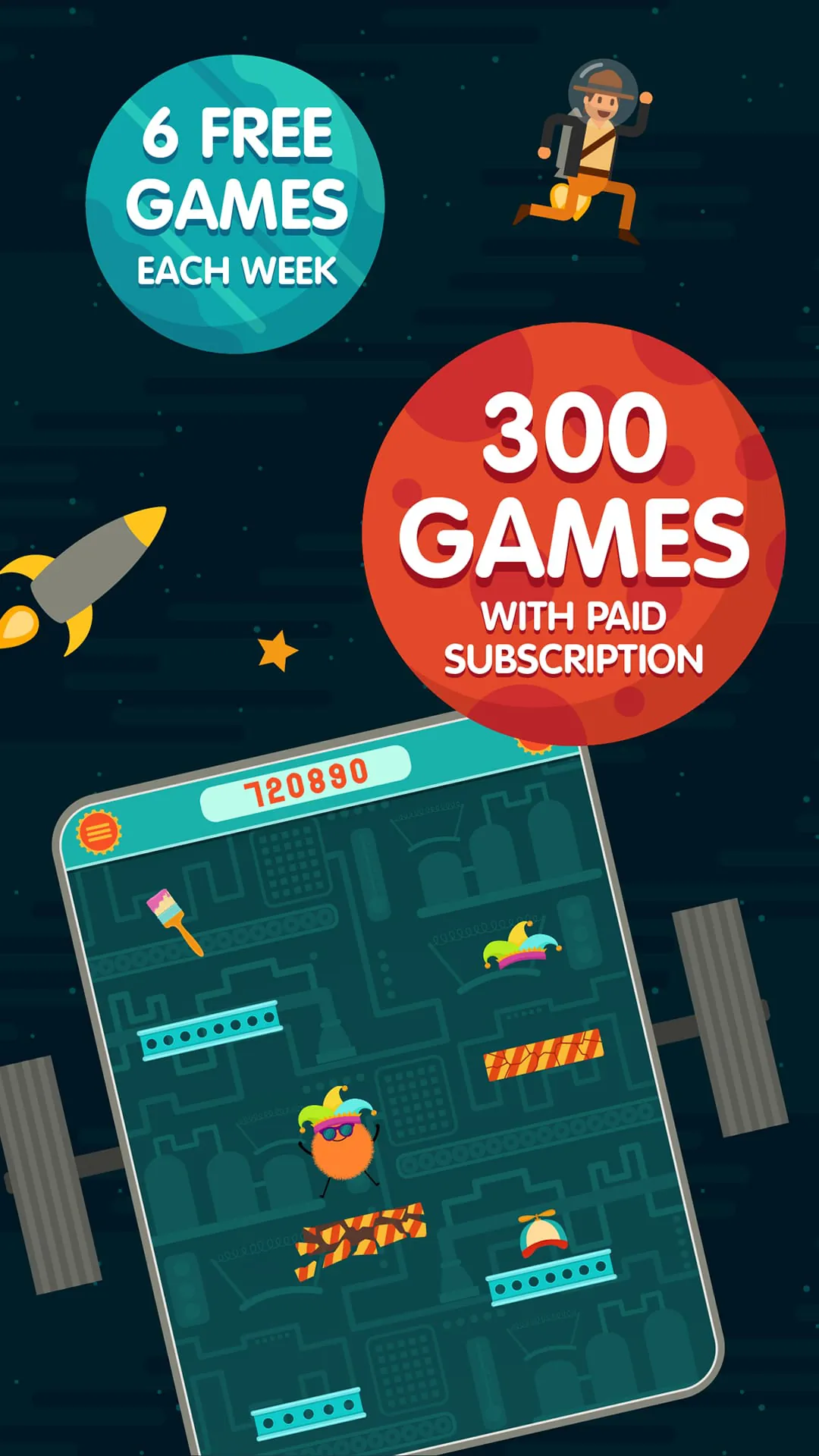
- Hundreds of free and premium games organized by grade level
- Subjects ranging from math and language arts to holiday-themed puzzles
- Bright visuals and intuitive controls tailored for younger users
- No third-party advertising in the paid subscription version
- New games added regularly to keep content fresh and engaging
Pros & Cons
Understanding the advantages and drawbacks helps parents and educators decide if ABCya! fits their needs.
- Pros:
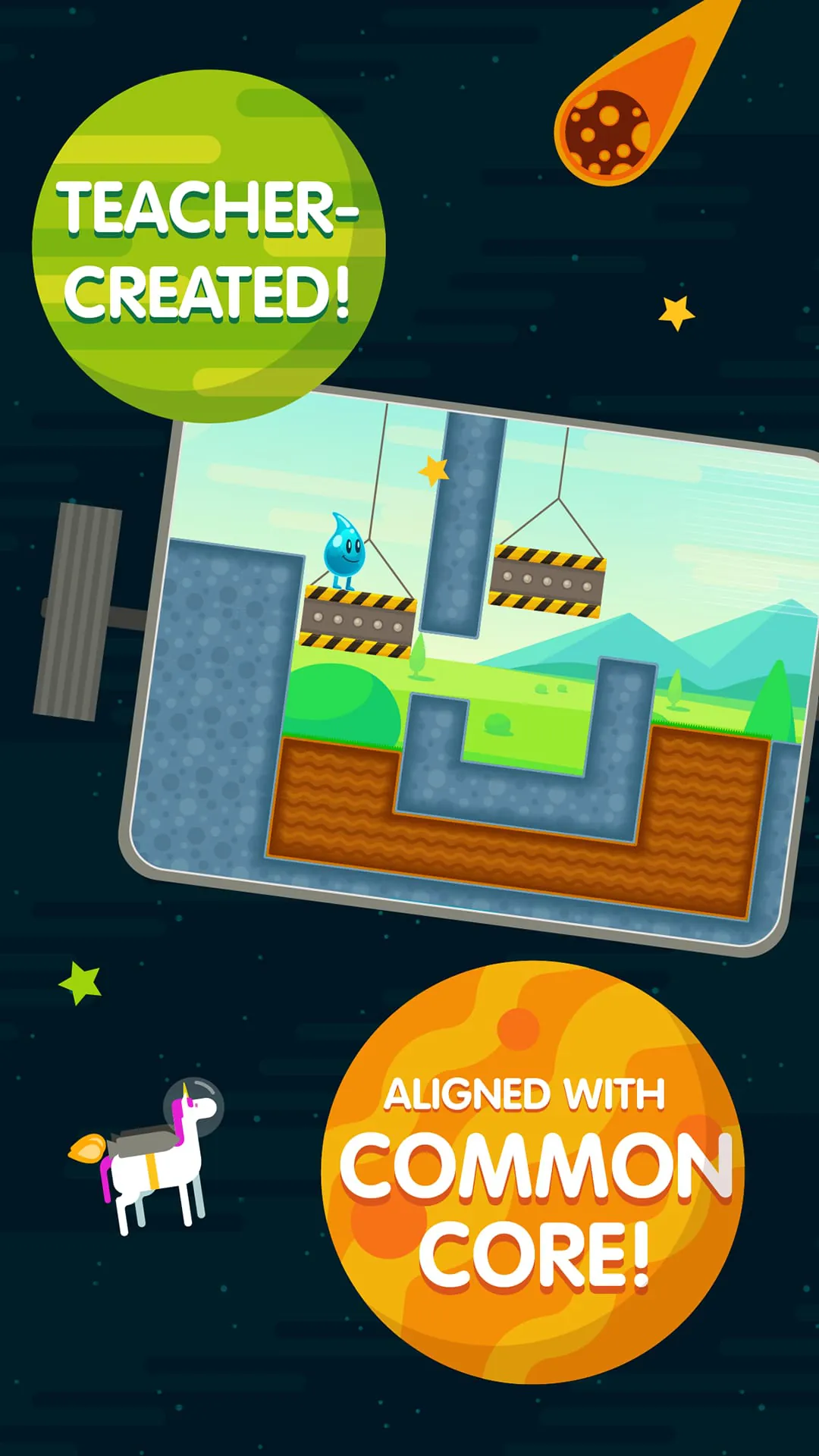
- Aligned with Common Core standards for reliable educational value
- Easy navigation suitable for independent use by children
- Covers multiple subjects in one convenient platform
- Encourages critical thinking through problem-solving challenges
- Cons:
- Limited free content without a subscription
- Some games may feel repetitive over time
- Requires internet connection for most activities
- Primarily focused on elementary-level learners
Functions
ABCya! Games operates as both a classroom resource and a home-learning tool. Its functions include:
- Grade-specific filtering so children access age-appropriate material
- Progress tracking for teachers and parents using premium accounts
- Interactive gameplay that reinforces lessons taught in school
- Cross-device compatibility for tablets, computers, and smartphones
- Seasonal and holiday games that integrate themed learning opportunities
How to Use
Click the button "Check All Versions" below to download and install it. After installation, open the app and select your child’s grade level to unlock relevant games. Browse categories or search by subject to find specific activities. Children can play directly within the app, and adults can monitor progress or adjust settings through the parent/teacher dashboard. For the best experience, ensure a stable internet connection and encourage short, regular play sessions to reinforce learning without screen fatigue.
App Download
Get ABCya from an official store or available APK channel.
Previous Versions
ZIP files require a Split APKs Installer (e.g., SAI) from Google Play to install. Steps: 1. Download SAI from Google Play; 2. Open SAI and tap "Install APKs"; 3. Select the ZIP file; 4. Complete installation.
Frequently Asked Questions
What is the latest version of ABCya?
The latest version currently listed by Appspicked is unavailable, with information updated on Jun 6, 2026. Versions may vary by device, region, or rollout schedule, so users should also check Google Play or announcements from ABCya.com LLC.
Is ABCya safe to download and use?
No website can guarantee that an app is completely risk-free. Appspicked recommends downloading ABCya only from an official app store or a verified channel operated by ABCya.com LLC. Before installing, confirm the developer name, package ID com.abcya.android.games, requested permissions, privacy policy, and download source.
Why can’t I find ABCya in the App Store?
ABCya may be unavailable because of regional restrictions, device incompatibility, account or age settings, a temporary removal, a name change, or because it has not been released for that platform. An Android package page does not necessarily mean that an iOS App Store version exists. Check ABCya.com LLC’s official website for current availability.
Where can I download or update ABCya?
Use Google Play or another official download channel provided by ABCya.com LLC whenever possible. Appspicked provides app information and store links, but users should verify the destination domain and publisher before downloading or updating the app.
Why is the version shown on Appspicked different from the app-store version?
The information on Appspicked may represent the most recently indexed snapshot. App stores sometimes release updates gradually or display different versions according to region, device, operating system, or testing group. The official store listing should be treated as the final reference.
Which devices and operating systems support ABCya?
ABCya is listed for Android, with a reported minimum requirement of Not specified. Actual compatibility may also depend on the device model, region, available storage, hardware features, and installed system components.
Is ABCya free?
The initial download may be free, but subscriptions, advertising, paid features, or in-app purchases may still apply. Prices and available purchases can vary by country and version. Check the payment information displayed by Google Play before completing a transaction.
What should I do if ABCya cannot be installed or updated?
Check the network connection, storage space, operating-system version, account region, and device compatibility. Restart the device and try again through the official store. If the problem continues, consult the support resources provided by ABCya.com LLC.









