


V1.3.1

- Package Name
- ai.polycam
- Version Name
- V1.3.1
- Version Code
- V1.3.1
- File Size
- 57.68 MB
- Update time
- 2024-3-20



by Polycam
Scan and Create Stunning 3D Models with Ease. Edit and Share with Polycam.
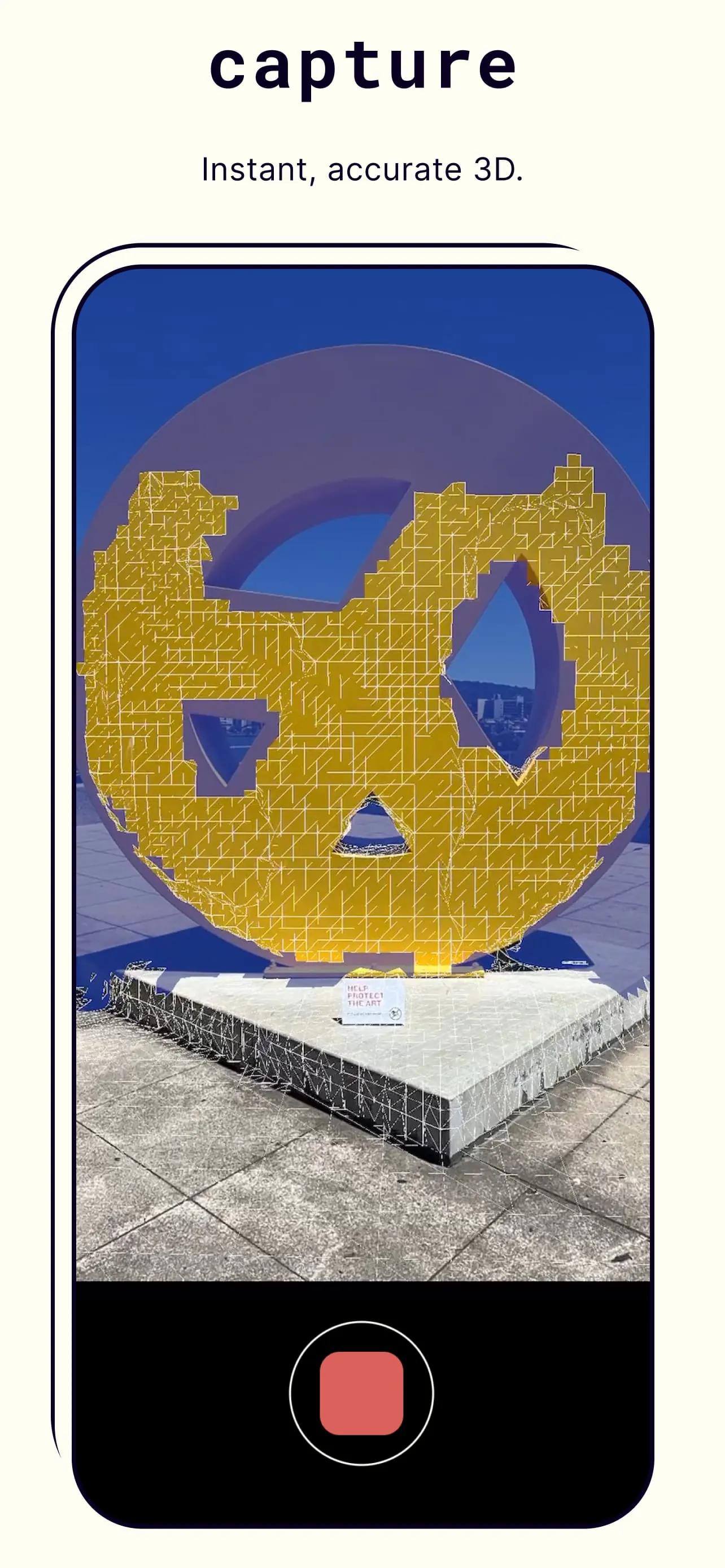
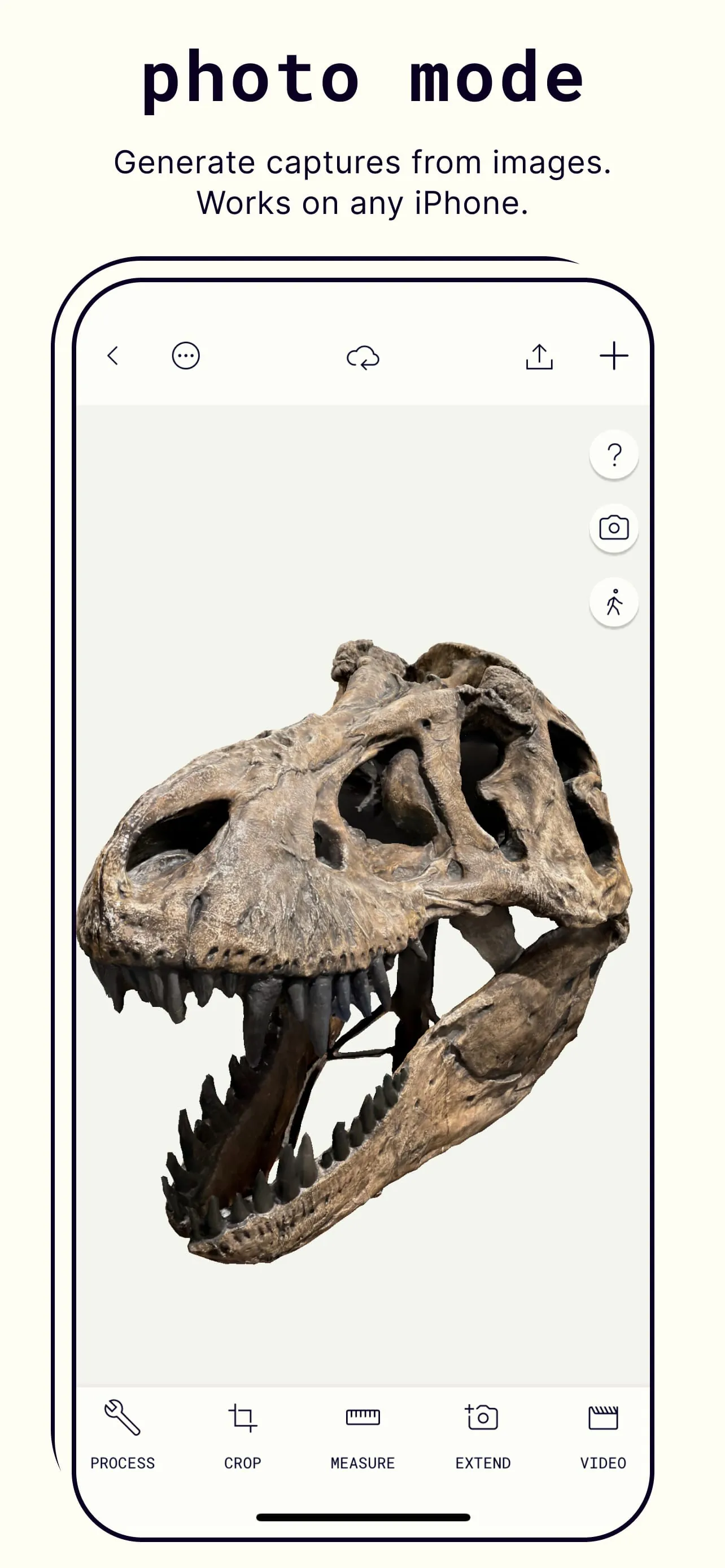
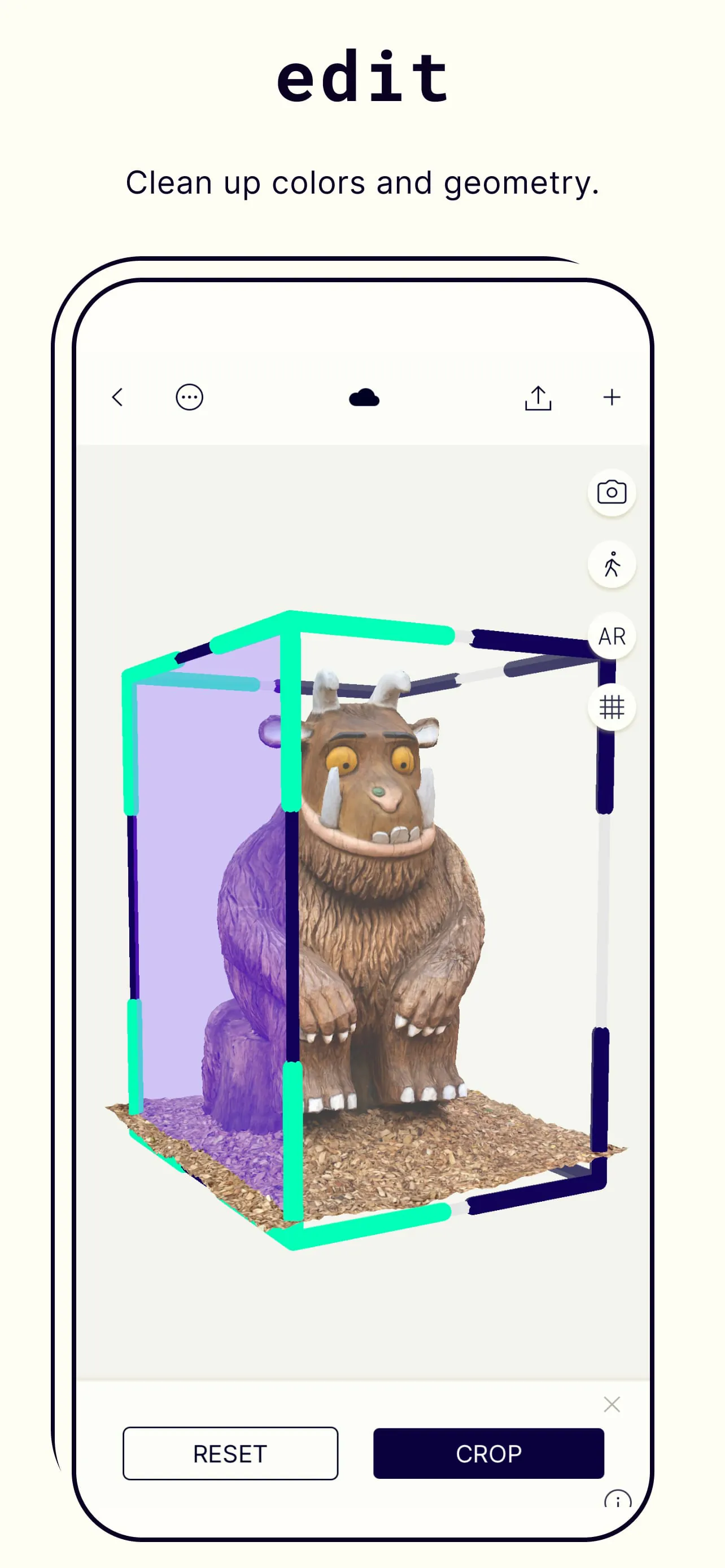
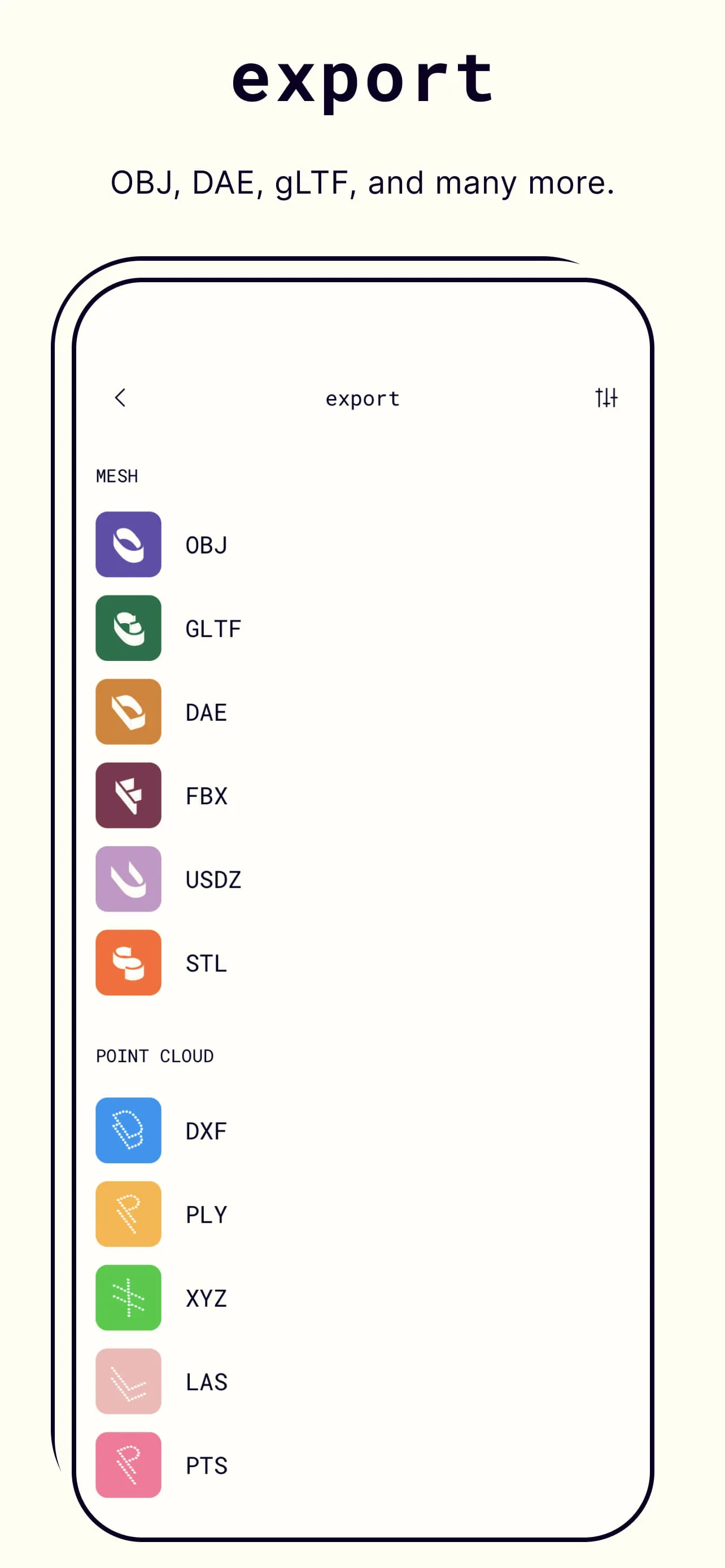
Polycam is a versatile 3D scanning application that allows users to create detailed models using just their smartphone’s camera or a LiDAR scanner, turning real-world objects and spaces into digital assets suitable for a wide range of professional and creative projects.
The app stands out with its ability to capture high-fidelity 3D data through multiple methods. It supports LiDAR-based scanning for instant, precise captures on compatible devices, while also offering a powerful photogrammetry mode that processes a series of photos into a model. Additional standout features include a dedicated object mode for scanning smaller items, and a room mode specifically designed for interior spaces. The app also provides robust editing tools and allows for exports in all major 3D file formats, facilitating a seamless workflow into other software.
Evaluating the application reveals distinct advantages and some limitations. The benefits are significant, making it a top choice in its category.
However, there are certain constraints to consider.
Polycam serves as a comprehensive toolkit for 3D capture and creation. Its core function is generating textured 3D meshes from physical surroundings. Beyond simple capture, the app includes a suite of tools to clean up, refine, and measure these models. Users can remove unwanted parts of a scan, smooth surfaces, and apply new textures. The app also enables the creation of animated GIFs or videos to showcase models and allows for the generation of floor plans from room scans, demonstrating its utility in architecture and real estate.
Click the button "Check All Versions" below to download and install it. Once installed, launch the app and grant necessary permissions for camera access. For your first scan, begin with a well-lit, static object. Choose the appropriate capture mode—'LiDAR' for quick scans on supported devices or 'Photo' mode for general use. Slowly move around your subject, ensuring the camera captures it from all angles as guided by the on-screen interface. After capture, the app will process the data. You can then use the editing tools to trim and refine your model before exporting it in your preferred format for use in other applications.
Get Polycam from an official store or available APK channel.
ZIP files require a Split APKs Installer (e.g., SAI) from Google Play to install. Steps: 1. Download SAI from Google Play; 2. Open SAI and tap "Install APKs"; 3. Select the ZIP file; 4. Complete installation.
The latest version currently listed by Appspicked is V1.3.1, with information updated on May 16, 2026. Versions may vary by device, region, or rollout schedule, so users should also check Google Play or announcements from Polycam.
No website can guarantee that an app is completely risk-free. Appspicked recommends downloading Polycam only from an official app store or a verified channel operated by Polycam. Before installing, confirm the developer name, package ID ai.polycam, requested permissions, privacy policy, and download source.
Polycam may be unavailable because of regional restrictions, device incompatibility, account or age settings, a temporary removal, a name change, or because it has not been released for that platform. An Android package page does not necessarily mean that an iOS App Store version exists. Check Polycam’s official website for current availability.
Use Google Play or another official download channel provided by Polycam whenever possible. Appspicked provides app information and store links, but users should verify the destination domain and publisher before downloading or updating the app.
The information on Appspicked may represent the most recently indexed snapshot. App stores sometimes release updates gradually or display different versions according to region, device, operating system, or testing group. The official store listing should be treated as the final reference.
Polycam is listed for Android, with a reported minimum requirement of Not specified. Actual compatibility may also depend on the device model, region, available storage, hardware features, and installed system components.
The initial download may be free, but subscriptions, advertising, paid features, or in-app purchases may still apply. Prices and available purchases can vary by country and version. Check the payment information displayed by Google Play before completing a transaction.
Check the network connection, storage space, operating-system version, account region, and device compatibility. Restart the device and try again through the official store. If the problem continues, consult the support resources provided by Polycam.









