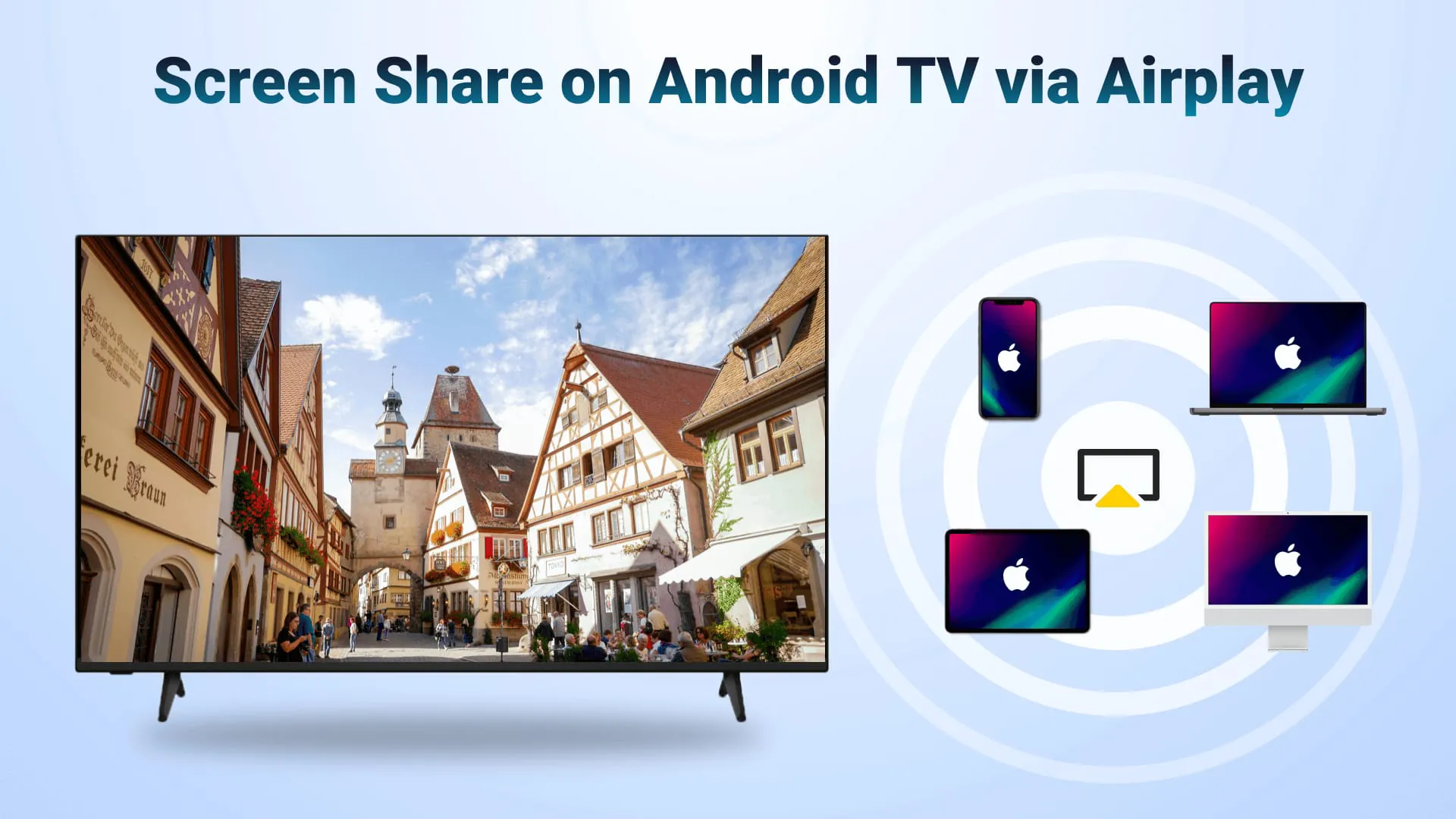
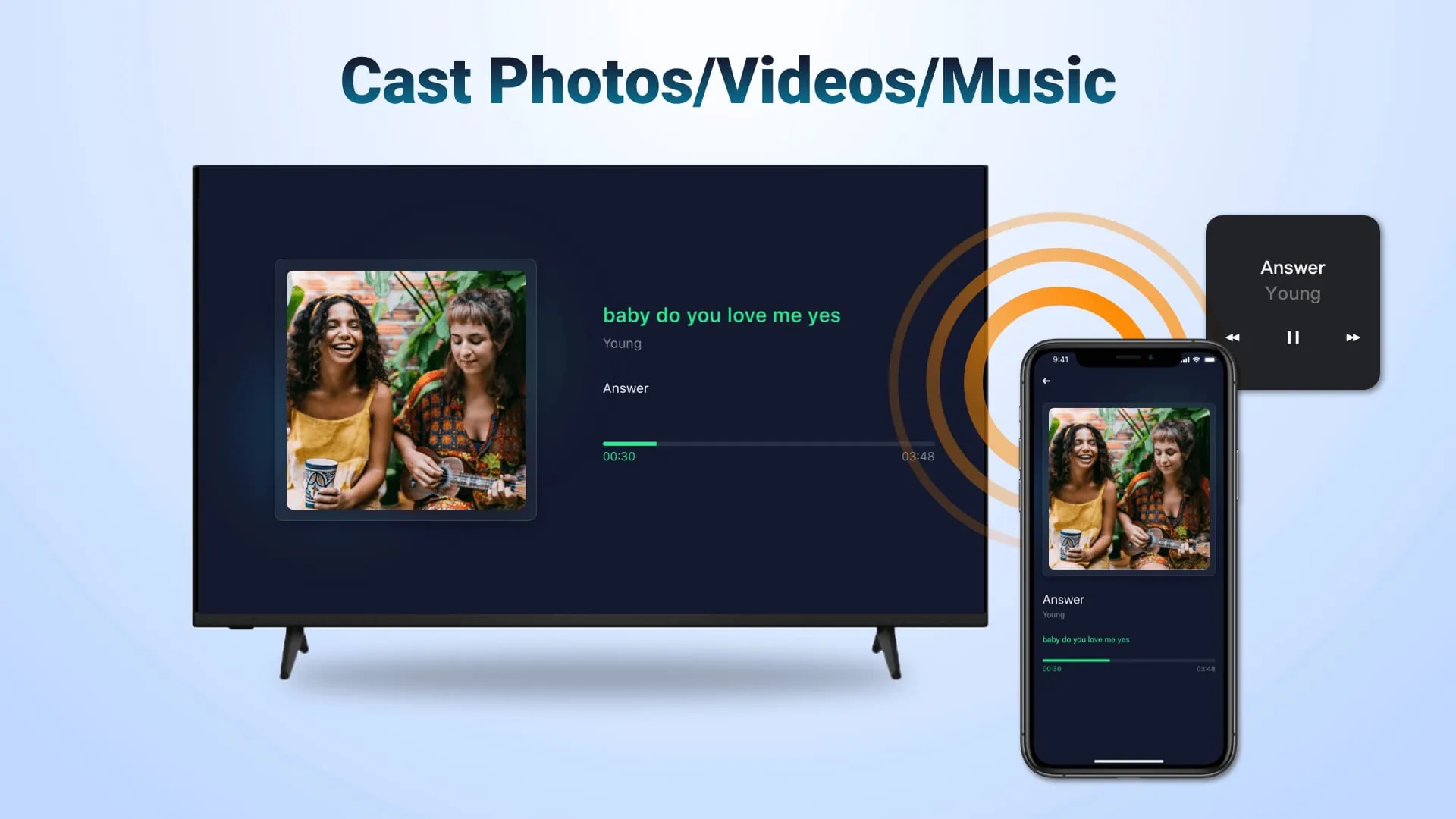
The AirPlay cast for Android TV is a wireless streaming receiver application that enables users to seamlessly mirror and cast content from their iPhones, iPads, or Macs to their Android TVs via WiFi. This mirroring receiver application is designed to eliminate the need for frequent switching between Apple and Android devices, as well as the expense of installing additional converters, by allowing users to directly mirror their screens or air cast photos, web videos, and audio from their iOS devices to their Android TVs. This functionality is particularly useful for a variety of scenarios, ranging from educational to professional and personal settings. In educational environments, teachers and students can mirror their iOS devices to share educational content on a larger screen, making it easier for everyone in the classroom to follow along with presentations, demonstrations, or interactive lessons. This can enhance the learning experience by providing a more engaging and collaborative environment. In business meetings, presenters can screen share presentations from their iPhones onto large TV displays, ensuring that all attendees can clearly see the information being presented. This can improve the effectiveness of meetings by making it easier for participants to understand and discuss the content. For leisure and entertainment, users can mirror the screens of multiplayer games to share relaxed gaming time with friends, air cast travel photos to their Android TVs to share fun travel experiences with family, or air stream fitness videos to exercise along with fitness instructors. This versatility makes the application a valuable tool for both productivity and entertainment. Furthermore, the application allows users to stream music from their iPhones or iPads to their Android TVs with excellent sound quality, enabling them to enjoy the beauty of music on a larger and more immersive audio system. They can also screen mirror exciting movies to their Android TVs to discuss the stories with companions, creating a shared and enjoyable viewing experience. The convenience and flexibility of this application make it an attractive option for anyone who wants to seamlessly integrate their Apple devices with their Android TVs. The key features of the AirPlay cast for Android TV include the ability to stream audio, video, and photos from AirPlay-enabled devices such as iTunes and iOS devices. It also allows users to screen cast videos and music from streaming media, provided that DRM permissions are granted. The application supports casting web videos via AirPlay with a smooth and ultra-fast performance. Users can directly play, pause, or stop streaming media from the AirPlay-enabled receiver, and they can switch between landscape and portrait orientations as needed. The connection process is simple and straightforward, ensuring stable mirroring and screen casting. These features combine to provide a seamless and user-friendly experience for streaming content from Apple devices to Android TVs.
The process of streaming content from Apple devices using this media cast application is straightforward and user-friendly. First, users need to download the AirMirror Cast app on the Android TV to which they want to receive the content. It is crucial to ensure that both the iOS device and the Android TV are connected to the same WiFi network, as this is essential for the application to function correctly. Once the application is launched, the name of the Android TV will be displayed, which users should take note of. On the Apple device, users need to tap the Screen Mirroring option and select the name of the Android TV to begin streaming the content. This simple process allows users to quickly and easily mirror their screens or cast media from their Apple devices to their Android TVs. However, it is important to note that the Android TV and the mirroring receiver app must be on the same WiFi network for the application to work. Most connection issues can be resolved by restarting either the Air screen receiver or the Apple device. Additionally, the application does not work with DRM-protected content from apps such as Netflix, paid iTunes videos, and paid Google Movies. This limitation is due to the digital rights management restrictions imposed by these services, which prevent unauthorized sharing or copying of their content. The application's terms of use and privacy policy are available on the BoostVision website, providing users with detailed information about the terms and conditions of using the application and how their data is handled. The BoostVision website also offers additional information about the application and other products and services offered by the company. The AirPlay cast for Android TV offers a range of benefits for users who want to integrate their Apple devices with their Android TVs. It allows users to easily share content from their iPhones, iPads, or Macs on a larger screen, making it ideal for presentations, educational purposes, and entertainment. The application supports a variety of media formats, including audio, video, and photos, and it offers a seamless and user-friendly experience. The ability to stream content from AirPlay-enabled devices and screen cast videos and music from streaming media provides users with a wide range of options for accessing and sharing their favorite content. The direct playback controls and orientation switching capabilities further enhance the user experience, making it easy to manage and customize the streaming process. Overall, the AirPlay cast for Android TV is a valuable tool for anyone who wants to seamlessly integrate their Apple devices with their Android TVs and enjoy a more versatile and convenient entertainment experience.
In conclusion, the AirPlay cast for Android TV is a versatile and user-friendly application that enables seamless mirroring and casting of content from Apple devices to Android TVs. Its key features, such as support for various media formats, direct playback controls, and easy connection process, make it an attractive option for users who want to integrate their Apple devices with their Android TVs. The application's ability to stream content from AirPlay-enabled devices and screen cast videos and music from streaming media provides users with a wide range of options for accessing and sharing their favorite content. Whether for educational purposes, business presentations, or personal entertainment, the AirPlay cast for Android TV offers a convenient and efficient way to share content on a larger screen. The application's limitations, such as the inability to stream DRM-protected content, should be taken into consideration, but overall, it provides a valuable solution for users who want to seamlessly integrate their Apple devices with their Android TVs. The AirPlay cast for Android TV application stands out as a valuable tool for individuals seeking to bridge the gap between their Apple devices and Android TVs. By offering a seamless and intuitive way to mirror screens, share media, and enjoy content on a larger display, this application enhances the overall entertainment and productivity experience. Its user-friendly interface, combined with its robust feature set, makes it an appealing choice for users looking to maximize the potential of their existing devices. From streaming music and videos to sharing presentations and photos, the AirPlay cast for Android TV application empowers users to seamlessly integrate their digital lives and enjoy their favorite content in a more versatile and engaging manner. As technology continues to evolve and the demand for cross-platform compatibility grows, applications like AirPlay cast for Android TV play an increasingly important role in facilitating seamless integration and enhancing the overall user experience. The application represents a significant step forward in bridging the gap between Apple and Android ecosystems, offering users a convenient and efficient way to share content and collaborate across different platforms. With its user-friendly interface, robust feature set, and commitment to seamless integration, the AirPlay cast for Android TV application is poised to remain a valuable tool for individuals seeking to maximize the potential of their digital lives.