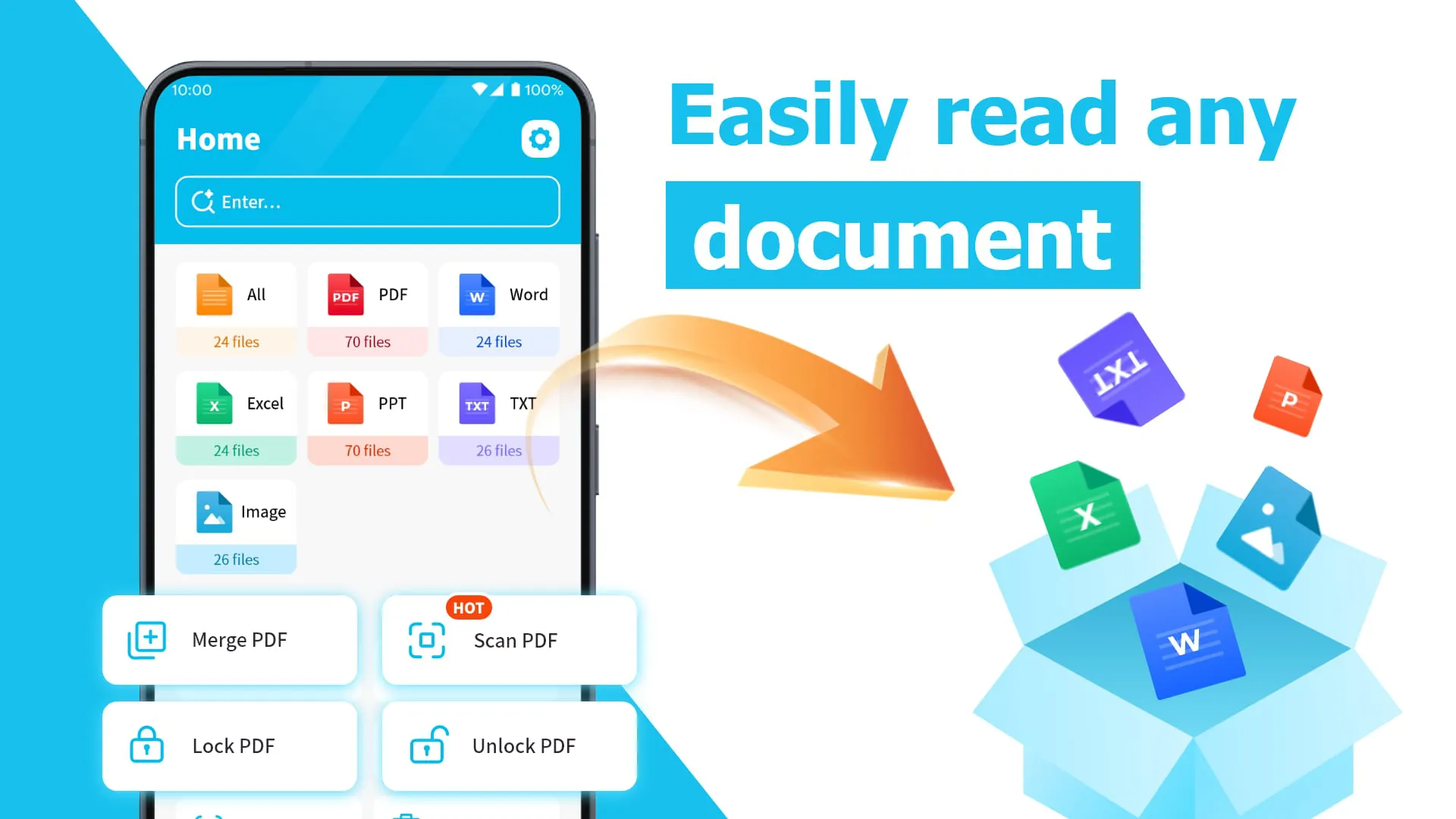
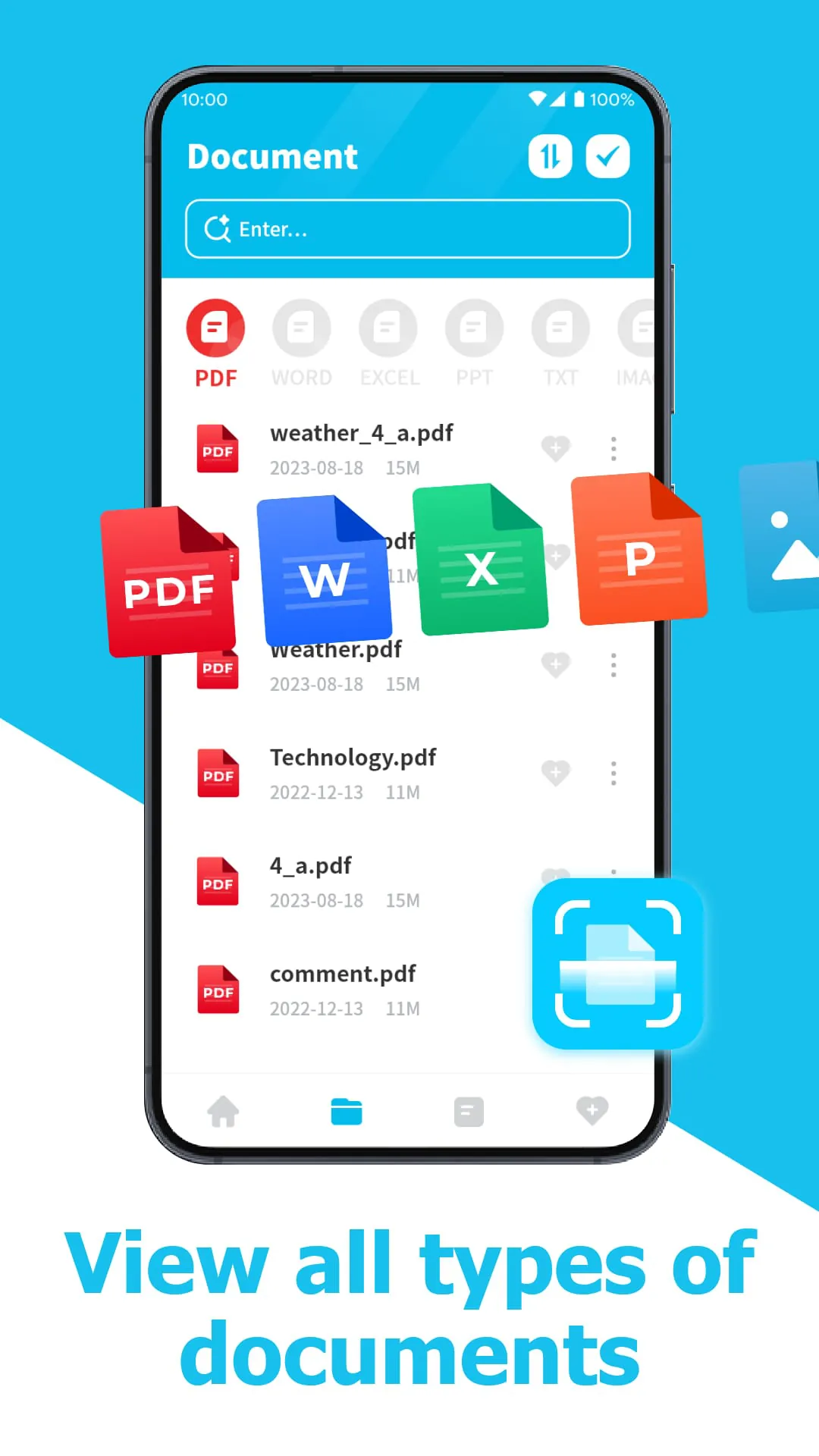
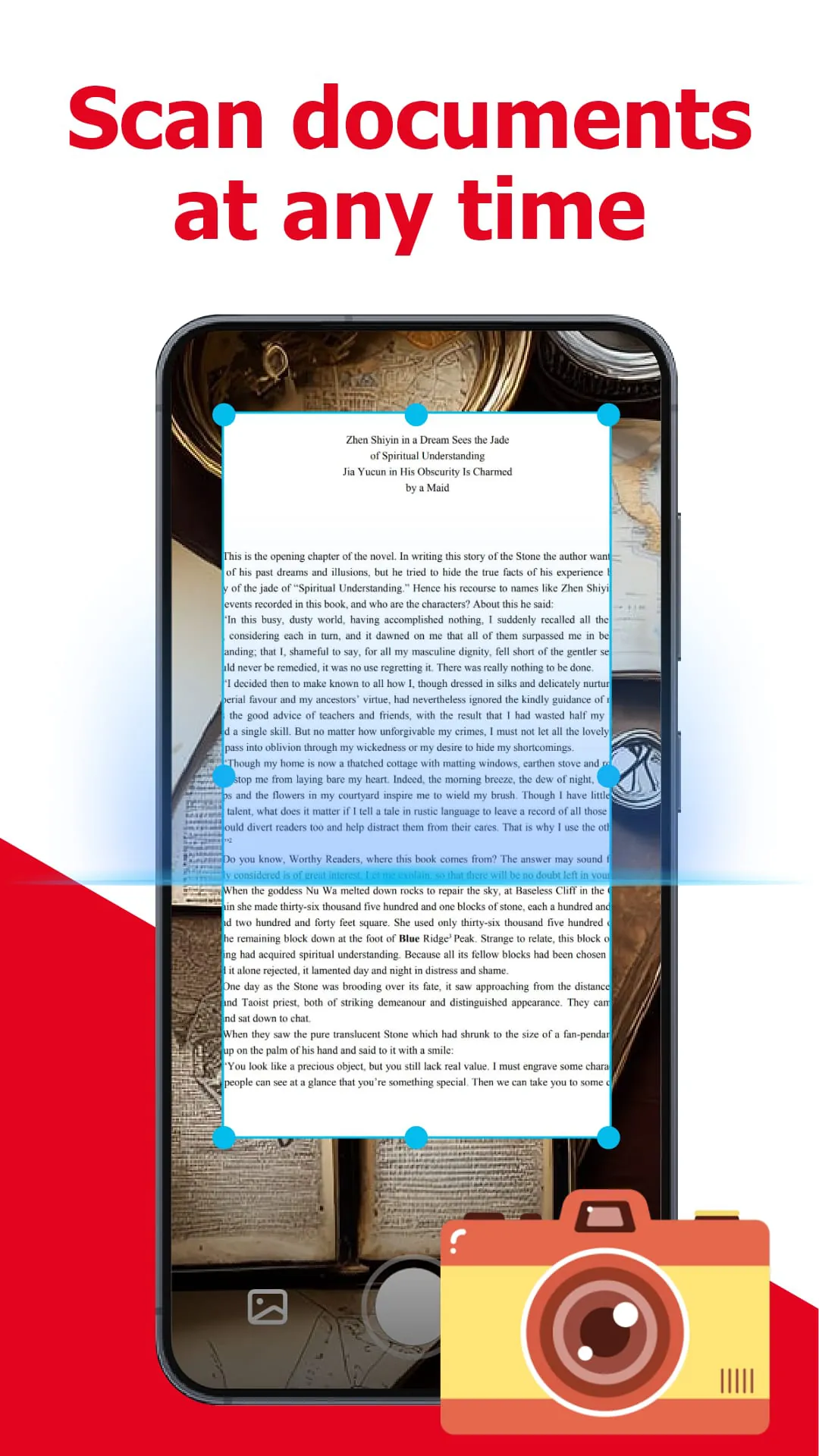
This all-in-one PDF application provides a suite of features designed to streamline the management, viewing, and sharing of documents. At its core, the application prioritizes the ability to quickly open documents, enabling users to access the information they need without delay. This rapid access is crucial in professional environments where time is of the essence and quick retrieval of data is essential for decision-making and productivity. The application supports various document-related tasks, simplifying the workflow for users who frequently interact with digital documents. One of the key functionalities is the support for displaying, managing, and browsing various document types, primarily focusing on PDF files. This encompasses a wide range of actions that users can perform, such as opening, viewing, organizing, and navigating through their documents. The integrated nature of the application means that users do not need to switch between different tools for different tasks, thereby saving time and reducing the complexity of document management. Furthermore, the application allows users to remove unnecessary documents, helping them maintain a clean and organized digital workspace. This is particularly useful in environments where large numbers of documents are stored, making it challenging to locate specific files. By providing the ability to delete irrelevant or outdated documents, the application contributes to improved efficiency and reduces the risk of errors associated with working with outdated information. The file path is easily displayed, allowing users to quickly identify the location of their documents within the file system. This feature is particularly beneficial for users who work with complex folder structures or who need to quickly access documents stored in different locations. By providing a clear and easily accessible file path, the application simplifies the process of locating and managing files, ensuring that users can quickly find the documents they need. The interface is designed to be simple and visually appealing, ensuring a positive user experience. The clean and intuitive design makes it easy for users to navigate the application and access its various features without being overwhelmed by complexity. This is especially important for users who may not be technically proficient or who are new to document management software. A simple and beautiful interface can also improve user engagement and encourage users to make the most of the application's capabilities. Overall, the application offers a comprehensive solution for managing, viewing, and sharing documents, with a focus on speed, efficiency, and user-friendliness. Its integrated features and intuitive interface make it an ideal choice for users who need a reliable and easy-to-use document management tool.
Security is a paramount concern in the digital age, and this PDF application addresses this concern by offering robust security features for protecting sensitive documents. The application allows users to lock important PDF files with digital passwords, preventing unauthorized access and ensuring the confidentiality of the information contained within. This is particularly important for businesses and individuals who handle sensitive data, such as financial records, legal documents, or personal information. By encrypting the PDF files with passwords, the application provides a strong layer of protection against unauthorized access, ensuring that only authorized users can view and modify the documents. The ability to lock and unlock PDF documents as needed provides flexibility and control over document security. Users can choose to lock documents that contain sensitive information and unlock them when they need to be accessed for legitimate purposes. This feature is particularly useful in collaborative environments where multiple users may need access to the same documents but only certain users should have the ability to modify or share them. The password protection feature ensures that sensitive information remains secure, even when documents are shared or stored on shared devices. The application's document viewing capabilities are another key feature, allowing users to easily view TXT files and other document formats. This versatility makes it a valuable tool for users who work with a variety of document types. The ability to view TXT files directly within the application eliminates the need to switch between different applications for different document types, thereby streamlining the workflow and saving time. The application is designed to provide a seamless and efficient document viewing experience, ensuring that users can easily access and read the information they need, regardless of the document format. The powerful document viewing capabilities, combined with the security features and management tools, make this PDF application a comprehensive solution for all document-related needs. The emphasis on security, ease of use, and versatility ensures that users can effectively manage, protect, and access their documents with confidence.
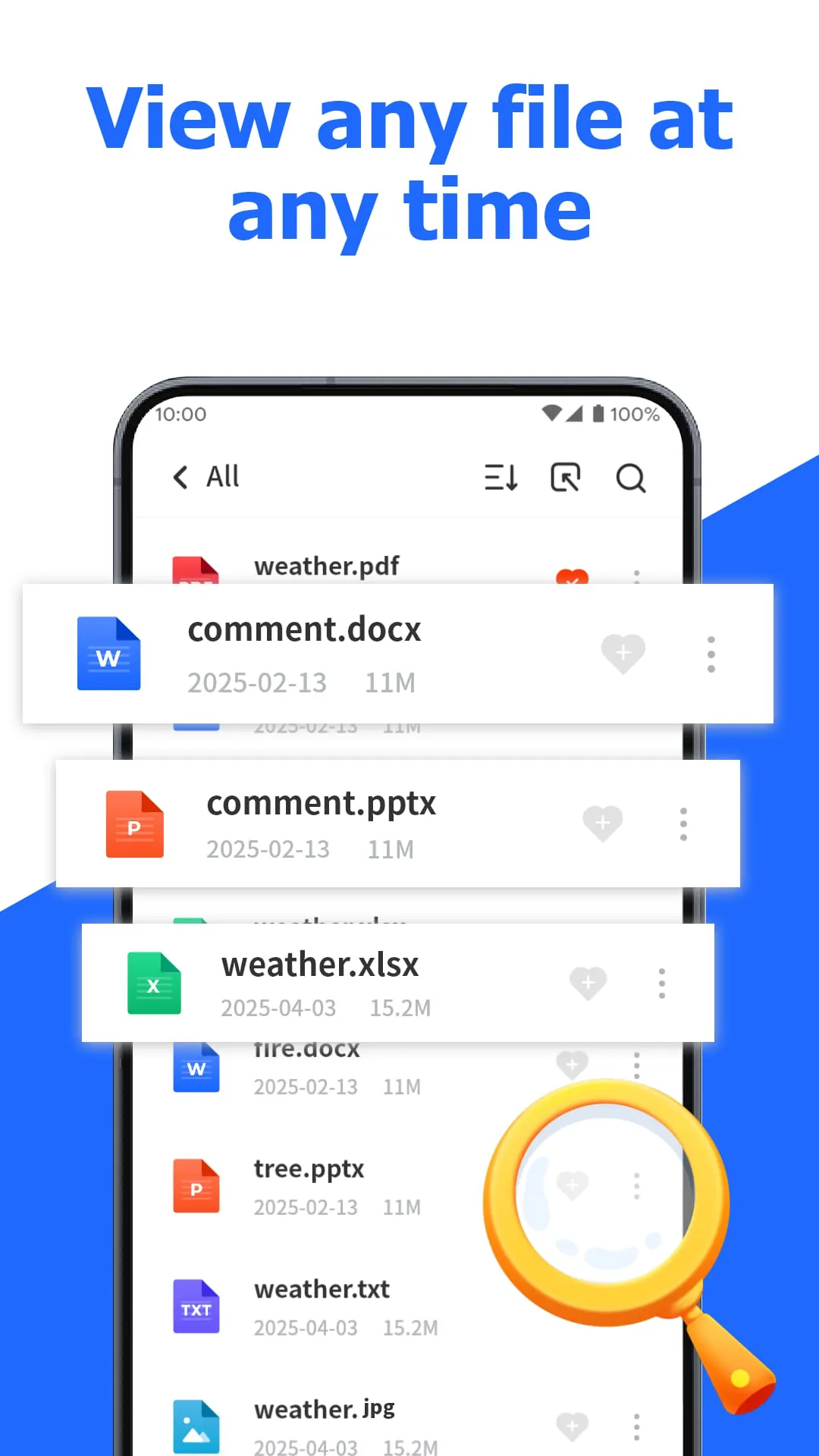
The application's focus on delivering an unparalleled reading experience is evident in its design and functionality. It aims to provide users with a seamless and enjoyable experience when viewing and interacting with their documents. This includes features such as smooth scrolling, clear rendering of text and images, and easy navigation. The goal is to make reading digital documents as comfortable and natural as reading physical documents. The "All File Viewer" functionality emphasizes the application's commitment to providing a comprehensive solution for viewing and managing all types of documents. This means that users can rely on the application to open and view a wide range of file formats, eliminating the need to install multiple applications for different document types. The application is designed to be a one-stop solution for all document viewing needs, simplifying the user experience and improving efficiency. The overall design philosophy of the application is centered around providing a user-friendly and efficient document management experience. This includes features such as a clean and intuitive interface, powerful search capabilities, and robust security features. The application is designed to be easy to use for both novice and experienced users, ensuring that everyone can benefit from its capabilities. The integration of various features, such as document viewing, management, and security, into a single application streamlines the workflow and reduces the complexity of document management. By providing a comprehensive solution for all document-related needs, the application helps users save time, improve productivity, and ensure the security of their documents. The emphasis on user experience and functionality makes this PDF application a valuable tool for anyone who works with digital documents on a regular basis. It's designed not just to open files, but to provide a holistic reading and management experience that is both powerful and user-friendly.