


V4.0.46782.0

- Package Name
- com.amazon.atozm
- Version Name
- V4.0.46782.0
- Version Code
- V4.0.46782.0
- File Size
- 64.54 MB
- Update time
- 2024-4-25



by Amazon Mobile LLC
Amazon A to Z is the place to manage your work-life at Amazon.
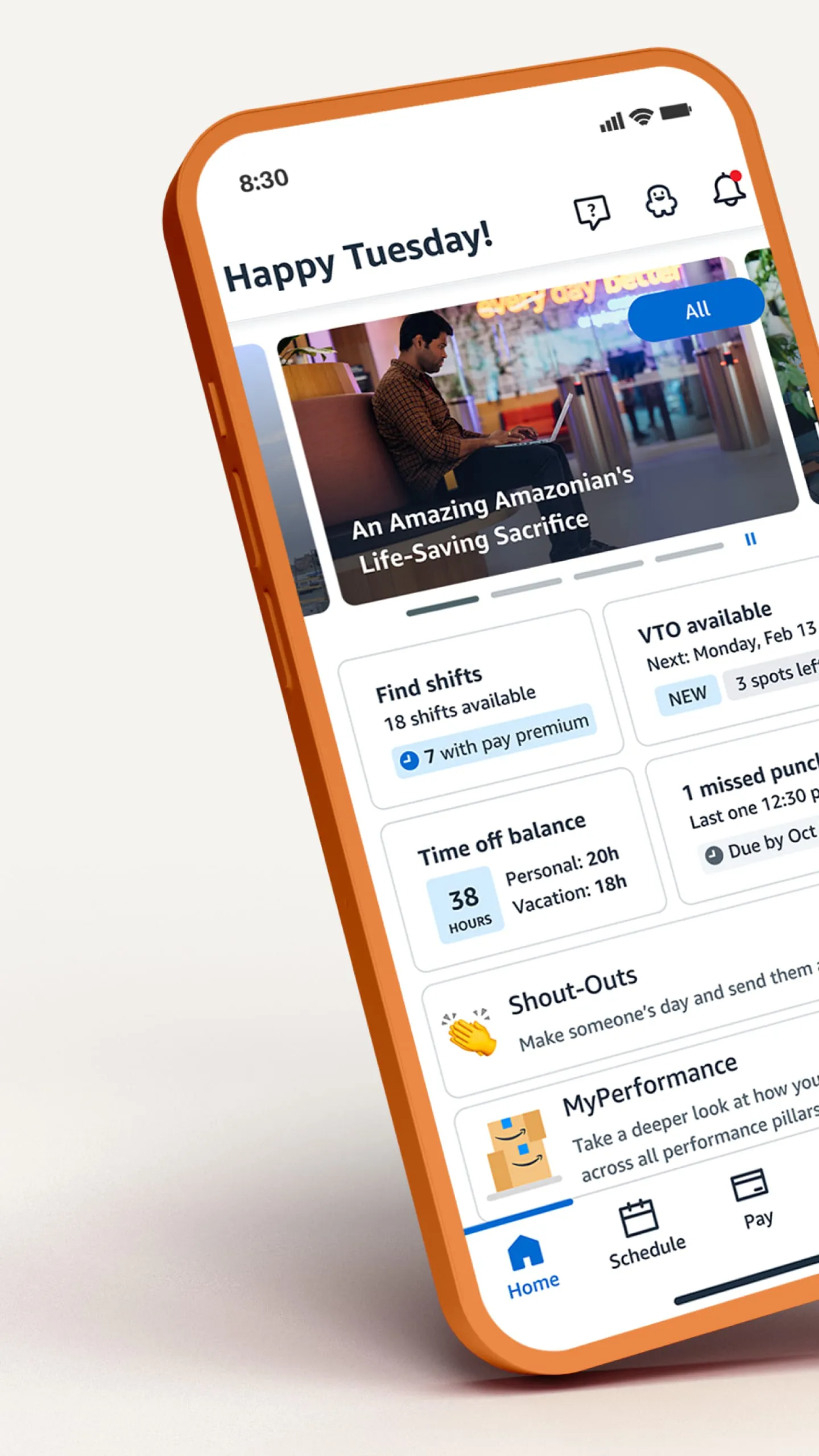

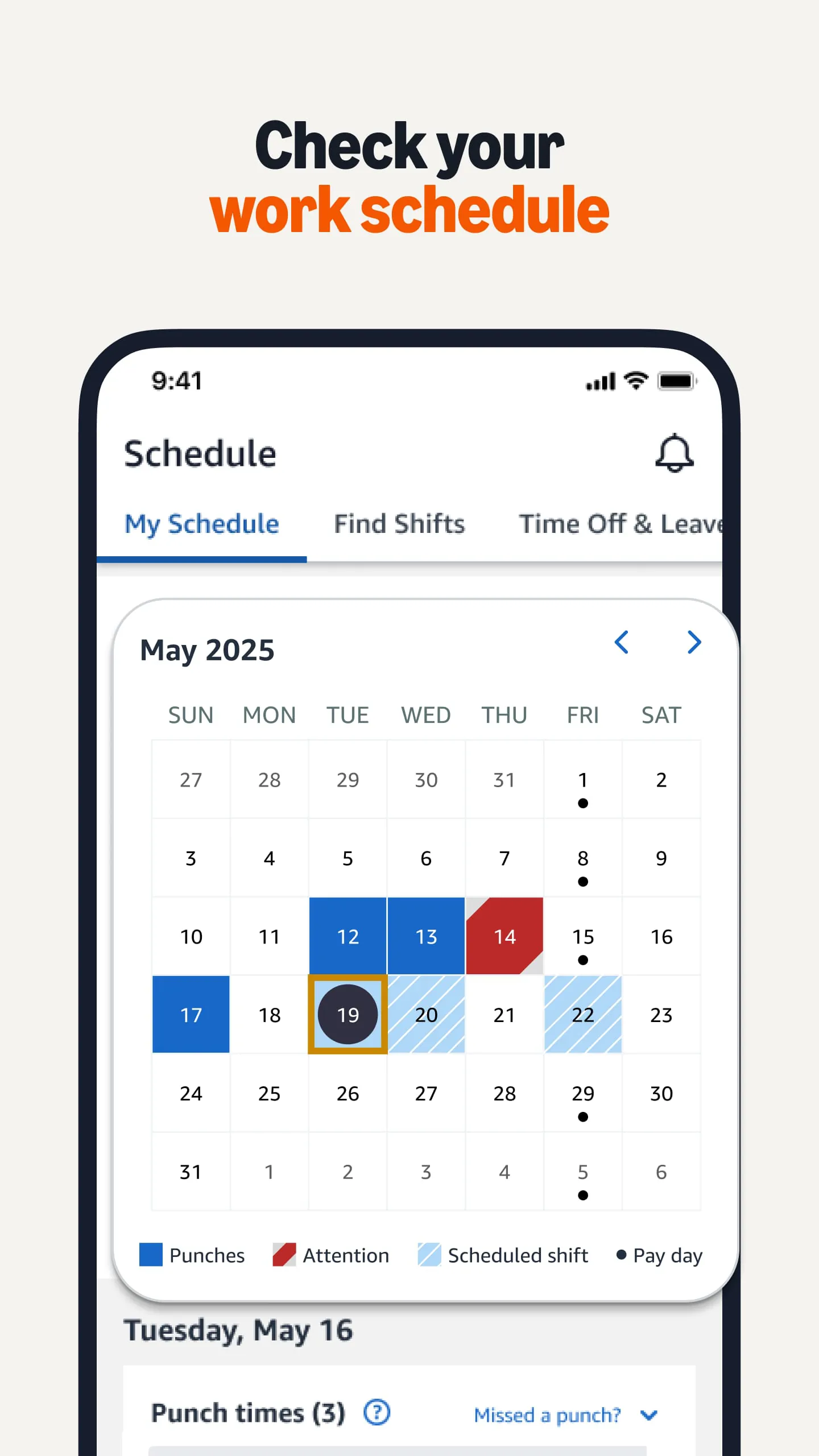
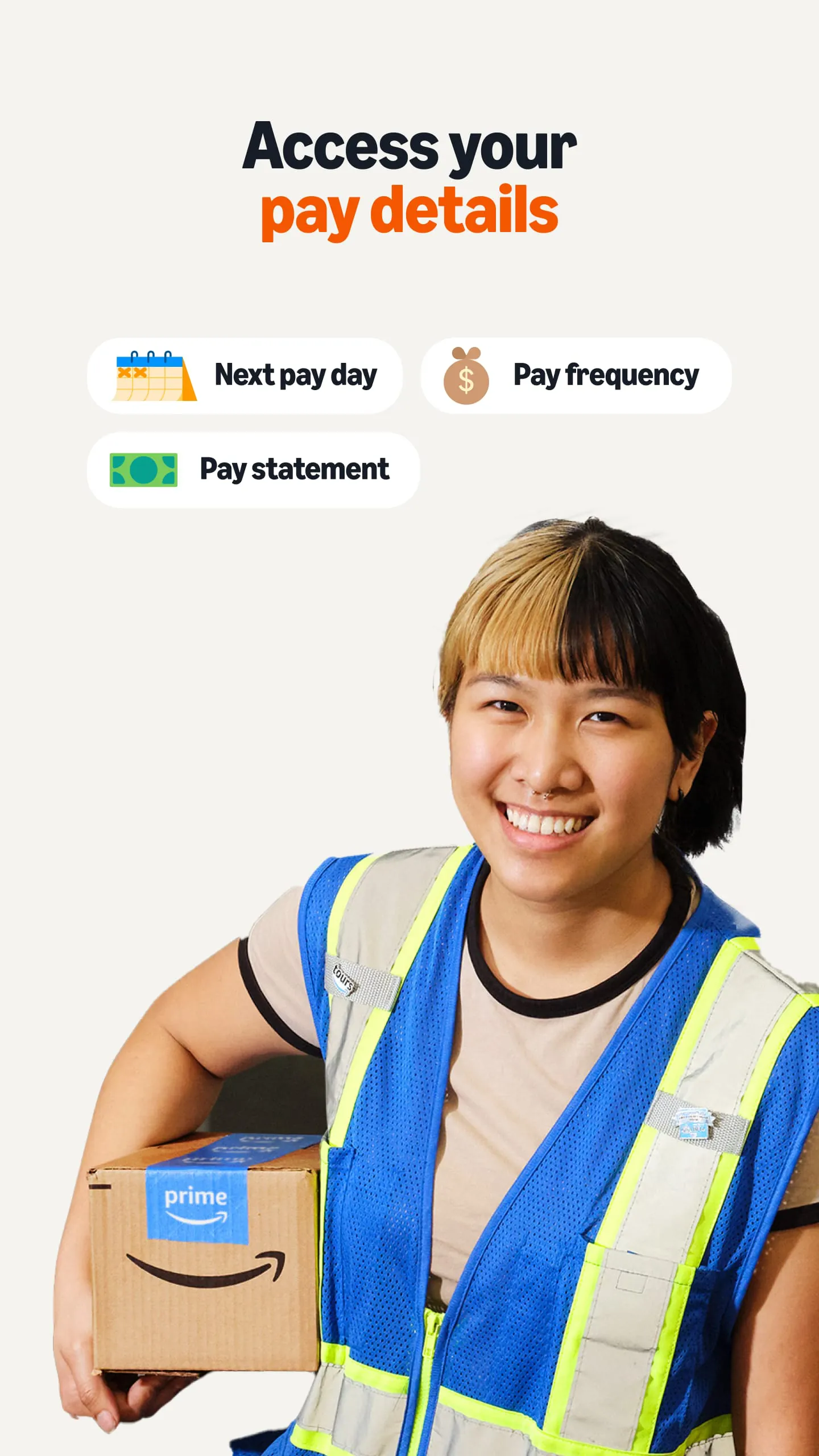
Amazon A to Z is an official, secure mobile application and online portal designed specifically for Amazon employees and associates. It serves as a centralized hub for work-related information and tasks, allowing users to easily manage their schedules, view pay stubs, request time off, access important company updates, and connect with internal resources. The app streamlines day-to-day work life by putting essential tools and personal employment details directly in the hands of the workforce, ensuring they stay informed and in control of their professional commitments.
The application is packed with features tailored for Amazon staff. It provides real-time access to work schedules, including shift pickup opportunities and swap options. Users can track their pay, view tax documents, and manage benefits enrollment directly through the app. Important company announcements and notifications are pushed to keep everyone updated. It also includes tools for finding internal contacts, submitting support requests, and accessing training materials, all within a secure, login-protected environment.
Using Amazon A to Z offers significant benefits but also comes with some limitations.
However, there are some cons to consider.
The app encompasses a wide range of functions critical for daily operations. Primarily, it acts as a personal management tool for time and pay. Key functions include scheduling management, time and attendance tracking, and paid time off requests. It functions as a communication channel for company news and policy updates. Furthermore, it serves as a resource library for HR information, benefits details, and internal job postings. The app also facilitates connecting with team members and submitting tickets to the IT or facilities support teams.
Click the button "Check All Versions" below to download and install it. After installation, open the app and log in using your Amazon employee login credentials. The first time you use it, you may need to verify your identity through a multi-factor authentication process. Once logged in, take a moment to explore the main dashboard, which typically shows your upcoming shifts and recent notifications. Navigate using the menu to access different sections like "Pay," "Schedule," or "Benefits." You can request time off by navigating to the "Time" section and following the prompts. Ensure your notification settings are enabled to receive important alerts about your schedule. For most work-related tasks, the intuitive layout guides you step-by-step, and help resources are available within the app if needed.
Get Amazon A to Z from an official store or available APK channel.
ZIP files require a Split APKs Installer (e.g., SAI) from Google Play to install. Steps: 1. Download SAI from Google Play; 2. Open SAI and tap "Install APKs"; 3. Select the ZIP file; 4. Complete installation.
The latest version currently listed by Appspicked is V4.0.46782.0, with information updated on May 14, 2026. Versions may vary by device, region, or rollout schedule, so users should also check Google Play or announcements from Amazon Mobile LLC.
No website can guarantee that an app is completely risk-free. Appspicked recommends downloading Amazon A to Z only from an official app store or a verified channel operated by Amazon Mobile LLC. Before installing, confirm the developer name, package ID com.amazon.atozm, requested permissions, privacy policy, and download source.
Amazon A to Z may be unavailable because of regional restrictions, device incompatibility, account or age settings, a temporary removal, a name change, or because it has not been released for that platform. An Android package page does not necessarily mean that an iOS App Store version exists. Check Amazon Mobile LLC’s official website for current availability.
Use Google Play or another official download channel provided by Amazon Mobile LLC whenever possible. Appspicked provides app information and store links, but users should verify the destination domain and publisher before downloading or updating the app.
The information on Appspicked may represent the most recently indexed snapshot. App stores sometimes release updates gradually or display different versions according to region, device, operating system, or testing group. The official store listing should be treated as the final reference.
Amazon A to Z is listed for Android, with a reported minimum requirement of Not specified. Actual compatibility may also depend on the device model, region, available storage, hardware features, and installed system components.
The initial download may be free, but subscriptions, advertising, paid features, or in-app purchases may still apply. Prices and available purchases can vary by country and version. Check the payment information displayed by Google Play before completing a transaction.
Check the network connection, storage space, operating-system version, account region, and device compatibility. Restart the device and try again through the official store. If the problem continues, consult the support resources provided by Amazon Mobile LLC.









