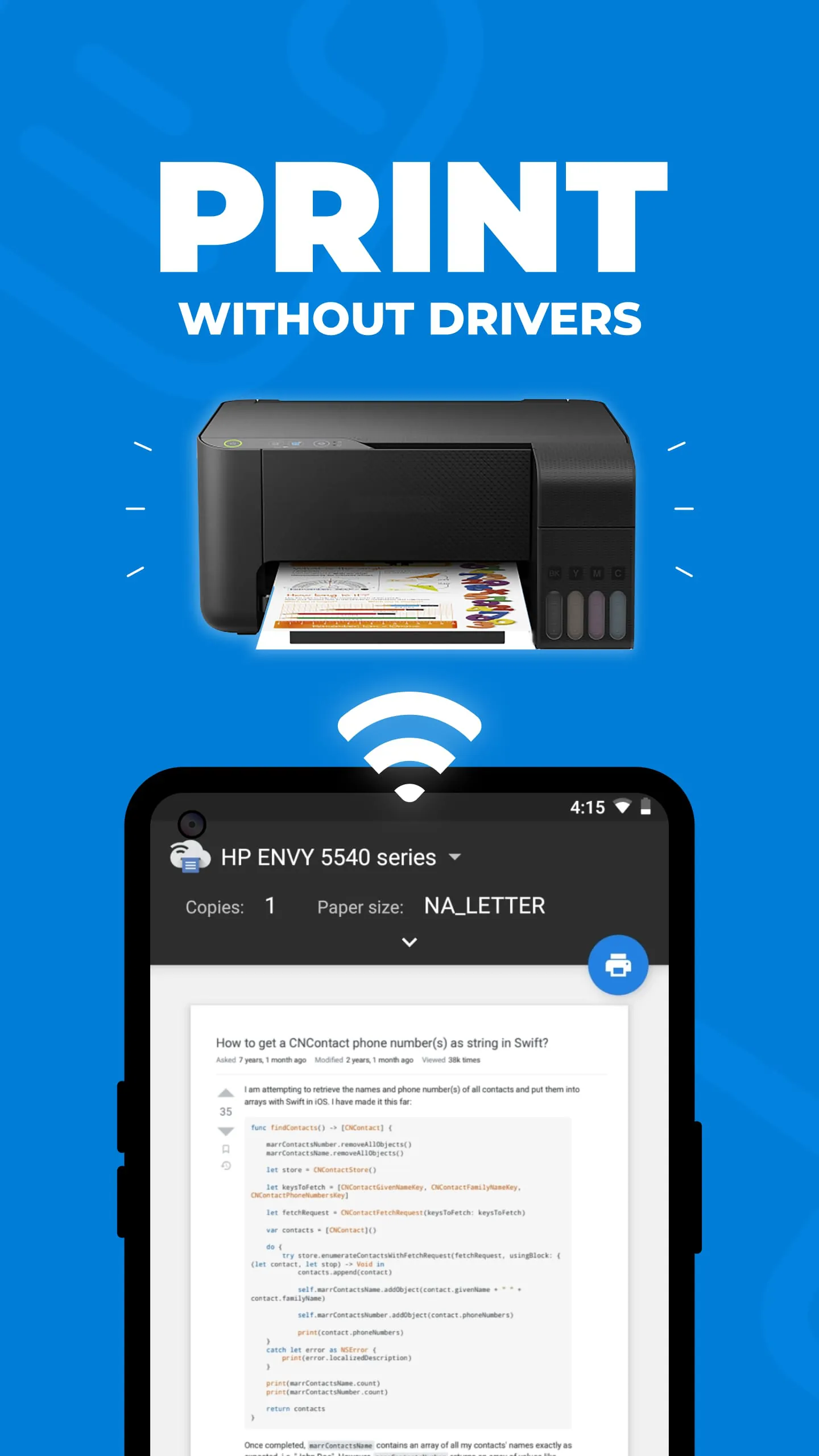
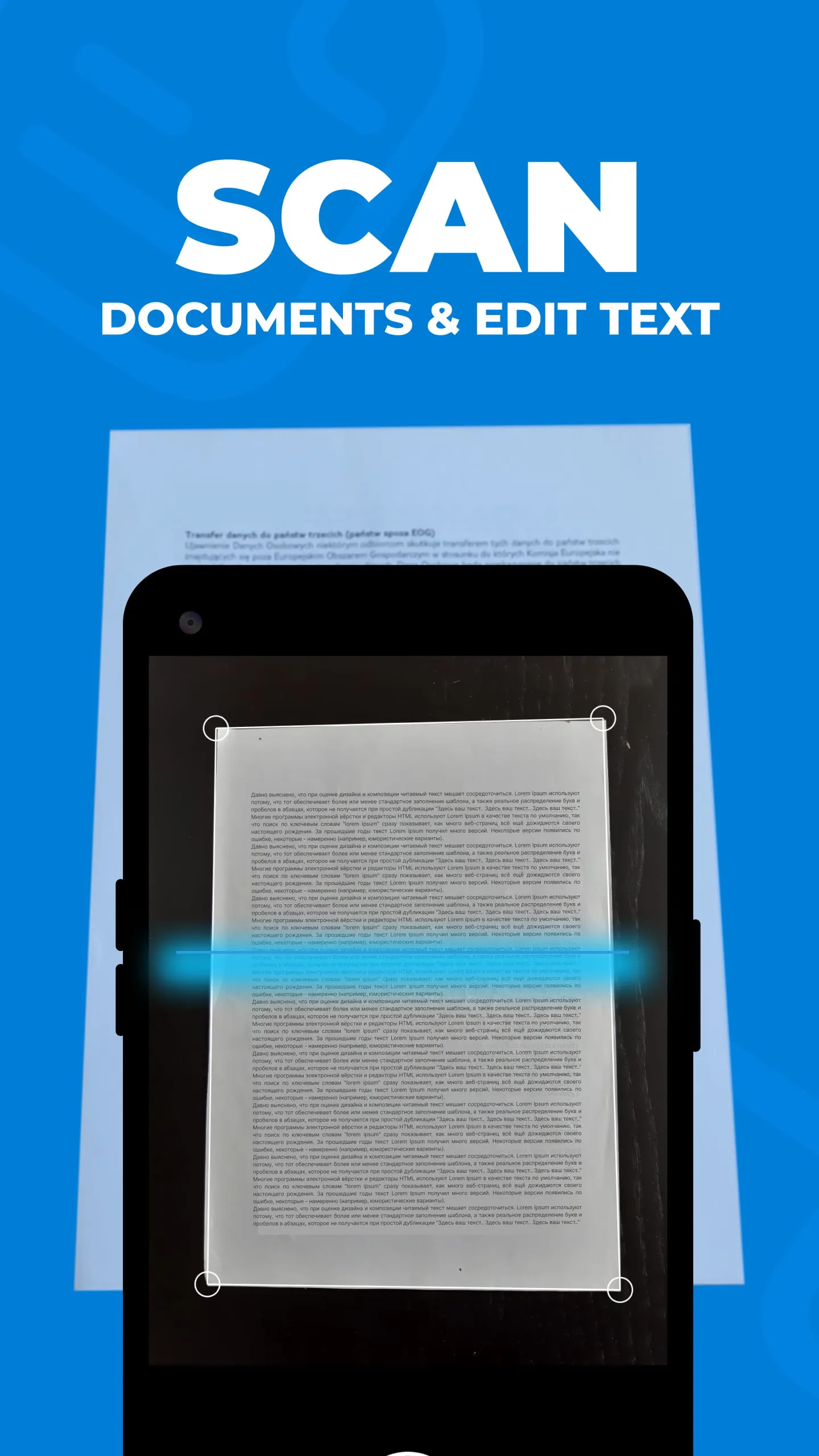
The Smart Printer App & Scanner revolutionizes mobile printing and scanning by offering a seamless and driver-free experience across various Wi-Fi-enabled printers. This app is designed to cater to both home and on-the-go document needs, eliminating the complexities traditionally associated with printer connections and compatibility issues. One of its standout features is universal Wi-Fi printing, which allows users to print documents and photos directly from any Wi-Fi-enabled printer without the need for installing specific drivers. This is a significant advantage as it simplifies the printing process, making it accessible to users of all technical skill levels. The app supports multiple source printing, enabling users to print from various sources such as photo galleries, cloud storage, contacts, and web pages, providing unparalleled flexibility and convenience. This versatility ensures that users can easily print any document or image, regardless of its origin, thereby streamlining their workflow. Additionally, the app supports a wide range of file formats, including PDF, JPG, and PNG, accommodating diverse printing requirements and ensuring compatibility with virtually any document type. This comprehensive format support further enhances the app's utility, making it a valuable tool for both personal and professional use. The Smart Printer App & Scanner goes beyond basic printing capabilities by incorporating advanced features such as AI-powered scanning and built-in OCR technology. The AI-powered scanning feature automatically transforms document photos into professional-quality scans, enhancing the clarity and readability of scanned documents. This is particularly useful for digitizing paper documents, ensuring that the digital versions are of high quality. The built-in OCR technology recognizes and extracts text from scanned documents, allowing users to easily edit and share the text. This feature is invaluable for converting scanned documents into editable formats, saving time and effort in retyping or reformatting. The app also includes advanced editing tools that allow users to remove stains, marks, or unwanted elements from their documents with a simple touch, ensuring that the final printed or scanned output is clean and professional. The ability to combine multiple scanned pages into a single PDF effortlessly simplifies document management, making it easier to organize and share information. Furthermore, the photo collage printing feature allows users to create and print collages by placing multiple photos on a single page, adding a creative touch to their printing tasks. All printed and scanned files are stored securely on the user's device, providing instant access and ensuring privacy. This local storage feature is crucial for protecting sensitive information and maintaining control over document access. Connecting to a printer is incredibly easy; users simply need to connect to the same Wi-Fi network as their printer to unlock full functionality, making the setup process straightforward and hassle-free. This ease of connectivity, combined with the app's powerful features, makes the Smart Printer App & Scanner an indispensable tool for anyone who needs to print or scan documents on the go. Overall, the Smart Printer App & Scanner offers a comprehensive and user-friendly solution for mobile printing and scanning, addressing a wide range of user needs and simplifying document management. Its intuitive interface, advanced features, and seamless connectivity make it a valuable asset for both personal and professional use, empowering users to print and scan documents with ease and efficiency, regardless of their location.
The AI-powered scanning capability of the Smart Printer App & Scanner significantly enhances the quality and efficiency of document digitization. By automatically transforming document photos into professional-grade scans, the app ensures that the digital versions are clear, legible, and visually appealing. This is particularly beneficial for users who frequently need to convert paper documents into digital formats, as it eliminates the need for manual adjustments and ensures consistent high-quality results. The AI algorithms intelligently detect and correct common issues such as skewing, perspective distortion, and lighting inconsistencies, resulting in scans that are virtually indistinguishable from those produced by dedicated scanning hardware. This level of automation not only saves time but also reduces the potential for errors, making the scanning process more reliable and user-friendly. The built-in OCR (Optical Character Recognition) technology further enhances the utility of the scanned documents by recognizing and extracting text, allowing users to easily edit and share the content. This feature is invaluable for converting scanned documents into editable formats, eliminating the need for manual retyping and enabling users to quickly update or repurpose the information. The OCR technology supports a wide range of languages and fonts, ensuring accurate text recognition even in complex or poorly formatted documents. This functionality is particularly useful for professionals who need to extract data from scanned reports, contracts, or other business documents. The Smart Printer App & Scanner also includes a suite of advanced editing tools that allow users to refine their scanned documents and remove any imperfections. These tools enable users to remove stains, marks, or unwanted elements from their documents with a simple touch, ensuring that the final output is clean and professional. The editing tools are intuitive and easy to use, even for users with limited experience in image editing. The ability to combine multiple scanned pages into a single PDF effortlessly simplifies document management, making it easier to organize and share information. This feature is particularly useful for creating multi-page documents from individual scans, such as reports, contracts, or presentations. The app also supports various PDF compression options, allowing users to optimize the file size for sharing or storage. In addition to its scanning capabilities, the Smart Printer App & Scanner also offers a range of printing features, including the ability to print photo collages. This feature allows users to create and print collages by placing multiple photos on a single page, adding a creative touch to their printing tasks. The app provides a variety of collage templates and customization options, allowing users to create unique and personalized photo arrangements. The Smart Printer App & Scanner prioritizes user privacy and data security by storing all printed and scanned files securely on the user's device. This local storage feature ensures that sensitive information remains under the user's control and is not transmitted to external servers or cloud storage services without explicit consent. The app also supports password protection and encryption options, further enhancing the security of stored documents. Overall, the AI-powered scanning capabilities, combined with the advanced editing tools and secure storage features, make the Smart Printer App & Scanner a comprehensive and reliable solution for document digitization and management. Its intuitive interface and user-friendly design ensure that even novice users can easily create professional-quality scans and manage their documents with confidence.
The user-friendly interface and seamless connectivity of the Smart Printer App & Scanner significantly contribute to its overall appeal and usability. The app is designed with a clean and intuitive layout, making it easy for users of all technical skill levels to navigate and access its various features. The main screen provides quick access to the most commonly used functions, such as printing, scanning, and editing, while the settings menu allows users to customize the app to their specific preferences. The app's design adheres to modern UI/UX principles, ensuring a smooth and efficient user experience. One of the key advantages of the Smart Printer App & Scanner is its ability to connect to any Wi-Fi-enabled printer without the need for installing drivers. This simplifies the printing process and eliminates the compatibility issues that can often arise when using traditional printing methods. The app automatically detects available printers on the same Wi-Fi network and allows users to select their desired printer with a single tap. This seamless connectivity makes it easy to print documents and photos from anywhere in the home or office, without the need for complicated setup procedures. The Smart Printer App & Scanner also supports printing from various cloud storage services, such as Google Drive, Dropbox, and OneDrive. This allows users to access and print documents stored in the cloud directly from the app, without having to download them to their device. The app integrates seamlessly with these cloud services, providing a convenient and efficient way to manage and print documents from anywhere in the world. In addition to its printing and scanning capabilities, the Smart Printer App & Scanner also includes a range of other useful features, such as the ability to create and manage contacts, browse the web, and access social media platforms. This makes the app a versatile tool for managing various aspects of digital life. The app's built-in web browser allows users to easily print web pages and online documents, while the contact management feature makes it easy to print contact information and create mailing labels. The Smart Printer App & Scanner is also designed to be highly customizable, allowing users to tailor the app to their specific needs and preferences. Users can customize the app's appearance by choosing from a variety of themes and color schemes, and they can also configure the app's settings to optimize its performance and battery life. The app also supports various printing options, such as paper size, orientation, and print quality, allowing users to fine-tune their printing output to meet their specific requirements. The Smart Printer App & Scanner is regularly updated with new features and improvements, ensuring that users always have access to the latest technology and functionality. The app developers are committed to providing a high-quality user experience and actively solicit feedback from users to identify areas for improvement. The app's user-friendly interface, seamless connectivity, and customizable features make it a valuable tool for anyone who needs to print or scan documents on the go. Its intuitive design and comprehensive functionality ensure that even novice users can easily manage their documents with ease and efficiency.