


V10.1.5

- Package Name
- apps.r.compass
- Version Name
- V10.1.5
- Version Code
- V10.1.5
- File Size
- 15.1 MB
- Update time
- 2024-4-18



by Prometheus Interactive LLC
Navigate confidently with our precise Digital Compass app & Direction Compass!
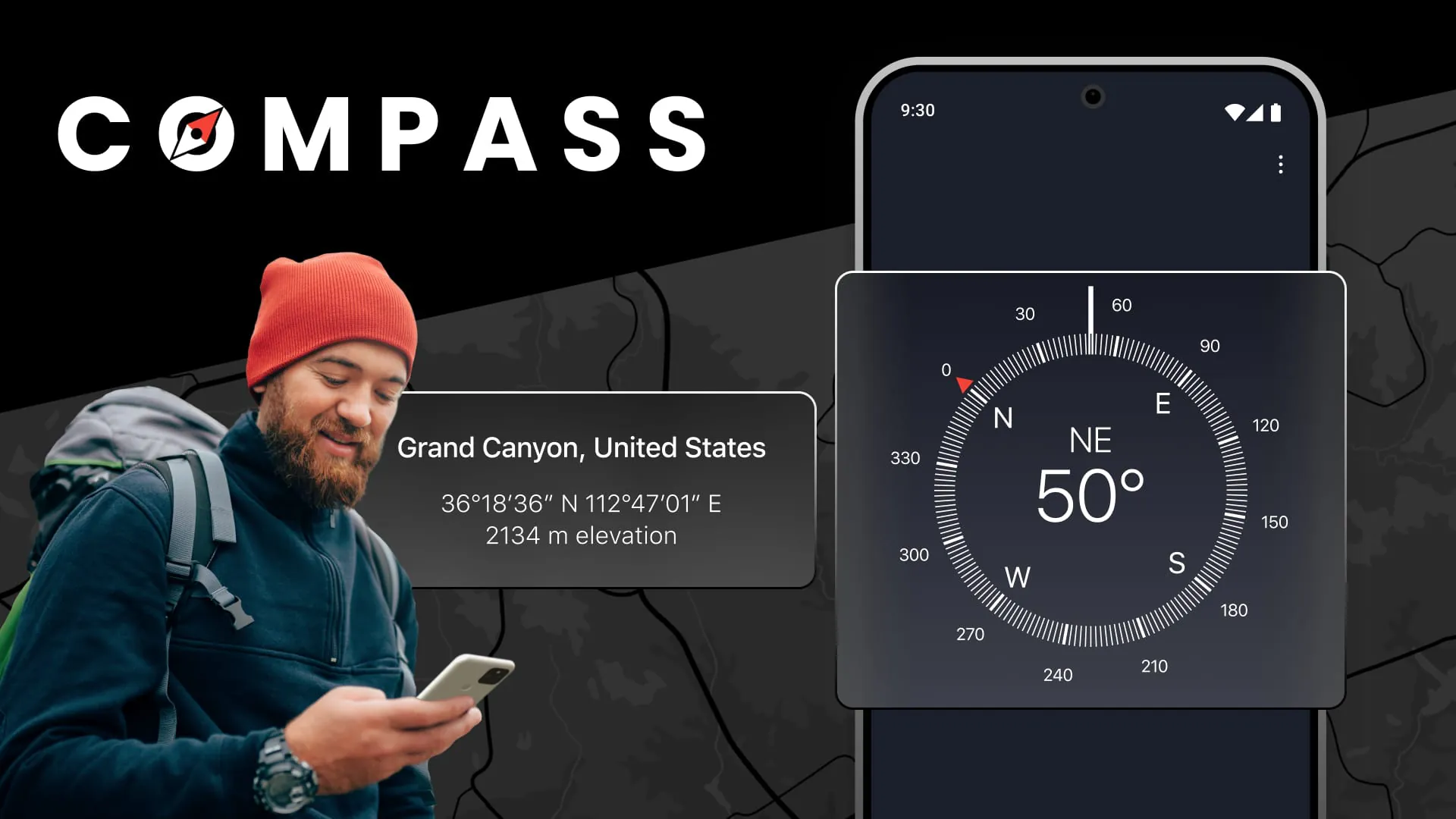
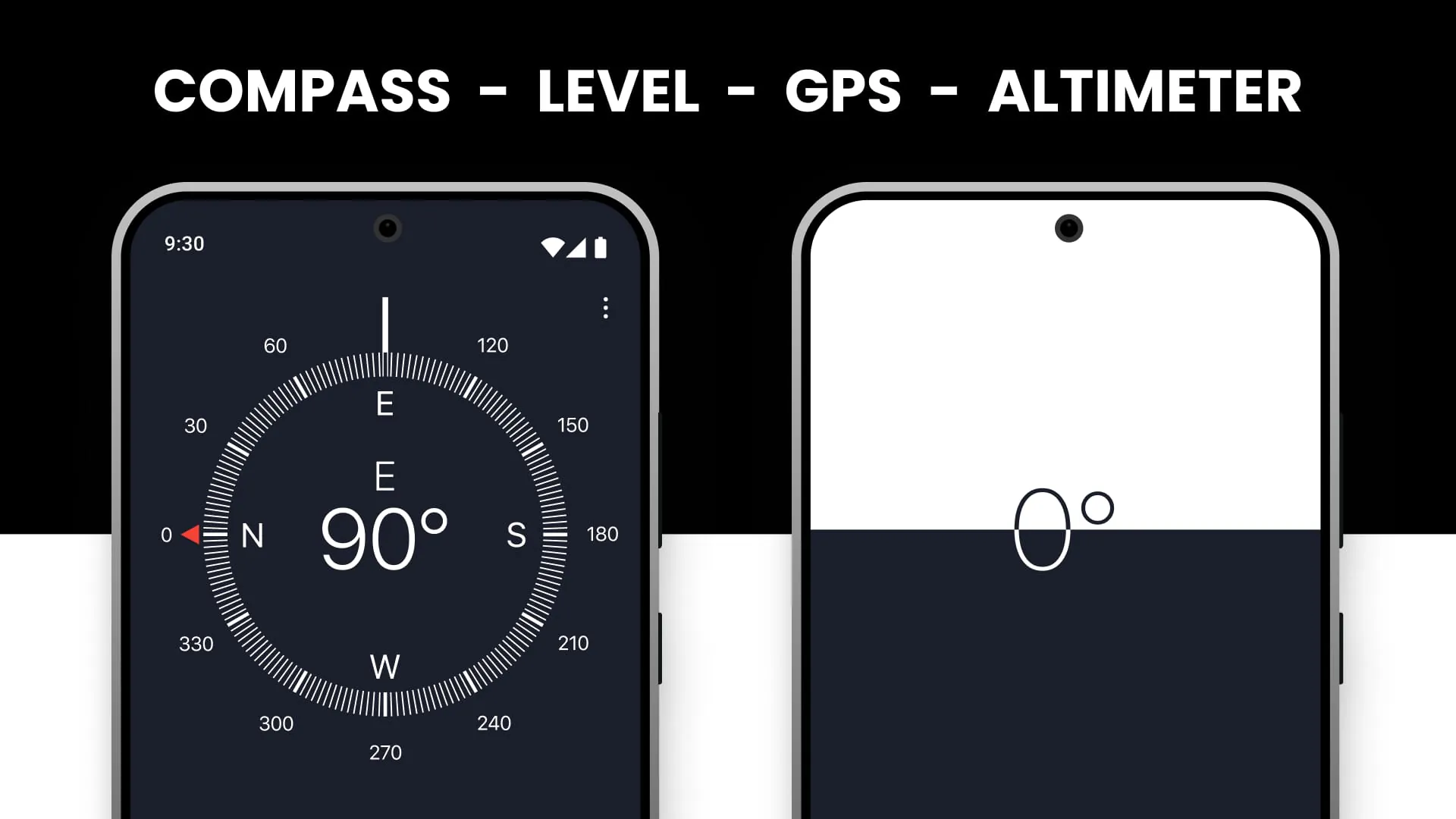
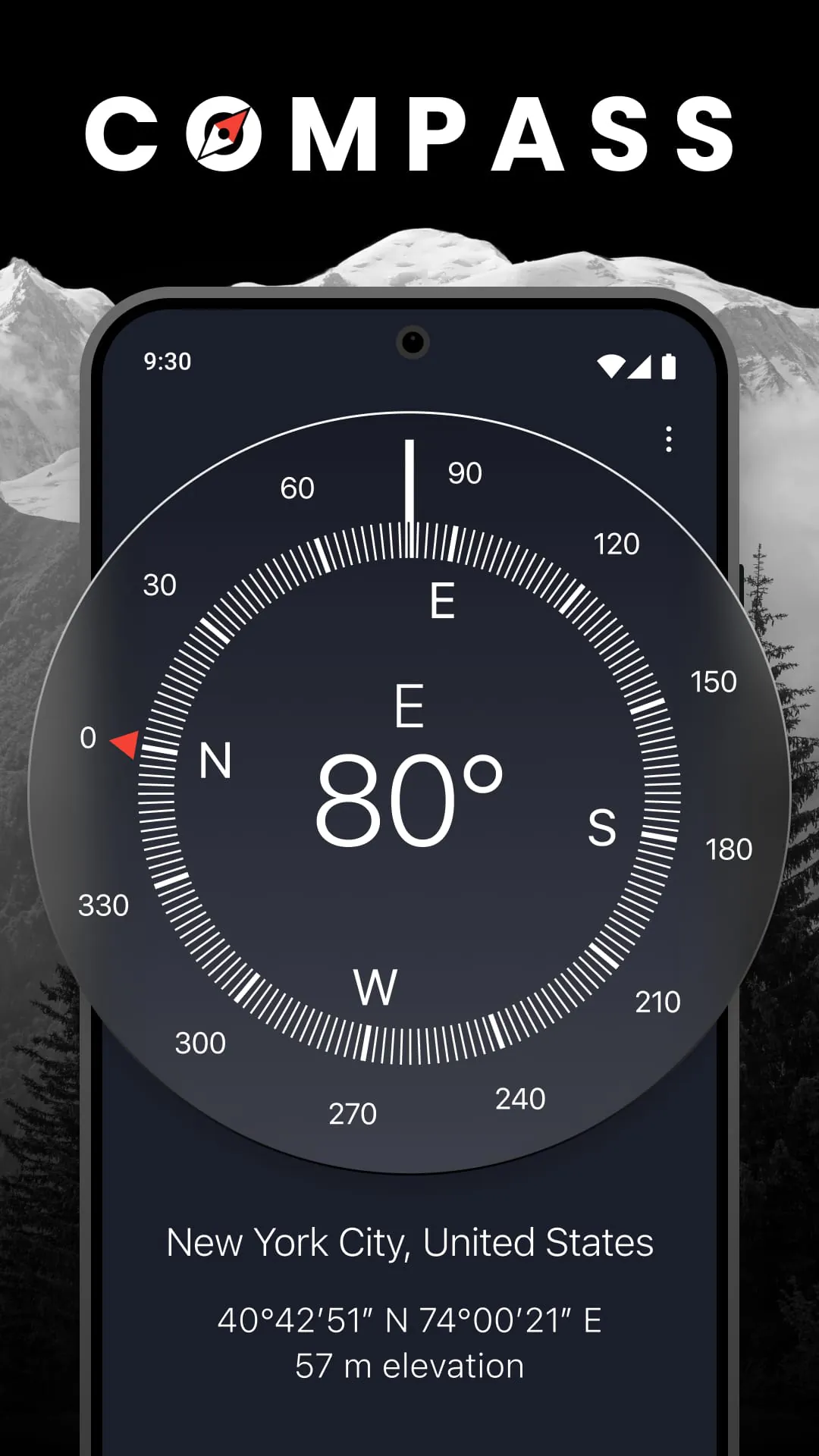
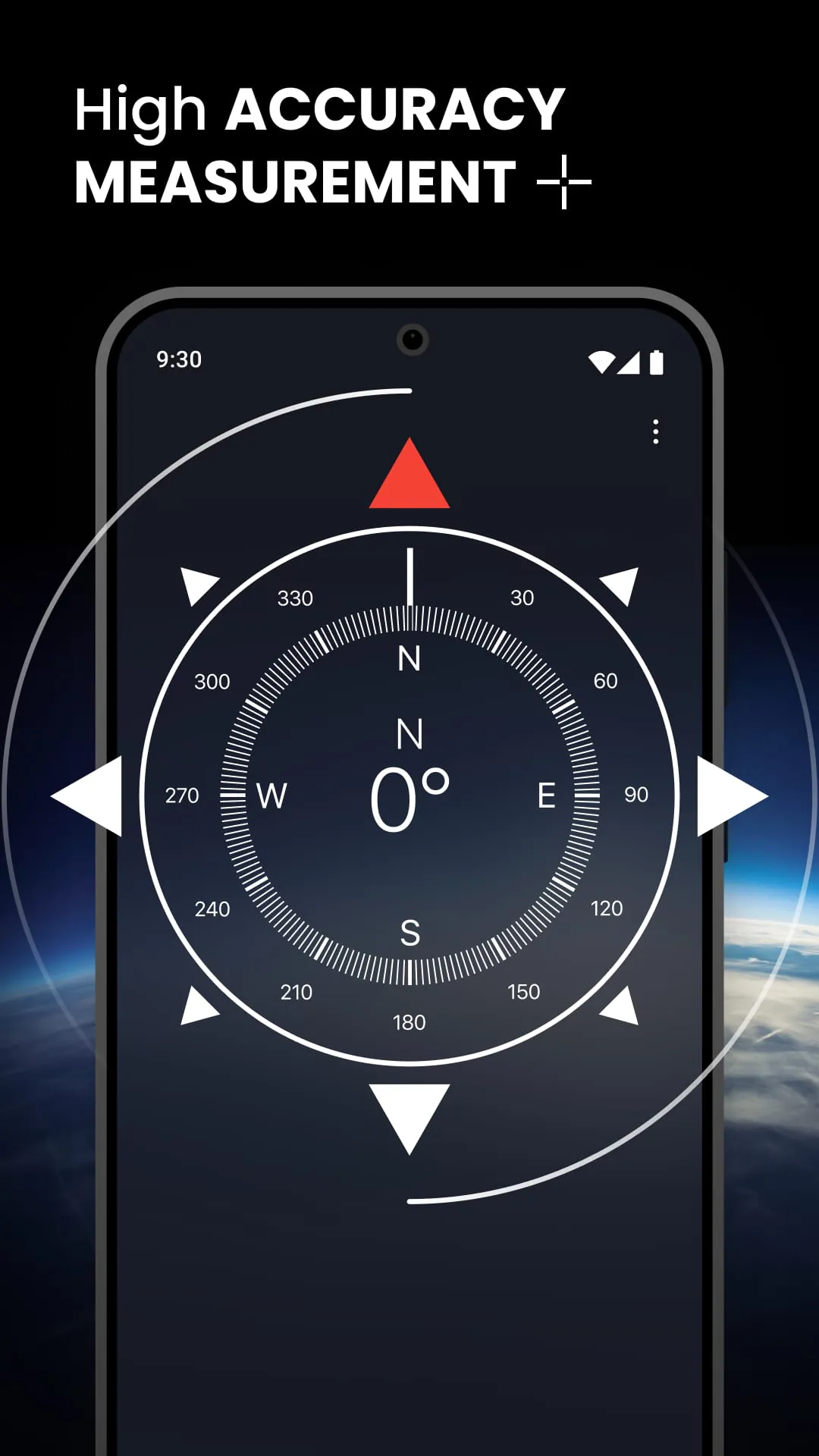
Compass is a versatile mobile application designed to assist users with navigation and directional orientation by transforming their smartphone into a reliable digital compass tool. It utilizes the device's built-in magnetometer and GPS capabilities to provide real-time heading information, making it an essential utility for outdoor activities like hiking, traveling, or simply finding your way in unfamiliar surroundings.
The app stands out with its focus on precision and usability. It offers a clear, classic compass rose interface that is easy to read in various lighting conditions. Beyond basic direction, it often includes coordinates, geographic details, and the ability to mark and save specific points of interest. Its stability and accuracy are core features, ensuring you can depend on the readings whether you're in a city or a remote natural area.
Like any tool, Compass has its strengths and limitations. Its primary advantages are convenience and accessibility, as it eliminates the need for a separate physical compass. It is typically very user-friendly and often free to use. However, the main drawback is its dependence on your device's hardware and battery life. Magnetic interference from electronics or metal structures can sometimes affect accuracy, and it is not a substitute for a dedicated, professional-grade navigational instrument in critical situations.
The app performs several key functions beyond showing magnetic north. Common functionalities include:
Click the button "Check All Versions" below to download and install it. Once installed, open the app and grant the necessary permissions for location services. For the first use, you will likely be prompted to calibrate the compass by moving your phone in a figure-eight motion; this step is crucial for accuracy. After calibration, simply hold your phone flat, and the needle will align to magnetic north. You can then navigate by turning your body until the bearing you wish to travel aligns with the indicated north. Use the save function to mark your starting point for a safe return.
Get Compass from an official store or available APK channel.
ZIP files require a Split APKs Installer (e.g., SAI) from Google Play to install. Steps: 1. Download SAI from Google Play; 2. Open SAI and tap "Install APKs"; 3. Select the ZIP file; 4. Complete installation.
The latest version currently listed by Appspicked is V10.1.5, with information updated on May 19, 2026. Versions may vary by device, region, or rollout schedule, so users should also check Google Play or announcements from Prometheus Interactive LLC.
No website can guarantee that an app is completely risk-free. Appspicked recommends downloading Compass only from an official app store or a verified channel operated by Prometheus Interactive LLC. Before installing, confirm the developer name, package ID apps.r.compass, requested permissions, privacy policy, and download source.
Compass may be unavailable because of regional restrictions, device incompatibility, account or age settings, a temporary removal, a name change, or because it has not been released for that platform. An Android package page does not necessarily mean that an iOS App Store version exists. Check Prometheus Interactive LLC’s official website for current availability.
Use Google Play or another official download channel provided by Prometheus Interactive LLC whenever possible. Appspicked provides app information and store links, but users should verify the destination domain and publisher before downloading or updating the app.
The information on Appspicked may represent the most recently indexed snapshot. App stores sometimes release updates gradually or display different versions according to region, device, operating system, or testing group. The official store listing should be treated as the final reference.
Compass is listed for Android, with a reported minimum requirement of Not specified. Actual compatibility may also depend on the device model, region, available storage, hardware features, and installed system components.
The initial download may be free, but subscriptions, advertising, paid features, or in-app purchases may still apply. Prices and available purchases can vary by country and version. Check the payment information displayed by Google Play before completing a transaction.
Check the network connection, storage space, operating-system version, account region, and device compatibility. Restart the device and try again through the official store. If the problem continues, consult the support resources provided by Prometheus Interactive LLC.









