


V2.3.0

- Package Name
- com.truedevelopersstudio.automatictap.autoclicker
- Version Name
- V2.3.0
- Version Code
- V2.3.0
- File Size
- 3.73 MB
- Update time
- 2026-1-7



by True Developers Studio
The tool about auto clicker. Help you automate repeated taps.
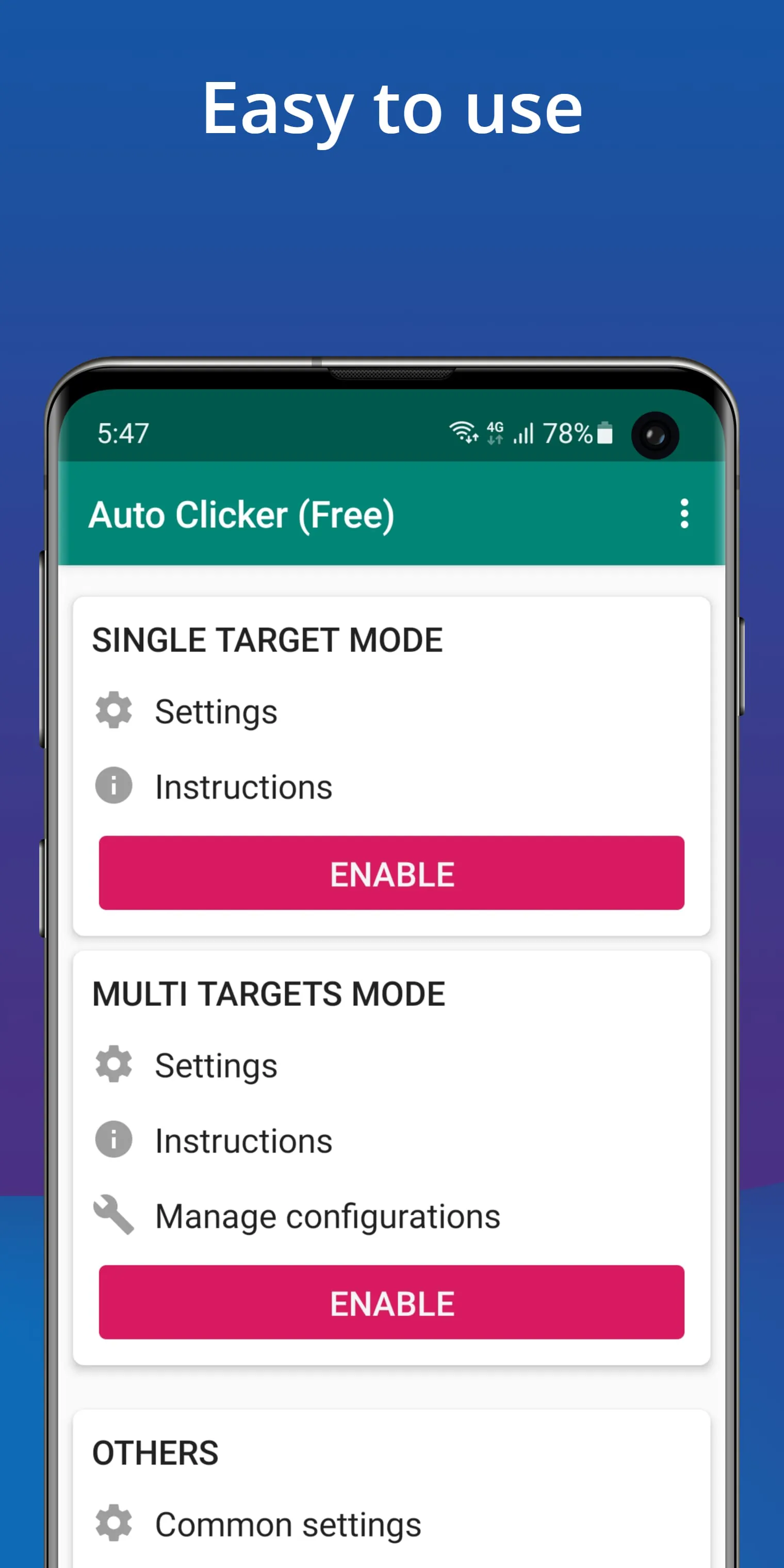
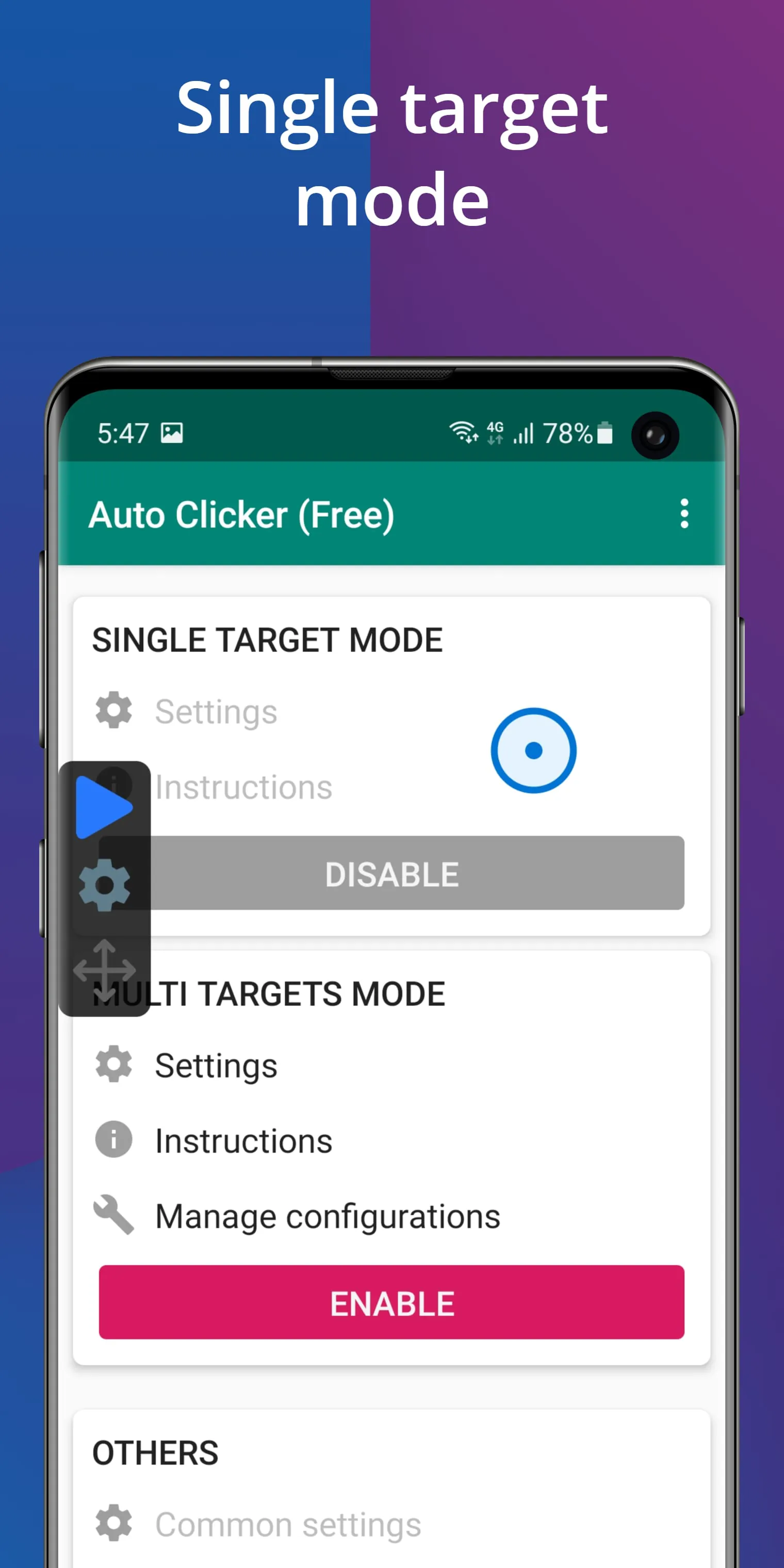
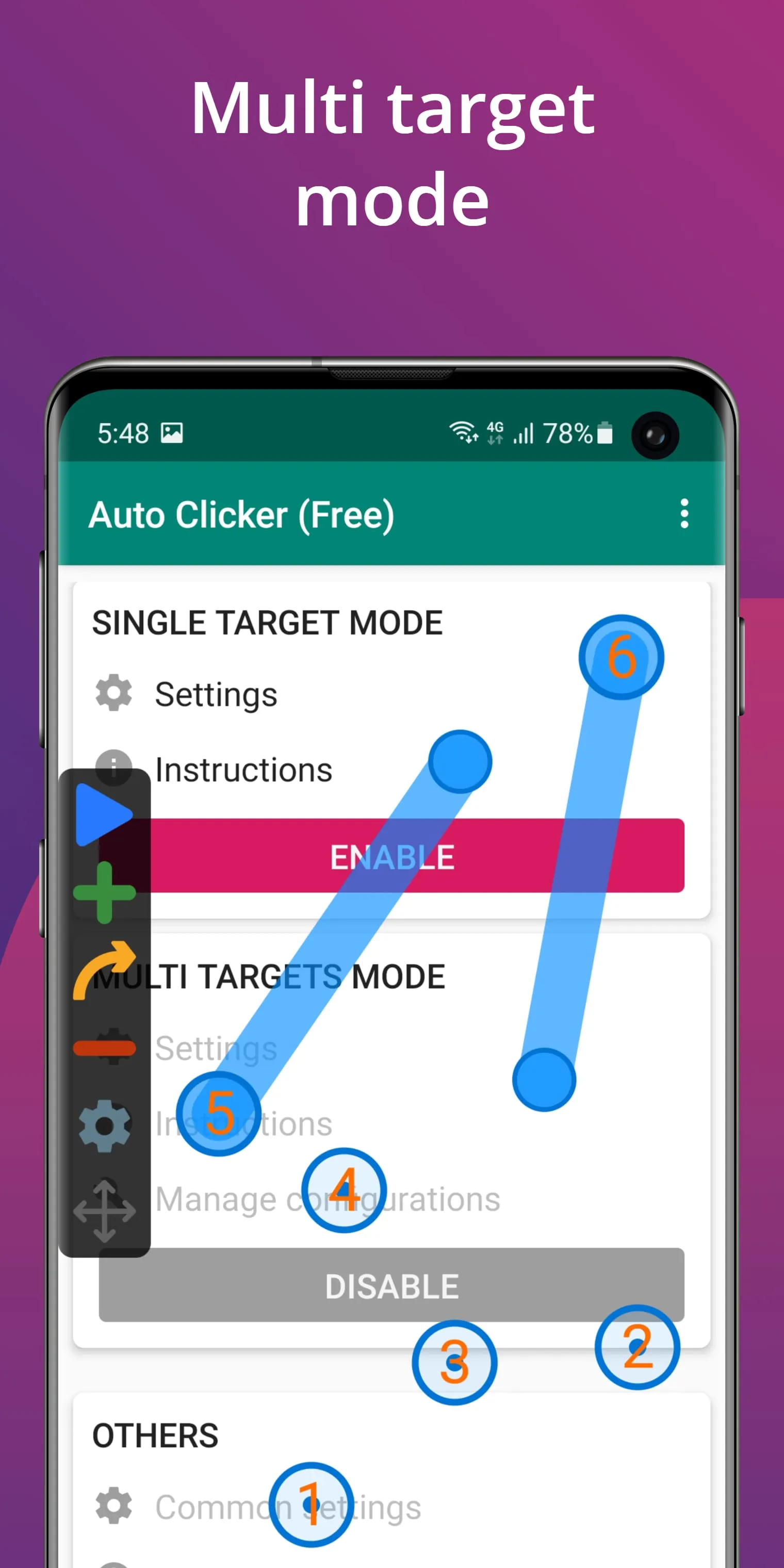
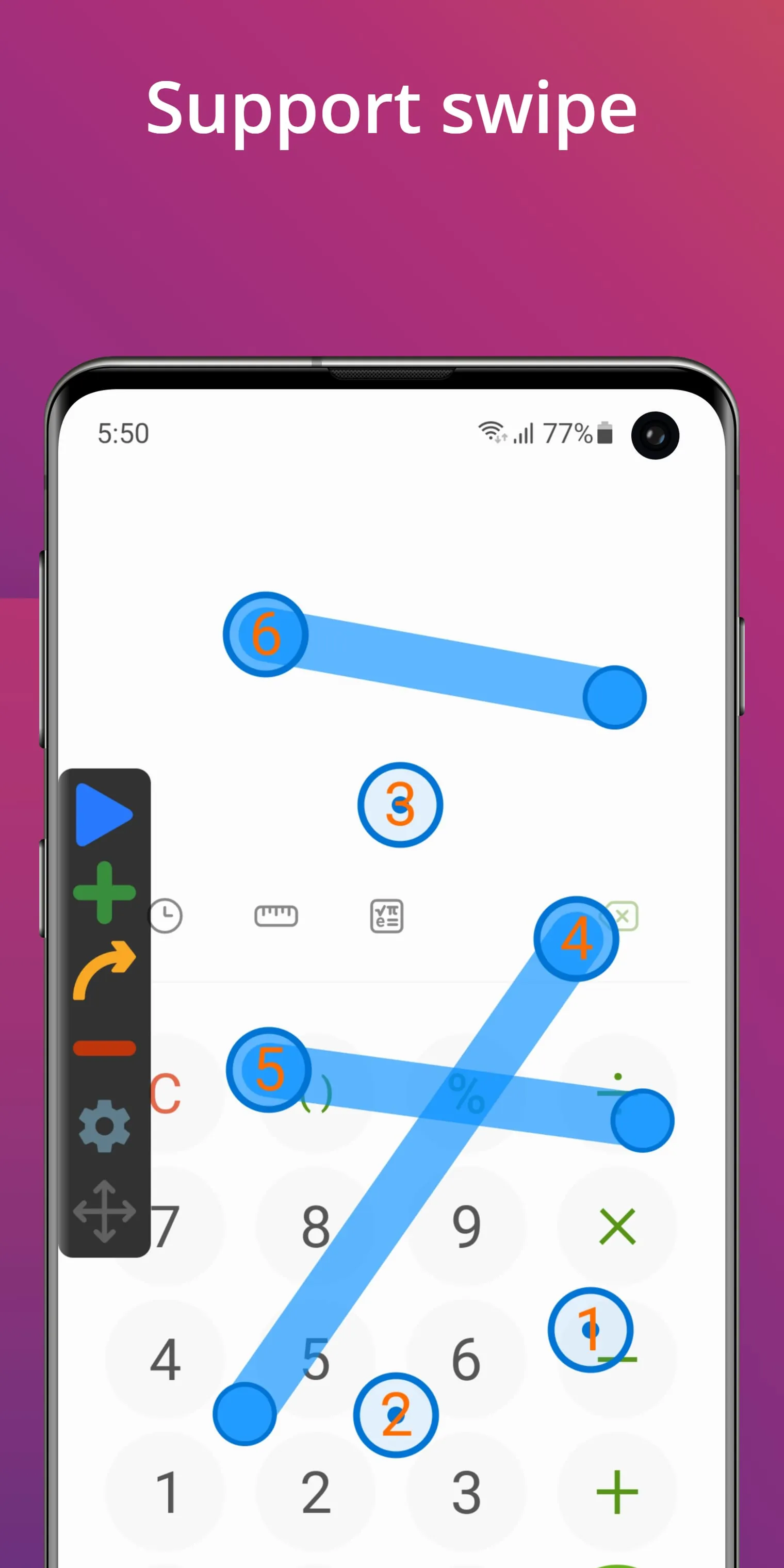
An auto clicker is a software application designed to automate mouse clicks on a computer, performing repetitive clicking tasks at set intervals or locations without manual input. It serves as a valuable tool for users looking to save time and effort in various scenarios, from gaming to routine data entry, by simulating genuine mouse click actions through customizable parameters and schedules.
This type of application typically comes packed with functionality to cater to different needs. Key features often include the ability to set specific click intervals, choose between single or double-click modes, and select targeted screen coordinates. Many auto clickers also offer advanced options like recorded click sequences, toggle shortcuts to start and stop automation quickly, and scheduling capabilities to run tasks at predetermined times. The flexibility in customization allows it to adapt to simple as well as complex automation requirements efficiently.
Utilizing an auto clicker presents several advantages and some potential drawbacks that users should consider. On the positive side, it significantly reduces manual labor for monotonous tasks, helps prevent strain or injury from repetitive motions, and can enhance productivity in gaming or certain software workflows. However, the downsides may include the risk of violating terms of service in some online games or applications, leading to account penalties. Additionally, over-reliance on automation might sometimes result in unintended actions if the tool is not configured correctly.
The core functions of an auto clicker revolve around automating mouse operations with precision and reliability. These functions generally encompass:
Click the button "Check All Versions" below to download and install it. Once installed, launch the application and configure your desired clicking settings. Begin by selecting the mouse button you wish to automate and set the click interval timing according to your task needs. You can then either specify exact screen coordinates for the clicks or use a recording feature to capture your mouse movements. After setup, assign a start/stop hotkey for convenience, position your cursor appropriately, and activate the auto clicker to run the automated sequence seamlessly.
Get Auto Clicker from an official store or available APK channel.
ZIP files require a Split APKs Installer (e.g., SAI) from Google Play to install. Steps: 1. Download SAI from Google Play; 2. Open SAI and tap "Install APKs"; 3. Select the ZIP file; 4. Complete installation.
The latest version currently listed by Appspicked is V2.1.4, with information updated on May 14, 2026. Versions may vary by device, region, or rollout schedule, so users should also check Google Play / App Store or announcements from True Developers Studio.
No website can guarantee that an app is completely risk-free. Appspicked recommends downloading Auto Clicker only from an official app store or a verified channel operated by True Developers Studio. Before installing, confirm the developer name, package ID com.truedevelopersstudio.automatictap.autoclicker, requested permissions, privacy policy, and download source.
Auto Clicker may be unavailable because of regional restrictions, device incompatibility, account or age settings, a temporary removal, a name change, or because it has not been released for that platform. An Android package page does not necessarily mean that an iOS App Store version exists. Check True Developers Studio’s official website for current availability.
Use Google Play / App Store or another official download channel provided by True Developers Studio whenever possible. Appspicked provides app information and store links, but users should verify the destination domain and publisher before downloading or updating the app.
The information on Appspicked may represent the most recently indexed snapshot. App stores sometimes release updates gradually or display different versions according to region, device, operating system, or testing group. The official store listing should be treated as the final reference.
Auto Clicker is listed for Android / iOS, with a reported minimum requirement of Not specified. Actual compatibility may also depend on the device model, region, available storage, hardware features, and installed system components.
The initial download may be free, but subscriptions, advertising, paid features, or in-app purchases may still apply. Prices and available purchases can vary by country and version. Check the payment information displayed by Google Play / App Store before completing a transaction.
Check the network connection, storage space, operating-system version, account region, and device compatibility. Restart the device and try again through the official store. If the problem continues, consult the support resources provided by True Developers Studio.









