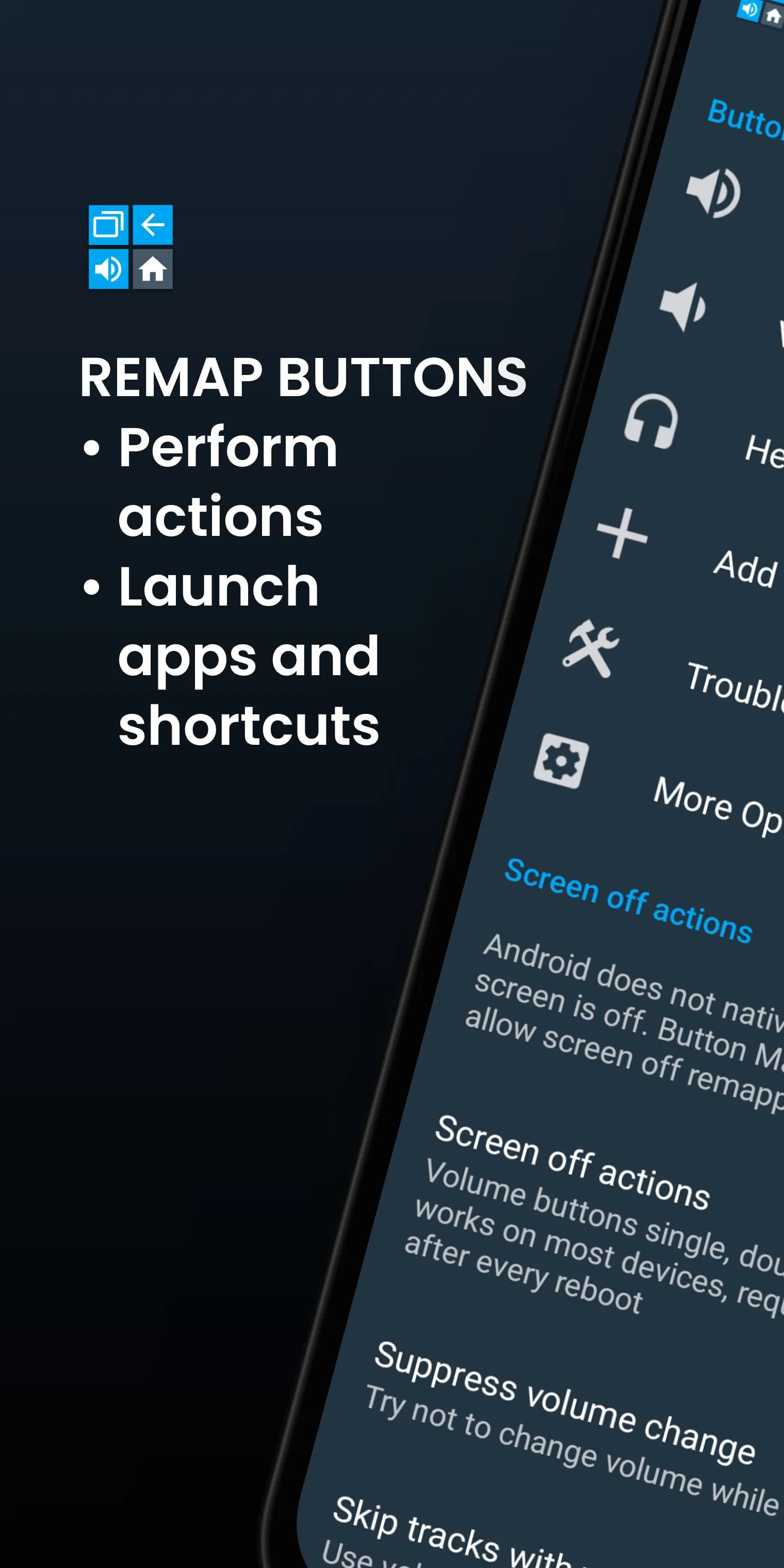
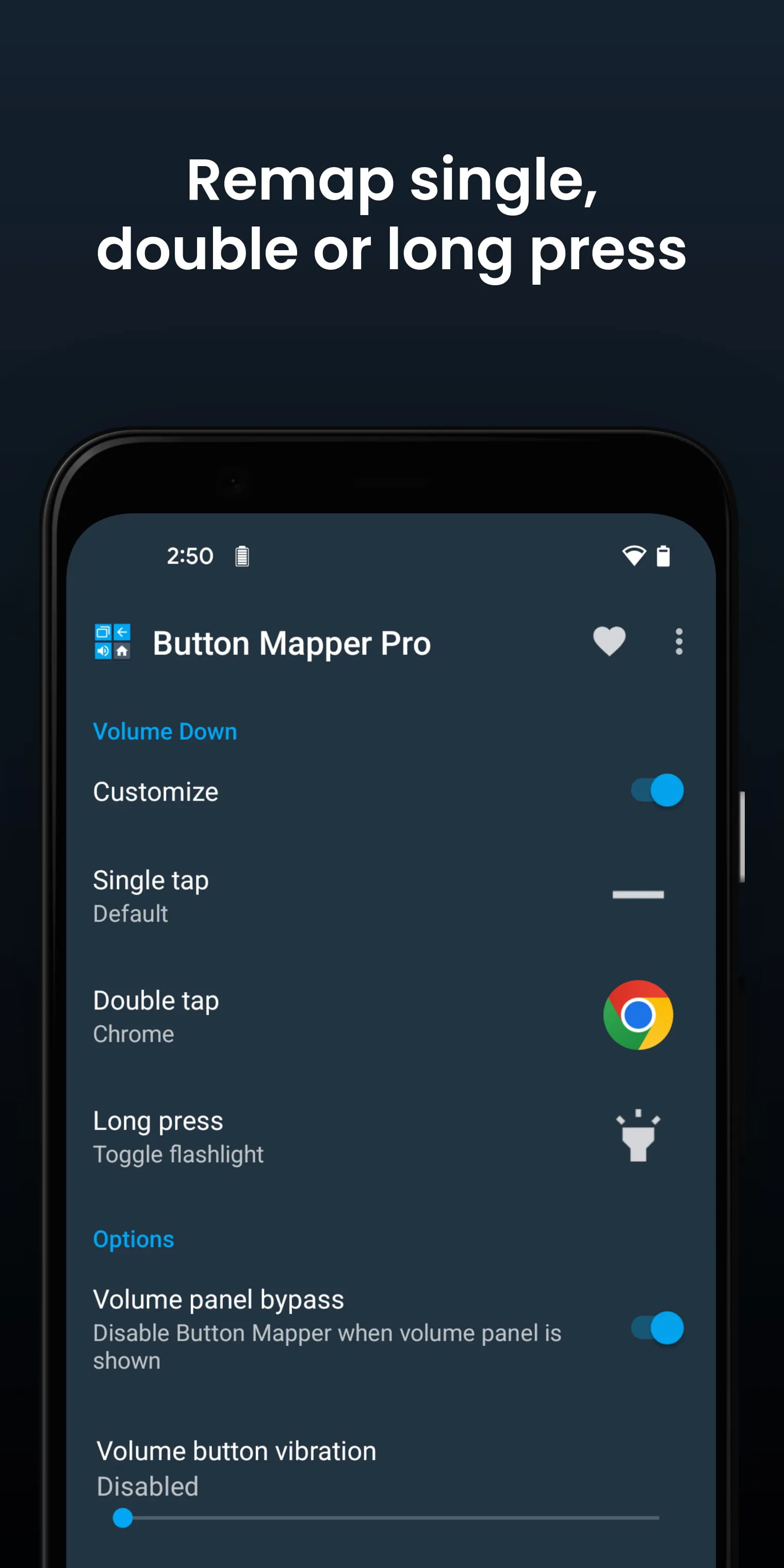
Button Mapper is an application designed to allow users to customize the functions of physical and capacitive buttons on their Android devices. This includes hardware buttons like volume controls, assist buttons, and even capacitive keys for home, back, and recent apps. The application extends its functionality to various peripheral devices, such as gamepads and TV remotes, thereby providing a broad spectrum of remapping possibilities. The core function of Button Mapper is to enable users to assign custom actions to these buttons, which can be activated through single presses, double presses, or long presses. This remapping capability opens up a wide array of possibilities, ranging from simple tasks like launching applications to more complex operations such as executing custom scripts or commands. While root access is not required for many of the basic remapping actions, certain advanced features necessitate either root access or the execution of an ADB (Android Debug Bridge) command from a connected computer. One limitation of the application is that it typically does not function when the device screen is off, unless the device is rooted or the aforementioned ADB command is utilized. This is a crucial point for users who intend to use button remapping for actions that need to be performed while the screen is in a sleep state. The utility of Button Mapper is exemplified through various practical applications. For instance, users can configure a long press of a button to toggle the flashlight, remap buttons on their TV remote for streamlined control, or set up a press action to broadcast custom intents, scripts, or commands. Furthermore, it's possible to assign a long press to open the camera and capture a photo, or a double tap to launch a frequently used application or shortcut. The flexibility extends to reconfiguring capacitive buttons, such as swapping the back and recent apps keys, or utilizing volume buttons to manage screen brightness. Another useful application is the ability to toggle the "do not disturb" mode with a long press. These examples illustrate the versatility of Button Mapper in adapting the device's hardware buttons to suit individual user preferences and needs, enhancing the overall user experience and device interaction. The application essentially transforms the standard button functions into personalized shortcuts, thereby increasing efficiency and convenience in daily device usage. It is important to note that the effectiveness of Button Mapper depends on the specific device and the availability of physical or capacitive buttons. Some devices may not have all the button types supported by the application, which can limit the remapping options. However, for devices with a sufficient range of hardware buttons, Button Mapper offers a powerful tool for customization and optimization of device control. In addition to the basic features, Button Mapper also offers a pro version with enhanced capabilities. These include the simulation of keycodes, which requires either ADB command execution or root access, volume key swapping on orientation change, defaulting to ring volume on Android Pie or later, pocket detection, themes, customization of back and recent buttons, and customization of haptic feedback on button presses. These pro features add further layers of customization and control, catering to users who desire a more tailored and advanced button remapping experience. However, the core functionality of the application remains accessible in the free version, providing a solid foundation for button customization without requiring a purchase. Overall, Button Mapper is a valuable tool for Android users seeking to personalize their device's button functions and improve their device interaction efficiency. Its ease of use, broad compatibility, and extensive remapping options make it a standout application in the realm of Android customization.
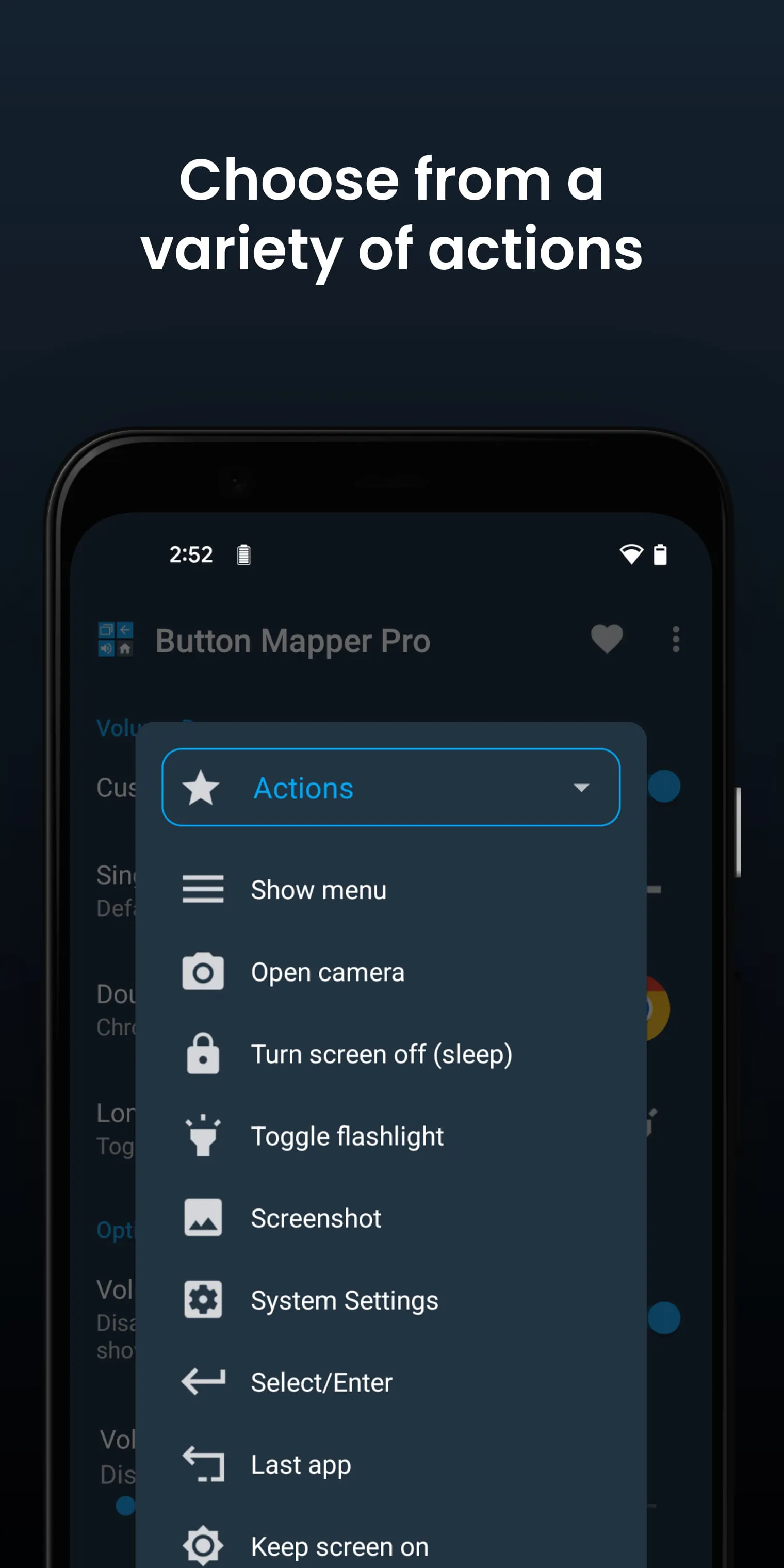
The functionality of Button Mapper is centered around remapping actions to various buttons and keys on an Android device. These actions encompass a wide range of possibilities, from launching applications and shortcuts to executing more complex commands and scripts. One of the fundamental actions is the ability to launch any application or shortcut installed on the device. This allows users to quickly access their favorite apps or frequently used shortcuts with a simple button press, double press, or long press. Another straightforward action is the option to disable a button altogether. This can be useful for buttons that are accidentally pressed frequently or that serve no purpose for the user. For more advanced users, Button Mapper offers the ability to broadcast intents, which are inter-application messages that can trigger specific actions in other apps. This feature requires the pro version of the application. Similarly, the ability to run scripts is also a pro feature that allows users to execute custom scripts or commands via button presses. This opens up possibilities for automating tasks and performing complex operations with ease. The application also supports actions related to the device's camera, such as using a button as a camera shutter. This can be particularly useful for taking photos more conveniently, especially in situations where it's difficult to reach the on-screen shutter button. Another useful action is the ability to turn the screen off with a button press. This can be a convenient alternative to using the power button, especially for users who want to minimize wear and tear on the power button. Button Mapper also provides actions for toggling the flashlight, accessing quick settings, showing notifications, and displaying the power dialog. These actions allow users to quickly access essential device functions without having to navigate through menus or settings. Furthermore, the application supports actions for taking screenshots, controlling music playback (previous/next track and play/pause), adjusting volume or muting the device, switching to the last app used, toggling do not disturb mode, and adjusting brightness. These actions enhance the user's ability to manage their device and media consumption with ease. For rooted devices, Button Mapper offers additional actions such as "now on tap," menu button access, choosing custom keycodes, executing root commands, scrolling up/down, and toggling WiFi, Bluetooth, and rotation. These root-specific actions provide a higher level of control and customization for users who have rooted their devices. In addition to these specific actions, Button Mapper also supports many other actions, allowing users to tailor their button mappings to their individual needs and preferences. The breadth of available actions makes Button Mapper a versatile tool for enhancing device usability and efficiency. It is important to consider the specific actions supported by the device when configuring Button Mapper. Some devices may not support all actions due to hardware or software limitations. However, the application generally provides a comprehensive set of actions that can be mapped to a wide range of buttons and keys.
Button Mapper is designed to be compatible with a variety of buttons found on Android devices and peripherals. This includes physical home, back, and recent apps/menu buttons, which are commonly found on older Android devices or devices with dedicated navigation buttons. The application also supports volume up and volume down buttons, which are present on virtually all Android devices. Many camera buttons, often found on the side of devices or on Bluetooth camera accessories, are also supported by Button Mapper. Additionally, the application is compatible with many headset buttons, allowing users to control music playback, answer calls, or trigger other actions using their headset. One of the key features of Button Mapper is its ability to support custom buttons. This allows users to add other buttons, such as active or mute buttons, found on their phone, headphones, gamepads, TV remotes, and other peripheral devices. The process of adding custom buttons may involve identifying the button's keycode or using the application's detection tools to map the button to a specific action. In addition to the broad range of supported buttons, Button Mapper also offers a variety of additional options to fine-tune the button remapping experience. Users can change the long press or double tap duration to suit their preferences and improve accuracy. The application also allows users to delay the initial button press to improve double tap operation, preventing accidental single presses from triggering unwanted actions. Another useful option is the ability to disable Button Mapper while using specific apps. This can be helpful for apps that rely on the default button behavior or that may conflict with the remapped actions. Furthermore, Button Mapper offers many more customizations, allowing users to tailor the application to their individual needs and preferences. The application's troubleshooting section provides guidance on resolving common issues. It emphasizes the importance of ensuring that the Button Mapper accessibility service is enabled and allowed to run in the background. The accessibility service is crucial for detecting when physical or capacitive buttons are pressed, enabling the application to remap them to custom actions. The troubleshooting section also clarifies that Button Mapper does not work with onscreen buttons, such as soft keys or the navigation bar, or the power button. It also notes that the options shown in the app depend on the buttons available on the user's phone, as not all phones have home, back, and recents buttons. Button Mapper utilizes Accessibility services to detect when physical or capacitive buttons are pressed on the device, enabling the remapping of these buttons to custom actions. The application emphasizes that Accessibility services are not used to collect personal information or track user input. Button Mapper respects user privacy and does not collect or share any personal data. The application also uses the Device Administrator permission (BIND_DEVICE_ADMIN) to lock the screen if the "Turn screen off" action is chosen. Users can remove this permission by uninstalling Button Mapper through the application's menu.