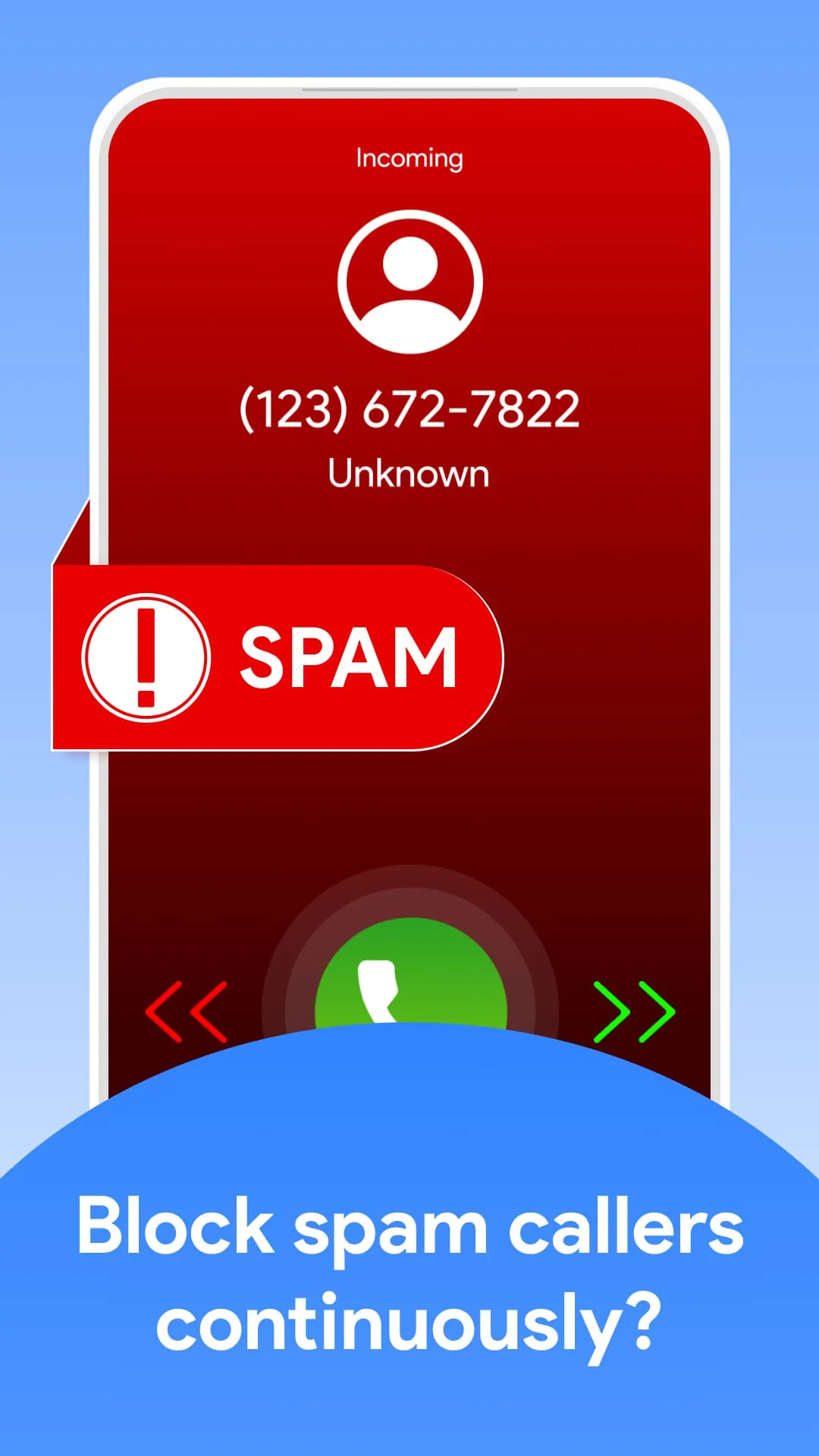
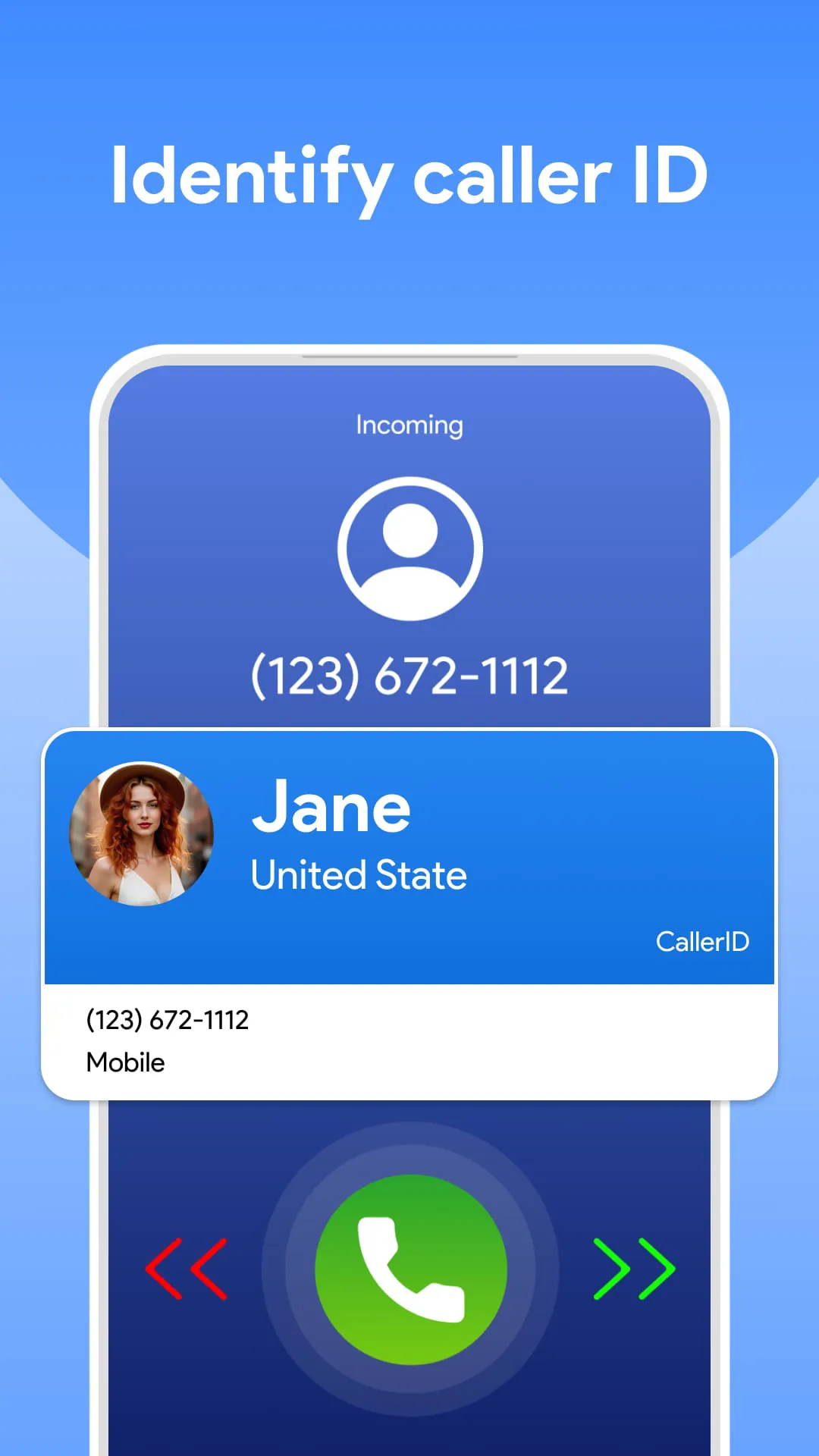
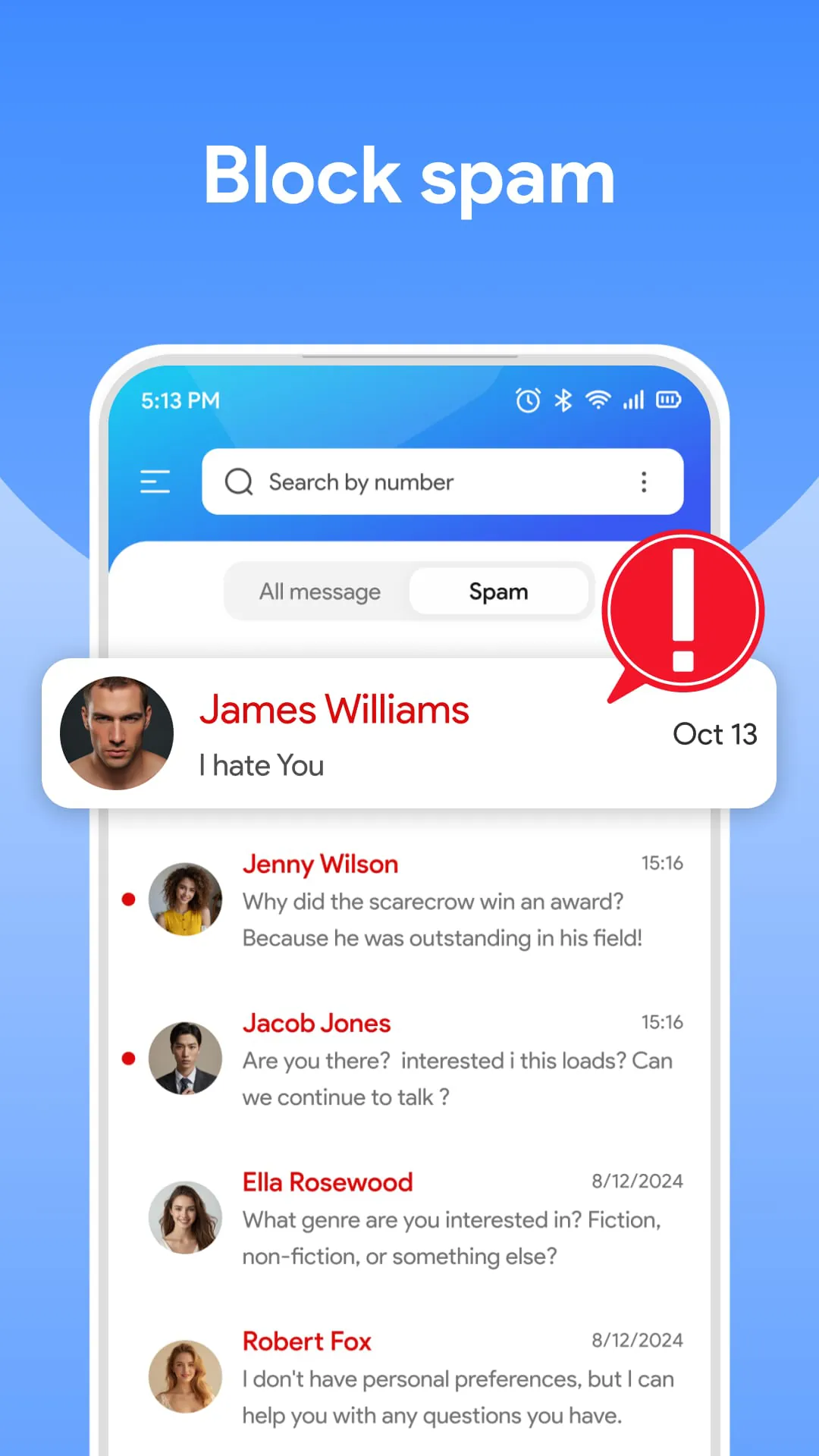
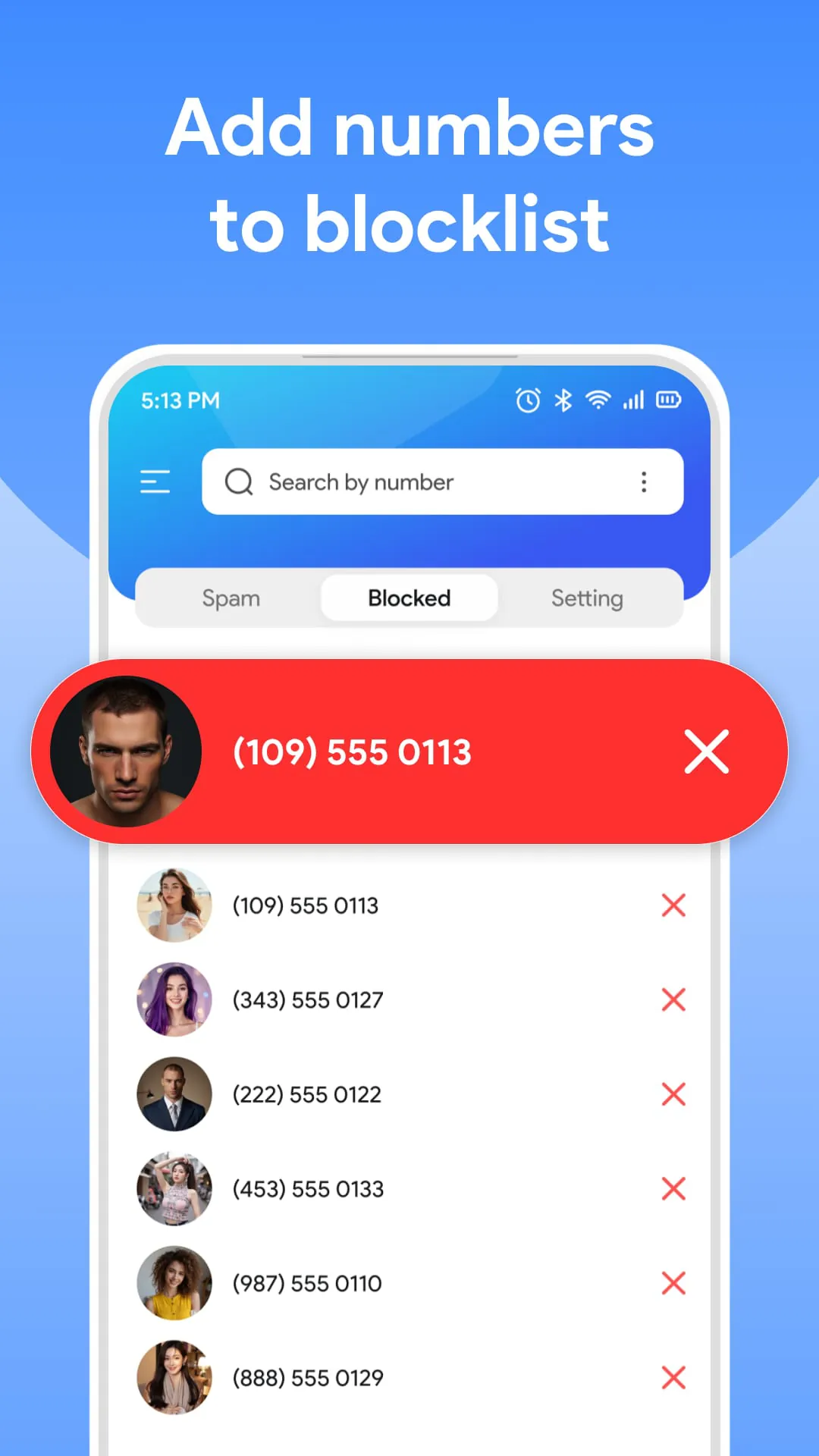
The Caller ID & Spam Call Blocker app is presented as a solution for users frustrated with unwanted calls and messages, such as spam, scams, and unknown numbers. It aims to give users control over their phone communication by identifying callers and blocking unwanted contacts. The app offers several key features designed to enhance user privacy and streamline the calling experience. One of its primary functions is caller ID lookup, which provides detailed information about incoming callers, even if they are not in the user's contact list. This feature helps users determine whether to answer a call, reducing the likelihood of engaging with unwanted or potentially harmful callers. Complementing the caller ID lookup is the ability to block spam calls and messages. The app utilizes a continuously updated database to identify and block calls from telemarketers, scammers, and automated systems, ensuring that users are protected from interruptions and potential threats. Users can also create a personal blocklist to add specific numbers they wish to avoid, giving them greater control over their incoming communications. The app also includes features for managing contacts and making calls. Users can view full contact details for incoming callers and initiate calls directly from within the app, streamlining the communication process. Additionally, the app offers SMS text messaging functionality, allowing users to send text messages without leaving the app. This feature integrates seamlessly with the app's call blocking capabilities, providing a comprehensive solution for managing both calls and messages. The app emphasizes its ease of use and accessibility. It is described as completely free to download and use, without requiring registration or hidden fees. The interface is designed to be simple and intuitive, catering to both tech-savvy users and beginners. The app also boasts outstanding accuracy in identifying callers and blocking spam, thanks to its advanced algorithms and continuously updated database. Privacy is a central concern for the app, which assures users that their data will never be shared and that their information is securely protected. The app only requests the permissions necessary to provide its services, minimizing any potential privacy risks. The Caller ID & Spam Call Blocker app is positioned as a user-friendly and effective tool for managing unwanted calls and messages, offering a combination of caller identification, spam blocking, and SMS messaging features to enhance the overall phone experience. It aims to provide users with greater control over their communication, ensuring a safer and more peaceful phone environment, free from the distractions of spam and scam calls. The app's design and functionality reflect a commitment to user privacy and ease of use, making it accessible to a wide range of users seeking to improve their phone experience. The combination of these features makes the app a comprehensive solution for anyone looking to manage their phone calls and messages more effectively, providing peace of mind and a safer communication environment. This focus on user empowerment and protection underscores the app's value proposition in a world increasingly plagued by unwanted and potentially harmful phone communications. By offering a simple, effective, and privacy-conscious solution, the Caller ID & Spam Call Blocker app aims to be an essential tool for anyone seeking to take control of their phone and enjoy a more peaceful and secure communication experience. Ultimately, the app seeks to reduce the stress and annoyance associated with unwanted calls and messages, allowing users to focus on the communications that truly matter and enhancing their overall quality of life. By blocking spam calls and messages, the app protects users from potential scams and fraud, saving them time, money, and emotional distress. The app's ability to identify unknown callers provides users with valuable information, enabling them to make informed decisions about whether to answer a call and preventing them from falling victim to deceptive practices. In addition to its practical benefits, the app also offers a sense of security and control, empowering users to manage their phone communication and protect their privacy. This sense of empowerment is particularly important in today's digital age, where individuals are constantly bombarded with information and exposed to potential risks. The app's commitment to user privacy further reinforces this sense of security, assuring users that their personal information is protected and that they are in control of their data. By providing a comprehensive and user-friendly solution, the Caller ID & Spam Call Blocker app aims to be a valuable tool for anyone seeking to improve their phone experience and protect themselves from the growing threat of spam and scam calls.
The core functionality of the Caller ID & Spam Call Blocker app revolves around identifying and blocking unwanted calls and messages, providing users with a more controlled and secure communication environment. The app's caller ID lookup feature allows users to identify incoming callers, even if they are not in the user's contact list. This feature provides valuable information about the caller, such as their name, location, and organization, helping users determine whether to answer the call. The caller ID lookup feature is particularly useful for identifying unknown numbers and potential spam calls, enabling users to avoid unwanted interruptions. The app's spam call and message blocking feature is designed to prevent unwanted calls and messages from reaching the user. The app utilizes a continuously updated database of known spam numbers, telemarketers, and scammers to automatically block these calls and messages. Users can also create a personal blocklist to add specific numbers they wish to block, giving them greater control over their incoming communications. The app's call blocklist feature is particularly useful for blocking harassing or unwanted contacts, ensuring that users are not disturbed by these individuals. The app's contact management features allow users to view full contact details for incoming callers and initiate calls directly from within the app. This feature streamlines the communication process and makes it easier for users to stay connected with their contacts. The app's contact management features also allow users to identify and block unwanted contacts, further enhancing their control over their incoming communications. The app's SMS text messaging functionality allows users to send text messages directly from within the app. This feature integrates seamlessly with the app's call blocking capabilities, providing a comprehensive solution for managing both calls and messages. The app's SMS text messaging functionality also allows users to block unwanted messages, ensuring that they are not disturbed by spam or scam messages. The Caller ID & Spam Call Blocker app is designed to be completely free and easy to use, without requiring registration or hidden fees. The app's interface is simple and intuitive, catering to both tech-savvy users and beginners. The app's ease of use makes it accessible to a wide range of users seeking to improve their phone experience. The app's outstanding accuracy in identifying callers and blocking spam is due to its advanced algorithms and continuously updated database. The app's accuracy ensures that users are protected from unwanted calls and messages, providing them with a more secure communication environment. The app's commitment to user privacy is evident in its assurance that user data will never be shared and that user information is securely protected. The app only requests the permissions necessary to provide its services, minimizing any potential privacy risks. The app's commitment to user privacy gives users peace of mind, knowing that their personal information is protected. The Caller ID & Spam Call Blocker app aims to provide users with a more controlled, secure, and peaceful communication environment by identifying and blocking unwanted calls and messages. The app's features are designed to be user-friendly, accurate, and privacy-conscious, making it a valuable tool for anyone seeking to improve their phone experience. By offering a comprehensive solution for managing calls and messages, the app aims to empower users and give them greater control over their communication. This control can lead to a reduction in stress and annoyance, allowing users to focus on the communications that truly matter. Furthermore, by blocking spam calls and messages, the app protects users from potential scams and fraud, saving them time, money, and emotional distress. The combination of these benefits makes the Caller ID & Spam Call Blocker app a valuable asset for anyone looking to enhance their phone experience and protect themselves from the growing threat of unwanted and potentially harmful phone communications.
In summary, the Caller ID & Spam Call Blocker app is presented as a comprehensive solution for managing and mitigating the pervasive issue of unwanted calls and messages. The app's primary function is to empower users with the ability to identify incoming callers, even those not already saved in their contacts, providing them with crucial information to make informed decisions about whether to answer. This feature acts as a first line of defense against potential spam, scams, and other unwanted solicitations. Beyond identification, the app also offers robust blocking capabilities, enabling users to automatically block known spam numbers, telemarketers, and scammers, as well as create personalized blocklists for specific numbers they wish to avoid. This dual approach of identification and blocking ensures a high level of protection against unwanted interruptions and potential threats. The app further enhances the user experience by integrating contact management features, allowing users to view detailed contact information and initiate calls directly from within the app. This streamlined approach simplifies communication and promotes efficiency. Additionally, the inclusion of SMS text messaging functionality provides a unified platform for managing both calls and messages, ensuring a seamless and comprehensive communication experience. The app's user-friendly design is a key selling point, emphasizing simplicity and ease of use for users of all technical skill levels. The app is offered as a free download with no hidden fees or registration requirements, making it accessible to a wide audience. Furthermore, the app boasts high accuracy in identifying callers and blocking spam, thanks to its advanced algorithms and continuously updated database, ensuring that users are well-protected against the latest threats. Privacy is a paramount concern for the app developers, who assure users that their data will never be shared and that their personal information is securely protected. The app only requests necessary permissions, minimizing potential privacy risks and fostering trust with its users. The Caller ID & Spam Call Blocker app stands out as a valuable tool for anyone seeking to regain control over their phone communication and protect themselves from the growing problem of unwanted calls and messages. By combining caller identification, spam blocking, contact management, and SMS messaging features into a single, user-friendly application, the app provides a comprehensive and effective solution for managing phone calls and messages. The app's commitment to accuracy, privacy, and ease of use further enhances its appeal, making it a compelling choice for users seeking a reliable and trustworthy solution to combat spam and unwanted calls. In an increasingly digital world, where unwanted solicitations and potential scams are rampant, the Caller ID & Spam Call Blocker app offers a much-needed sense of security and control, empowering users to take charge of their phone communication and enjoy a more peaceful and productive mobile experience. Ultimately, the app aims to reduce the stress and frustration associated with unwanted calls and messages, allowing users to focus on the communications that truly matter and protecting them from potential harm. By providing a comprehensive and user-friendly solution, the Caller ID & Spam Call Blocker app strives to be an essential tool for anyone seeking to improve their phone experience and safeguard their personal information.