


V7.6.0

- Package Name
- ch.protonmail.android
- Version Name
- V7.6.0
- Version Code
- V7.6.0
- File Size
- 49.94 MB
- Update time
- 2025-12-19


by Proton AG
A trusted email app that uses end-to-end encryption and offers advanced security
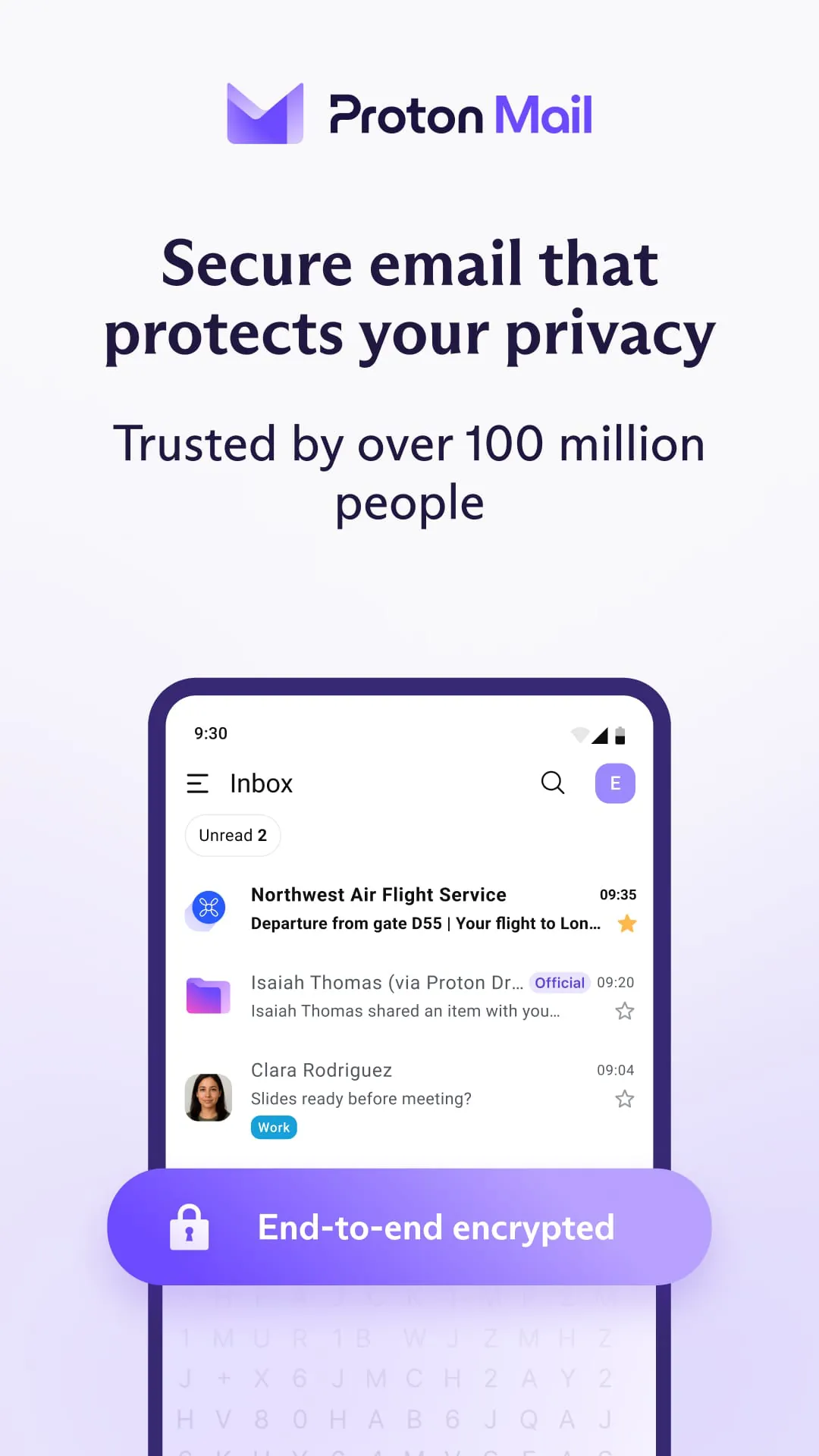
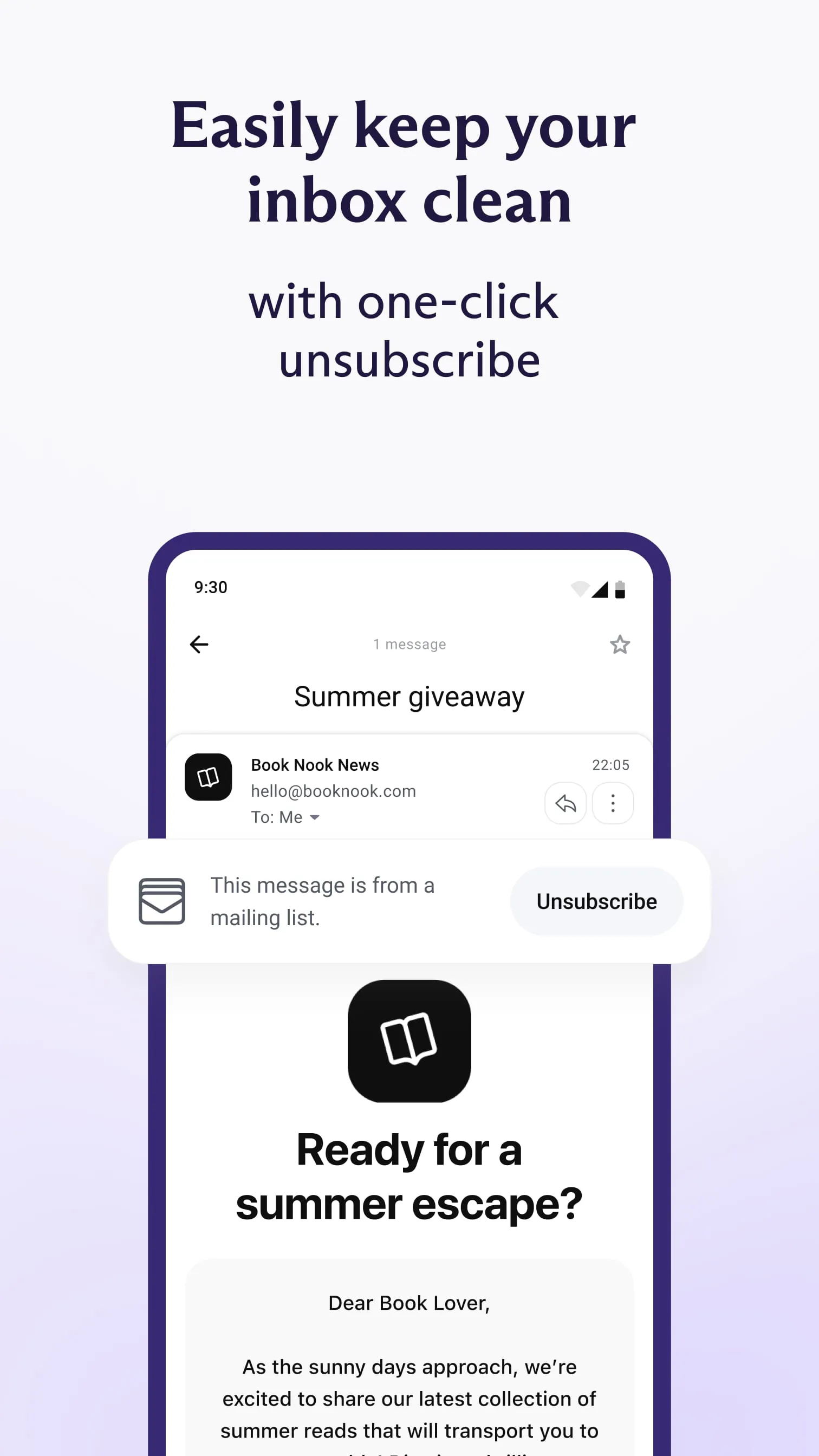
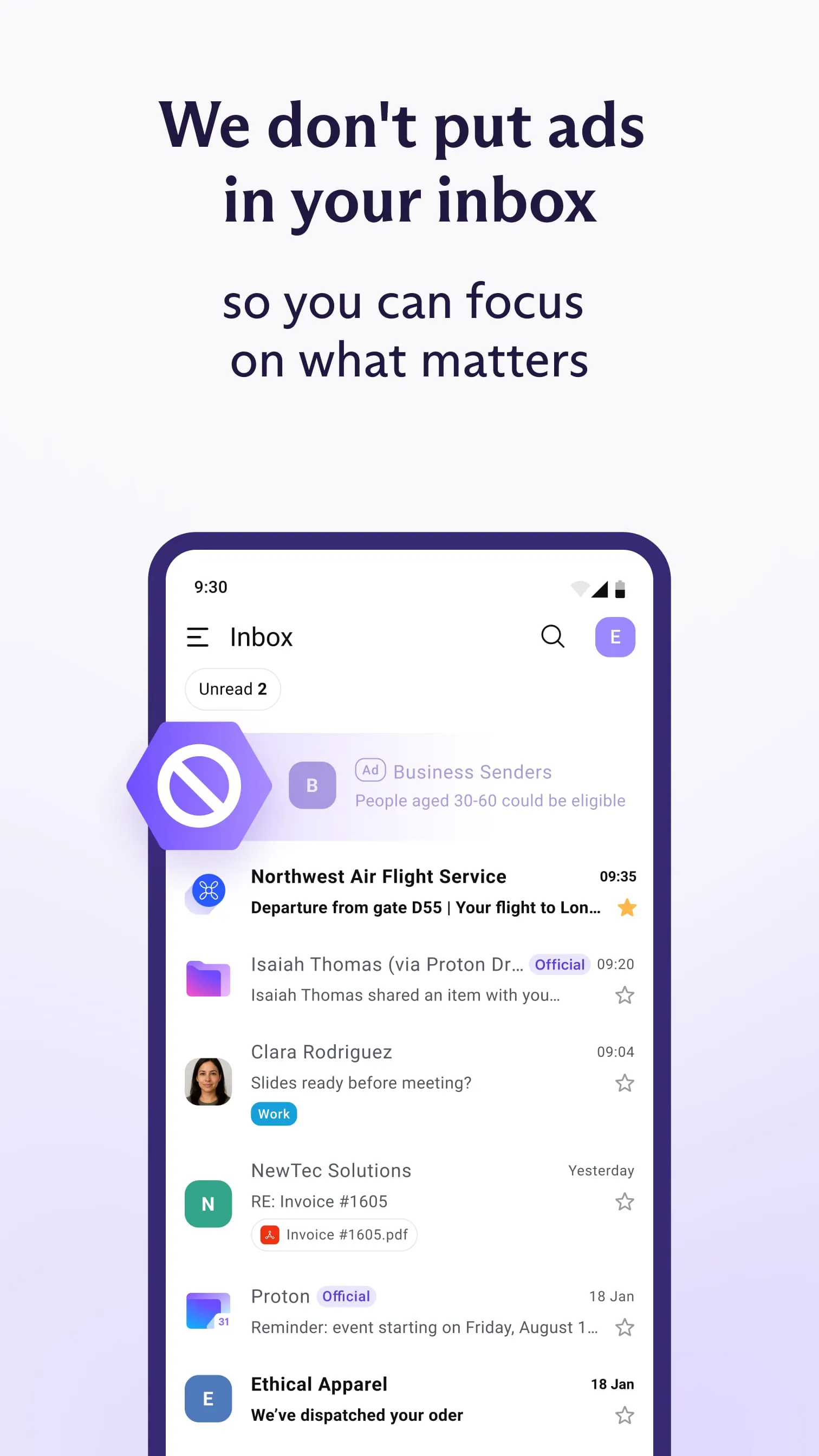
Proton Mail is a secure email service developed by the Swiss company Proton AG, renowned for its strong focus on privacy and end-to-end encryption. It allows users to send and receive emails without their data being tracked, scanned, or sold, positioning itself as a private alternative to mainstream email providers. The service is built on the principle of placing user privacy and data security above all else, operating under strict Swiss privacy laws to offer an additional layer of legal protection.
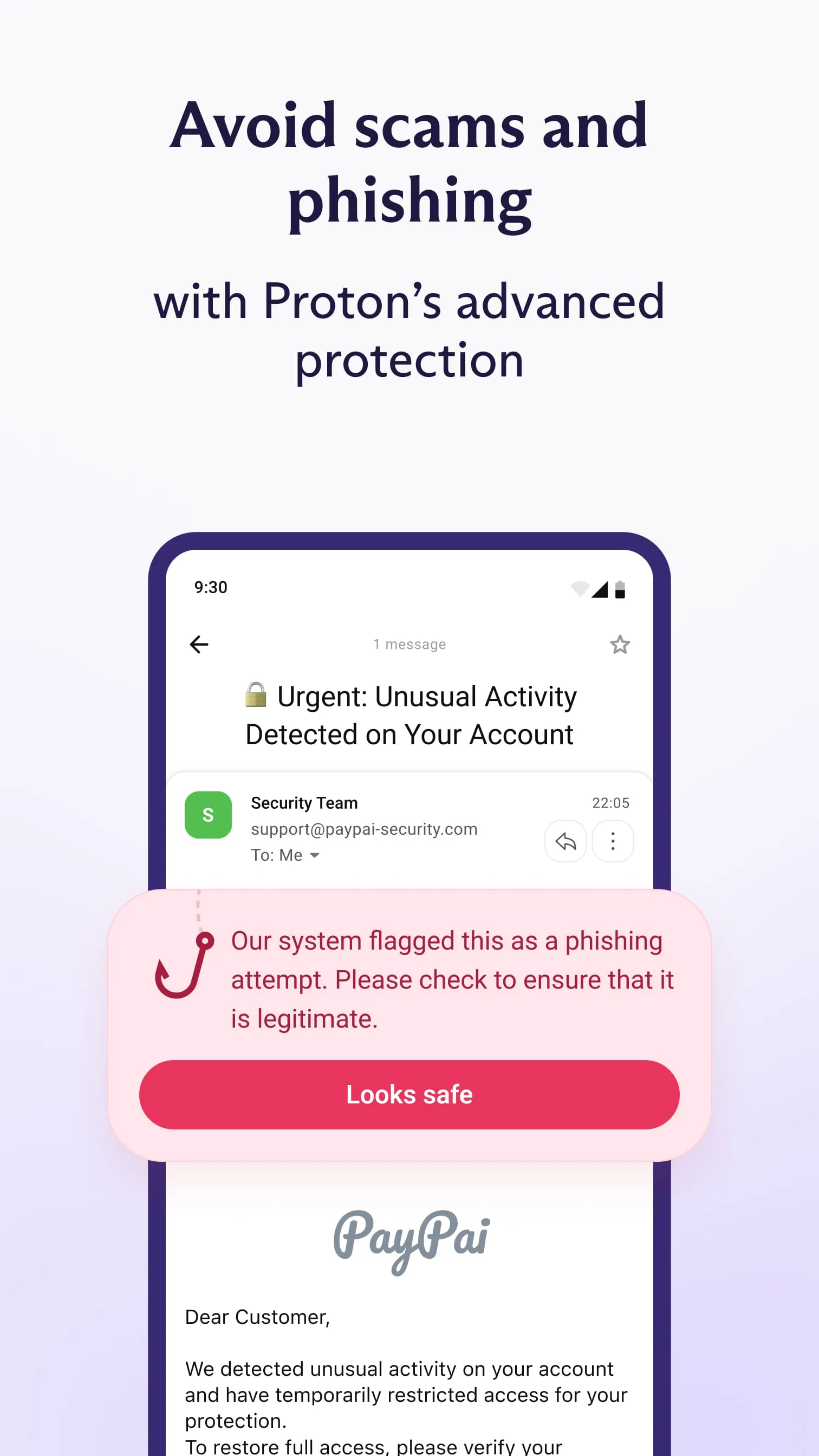
The core appeal of Proton Mail lies in its suite of privacy-centric features. It utilizes end-to-end encryption, which ensures that only the sender and intended recipient can read the contents of an email, with not even Proton Mail itself able to decrypt the messages. Additional notable features include:
Like any service, Proton Mail comes with its own set of advantages and limitations. On the positive side, it offers unparalleled security and privacy for everyday communication, a clear and user-friendly interface, and a strong reputation for trustworthiness within the privacy community. However, some users may find the following points to be drawbacks:
Beyond basic email, Proton Mail provides several important functions designed to protect digital communication. It functions as a complete email client with organizing tools like folders and labels. Crucially, it enables secure communication through its encrypted messaging, which includes the option to set expiration timers on sent emails. The service also offers a secure contact form feature that allows users to receive encrypted messages from anyone via a personal link. For paid users, it integrates seamlessly with other Proton services like Proton Calendar and Proton Drive, creating a unified privacy ecosystem. Additionally, it supports custom domains for professional email addresses.
Click the button "Check All Versions" below to download and install it. To get started, you can simply sign up for a free account directly on the Proton Mail website. After registration, you can immediately begin sending and receiving encrypted emails through their web interface. For regular use, it is recommended to download the official Proton Mail mobile app from your device's app store or set up the account in a dedicated desktop email client like Thunderbird using the provided bridge software for paid plans. The process involves creating your secure inbox, verifying your recovery options, and familiarizing yourself with the security settings to customize your privacy level.
Get Proton Mail from an official store or available APK channel.
ZIP files require a Split APKs Installer (e.g., SAI) from Google Play to install. Steps: 1. Download SAI from Google Play; 2. Open SAI and tap "Install APKs"; 3. Select the ZIP file; 4. Complete installation.
The latest version currently listed by Appspicked is V4.0.10, with information updated on May 19, 2026. Versions may vary by device, region, or rollout schedule, so users should also check Google Play or announcements from Proton AG.
No website can guarantee that an app is completely risk-free. Appspicked recommends downloading Proton Mail only from an official app store or a verified channel operated by Proton AG. Before installing, confirm the developer name, package ID ch.protonmail.android, requested permissions, privacy policy, and download source.
Proton Mail may be unavailable because of regional restrictions, device incompatibility, account or age settings, a temporary removal, a name change, or because it has not been released for that platform. An Android package page does not necessarily mean that an iOS App Store version exists. Check Proton AG’s official website for current availability.
Use Google Play or another official download channel provided by Proton AG whenever possible. Appspicked provides app information and store links, but users should verify the destination domain and publisher before downloading or updating the app.
The information on Appspicked may represent the most recently indexed snapshot. App stores sometimes release updates gradually or display different versions according to region, device, operating system, or testing group. The official store listing should be treated as the final reference.
Proton Mail is listed for Android, with a reported minimum requirement of Not specified. Actual compatibility may also depend on the device model, region, available storage, hardware features, and installed system components.
The initial download may be free, but subscriptions, advertising, paid features, or in-app purchases may still apply. Prices and available purchases can vary by country and version. Check the payment information displayed by Google Play before completing a transaction.
Check the network connection, storage space, operating-system version, account region, and device compatibility. Restart the device and try again through the official store. If the problem continues, consult the support resources provided by Proton AG.









