


V18.0.10

- Package Name
- com.supercell.clashofclans
- Version Name
- V18.0.10
- Version Code
- V18.0.10
- File Size
- 407.64 MB
- Update time
- 2026-2-10



by Supercell
Epic combat strategy game. Build your village, train your troops & go to battle!
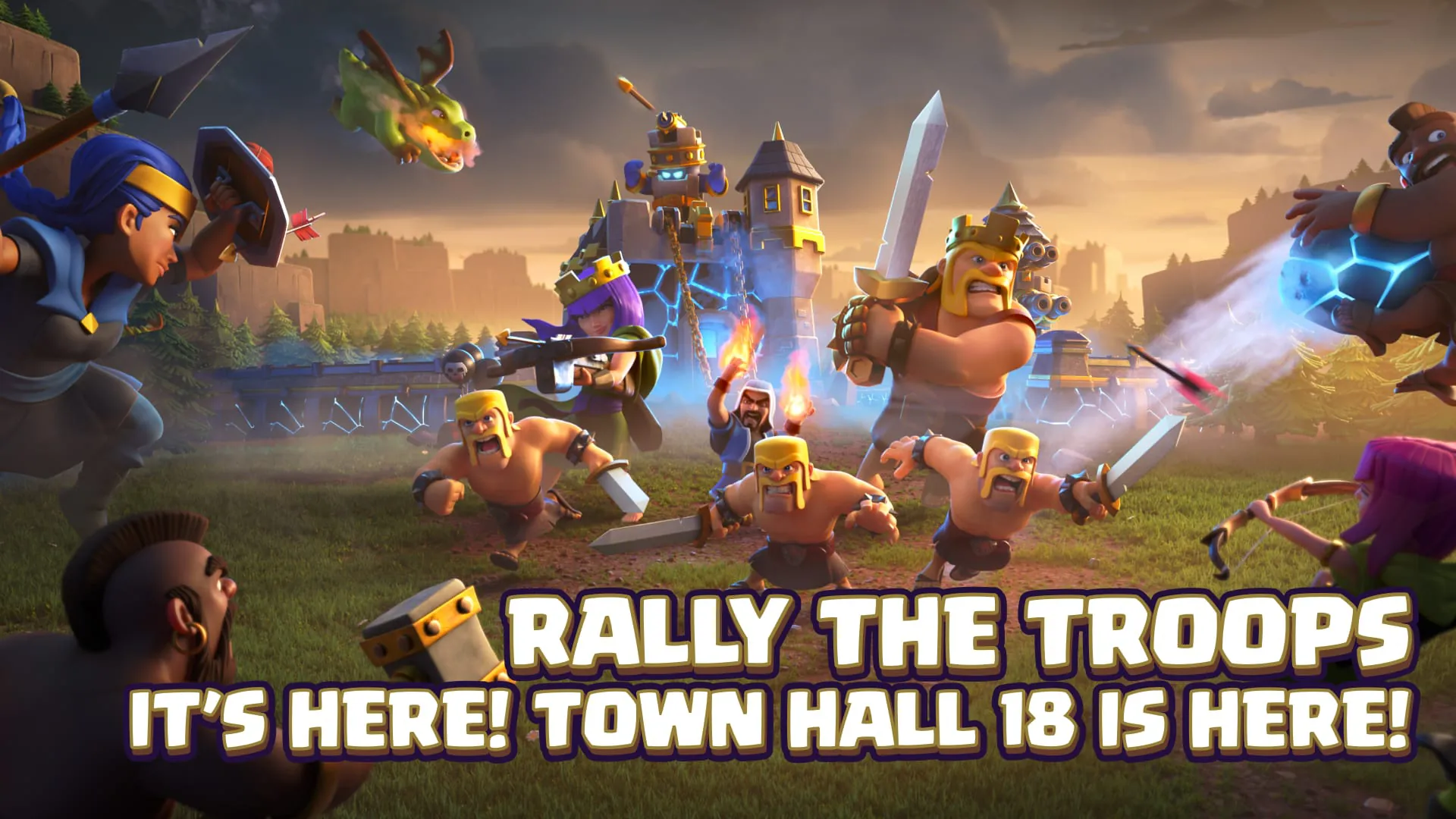
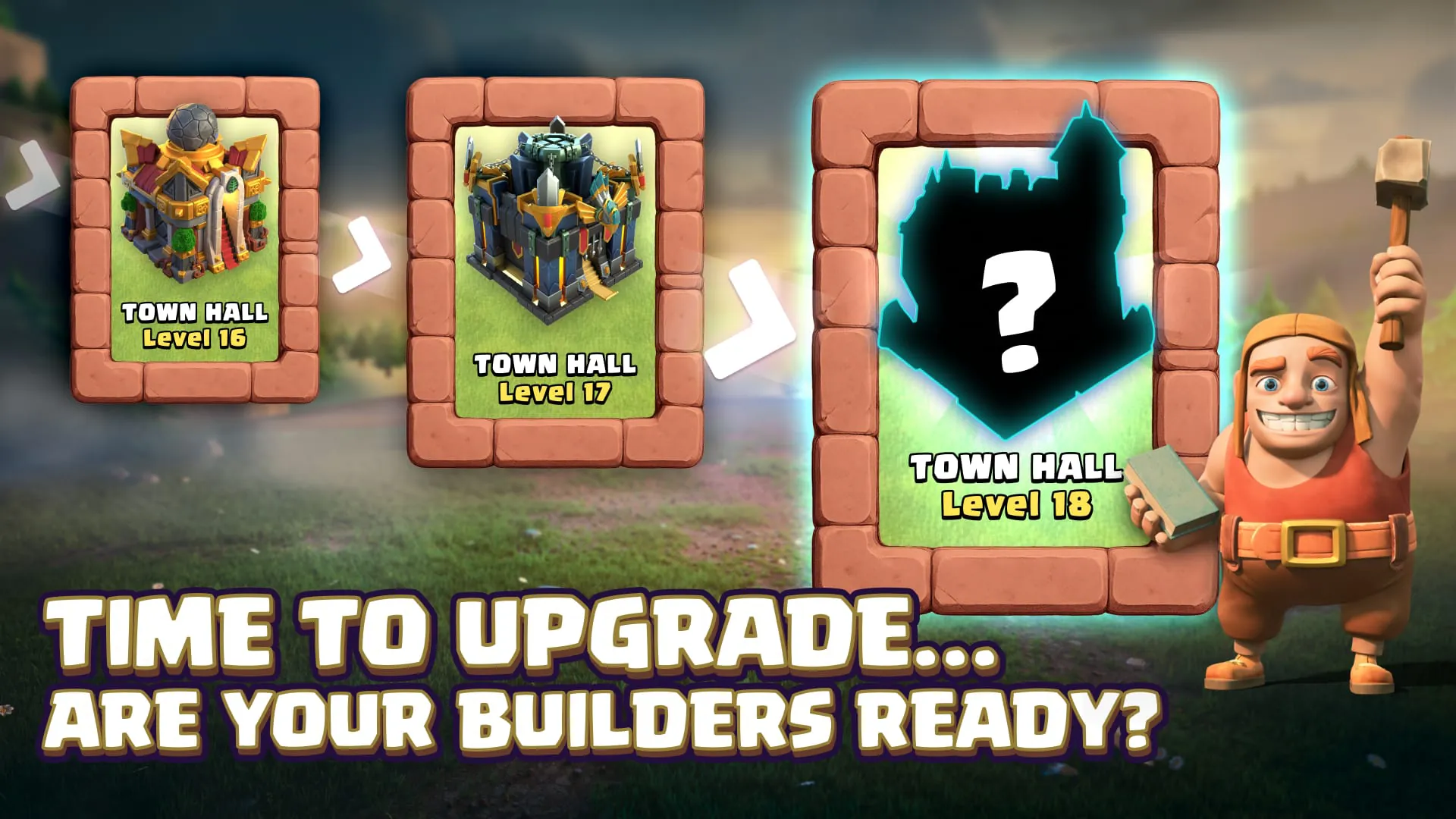
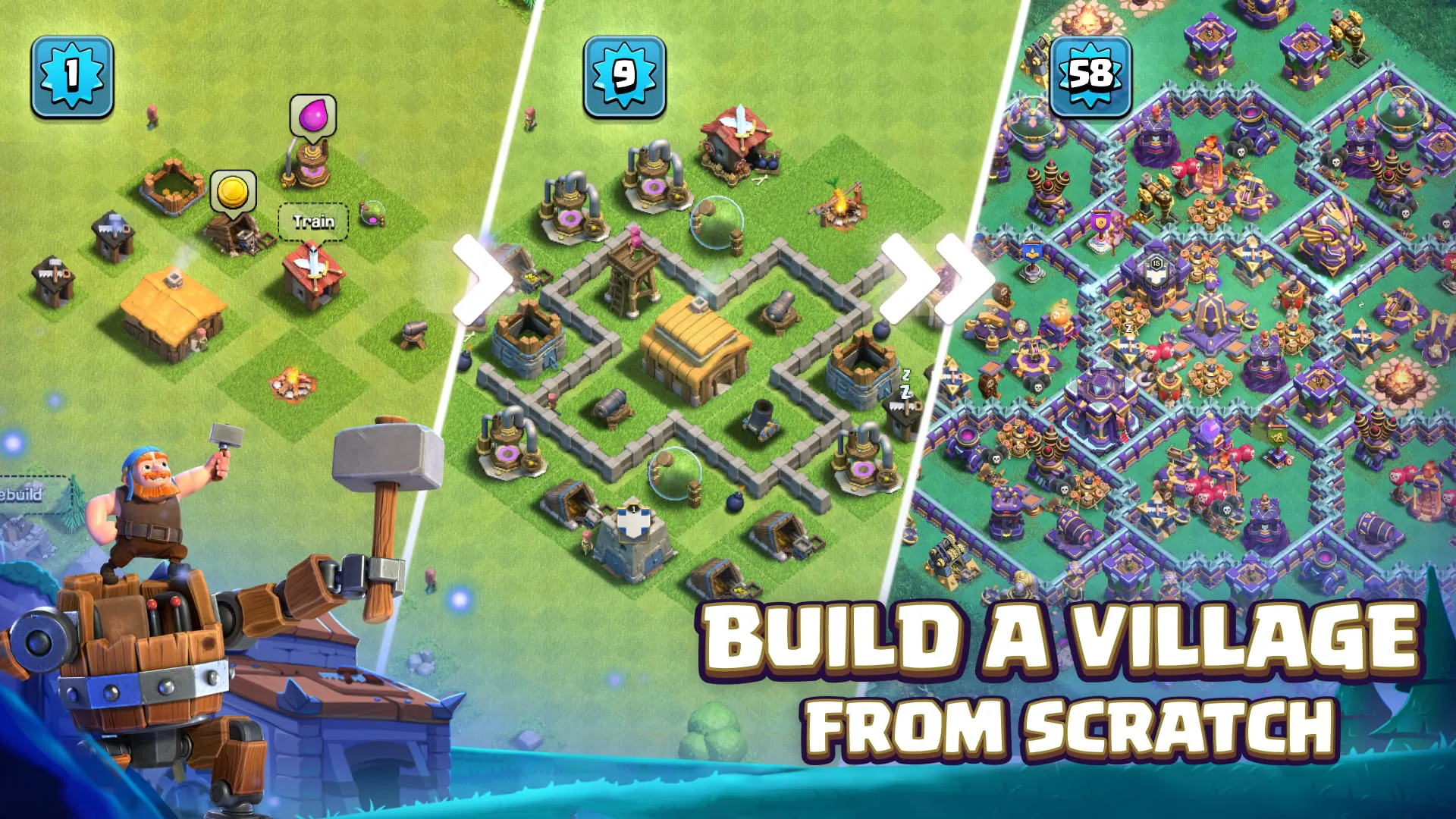
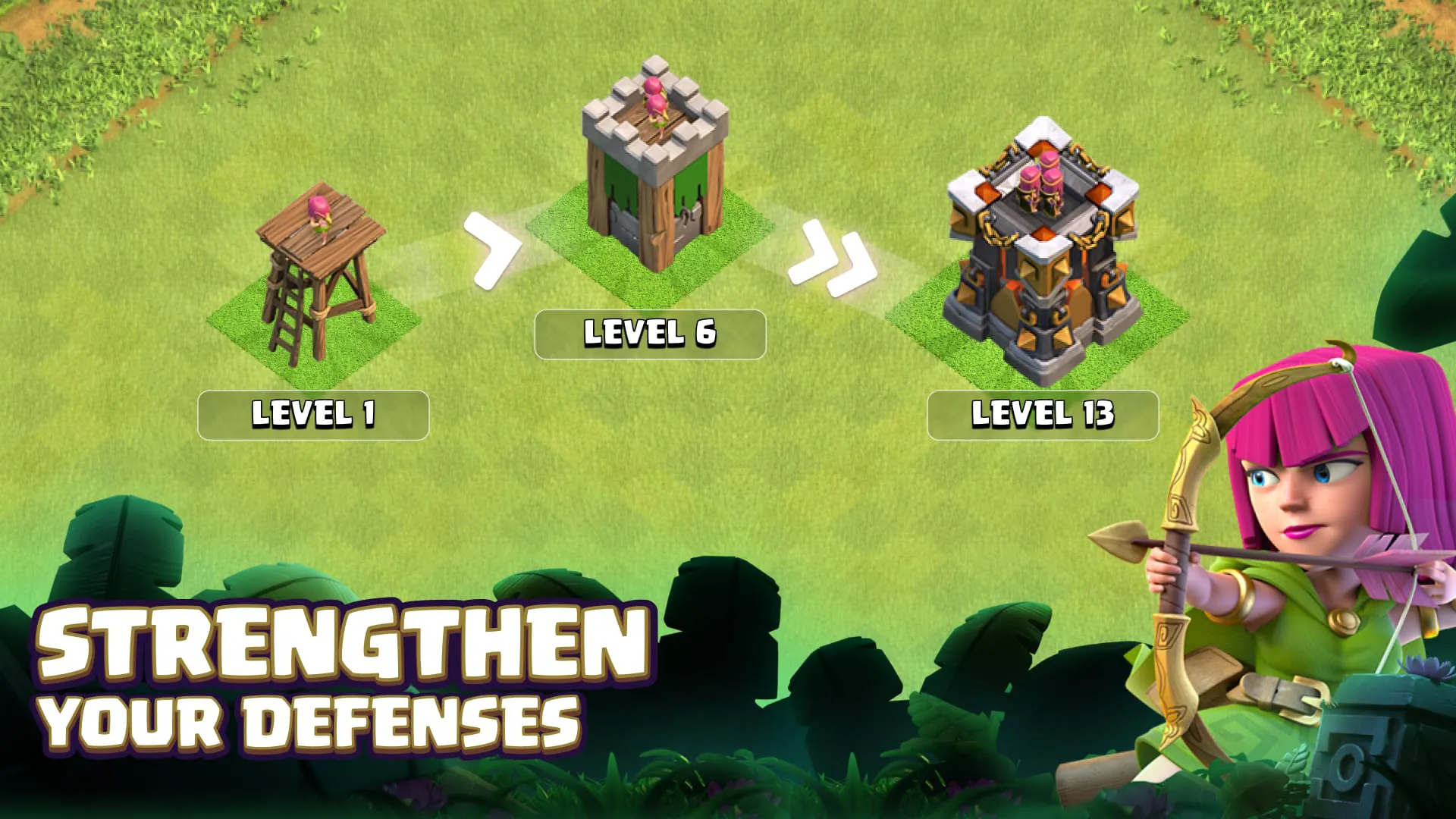
Clash of Clans is a highly popular and enduring mobile strategy game developed by Supercell, where players build and customize their own villages, train diverse troops, and engage in epic combat with millions of players worldwide in a quest for resources and glory.
The game stands out for its deep social and strategic gameplay. It combines base building, resource management, and real-time tactics. Players can join or create clans to collaborate with others, participate in Clan Wars for massive rewards, and take on cooperative Clan Games and challenging Raid Weekends. The constant addition of new troops, defenses, and Hero characters keeps the meta-game fresh and engaging for both casual and competitive players.
Clash of Clans provides a comprehensive suite of functions that drive its core loop. Primary functions include constructing and upgrading buildings like Town Halls, defenses, and resource collectors. Players train armies using a Barracks, Spell Factory, and Siege Machine Workshop. The game facilitates player-versus-player battles for loot, intricate Clan management with chat and donations, and large-scale Clan Wars. Additional functions encompass a single-player campaign, Builder Base for a separate battle experience, and a seasonal Battle Pass system that rewards regular play.
Click the button "Check All Versions" below to download and install it. Once installed, launch the game and follow the initial tutorial, which will guide you through building your first structures and attacking. The key to advancement is to consistently collect resources from your mines and pumps, shield your resources with well-designed walls and defenses, and keep your Builders busy with upgrades. Join an active clan as soon as possible to request troop reinforcements and learn from experienced members. Plan your upgrades strategically, prioritizing your offensive capabilities like Army Camps and Laboratory to strengthen your attacks, which are the primary source of major resources.
Get Clash of Clans from an official store or available APK channel.
ZIP files require a Split APKs Installer (e.g., SAI) from Google Play to install. Steps: 1. Download SAI from Google Play; 2. Open SAI and tap "Install APKs"; 3. Select the ZIP file; 4. Complete installation.
The latest version currently listed by Appspicked is V16.0.25, with information updated on May 14, 2026. Versions may vary by device, region, or rollout schedule, so users should also check Google Play / App Store or announcements from Supercell.
No website can guarantee that an app is completely risk-free. Appspicked recommends downloading Clash of Clans only from an official app store or a verified channel operated by Supercell. Before installing, confirm the developer name, package ID com.supercell.clashofclans, requested permissions, privacy policy, and download source.
Clash of Clans may be unavailable because of regional restrictions, device incompatibility, account or age settings, a temporary removal, a name change, or because it has not been released for that platform. An Android package page does not necessarily mean that an iOS App Store version exists. Check Supercell’s official website for current availability.
Use Google Play / App Store or another official download channel provided by Supercell whenever possible. Appspicked provides app information and store links, but users should verify the destination domain and publisher before downloading or updating the app.
The information on Appspicked may represent the most recently indexed snapshot. App stores sometimes release updates gradually or display different versions according to region, device, operating system, or testing group. The official store listing should be treated as the final reference.
Clash of Clans is listed for Android / iOS, with a reported minimum requirement of Not specified. Actual compatibility may also depend on the device model, region, available storage, hardware features, and installed system components.
The initial download may be free, but subscriptions, advertising, paid features, or in-app purchases may still apply. Prices and available purchases can vary by country and version. Check the payment information displayed by Google Play / App Store before completing a transaction.
Check the network connection, storage space, operating-system version, account region, and device compatibility. Restart the device and try again through the official store. If the problem continues, consult the support resources provided by Supercell.









