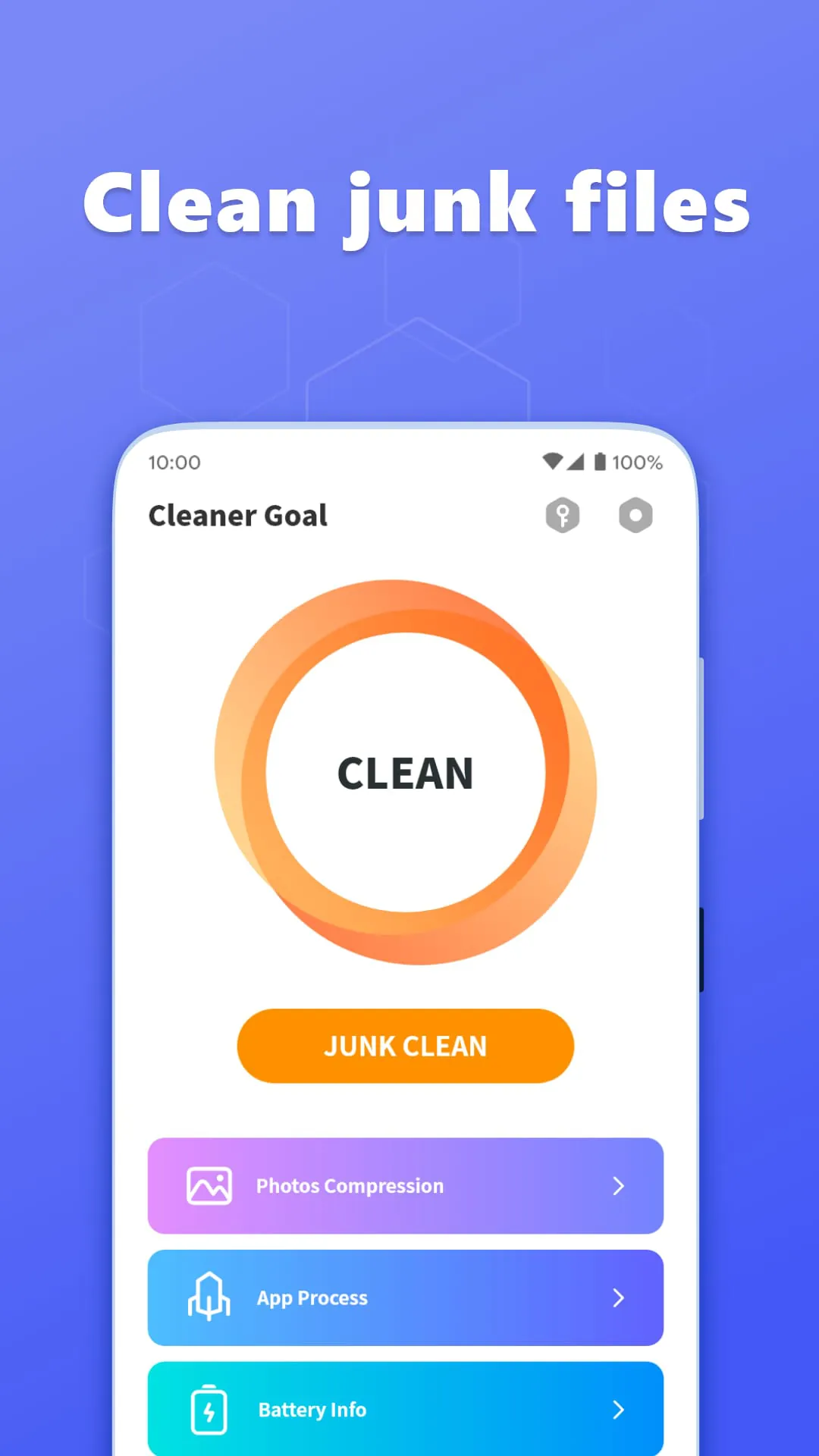
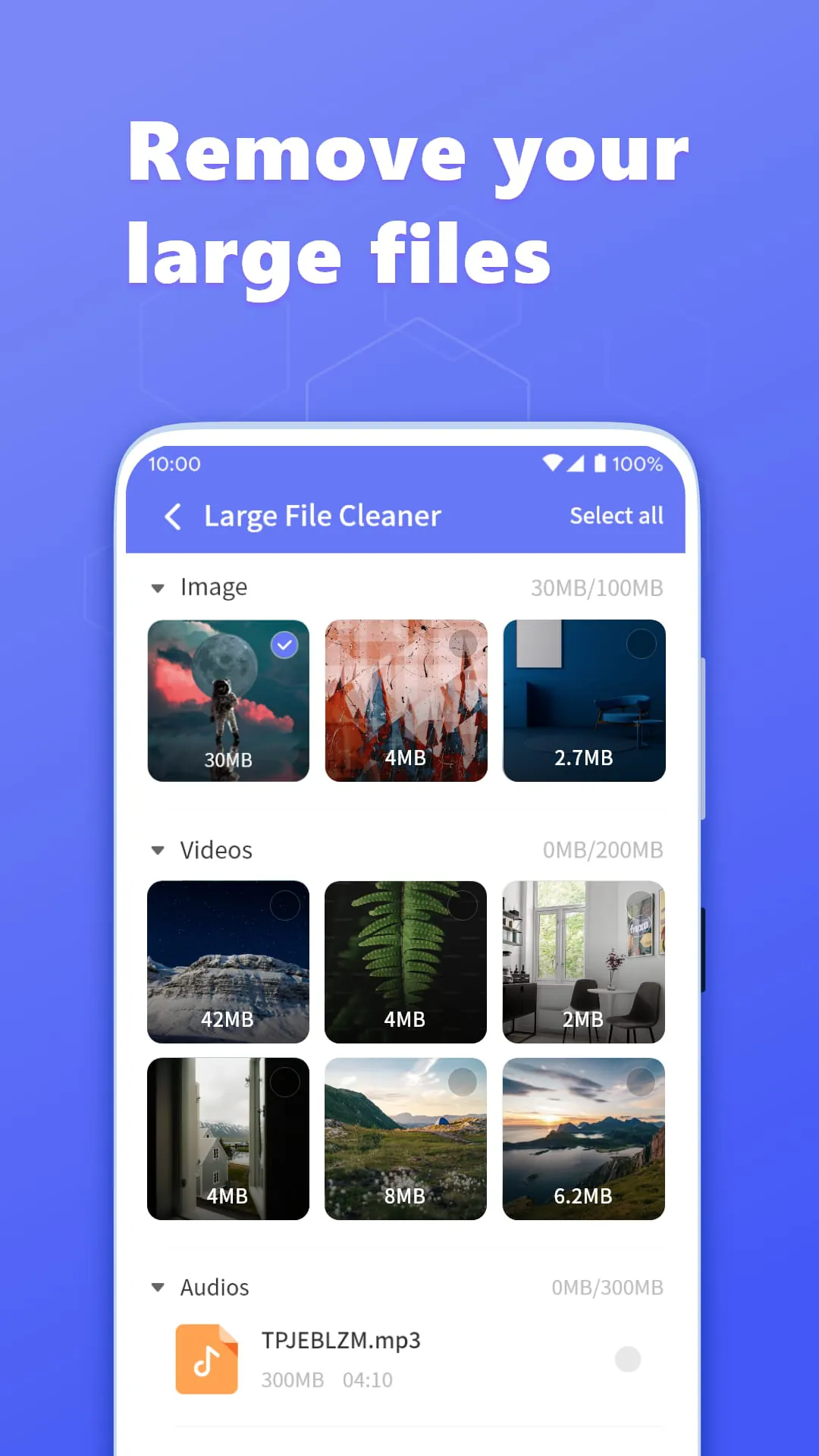
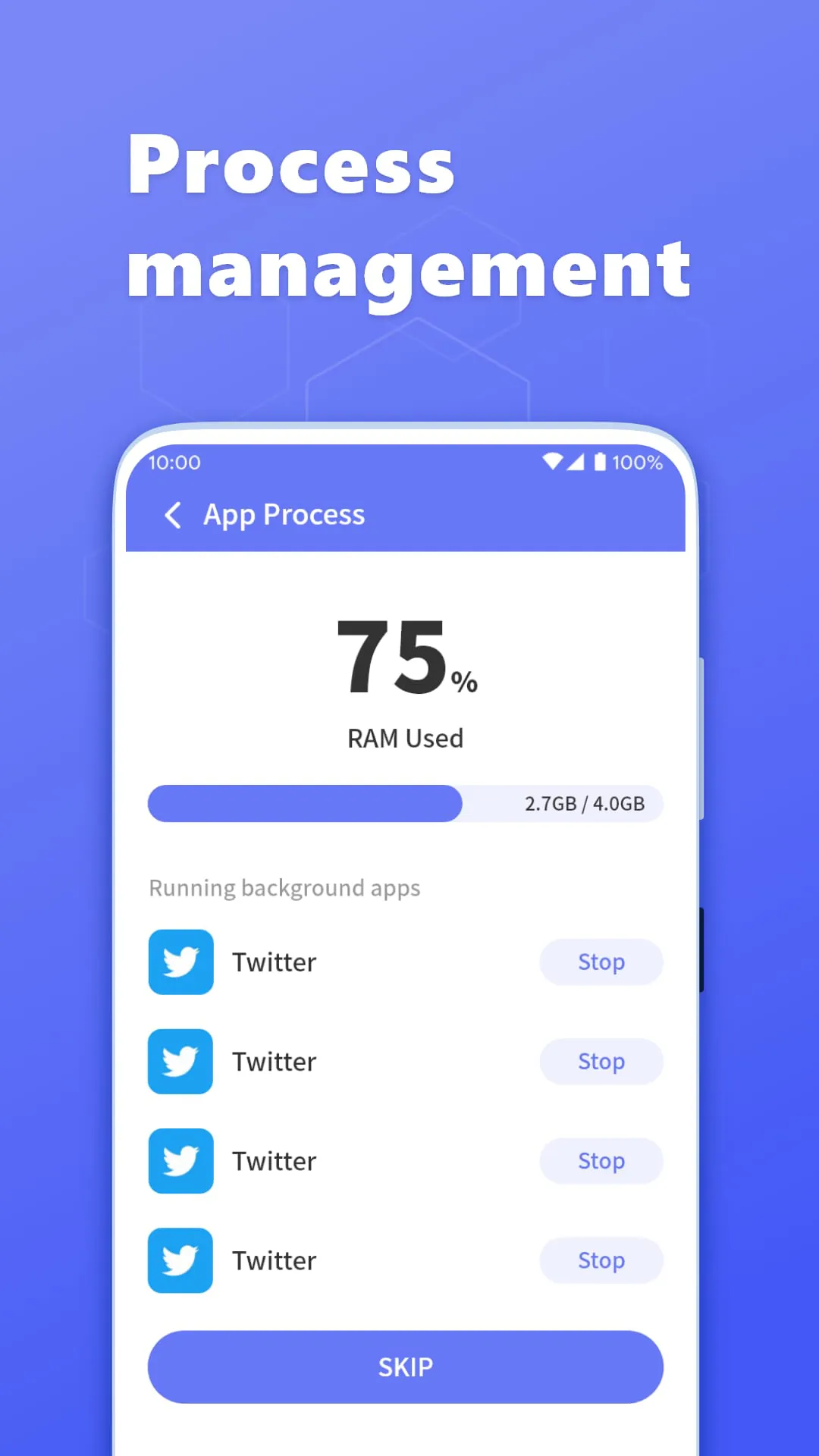
Cleaner Goal is presented as a free and secure tool designed to enhance file management and device performance by accelerating file processing, simplifying organization, and removing junk files. The application's core functionality revolves around several key features aimed at optimizing the user's experience and maintaining device efficiency. One of the primary features is the automatic categorization of various file types, including images, tools, videos, music, documents, and applications. This automatic classification system allows users to quickly browse and locate specific files without having to manually sort through numerous folders. The application provides a streamlined interface for managing these files, enabling users to swiftly move, delete, open, and share files. In addition to these basic functions, users can also rename and copy files directly within the application. This comprehensive file management capability ensures that users have complete control over their digital content, making it easier to organize and maintain their files. Furthermore, Cleaner Goal offers a feature to efficiently display and manage all applications installed on the local device. This functionality allows users to view all installed applications in one place, providing a convenient way to monitor and manage their app collection. Users can easily uninstall or update applications as needed, ensuring that their device remains optimized and free from unnecessary software. The application also provides detailed storage statistics, offering insights into how storage space is being utilized on the device. This feature allows users to identify which types of files are consuming the most storage space, enabling them to make informed decisions about which files to delete or move to external storage. The ability to manage all folders on the device further enhances the application's file management capabilities, providing users with a comprehensive overview of their storage structure. Cleaner Goal also includes a thorough scanning function that identifies temporary files and residual data on the phone. This feature is designed to remove unnecessary files that accumulate over time, freeing up valuable storage space and improving device performance. With a single click, users can clear these junk files, ensuring that their device remains optimized and efficient. Additionally, the application offers a notification clearing feature that helps users maintain a tidy notification bar. By quickly clearing clutter notifications, Cleaner Goal ensures that users can easily access important information without being overwhelmed by irrelevant notifications. This feature contributes to a more streamlined and efficient user experience. Overall, Cleaner Goal aims to provide a comprehensive solution for file management and device optimization, offering a range of features designed to enhance user experience and maintain device performance.
The application's design emphasizes simplicity and efficiency, featuring a user-friendly interface that is both simple and refined. This design choice ensures that users can easily navigate the application and access its various features without encountering unnecessary complexity. The focus on simplicity makes Cleaner Goal accessible to a wide range of users, regardless of their technical expertise. The application's efficiency is reflected in its ability to quickly and effectively manage files and optimize device performance. The automatic categorization of files, the streamlined file management interface, and the thorough scanning function all contribute to the application's overall efficiency. By automating many of the tasks associated with file management and device optimization, Cleaner Goal saves users time and effort, allowing them to focus on other important activities. The application's ability to display and manage installed applications provides users with a comprehensive overview of their app collection, enabling them to easily uninstall or update applications as needed. This feature helps users maintain an organized and optimized device, ensuring that their app collection remains manageable and efficient. The detailed storage statistics provided by Cleaner Goal offer valuable insights into how storage space is being utilized on the device. This information allows users to make informed decisions about which files to delete or move to external storage, freeing up valuable storage space and improving device performance. The application's ability to manage all folders on the device further enhances its file management capabilities, providing users with a comprehensive overview of their storage structure. This feature allows users to easily navigate and organize their files, ensuring that their device remains well-organized and efficient. Cleaner Goal's notification clearing feature helps users maintain a tidy notification bar, ensuring that they can easily access important information without being overwhelmed by irrelevant notifications. This feature contributes to a more streamlined and efficient user experience, allowing users to focus on the tasks at hand without being distracted by unnecessary notifications. Overall, Cleaner Goal's emphasis on simplicity and efficiency makes it an attractive option for users seeking a comprehensive solution for file management and device optimization.
In summary, Cleaner Goal positions itself as a valuable tool for users seeking to optimize their device performance and simplify file management. Its range of features, including automatic file categorization, efficient file management, application management, detailed storage statistics, junk file removal, and notification clearing, provide a comprehensive solution for maintaining a well-organized and optimized device. The application's user-friendly interface and emphasis on simplicity make it accessible to a wide range of users, regardless of their technical expertise. Cleaner Goal's ability to automatically categorize files simplifies the process of locating and managing different types of content, while its streamlined file management interface allows users to quickly move, delete, open, share, rename, and copy files. The application's ability to display and manage installed applications provides users with a convenient way to monitor and manage their app collection, ensuring that their device remains optimized and free from unnecessary software. The detailed storage statistics offered by Cleaner Goal provide valuable insights into how storage space is being utilized on the device, allowing users to make informed decisions about which files to delete or move to external storage. The application's junk file removal feature helps users free up valuable storage space and improve device performance by scanning and clearing temporary files and residual data. Cleaner Goal's notification clearing feature contributes to a more streamlined and efficient user experience by helping users maintain a tidy notification bar. By quickly clearing clutter notifications, the application ensures that users can easily access important information without being overwhelmed by irrelevant notifications. For users seeking an efficient app with complete functions and a simple, refined interface, Cleaner Goal presents itself as a good choice. The application's comprehensive features and user-friendly design make it an attractive option for those looking to optimize their device performance and simplify file management.