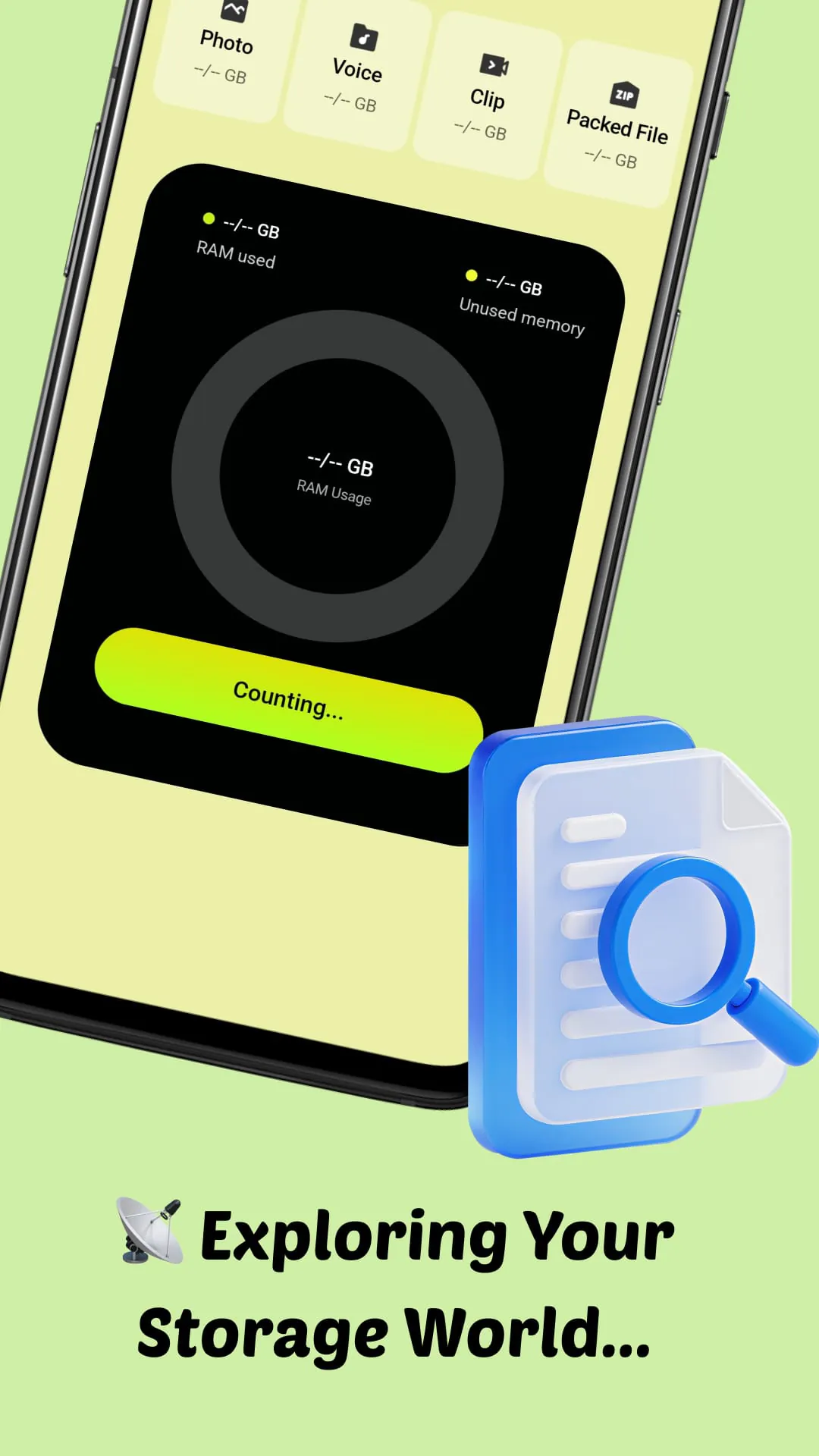
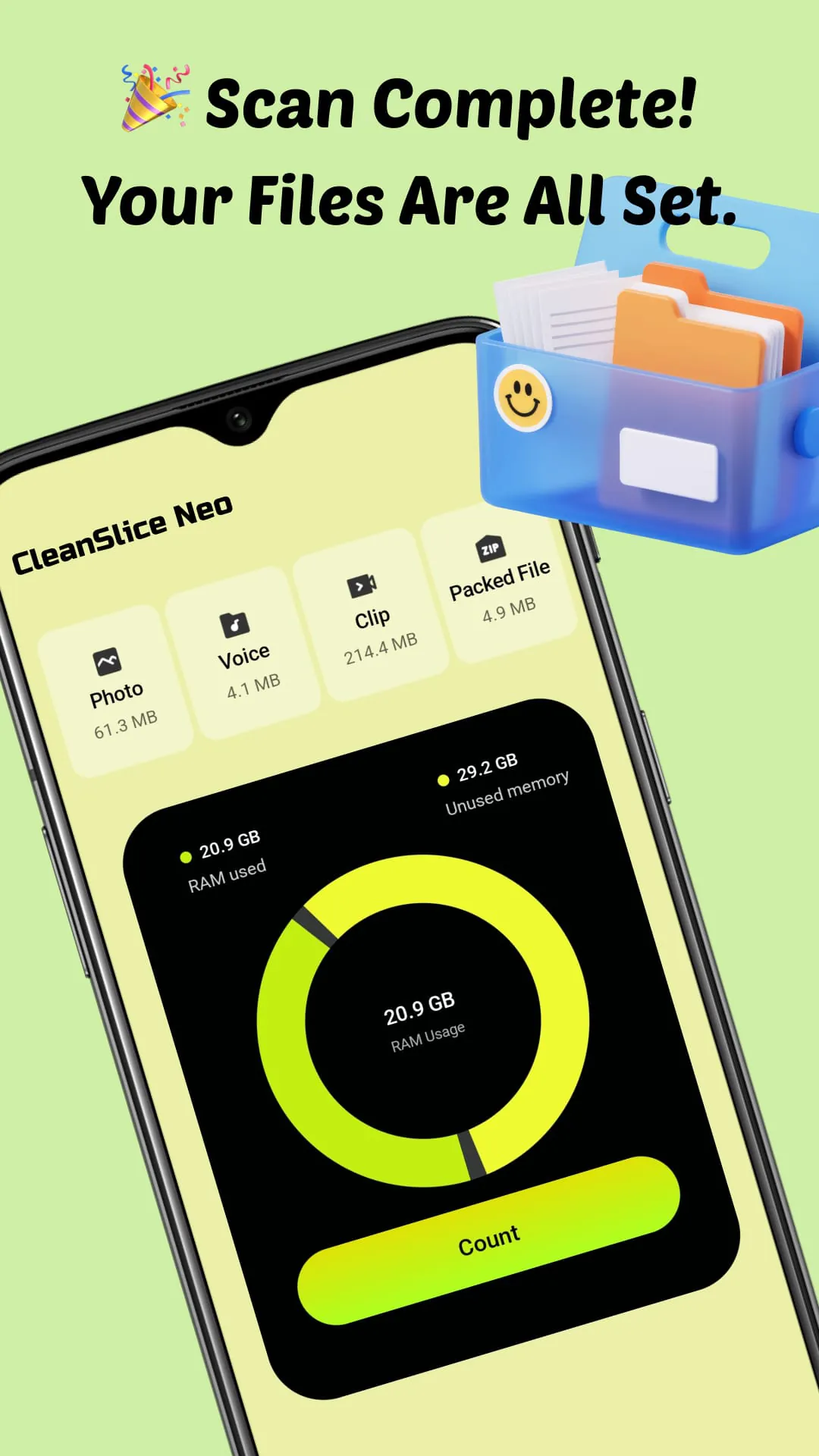
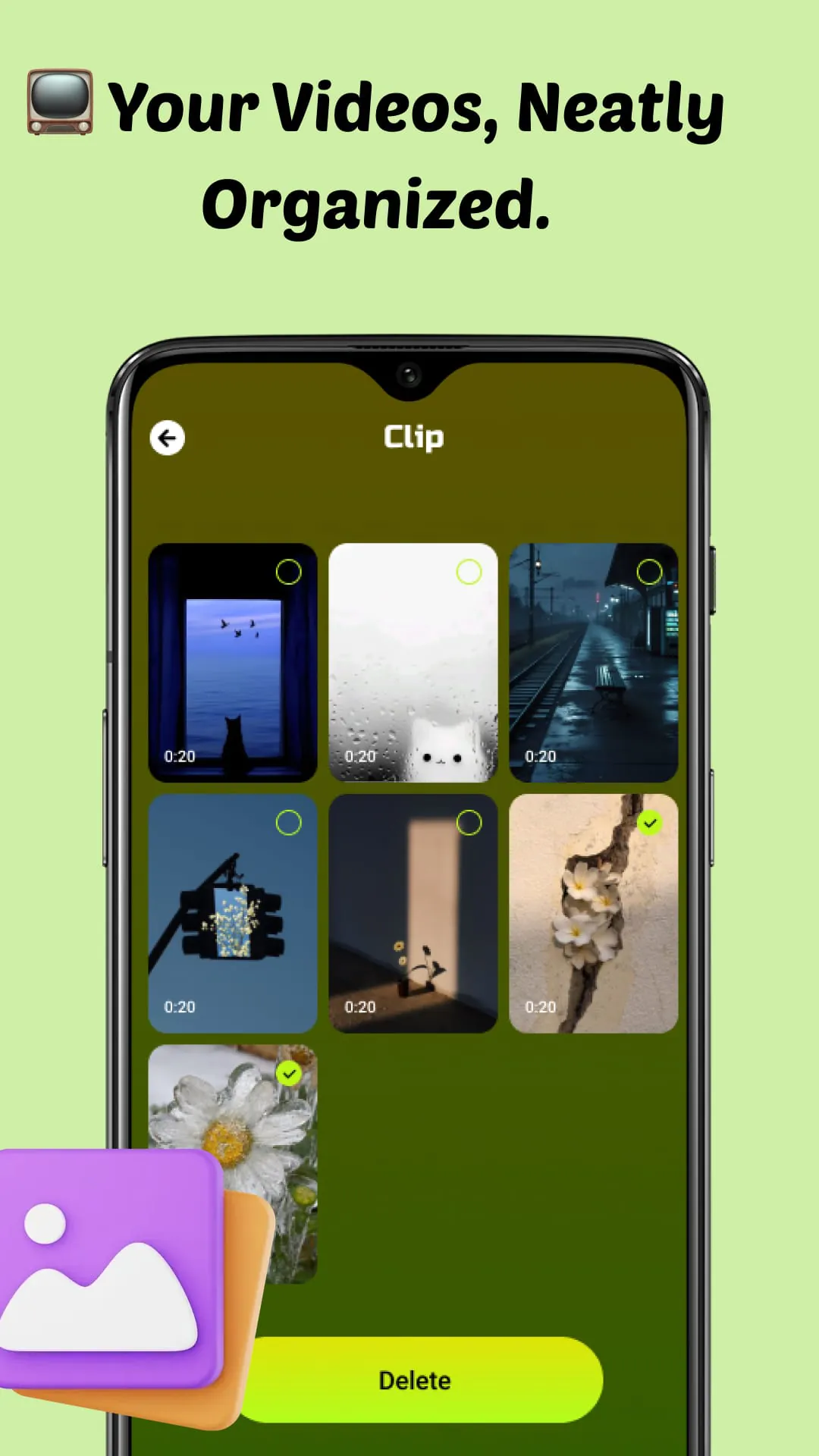
CleanSlice Neo is presented as a user-friendly application designed to empower users with comprehensive control over their device's storage. It addresses the common challenge of managing and organizing the ever-growing accumulation of files on smartphones, offering a centralized and intuitive interface to navigate and optimize storage space. The application's core functionality revolves around providing clarity and ease of use in managing various file types, including photos, videos, audio clips, and compressed archives. By consolidating all files into a single, well-organized interface, CleanSlice Neo aims to simplify the often-cumbersome process of locating, categorizing, and managing digital content. The application's features are specifically tailored to provide users with a clear understanding of their device's storage usage, enabling them to make informed decisions about which files to keep, delete, or archive. The scanning and analysis function instantly calculates the total storage usage and provides a detailed breakdown of the space occupied by each file type, offering valuable insights into storage allocation. This granular view allows users to identify storage hogs and prioritize cleanup efforts accordingly. Furthermore, the intelligent organization feature automatically categorizes media and documents, facilitating quick access and retrieval. This eliminates the need for manual sorting and folder management, saving users time and effort. The cleanup function further enhances storage optimization by enabling users to effortlessly delete unnecessary or duplicate files, freeing up valuable storage space. The application's emphasis on local processing ensures speed and privacy, as all tasks are performed directly on the device without transmitting data to external servers. This commitment to user privacy is a key differentiator, providing reassurance that personal information remains secure. CleanSlice Neo's developers emphasize the importance of user ownership and control over their files, positioning the application as a tool that empowers users to manage their digital content in a simple, secure, and satisfying manner. The application's design philosophy centers on providing a seamless and intuitive user experience, making storage management accessible to users of all technical skill levels. By offering a comprehensive suite of features in a user-friendly package, CleanSlice Neo aims to alleviate the frustrations associated with device storage management and promote a more organized and efficient digital lifestyle. The application's focus on privacy, ease of use, and comprehensive functionality positions it as a valuable tool for anyone seeking to optimize their device's storage and maintain control over their digital content.
The core value proposition of CleanSlice Neo lies in its ability to simplify and streamline the process of managing digital content on mobile devices. The application addresses the growing challenge of storage scarcity, which is a common concern for smartphone users who accumulate large quantities of photos, videos, and other files. By providing a centralized and intuitive interface for organizing and managing files, CleanSlice Neo empowers users to take control of their device's storage and optimize its performance. The application's features are designed to be both comprehensive and user-friendly, catering to a wide range of users with varying levels of technical expertise. The scanning and analysis function provides users with a clear understanding of their device's storage usage, enabling them to identify storage bottlenecks and prioritize cleanup efforts. The intelligent organization feature automatically categorizes files, eliminating the need for manual sorting and folder management. The cleanup function allows users to effortlessly delete unnecessary or duplicate files, freeing up valuable storage space. These features work in concert to provide a holistic storage management solution that simplifies the process of organizing, managing, and optimizing digital content. Furthermore, CleanSlice Neo's emphasis on privacy is a key differentiator in the competitive mobile application market. The application performs all tasks locally, ensuring that user data remains on the device and is not transmitted to external servers. This commitment to privacy is particularly important in an era of increasing concerns about data security and surveillance. By prioritizing user privacy, CleanSlice Neo builds trust and reinforces its commitment to providing a secure and reliable storage management solution. The application's developers understand that users are increasingly concerned about the privacy of their personal data, and they have designed CleanSlice Neo to address these concerns. The application's local processing architecture ensures that user data is not exposed to the risks associated with cloud storage or external data centers. This provides users with peace of mind knowing that their personal information is protected.
CleanSlice Neo's design philosophy centers on providing a seamless and intuitive user experience, making storage management accessible to users of all technical skill levels. The application's interface is clean, uncluttered, and easy to navigate, even for users who are not familiar with storage management concepts. The application's features are clearly labeled and logically organized, making it easy for users to find and use the tools they need. The application also provides helpful tips and guidance to assist users in optimizing their device's storage. CleanSlice Neo's developers have carefully considered the needs of their target audience and have designed the application to be as user-friendly as possible. The application's simplicity and ease of use are key factors in its appeal to a wide range of users. In addition to its user-friendly design, CleanSlice Neo also offers a comprehensive suite of features that address the full spectrum of storage management needs. The application's scanning and analysis function provides users with a detailed understanding of their device's storage usage, enabling them to identify storage bottlenecks and prioritize cleanup efforts. The intelligent organization feature automatically categorizes files, eliminating the need for manual sorting and folder management. The cleanup function allows users to effortlessly delete unnecessary or duplicate files, freeing up valuable storage space. These features work in concert to provide a holistic storage management solution that simplifies the process of organizing, managing, and optimizing digital content. CleanSlice Neo's combination of user-friendly design and comprehensive functionality makes it a valuable tool for anyone seeking to optimize their device's storage and maintain control over their digital content. The application's focus on privacy, ease of use, and comprehensive functionality positions it as a leading solution in the mobile storage management market.