


V18.24

- Package Name
- cn.wps.moffice_eng
- Version Name
- V18.24
- Version Code
- V18.24
- File Size
- 110.42 MB
- Update time
- 2026-1-6



by WPS SOFTWARE PTE. LTD.
Edit PDF, Word, Docs & Excel. Scan Files, Convert PDF & Write with AI.
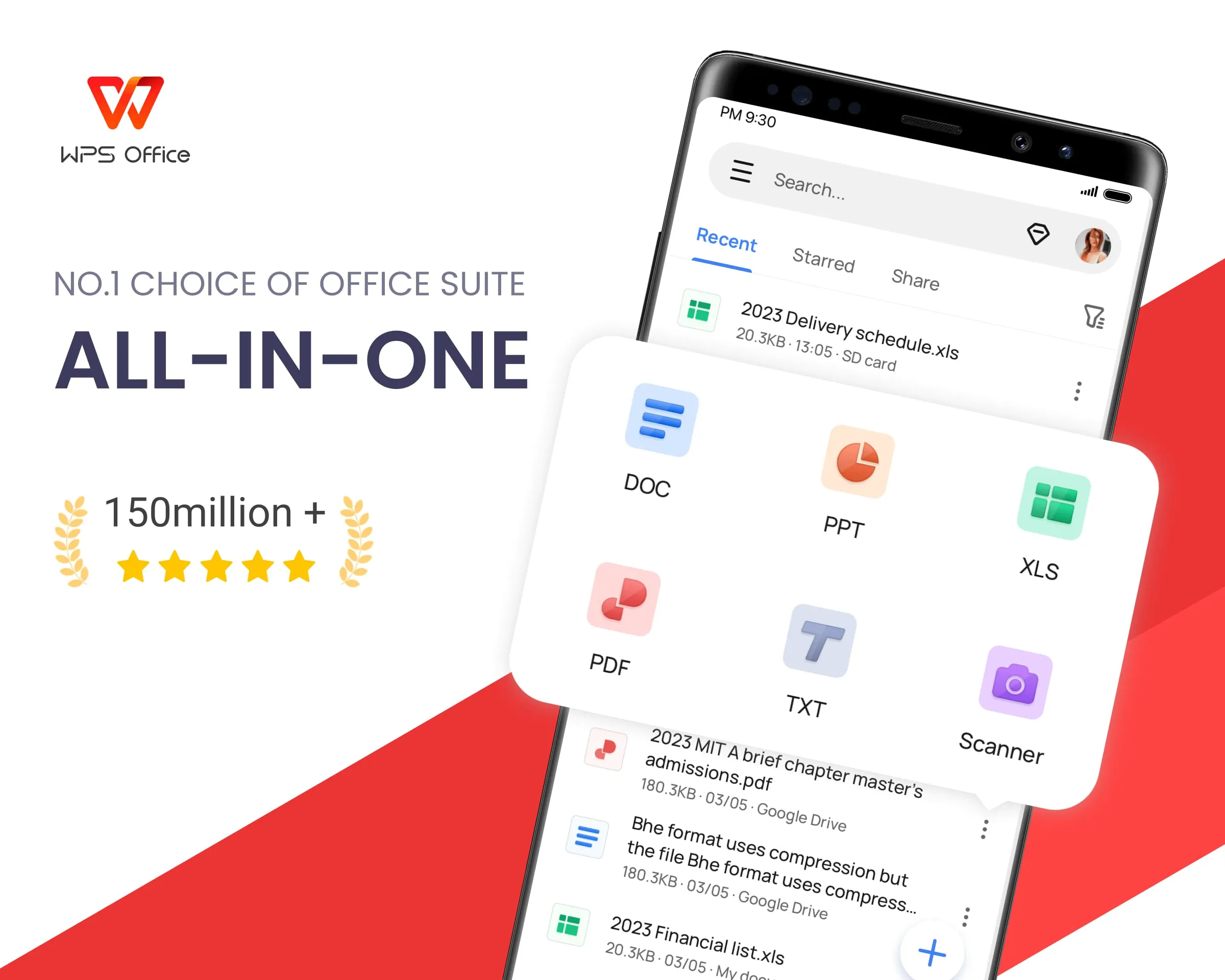
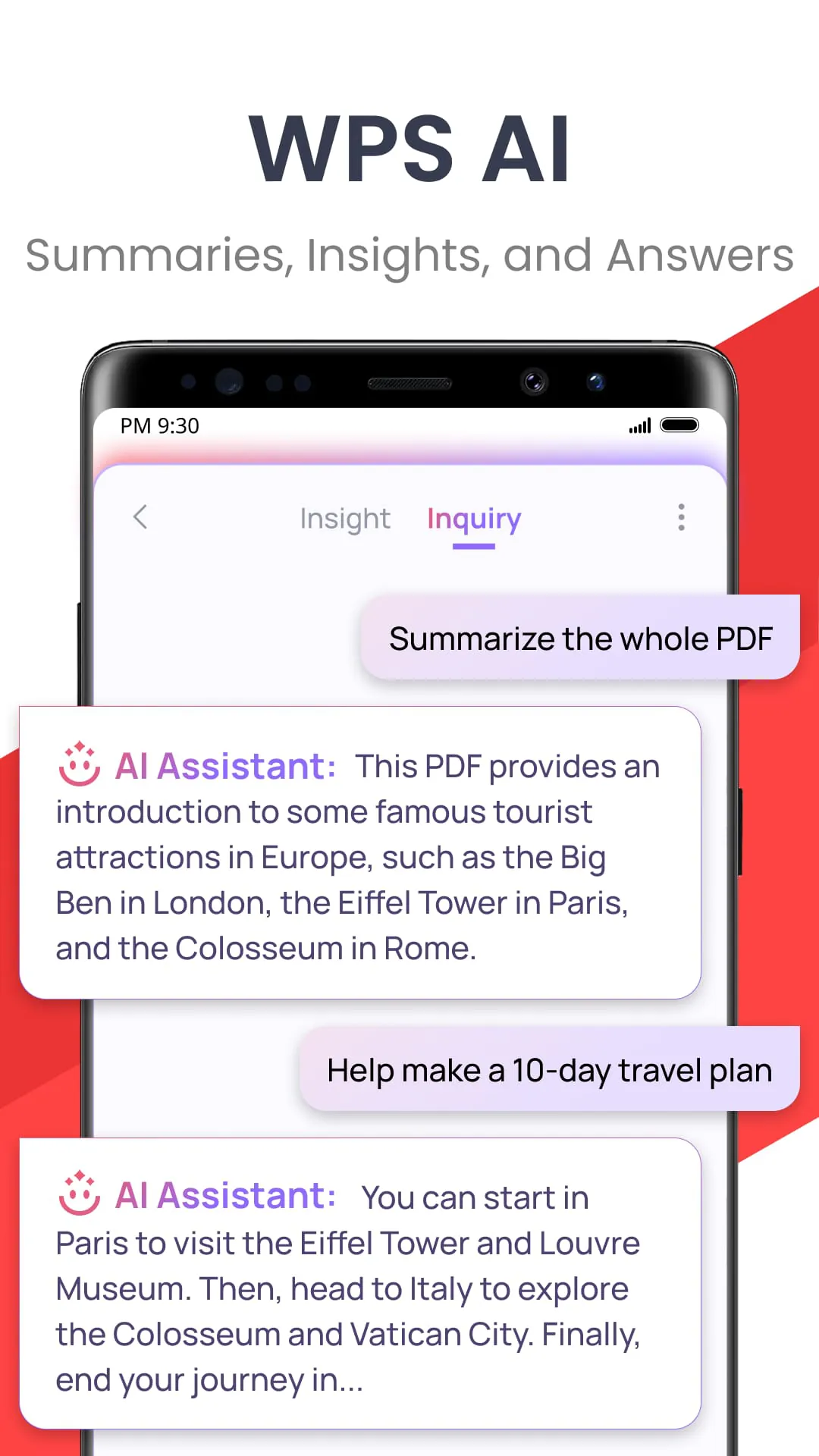
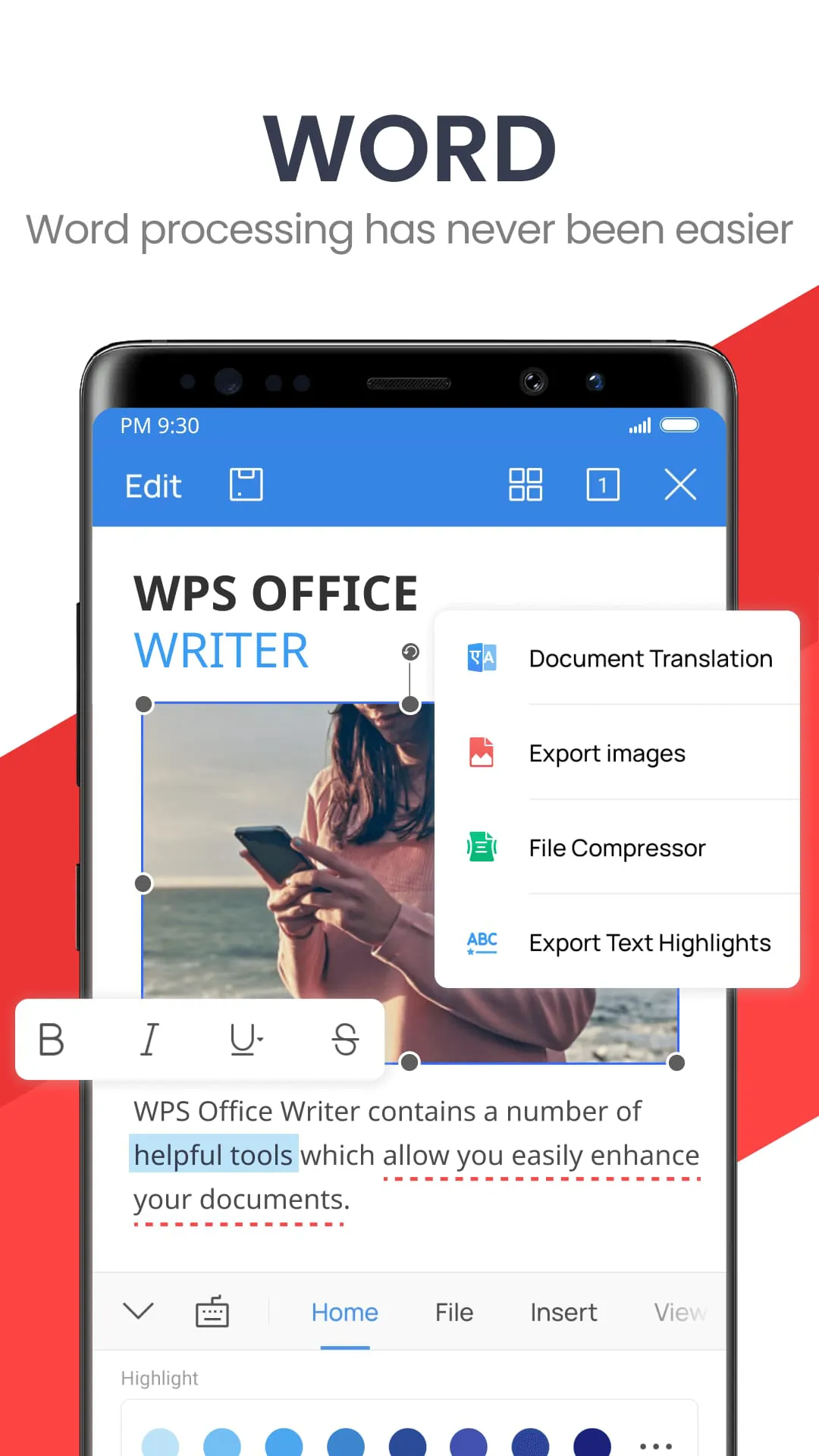
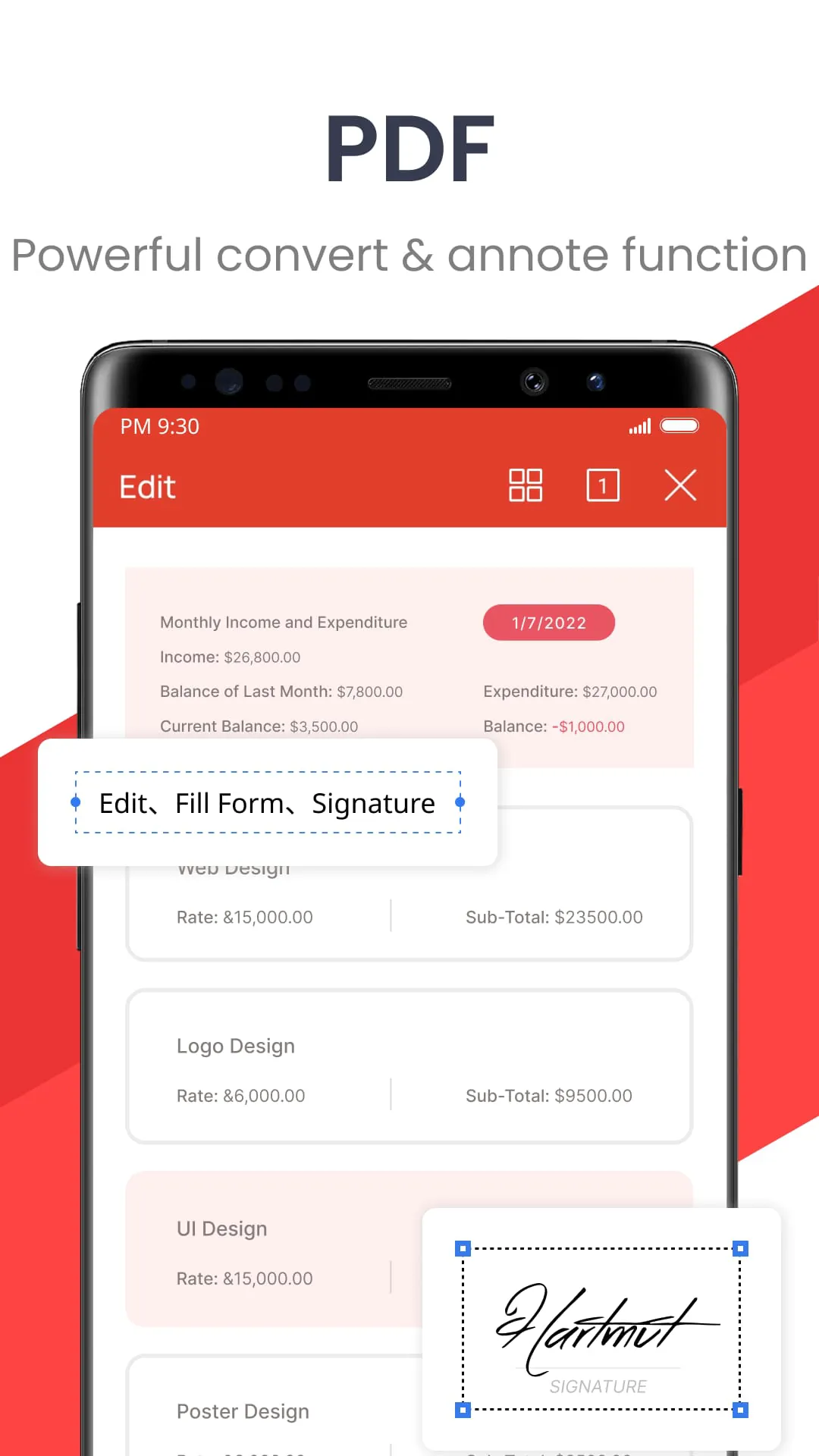
WPS Office is a comprehensive and widely-used office software suite that provides powerful tools for document editing, spreadsheet management, and presentation creation, serving as a versatile alternative to other mainstream office applications for users across personal, educational, and professional environments.
The suite stands out for its deep feature set and high compatibility. Its core strength lies in seamless support for a wide range of file formats, most notably Microsoft Office files (like .docx, .xlsx, .pptx), ensuring smooth collaboration. A major advantage is its integrated approach, combining writer, spreadsheet, and presentation modules into a single, tabbed interface for easy switching. It also offers a vast cloud storage ecosystem for accessing files anywhere, a rich template gallery for jump-starting projects, and powerful PDF tools for editing and conversion, all wrapped in a clean, modern interface.
Every software has its strengths and trade-offs. The notable advantages of WPS Office include its robust compatibility with Microsoft Office formats, a very generous free version that covers most user needs, and a lightweight installation that is easy on system resources. Its all-in-one interface with tabbed browsing enhances productivity. However, some users may encounter occasional advertisements within the free version, and while the interface is highly customizable, the abundance of features and options can feel overwhelming to new users initially. Advanced features for enterprise teams are typically gated behind the premium subscription.
WPS Office is built around three primary applications that mirror the classic office workflow, augmented by several utility tools. Its main functional pillars are:
Beyond these, the suite integrates PDF editing, a template platform, and cloud services to form a complete document workflow solution.
Click the button "Check All Versions" below to download and install it. After a straightforward installation process, launch the application to access the unified home screen. From here, you can choose to create a new document, spreadsheet, or presentation, or open an existing file from your computer or cloud storage. Utilize the tabbed interface at the top to switch effortlessly between multiple open files. Explore the ribbon toolbar at the top, which organizes commands logically (like Home, Insert, Page Layout) for each application. For collaboration, you can save files directly to WPS Cloud to share them with others and edit in real-time. The built-in template gallery is an excellent starting point for creating professional-looking documents quickly.
Get WPS Office from an official store or available APK channel.
ZIP files require a Split APKs Installer (e.g., SAI) from Google Play to install. Steps: 1. Download SAI from Google Play; 2. Open SAI and tap "Install APKs"; 3. Select the ZIP file; 4. Complete installation.
The latest version currently listed by Appspicked is V18.7.3, with information updated on May 20, 2026. Versions may vary by device, region, or rollout schedule, so users should also check Google Play or announcements from WPS SOFTWARE PTE. LTD..
No website can guarantee that an app is completely risk-free. Appspicked recommends downloading WPS Office only from an official app store or a verified channel operated by WPS SOFTWARE PTE. LTD.. Before installing, confirm the developer name, package ID cn.wps.moffice_eng, requested permissions, privacy policy, and download source.
WPS Office may be unavailable because of regional restrictions, device incompatibility, account or age settings, a temporary removal, a name change, or because it has not been released for that platform. An Android package page does not necessarily mean that an iOS App Store version exists. Check WPS SOFTWARE PTE. LTD.’s official website for current availability.
Use Google Play or another official download channel provided by WPS SOFTWARE PTE. LTD. whenever possible. Appspicked provides app information and store links, but users should verify the destination domain and publisher before downloading or updating the app.
The information on Appspicked may represent the most recently indexed snapshot. App stores sometimes release updates gradually or display different versions according to region, device, operating system, or testing group. The official store listing should be treated as the final reference.
WPS Office is listed for Android, with a reported minimum requirement of Not specified. Actual compatibility may also depend on the device model, region, available storage, hardware features, and installed system components.
The initial download may be free, but subscriptions, advertising, paid features, or in-app purchases may still apply. Prices and available purchases can vary by country and version. Check the payment information displayed by Google Play before completing a transaction.
Check the network connection, storage space, operating-system version, account region, and device compatibility. Restart the device and try again through the official store. If the problem continues, consult the support resources provided by WPS SOFTWARE PTE. LTD..









