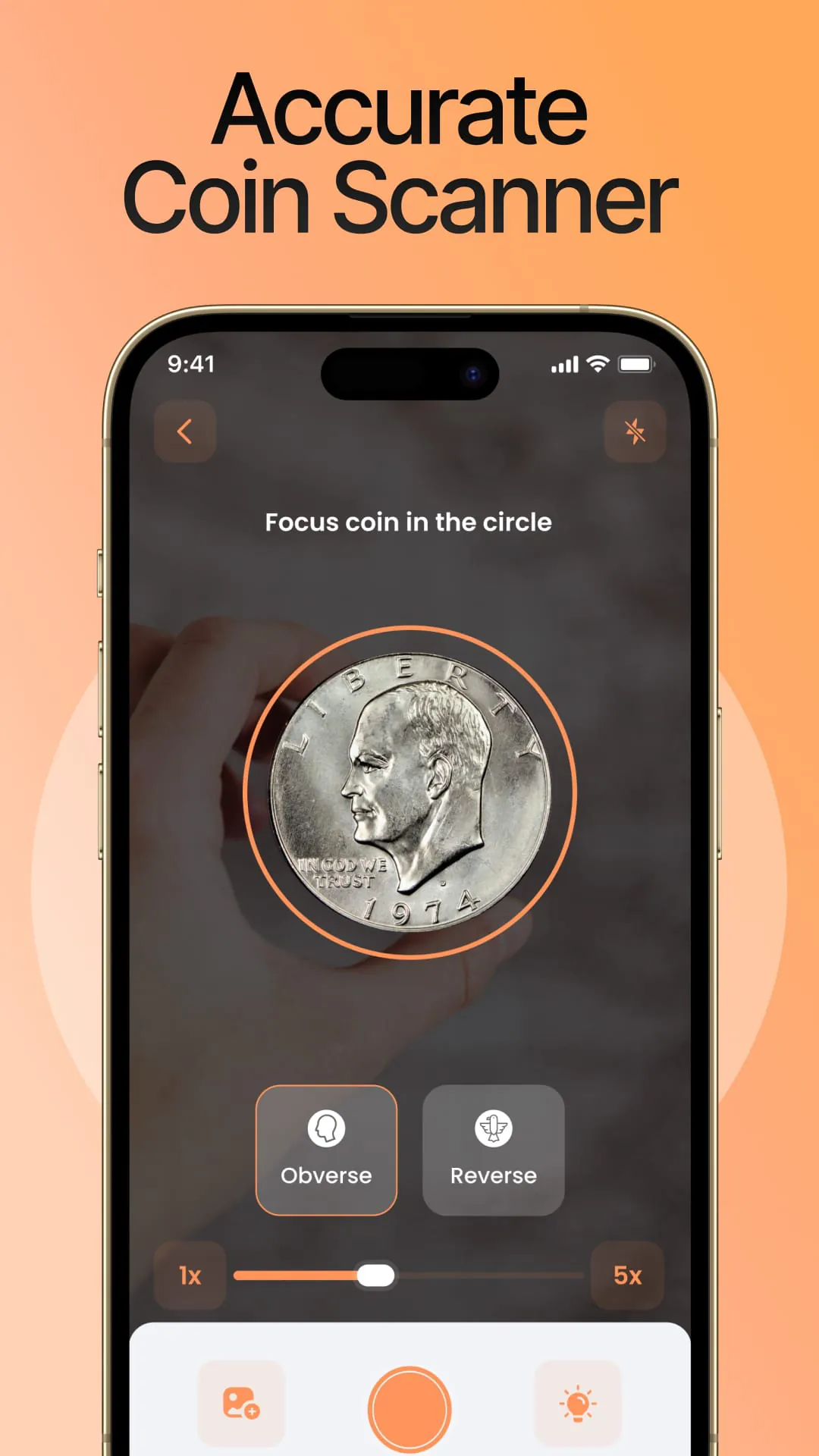
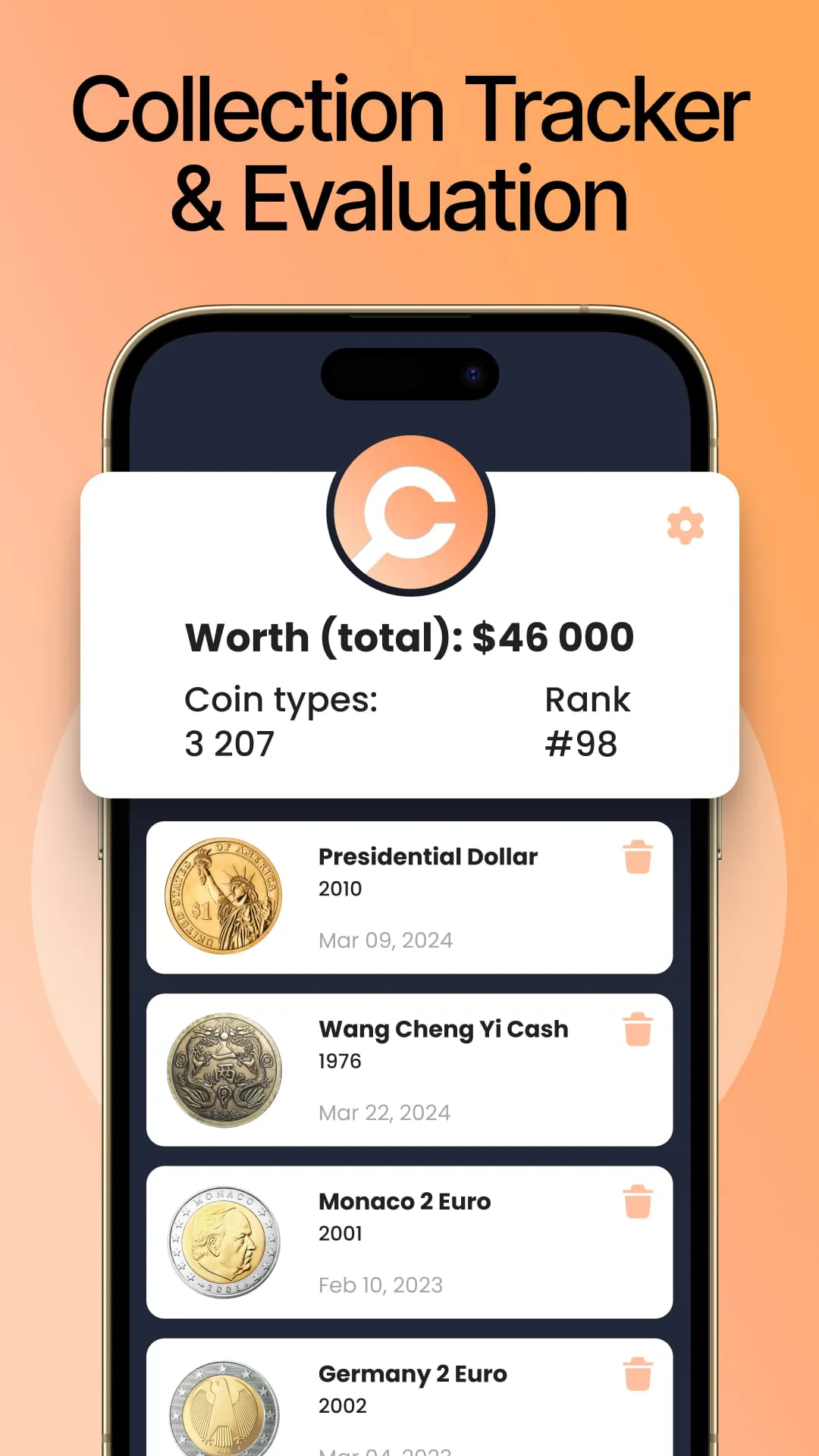
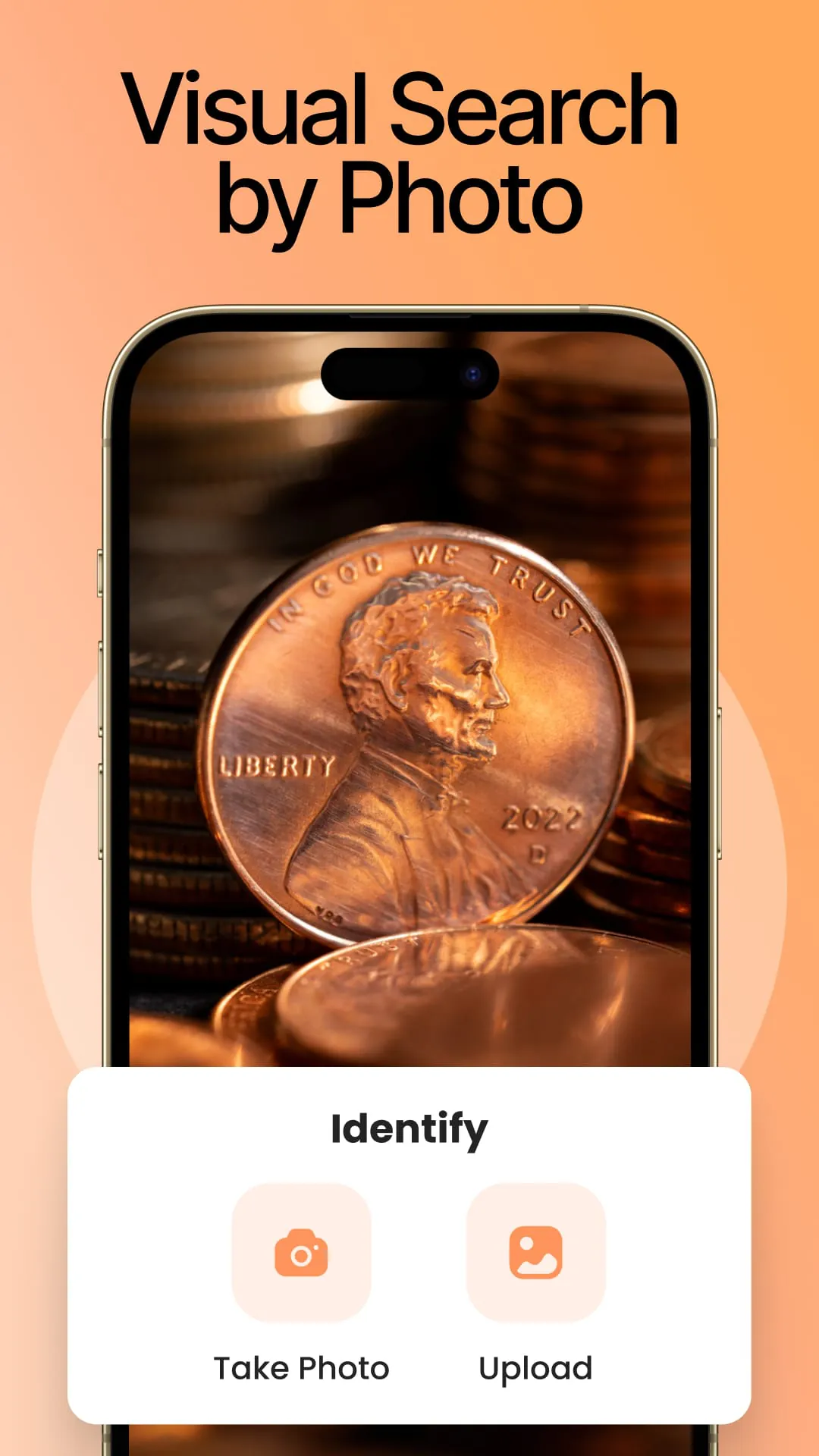
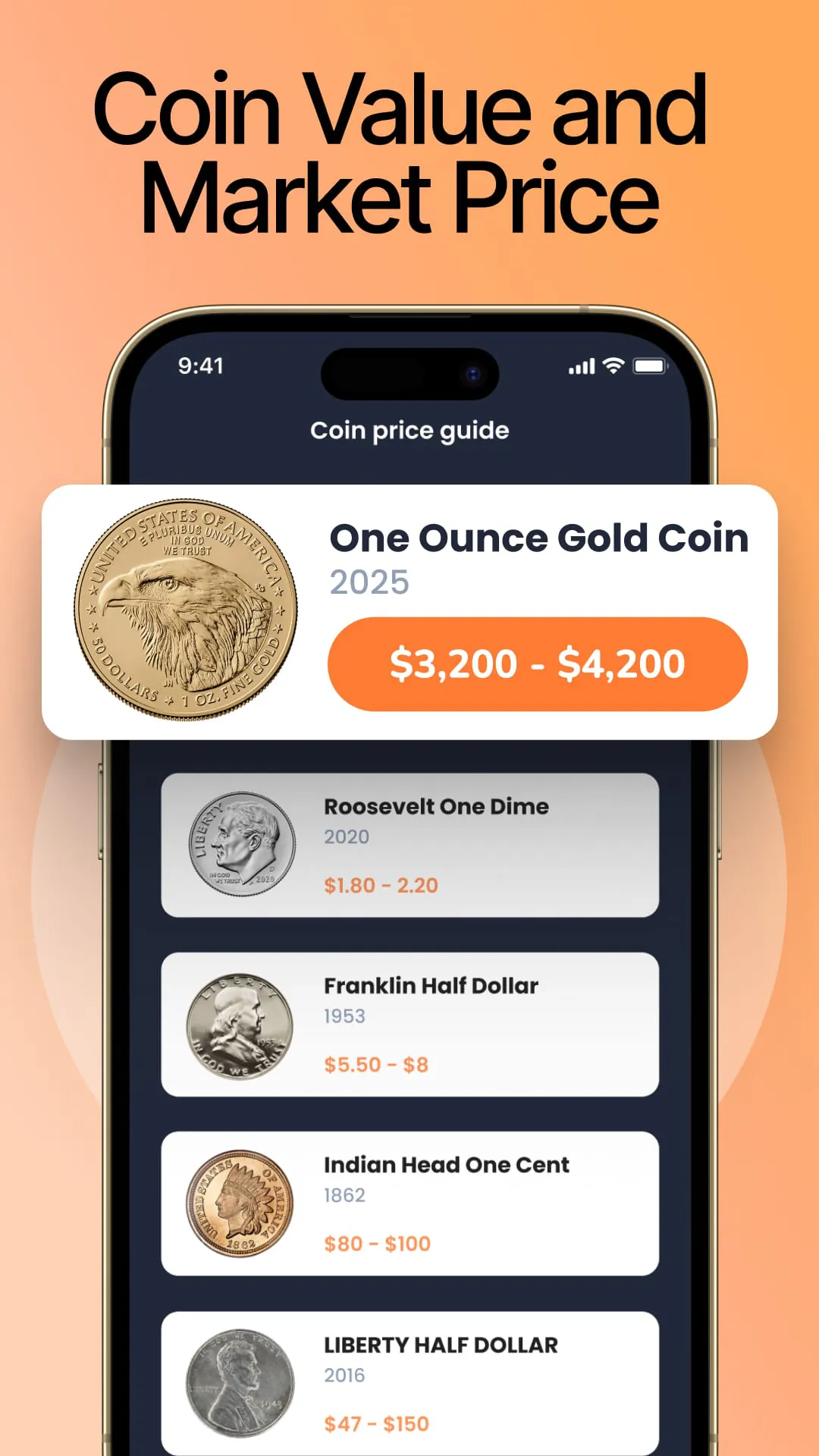
CoinIn emerges as a groundbreaking mobile application poised to revolutionize the way numismatists and casual coin enthusiasts alike engage with their collections. This innovative tool leverages the power of artificial intelligence and image recognition technology to provide users with an unparalleled experience in coin identification, tracking, and appreciation. At its core, CoinIn addresses a fundamental challenge faced by coin collectors: the often arduous and time-consuming process of identifying coins. Traditional methods involve sifting through countless websites, books, and catalogs, a task that can be both frustrating and overwhelming, especially for beginners. CoinIn eliminates this hurdle by offering a remarkably simple and efficient solution. Users simply snap a photo of the coin in question, and the application's sophisticated algorithms instantly analyze the image, comparing it to a vast database of coins from around the world. Within seconds, CoinIn provides detailed information about the coin, including its origin, denomination, historical context, and estimated value. This instant identification feature is a game-changer, empowering collectors to quickly and accurately identify their coins without the need for extensive research or expert knowledge. Beyond its core identification capabilities, CoinIn offers a suite of features designed to enhance the overall coin collecting experience. The application provides comprehensive coin pages for each identified coin, offering a wealth of information beyond basic identification. These pages include high-quality images, detailed historical facts, and estimated price ranges, allowing users to delve deeper into the history and significance of each coin in their collection. This level of detail transforms coin collecting from a simple hobby into an engaging and educational pursuit, fostering a deeper appreciation for the art, history, and culture embodied in each coin. Furthermore, CoinIn allows users to easily add identified coins to their personal collections within the app. This feature enables collectors to maintain a digital inventory of their holdings, tracking the coins they own, their acquisition dates, and any relevant notes or observations. The ability to create and manage multiple collections further enhances the app's organizational capabilities, allowing users to categorize their coins by type, origin, or any other criteria they choose. This level of organization is invaluable for serious collectors who need a reliable and efficient way to manage their growing collections. CoinIn's user-friendly interface makes it accessible to collectors of all levels, from beginners to seasoned numismatists. The app's intuitive design ensures that even first-time users can quickly and easily navigate its features and begin identifying their coins. The absence of confusing interfaces or complicated steps makes CoinIn a joy to use, fostering a sense of fun and discovery that encourages users to continue exploring the world of coin collecting. The application's commitment to user experience is evident in every aspect of its design, from the clear and concise presentation of information to the seamless integration of its various features. In addition to its practical benefits, CoinIn also fosters a sense of community among coin collectors. The app provides a platform for users to connect with other enthusiasts, share their discoveries, and learn from each other. This sense of community is essential for fostering a vibrant and engaged coin collecting community, encouraging collaboration, and promoting the sharing of knowledge and expertise.
The application's ability to identify rare coins is another standout feature. CoinIn's algorithms are specifically trained to recognize subtle variations and markings that distinguish rare coins from their more common counterparts. This feature is particularly valuable for collectors who are looking to identify potentially valuable coins in their collections. By quickly and accurately identifying rare coins, CoinIn can help collectors make informed decisions about their acquisitions and sales, ensuring that they are getting the best possible value for their coins. The app's rare coin identification feature is a testament to its advanced technology and its commitment to providing collectors with the most accurate and up-to-date information available. Beyond its core features, CoinIn also offers a range of additional tools and resources to enhance the coin collecting experience. The app includes a glossary of numismatic terms, providing users with a comprehensive resource for understanding the language of coin collecting. It also features a news feed that keeps users up-to-date on the latest developments in the coin collecting world, including new coin releases, auction results, and expert commentary. These additional resources make CoinIn a valuable tool for both novice and experienced collectors alike, providing them with the knowledge and information they need to succeed in the hobby. CoinIn's commitment to privacy and security is also noteworthy. The app employs industry-standard security measures to protect user data and ensure that their personal information is kept confidential. The app's privacy policy is transparent and easy to understand, giving users confidence that their data is being handled responsibly. This commitment to privacy and security is essential for building trust with users and ensuring that they feel comfortable using the app to manage their coin collections. In conclusion, CoinIn is a comprehensive and innovative mobile application that is poised to transform the way people collect coins. Its instant coin identification capabilities, comprehensive coin pages, collection management features, and user-friendly interface make it an indispensable tool for collectors of all levels. Whether you are a seasoned numismatist or a casual coin enthusiast, CoinIn can help you identify, track, and appreciate the coins in your collection. The app's commitment to accuracy, detail, and user experience sets it apart from other coin identification apps on the market, making it the clear choice for anyone who is serious about coin collecting. With its advanced technology and its user-friendly design, CoinIn is truly revolutionizing the world of numismatics.
CoinIn's impact extends beyond the individual collector, potentially benefiting the broader numismatic community. By making coin identification more accessible and user-friendly, the app can attract new enthusiasts to the hobby, expanding the market for coins and related services. This increased participation can lead to greater investment in numismatic research, education, and preservation efforts, ultimately benefiting the entire community. Furthermore, CoinIn can help to democratize access to numismatic knowledge, empowering collectors from all backgrounds to learn about and appreciate the history, art, and culture embodied in coins. This democratization of knowledge can help to break down barriers to entry in the hobby, making it more inclusive and welcoming to a wider range of participants. The app's ability to connect collectors with each other can also foster a stronger sense of community, encouraging collaboration, and promoting the sharing of knowledge and expertise. In addition to its benefits for collectors and the numismatic community, CoinIn also has the potential to contribute to broader educational goals. By providing access to detailed information about coins from around the world, the app can help to educate users about history, geography, and culture. Coins serve as tangible artifacts of the past, providing insights into the economic, social, and political systems of different societies. By exploring the history and significance of coins, users can gain a deeper understanding of the world around them. The app's user-friendly interface and engaging content make it an ideal tool for educators who are looking to incorporate numismatics into their curriculum. CoinIn's versatility and adaptability make it a valuable resource for a wide range of educational settings, from primary schools to universities. As CoinIn continues to evolve and expand its features, it is likely to have an even greater impact on the world of coin collecting. The app's developers are constantly working to improve its accuracy, expand its database of coins, and add new features that will enhance the user experience. With its commitment to innovation and its dedication to serving the needs of coin collectors, CoinIn is poised to remain at the forefront of the numismatic technology revolution for years to come. The app's success is a testament to the power of technology to transform traditional hobbies and make them more accessible, engaging, and rewarding for enthusiasts of all levels. In conclusion, CoinIn is more than just a coin identification app; it is a comprehensive platform that empowers collectors, fosters community, and promotes education. Its innovative features, user-friendly design, and commitment to excellence make it an indispensable tool for anyone who is passionate about coins.