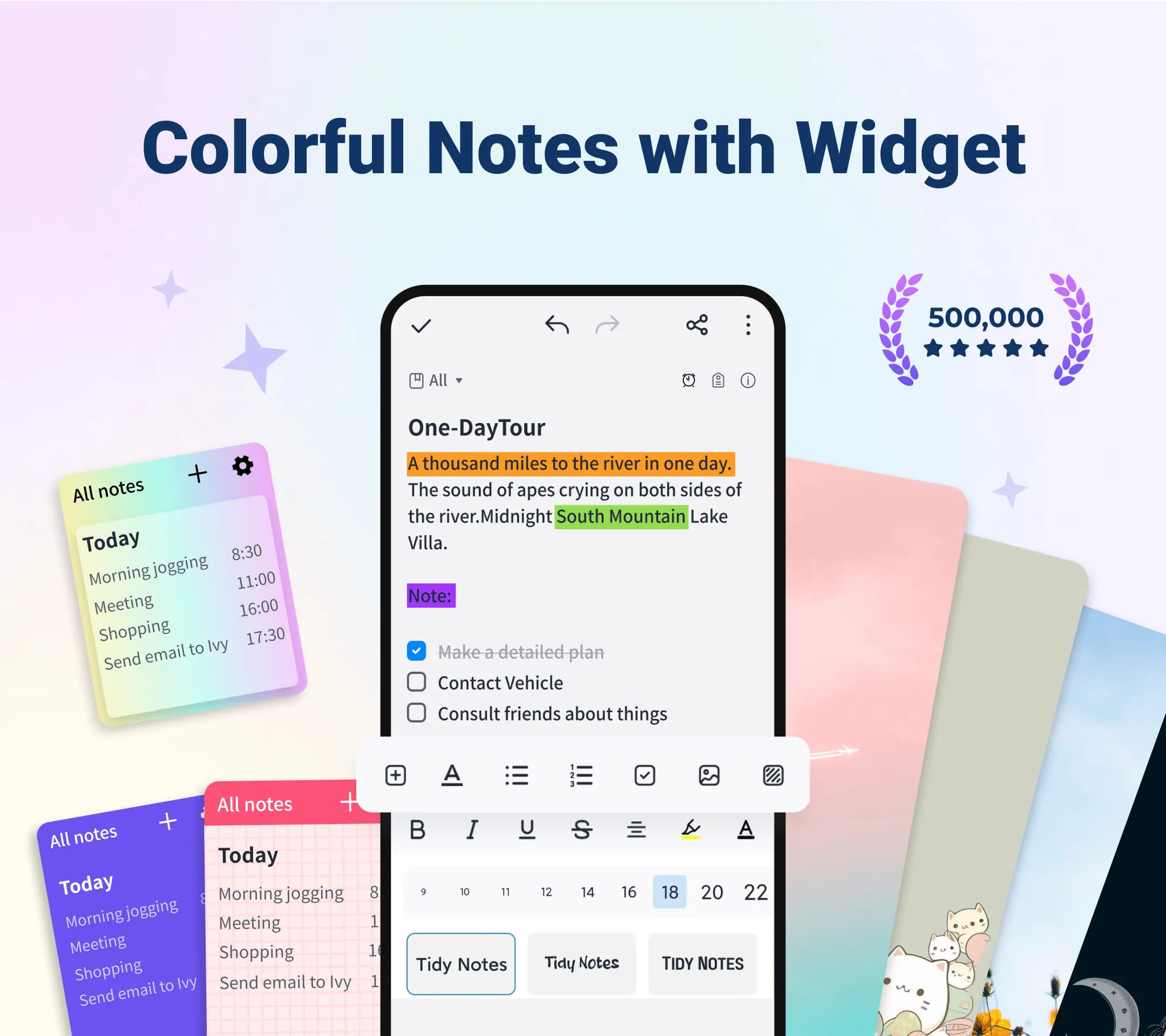
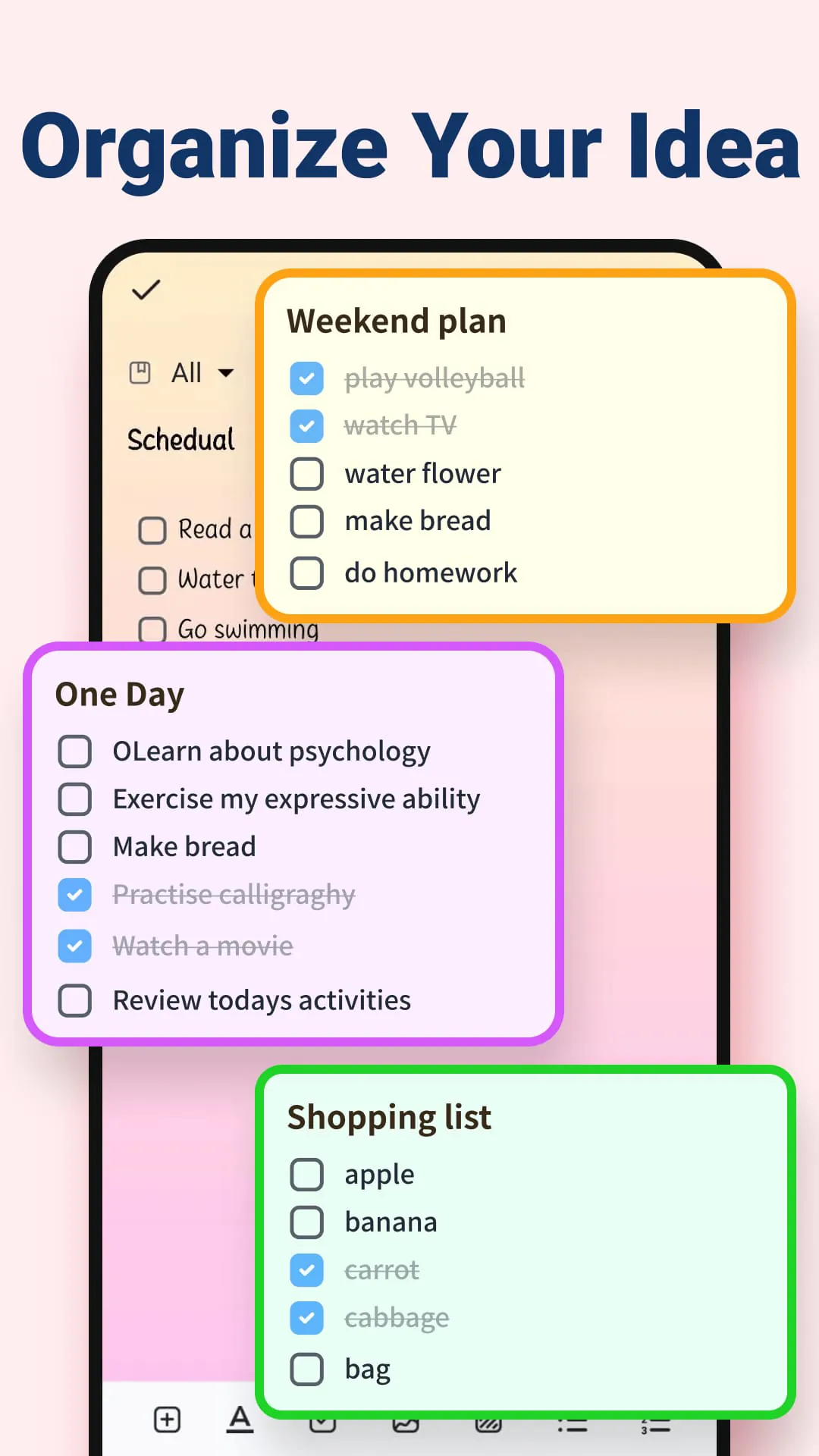
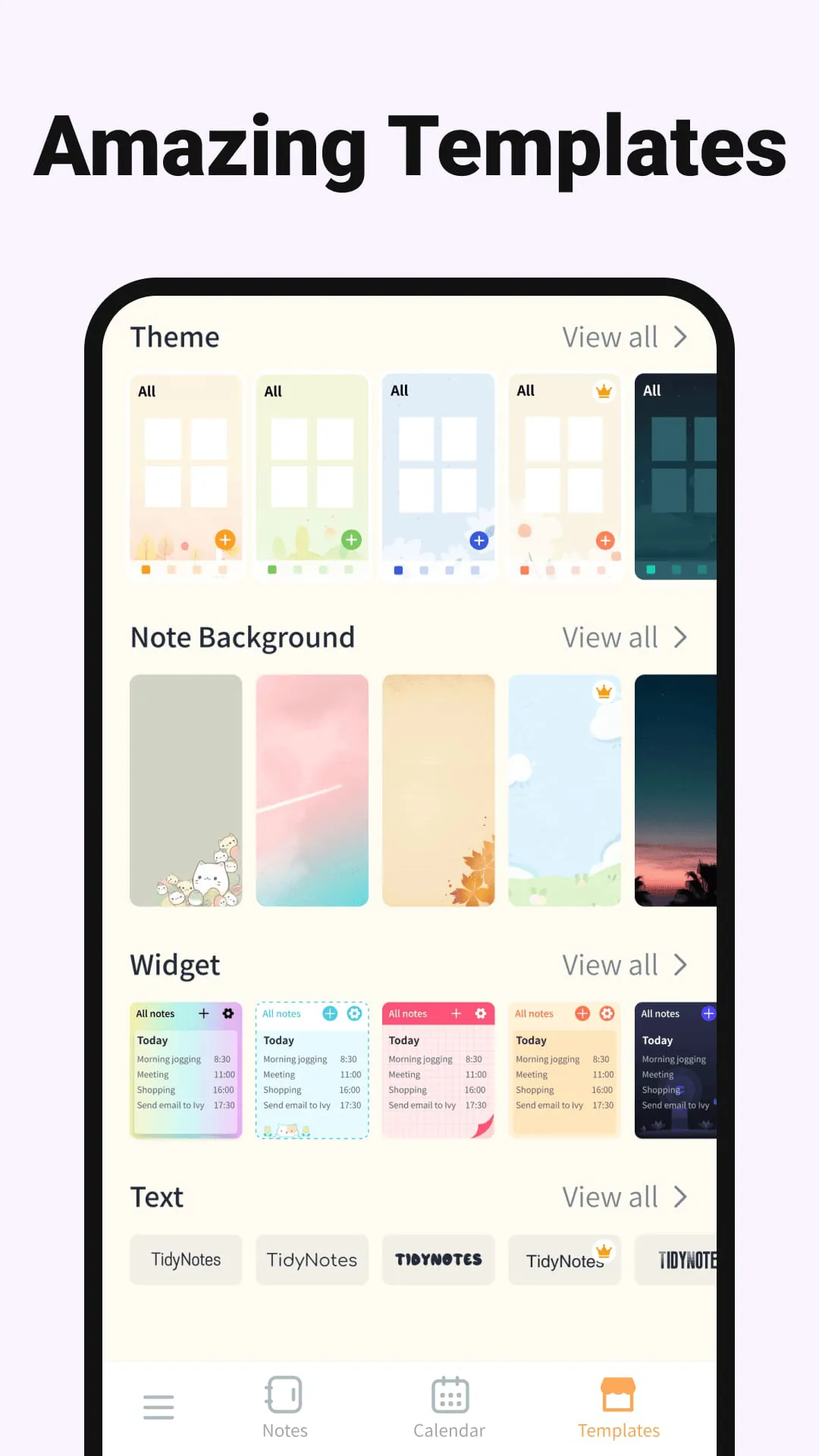
Tidy Notes is presented as a versatile and user-friendly note-taking application designed to streamline various aspects of daily life, from academic pursuits to personal organization. The app distinguishes itself through a range of features that cater to diverse note-taking preferences and needs. It is positioned as an ideal tool for students, professionals, and anyone seeking an efficient way to capture, organize, and manage information. One of the core strengths of Tidy Notes lies in its accessibility and ease of use. The app boasts an intuitive interface that allows users to quickly create and manage notes without a steep learning curve. This simplicity is crucial for users who need to jot down ideas, reminders, or tasks on the go. The app supports various note-taking methods, including typed notes, voice recordings, and picture notes, providing flexibility for different situations and preferences. This multi-modal approach ensures that users can capture information in the most convenient and effective way, whether they are in a lecture, a meeting, or simply brainstorming ideas. Furthermore, Tidy Notes emphasizes customization and personalization. Users can customize notebooks with different themes, colors, and font sizes, allowing them to create a visually appealing and organized workspace. This level of customization not only enhances the user experience but also helps users to categorize and prioritize their notes more effectively. The app also includes a rich text editor, which enables users to format their notes with different styles, colors, and sizes, further enhancing the clarity and readability of their notes. The inclusion of a sticky notes widget is another notable feature of Tidy Notes. This widget allows users to view their notes directly from the home screen, providing quick and easy access to important information. The sticky notes widget is particularly useful for reminders, to-do lists, and other time-sensitive tasks. Users can customize the widget with different colors and themes, ensuring that it blends seamlessly with their home screen. In terms of organization, Tidy Notes offers a range of tools to help users manage their notes effectively. The app allows users to categorize notes by tags and folders, making it easy to find specific notes quickly. This categorization system is particularly useful for users who have a large number of notes or who need to organize notes by project, subject, or topic. The app also includes a search function, which allows users to quickly find notes by keyword or phrase. The integration of a calendar note feature is another valuable organizational tool. This feature allows users to add notes to specific dates in the calendar, making it easy to track deadlines, appointments, and other important events. The calendar note feature is particularly useful for students who need to keep track of assignments, exams, and other academic deadlines. In addition to its organizational features, Tidy Notes also prioritizes security and accessibility. The app allows users to lock their notes, ensuring that sensitive information remains private and protected. This security feature is particularly important for users who store personal or confidential information in their notes. The app also supports cloud backup and synchronization, allowing users to access their notes from multiple devices and ensuring that their notes are safe and secure in the event of device loss or damage. This cloud integration provides peace of mind and ensures that users can always access their notes, regardless of where they are or what device they are using. The app also supports sharing notes as images and PDFs, making it easy to collaborate with others or share information with colleagues, friends, or family. This sharing functionality enhances the versatility of the app and makes it a valuable tool for both personal and professional use. Overall, Tidy Notes is presented as a comprehensive and feature-rich note-taking app that offers a wide range of tools to help users capture, organize, and manage information effectively. Its intuitive interface, customization options, organizational features, and security measures make it a valuable tool for students, professionals, and anyone seeking an efficient way to manage their notes and stay organized. The app's emphasis on accessibility and ease of use ensures that it is suitable for users of all skill levels, while its advanced features cater to the needs of more demanding users.
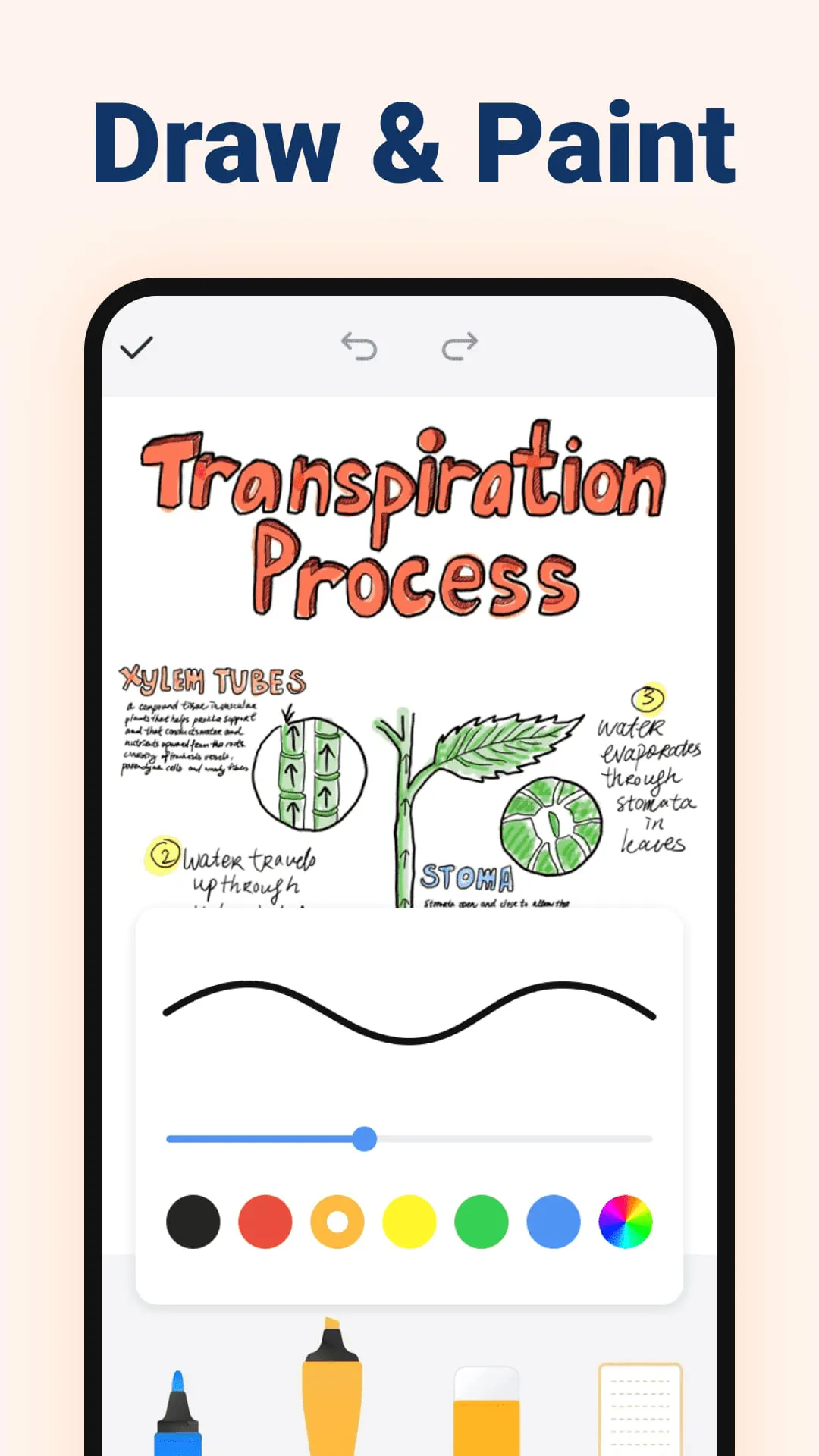
The description emphasizes Tidy Notes' adaptability to various note-taking scenarios, making it suitable for diverse user needs. For school notes, Tidy Notes simplifies the process of capturing information during lectures or study sessions. It supports voice notes for recording lectures and photo notes for capturing visual aids like diagrams or presentations. The app's interface is designed to enhance the note-taking experience, ensuring that students can focus on learning without being distracted by complicated features. For quick notes, Tidy Notes provides a simple and efficient way to jot down ideas, reminders, or tasks on the go. Users can quickly open the app and start typing in the notepad, ensuring that their ideas are never lost. This feature is particularly useful for capturing fleeting thoughts or ideas that might otherwise be forgotten. As an easy notepad and notebook, Tidy Notes serves as a virtual space for organizing thoughts and ideas. Users can create multiple notebooks for different subjects, projects, or topics, keeping everything organized and easily accessible. The app supports both list and grid views, allowing users to display their notes in a way that suits their preferences. The colorful and customizable nature of Tidy Notes allows users to personalize their note-taking experience. Users can choose from various backgrounds to personalize their notebooks, making the app more visually appealing and engaging. This customization helps users to stay motivated and organized, as they are more likely to use an app that they find visually appealing. The sticky notes widget is a key feature that enhances the app's usability. It allows users to write quick notes and view them on their home screen, providing easy access to important information. The widget can be customized with different colors and themes, allowing users to personalize their home screen and stay organized. The categorization of notes and memos is another important feature of Tidy Notes. The app allows users to categorize notes into different tags and folders, making it easy to find specific notes quickly. This feature is particularly useful for users who have a large number of notes or who need to organize notes by project, subject, or topic. The note reminders feature helps users stay on top of their tasks and deadlines. Users can set reminders for their notes or tasks, and Tidy Notes will notify them at the specified time. This feature is particularly useful for students who need to keep track of assignments, exams, and other academic deadlines. The handwritten notes and voice recording features provide additional flexibility for capturing ideas. Users can capture their ideas with handwritten notes, which is particularly useful for brainstorming or sketching diagrams. The app also allows users to attach voice recordings to their notes, which is useful for capturing lectures, meetings, or other audio information. The easy sticky notes widget provides quick access to notes and memos from the home screen. This feature is particularly useful for users who need to quickly access important information without opening the app. The sync and backup notes feature ensures that notes are safe and accessible from multiple devices. The app supports syncing notes with Google Cloud, ensuring that notes are backed up and can be accessed from any device with an internet connection. The note reminder and daily notes feature helps users stay organized and productive. The app allows users to set reminders for their notes and memos, ensuring that they stay on top of their schedule. Overall, Tidy Notes is presented as a powerful note-taking app that offers a wide range of features to help users capture, organize, and manage information effectively. Its adaptability to various note-taking scenarios, customization options, and organizational features make it a valuable tool for students, professionals, and anyone seeking an efficient way to manage their notes and stay organized. The app's emphasis on accessibility and ease of use ensures that it is suitable for users of all skill levels, while its advanced features cater to the needs of more demanding users.
In summary, Tidy Notes is positioned as a comprehensive note-taking application that caters to a wide range of user needs and preferences. The app's key features, including its free notepad, customizable notebooks, sticky notes widget, rich text editor, and organizational tools, are designed to enhance the note-taking experience and improve productivity. The app's emphasis on accessibility, customization, and organization makes it a valuable tool for students, professionals, and anyone seeking an efficient way to manage their notes and stay organized. The app's versatility allows users to adapt it to various note-taking scenarios, whether they are taking school notes, jotting down quick reminders, or organizing their daily to-do lists. The app's intuitive interface and customizable features make it easy to use and personalize, while its organizational tools help users to manage their notes effectively. The app's security measures and cloud backup ensure that notes are safe and accessible from multiple devices, providing peace of mind and ensuring that users can always access their notes, regardless of where they are or what device they are using. The app's support for sharing notes as images and PDFs makes it easy to collaborate with others or share information with colleagues, friends, or family. The description concludes by encouraging users to download Tidy Notes and unlock the full potential of their ideas. The app is presented as a tool that can help users to make every day more productive and organized. The emphasis on organization and productivity aligns with the needs of many users who are seeking ways to streamline their daily tasks and improve their overall efficiency. The app's versatility and wide range of features make it a suitable choice for users of all skill levels and with diverse note-taking needs. The app's emphasis on accessibility and ease of use ensures that it is easy to learn and use, while its advanced features cater to the needs of more demanding users. The app's customization options allow users to personalize their note-taking experience, making it more engaging and enjoyable. The app's organizational tools help users to manage their notes effectively, ensuring that they can quickly find the information they need. The app's security measures and cloud backup provide peace of mind, ensuring that notes are safe and accessible from multiple devices. Overall, Tidy Notes is presented as a powerful and versatile note-taking application that can help users to capture, organize, and manage information effectively. Its wide range of features, emphasis on accessibility, customization, and organization, and security measures make it a valuable tool for students, professionals, and anyone seeking an efficient way to manage their notes and stay organized. The conclusion emphasizes the app's ability to unlock the full potential of users' ideas and make every day more productive, highlighting its value as a tool for personal and professional growth.