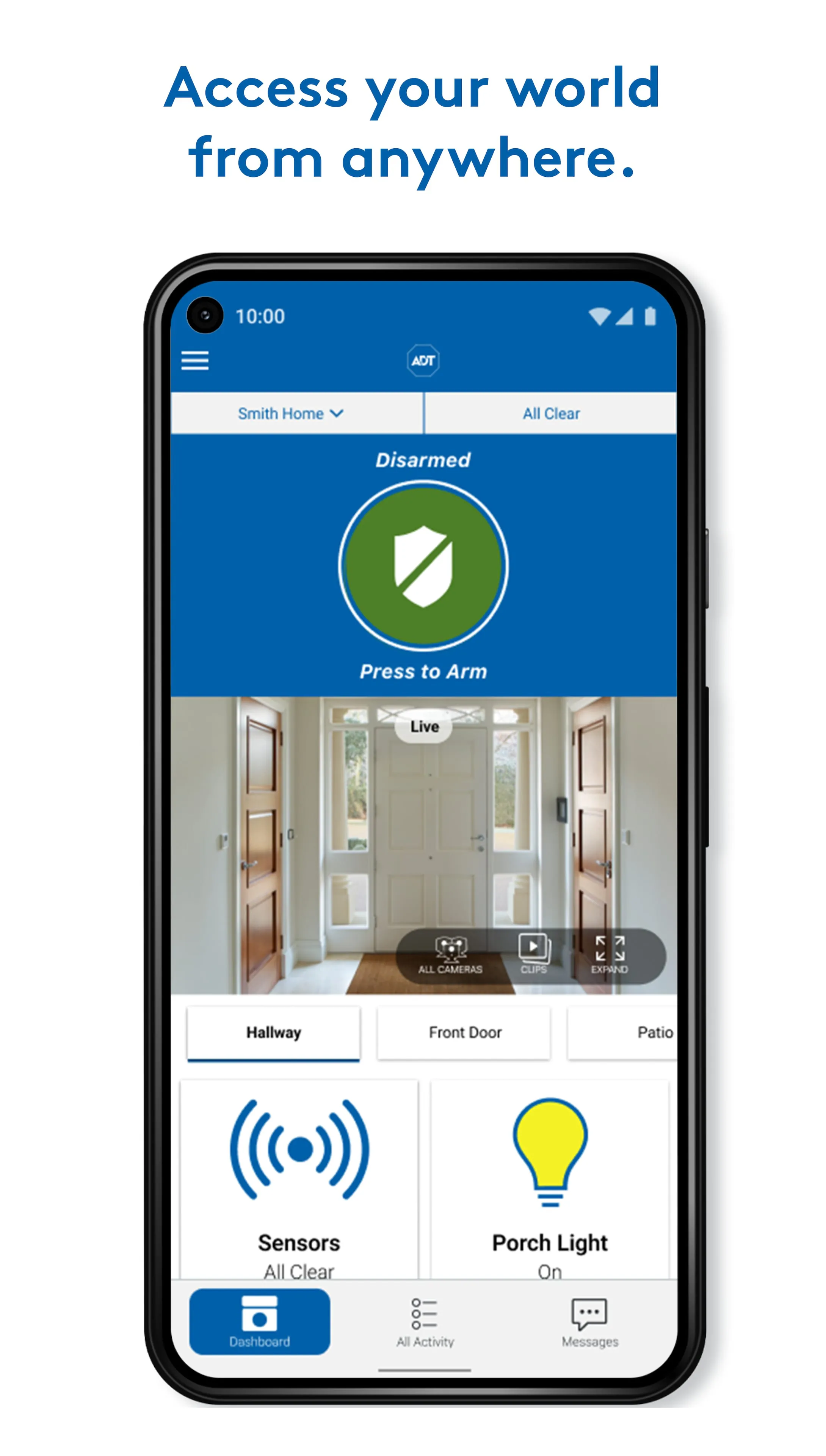
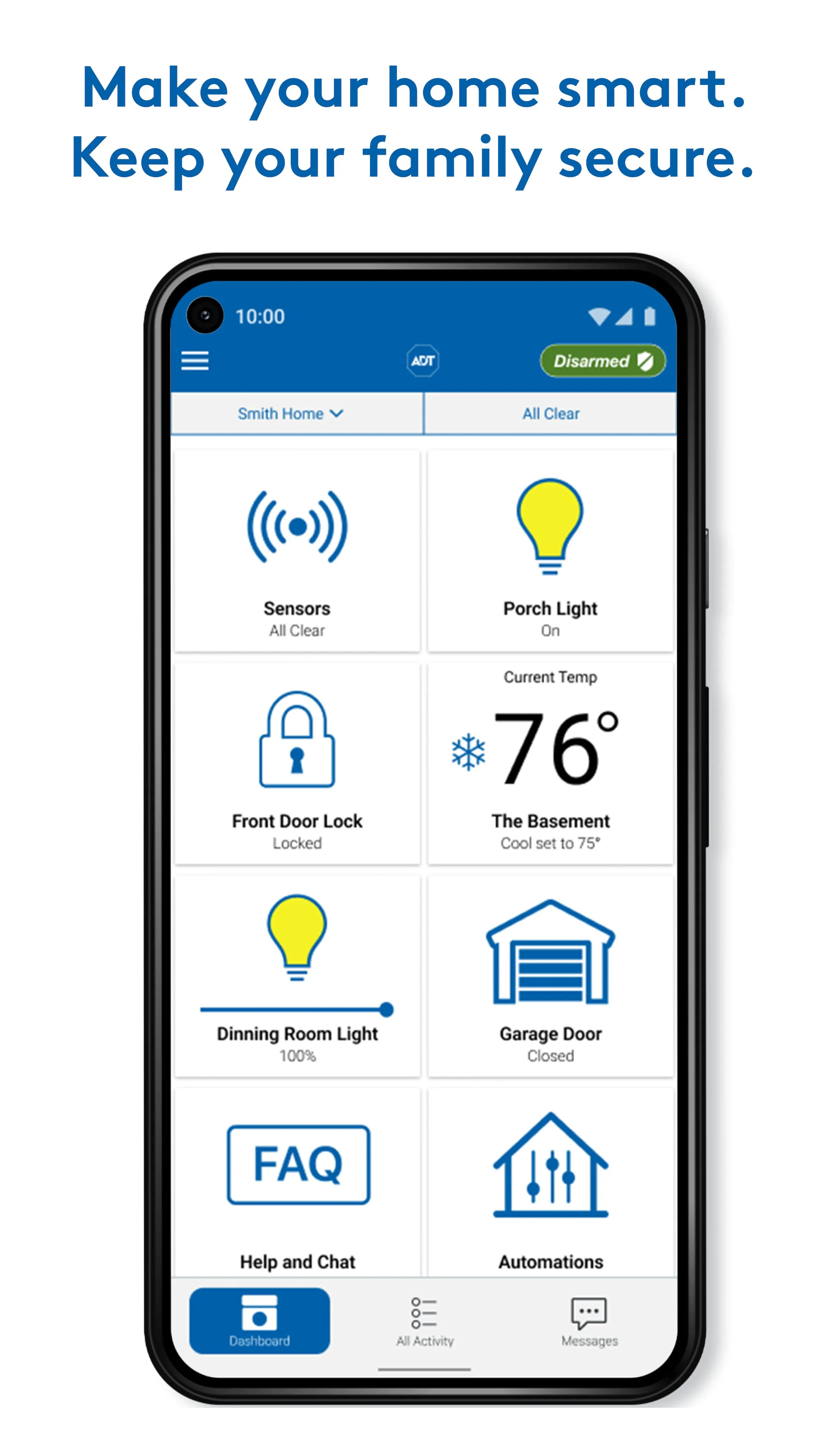
ADT Pulse is a comprehensive home security and automation mobile application designed for users of ADT's monitored security systems. It transforms your smartphone into a command center, allowing you to remotely arm or disarm your home security system, receive instant alerts, and control a wide array of connected smart home devices such as lights, locks, and thermostats from anywhere, providing peace of mind and enhanced convenience.
Key Features
The app offers a robust set of features centered around security, monitoring, and automation. Users can view live video feeds from ADT-installed cameras, creating a virtual window into their home. The platform supports the creation of custom automation rules, enabling devices to work together based on schedules or triggers. Critical to its function is the direct integration with ADT's professional 24/7 monitoring center, ensuring that emergency signals are promptly addressed.
Pros & Cons
- Pros: Offers professional-grade security with reliable 24/7 monitoring. The interface is generally user-friendly, consolidating control for security and automation in one place. Remote access and real-time alerts provide significant convenience and immediate awareness of home status. The ability to create custom scenes and rules adds a layer of smart home customization.
- Cons: The service requires a paid subscription with ADT, which can be a long-term commitment. Full functionality depends on professionally installed ADT equipment, limiting DIY options. Some users may find the cost of equipment and monitoring plans to be higher than some DIY alternatives. Occasional app latency or connectivity issues have been reported.
Functions
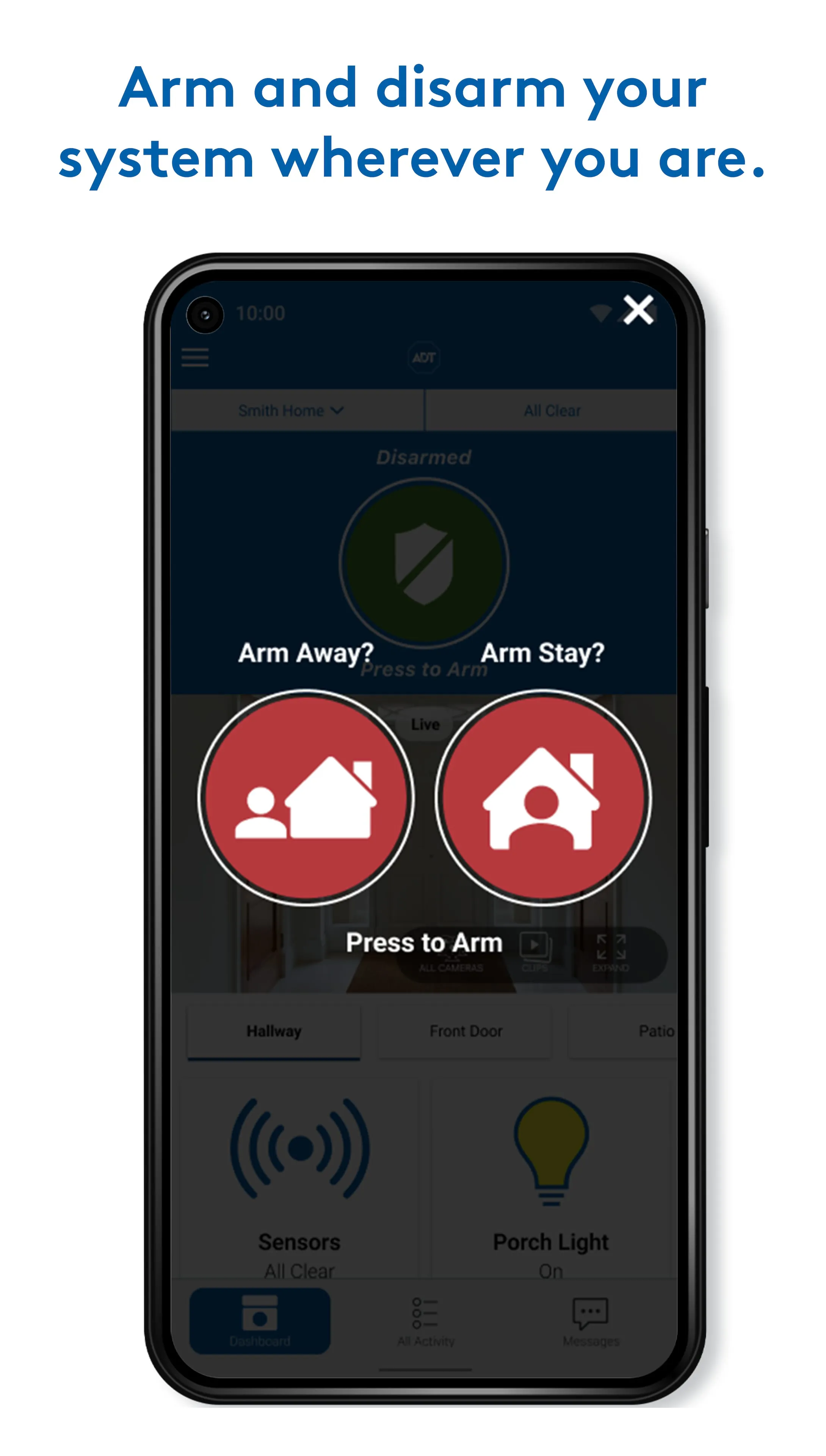
- Remotely arm or disarm your security system with customizable modes (Away, Stay, Night).
- Receive and manage real-time push notifications for security events like door openings or motion detection.
- View live streaming and recorded video from ADT security cameras.
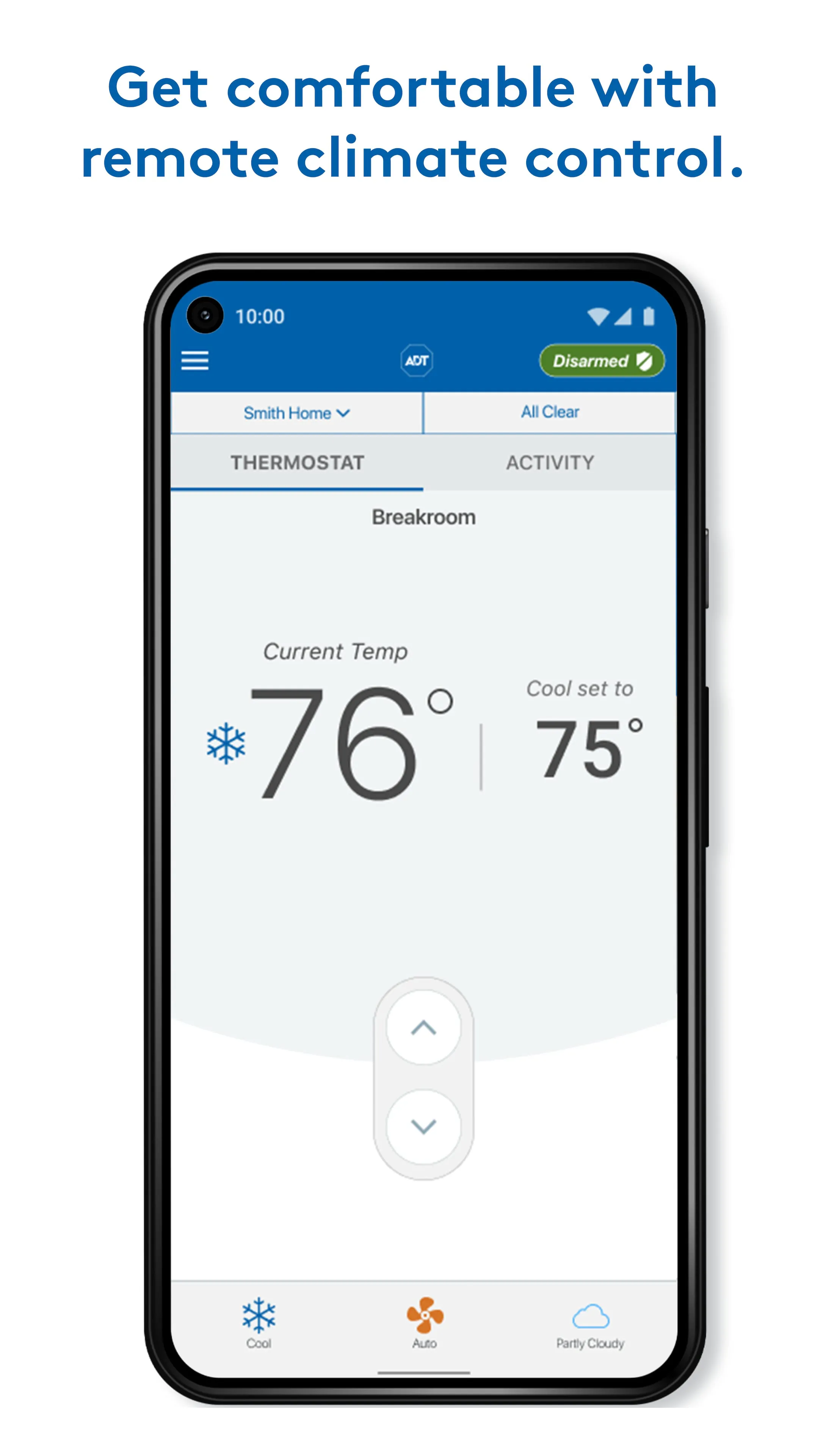
- Remotely control compatible smart devices: lock/unlock doors, turn lights on/off, adjust thermostats.
- Create automated "scenes" or rules, such as having lights turn on when a door is unlocked after sunset.
- Manage and monitor system status, including battery and connectivity health.
- Panic button functionality for immediate emergency contact.
How to Use
Click the button "Check All Versions" below to download and install it. After installation, you will need to log in with the credentials provided by ADT during your system setup. The first step is to sync the app with your specific home system, which typically involves following on-screen prompts. Once connected, take time to familiarize yourself with the dashboard. You can then customize your alert preferences, rename devices for easy identification, and set up automation rules that match your daily routine. For managing your system, simply tap the lock, light, or arm/disarm icons on the main screen. The video tab allows you to view camera feeds and recordings. All settings and device controls are accessible through the menu for further personalization.




 APK
APK  Google Play
  iOS
iOS  4.60
4.60