


V9.14.5.9845

- Package Name
- com.advocate.myadvocate
- Version Name
- V9.14.5.9845
- Version Code
- V9.14.5.9845
- File Size
- 627.12 MB
- Update time
- 2024-1-25



by Advocate Aurora Health
Get access to all your health information in one convenient place.
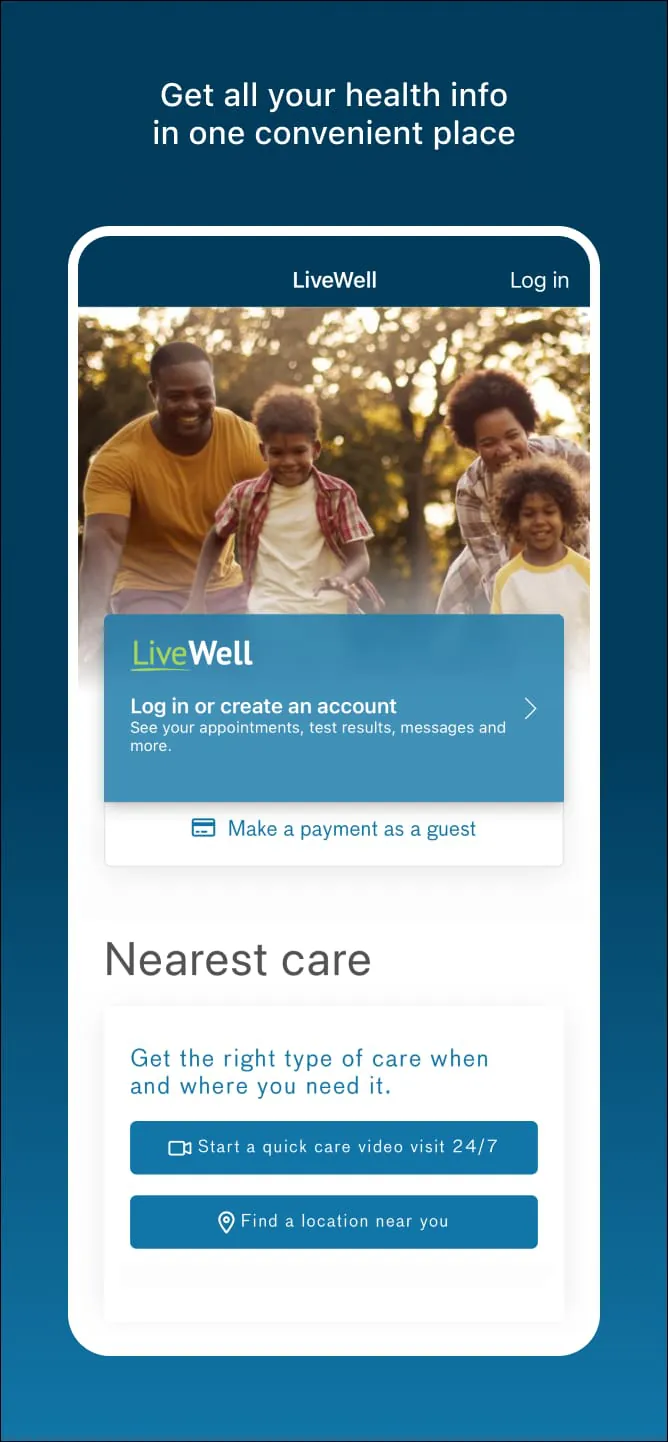
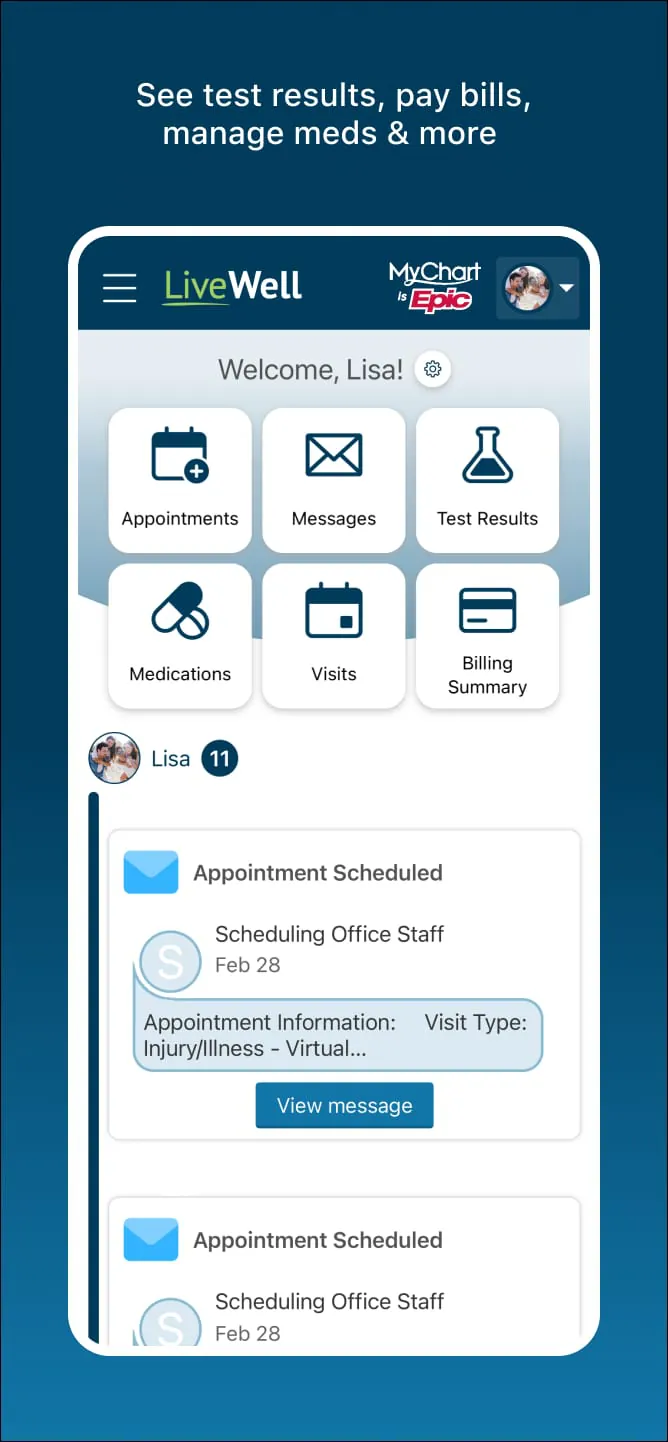

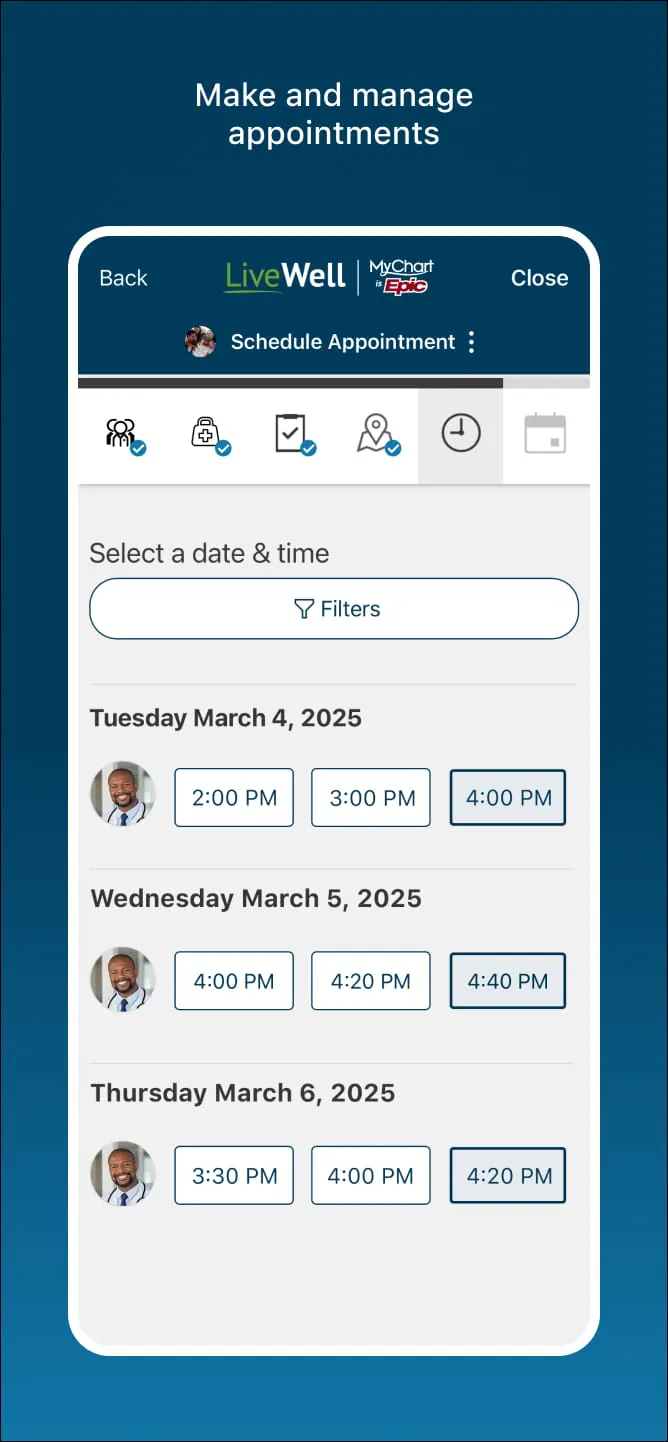
The LiveWell with Advocate Aurora app is a comprehensive mobile health companion developed by Advocate Aurora Health, designed to centralize all of your personal health information and wellness resources into one convenient, accessible location. It serves as a digital gateway for patients within the Advocate Aurora network, allowing individuals to seamlessly manage their own medical care as well as the healthcare needs of family members or dependents who rely on them, effectively eliminating the need to juggle multiple platforms or make frequent phone calls to the provider's office.
The application boasts a robust suite of tools aimed at simplifying healthcare logistics and promoting proactive wellness management. Users can initiate on-demand video visits or e-visits to receive fast diagnoses and treatment plans without leaving home, as well as schedule, reschedule, or cancel in-person appointments with ease. The app includes a powerful provider search function to find doctors or locations nearby, complete with maps and driving directions. For daily health management, it offers secure messaging directly with your care team, the ability to view and pay medical bills, and immediate access to lab and test results as soon as they are released. Additionally, the platform extends beyond clinical care by offering health quizzes, the latest wellness insights, and guided meditation exercises to encourage mindful living. It also supports the integration of external health and fitness data, syncing seamlessly with platforms like Apple Health or Health Connect when users are enrolled in self-tracking programs.
Pros:
Cons:
The core functionality of the LiveWell app revolves around giving patients secure, real-time control over their healthcare journey. It acts as a digital health record repository where users can check lab results, view immunization histories, and review provider notes. The appointment management function allows for browsing available slots and booking visits directly within the calendar interface. Through the medication management tools, users can request prescription refills and track current medications for themselves and their proxies. The billing function provides transparent access to statements, allowing for secure credit card or electronic payments and the setup of payment plans. Furthermore, the communication function facilitates HIPAA-compliant messaging, ensuring that questions sent to nurses or doctors are delivered securely, with push notifications alerting users to new replies or upcoming care reminders.
Click the button "Check All Versions" below to download and install it. Once the app is installed on your iOS or Android device, open it and either log in with your existing Advocate Aurora Health credentials or select the registration option to create a new account. You will need to verify your identity using your personal information, such as your date of birth and medical record number or the last four digits of your social security number, to link your healthcare profile to the app. After successfully logging in, you will land on the home dashboard where you can immediately begin exploring your options. To schedule a visit, navigate to the appointments section and choose a provider or reason for the visit; to check a recent lab result, simply tap on the results icon; and to message a doctor, go to the messaging tab and select the appropriate care team member. The app is designed to be intuitive, ensuring that whether you are paying a bill, starting a video visit, or syncing your step count from a fitness tracker, the process is straightforward and guided.
Get LiveWell with Advocate Aurora from an official store or available APK channel.
ZIP files require a Split APKs Installer (e.g., SAI) from Google Play to install. Steps: 1. Download SAI from Google Play; 2. Open SAI and tap "Install APKs"; 3. Select the ZIP file; 4. Complete installation.
The latest version currently listed by Appspicked is V9.14.5.9845, with information updated on May 24, 2026. Versions may vary by device, region, or rollout schedule, so users should also check Google Play or announcements from Advocate Aurora Health.
No website can guarantee that an app is completely risk-free. Appspicked recommends downloading LiveWell with Advocate Aurora only from an official app store or a verified channel operated by Advocate Aurora Health. Before installing, confirm the developer name, package ID com.advocate.myadvocate, requested permissions, privacy policy, and download source.
LiveWell with Advocate Aurora may be unavailable because of regional restrictions, device incompatibility, account or age settings, a temporary removal, a name change, or because it has not been released for that platform. An Android package page does not necessarily mean that an iOS App Store version exists. Check Advocate Aurora Health’s official website for current availability.
Use Google Play or another official download channel provided by Advocate Aurora Health whenever possible. Appspicked provides app information and store links, but users should verify the destination domain and publisher before downloading or updating the app.
The information on Appspicked may represent the most recently indexed snapshot. App stores sometimes release updates gradually or display different versions according to region, device, operating system, or testing group. The official store listing should be treated as the final reference.
LiveWell with Advocate Aurora is listed for Android, with a reported minimum requirement of Not specified. Actual compatibility may also depend on the device model, region, available storage, hardware features, and installed system components.
The initial download may be free, but subscriptions, advertising, paid features, or in-app purchases may still apply. Prices and available purchases can vary by country and version. Check the payment information displayed by Google Play before completing a transaction.
Check the network connection, storage space, operating-system version, account region, and device compatibility. Restart the device and try again through the official store. If the problem continues, consult the support resources provided by Advocate Aurora Health.









