


V3.1.4

- Package Name
- com.algoriddim.djay_free
- Version Name
- V3.1.4
- Version Code
- V3.1.4
- File Size
- 299.52 MB
- Update time
- 2023-7-4



by Algoriddim
Mix Music & Remix Songs
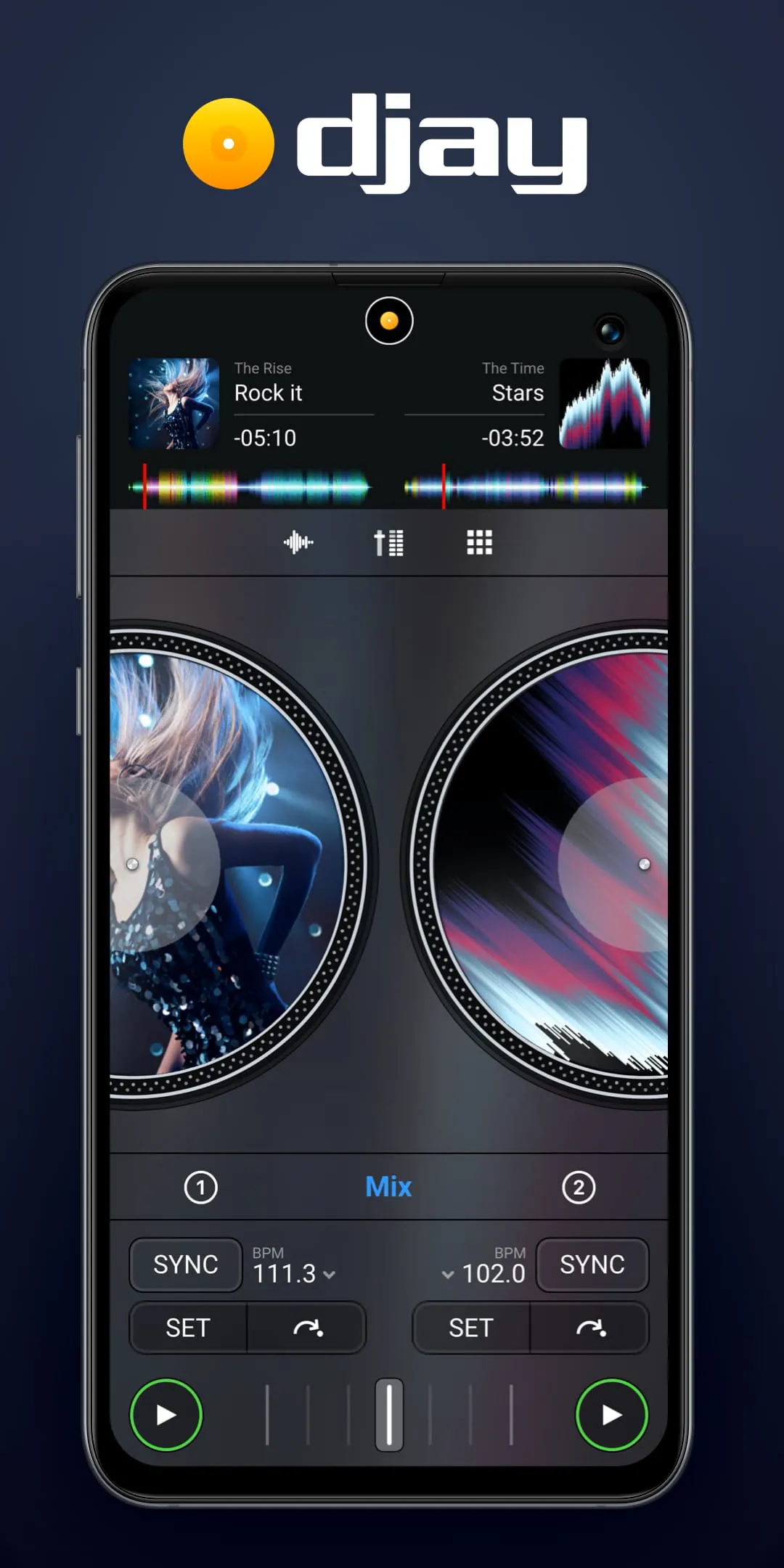
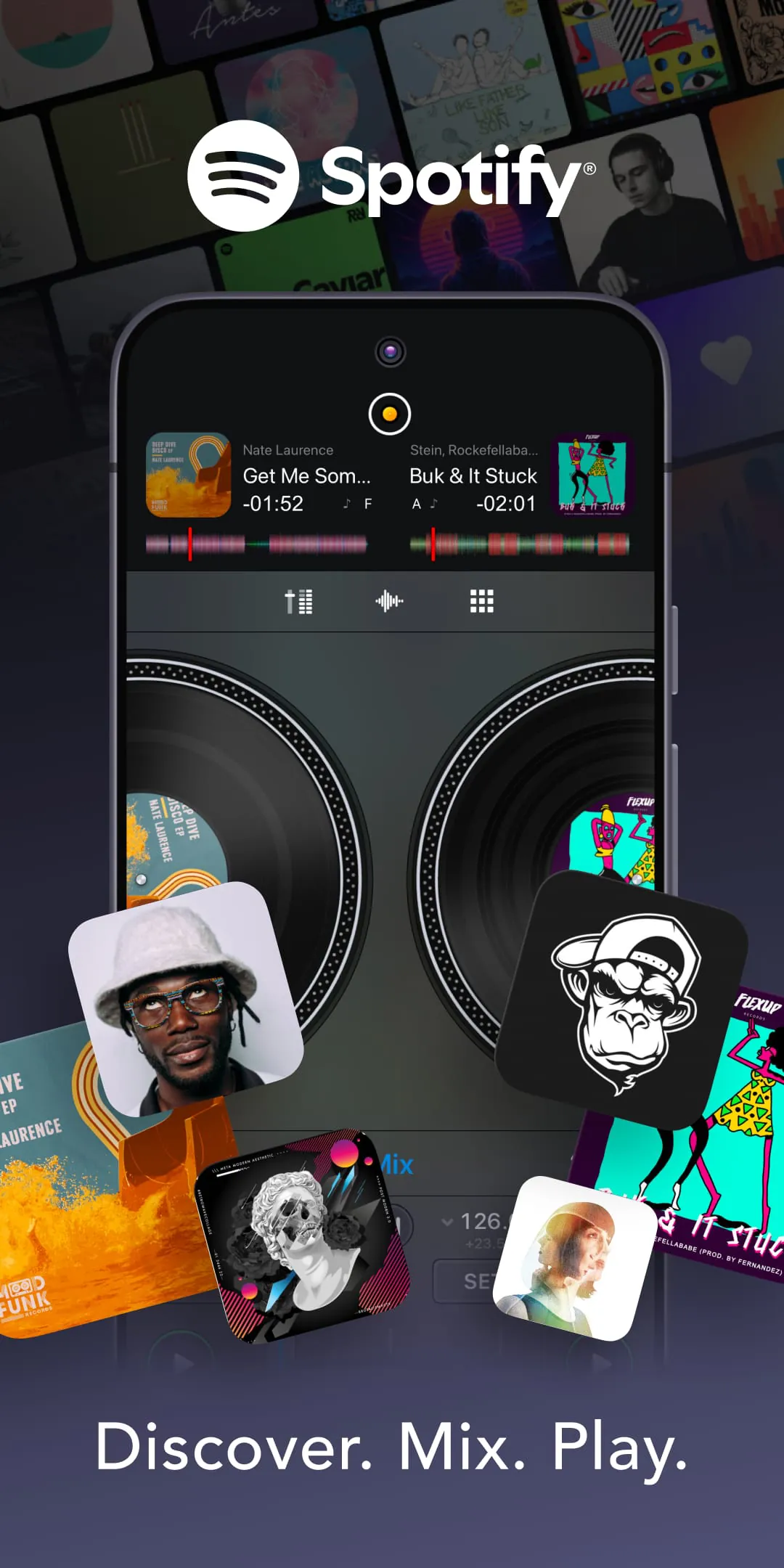
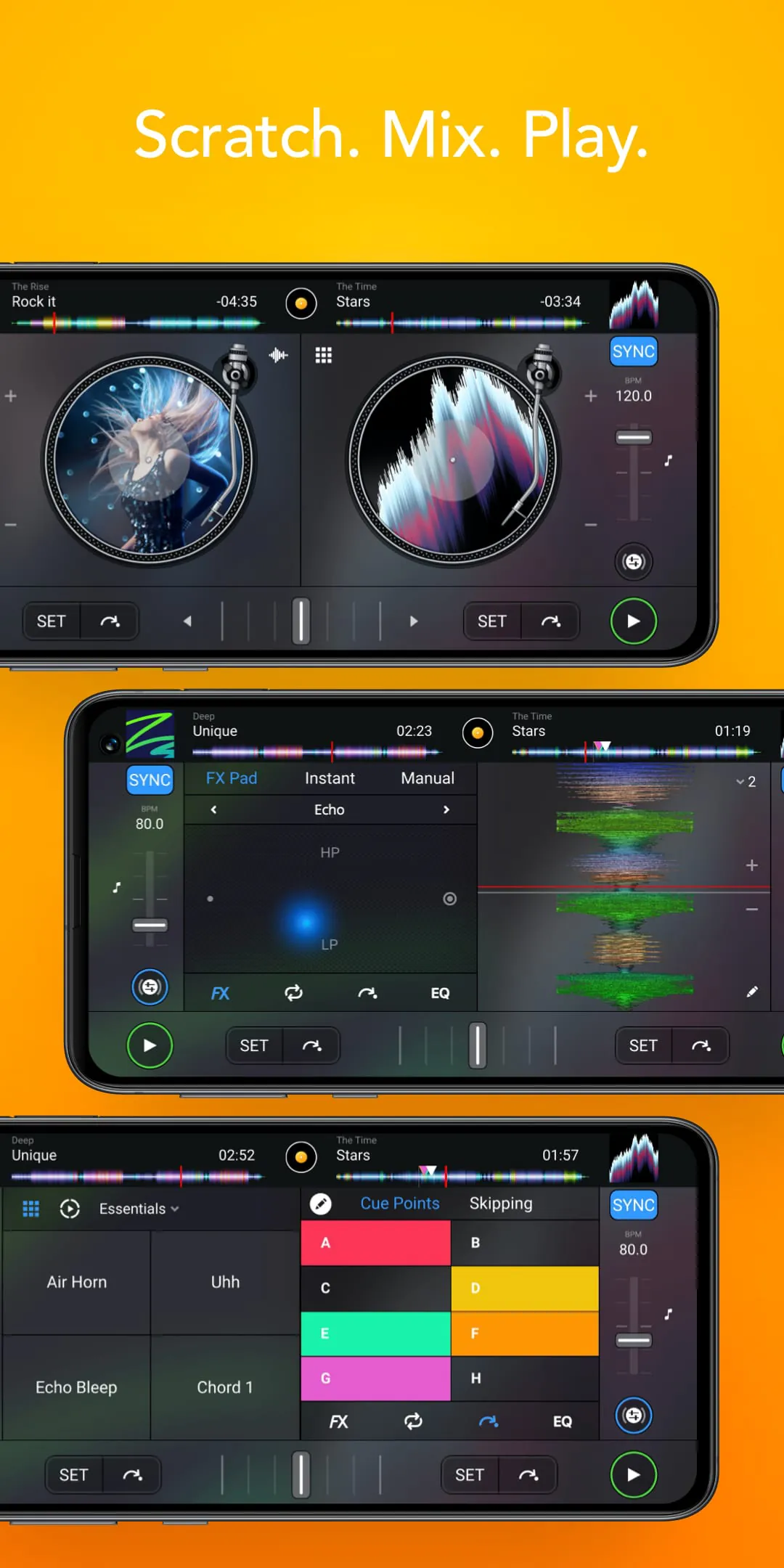
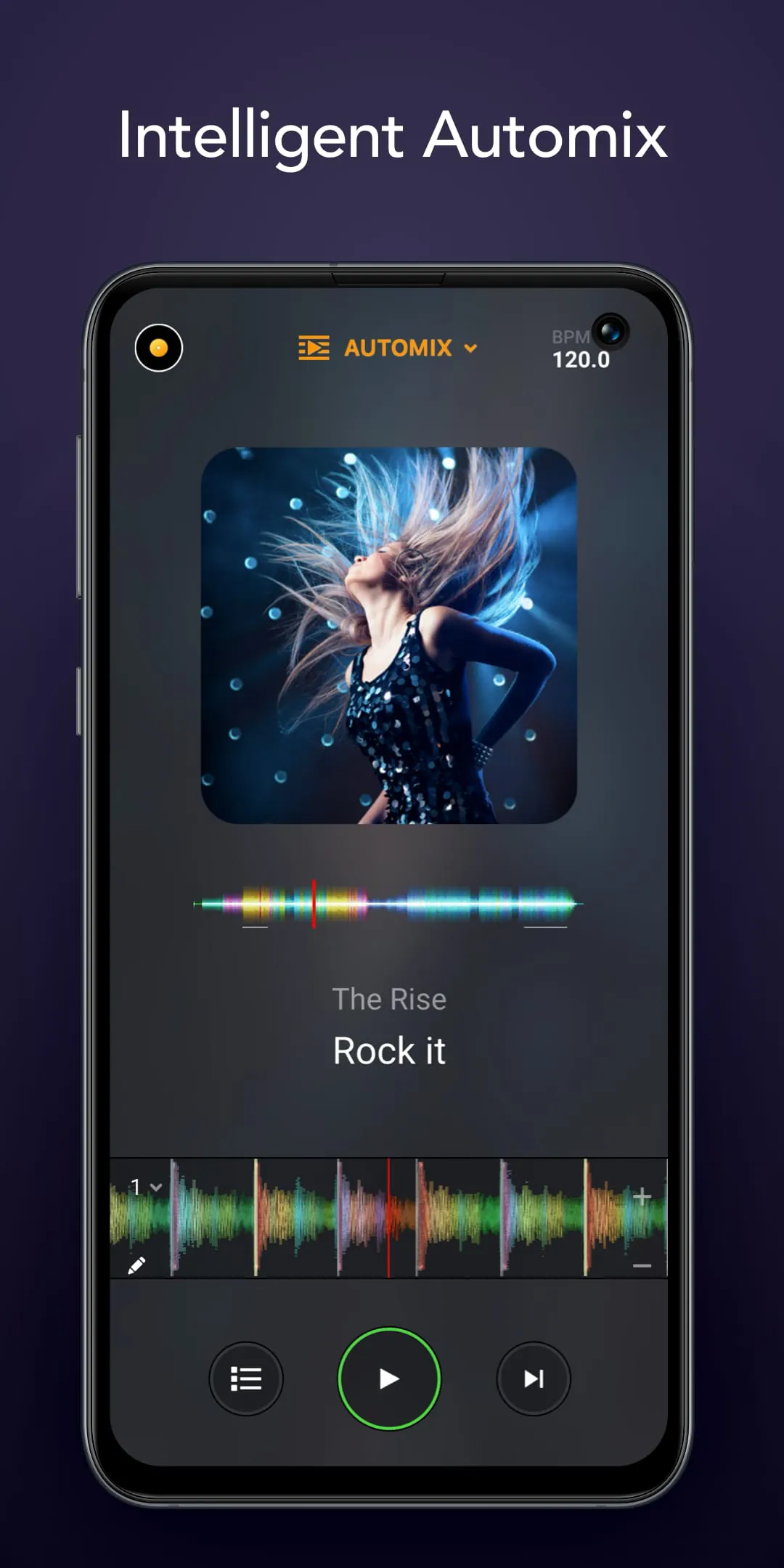
Djay is a professional and award-winning music mixing application designed for mobile devices and computers, transforming your smartphone, tablet, or computer into a full-featured DJ system. It seamlessly integrates with popular streaming services and your local music library, allowing users to mix tracks, apply real-time effects, loop sections, and perform live scratches with intuitive, tactile controls that make advanced DJ techniques accessible to both beginners and seasoned professionals.
The app stands out with its powerful, studio-quality tools wrapped in a user-friendly interface. Its key features include a sophisticated dual-deck mixer with waveform displays, a wide array of high-fidelity audio effects like filters, echoes, and flangers, and seamless integration with streaming platforms such as Apple Music and Spotify (on certain versions) for instant access to millions of tracks. The innovative Automix AI can automatically blend songs, while the sampler lets you trigger sound clips on the fly. Key features are encapsulated below:
Like any software, Djay offers a compelling set of advantages alongside some limitations depending on the user's needs and device. Its strengths lie in its professional output and accessibility, while its drawbacks may relate to platform-specific features or hardware demands.
Djay's functionality extends far beyond simple playback, offering a comprehensive suite for music creation and performance. It operates as a complete mobile DJ studio, enabling precise tempo and pitch synchronization between tracks, key matching for harmonic mixing, and the ability to record and share your mixes directly. The app also supports external hardware controllers for a tactile club-style experience and provides video mixing capabilities in some versions, syncing your music to visual effects.
Click the button "Check All Versions" below to download and install it. Once installed, launch the app and grant necessary permissions to access your music library or streaming account. You can start by loading tracks onto the two virtual decks, using the waveform display to find cue points. Practice using the crossfader to transition between songs and experiment with applying effects to individual channels. Utilize the sync button to match tempos automatically, then try manual beatmatching as you advance. Explore the sampler pads for adding hits and the Automix mode to understand professional transitions.
Get djay from an official store or available APK channel.
ZIP files require a Split APKs Installer (e.g., SAI) from Google Play to install. Steps: 1. Download SAI from Google Play; 2. Open SAI and tap "Install APKs"; 3. Select the ZIP file; 4. Complete installation.
The latest version currently listed by Appspicked is V3.1.4, with information updated on May 14, 2026. Versions may vary by device, region, or rollout schedule, so users should also check Google Play or announcements from Algoriddim.
No website can guarantee that an app is completely risk-free. Appspicked recommends downloading djay only from an official app store or a verified channel operated by Algoriddim. Before installing, confirm the developer name, package ID com.algoriddim.djay_free, requested permissions, privacy policy, and download source.
djay may be unavailable because of regional restrictions, device incompatibility, account or age settings, a temporary removal, a name change, or because it has not been released for that platform. An Android package page does not necessarily mean that an iOS App Store version exists. Check Algoriddim’s official website for current availability.
Use Google Play or another official download channel provided by Algoriddim whenever possible. Appspicked provides app information and store links, but users should verify the destination domain and publisher before downloading or updating the app.
The information on Appspicked may represent the most recently indexed snapshot. App stores sometimes release updates gradually or display different versions according to region, device, operating system, or testing group. The official store listing should be treated as the final reference.
djay is listed for Android, with a reported minimum requirement of Not specified. Actual compatibility may also depend on the device model, region, available storage, hardware features, and installed system components.
The initial download may be free, but subscriptions, advertising, paid features, or in-app purchases may still apply. Prices and available purchases can vary by country and version. Check the payment information displayed by Google Play before completing a transaction.
Check the network connection, storage space, operating-system version, account region, and device compatibility. Restart the device and try again through the official store. If the problem continues, consult the support resources provided by Algoriddim.









