Amazon Chime is a secure, cloud-based communication service developed by Amazon Web Services (AWS), designed to facilitate online meetings, video conferencing, voice calls, and instant messaging for businesses and individual professionals, enabling seamless collaboration from any location.
Key Features
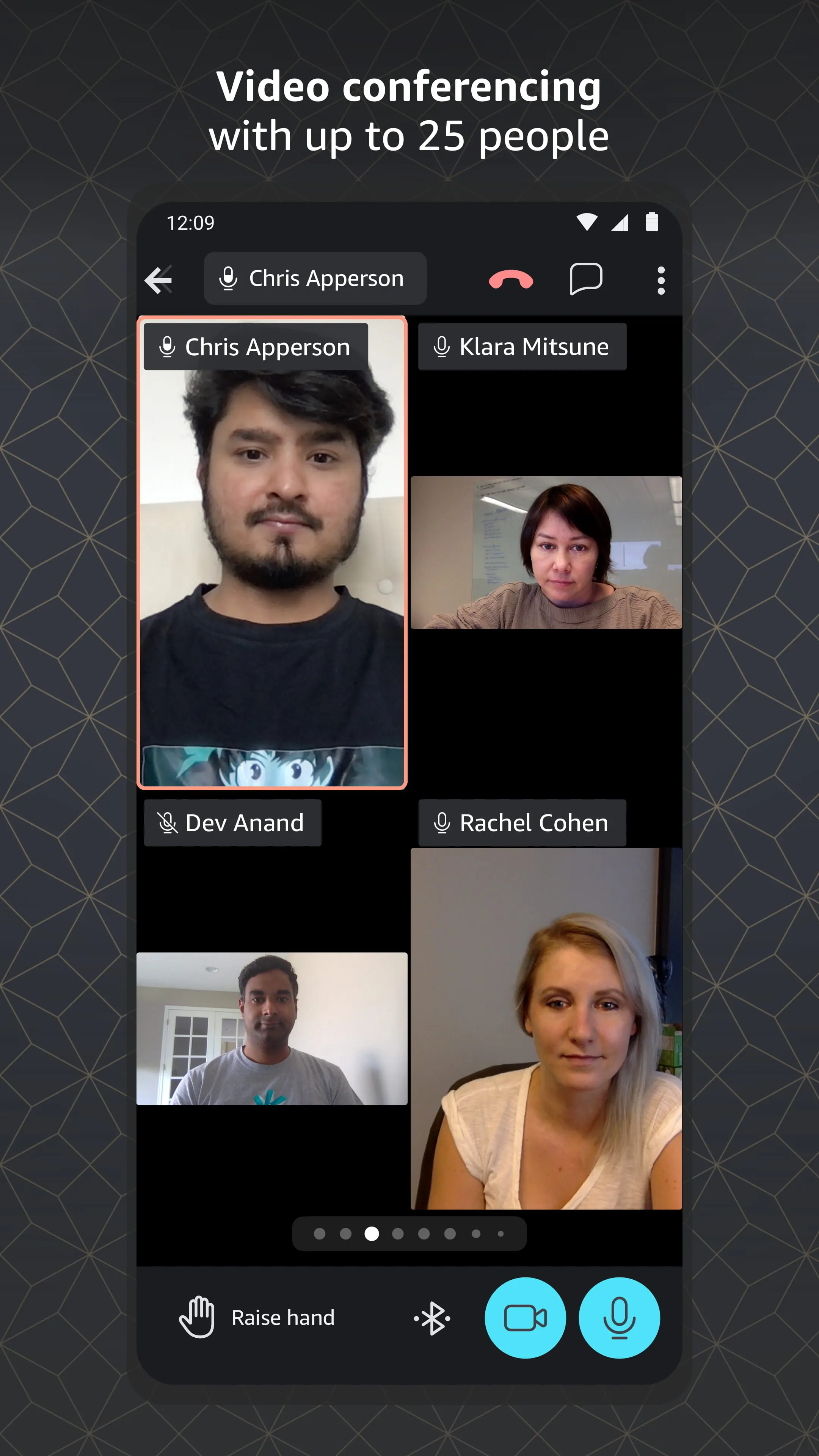
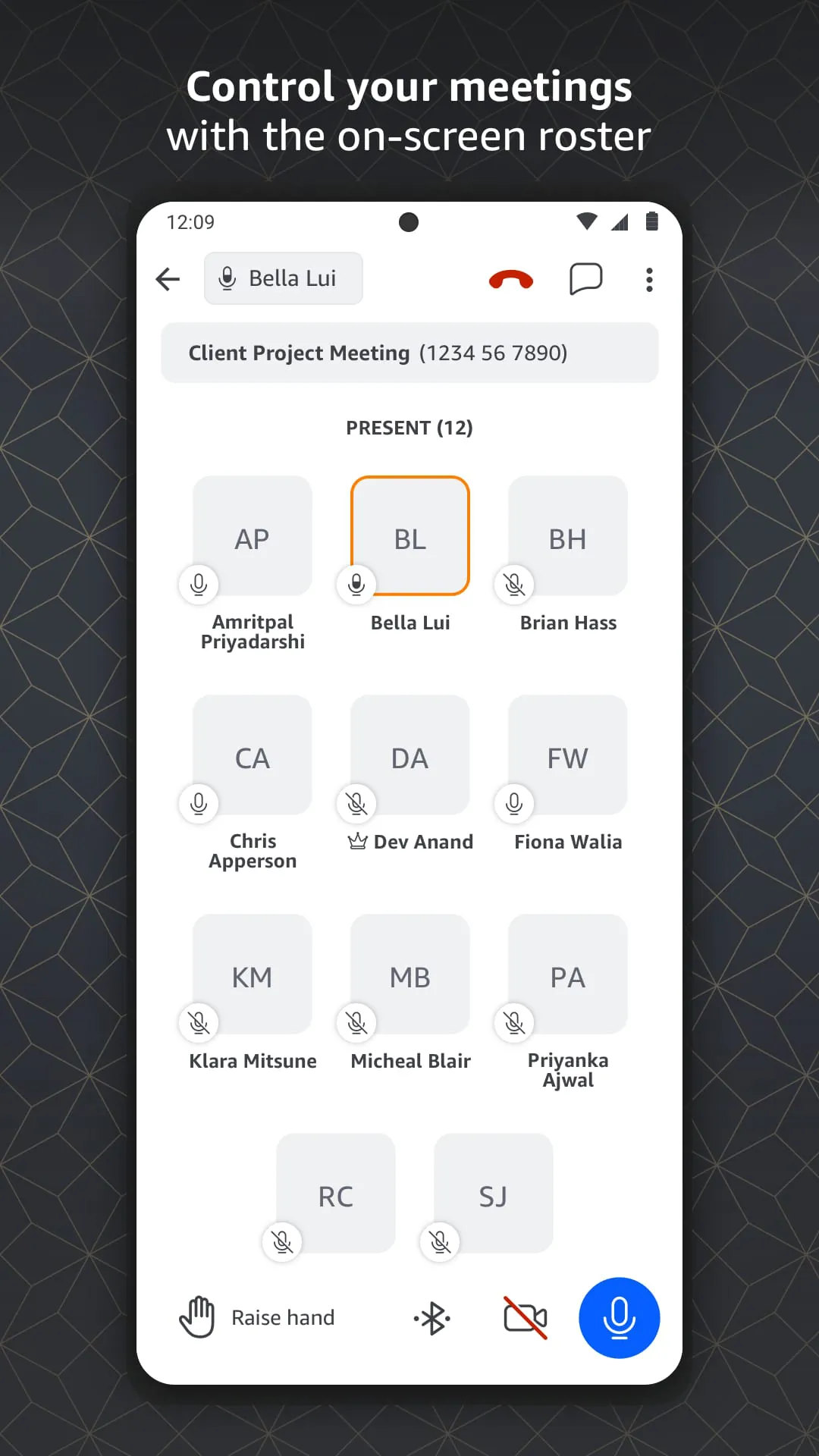
The application stands out with a robust set of capabilities engineered for modern work environments. It provides high-quality video and audio meetings that are easy to join with a single click. A notable feature is the smart meeting management, which includes visual rosters and in-meotion controls. Furthermore, it offers integrated chat for persistent conversations, screen sharing for dynamic presentations, and the unique "Meet in the Chime" feature that allows spontaneous voice meetings directly from a chat. All communications are protected with enterprise-grade security and encryption.
Pros & Cons
Like any tool, Amazon Chime presents a balanced mix of advantages and limitations.
- Pros: It is known for its exceptional audio and video clarity, which significantly enhances meeting experiences. The user interface is clean and intuitive, reducing the learning curve. Its deep integration with other AWS services is a major benefit for existing AWS customers. The pay-as-you-go pricing model can be cost-effective for many organizations, and its strong security protocols are a significant trust factor.
- Cons: The feature set, while solid, can be less extensive compared to some established competitors, lacking certain advanced webinar or large event hosting tools. Its brand recognition and adoption in the general market are lower than rivals like Zoom or Microsoft Teams. For companies not invested in the AWS ecosystem, some integrations may be less valuable.
Functions
Amazon Chime serves as a comprehensive hub for digital interaction. Its core functions are multi-faceted and designed to support various collaboration scenarios.
- Hosting and joining scheduled or instant video and audio conferences with multiple participants.
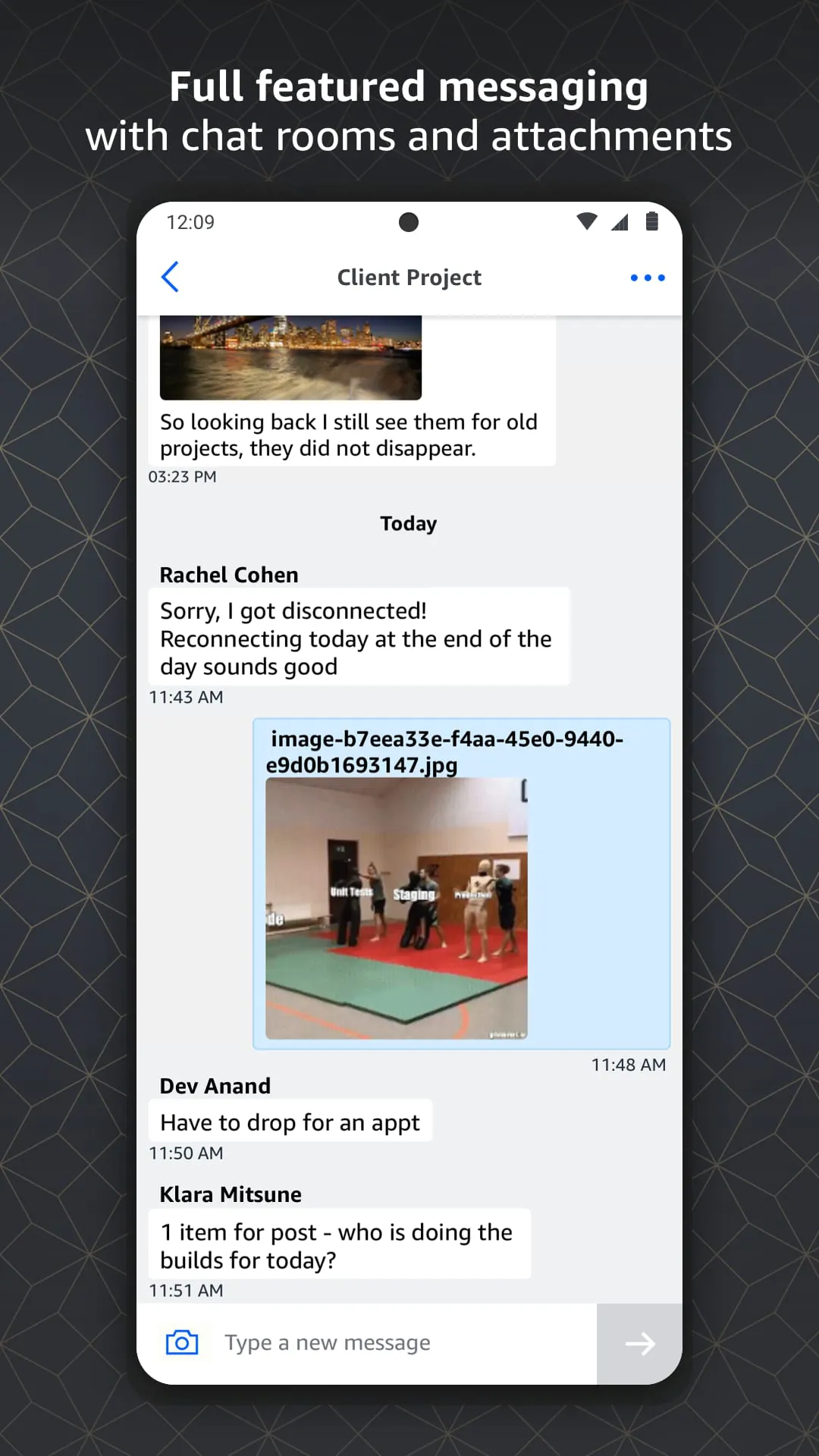
- Facilitating one-on-one and group instant messaging with file sharing capabilities.
- Sharing your entire screen or a specific application window during a meeting.
- Managing meeting attendees with features like mute all, roster view, and in-call chat.
- Recording meetings for later review and reference.
- Integrating with business calendars for easy scheduling and joining.
How to Use
Click the button "Check All Versions" below to download and install it. Once installed, you can begin by creating an account using your email or AWS credentials. For joining meetings, simply click on the meeting link sent to you or enter the provided meeting ID directly within the app. To schedule a new meeting, use the scheduling function within Chime or integrate it with your calendar service. During a call, you can find controls at the bottom of your screen to manage your video, audio, screen share, and participants. For persistent teamwork, you can create chat rooms to organize conversations by project or team.





 APK
APK  Google Play
  iOS
iOS  2.90
2.90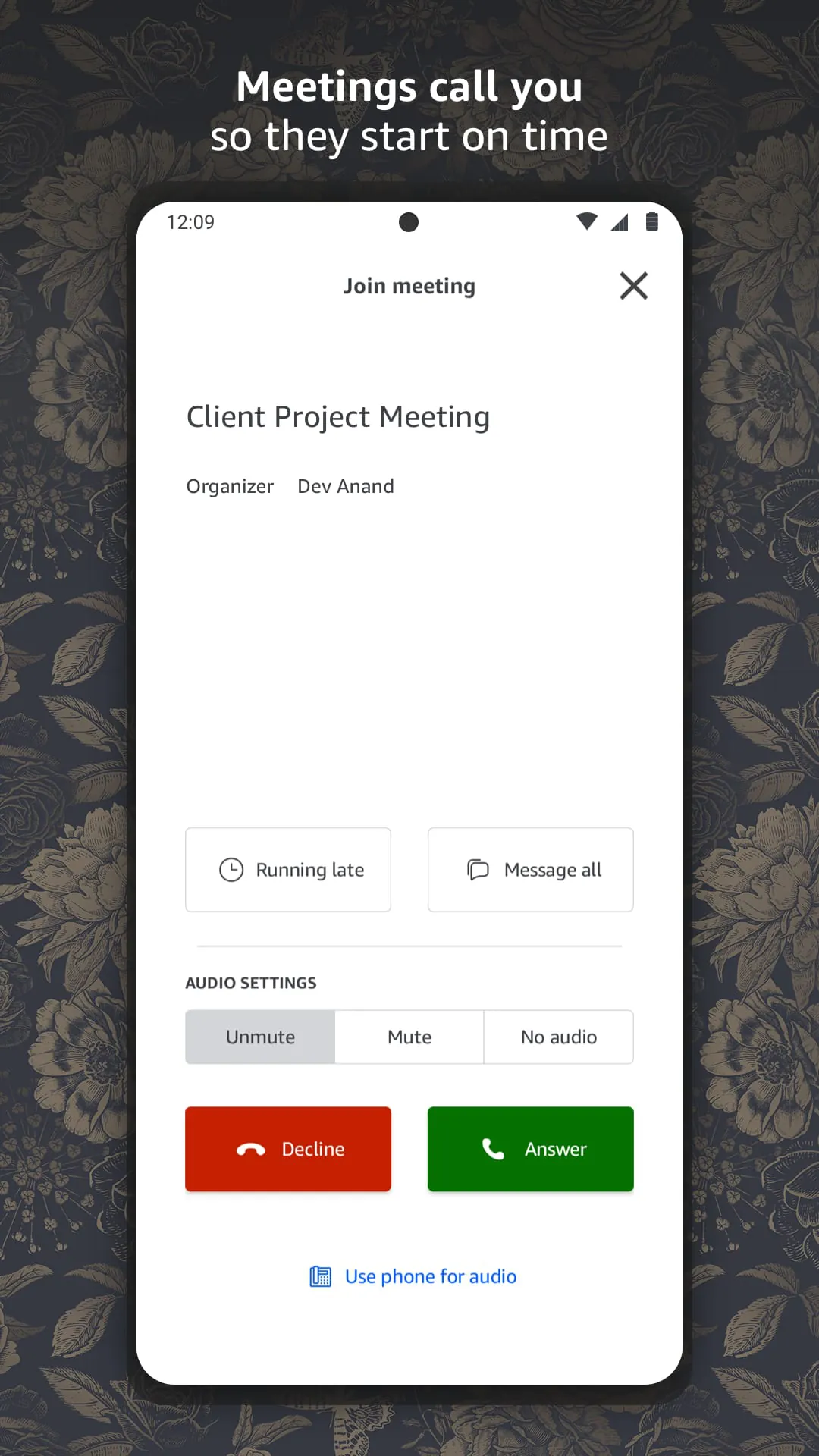
 Download








