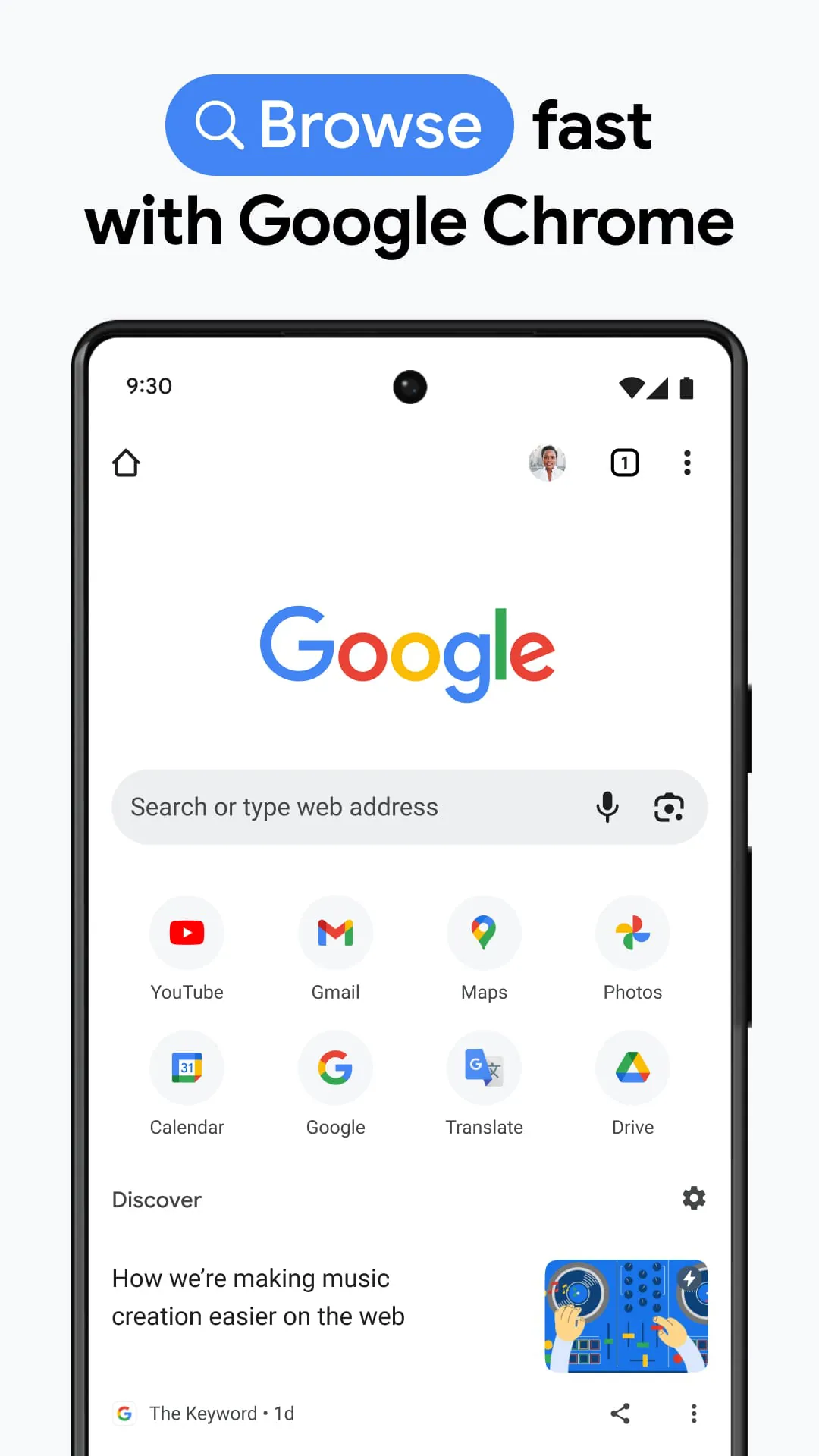
Google Chrome is a free, fast, and secure web browser developed by Google, designed to provide users with a clean, efficient, and reliable gateway to the internet. It stands as one of the most popular browsers globally, known for its minimalist design, robust performance, and deep integration with Google's ecosystem and services, making it a central tool for browsing websites, running web applications, and managing online activities.
Key Features
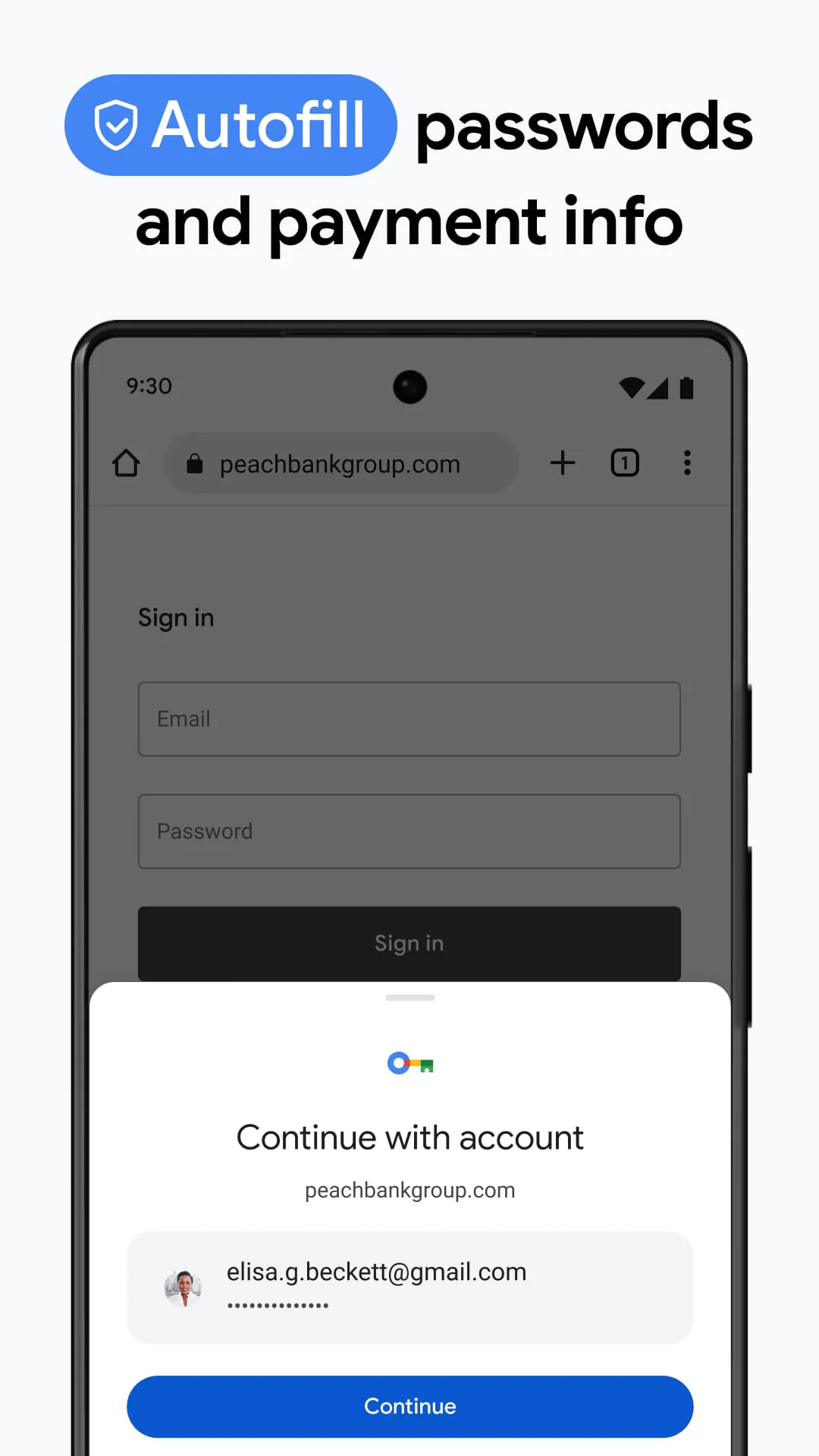
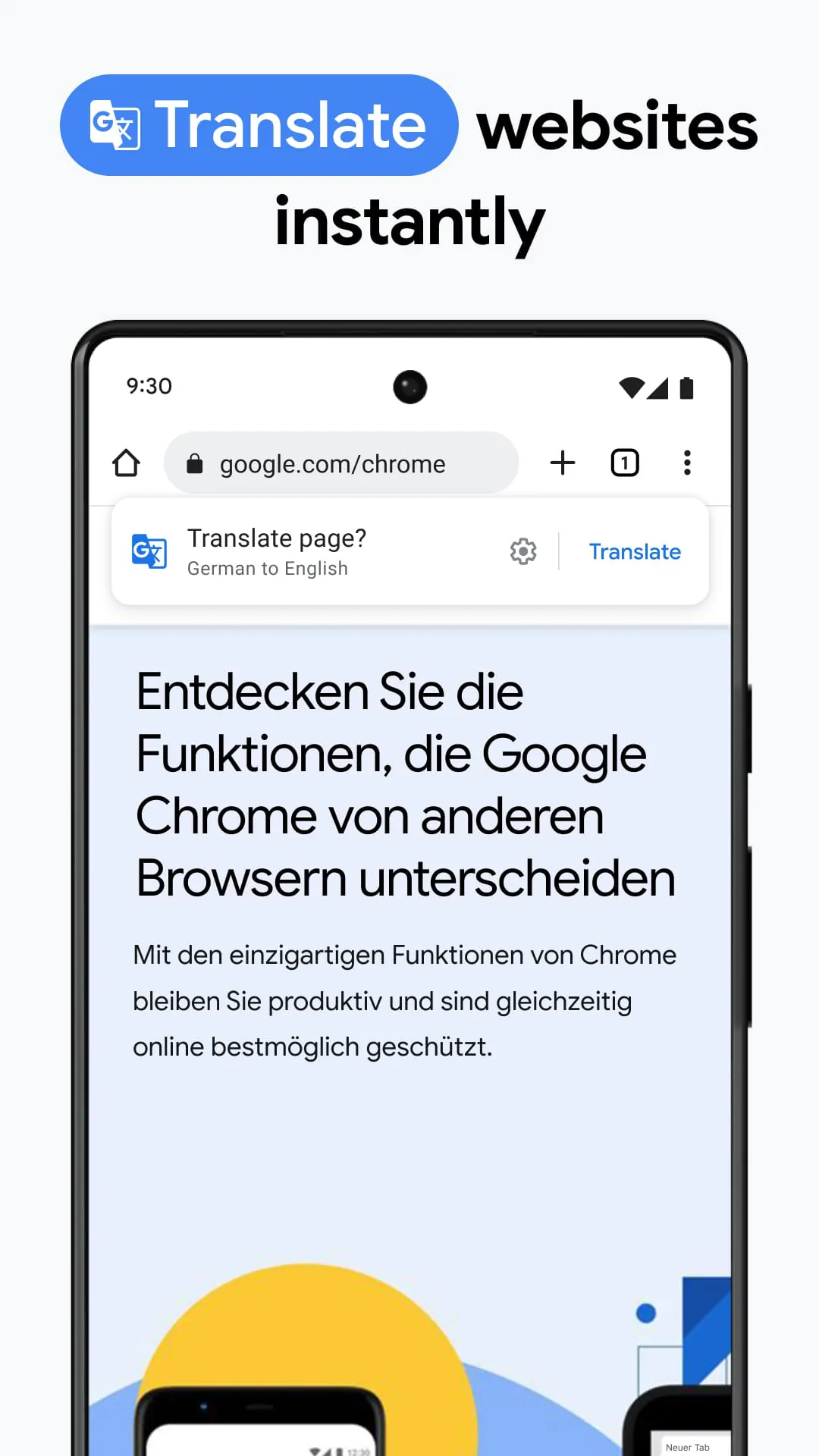
Google Chrome is packed with features that enhance the browsing experience. Its core strength lies in speed and efficiency, utilizing a powerful JavaScript engine to load pages quickly. Security is a major focus, with built-in protection against phishing and malware through safe browsing technology. The browser offers seamless synchronization across all devices when signed in with a Google account, allowing bookmarks, history, passwords, and open tabs to be available anywhere. Its extensive library of extensions and themes via the Chrome Web Store allows for deep personalization and added functionality. Furthermore, Chrome provides strong support for modern web standards, ensuring compatibility with the latest interactive websites and applications.
Pros & Cons
Using Google Chrome comes with distinct advantages and some drawbacks to consider.
- Pros: It is exceptionally fast and stable. The user interface is clean and intuitive. Vast extension ecosystem for customization. Excellent synchronization across devices. Strong security updates and sandboxing technology. Dominant market share ensures broad website compatibility.
- Cons: It is known for high memory (RAM) usage, especially with many tabs open. Deep integration with Google services raises privacy concerns for some users. It can be resource-intensive on battery life for laptops. Limited user control over certain background processes.
Functions
Chrome serves as a comprehensive platform for accessing and interacting with the web. Its primary functions include:
- Rendering and displaying websites and web content.
- Managing bookmarks, browsing history, and downloads.
- Running advanced web applications and services.
- Providing a secure environment for online transactions and data entry.
- Offering incognito mode for private browsing sessions.
- Allowing users to install progressive web apps (PWAs) that function like desktop applications.
- Enabling developer tools for website debugging and creation.
How to Use
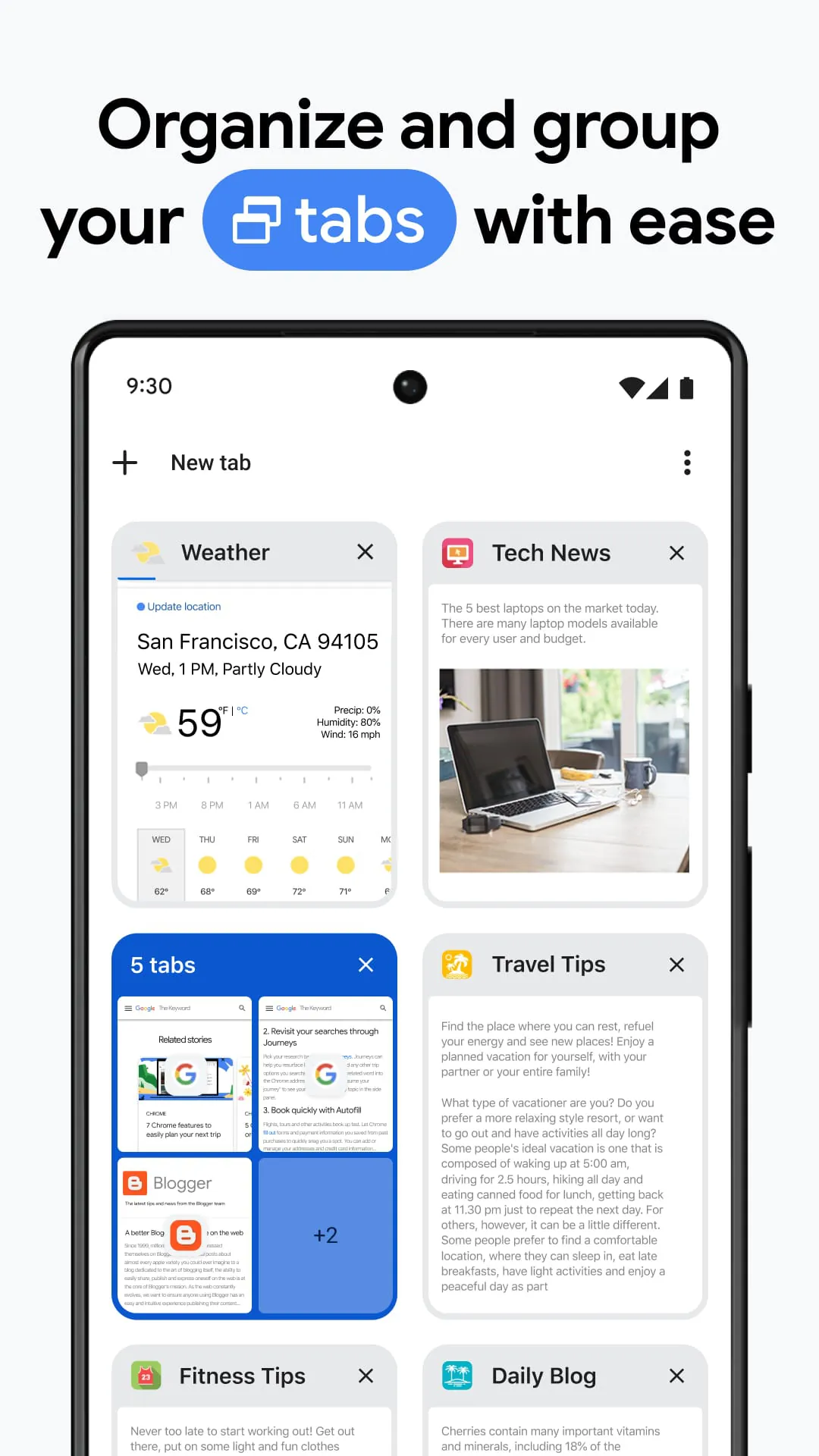
Click the button "Check All Versions" below to download and install it. Once installed, you can launch Chrome from your desktop or start menu. For initial setup, you may choose to sign in with your Google account to enable synchronization of your data across computers and mobile devices. You can then set your preferred homepage, import bookmarks from another browser, and begin browsing. To enhance functionality, visit the Chrome Web Store to add useful extensions. Use the address bar (Omnibox) for both website URLs and direct searches. Manage tabs, bookmarks, and settings through the three-dot menu in the top-right corner of the browser window.




 APK
APK  Google Play
  iOS
iOS  4.10
4.10