




Insta360
by Insta360
A full editing room to accompany your Insta360 cameras and handheld gimbals.
A closer look
Overview
Insta360 is a comprehensive mobile application designed to fully unlock the creative potential of Insta360 brand cameras, serving as a central hub for wireless connectivity, advanced editing, and seamless sharing of immersive 360-degree and traditional flat videos and photos directly on your smartphone.
Key Features
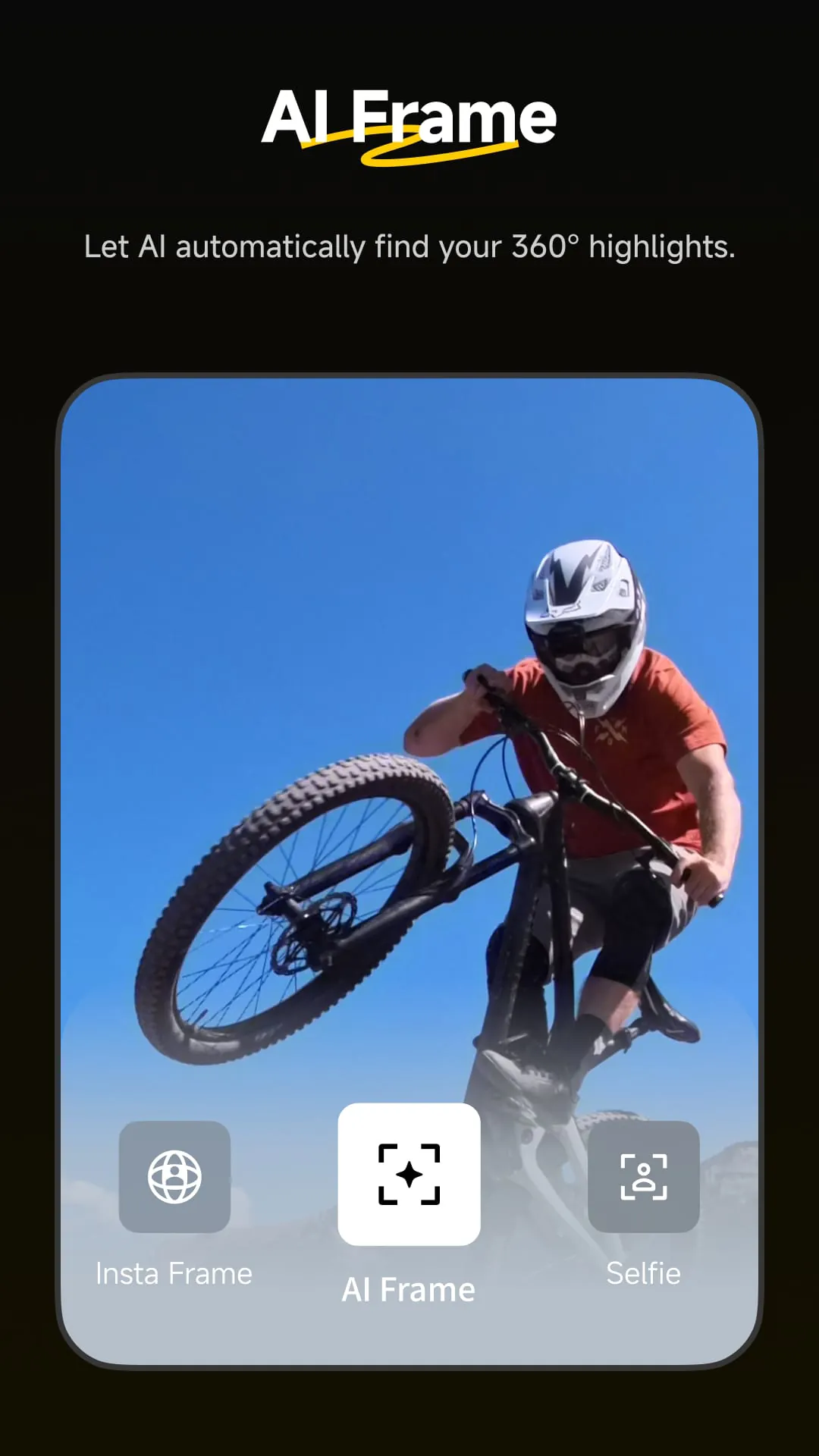
The Insta360 app stands out with its powerful, AI-driven editing tools that simplify complex workflows. It offers exclusive features like the revolutionary Auto Frame for automatically creating dynamic, director-like cuts from 360 footage, and Deep Track for subject tracking in 360 videos. The app also provides a vast library of creative shooting modes and templates, enabling users to produce professional-looking videos with minimal effort. Its seamless wireless connection for live preview and transfer, along with direct sharing to social media platforms, makes the entire process from capture to publication incredibly fluid.
Pros & Cons
- Pros: The app provides an exceptionally intuitive and powerful editing suite specifically tailored for 360 content, with unique AI features unavailable elsewhere. The wireless workflow is robust and reliable. It is regularly updated with new creative modes and effects, keeping the user experience fresh. The integrated community and tutorial section is excellent for learning and inspiration.
- Cons: Some of the most advanced AI editing features require a paid subscription. Processing high-resolution footage can be demanding on older smartphone models, potentially causing slowdowns or overheating. The wealth of features can be overwhelming for absolute beginners, despite the helpful tutorials.
Functions
The application’s functionality is built around three core pillars: connection, creation, and community.
- Camera Control & Connectivity: Pair your Insta360 camera wirelessly for a live preview, remote control of settings, and fast file transfer to your phone’s gallery.
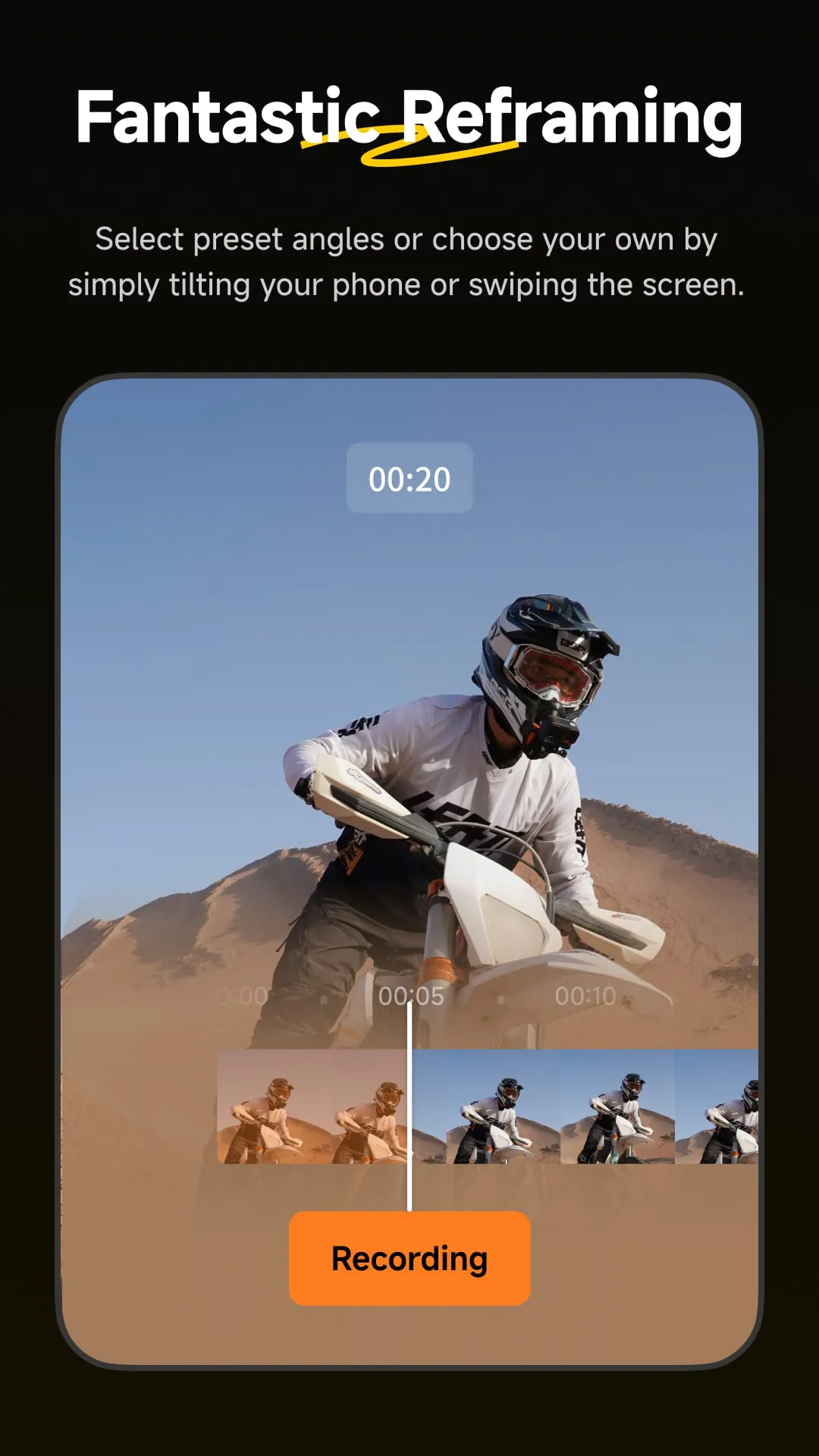
- Advanced Editing Studio: This is the heart of the app, featuring tools for reframing 360 videos, applying FlowState stabilization, color grading, adding music, and using Speed Ramp for dramatic slow-motion effects.
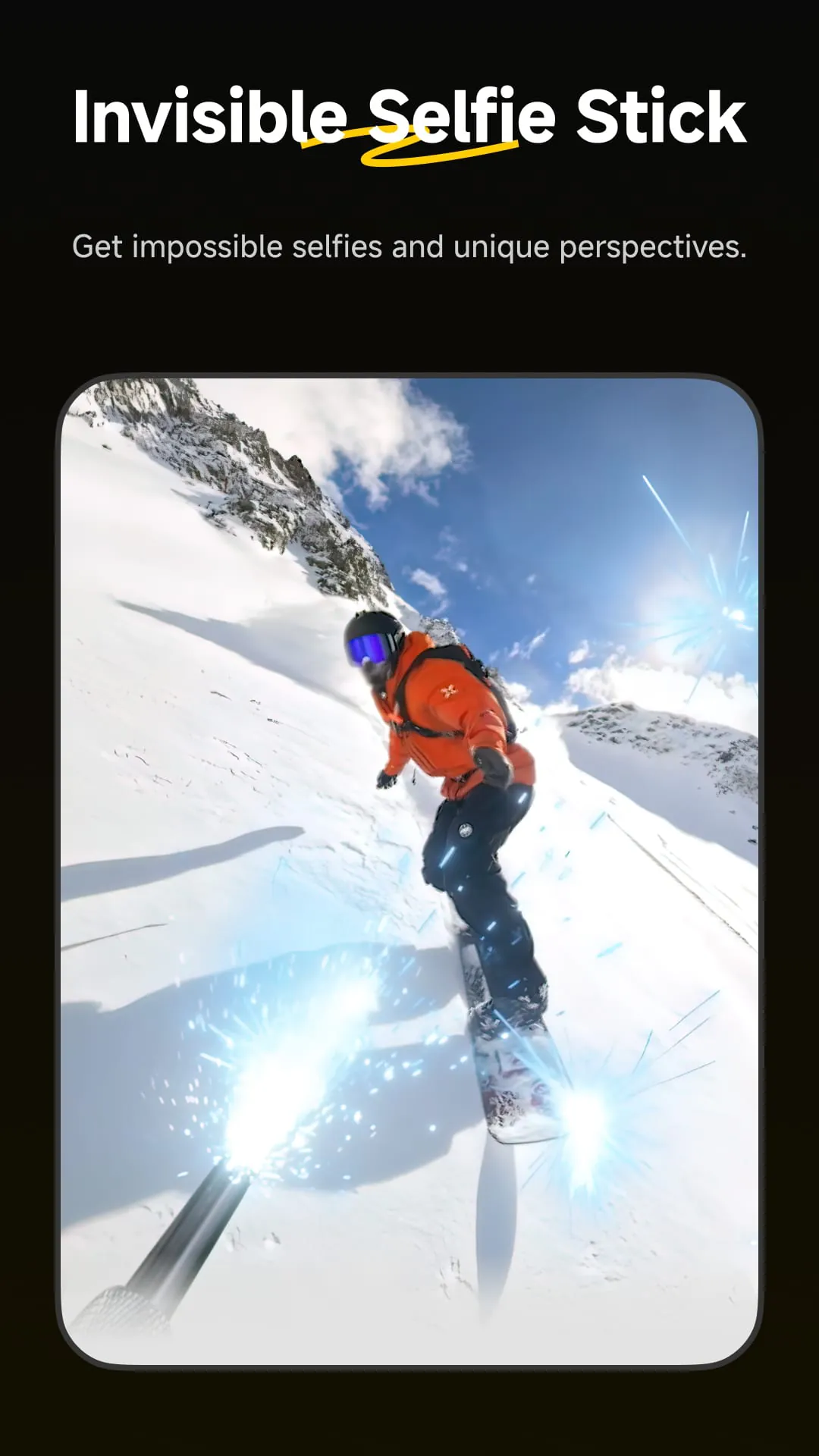
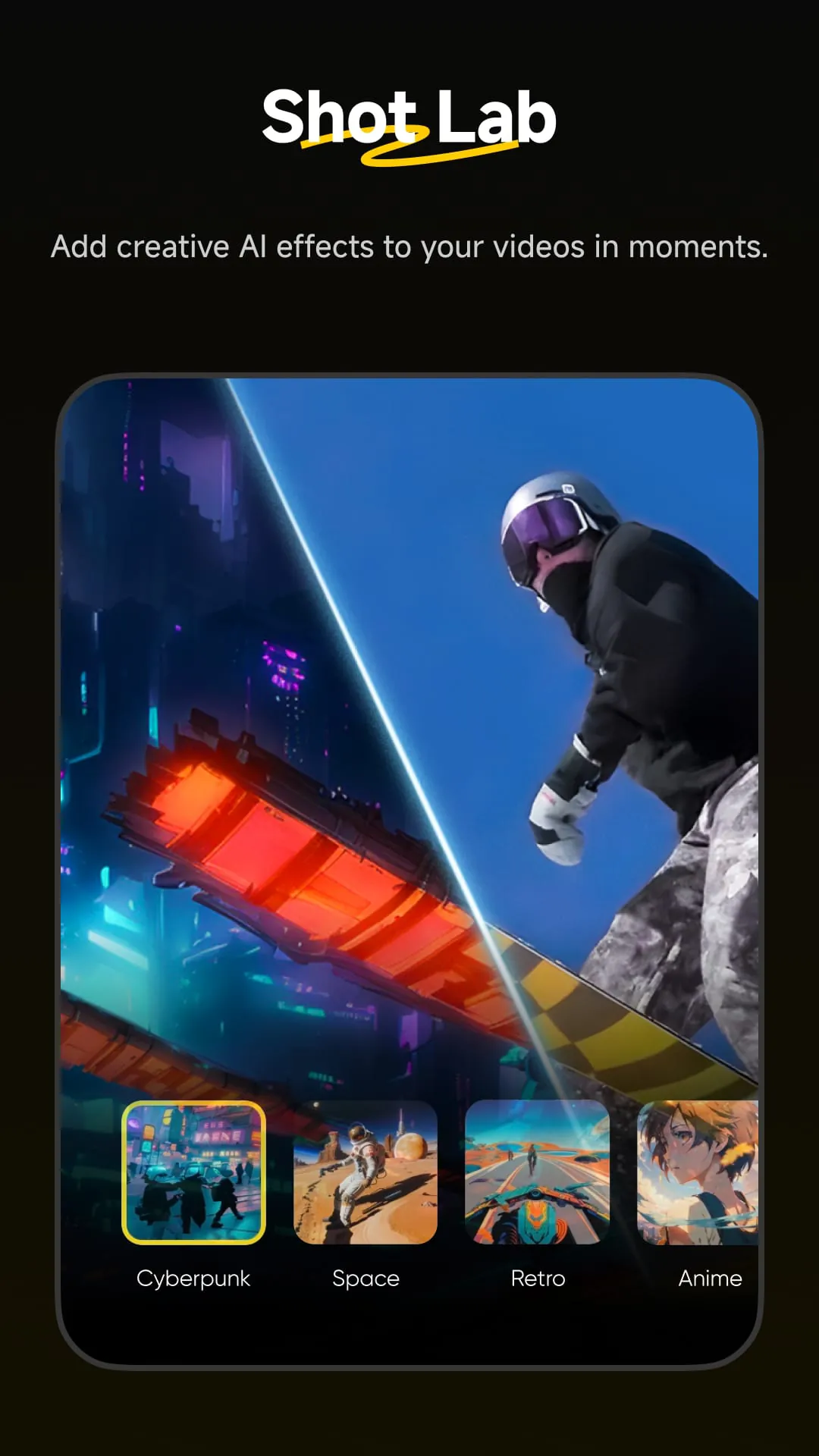
- AI & Creative Tools: Utilize Auto Frame, Deep Track, and AI Warp for smart edits. Access Shot Lab for trendy, template-driven effects and Invisible Selfie Stick removal for magical, floaty camera angles.
- Sharing & Community: Directly export and share to platforms like YouTube, Instagram, and TikTok. Explore the “Moments” feed to see creations from other users around the world.
How to Use
Click the button "Check All Versions" below to download and install it. Once installed, open the app and create an account. Enable Bluetooth and Wi-Fi on your phone, then power on your Insta360 camera. Follow the in-app prompts to easily pair your camera. You can then begin exploring:
- Use the Camera tab for live preview and remote shooting.
- Import footage to the Studio tab to start editing. Tap on a clip to open the editing interface where you can reframe, adjust speed, add stickers, and apply filters.
- For quick creations, go to the Create tab and select a template from Shot Lab, then simply follow the instructions to produce a video in minutes.
- Finally, use the export button to choose your resolution and frame rate before saving to your device or sharing online.
App Download
Get Insta360 from an official store or available APK channel.
Previous Versions
ZIP files require a Split APKs Installer (e.g., SAI) from Google Play to install. Steps: 1. Download SAI from Google Play; 2. Open SAI and tap "Install APKs"; 3. Select the ZIP file; 4. Complete installation.
Frequently Asked Questions
What is the latest version of Insta360?
The latest version currently listed by Appspicked is unavailable, with information updated on May 14, 2026. Versions may vary by device, region, or rollout schedule, so users should also check Google Play or announcements from Insta360.
Is Insta360 safe to download and use?
No website can guarantee that an app is completely risk-free. Appspicked recommends downloading Insta360 only from an official app store or a verified channel operated by Insta360. Before installing, confirm the developer name, package ID com.arashivision.insta360akiko, requested permissions, privacy policy, and download source.
Why can’t I find Insta360 in the App Store?
Insta360 may be unavailable because of regional restrictions, device incompatibility, account or age settings, a temporary removal, a name change, or because it has not been released for that platform. An Android package page does not necessarily mean that an iOS App Store version exists. Check Insta360’s official website for current availability.
Where can I download or update Insta360?
Use Google Play or another official download channel provided by Insta360 whenever possible. Appspicked provides app information and store links, but users should verify the destination domain and publisher before downloading or updating the app.
Why is the version shown on Appspicked different from the app-store version?
The information on Appspicked may represent the most recently indexed snapshot. App stores sometimes release updates gradually or display different versions according to region, device, operating system, or testing group. The official store listing should be treated as the final reference.
Which devices and operating systems support Insta360?
Insta360 is listed for Android, with a reported minimum requirement of Not specified. Actual compatibility may also depend on the device model, region, available storage, hardware features, and installed system components.
Is Insta360 free?
The initial download may be free, but subscriptions, advertising, paid features, or in-app purchases may still apply. Prices and available purchases can vary by country and version. Check the payment information displayed by Google Play before completing a transaction.
What should I do if Insta360 cannot be installed or updated?
Check the network connection, storage space, operating-system version, account region, and device compatibility. Restart the device and try again through the official store. If the problem continues, consult the support resources provided by Insta360.









