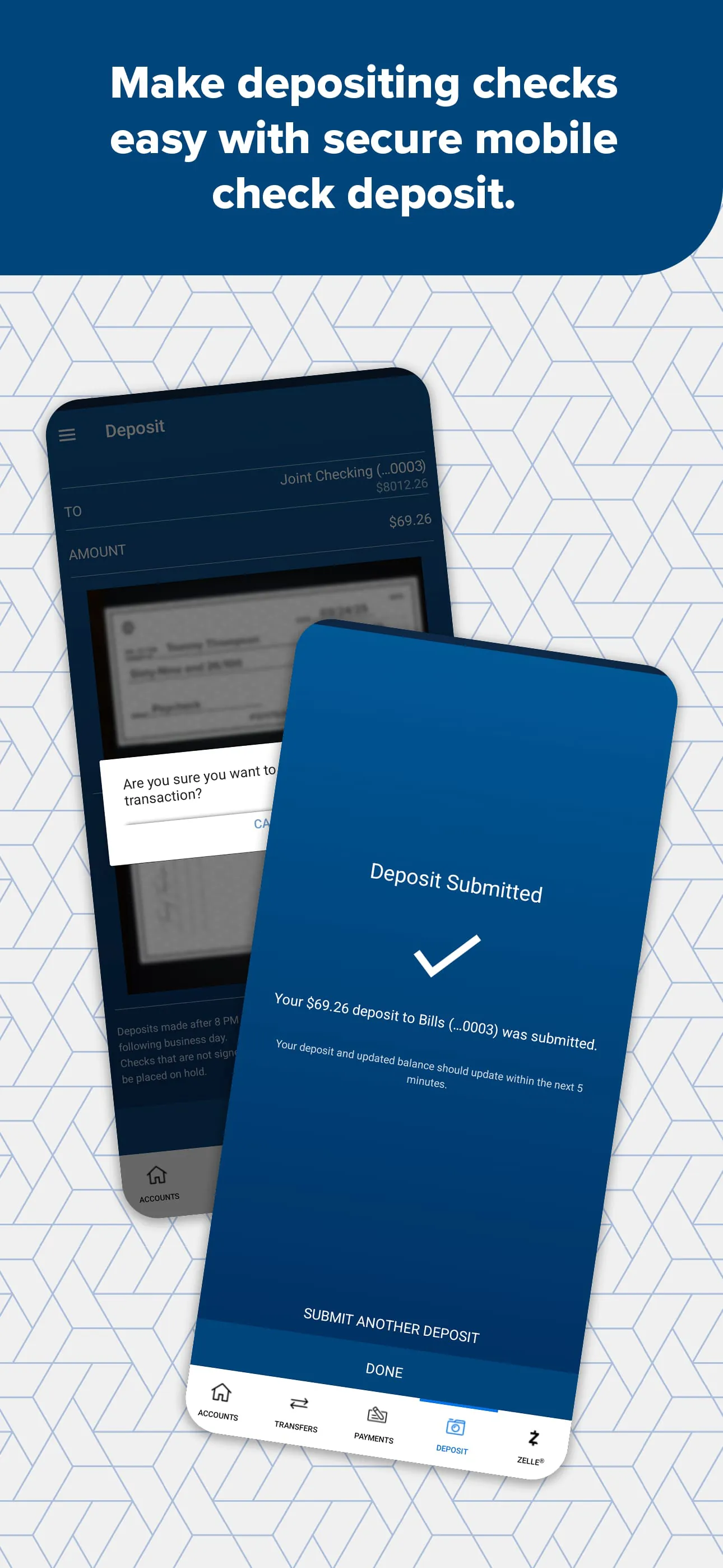
Arvest Go is a mobile banking application designed to provide Arvest Bank customers with convenient and comprehensive control over their accounts directly from their smartphones or other compatible devices. The app streamlines various banking activities, allowing users to manage their finances efficiently and securely. Key features include the ability to deposit checks remotely, transfer funds between different accounts, customize account alerts to stay informed about transactions and balances, and pay bills electronically, eliminating the need for traditional paper checks and postal mail. Furthermore, Arvest Go enhances security by enabling users to instantly lock their debit or personal credit cards if they suspect fraud or loss, and just as easily unlock them when the card is found or the concern is resolved, providing immediate control over card usage. The integration of Zelle® facilitates quick and safe money transfers with trusted contacts, leveraging a well-established peer-to-peer payment network. The app’s user-friendly interface ensures that even customers who are not particularly tech-savvy can easily navigate and utilize its features, making banking more accessible to a broader audience. Arvest Go aims to simplify banking processes, reduce the time and effort required for routine transactions, and empower customers to manage their finances on their own terms, anytime and anywhere. The convenience extends to opening new accounts, applying for loans, and finding suitable home loan options, all from the comfort of one's own device. Customization options, such as profile photos and favorite account designations, further enhance the user experience, making the app feel personalized and tailored to individual needs. The ability to view and print eStatements directly from the app also contributes to a more streamlined and paperless banking experience, aligning with modern preferences for digital solutions. Arvest Go exemplifies Arvest Bank's commitment to innovation and customer satisfaction, offering a robust mobile banking solution that meets the evolving needs of today's consumers. The app not only provides essential banking functions but also incorporates advanced security measures and convenient features that differentiate it from traditional banking methods. By continuously updating and enhancing Arvest Go with new features, Arvest Bank ensures that customers have access to the latest in mobile banking technology, keeping pace with the ever-changing digital landscape and maintaining a competitive edge in the financial services industry. The emphasis on user experience and security positions Arvest Go as a reliable and user-friendly mobile banking solution for Arvest Bank customers.
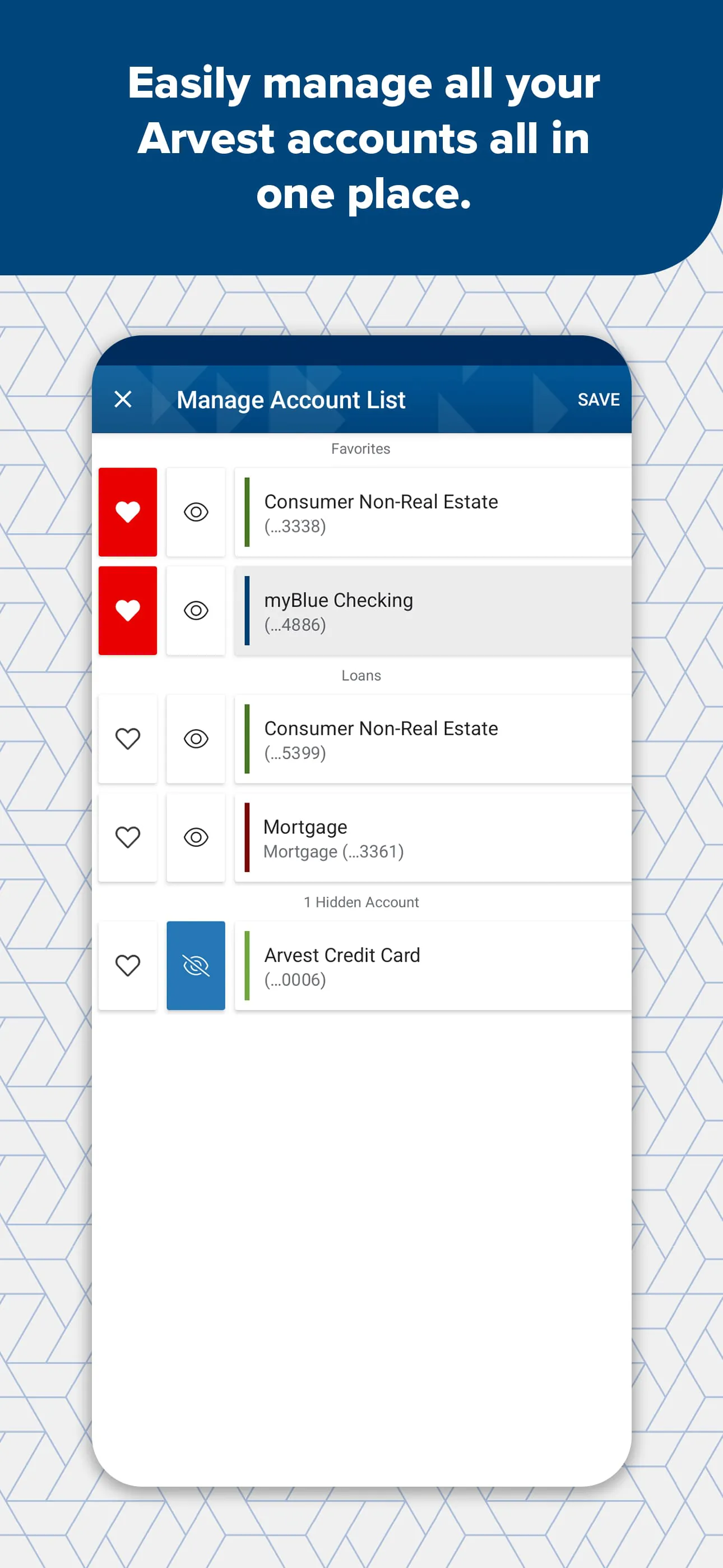
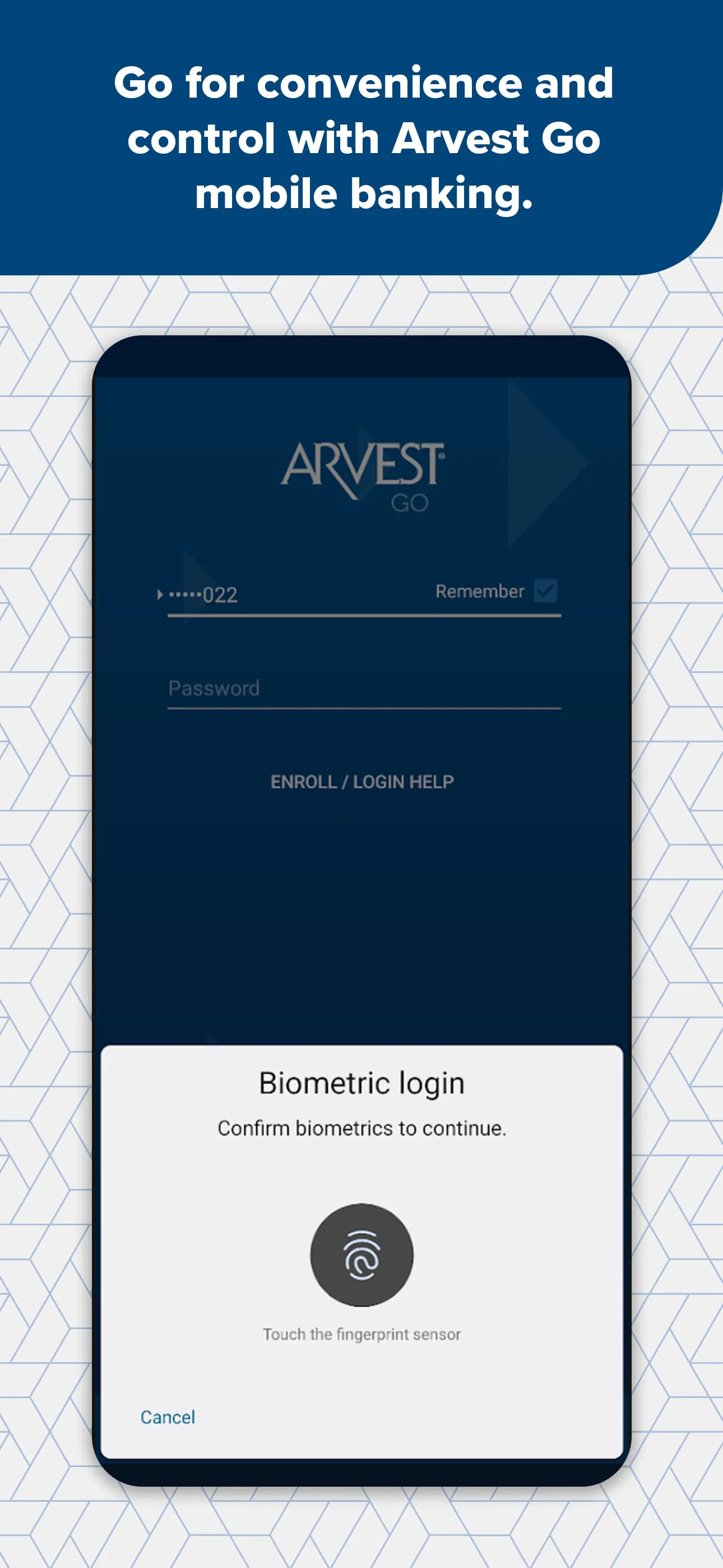
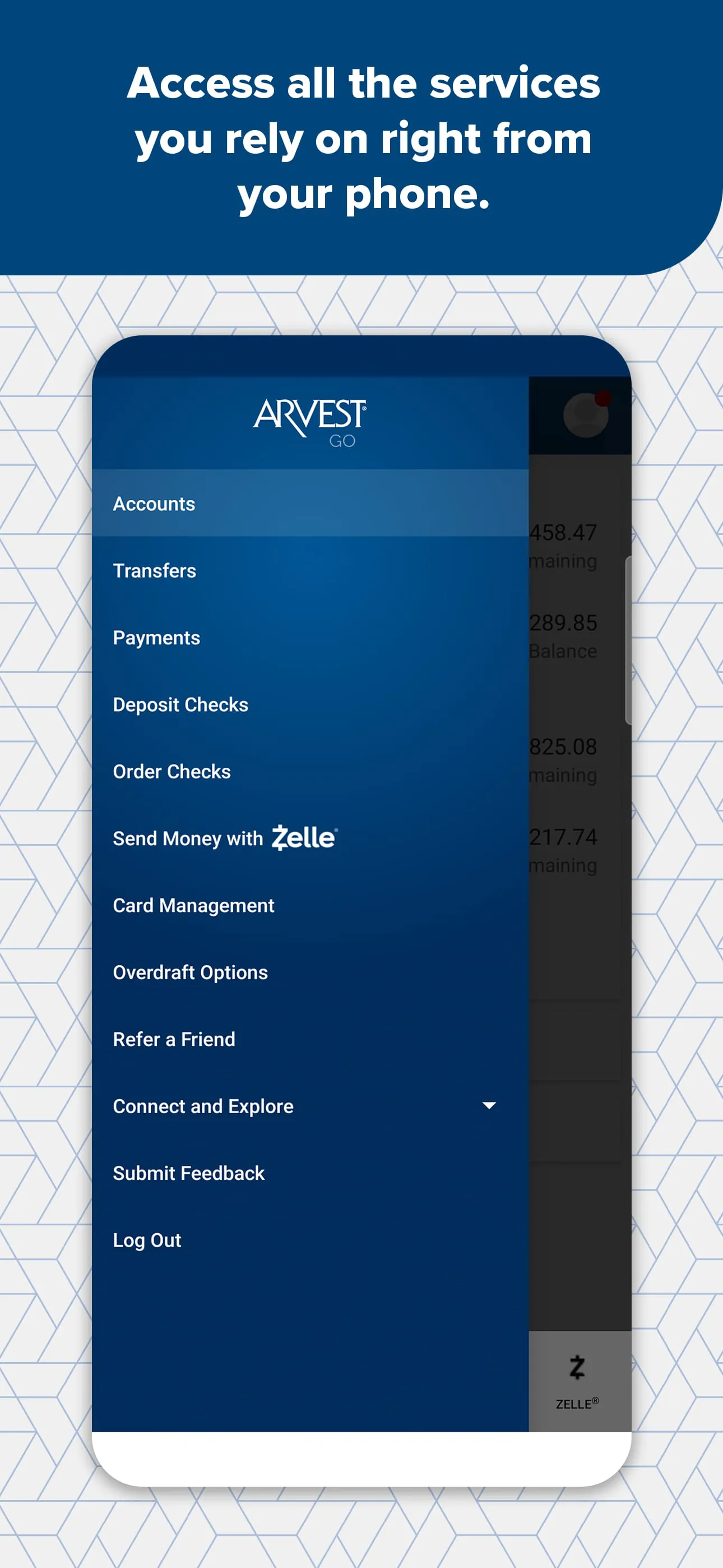
The Arvest Go app is equipped with a variety of features designed to enhance the user experience and provide convenient access to banking services. Secure login options, such as fingerprint and facial recognition, offer a quick and secure way to access the app, while the Quick View feature allows users to check their account balances without fully logging in, providing a snapshot of their financial status at a glance. The app consolidates all banking accounts, credit card balances, and loan information onto a single screen, offering a comprehensive view of the user's financial portfolio. Push notifications keep users informed about account activity in real-time, delivering updates directly to their device's lock screen, which helps prevent fraud and allows users to stay on top of their finances. The ability to schedule and pay bills, transfer funds, and deposit checks remotely further streamlines banking tasks, reducing the need to visit a physical branch or use traditional banking methods. The instant card lock feature offers an added layer of security, allowing users to quickly disable their debit or credit cards if they suspect unauthorized use. Overdraft coverage options are also easily accessible through the app, helping users manage their accounts and avoid overdraft fees. The search functionality enables users to quickly find specific transactions within their account history, making it easier to track spending and reconcile their accounts. Secure messaging allows users to communicate directly with Arvest Bank representatives, providing a secure channel for addressing questions or concerns. The option to schedule appointments with a banker, either by phone or at a branch, offers personalized support when needed. Customization features, such as profile photos and designated favorite accounts, enhance the user experience, making the app feel more personal and tailored to individual preferences. The ability to open new checking or savings accounts and apply for auto or personal loans directly through the app streamlines the application process, saving time and effort. Information on home loan options is also available, providing users with access to resources for purchasing or refinancing a home. The Dark Mode screen option offers a more comfortable viewing experience in low-light conditions, reducing eye strain and improving readability. Access to eStatements allows users to view and print their account statements electronically, reducing paper clutter and promoting environmental sustainability. The app also includes a feature to locate nearby Arvest ATMs and branches, making it easy to access cash or in-person banking services when needed. Arvest Go provides a comprehensive suite of features that cater to the diverse needs of Arvest Bank customers, offering a convenient, secure, and user-friendly mobile banking experience.
To begin using Arvest Go, customers can simply download the app from their device's app store and log in using their existing Arvest online banking credentials. For those not yet enrolled in online banking, Arvest Bank provides a dedicated phone line for assistance with enrollment. The app is designed to be intuitive and easy to use, ensuring a smooth transition for customers new to mobile banking. Arvest Bank emphasizes the importance of regularly updating the app to take advantage of new features and security enhancements. The bank actively seeks customer feedback to inform future updates and improvements, demonstrating a commitment to continuous innovation and customer satisfaction. Arvest Go operates under the regulatory oversight of the Federal Deposit Insurance Corporation (FDIC), ensuring the safety and security of customer deposits. Arvest Bank is also an Equal Housing Lender, adhering to fair lending practices and providing equal access to housing finance. The integration of Zelle® within Arvest Go allows users to send and receive money quickly and securely with other enrolled users, typically without incurring transaction fees. Zelle® transactions are processed in minutes, providing a convenient alternative to traditional payment methods. It's important to note that Zelle® and the Zelle® related marks are owned by Early Warning Services, LLC and are used under license. To use Zelle®, users must have a U.S. checking or savings account. Arvest Go represents a significant investment by Arvest Bank in providing its customers with a state-of-the-art mobile banking solution. The app is designed to empower customers to take control of their finances, manage their accounts efficiently, and access banking services from anywhere, at any time. By continuously enhancing and updating Arvest Go, Arvest Bank aims to remain at the forefront of mobile banking technology and provide its customers with the best possible banking experience. The app not only simplifies routine banking tasks but also provides access to a wide range of financial services, making it a valuable tool for managing personal finances.