TIDAL is a premier music streaming application that distinguishes itself by offering a vast library of high-fidelity, lossless audio tracks and exclusive video content, appealing directly to audiophiles and music enthusiasts who prioritize superior sound quality and deep artist connections.
Key Features
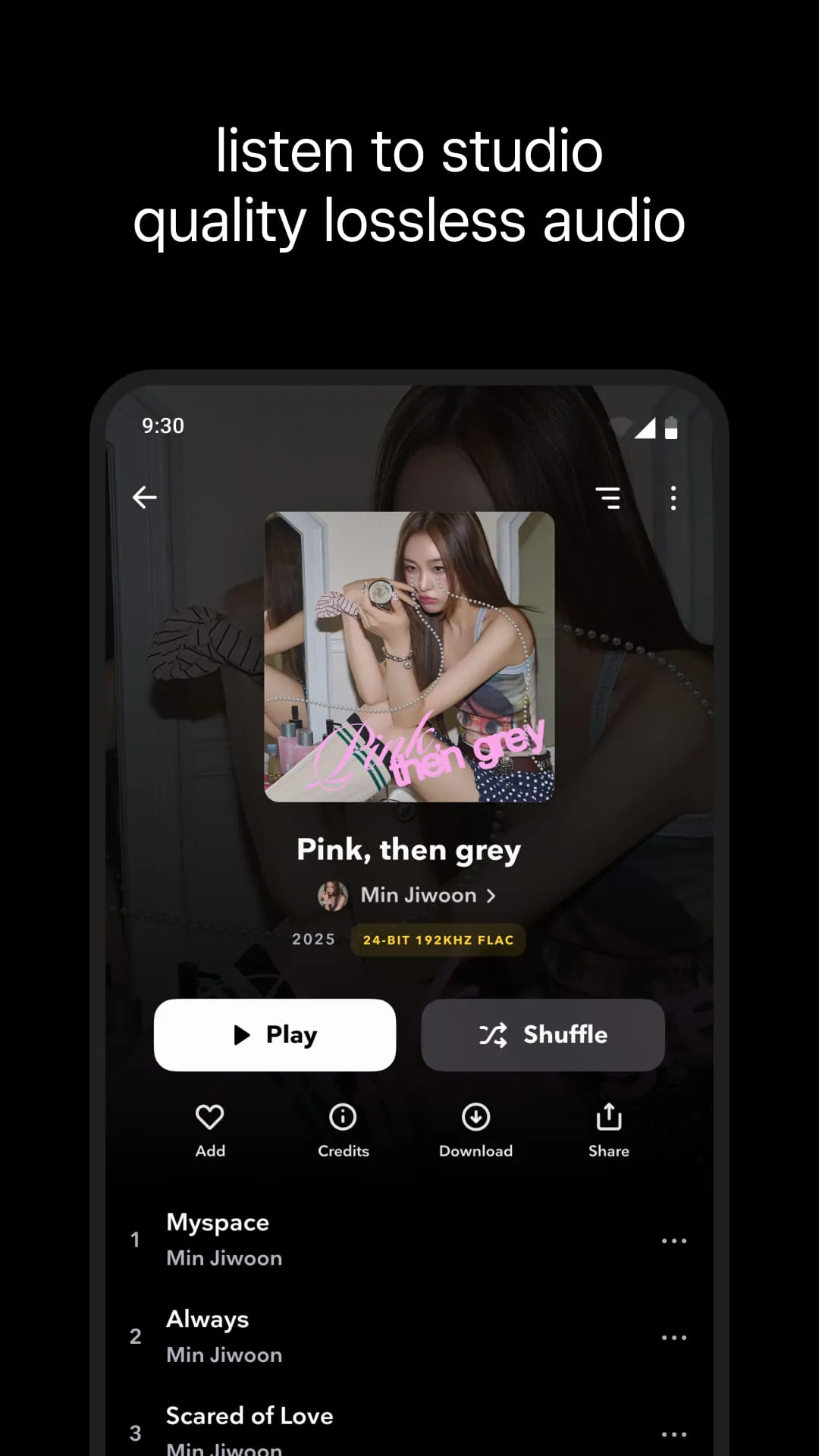
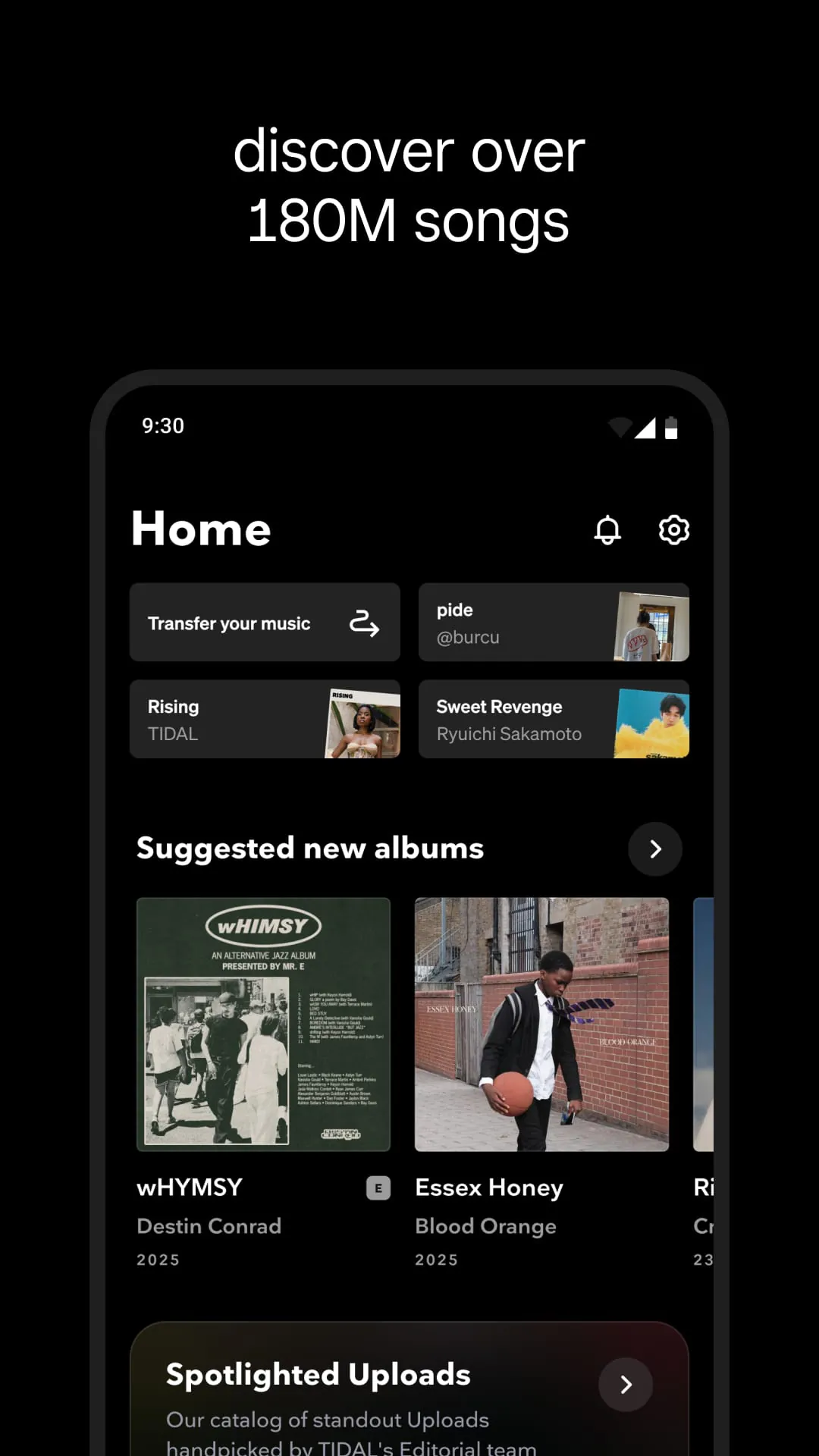
The platform sets itself apart with several standout offerings. It provides access to millions of songs in lossless FLAC format, ensuring studio-quality sound. Subscribers can enjoy a rich collection of exclusive music videos, live concert recordings, and original documentaries. The service also features expertly curated playlists, editorial content, and direct artist interaction tools, creating a more immersive ecosystem for discovering and enjoying music.
Pros & Cons
- Pros: The most significant advantage is the exceptional audio quality, including Master Quality Authenticated (MQA) tracks for the most detailed listening experience. The extensive library of exclusive video and audio content is a key draw. Furthermore, TIDAL’s artist-centric model, which offers higher royalty payouts, and its intuitive, clean user interface are major benefits for many users.
- Cons: The subscription cost is higher than many mainstream competitors. While the catalog is vast, some niche genres may have gaps. The high-fidelity streaming also requires substantial data or storage space and a good audio setup to fully appreciate, which can be a barrier for casual listeners.
Functions
- Stream millions of songs in high-fidelity and master quality audio formats.
- Access exclusive music videos, podcasts, and TIDAL Originals.
- Discover new music through personalized recommendations like "My Mix" and "Daily Discovery."
- Utilize offline listening by downloading songs and playlists directly to your device.
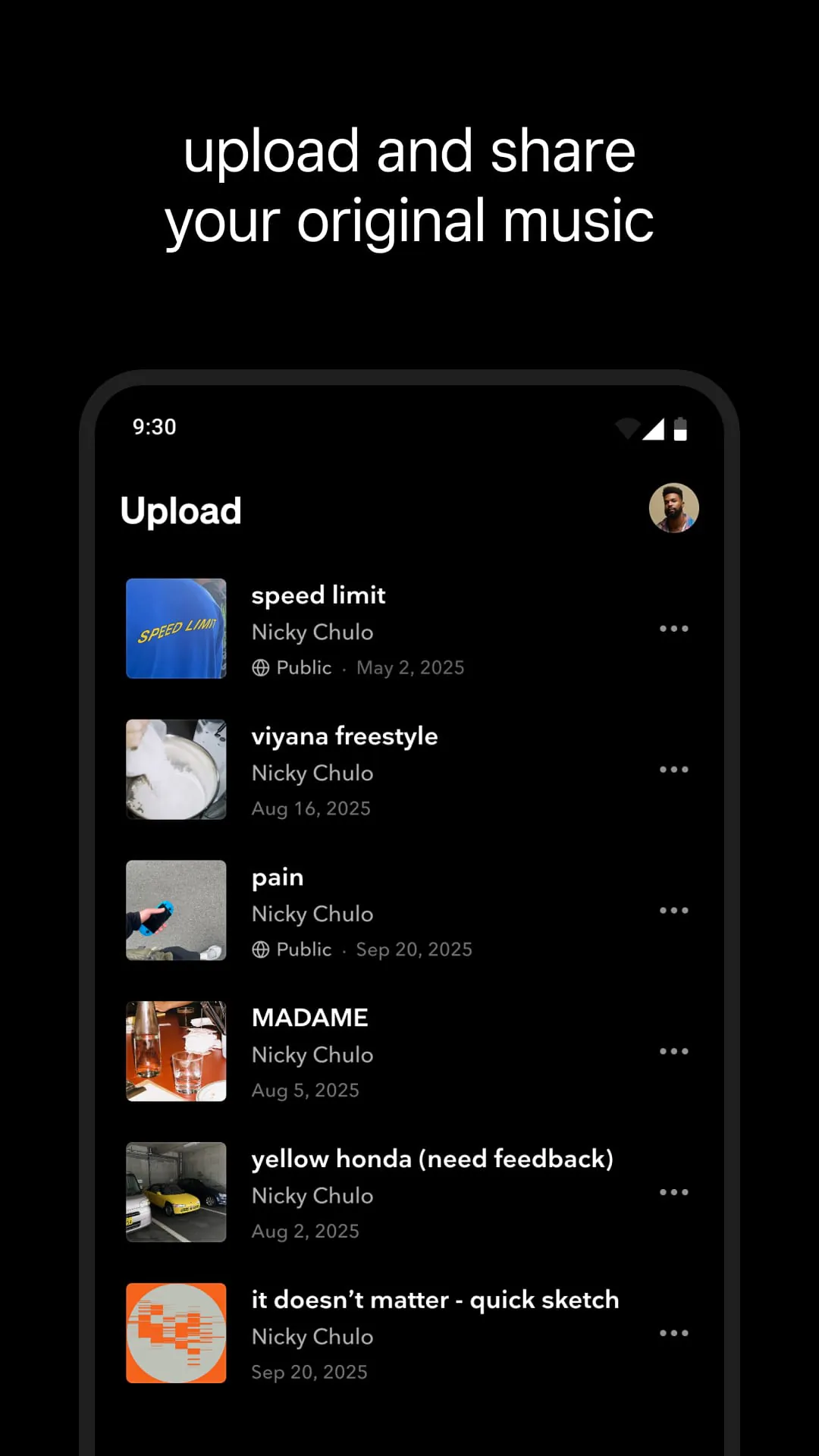
- Create and share custom playlists, and follow curated playlists from artists and experts.
- View full credit information and lyrics for tracks, deepening engagement with the music.
How to Use
Click the button "Check All Versions" below to download and install it. Once installed, open the app and sign up for a subscription plan, choosing between HiFi and HiFi Plus tiers based on your desired audio quality. After logging in, you can immediately search for your favorite artists, albums, or tracks. To tailor the experience, explore the "My Collection" section to save music and build your library. For offline listening, simply tap the download icon next to any album or playlist. Regularly check the "Explore" and "Videos" tabs to discover new music and exclusive visual content curated just for you.





 APK
APK  Google Play
  iOS
iOS  4.10
4.10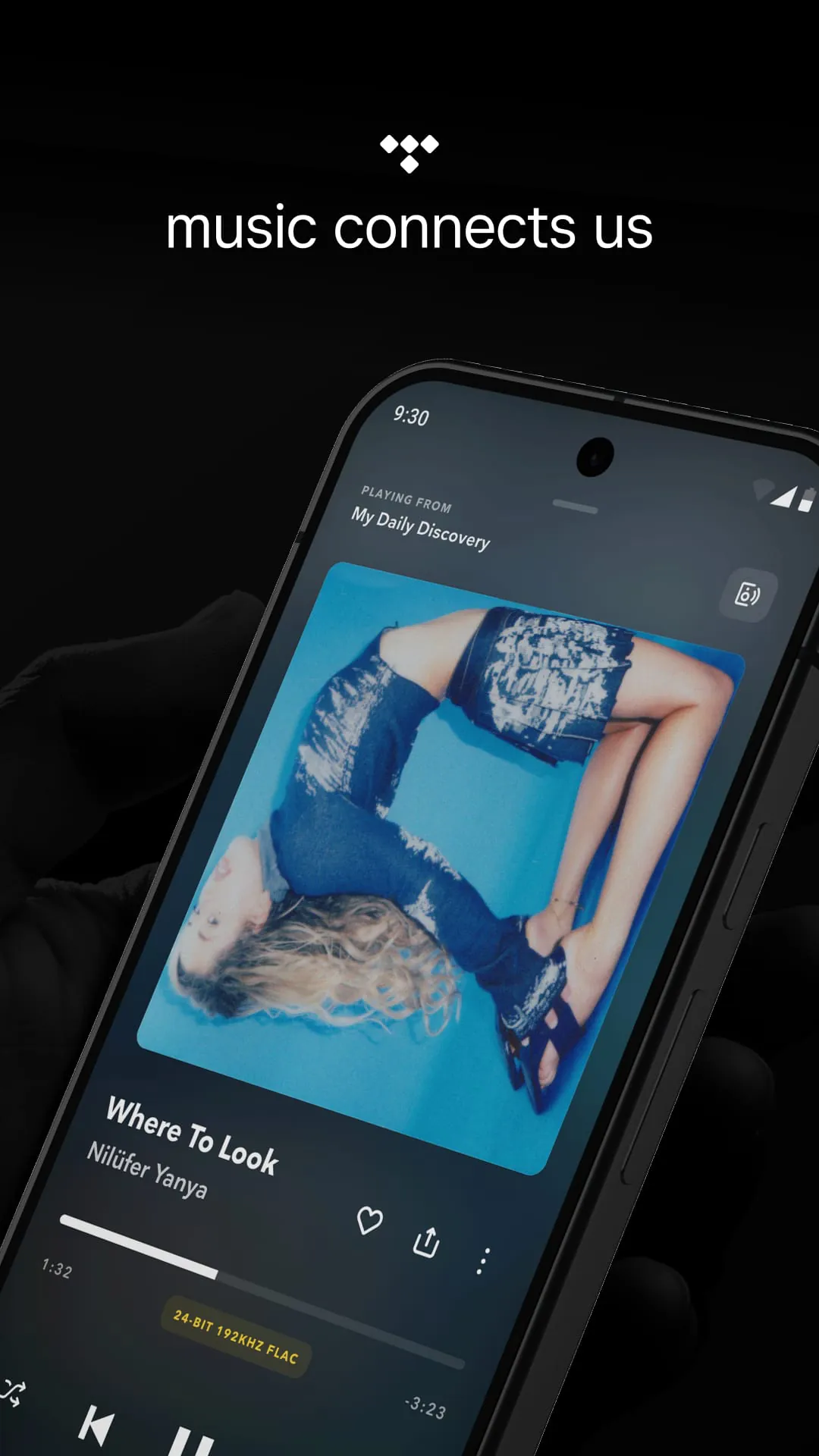
 Download








