



RollerCoaster Tycoon Classic
by Atari, Inc.
Create incredible parks in the original rollercoaster sim enhanced for mobile.
A closer look
Overview
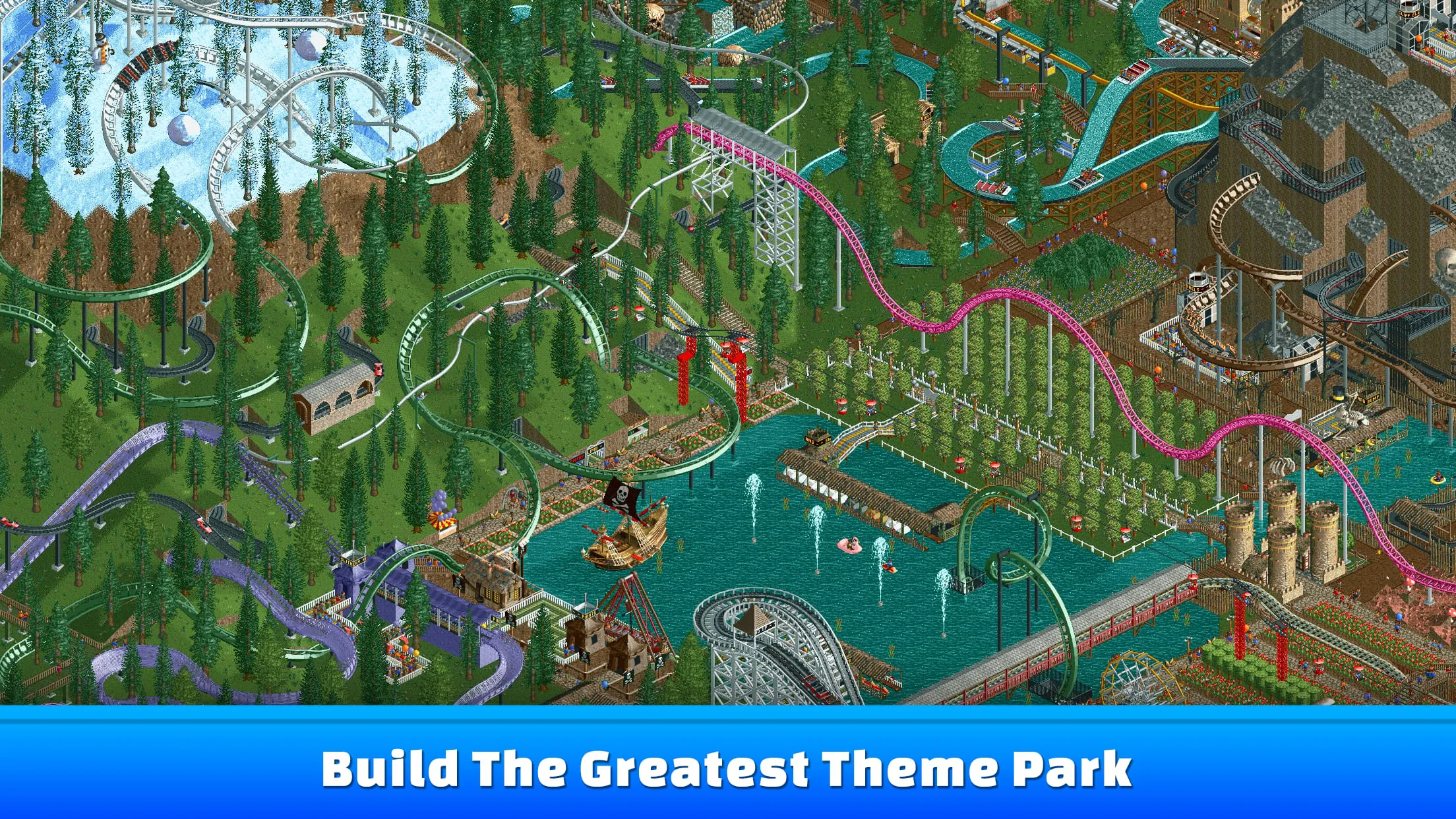
RollerCoaster Tycoon Classic is a beloved theme park management simulation game that masterfully combines the original two RollerCoaster Tycoon titles into a single, polished mobile and desktop experience. In this game, you step into the shoes of a park owner, tasked with designing thrilling roller coasters, building essential facilities, hiring staff, and managing finances to create a world-class amusement park that keeps guests happy and your profits soaring.
Key Features
The game stands out for its deep simulation and creative freedom. It faithfully recreates the charm of the classic PC originals with touch-optimized controls. You have access to a vast array of rides, scenery, and land types to shape your park exactly as you envision. The core challenge lies in balancing guest happiness, park safety, and financial health across a series of increasingly complex scenarios, or you can simply let your creativity run wild in a completely open-ended sandbox mode.
Pros & Cons
This title is celebrated for its incredible depth and faithful adaptation, offering hundreds of hours of engaging gameplay. However, it is not without its drawbacks for some players.
- Pros: Incredibly deep and rewarding management simulation. Faithful port of the beloved classics with optimized controls. Huge amount of content with two full games and sandbox mode. Encourages great creativity in coaster and park design.
- Cons: The isometric pixel art, while nostalgic, can feel dated to new players. The interface, though improved, can feel crowded on smaller screens. The learning curve is quite steep for complete beginners to the genre. Some later scenarios can be exceptionally challenging.
Functions
The game provides a comprehensive set of tools to manage every aspect of your theme park empire. Its functions break down into several core areas of control.
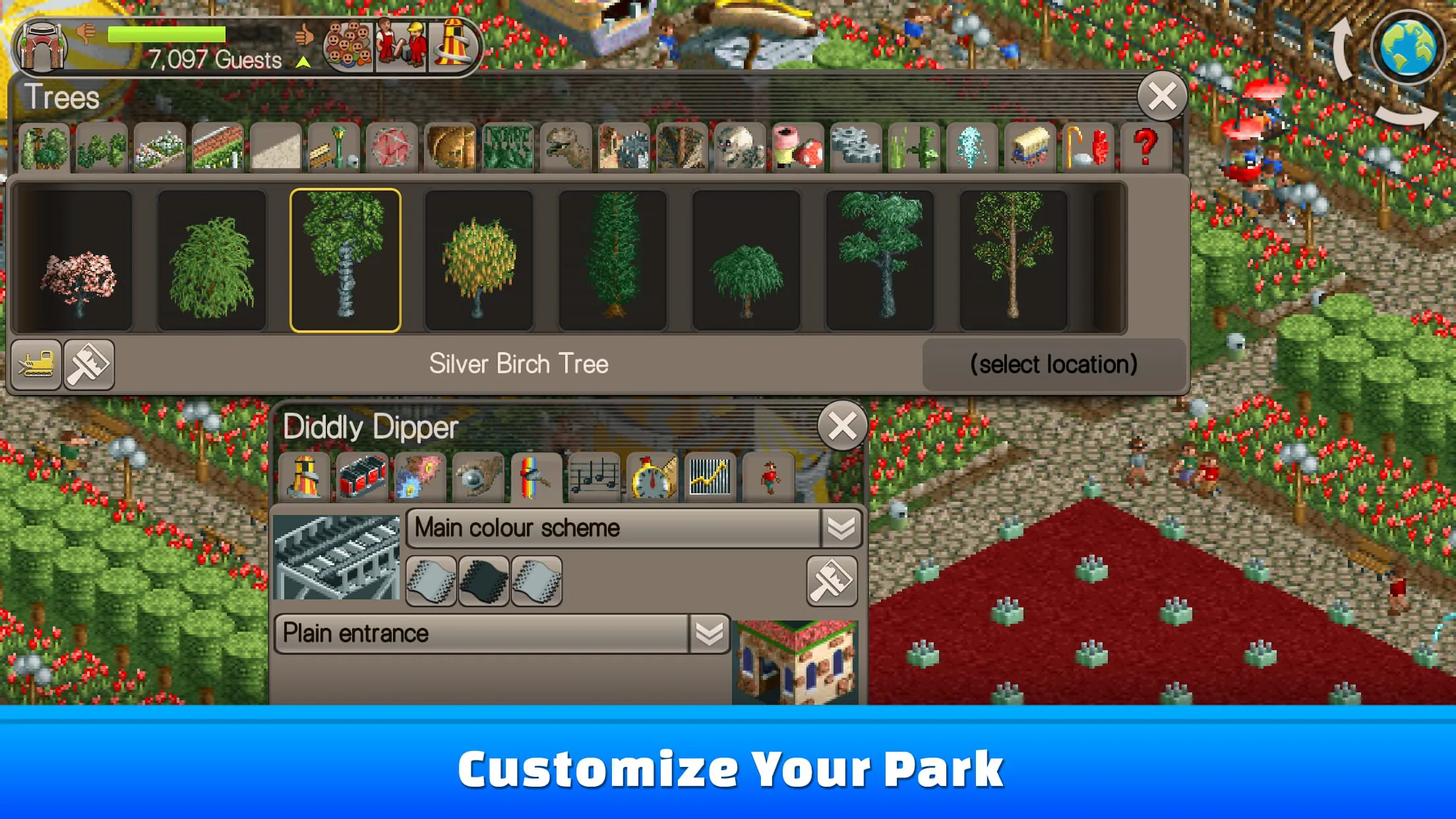
- Park Design & Construction: Place a wide variety of rides, shops, stalls, and scenery items. Terrain tools allow you to shape the land with hills, water, and forests.
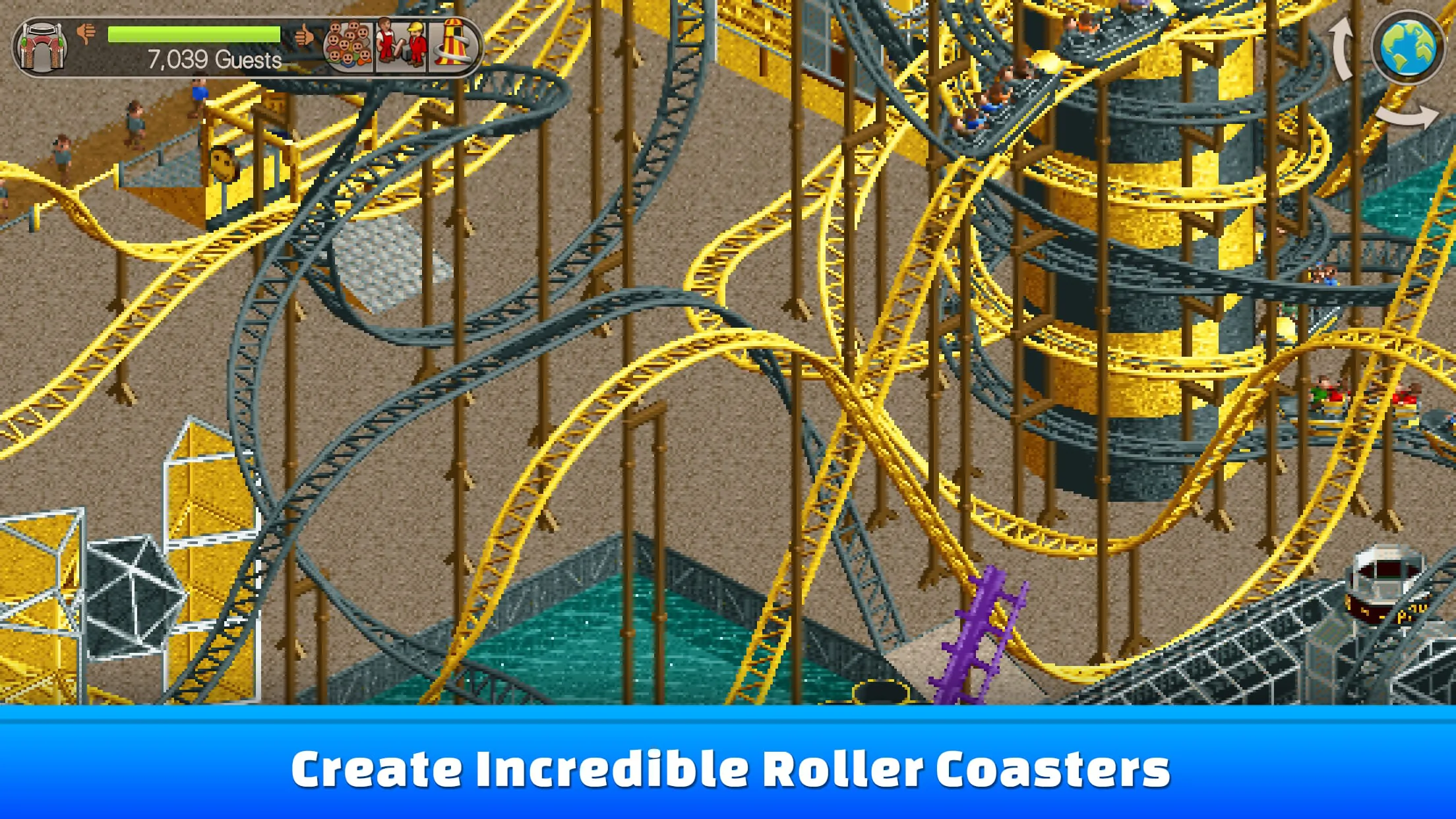
- Coaster Designer: Build custom roller coasters piece-by-piece with a detailed toolkit, testing them for excitement, intensity, and nausea ratings.
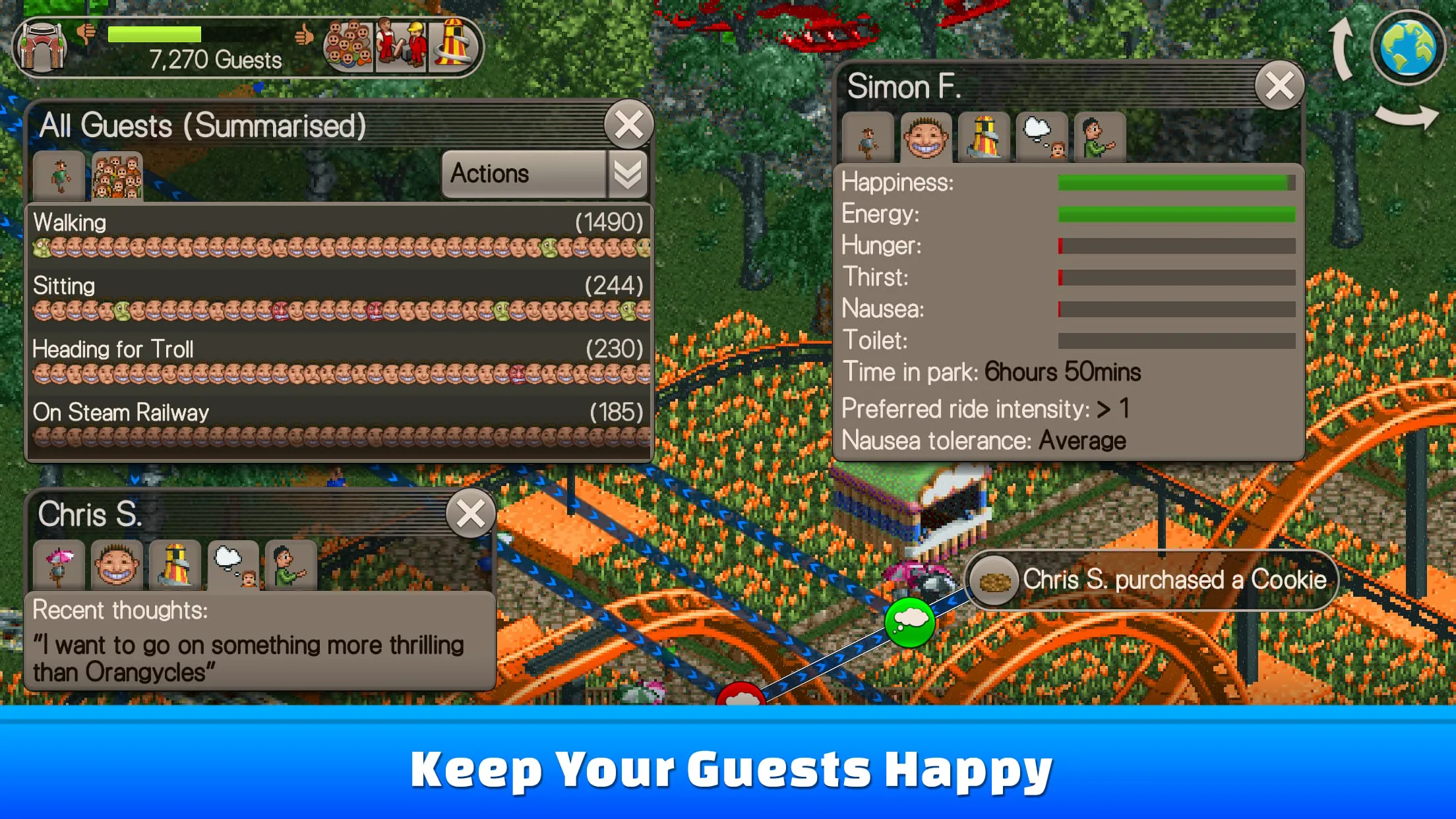
- Guest & Staff Management: Monitor guest thoughts and needs, hire mechanics and handymen, and set patrol routes to keep your park clean and safe.
- Financial Oversight: Manage ticket prices, ride fees, loan payments, and research funding for new attractions.
- Scenario & Sandbox Play: Complete specific objectives in story scenarios or build without restrictions in Freeform or Sandbox modes.
How to Use
Click the button "Check All Versions" below to download and install it. Once installed, it's best to start with the tutorial scenario to learn the interface and basic controls. Use the toolbar at the bottom to select different building categories. You can tap on any guest, staff member, or ride to get detailed information and adjust settings. Begin by building simple paths, placing a few gentle rides and food stalls, and then gradually research and construct more exciting attractions as your park's income grows. Remember to keep an eye on your finances and guest satisfaction levels to ensure long-term success.
App Download
Get RollerCoaster Tycoon Classic from an official store or available APK channel.
Previous Versions
ZIP files require a Split APKs Installer (e.g., SAI) from Google Play to install. Steps: 1. Download SAI from Google Play; 2. Open SAI and tap "Install APKs"; 3. Select the ZIP file; 4. Complete installation.
Frequently Asked Questions
What is the latest version of RollerCoaster Tycoon Classic?
The latest version currently listed by Appspicked is unavailable, with information updated on May 16, 2026. Versions may vary by device, region, or rollout schedule, so users should also check Google Play or announcements from Atari, Inc..
Is RollerCoaster Tycoon Classic safe to download and use?
No website can guarantee that an app is completely risk-free. Appspicked recommends downloading RollerCoaster Tycoon Classic only from an official app store or a verified channel operated by Atari, Inc.. Before installing, confirm the developer name, package ID com.atari.mobile.rctclassic, requested permissions, privacy policy, and download source.
Why can’t I find RollerCoaster Tycoon Classic in the App Store?
RollerCoaster Tycoon Classic may be unavailable because of regional restrictions, device incompatibility, account or age settings, a temporary removal, a name change, or because it has not been released for that platform. An Android package page does not necessarily mean that an iOS App Store version exists. Check Atari, Inc.’s official website for current availability.
Where can I download or update RollerCoaster Tycoon Classic?
Use Google Play or another official download channel provided by Atari, Inc. whenever possible. Appspicked provides app information and store links, but users should verify the destination domain and publisher before downloading or updating the app.
Why is the version shown on Appspicked different from the app-store version?
The information on Appspicked may represent the most recently indexed snapshot. App stores sometimes release updates gradually or display different versions according to region, device, operating system, or testing group. The official store listing should be treated as the final reference.
Which devices and operating systems support RollerCoaster Tycoon Classic?
RollerCoaster Tycoon Classic is listed for Android, with a reported minimum requirement of Not specified. Actual compatibility may also depend on the device model, region, available storage, hardware features, and installed system components.
Is RollerCoaster Tycoon Classic free?
The initial download may be free, but subscriptions, advertising, paid features, or in-app purchases may still apply. Prices and available purchases can vary by country and version. Check the payment information displayed by Google Play before completing a transaction.
What should I do if RollerCoaster Tycoon Classic cannot be installed or updated?
Check the network connection, storage space, operating-system version, account region, and device compatibility. Restart the device and try again through the official store. If the problem continues, consult the support resources provided by Atari, Inc..









