




Trading 212
by Trading 212
Join over 5 million lifetime funded accounts globally
A closer look
Overview
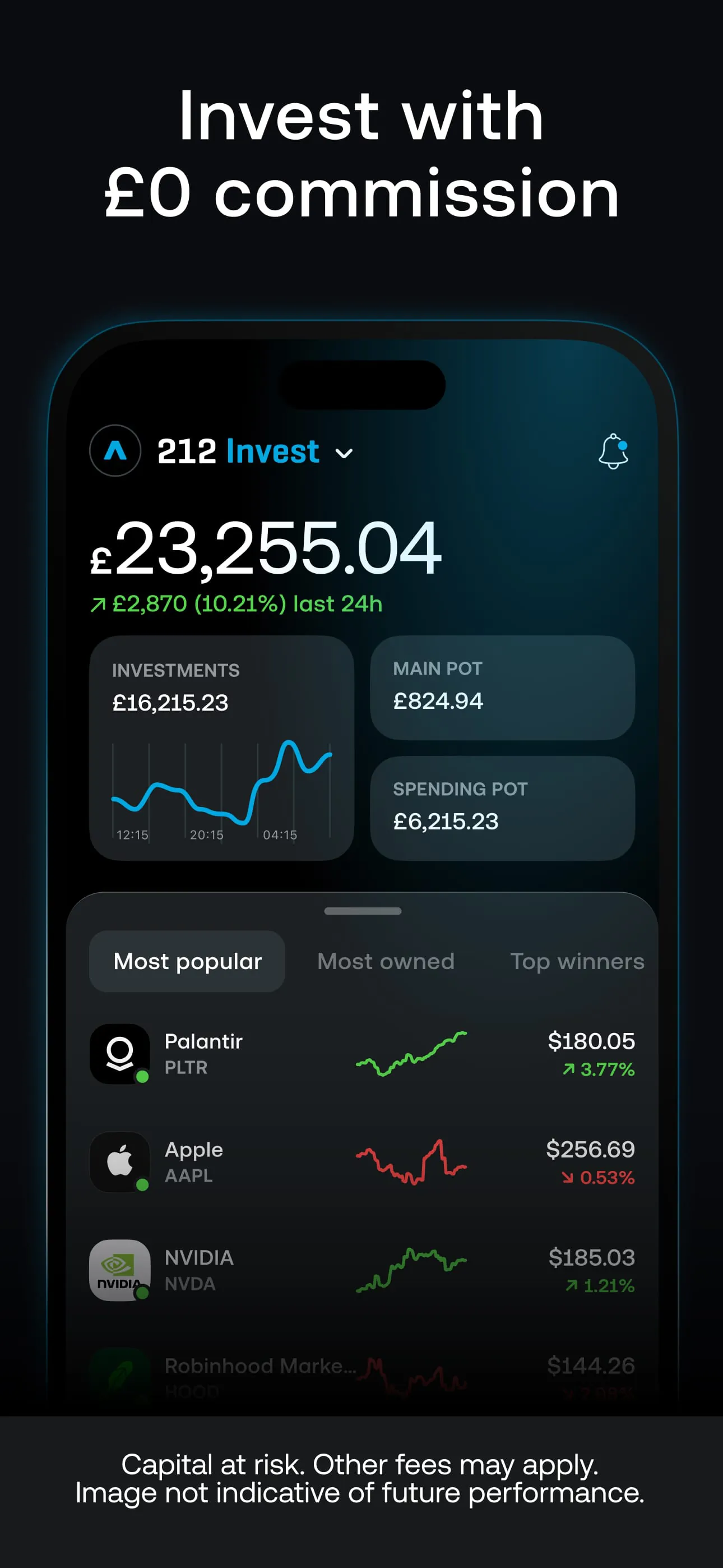
Trading 212 is a commission-free investment platform that allows users to trade stocks, ETFs, commodities, and currencies directly from their mobile devices or web browsers. Designed with accessibility in mind, it caters to both beginners and experienced investors by offering intuitive tools, real-time data, and fractional share investing—all without charging traditional brokerage fees.
Key Features
- Commission-free trading on thousands of global assets
- Fractional shares for affordable investing
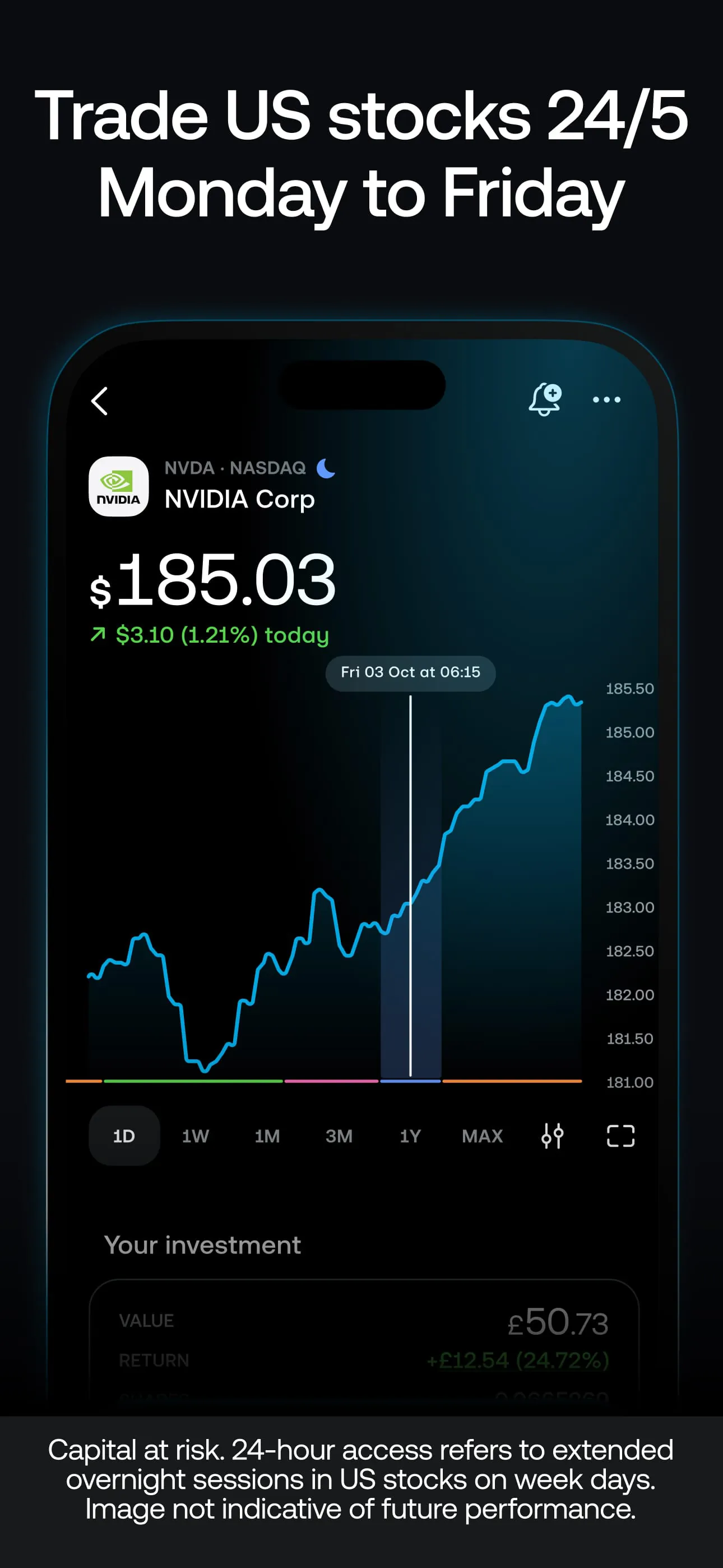
- User-friendly interface with real-time price alerts
- AutoInvest feature for recurring portfolio contributions
- Practice account with virtual funds for risk-free learning
- Regulated by top-tier financial authorities including the FCA and CySEC
Pros & Cons
- Easy onboarding process with low entry requirements
- No minimum deposit required for standard accounts
- Access to over 10,000 financial instruments
- Limited customer support response times during peak hours
- No retirement-specific account options like IRAs
- Advanced charting tools are more basic compared to pro platforms
Functions
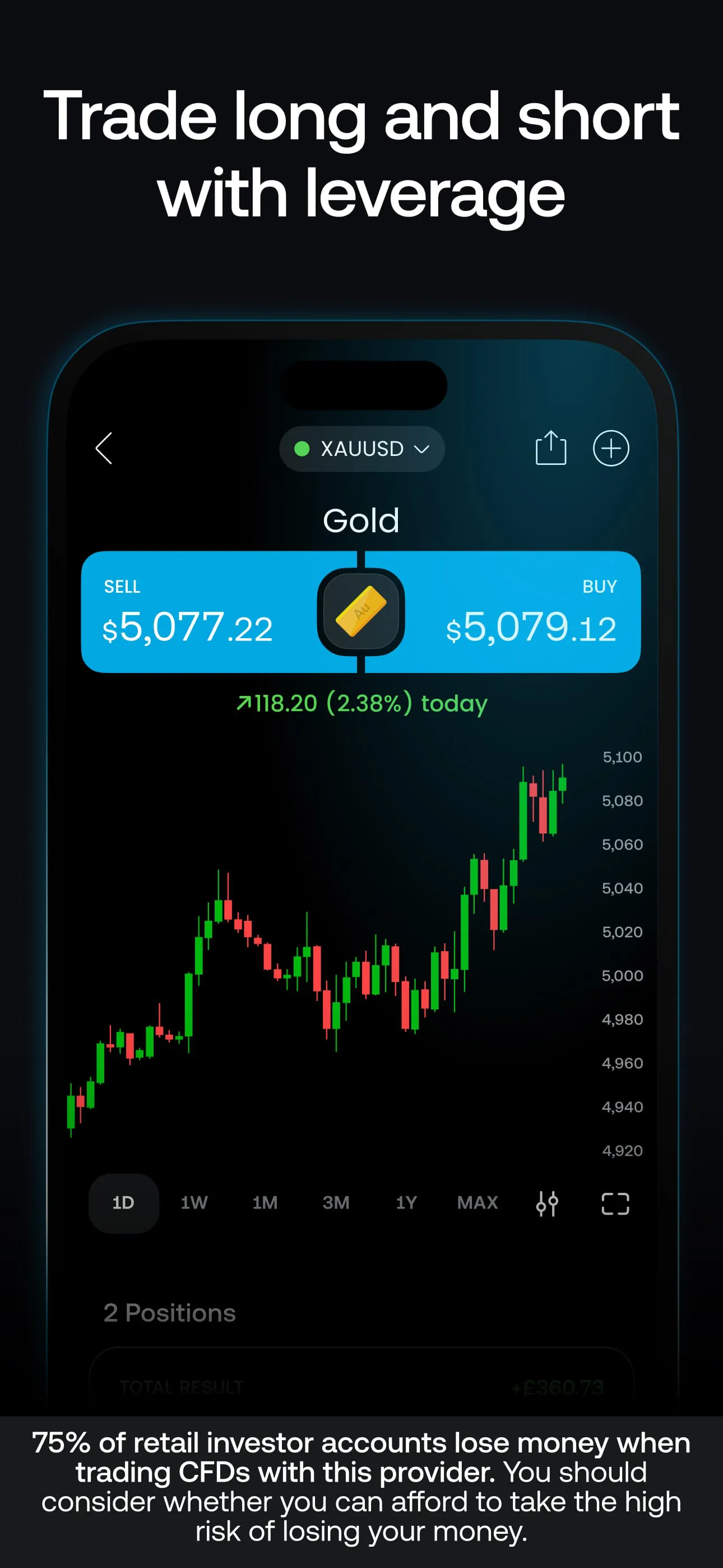
- Buy and sell equities, ETFs, forex, and commodities
- Set up limit orders, stop losses, and take-profit levels
- Track performance with personalized watchlists and analytics
- Use the Pie feature to build diversified portfolios visually
- Deposit and withdraw funds securely via bank transfer or card
- Receive push notifications for market movements and news updates
How to Use
Click the button "Check All Versions" below to download and install it. Once installed, open the app and register an account using your email address. You'll need to verify your identity by uploading a government-issued ID and proof of address. After approval, you can fund your account through various payment methods. Explore the demo mode if you're new to investing, or dive straight into live trading. Use the search bar to find assets, tap to view details, and place your first trade. Customize your dashboard to monitor your favorite stocks and set alerts so you never miss a market move.
App Download
Get Trading 212 from an official store or available APK channel.
Previous Versions
ZIP files require a Split APKs Installer (e.g., SAI) from Google Play to install. Steps: 1. Download SAI from Google Play; 2. Open SAI and tap "Install APKs"; 3. Select the ZIP file; 4. Complete installation.
Frequently Asked Questions
What is the latest version of Trading 212?
The latest version currently listed by Appspicked is unavailable, with information updated on May 24, 2026. Versions may vary by device, region, or rollout schedule, so users should also check Google Play or announcements from Trading 212.
Is Trading 212 safe to download and use?
No website can guarantee that an app is completely risk-free. Appspicked recommends downloading Trading 212 only from an official app store or a verified channel operated by Trading 212. Before installing, confirm the developer name, package ID com.avuscapital.trading212, requested permissions, privacy policy, and download source.
Why can’t I find Trading 212 in the App Store?
Trading 212 may be unavailable because of regional restrictions, device incompatibility, account or age settings, a temporary removal, a name change, or because it has not been released for that platform. An Android package page does not necessarily mean that an iOS App Store version exists. Check Trading 212’s official website for current availability.
Where can I download or update Trading 212?
Use Google Play or another official download channel provided by Trading 212 whenever possible. Appspicked provides app information and store links, but users should verify the destination domain and publisher before downloading or updating the app.
Why is the version shown on Appspicked different from the app-store version?
The information on Appspicked may represent the most recently indexed snapshot. App stores sometimes release updates gradually or display different versions according to region, device, operating system, or testing group. The official store listing should be treated as the final reference.
Which devices and operating systems support Trading 212?
Trading 212 is listed for Android, with a reported minimum requirement of Not specified. Actual compatibility may also depend on the device model, region, available storage, hardware features, and installed system components.
Is Trading 212 free?
The initial download may be free, but subscriptions, advertising, paid features, or in-app purchases may still apply. Prices and available purchases can vary by country and version. Check the payment information displayed by Google Play before completing a transaction.
What should I do if Trading 212 cannot be installed or updated?
Check the network connection, storage space, operating-system version, account region, and device compatibility. Restart the device and try again through the official store. If the problem continues, consult the support resources provided by Trading 212.









