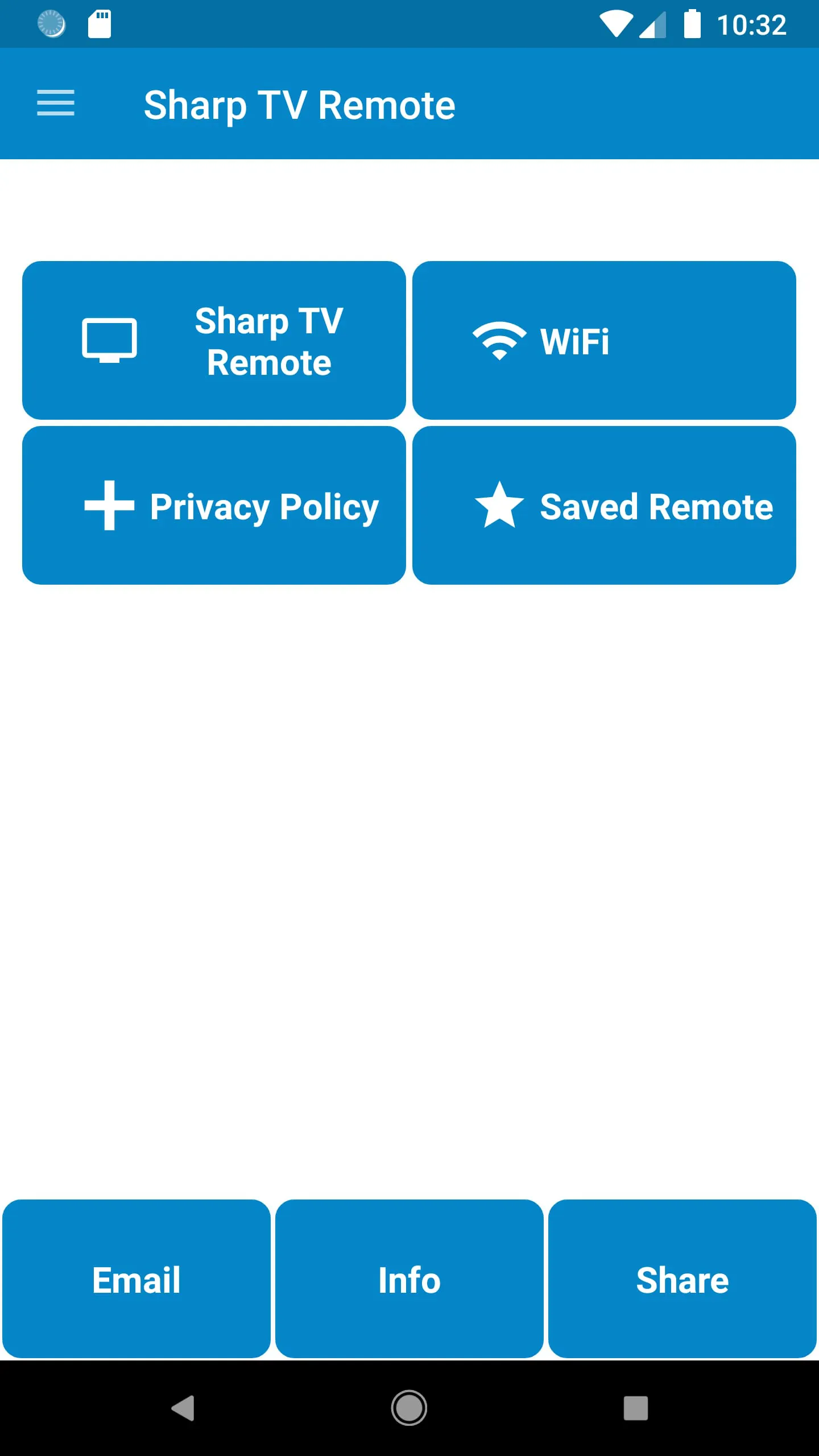
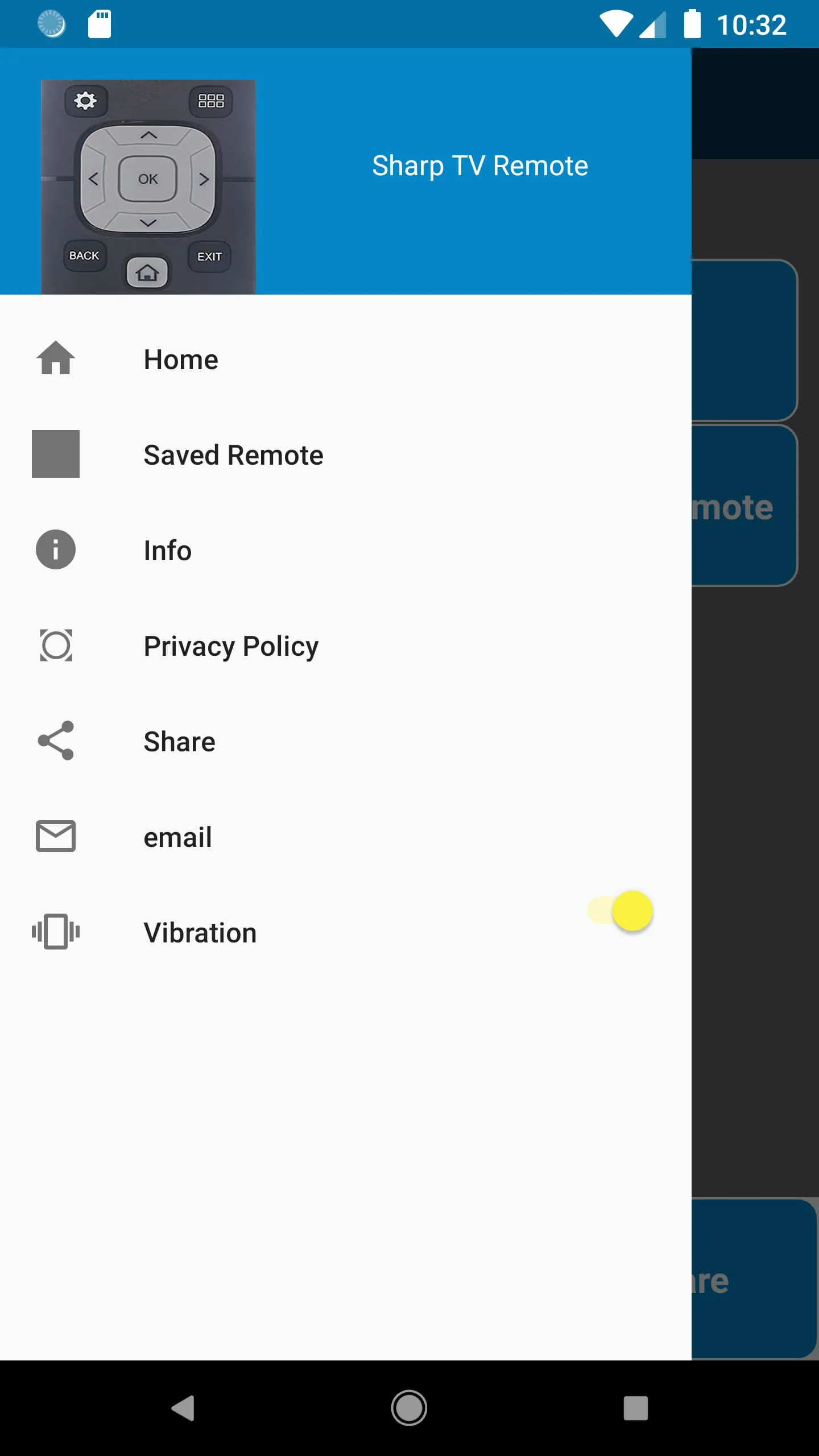
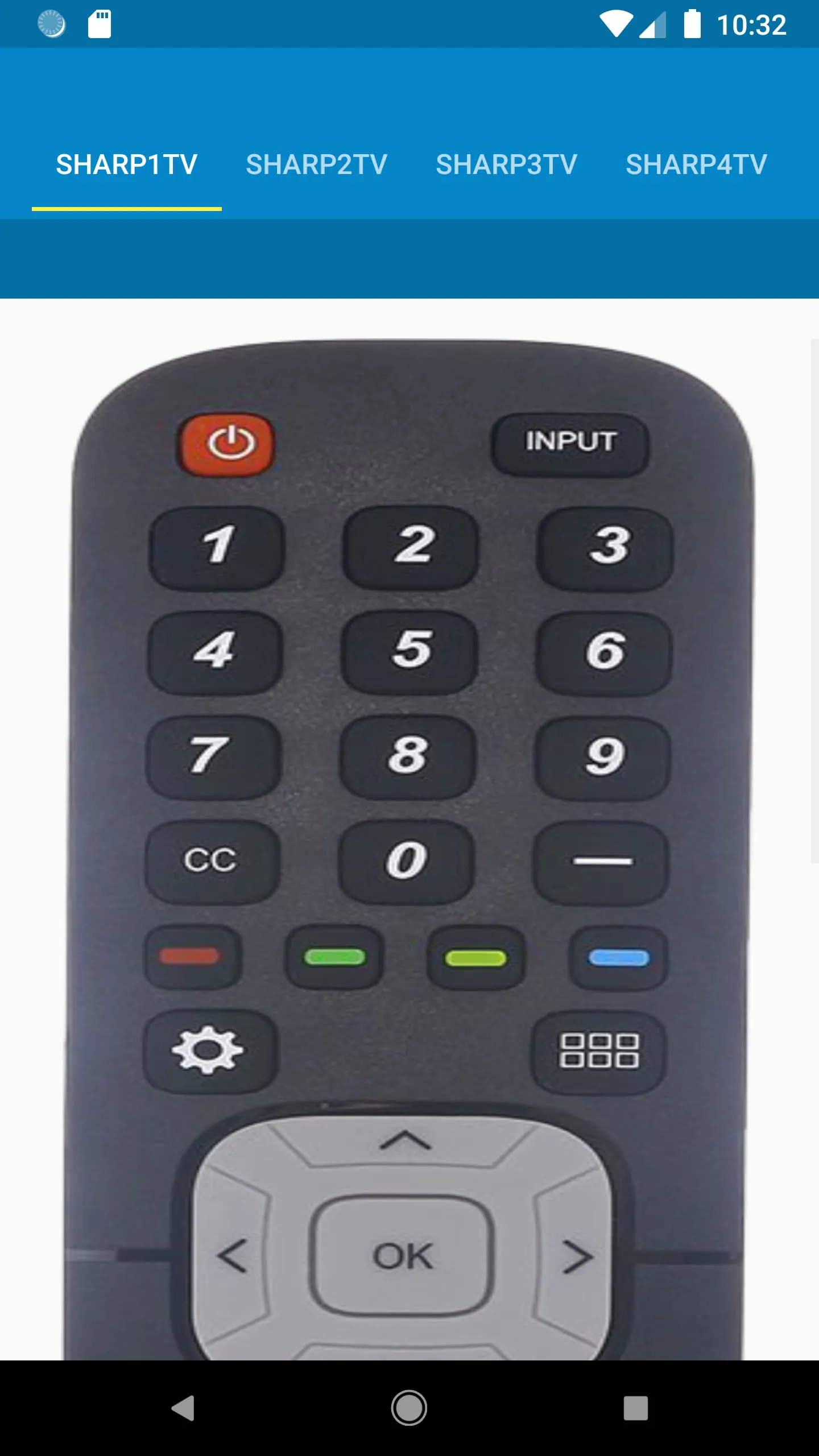
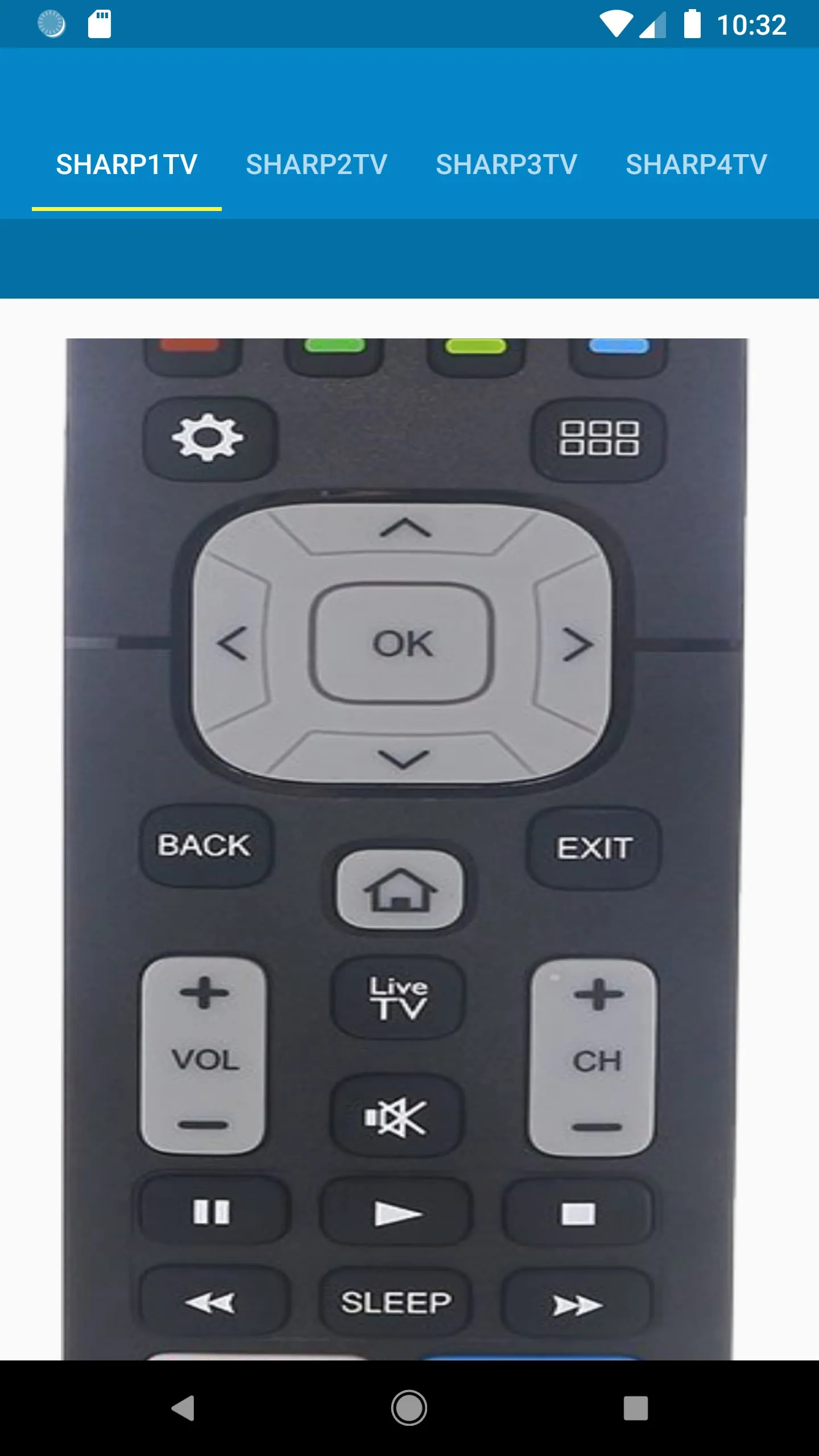
This application, developed by AYYAN, serves as a remote control for Sharp TVs, encompassing both LED and Smart TV models. It operates independently of the official Sharp company, presenting gathered data in an accessible format for user convenience. The primary function of the app is to replicate the functionalities of a physical Sharp TV remote on a smartphone, offering users an alternative method for controlling their televisions. The app boasts several key features designed to enhance user experience and accessibility. It offers plug-and-play installation, implying a straightforward setup process without requiring complex configurations. All the functionalities found in a traditional plastic remote are supposedly available within the app, ensuring that users do not lose access to any essential control options. The app also incorporates WiFi functionality for Android Smart TV casting, allowing users to stream content from their smartphones to their TVs. To further improve usability, the app includes a 'Saved Option' that provides easy access to the last used challenger remote, streamlining the process of switching between different control configurations or devices. Additionally, users can customize their experience with vibration ON/OFF options available in the drawer menu, catering to individual preferences for tactile feedback. The app relies on IR blaster technology to communicate with Sharp TVs, requiring users to have a smartphone equipped with an infrared emitter. For users unfamiliar with IR blasters, the app encourages them to install and test the remote functionality, offering email support for troubleshooting. The app also supports WiFi connectivity for Android TVs, requiring both the smartphone and the TV to be connected to the same network. This allows users to control their TVs without relying on IR blasters, providing an alternative control method. The operational instructions provided by the app developer outline the steps required to utilize both IR and WiFi connectivity options. For WiFi connectivity, users need to connect their smartphone to the same WiFi network as their Smart TV. For IR connectivity, users are instructed to press the power button within the app and respond to a prompt to determine if the Sharp TV responds to the signal. This process helps the app identify the correct remote configuration for the user's specific TV model. The developer also offers customer support via email, encouraging users to reach out with any questions or concerns. This demonstrates a commitment to user satisfaction and a willingness to assist users with any technical issues they may encounter. The overall impression is that the app aims to provide a convenient and user-friendly alternative to traditional Sharp TV remotes, leveraging the capabilities of smartphones to enhance the TV viewing experience. The inclusion of both IR and WiFi connectivity options ensures compatibility with a wide range of Sharp TV models and user preferences. The app's feature set, combined with the developer's commitment to customer support, suggests a well-designed and reliable remote control solution for Sharp TV owners.
The Sharp TV Remote Control app developed by AYYAN distinguishes itself by providing a comprehensive suite of features designed to replicate and, in some cases, enhance the functionality of a standard physical remote. The developer emphasizes ease of use, with a 'Plug and Play Install' process that aims to get users up and running quickly without requiring extensive technical knowledge. The claim that 'All Functionalities in Plastic Remote is available' suggests a commitment to providing a complete replacement for the original remote, ensuring that users do not lose access to any essential features or settings. The inclusion of 'WiFi Functionality...for Android Smart TV Casting' expands the app's capabilities beyond simple remote control, allowing users to stream content from their smartphones or tablets directly to their TVs. This feature could be particularly appealing to users who frequently consume media on their mobile devices and want to easily share it on a larger screen. The 'Saved Option' for accessing the 'Last Used Challenger Remote' demonstrates attention to user convenience, streamlining the process of switching between different remote configurations or devices. This could be especially useful in households with multiple Sharp TVs or users who frequently switch between different input sources. The availability of 'Vibration ON/OFF Options...in Drawer Menu' further highlights the app's focus on customization, allowing users to tailor the app's feedback to their individual preferences. The app's reliance on IR blaster technology for controlling Sharp TVs is a key consideration for potential users. The developer acknowledges that an IR blaster is required and offers assistance to users who are unfamiliar with this technology. This suggests a willingness to support users with varying levels of technical expertise. The inclusion of WiFi connectivity as an alternative control method broadens the app's compatibility and provides users with a backup option in case IR control is not available or desired. The instructions for using both IR and WiFi connectivity are clear and concise, guiding users through the setup process step-by-step. The developer's emphasis on ensuring that both the smartphone and the Android TV are on the same network for WiFi connectivity is crucial for a successful connection. The troubleshooting instructions for IR connectivity, which involve pressing the power button and responding to a prompt, are designed to help the app identify the correct remote configuration for the user's specific TV model. The developer's offer to assist users with any queries via email demonstrates a commitment to providing ongoing support and addressing any issues that may arise. Overall, the Sharp TV Remote Control app appears to be a well-designed and feature-rich alternative to a traditional physical remote. Its focus on ease of use, comprehensive functionality, and user customization makes it an appealing option for Sharp TV owners looking for a more convenient and versatile control solution.
The AYYAN-developed Sharp TV Remote Control app aims to replicate and enhance the functionalities of a traditional Sharp TV remote, offering users a digital alternative for controlling their televisions. The app's description emphasizes user-friendliness and comprehensive feature parity with physical remotes, alongside added capabilities such as WiFi connectivity for Smart TV casting. However, it is crucial to note the disclaimer stating that the app is not affiliated with the official Sharp company, implying that it is a third-party development leveraging publicly available data and protocols. This distinction is important for users concerned about official support and compatibility guarantees. The app's features are presented as key selling points. The 'Plug and Play Install' suggests a simplified setup process, minimizing the technical barrier for new users. The claim of replicating 'All Functionalities in Plastic Remote' is significant, implying that users will not sacrifice any control options by switching to the app. The inclusion of 'WiFi Functionality...for Android Smart TV Casting' extends the app's utility beyond basic remote control, enabling users to stream content from their mobile devices to their TVs. The 'Saved Option' for accessing the 'Last Used Challenger Remote' demonstrates attention to user convenience, potentially saving time and effort when switching between different TV models or input sources. The customization option for 'Vibration ON/OFF' caters to individual user preferences, enhancing the overall user experience. The app's reliance on IR blaster technology is a critical factor for compatibility. Users must have a smartphone equipped with an IR blaster to utilize this control method. The developer's acknowledgment of this requirement and offer of assistance to unfamiliar users is commendable. The alternative WiFi connectivity option provides a fallback for users without IR blasters or those who prefer network-based control. The instructions for establishing WiFi connectivity are straightforward, emphasizing the need for both the smartphone and the TV to be on the same network. The troubleshooting steps for IR connectivity involve a simple response-based test to determine compatibility with the user's specific Sharp TV model. The developer's offer of email support suggests a willingness to address user queries and provide assistance with technical issues. However, it is important to consider that this support is provided by a third-party developer, not by Sharp directly. In conclusion, the Sharp TV Remote Control app appears to be a potentially useful tool for Sharp TV owners seeking a digital remote alternative. Its features, ease of use, and dual connectivity options make it an attractive option. However, users should be aware of the app's third-party status and the IR blaster requirement before installation.