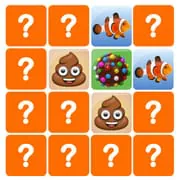
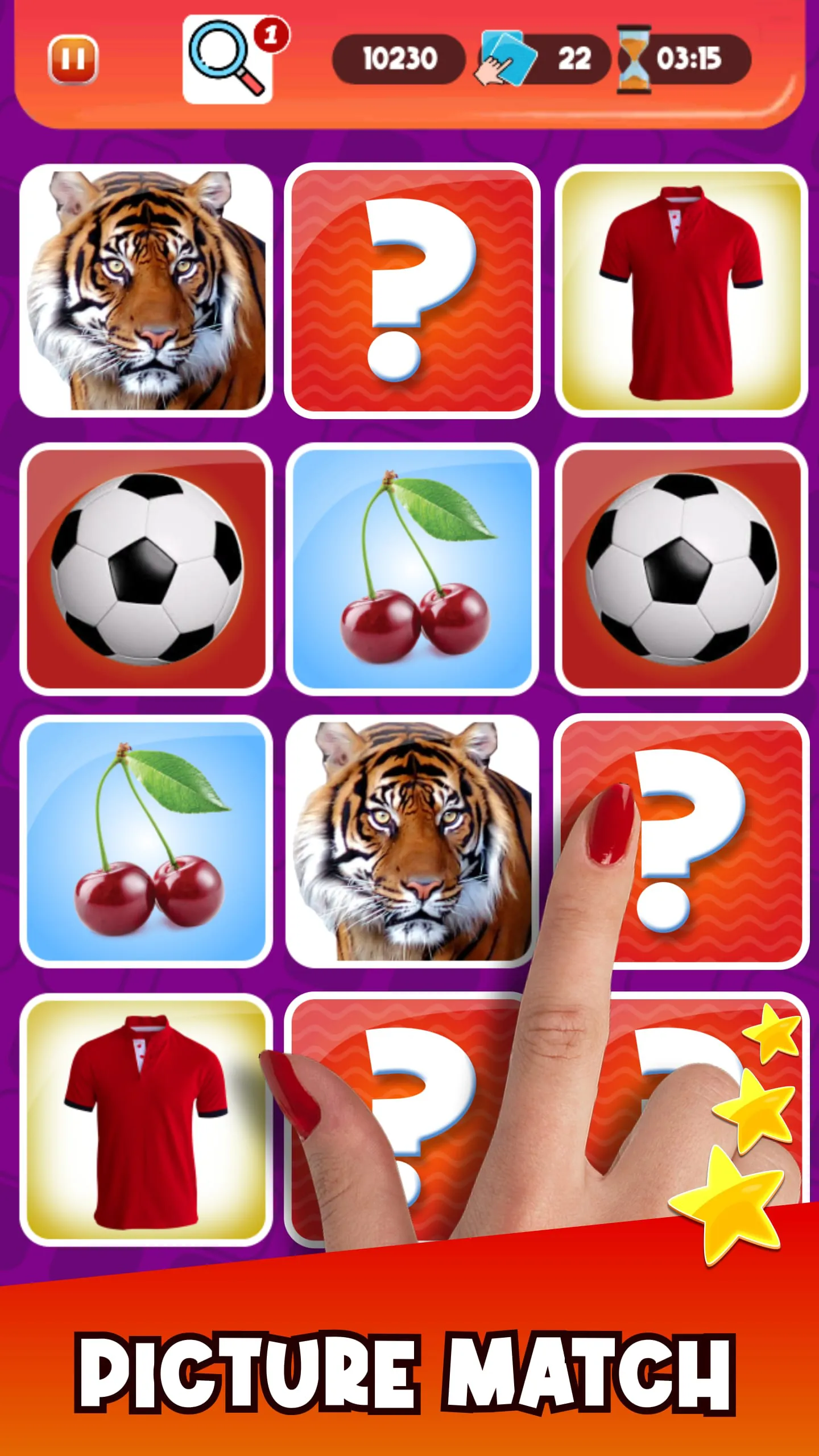
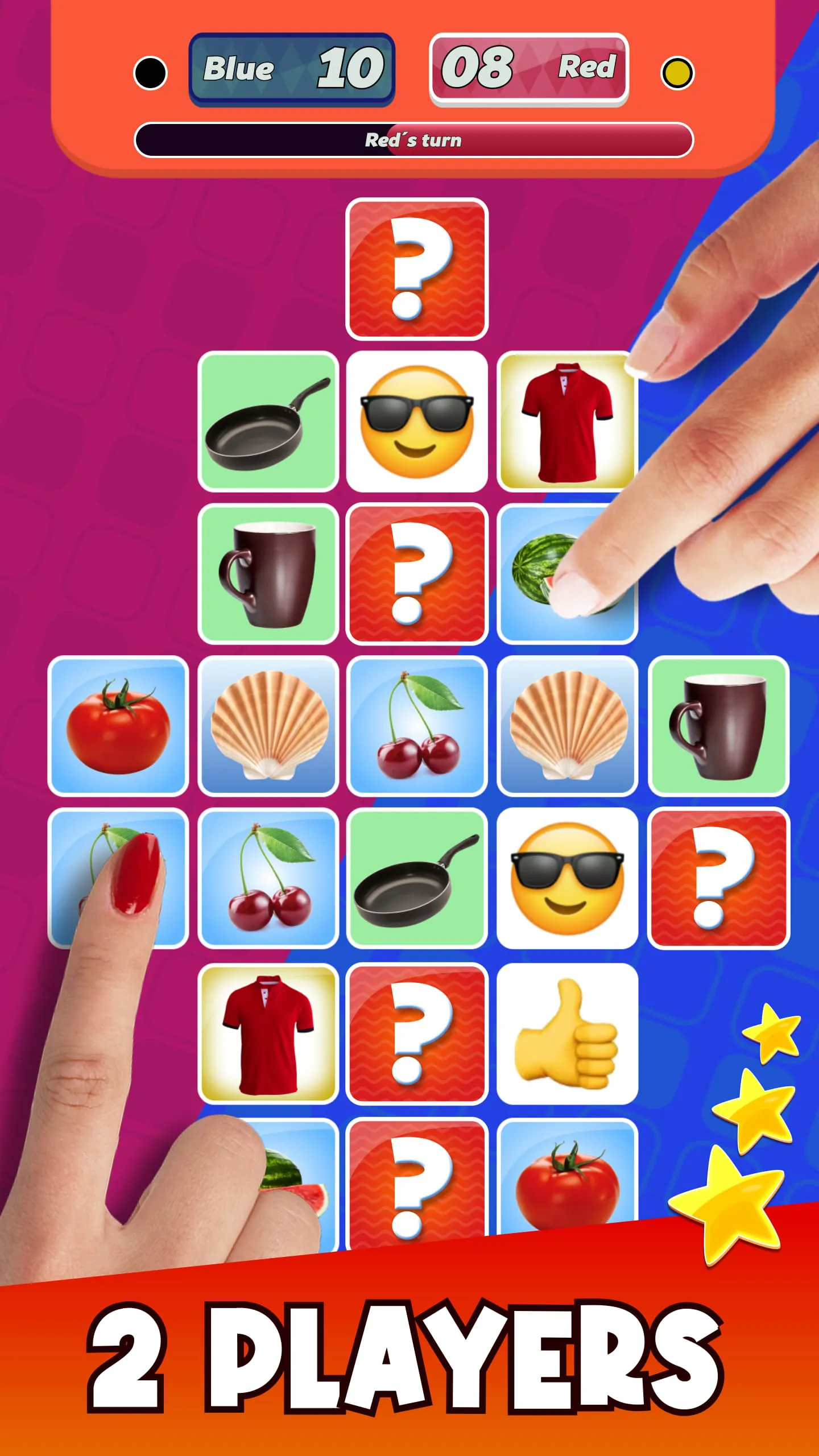
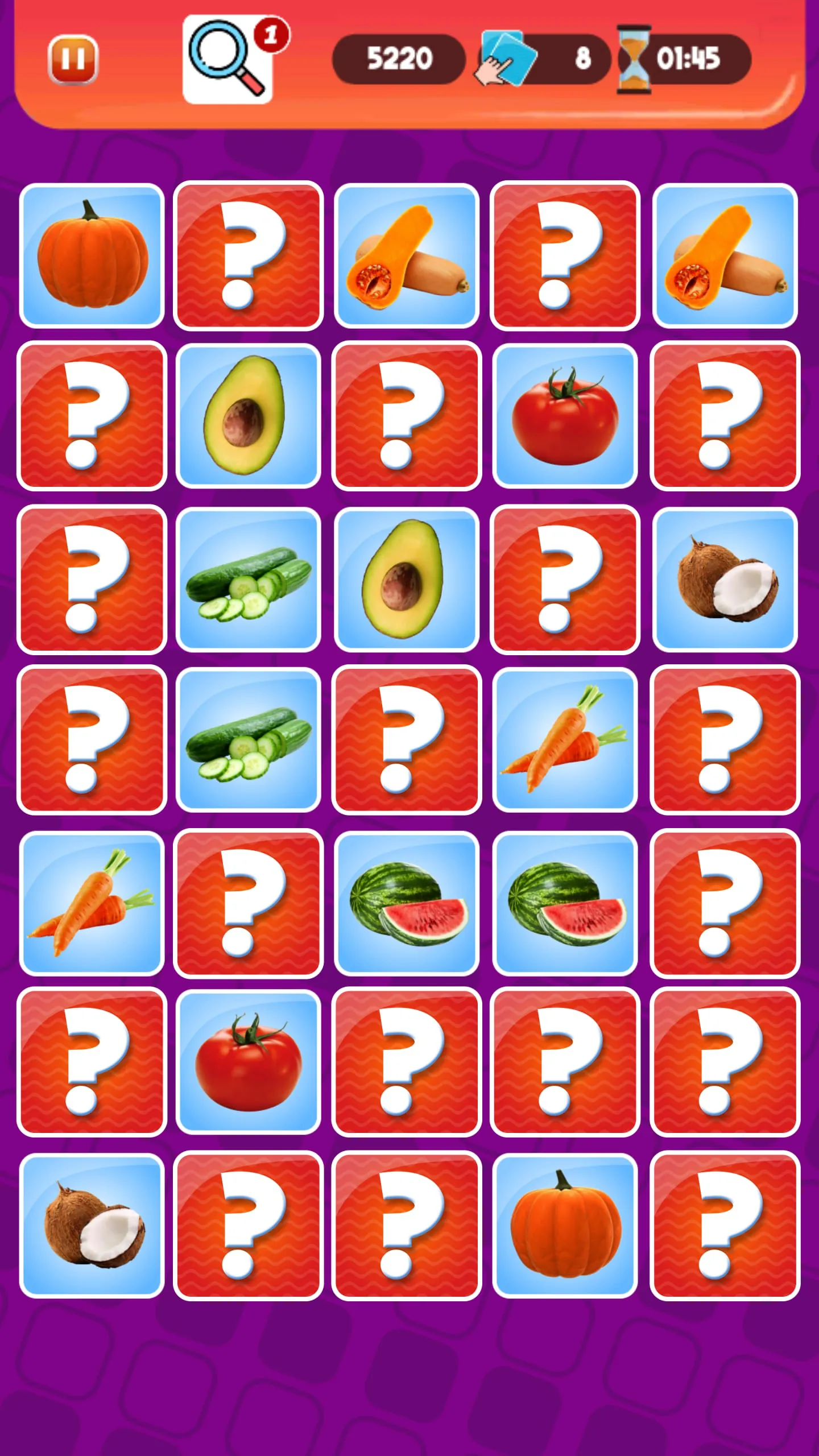
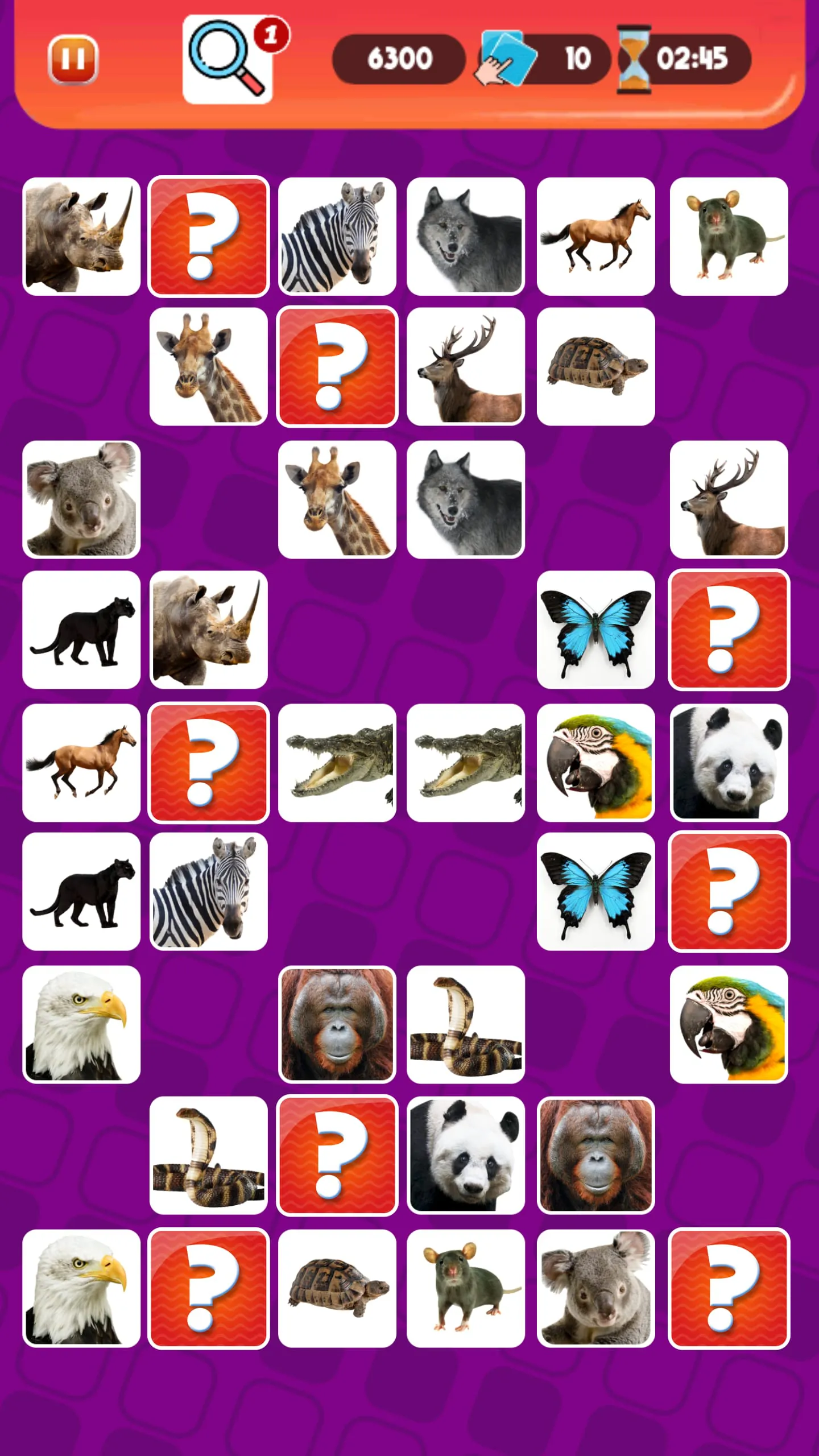
The core concept revolves around enhancing memory capabilities through engaging gameplay. The game serves as a tool to improve working memory, short-term memory, and long-term memory through consistent practice. The primary mechanic involves visually memorizing images and then identifying matching pairs after they are turned over. This exercise challenges the player's visual memory and recall abilities, making it an effective method for cognitive training. The game offers both single-player and multiplayer modes, providing flexibility for users who prefer to play alone or compete with others. The matching card format introduces a simple yet effective way to sharpen cognitive functions while providing entertainment. The game distinguishes itself by offering a combination of fun and mental exercise. The selection of colorful and appealing images on the cards engages players, while the underlying task of matching pairs stimulates the brain. This dual approach makes the game accessible and enjoyable for a wide audience, including both adults and children. The game's design focuses on creating a user-friendly experience that encourages regular engagement and sustained cognitive improvement. By making memory training an enjoyable activity, the game effectively motivates users to invest time in enhancing their cognitive abilities. The game also leverages the principles of visual learning to reinforce memory skills. By repeatedly exposing players to different images and requiring them to recall and match them, the game helps to strengthen neural connections and improve overall memory performance. The game incorporates elements of pattern recognition and visual discrimination, further enhancing cognitive development. Players must analyze the images, identify key features, and differentiate between similar-looking cards to succeed. This process stimulates critical thinking and problem-solving skills, complementing the memory training aspect of the game. Moreover, the game can be adapted to different skill levels, allowing users to gradually increase the challenge as their memory abilities improve. This adaptability ensures that the game remains engaging and effective over time, preventing boredom and promoting continuous cognitive growth. The game also offers a variety of themes and card designs, adding visual interest and personalization to the gameplay experience. The diversity of images keeps the game fresh and appealing, encouraging users to explore different decks and continue honing their memory skills. This feature contributes to the game's long-term appeal and its potential to become a regular part of users' cognitive training routines. The game's emphasis on visual memory aligns with research suggesting that visual cues can be particularly effective for encoding and retrieving information. By focusing on visual stimuli, the game taps into the brain's natural ability to process and remember images, making it a powerful tool for memory enhancement. The game's design also takes into account the importance of repetition in memory consolidation. By repeatedly presenting the same images and requiring players to match them, the game reinforces memory traces and strengthens the connections between neurons. This repetitive practice is essential for long-term memory formation and retention, ensuring that the cognitive benefits of the game extend beyond the immediate gameplay experience. The game's focus on improving accuracy, reflexes, and speed further enhances its cognitive value. By challenging players to quickly identify matching pairs, the game stimulates their reaction time and improves their ability to process information efficiently. This combination of memory training and speed enhancement makes the game a comprehensive tool for cognitive development.
The game enhances memorization skills while simultaneously increasing accuracy and training reflexes, which are crucial cognitive functions. The game has the potential to aid individuals with brain-related challenges, such as ADHD, by improving attention span and focus. The game is structured with two primary modes: a story mode that offers daily challenges to assess and improve skills, and a quick mode for immediate play. Both modes feature visually appealing images, including logos and cartoons, that players must memorize and match, thereby boosting brain function through engagement with diverse stimuli. The availability of different levels of difficulty allows users to gradually challenge themselves, ensuring continuous cognitive improvement without overwhelming them. The selection of decks, including logos, animals, cartoons, vehicles, and mobile games, provides a variety of visual content to keep the game engaging. This diversity not only maintains interest but also targets different areas of visual memory, as each category requires different types of recognition and recall. The game encourages users to rate the app and provide feedback, indicating a commitment to continuous improvement and user satisfaction. This feedback loop ensures that the game evolves to meet the needs and preferences of its users, maintaining its relevance and effectiveness as a cognitive training tool. The game’s potential benefits extend beyond entertainment and cognitive training, including improvements in visual memory, attention span, and reaction time. The game's focus on visual memory is particularly relevant in today's world, where individuals are constantly bombarded with visual information. The ability to quickly and accurately process and remember visual cues is essential for success in many areas of life, including education, work, and social interactions. The game's emphasis on improving attention span is also crucial, as attention deficits are increasingly common in modern society. By providing a fun and engaging way to train attention, the game can help individuals overcome distractions and improve their ability to focus on tasks. The game's potential to aid individuals with ADHD is particularly noteworthy. ADHD is a neurodevelopmental disorder characterized by difficulties with attention, hyperactivity, and impulsivity. The game's focus on improving attention and reducing impulsivity can help individuals with ADHD manage their symptoms and improve their quality of life. The game's use of visually appealing images and engaging gameplay can also help to motivate individuals with ADHD to participate in cognitive training, which can be a challenge for individuals with this condition. The game's story mode, with its daily challenges, can provide a structured and consistent approach to cognitive training, which is particularly beneficial for individuals with ADHD. The game's quick mode allows for short bursts of cognitive training, which can be useful for individuals who have limited time or difficulty sustaining attention for extended periods.
The game offers a variety of card decks, including logos, animals, cartoons, vehicles, and mobile games. This variety ensures that users can find decks that appeal to their interests, which can help to maintain engagement and motivation. Each deck presents a unique set of visual challenges, requiring players to adapt their memory strategies and cognitive skills. The game encourages users to rate the app and provide feedback, which is used to improve the game and add new features. This feedback loop ensures that the game remains relevant and effective as a cognitive training tool. The continuous updates and improvements also demonstrate a commitment to user satisfaction and long-term engagement. The game stands out due to its comprehensive approach to cognitive training, combining memory enhancement with improvements in accuracy, reflexes, and attention span. This holistic approach ensures that users experience a wide range of cognitive benefits, rather than just focusing on a single skill. The game's potential to aid individuals with brain-related challenges, such as ADHD, further distinguishes it as a valuable tool for cognitive rehabilitation and support. The game offers a fun and engaging way to improve memory and cognitive skills, making it an accessible and appealing option for a wide range of users. Its combination of visual stimulation, cognitive challenge, and user-friendly design makes it a valuable tool for individuals seeking to enhance their mental abilities. The game’s adaptable difficulty levels and diverse deck options ensure that users can tailor the experience to their individual needs and preferences. The game's commitment to continuous improvement, as evidenced by the feedback loop with users, further enhances its value and ensures its long-term relevance as a cognitive training tool. The game can be integrated into daily routines, providing a convenient and accessible way to maintain cognitive health. The game's short, focused sessions can be easily incorporated into busy schedules, making it a practical option for individuals seeking to improve their memory and cognitive skills without significant time commitments. The game's emphasis on visual memory is particularly relevant in today's digital age, where visual information is ubiquitous. By training visual memory skills, the game helps users to better process and retain information encountered in everyday life. The game also promotes active engagement with visual stimuli, which can help to improve attention and focus. The game's use of visually appealing images and engaging gameplay can also help to reduce stress and anxiety, providing a mental break from the demands of daily life. The game's focus on improving accuracy and reflexes can also have practical benefits in other areas of life, such as driving and sports. By training these skills, the game can help users to improve their performance in activities that require quick reactions and precise movements. The game's potential to improve attention span can also have a positive impact on academic and professional performance. By training attention, the game can help users to focus on tasks, avoid distractions, and improve their overall productivity. The game's design also takes into account the importance of motivation in cognitive training. By providing a fun and engaging experience, the game helps to keep users motivated and committed to improving their memory and cognitive skills.