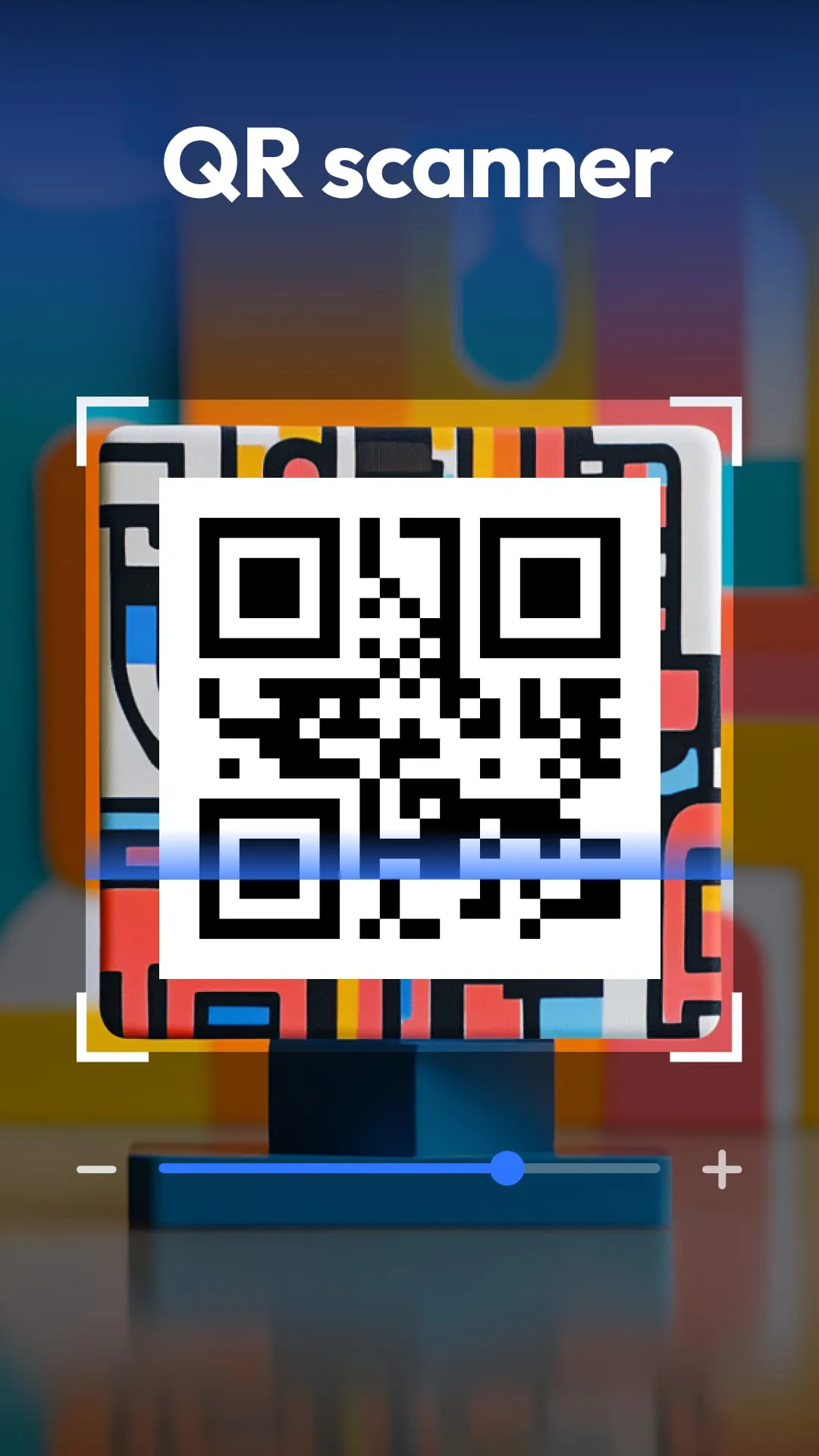
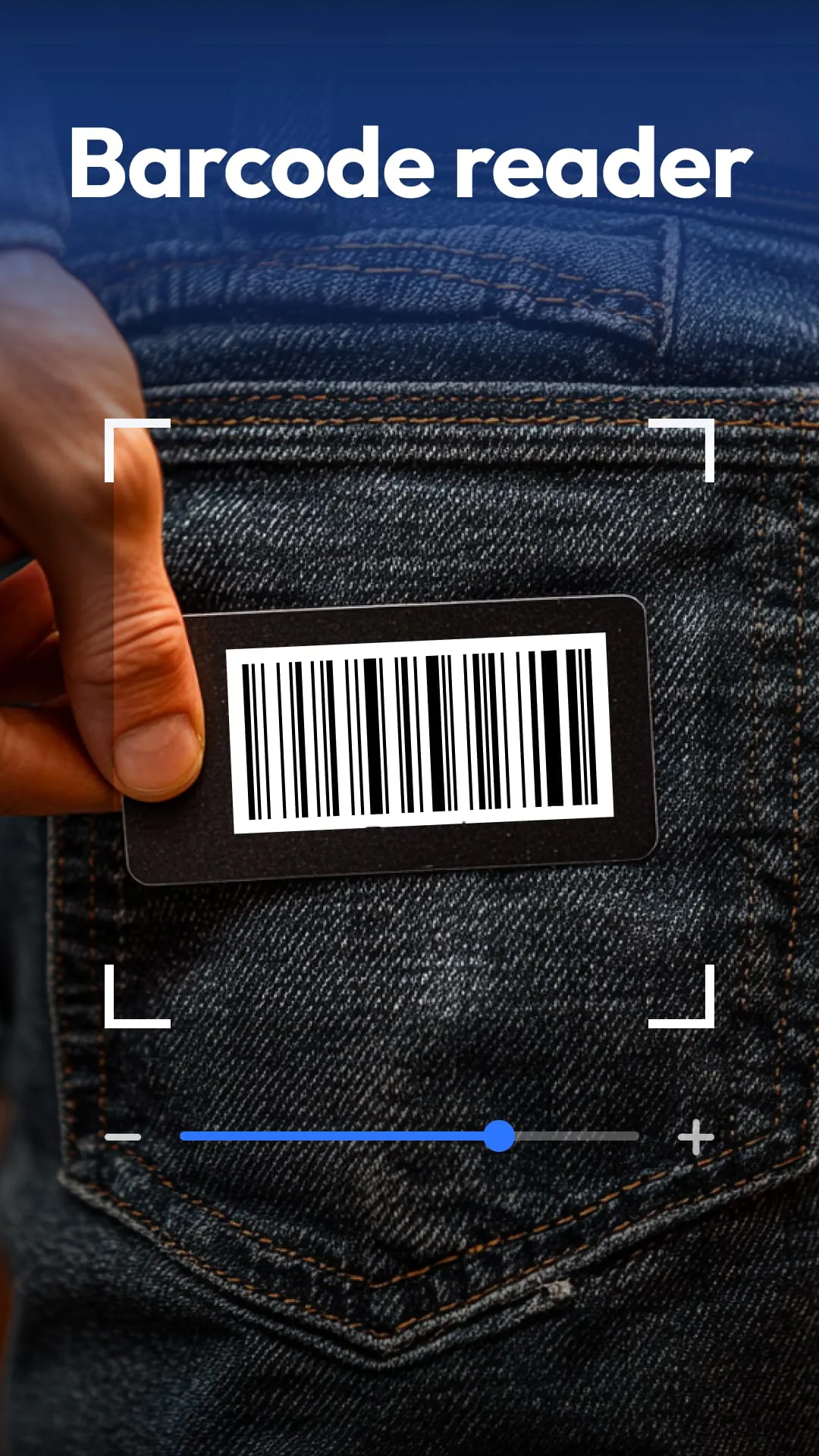
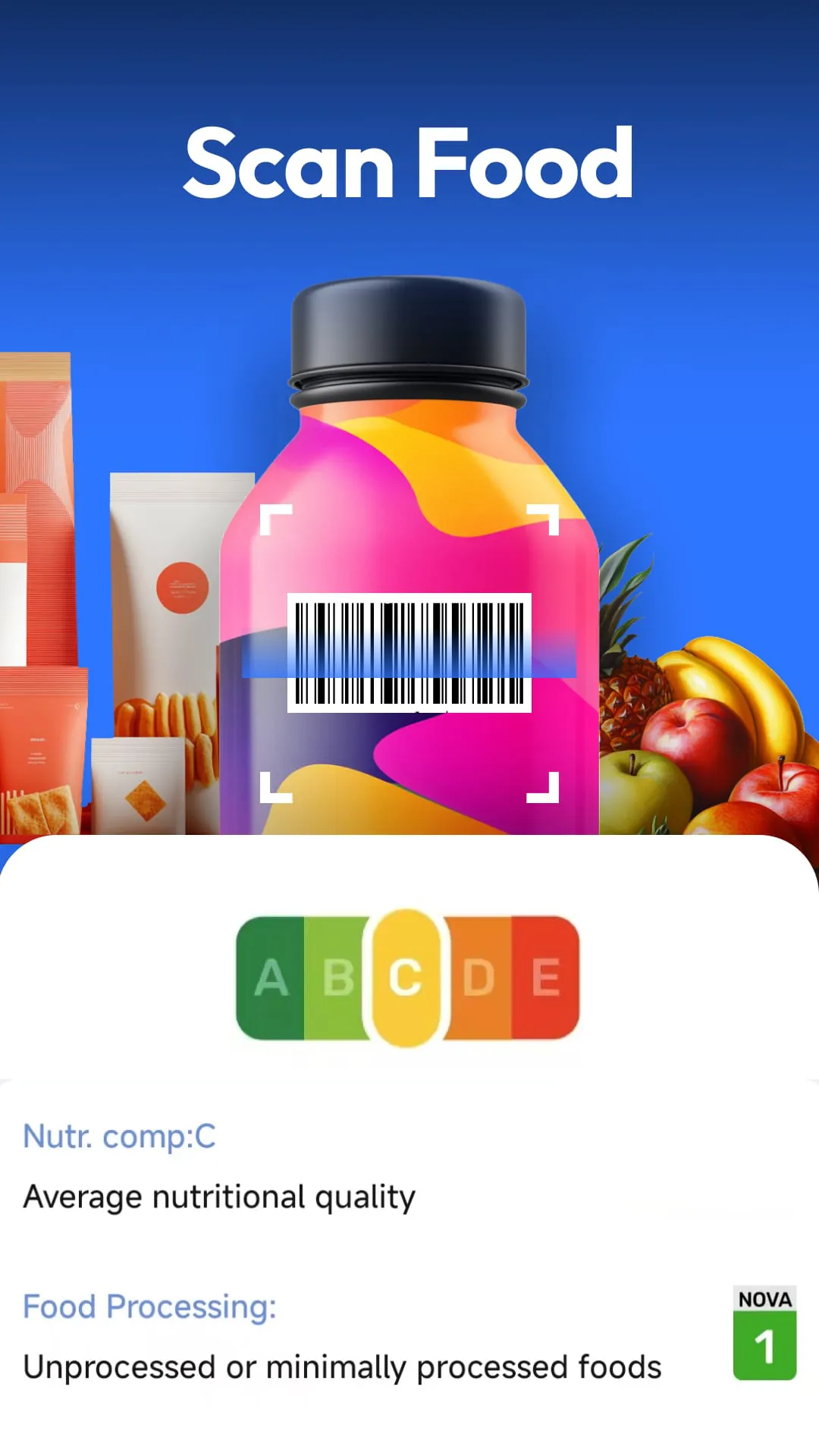
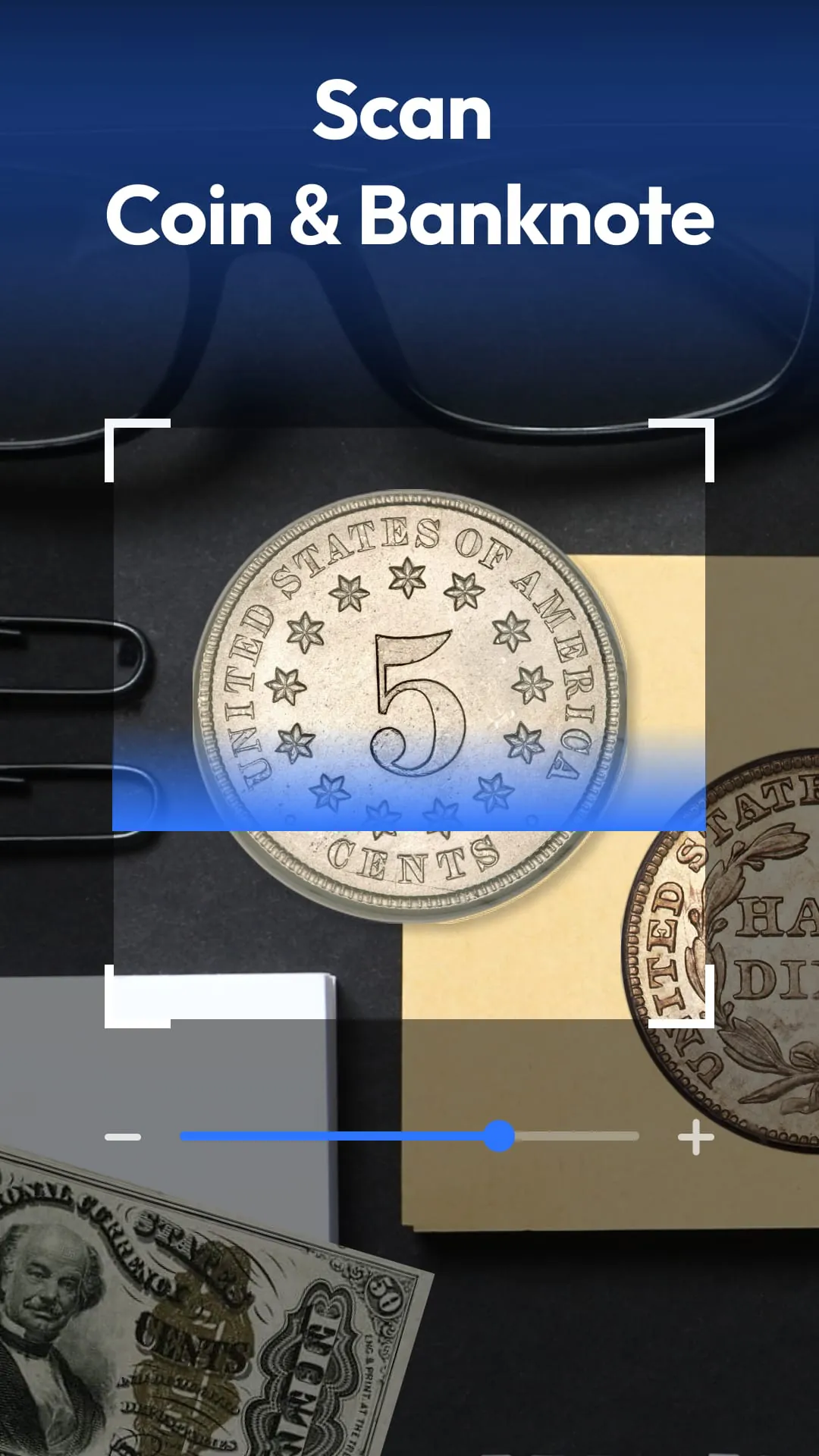
The QR & Barcode Scanner application emerges as a versatile and powerful tool designed for Android devices, offering a comprehensive suite of scanning capabilities that extend far beyond simple QR code reading. This application distinguishes itself by integrating a multitude of functionalities into a single, user-friendly interface, making it an indispensable asset for a wide range of users, from shoppers and collectors to health-conscious individuals and those seeking to digitize their paperwork. At its core, the application excels as a traditional QR and barcode scanner, adept at decoding various formats, including QR codes, Data Matrix, UPC, EAN, and Code 39. This foundational capability allows users to quickly access embedded information within these codes, such as URLs, Wi-Fi credentials, contact details, event schedules, and geographical locations. The scanner's speed and accuracy are particularly noteworthy, providing near-instantaneous results that streamline everyday tasks like accessing websites, connecting to wireless networks, or adding contacts to a phone. Beyond its basic scanning functions, the application introduces innovative features that significantly broaden its utility. The coin and currency recognition tool caters to collectors and travelers, enabling them to identify rare coins and banknotes from around the world. This feature leverages advanced image recognition technology to analyze the visual characteristics of coins and banknotes, comparing them against a vast database to provide accurate identification and historical information. For numismatists, this functionality eliminates the need for manual research, offering a convenient and efficient way to catalog and learn about their collections. Similarly, travelers can benefit from the application's ability to identify foreign currency, ensuring they are aware of the value and authenticity of the money they handle. The food scanner represents another significant addition, catering to the growing demand for healthier and more informed food choices. By scanning food barcodes, users can instantly access nutritional grades, allergen information, and ingredient lists. This feature empowers consumers to make informed decisions about the products they purchase, promoting healthier eating habits and helping individuals with dietary restrictions avoid potentially harmful ingredients. The application's integration of nutrition data aligns with the increasing emphasis on transparency in the food industry, providing consumers with the tools they need to navigate the complexities of food labeling. The document to PDF scanner further enhances the application's versatility, allowing users to convert receipts, notes, contracts, and other paper documents into searchable PDFs with a single scan. This feature streamlines document management, eliminating the need for bulky filing cabinets and making it easier to organize and access important information. The application employs optical character recognition (OCR) technology to convert scanned images into editable text, enabling users to search for specific keywords within their documents. This functionality is particularly useful for business professionals, students, and anyone who needs to manage large volumes of paperwork efficiently. The application prioritizes user privacy by minimizing the permissions required for operation. It only requests access to the camera, ensuring that no unnecessary personal data is collected or shared. This privacy-first approach reflects a commitment to user security and builds trust in the application's reliability. The inclusion of smart scanning features, such as auto-zoom and flashlight support, further enhances the user experience. Auto-zoom automatically adjusts the scanner's focus to ensure clear and accurate readings, while the flashlight provides illumination in low-light conditions, enabling users to scan codes and documents even in dimly lit environments. The scan history feature maintains a record of all scanned items, allowing users to easily revisit previously accessed information. These features collectively contribute to a seamless and intuitive scanning experience.
The application's QR code generator allows users to create and share custom QR codes for various purposes, including sharing Wi-Fi credentials, contact information, and website URLs. This feature empowers users to easily disseminate information to others, whether it's sharing their Wi-Fi network with guests or promoting their business online. The QR code generator supports various customization options, allowing users to tailor the appearance of their QR codes to match their branding or personal preferences. The application supports a wide range of QR code and barcode formats, ensuring compatibility with virtually any code encountered in everyday life. This comprehensive support eliminates the need for multiple scanning applications, simplifying the user experience and conserving valuable storage space on their device. The application's ability to scan various types of currency from around the world is a valuable asset for travelers and collectors alike. This feature leverages advanced image recognition technology to identify banknotes and coins from different countries, providing users with information about their value and historical significance. The application's currency database is regularly updated to ensure accuracy and comprehensiveness, reflecting changes in currency designs and denominations. The food scanner feature is particularly useful for individuals with dietary restrictions or those who are simply trying to make healthier food choices. By scanning food barcodes, users can quickly access detailed nutritional information, allergen warnings, and ingredient lists. This information empowers consumers to make informed decisions about the products they purchase, helping them to avoid potentially harmful ingredients and maintain a balanced diet. The application's food database is constantly updated with new products and nutritional information, ensuring that users have access to the most current and accurate data available. The document scanner feature is a convenient and efficient way to digitize paper documents, eliminating the need for bulky filing cabinets and making it easier to organize and access important information. The application's OCR technology converts scanned images into editable text, allowing users to search for specific keywords within their documents. This feature is particularly useful for business professionals, students, and anyone who needs to manage large volumes of paperwork efficiently. The application's user interface is intuitive and easy to navigate, making it accessible to users of all ages and technical abilities. The scanning process is simple and straightforward, requiring only a few taps to initiate and complete. The application's settings menu allows users to customize various aspects of the scanning experience, such as enabling or disabling auto-zoom, adjusting the flashlight brightness, and setting the default scan format. The application is lightweight and efficient, consuming minimal system resources and battery power. This ensures that it runs smoothly on a wide range of Android devices, without impacting performance or battery life. The application is available for free on the Google Play Store, making it accessible to anyone with an Android device. The developers regularly update the application with new features and bug fixes, ensuring that it remains a reliable and feature-rich scanning solution.
In conclusion, the QR & Barcode Scanner application for Android is a highly versatile and powerful tool that offers a comprehensive suite of scanning capabilities in a single, user-friendly package. Its ability to scan QR codes, barcodes, coins, banknotes, food labels, and documents makes it an indispensable asset for a wide range of users, from shoppers and collectors to health-conscious individuals and those seeking to digitize their paperwork. The application's innovative features, such as coin and currency recognition, food scanning, and document to PDF conversion, significantly broaden its utility, while its privacy-first approach and smart scanning capabilities enhance the user experience. The QR & Barcode Scanner application distinguishes itself from other scanning apps by offering a unique combination of features and functionalities that cater to a diverse range of user needs. Its ability to identify rare coins and banknotes, provide nutritional information for food products, and convert paper documents into searchable PDFs sets it apart from simpler scanning apps that only focus on QR codes and barcodes. The application's user-friendly interface and lightweight design make it accessible to users of all ages and technical abilities, while its regular updates and bug fixes ensure that it remains a reliable and feature-rich scanning solution. The QR & Barcode Scanner application is a valuable tool for anyone who wants to simplify their daily tasks, make more informed decisions, and manage their information more efficiently. Whether you're shopping for the best deals, collecting coins and banknotes, tracking your nutrition, or digitizing your paperwork, this application has something to offer. Its comprehensive feature set, user-friendly interface, and commitment to privacy make it the only scanner you'll ever need. The application's versatility and functionality make it a valuable tool for both personal and professional use. Individuals can use it to scan coupons, compare prices, and access product information while shopping, while businesses can use it to track inventory, manage documents, and streamline operations. The application's ability to generate QR codes can also be used to promote businesses and share information with customers. The QR & Barcode Scanner application is a testament to the power of mobile technology to simplify and enhance our lives. Its innovative features and user-friendly design make it an indispensable tool for anyone who wants to stay organized, informed, and connected. The application's developers have created a truly exceptional scanning solution that is sure to meet the needs of a wide range of users. The QR & Barcode Scanner application is more than just a scanning app; it's a versatile and powerful tool that empowers users to take control of their information and make more informed decisions. Its comprehensive feature set, user-friendly interface, and commitment to privacy make it the ultimate scanning solution for Android devices.