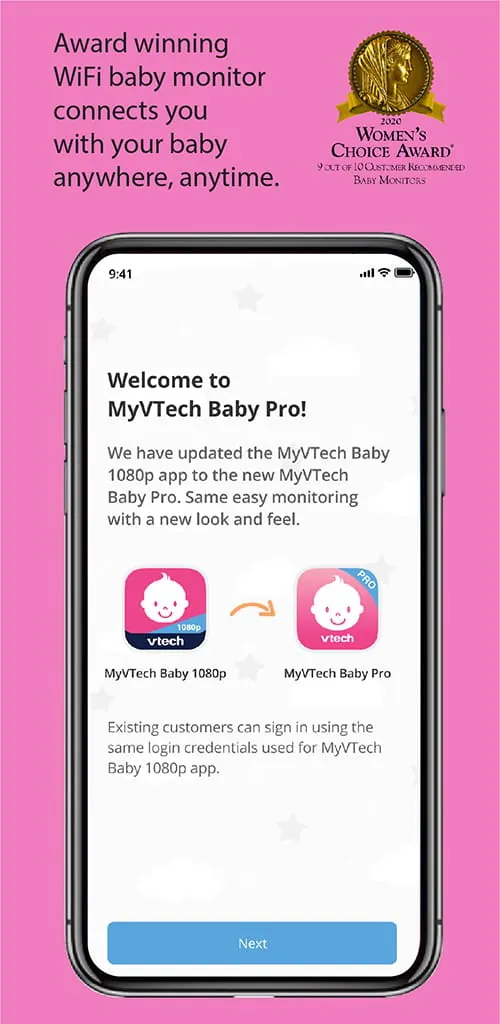
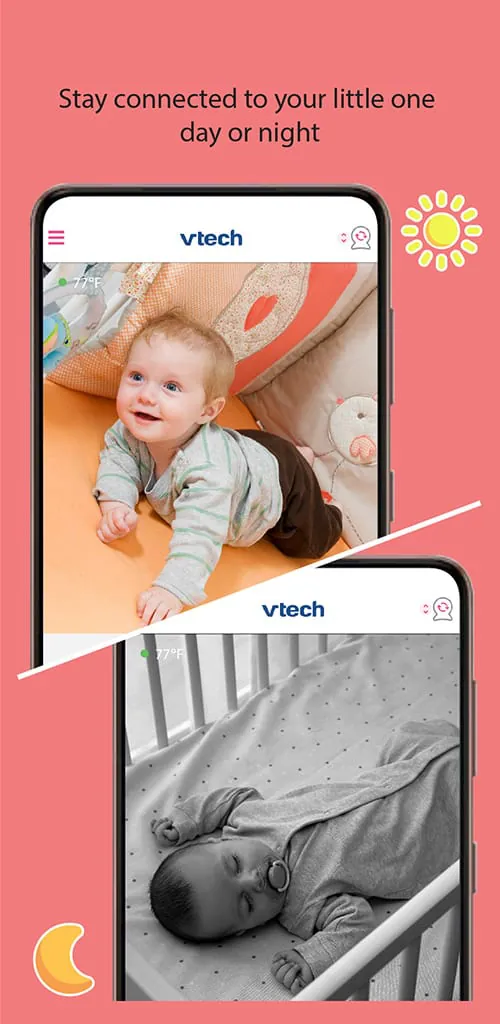
MyVTech Baby Pro is a comprehensive companion application designed to enhance the experience of using VTech’s range of smart baby monitors and early learning products. It serves as a central hub for parents, allowing them to seamlessly connect to their VTech devices, such as video baby monitors, to receive real-time alerts, view live video feeds, and access a library of curated content aimed at supporting their child's early development in a secure and interactive digital environment.
Key Features
The application stands out by integrating several core features that prioritize both child engagement and parental convenience. Its design focuses on creating a cohesive ecosystem for modern parenting.
- Live Video and Audio Streaming: Offers clear, real-time monitoring of your baby’s room directly on your smartphone or tablet.
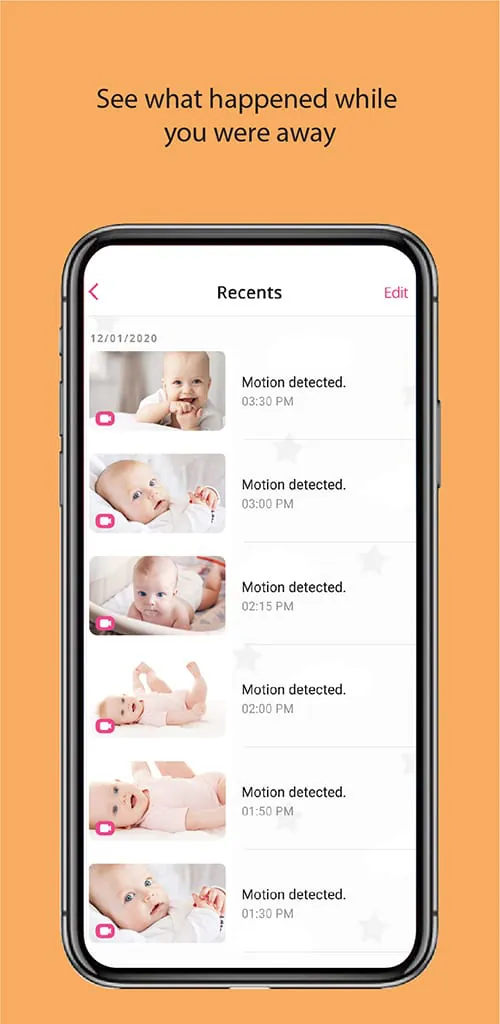
- Smart Notifications: Sends instant alerts for sound or motion detection, helping parents stay informed even when they are not actively watching the feed.
- Two-Way Talk: Allows parents to soothe their child with their voice through the connected monitor without entering the room.
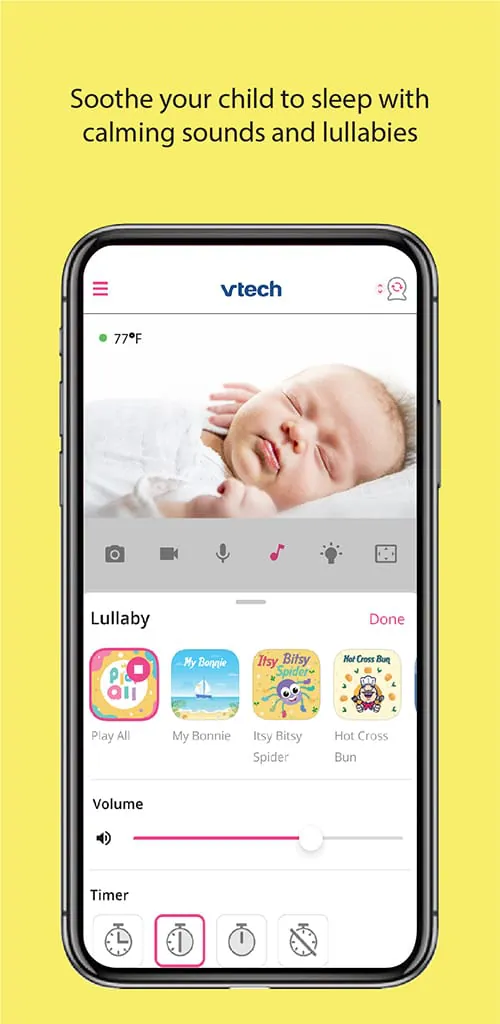
- Digital Lullabies and Sounds: Provides a selection of calming sounds and music to help babies fall asleep.
- Development Tracking Tools: Includes features to log milestones, daily activities, and growth, creating a digital baby journal.
- Secure Connection: Employs encrypted connections to ensure that the video feed and data remain private and secure from unauthorized access.
Pros & Cons
Like any application, MyVTech Baby Pro has its strengths and areas that may not suit every user. A balanced view helps in setting the right expectations.
- Pros: The interface is user-friendly and intuitive, making setup and daily use straightforward for most parents. The video quality is generally reliable with good clarity, and the smart notifications are highly responsive. The inclusion of developmental content adds value beyond basic monitoring, supporting early learning. Furthermore, the ability to connect multiple compatible VTech devices into one app is a major convenience.
- Cons: The app’s full functionality is exclusively tied to VTech hardware, limiting its utility for those who do not own compatible products. Some users may experience occasional latency or connectivity issues depending on their home network strength. Advanced features may require a steeper learning curve for the less tech-savvy, and the range of lullabies, while pleasant, could be expanded.
Functions
The app’s functionality extends beyond simple monitoring to become a multifaceted parenting assistant. It effectively bridges the gap between a safety device and a developmental tool.
- Remote Monitoring Core: This is the primary function, enabling live viewing, listening, and communication with your child from anywhere with an internet connection.
- Event Logging and Review: Parents can review historical notifications and, on some models, even recorded video clips triggered by sound or motion events.
- Environment Monitoring: Compatible devices can relay room temperature data, allowing them to ensure the nursery environment is comfortable.
- Content Library Access: The app often gates a library of age-appropriate songs, stories, and learning materials from VTech, which can be played for the child through the connected device.
- Parental Community and Tips: Some versions integrate parenting advice, tips, and a platform for community interaction, offering support and ideas.
How to Use
Click the button "Check All Versions" below to download and install it. Once the app is installed on your iOS or Android device, open it and follow the on-screen instructions to create a secure parent account. The next critical step is to sync the app with your VTech baby monitor; this typically involves powering on the monitor, ensuring your phone is on the same Wi-Fi network, and using the app’s device addition feature to pair them via a QR code or a pairing button. After a successful connection, you can customize your settings—such as adjusting motion sensitivity, setting up alert zones, and selecting preferred lullabies. The main dashboard will then become your control center, displaying the live feed, activity logs, and quick access to all other features for daily monitoring and interaction.




 APK
APK  Google Play
  iOS
iOS  4.70
4.70