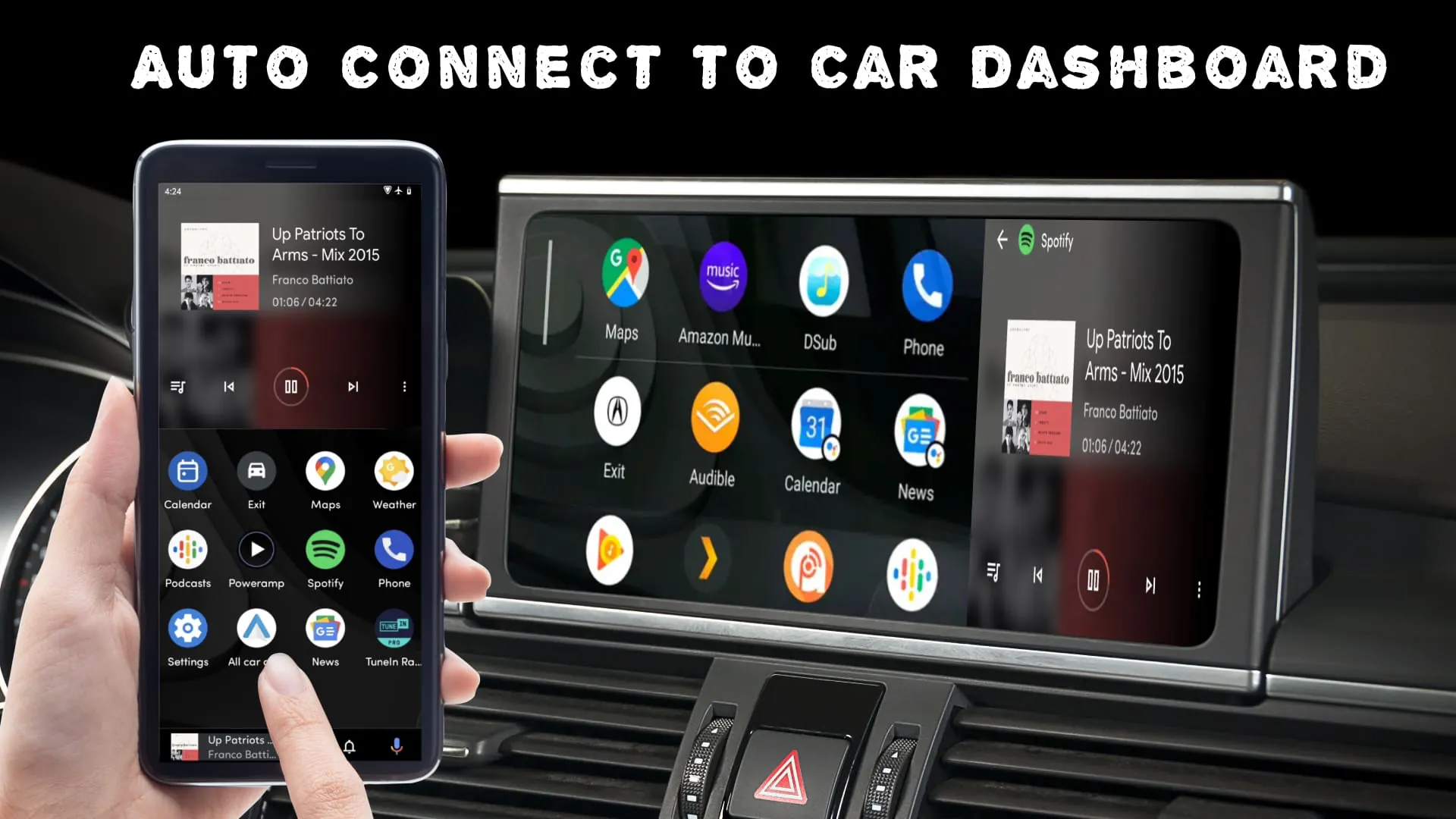
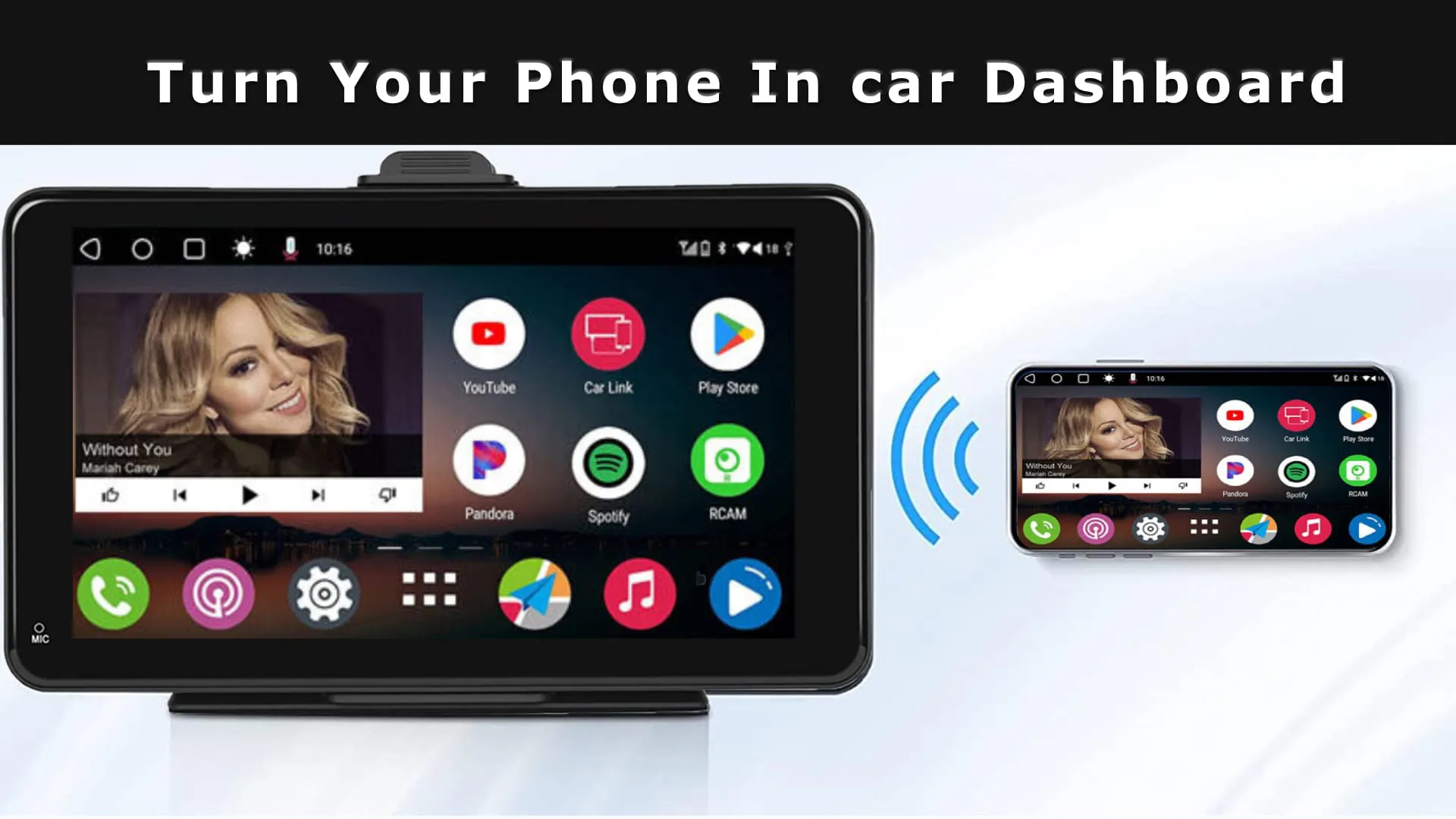
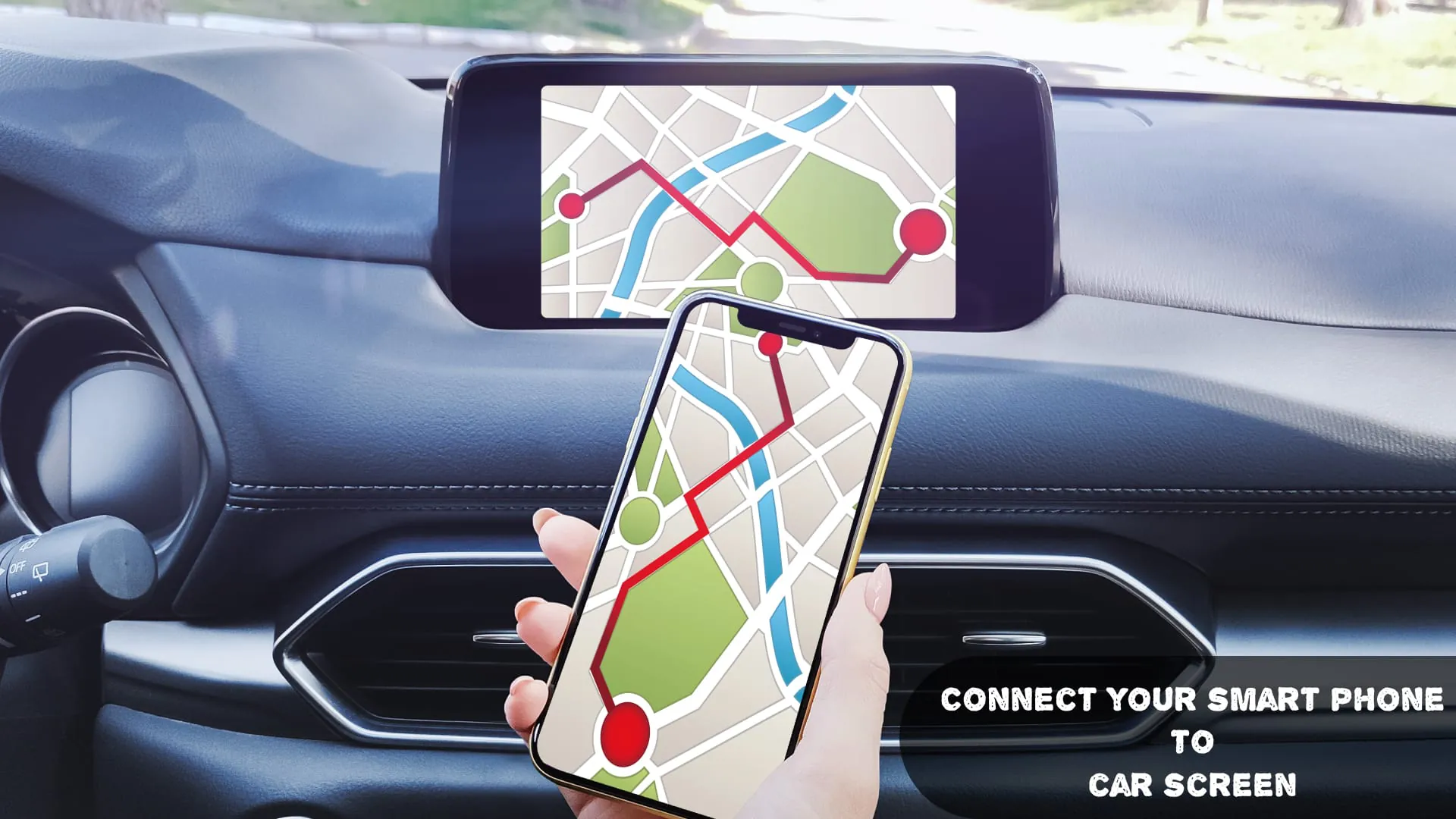
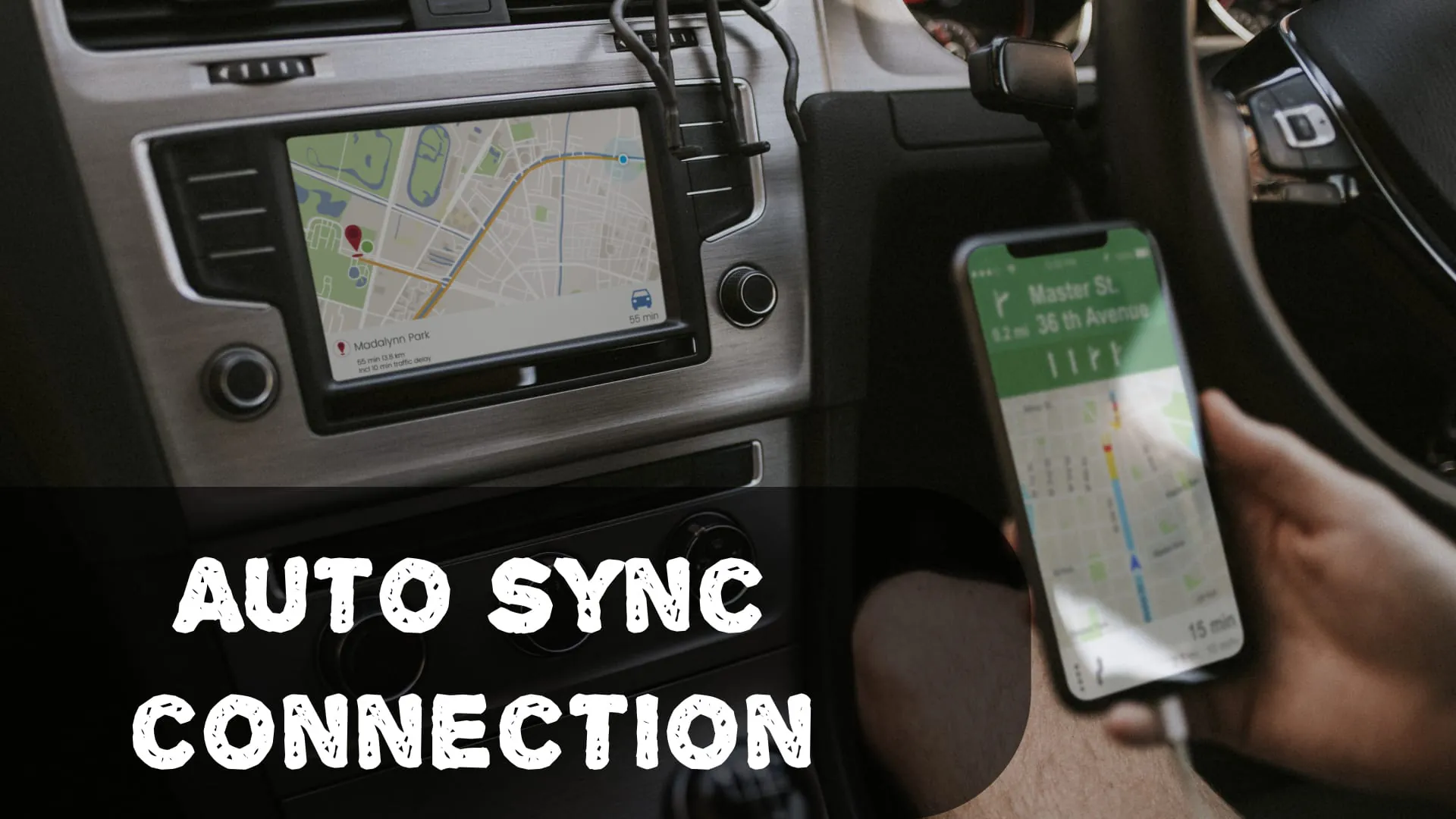
The Car Play - Android Auto Sync application is engineered to facilitate a smooth and efficient connection between smartphones and a vehicle's in-dash infotainment system, supporting both Car Play and Android Auto platforms. This dual compatibility ensures a broad range of users can integrate their smartphones with their car's system, promoting a safer and more convenient driving experience. The application focuses on several key features designed to enhance user experience, connectivity, and safety while on the road. Seamless integration is a cornerstone of the app's design, providing users with the ability to effortlessly connect their Android devices to their car's dashboard system. The app is designed to automatically detect and establish a connection with compatible car infotainment systems, streamlining the setup process and minimizing the need for manual configuration. This automatic detection feature simplifies the user experience, allowing drivers to quickly and easily connect their phones to their car's system each time they enter the vehicle. The user-friendly interface is another critical aspect of the application, featuring a simplified setup process with clear, step-by-step instructions that guide users through the initial connection and configuration. Intuitive controls allow for easy management and adjustment of settings, ensuring users can personalize their experience to meet their specific needs and preferences. The application's enhanced compatibility is achieved through support for a wide range of vehicles and infotainment systems, making it accessible to a broad audience. Regular updates are released to continually improve compatibility with new car models and smartphone updates, ensuring the app remains current and effective across a diverse range of devices and systems. Smart connectivity options provide users with flexibility in how they connect their phones to their car. The app supports both USB and wireless connections, depending on the capabilities of the car's infotainment system. The auto-launch feature automatically activates Car Play or Android Auto upon connection, further simplifying the user experience and minimizing distractions while driving. The customizable settings allow users to personalize their dashboard display preferences, enabling them to tailor the information and apps displayed to their individual needs. Users can also manage notifications and app permissions, ensuring a more tailored and focused driving experience. This level of customization helps to reduce distractions and keep the driver's attention on the road. In addition to its functional features, the app also includes troubleshooting assistance, with built-in diagnostic tools to help resolve connection issues. Access to a support community and FAQs provides additional help and resources for users who encounter problems or have questions about the app. Safety features are paramount in the app's design, with voice control integration enabling hands-free operation. This feature allows drivers to access navigation, music, and communication apps without taking their hands off the wheel or their eyes off the road. By minimizing distractions, the app promotes safer driving habits and reduces the risk of accidents. The benefits of using the Car Play - Android Auto Sync app are numerous, including increased safety, convenience, and enhanced connectivity. By using voice commands and hands-free features, drivers can keep their focus on the road, reducing the risk of accidents and promoting safer driving habits. The app provides easy access to favorite apps and features from the car's dashboard, streamlining the driving experience and minimizing distractions. Reliable and consistent connectivity between the phone and car system ensures a seamless and enjoyable driving experience. To get started, users can download the Car Play - Android Auto Sync app from the App Store or Google Play Store. Once downloaded, users can follow the on-screen instructions to connect their phone to their car’s infotainment system and customize their settings to their preferences. Before using the app, users should ensure that their car's infotainment system is compatible with Car Play or Android Auto to ensure a seamless and effective integration.
The app's dedication to seamless integration greatly enhances user convenience, making the connection process practically automatic and removing typical technological barriers. By instantly recognizing and connecting with suitable vehicle systems, the app reduces setup time, allowing users to concentrate on driving. The intuitive layout of the user interface is essential to its usability, offering clear directions for initial setup and configuration. The simple controls make it easy to change settings and customize the experience, which is very important for different user preferences. The program's broad compatibility is a key selling point, supporting a wide array of car types and entertainment systems. Regular upgrades guarantee that the app is compatible with new car models and phone updates, maintaining its functionality and relevance in the fast-paced technological world. Users may connect their smartphones to their cars using USB or Wi-Fi, depending on the car's capabilities, thanks to intelligent connectivity choices. The auto-launch feature, which starts Car Play or Android Auto immediately after connection, further streamlines the user experience and reduces distractions when driving. Users can customize their dashboard display settings to suit their individual requirements and tastes using the changeable settings. Users can also control app permissions and notifications, which results in a more tailored and concentrated driving experience. This degree of personalization aids in minimizing distractions and maintaining the driver's attention on the road. In addition to its functional features, the app includes troubleshooting support with built-in diagnostic tools to help with connection problems. Users can get additional support and solutions to their questions or problems from the support community and FAQs. Safety is given utmost priority in the design of the app, and voice control integration allows for hands-free operation. Drivers can use this function to operate navigation, music, and communication applications without taking their hands off the steering wheel or their eyes off the road. The app encourages safer driving habits and lowers the chance of accidents by minimizing distractions. The app's focus on safety extends to its overall design, with features that are specifically intended to minimize cognitive load and keep the driver's attention on the road. The interface is simple and easy to use, and the voice control capabilities make it easy to operate key features without taking your hands off the wheel. These safety-conscious design elements help to create a safer and more secure driving environment. The app's dedication to simplicity and user-friendliness is evident in every aspect of its design, from the clear and concise instructions to the intuitive controls and automated features. The app is intended to be simple to use, even for individuals who aren't tech-savvy, and it offers a hassle-free experience from beginning to end. This user-centric approach distinguishes the app from competitors and adds to its overall appeal. The Car Play - Android Auto Sync app is more than just a tool; it's a complete solution that improves the entire driving experience by focusing on safety, convenience, and user-friendliness. Its extensive features, simple design, and commitment to safety make it an essential companion for today's tech-savvy drivers.
The Car Play - Android Auto Sync app's commitment to improving driving safety is seen in its user interface and feature set. Voice command integration, which enables hands-free operation of key features, is one of the most notable safety elements. Drivers can use voice commands to access navigation, music, and communication apps without taking their hands off the steering wheel or their eyes off the road, which minimizes distractions and promotes safer driving habits. The app's designers have also included features to limit cognitive load and keep the driver's attention on the road. The interface is simple and easy to use, and the voice control capabilities make it easy to operate key features without taking your hands off the wheel. The software also has customizable settings that allow users to tailor the display and notifications to their individual needs, further decreasing distractions and increasing safety. In addition to its safety features, the Car Play - Android Auto Sync app provides a number of convenience-enhancing features. The seamless integration with car entertainment systems, for example, makes it simple to connect a smartphone to the car's dashboard and access favorite apps and features. The app also has automated connection detection, which removes the need for manual setup and guarantees a hassle-free experience every time a user enters their car. The app's user interface is simple and easy to use, making it accessible to people of all technical abilities. The clear instructions, intuitive controls, and customizable settings make it simple to tailor the experience to individual requirements. The program also has troubleshooting tools and a support community to help users who have questions or technical challenges. The Car Play - Android Auto Sync app's dedication to connectivity is seen in its ability to connect with a wide array of car entertainment systems. The software supports both USB and wireless connections, allowing users to connect their smartphones to their car in the manner that is most convenient for them. The app also has automatic connection detection, which removes the need for manual setup and guarantees a hassle-free experience every time a user enters their car. The Car Play - Android Auto Sync app is a useful tool for anybody wishing to improve their driving experience. The app offers a comprehensive approach to safety, convenience, and connectivity with its vast array of features, user-friendly interface, and dedication to safety. The app is an excellent companion for today's tech-savvy drivers, whether they're driving across town or on a long journey. The Car Play - Android Auto Sync app's seamless integration with car entertainment systems makes it a good illustration of how technology may improve the driving experience. The app not only improves safety and convenience, but it also provides a more connected and pleasurable ride. As technology advances, we may anticipate more sophisticated and user-friendly apps that further change the way we engage with our cars and the world around us.