


V7.3.2

- Package Name
- com.cateater.stopmotionstudio
- Version Name
- V7.3.2
- Version Code
- V7.3.2
- File Size
- 93.1 MB
- Update time
- 2023-6-10



by Cateater
A unique animation app. Powerful, easy to use, and lots of fun.
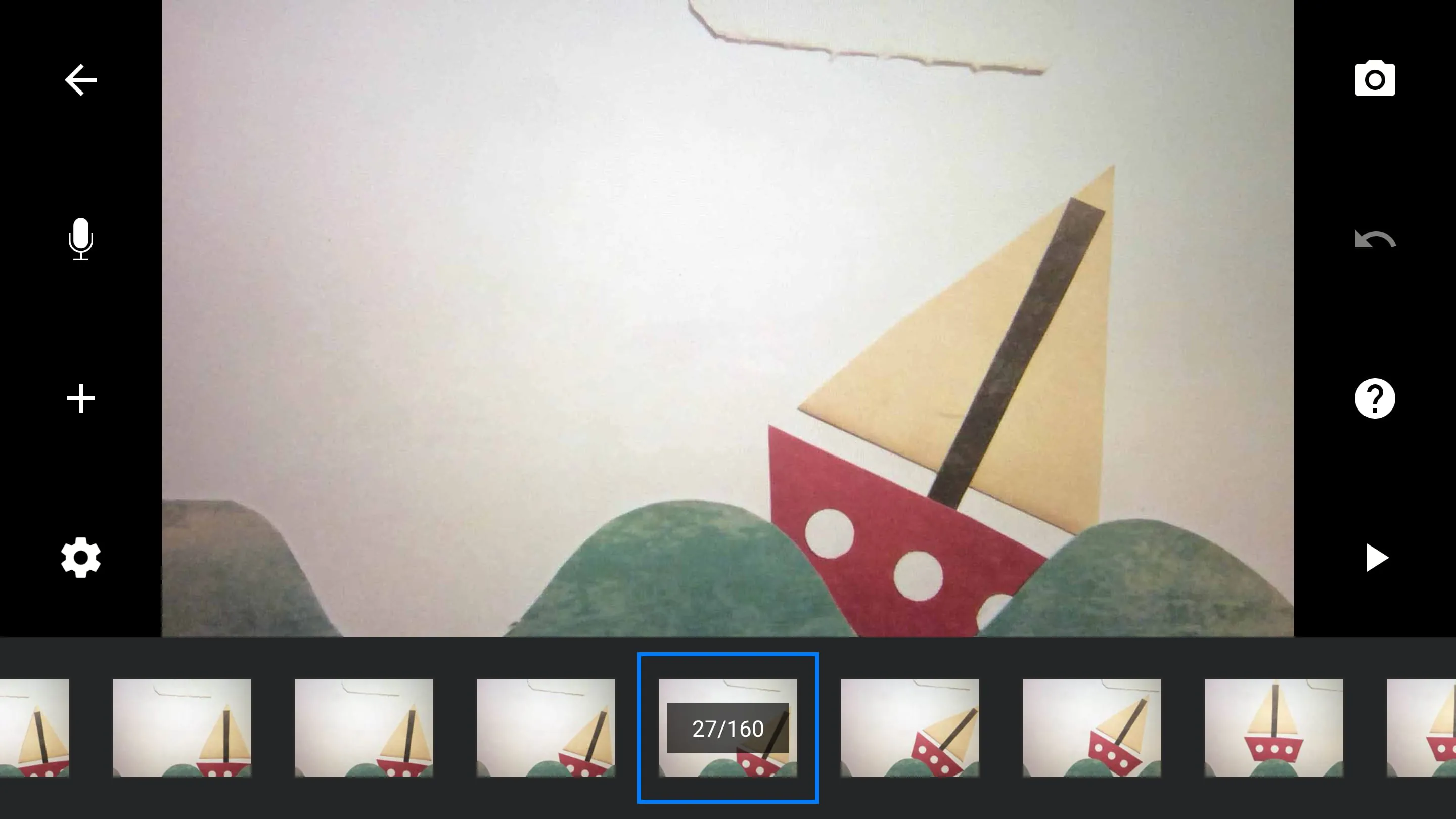
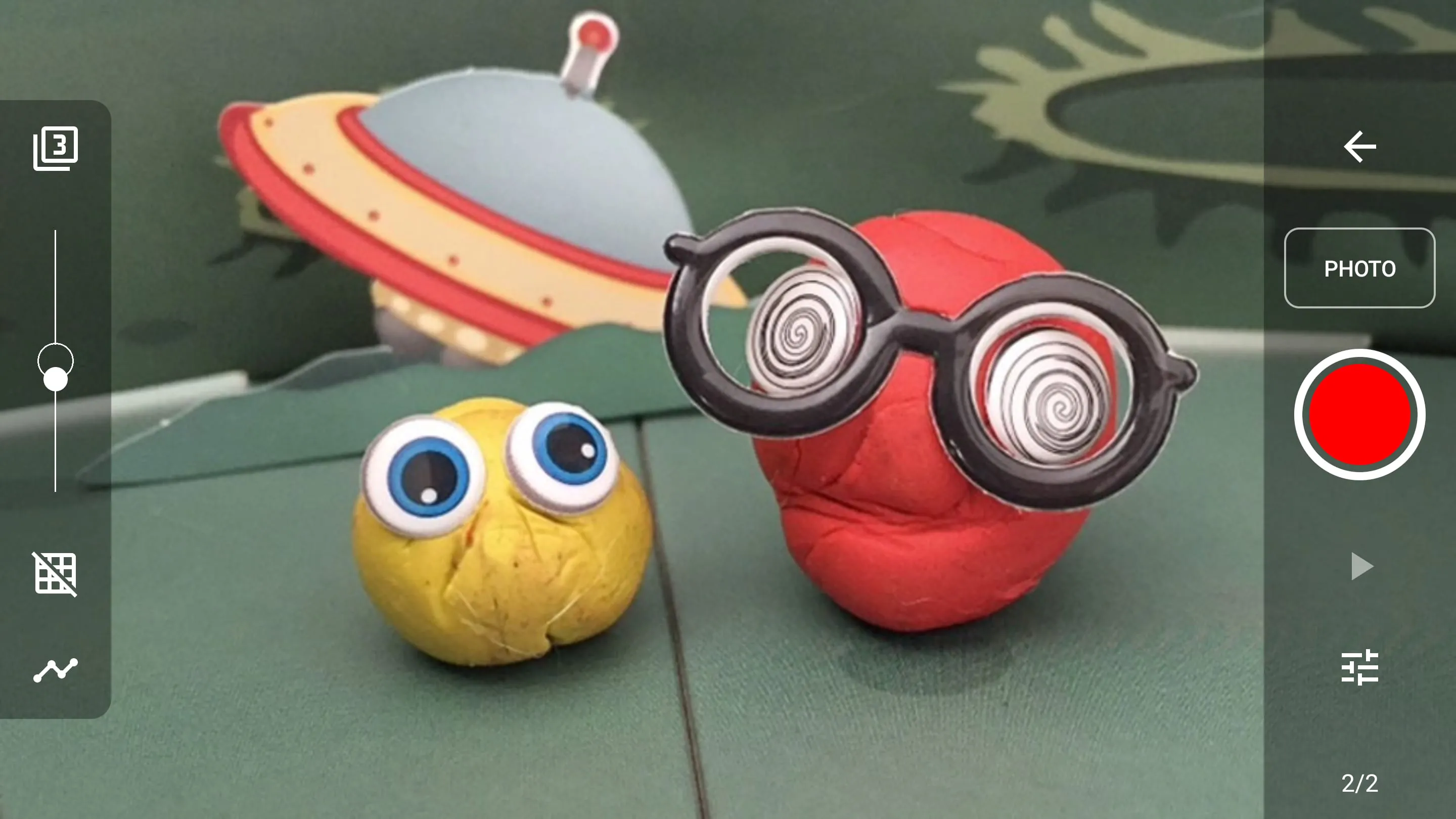
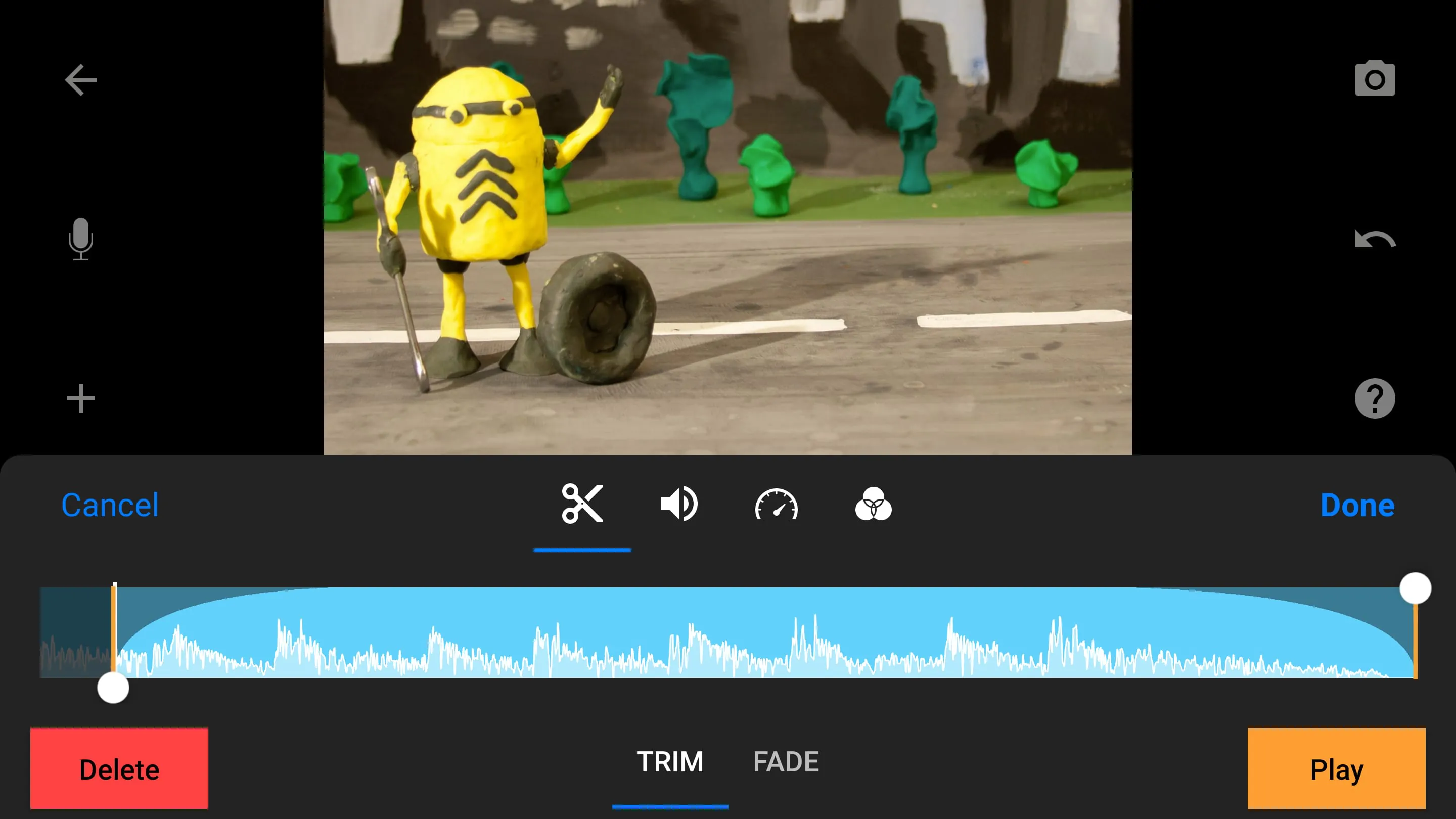
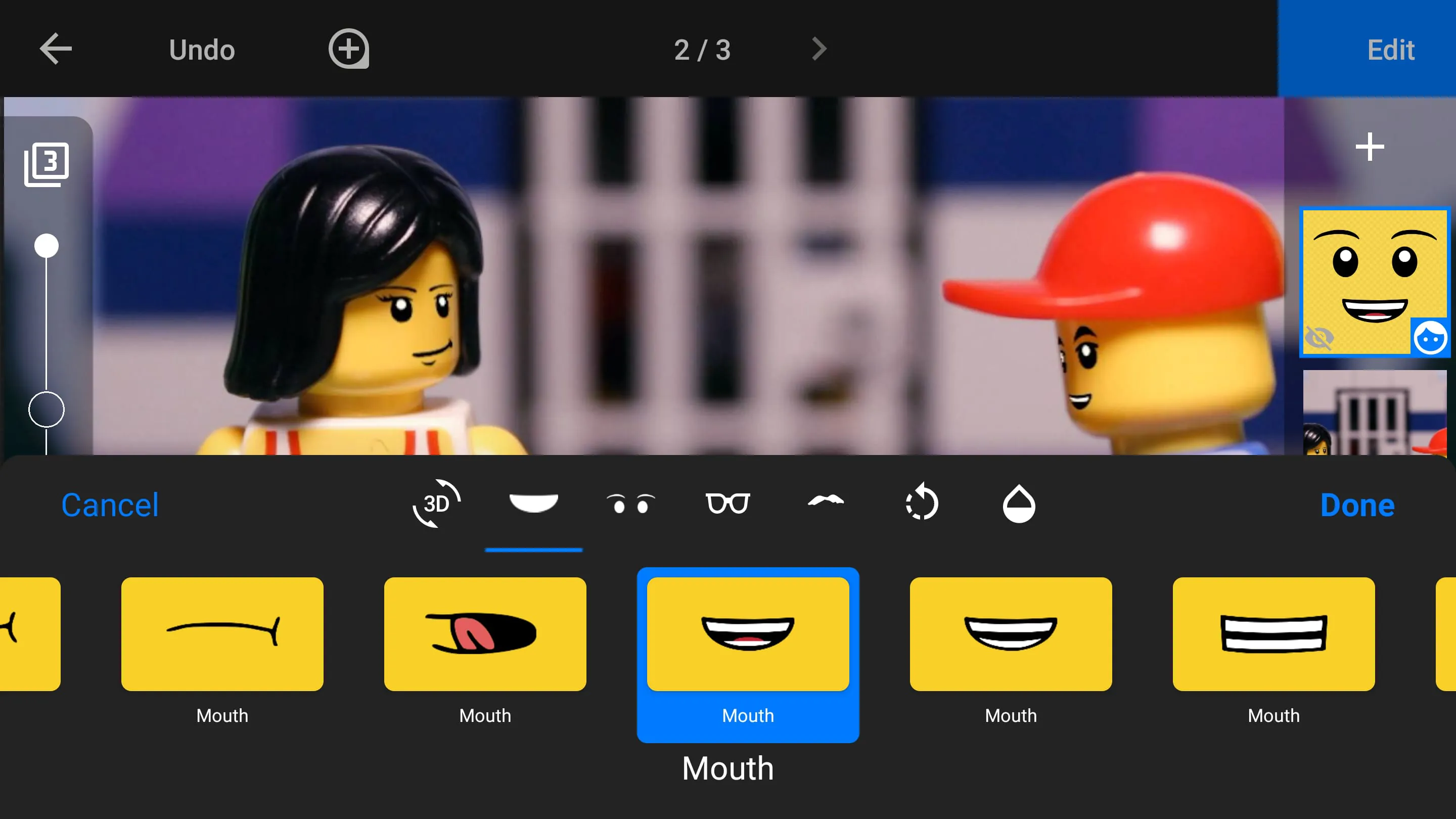
Stop Motion Studio is a powerful and user-friendly application designed for creating stop-motion animations on mobile devices and computers. It transforms the intricate process of frame-by-frame animation into an accessible and enjoyable experience for users of all skill levels, from beginners exploring animation basics to professionals crafting detailed projects. The app provides a comprehensive suite of tools that streamline the entire workflow, including advanced camera controls, precise frame management, and intuitive editing features. By offering a seamless interface and robust functionality, Stop Motion Studio empowers creators to bring their imaginative ideas to life with ease, making it a popular choice for educational purposes, hobbyist projects, and professional productions alike.
Stop Motion Studio stands out with a rich set of features that cater to both novice and advanced users. Its core functionality includes a powerful camera system with manual controls for focus, exposure, and white balance, ensuring high-quality frame capture. The app supports various capture methods, such as time-lapse and remote camera monitoring via a second device, enhancing flexibility during shooting. For editing, it offers a robust timeline with onion skinning for precise frame alignment, audio recording for voiceovers and sound effects, and a library of music and sound clips. Additional creative tools include green screen (chroma key) for compositing, dynamic titles and text effects, and adjustable playback speed controls. The app also supports multiple export formats and direct sharing to platforms like YouTube, making it a versatile tool for complete animation projects.
Stop Motion Studio encompasses a wide range of functions to support the entire animation pipeline. Key capabilities include:
Click the button "Check All Versions" below to download and install it. Once installed, launch the app and start a new project by selecting the camera icon. Set up your scene using the device's camera, adjusting focus and exposure as needed. Capture frames manually by pressing the shutter button or use the time-lapse feature for automated shooting. Utilize the onion skinning tool to align each frame with the previous one for smooth motion. After capturing all frames, navigate to the timeline to edit the sequence, add audio tracks for voiceovers or music, and apply effects like green screen if required. Finally, export the finished animation in your preferred format and share it directly to social platforms or save it to your device.
Get Stop Motion Studio from an official store or available APK channel.
ZIP files require a Split APKs Installer (e.g., SAI) from Google Play to install. Steps: 1. Download SAI from Google Play; 2. Open SAI and tap "Install APKs"; 3. Select the ZIP file; 4. Complete installation.
The latest version currently listed by Appspicked is V7.3.2, with information updated on May 19, 2026. Versions may vary by device, region, or rollout schedule, so users should also check Google Play or announcements from Cateater.
No website can guarantee that an app is completely risk-free. Appspicked recommends downloading Stop Motion Studio only from an official app store or a verified channel operated by Cateater. Before installing, confirm the developer name, package ID com.cateater.stopmotionstudio, requested permissions, privacy policy, and download source.
Stop Motion Studio may be unavailable because of regional restrictions, device incompatibility, account or age settings, a temporary removal, a name change, or because it has not been released for that platform. An Android package page does not necessarily mean that an iOS App Store version exists. Check Cateater’s official website for current availability.
Use Google Play or another official download channel provided by Cateater whenever possible. Appspicked provides app information and store links, but users should verify the destination domain and publisher before downloading or updating the app.
The information on Appspicked may represent the most recently indexed snapshot. App stores sometimes release updates gradually or display different versions according to region, device, operating system, or testing group. The official store listing should be treated as the final reference.
Stop Motion Studio is listed for Android, with a reported minimum requirement of Not specified. Actual compatibility may also depend on the device model, region, available storage, hardware features, and installed system components.
The initial download may be free, but subscriptions, advertising, paid features, or in-app purchases may still apply. Prices and available purchases can vary by country and version. Check the payment information displayed by Google Play before completing a transaction.
Check the network connection, storage space, operating-system version, account region, and device compatibility. Restart the device and try again through the official store. If the problem continues, consult the support resources provided by Cateater.









