


V2024.0510.03

- Package Name
- com.circle38.photocircle
- Version Name
- V2024.0510.03
- Version Code
- V2024.0510.03
- File Size
- 29.94 MB
- Update time
- 2024-5-10



by PhotoCircle, Inc.
Private Photo & Video Sharing
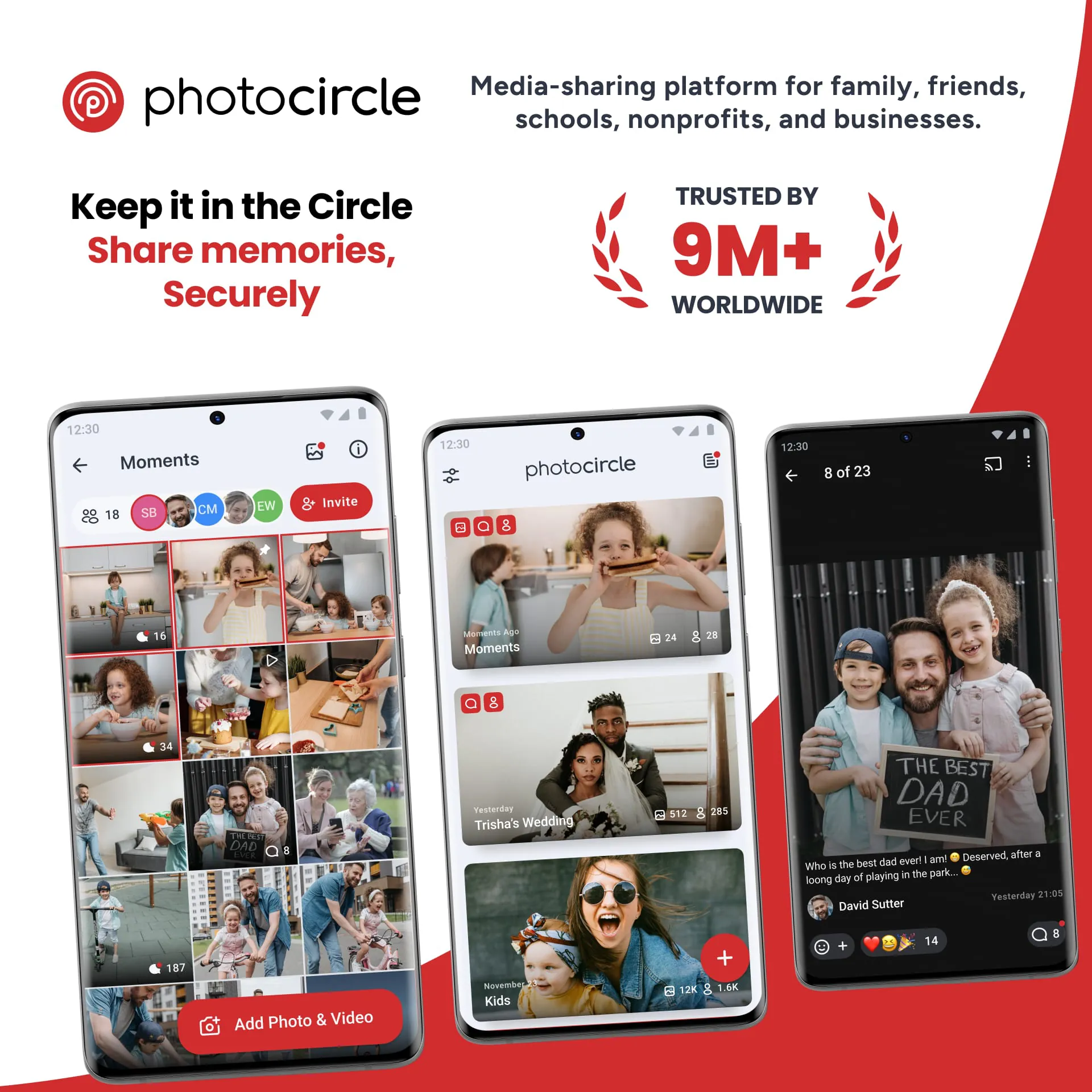
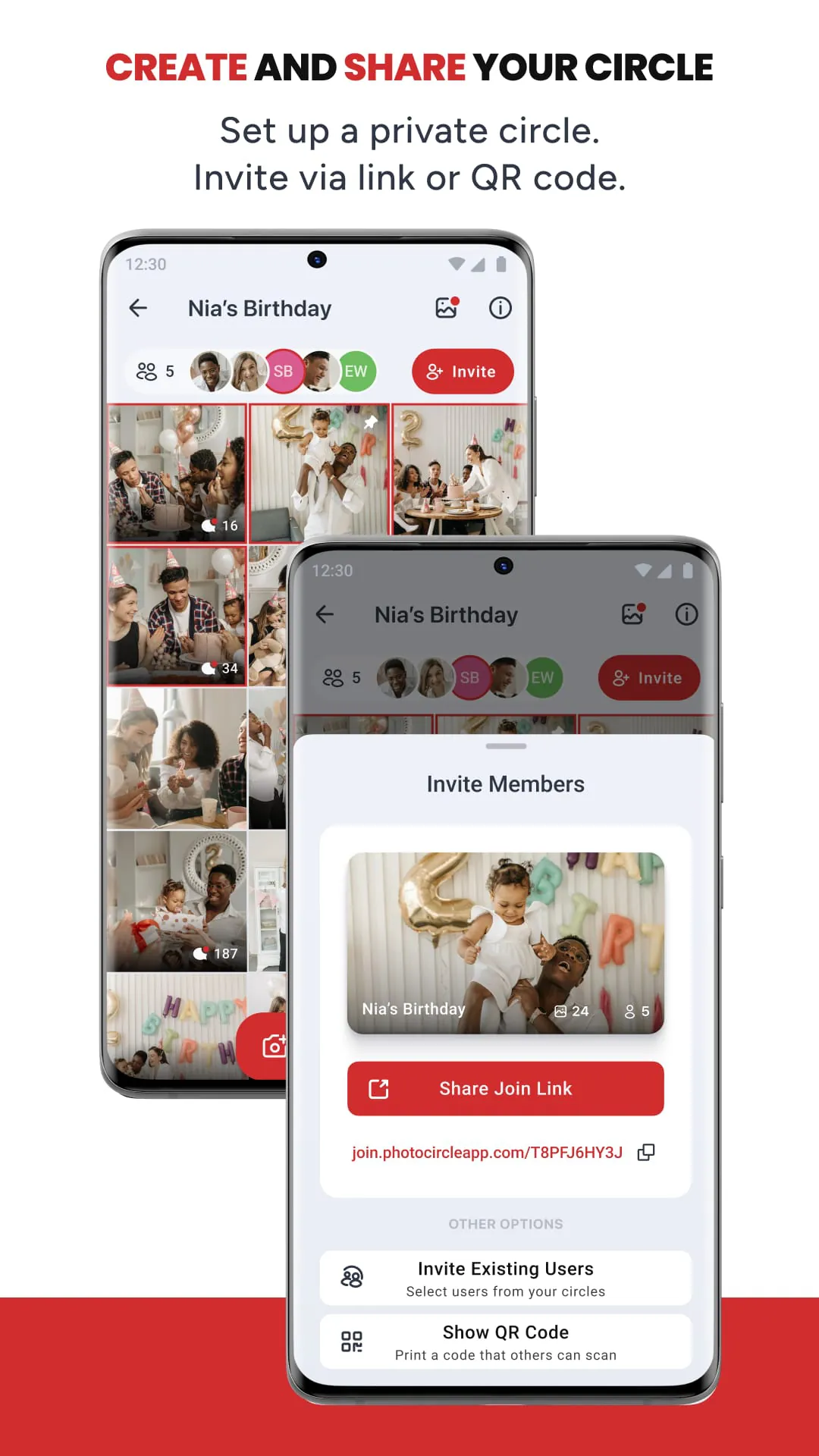
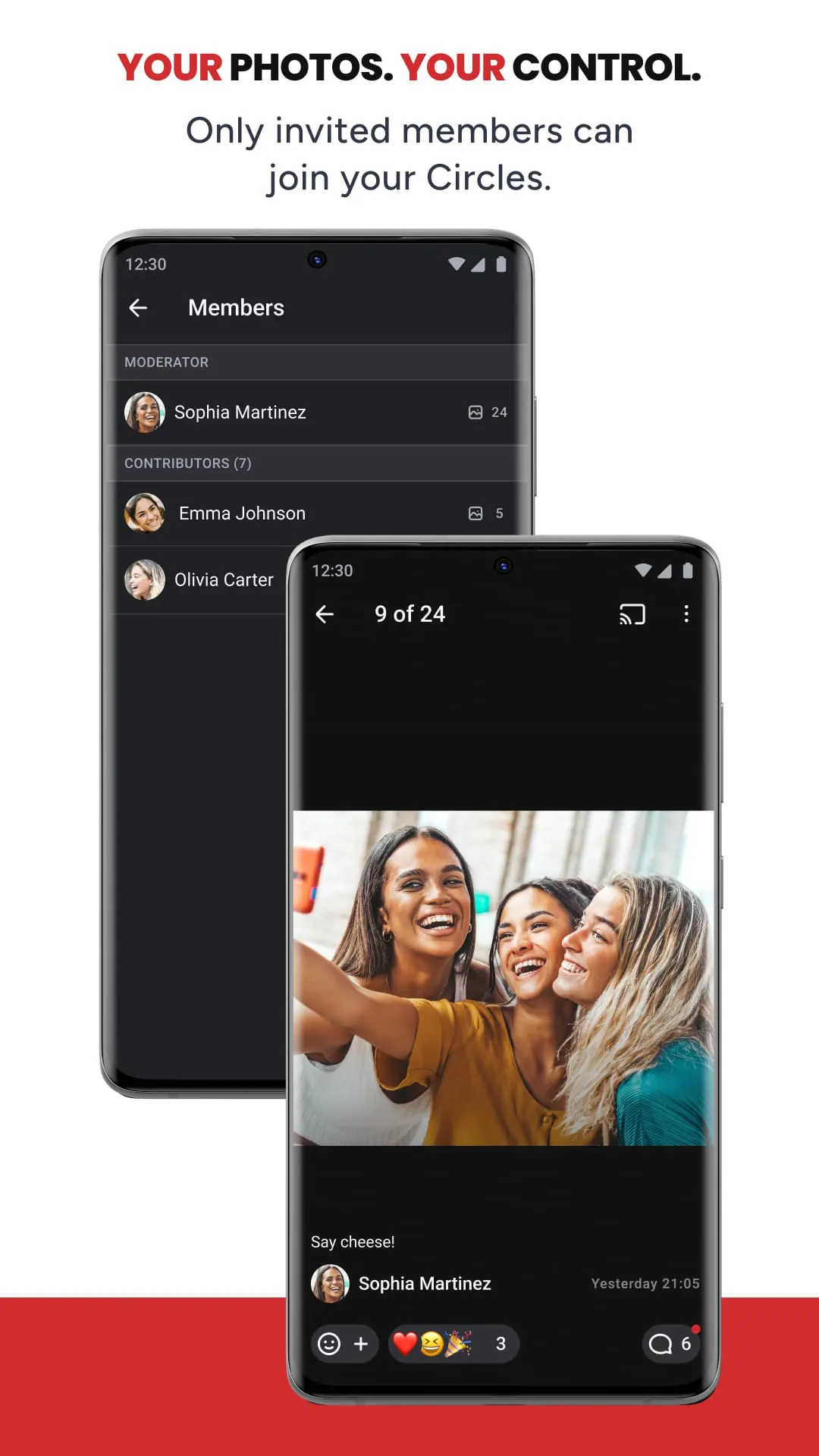
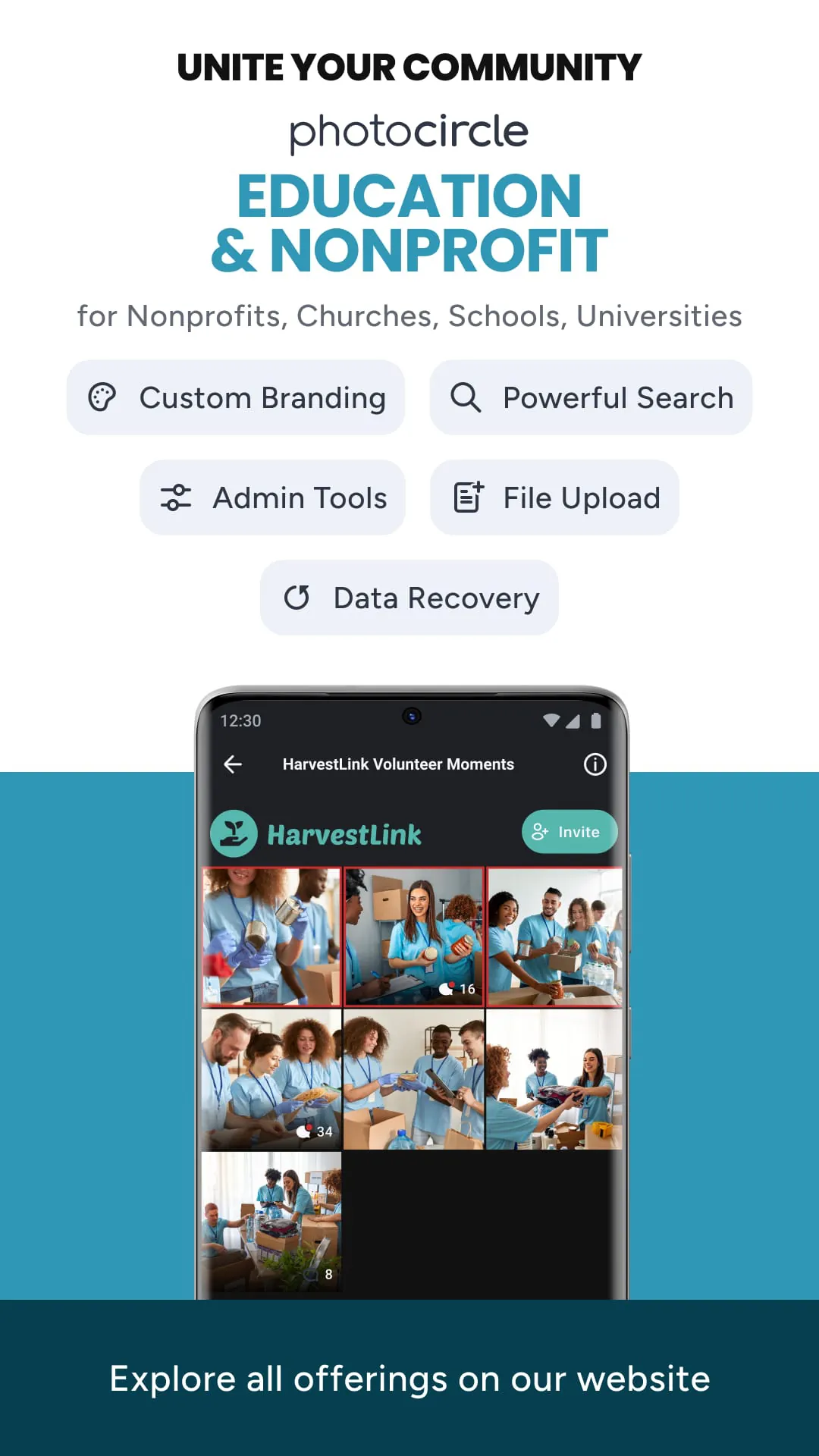
PhotoCircle is a specialized mobile application designed to facilitate private photo and video sharing within closed groups, such as family members or close friends. It functions as a dedicated digital space where users can collectively contribute to shared albums, ensuring that precious memories are kept in a centralized, secure, and ad-free environment away from the clutter of public social media feeds.
The application stands out by focusing on intimate, real-time sharing with a core circle of people. Its feature set is built around privacy and collaborative memory-keeping. Users can create unlimited shared albums for different events or themes, and all invited members can seamlessly add their own photos and videos to these collective timelines. A particularly notable feature is the automatic notification that alerts all group members whenever new content is added, keeping everyone instantly in the loop. Furthermore, it offers high-quality storage that preserves the original resolution of uploaded media, ensuring memories remain vivid and clear.
Evaluating PhotoCircle involves considering its targeted design against potential limitations. On the positive side, it offers a
On the other hand, some users might find the
PhotoCircle operates through a straightforward set of core functions. The primary action is creating a "circle" or group by inviting contacts via phone number or email. Within each circle, members can initiate shared albums, set titles, and contribute media. The app automatically organizes contributions into a chronological timeline. It also handles the logistics of group management, allowing creators to add or remove members and manage notifications. Importantly, it functions as a dedicated backup for these group memories, storing all contributed content in the cloud specifically for that social unit.
Click the button "Check All Versions" below to download and install it. Once the app is installed on your device, launch it and register using your mobile phone number. You can then start your first circle by selecting contacts from your address book to invite; they will need to have the app installed to join. After forming a circle, tap the create button to make a new shared album, give it a descriptive name like "Lake Trip 2026," and upload your first photos or videos. Your invited members will receive a notification and can immediately start viewing and adding their own content to the same album, building a collective memory stream effortlessly.
Get PhotoCircle from an official store or available APK channel.
ZIP files require a Split APKs Installer (e.g., SAI) from Google Play to install. Steps: 1. Download SAI from Google Play; 2. Open SAI and tap "Install APKs"; 3. Select the ZIP file; 4. Complete installation.
The latest version currently listed by Appspicked is V2024.0510.03, with information updated on May 16, 2026. Versions may vary by device, region, or rollout schedule, so users should also check Google Play or announcements from PhotoCircle, Inc..
No website can guarantee that an app is completely risk-free. Appspicked recommends downloading PhotoCircle only from an official app store or a verified channel operated by PhotoCircle, Inc.. Before installing, confirm the developer name, package ID com.circle38.photocircle, requested permissions, privacy policy, and download source.
PhotoCircle may be unavailable because of regional restrictions, device incompatibility, account or age settings, a temporary removal, a name change, or because it has not been released for that platform. An Android package page does not necessarily mean that an iOS App Store version exists. Check PhotoCircle, Inc.’s official website for current availability.
Use Google Play or another official download channel provided by PhotoCircle, Inc. whenever possible. Appspicked provides app information and store links, but users should verify the destination domain and publisher before downloading or updating the app.
The information on Appspicked may represent the most recently indexed snapshot. App stores sometimes release updates gradually or display different versions according to region, device, operating system, or testing group. The official store listing should be treated as the final reference.
PhotoCircle is listed for Android, with a reported minimum requirement of Not specified. Actual compatibility may also depend on the device model, region, available storage, hardware features, and installed system components.
The initial download may be free, but subscriptions, advertising, paid features, or in-app purchases may still apply. Prices and available purchases can vary by country and version. Check the payment information displayed by Google Play before completing a transaction.
Check the network connection, storage space, operating-system version, account region, and device compatibility. Restart the device and try again through the official store. If the problem continues, consult the support resources provided by PhotoCircle, Inc..









