



XFINITY Home
by Comcast Cable Communications
XFINITY Home lets you stay connected to your home anytime, anywhere.
A closer look
Overview
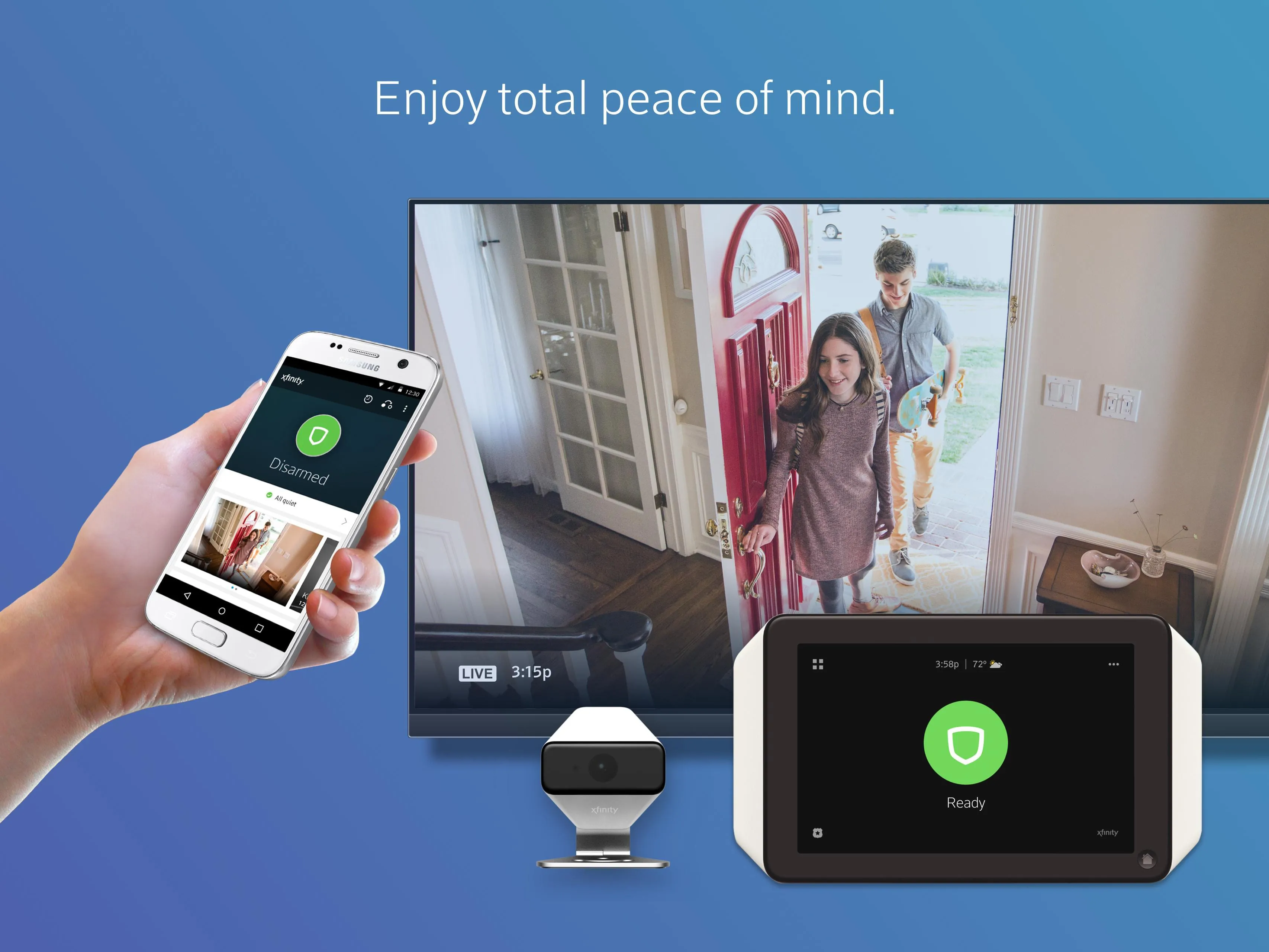
XFINITY Home is a smart home security and automation app developed by Comcast that allows users to monitor, control, and protect their homes from anywhere using a smartphone, tablet, or computer. Designed for both convenience and safety, the app connects with XFINITY’s ecosystem of cameras, sensors, smart locks, thermostats, and more—delivering real-time alerts, live video streaming, and remote access in one unified platform.
Key Features
- 24/7 professional monitoring options for enhanced home protection
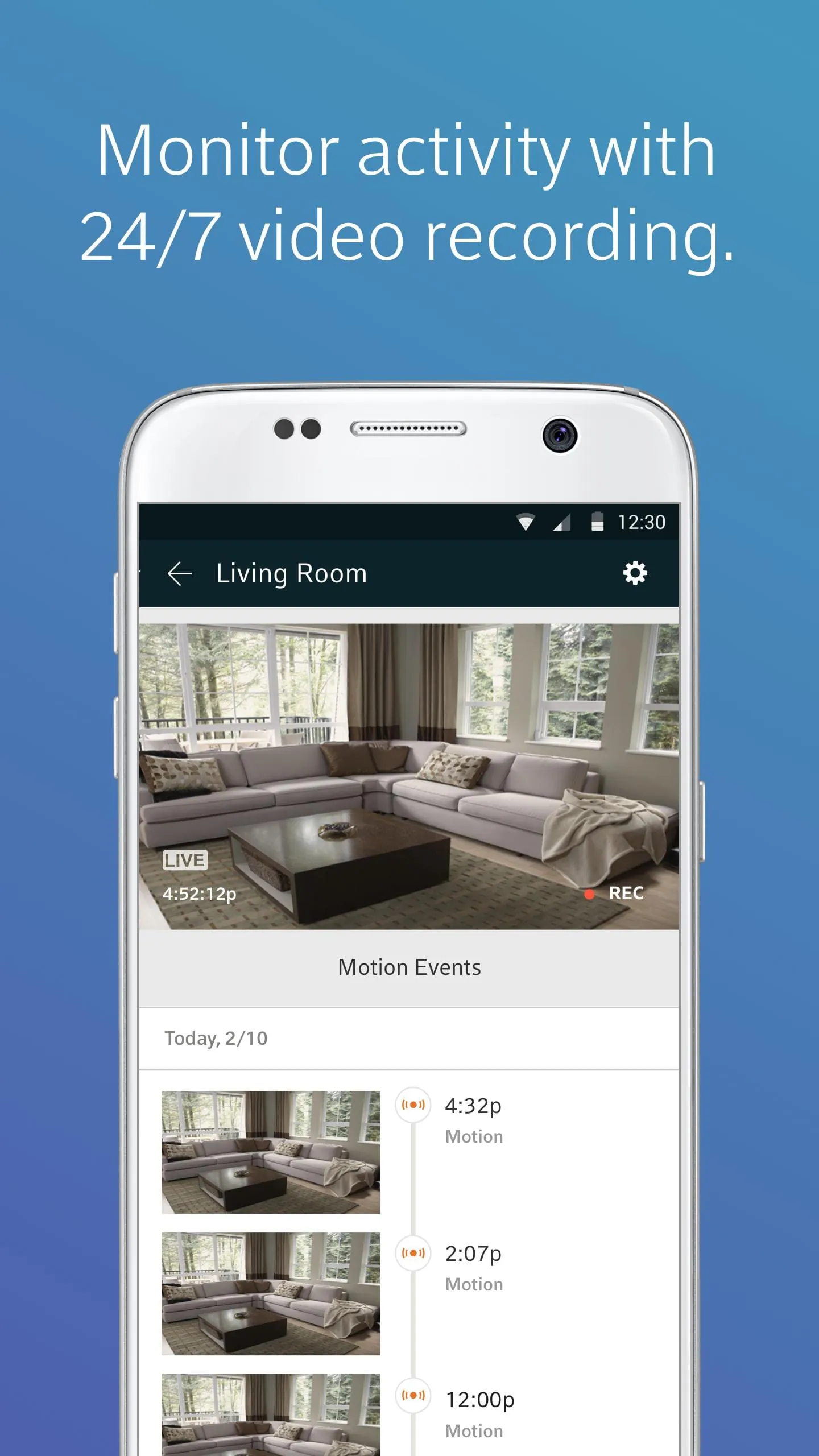
- Live HD video streaming from indoor and outdoor security cameras
- Smart alerts for motion detection, door/window openings, and unusual activity
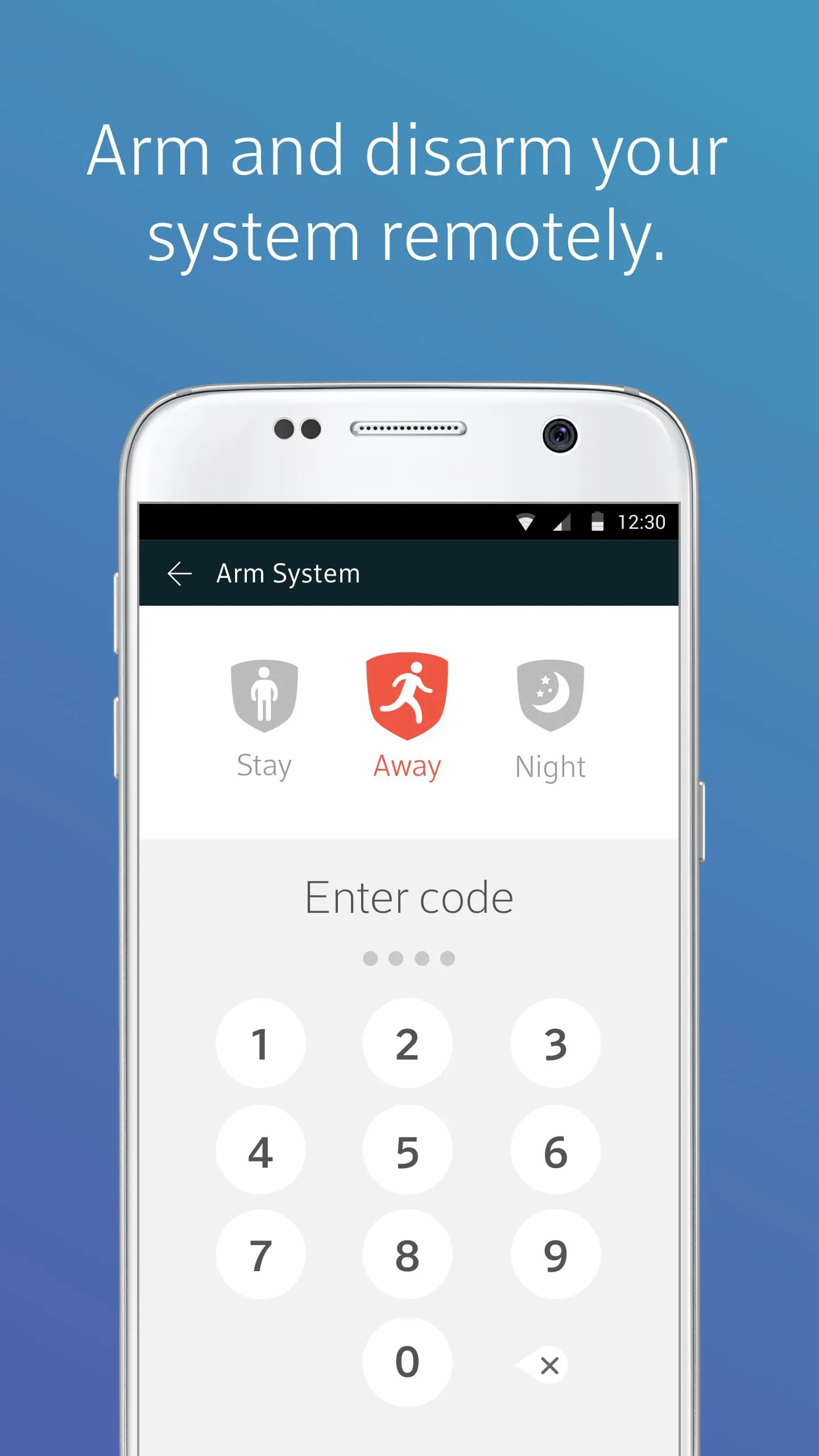
- Remote arm/disarm functionality for your home security system
- Integration with smart home devices like lights, thermostats, and door locks
- Customizable notifications tailored to your preferences
- Family access controls allowing multiple users to manage the system
Pros & Cons
- Pros:
- Seamless integration with other XFINITY services like internet and TV
- User-friendly interface suitable for all experience levels
- Reliable performance with minimal downtime
- Flexible equipment packages for different home sizes and needs
- Cons:
- Requires a subscription for advanced features and professional monitoring
- Some features may be limited without an XFINITY internet plan
- Higher upfront equipment costs compared to some competitors
Functions
- Monitor live video feeds and recorded clips from connected cameras
- Receive instant push notifications for security events
- Control smart locks, lights, and thermostats remotely
- Set personalized security modes such as “Home,” “Away,” and “Night”
- View system status and history logs for past events
- Grant temporary access codes for guests or service providers
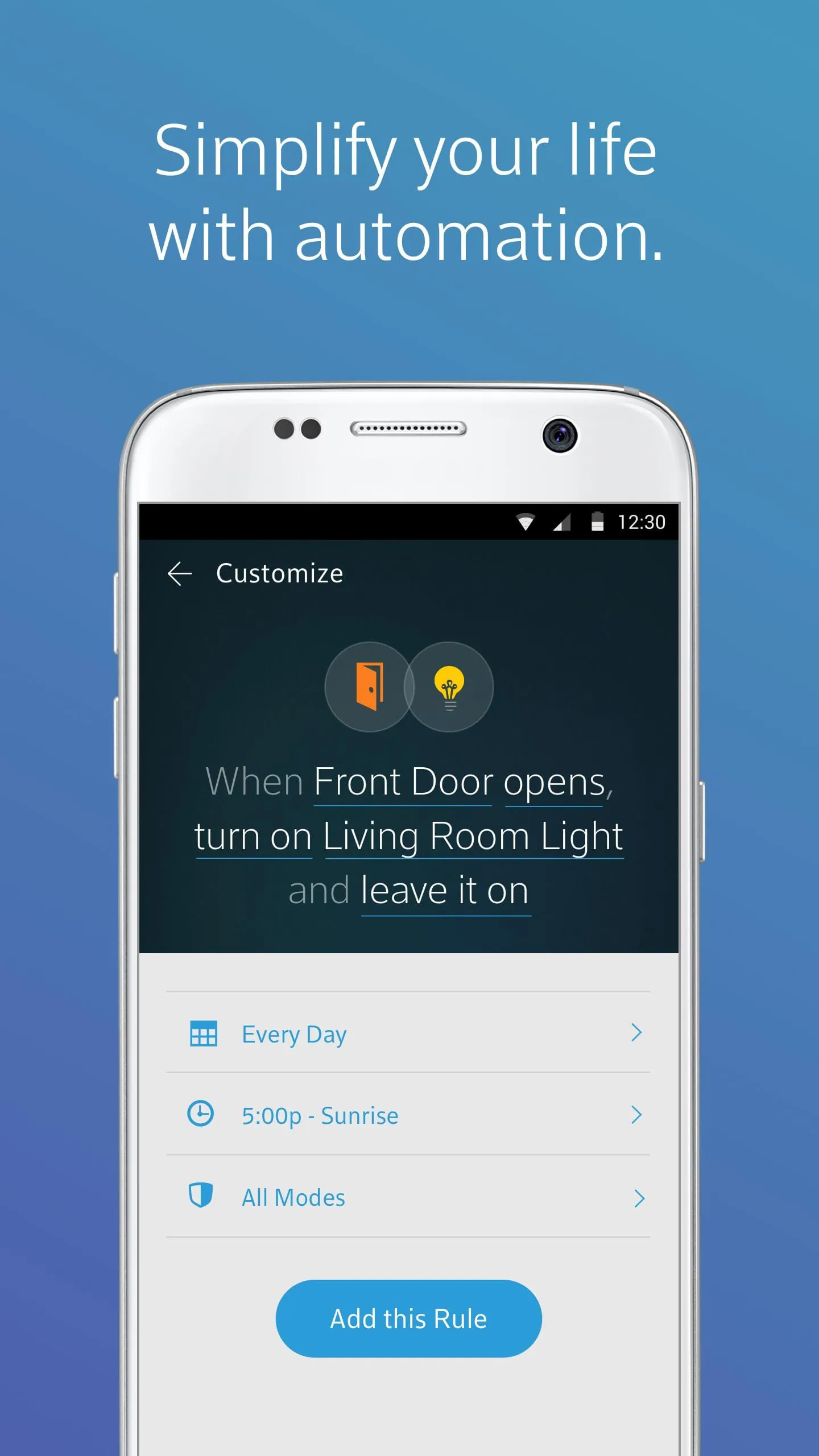
- Automate routines like turning off lights when arming the system
How to Use
Click the button "Check All Versions" below to download and install it. After installation, open the app and sign in using your XFINITY ID and password. Follow the guided setup to connect your security devices and configure your preferred settings. Once set up, you can arm or disarm your system, view live camera feeds, adjust smart home devices, and receive alerts directly on your mobile device. For best results, ensure your phone has notifications enabled and your XFINITY Home system firmware is kept up to date.
App Download
Get XFINITY Home from an official store or available APK channel.
Previous Versions
ZIP files require a Split APKs Installer (e.g., SAI) from Google Play to install. Steps: 1. Download SAI from Google Play; 2. Open SAI and tap "Install APKs"; 3. Select the ZIP file; 4. Complete installation.
Frequently Asked Questions
What is the latest version of XFINITY Home?
The latest version currently listed by Appspicked is unavailable, with information updated on May 22, 2026. Versions may vary by device, region, or rollout schedule, so users should also check Google Play or announcements from Comcast Cable Communications.
Is XFINITY Home safe to download and use?
No website can guarantee that an app is completely risk-free. Appspicked recommends downloading XFINITY Home only from an official app store or a verified channel operated by Comcast Cable Communications. Before installing, confirm the developer name, package ID com.comcast, requested permissions, privacy policy, and download source.
Why can’t I find XFINITY Home in the App Store?
XFINITY Home may be unavailable because of regional restrictions, device incompatibility, account or age settings, a temporary removal, a name change, or because it has not been released for that platform. An Android package page does not necessarily mean that an iOS App Store version exists. Check Comcast Cable Communications’s official website for current availability.
Where can I download or update XFINITY Home?
Use Google Play or another official download channel provided by Comcast Cable Communications whenever possible. Appspicked provides app information and store links, but users should verify the destination domain and publisher before downloading or updating the app.
Why is the version shown on Appspicked different from the app-store version?
The information on Appspicked may represent the most recently indexed snapshot. App stores sometimes release updates gradually or display different versions according to region, device, operating system, or testing group. The official store listing should be treated as the final reference.
Which devices and operating systems support XFINITY Home?
XFINITY Home is listed for Android, with a reported minimum requirement of Not specified. Actual compatibility may also depend on the device model, region, available storage, hardware features, and installed system components.
Is XFINITY Home free?
The initial download may be free, but subscriptions, advertising, paid features, or in-app purchases may still apply. Prices and available purchases can vary by country and version. Check the payment information displayed by Google Play before completing a transaction.
What should I do if XFINITY Home cannot be installed or updated?
Check the network connection, storage space, operating-system version, account region, and device compatibility. Restart the device and try again through the official store. If the problem continues, consult the support resources provided by Comcast Cable Communications.









