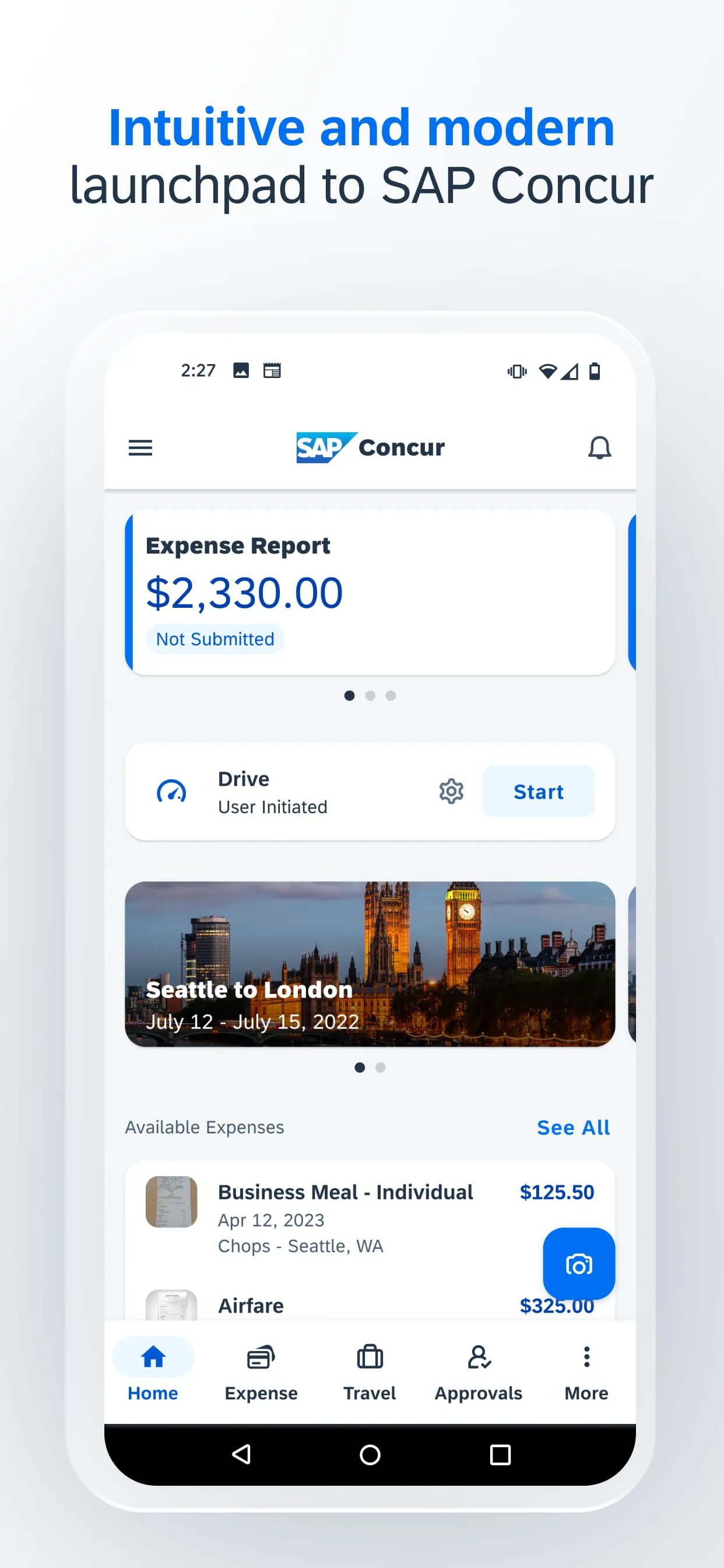
SAP Concur is a comprehensive travel, expense, and invoice management application designed to automate and streamline the entire process for businesses and individual users. It allows employees to easily book travel, capture receipt details, and submit expense reports, while providing organizations with real-time spending visibility, policy control, and integration with financial systems to simplify reconciliation and ensure compliance.
Key Features
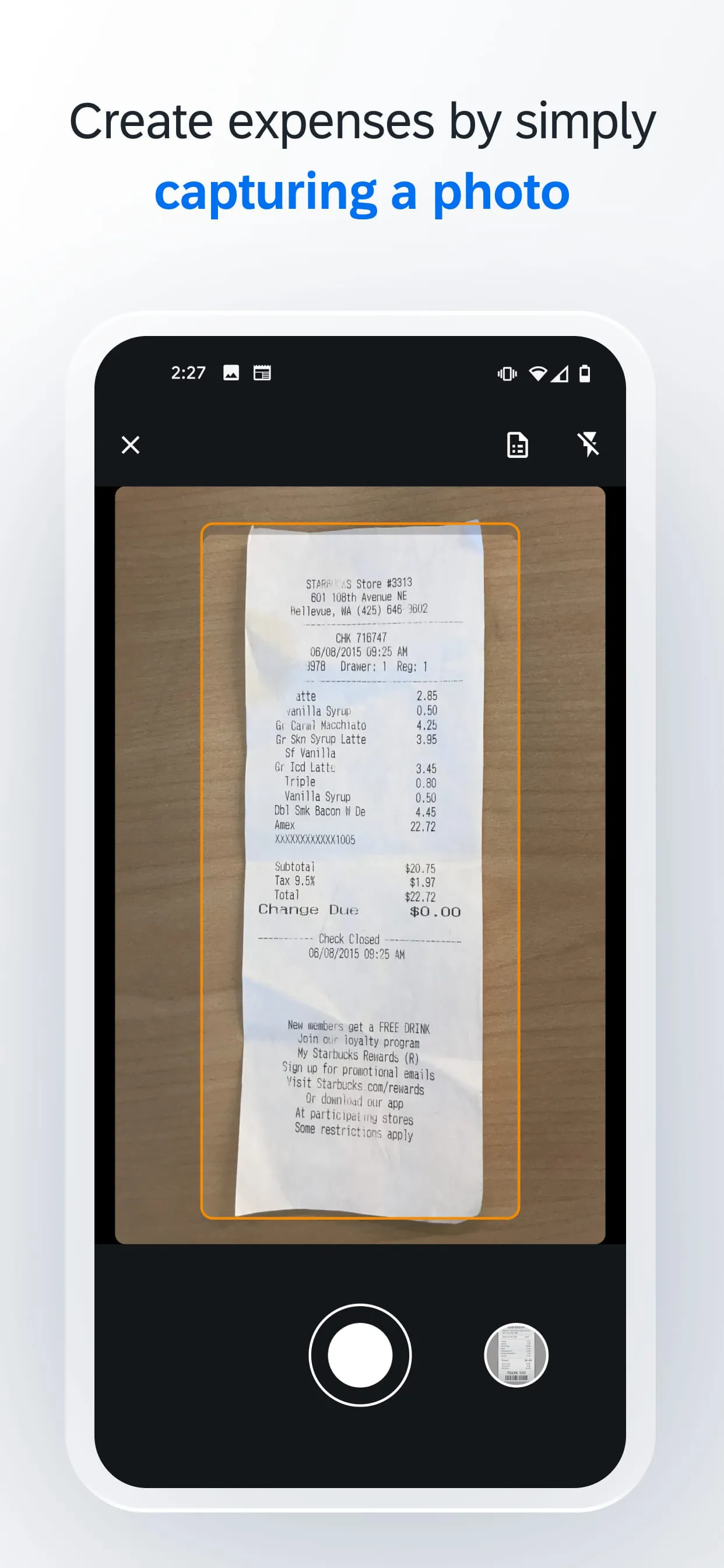
The application stands out with its robust set of features aimed at creating a seamless financial ecosystem. Its intelligent receipt capture technology uses scanning to automatically extract key data from receipts, dramatically reducing manual entry. The platform integrates corporate travel booking directly with expense reporting, so trip details flow automatically into an expense draft. Furthermore, it offers advanced policy auditing and workflow tools that help enforce company spending rules before reimbursement, alongside detailed analytics dashboards that provide deep insights into spending patterns.
Pros & Cons
A major advantage of SAP Concur is its high degree of automation, which significantly reduces the time employees spend on expense reports and minimizes errors. Its strong integration capabilities with a wide array of corporate card providers, HR systems, and enterprise resource planning (ERP) software like SAP S/4HANA create a unified data flow. However, some users note that the platform can be complex to set up and navigate initially, potentially requiring dedicated training. Additionally, its comprehensive feature set comes with a cost that may be prohibitive for very small businesses or freelancers.
Functions
SAP Concur serves several critical business functions through a connected experience. Its core functions include:
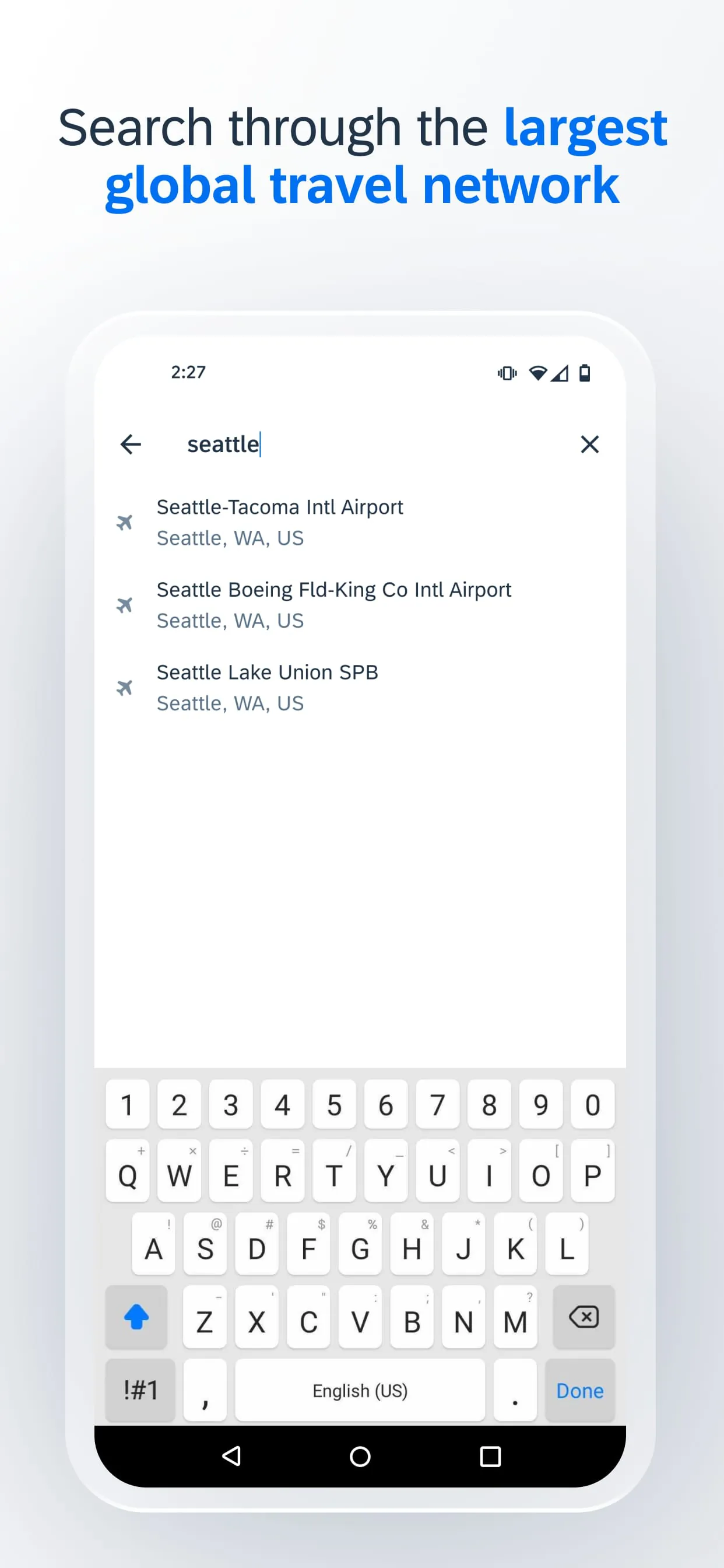
- Travel Management: Enabling the booking of flights, hotels, and rental cars within a configured policy.
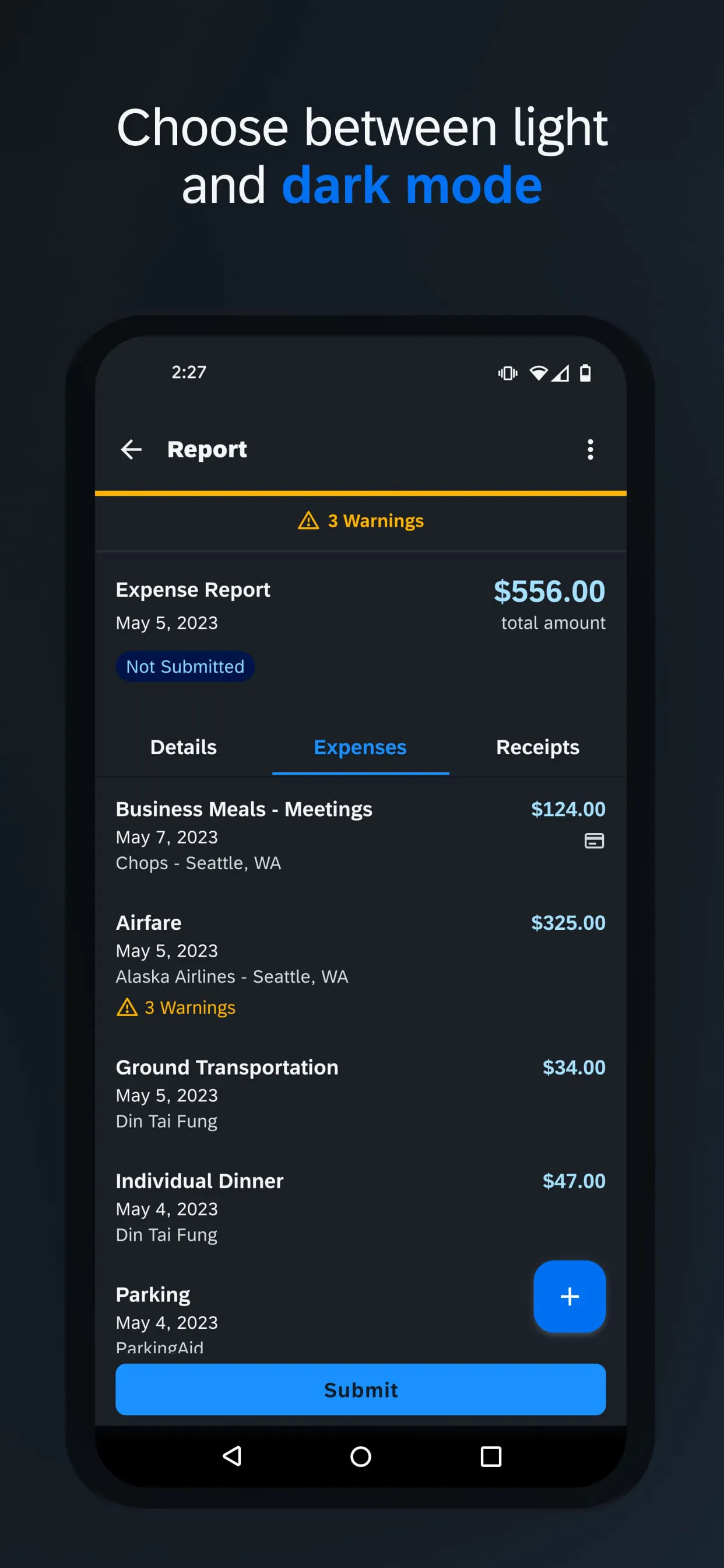
- Expense Management: Facilitating the creation, submission, approval, and reimbursement of expense reports.
- Invoice Management: Allowing for the capture, processing, and approval of vendor invoices.
- Policy Compliance: Automatically auditing expenses and travel bookings against company rules.
- Reporting and Analytics: Generating detailed reports on travel and spending for better budget management.
How to Use
Click the button "Check All Versions" below to download and install it. Once installed, you typically begin by logging in with your company credentials. For expense reporting, you can use the mobile app to photograph receipts, which are then automatically matched to card transactions or added to a new report. To book travel, navigate to the travel booking section, enter your trip details, and select options that comply with your company's policy. Submit your completed expense reports for approval directly through the app or web portal, and track their status through each step of the workflow until reimbursement is completed.





 APK
APK  Google Play
  iOS
iOS  4.50
4.50