VLLO is a versatile video editing application designed for both beginners and experienced creators who want to produce high-quality videos directly from their mobile devices. Available for iOS and Android, VLLO offers an intuitive interface that simplifies complex editing tasks such as trimming, merging, adding transitions, and applying filters. With its balance of professional-grade tools and accessibility, VLLO has become a popular choice for social media content creation, vlogging, and casual video projects without requiring advanced technical skills.
Key Features
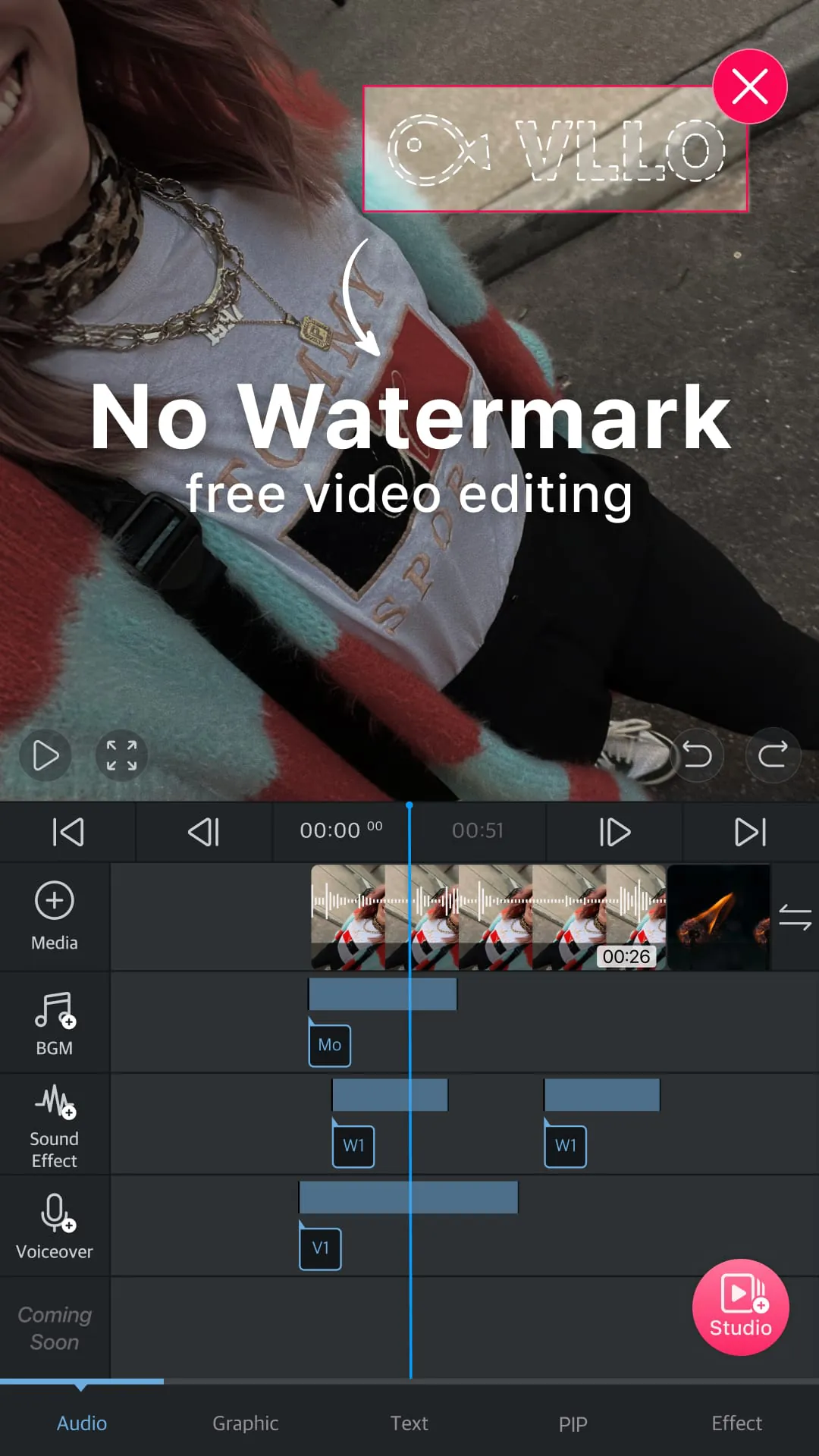
- Easy-to-use timeline editing with drag-and-drop functionality.
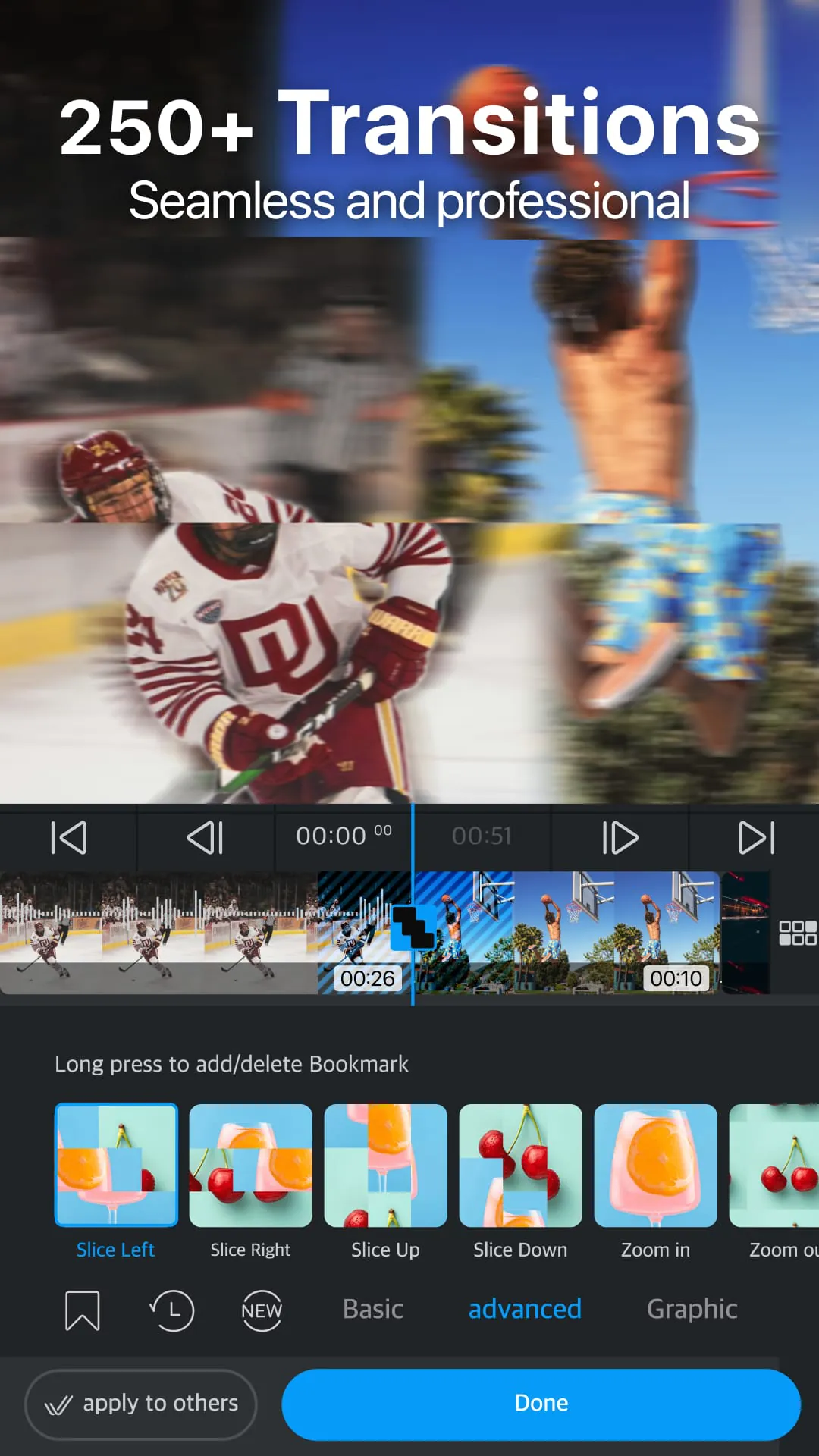
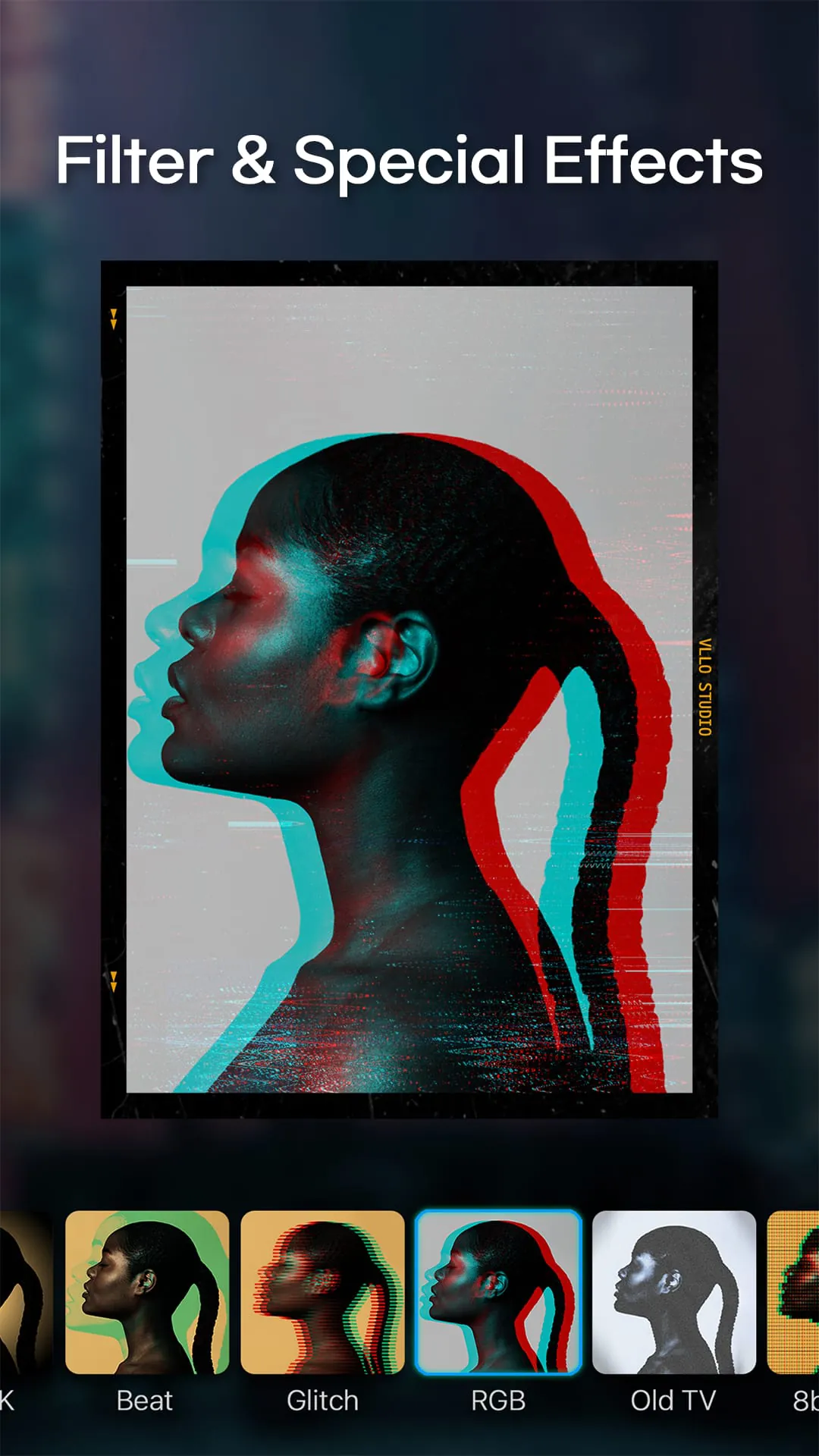
- Extensive library of transitions, filters, and effects.
- Support for chroma key (green screen) editing.
- Built-in royalty-free music and sound effects.
- Text animations and customizable fonts.
- Speed control for fast or slow-motion effects.
- Cloud storage integration for project backup.
Pros & Cons
- Pros: User-friendly design, powerful features for a mobile app, no watermark in the paid version, frequent updates with new assets.
- Cons: Some advanced features require a subscription, occasional performance lag on older devices, limited export resolution in the free version.
Functions
- Crop, split, and merge video clips effortlessly.
- Add voiceovers, background music, and sound effects.
- Apply cinematic filters and color correction tools.
- Use keyframe animation for precise motion control.
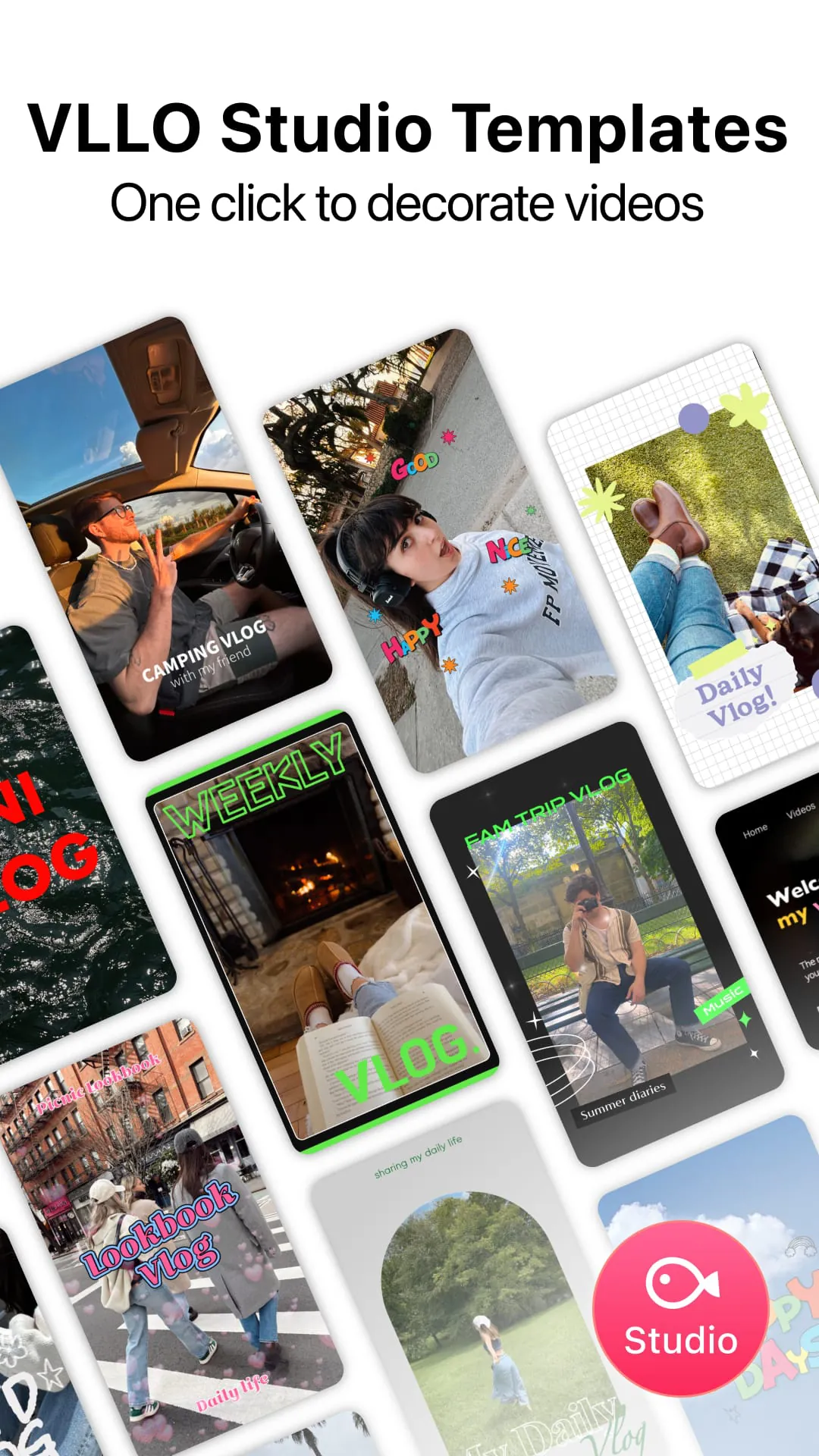
- Include stickers, GIFs, and hand-drawn elements.
- Export videos in multiple resolutions up to 4K (premium).
- Direct sharing to YouTube, Instagram, TikTok, and other platforms.
How to Use
Click the button "Check All Versions" below to download and install it. Once installed, open VLLO and start a new project by selecting your video clips from your device’s gallery. Arrange them on the timeline, trim unnecessary sections, and enhance your footage with transitions, text overlays, and effects. You can preview changes instantly and adjust audio levels to match your vision. When finished, choose your desired export settings and save the video to your device or share it directly online.





 APK
APK  Google Play
  iOS
iOS  3.90
3.90