The Dexcom G7 app is the dedicated companion software for the Dexcom G7 Continuous Glucose Monitoring (CGM) system, designed to display real-time glucose readings, trends, and alerts directly on a user's smartphone. It seamlessly receives data from a small, wearable sensor to help individuals with diabetes, and their caregivers, monitor glucose levels continuously without the need for routine fingersticks, enabling more informed daily health decisions.
Key Features
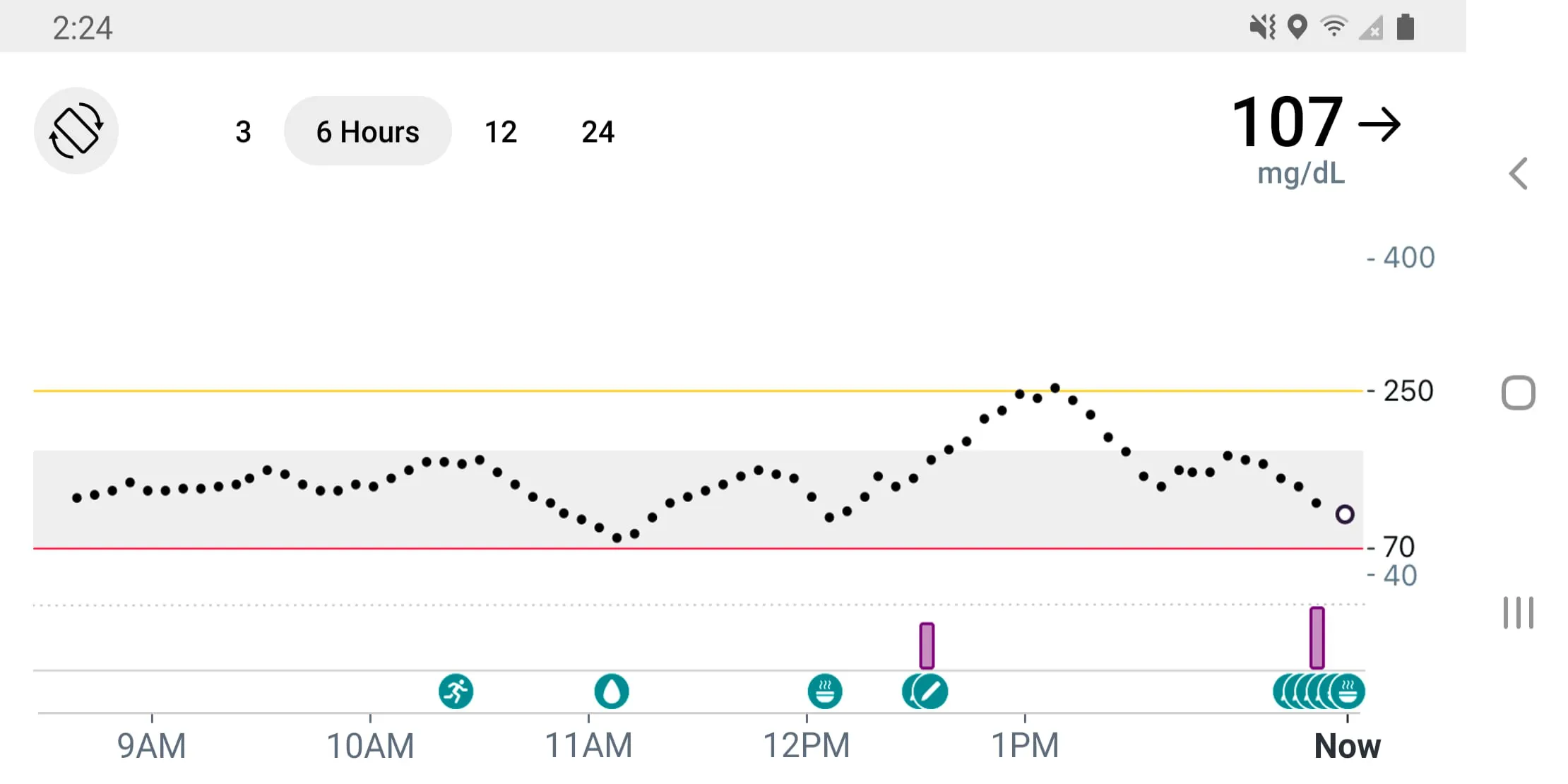
The app is built around core functionalities that transform CGM data into actionable insights. It provides a clear, real-time graph of glucose levels and trends. Users can set customizable alerts for high and low glucose events. The app also includes a feature for logging meals, exercise, and medication. Notably, it allows data sharing with up to ten followers who can also monitor glucose levels remotely. The integration with the Clarity software for in-depth trend analysis is another significant aspect.
Pros & Cons
- Pros: Offers exceptional convenience by displaying data on a personal phone. The setup process is notably simple and quick. The alert system is highly customizable and reliable. The remote monitoring capability provides peace of mind for families. Its sleek and intuitive interface makes it easy for users of all ages to navigate.
- Cons: The app is exclusively compatible with the Dexcom G7 system. Functionality is limited to certain smartphone models and operating systems. There is a dependency on a stable Bluetooth connection between the phone and sensor. The app and sensor system represent a significant ongoing cost, which may not be covered by all insurance plans.
Functions
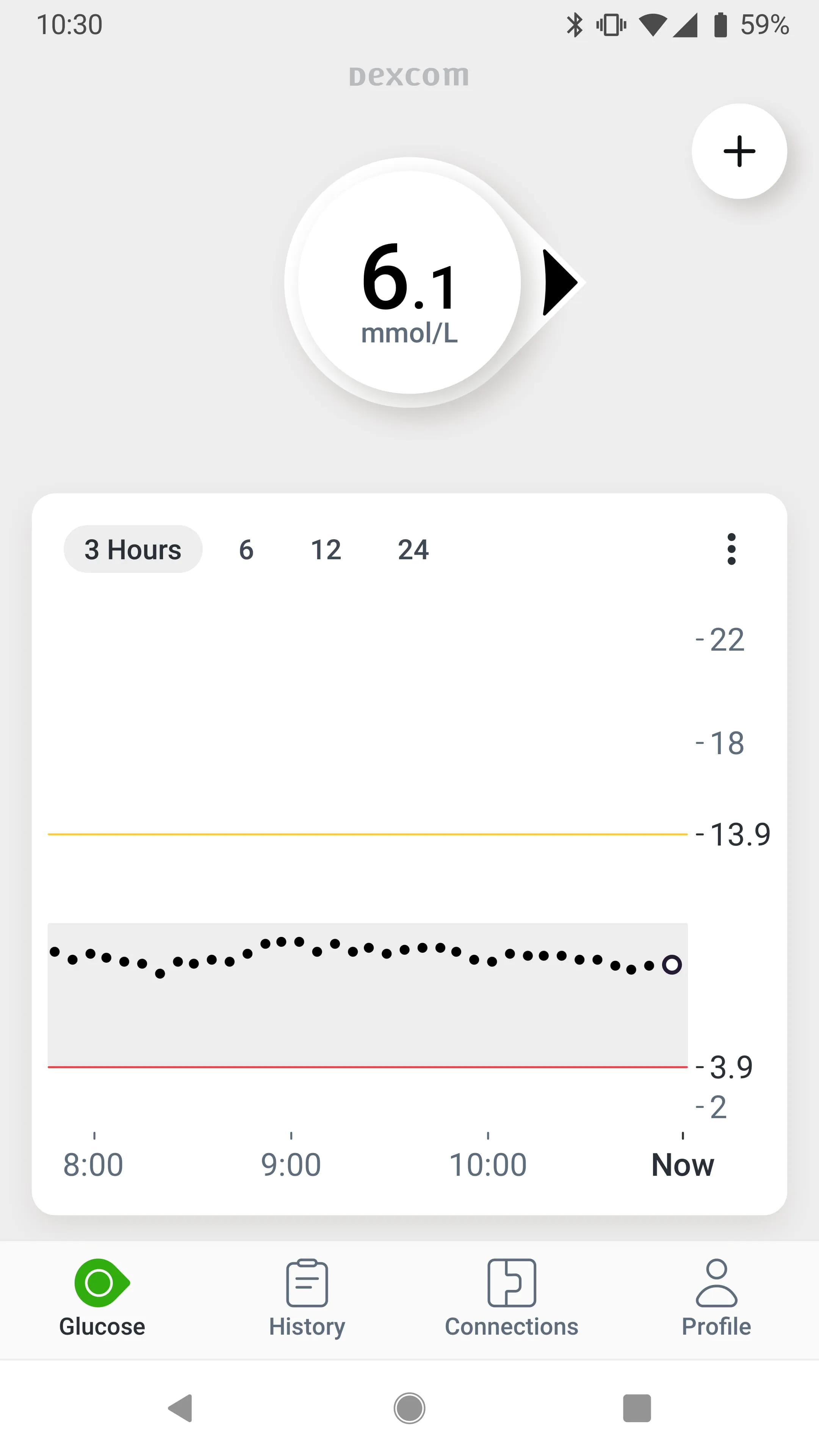
- Displays real-time glucose readings and a predictive trend arrow.
- Configurable alerts and alarms for urgent low, low, high, and rapid glucose change.
- Facilitates remote monitoring through the "Follow" feature.
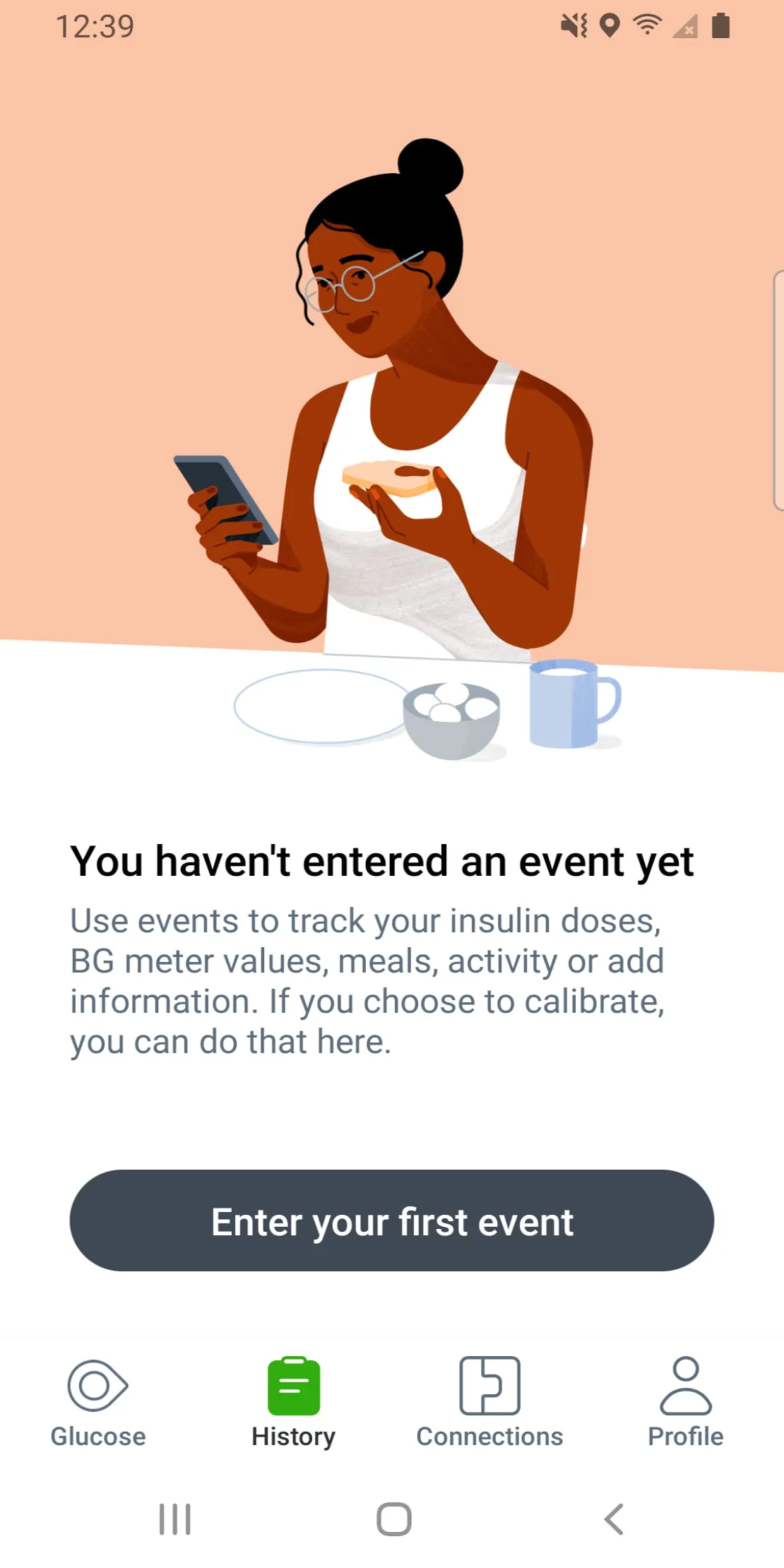
- Contains an event log for capturing details on carbohydrates, insulin, and exercise.
- Shares data seamlessly with the Dexcom Clarity app for comprehensive reports.
- Offers customizable display options and watch faces for smartwatch integration.
How to Use
Click the button "Check All Versions" below to download and install it. First, ensure your smartphone is compatible by checking the official Dexcom website. Once installed, open the app and follow the on-screen instructions to pair it with a new Dexcom G7 sensor; this process typically involves scanning a unique QR code on the sensor. After a short warm-up period, your glucose data will begin appearing on the home screen. You can then proceed to customize your alert thresholds, invite followers, and set up any integrations with other health apps on your device for a unified health management experience.




 APK
APK  Google Play
  iOS
iOS  3.40
3.40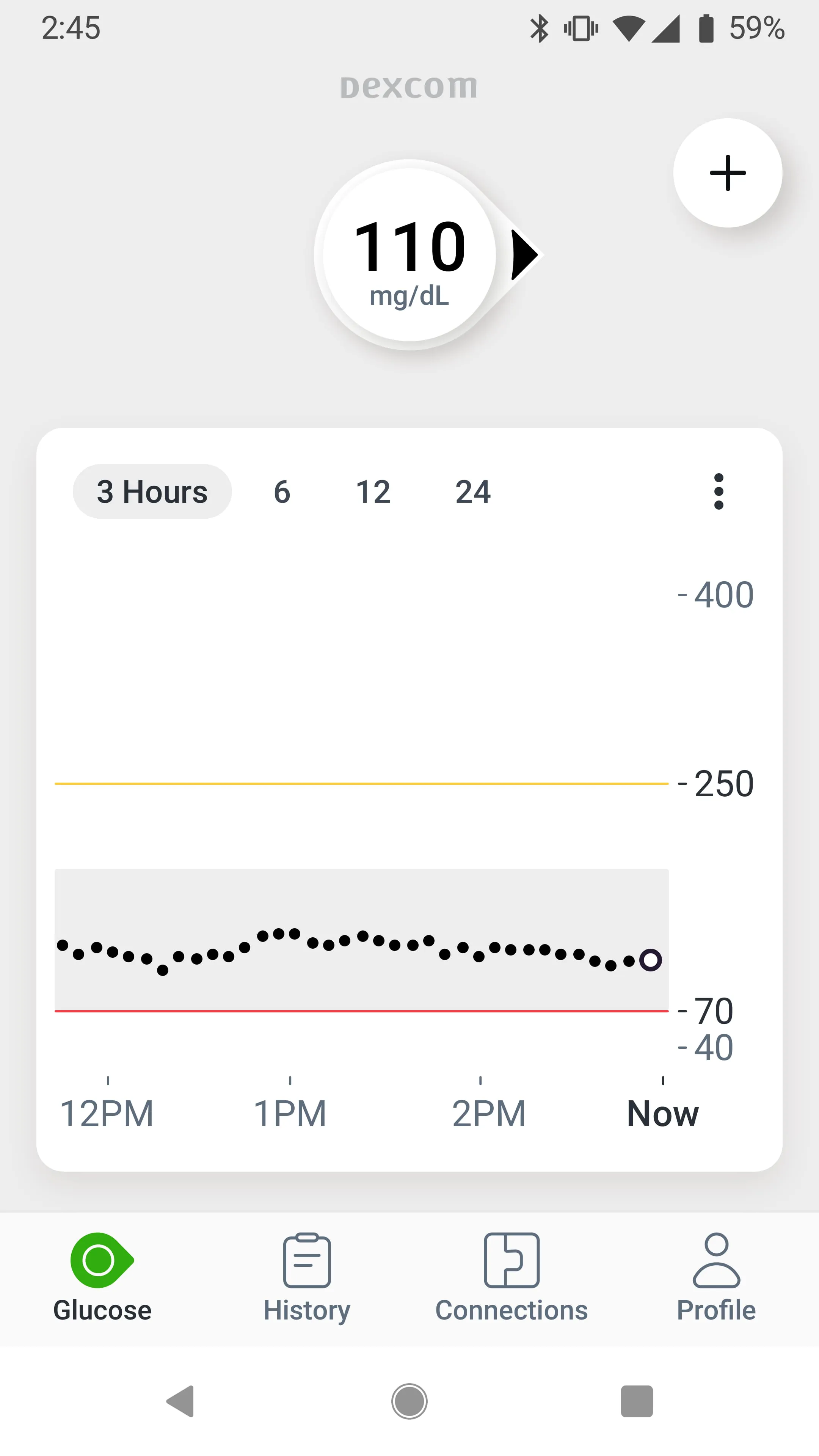
 Download








