MyDISH is a comprehensive mobile application designed specifically for customers of DISH Network, one of the leading satellite television providers in the United States. The app serves as a centralized digital companion, allowing subscribers to effortlessly manage their TV services, browse programming guides, and control their viewing experience directly from their smartphone or tablet, seamlessly integrating with their home entertainment setup.
Key Features
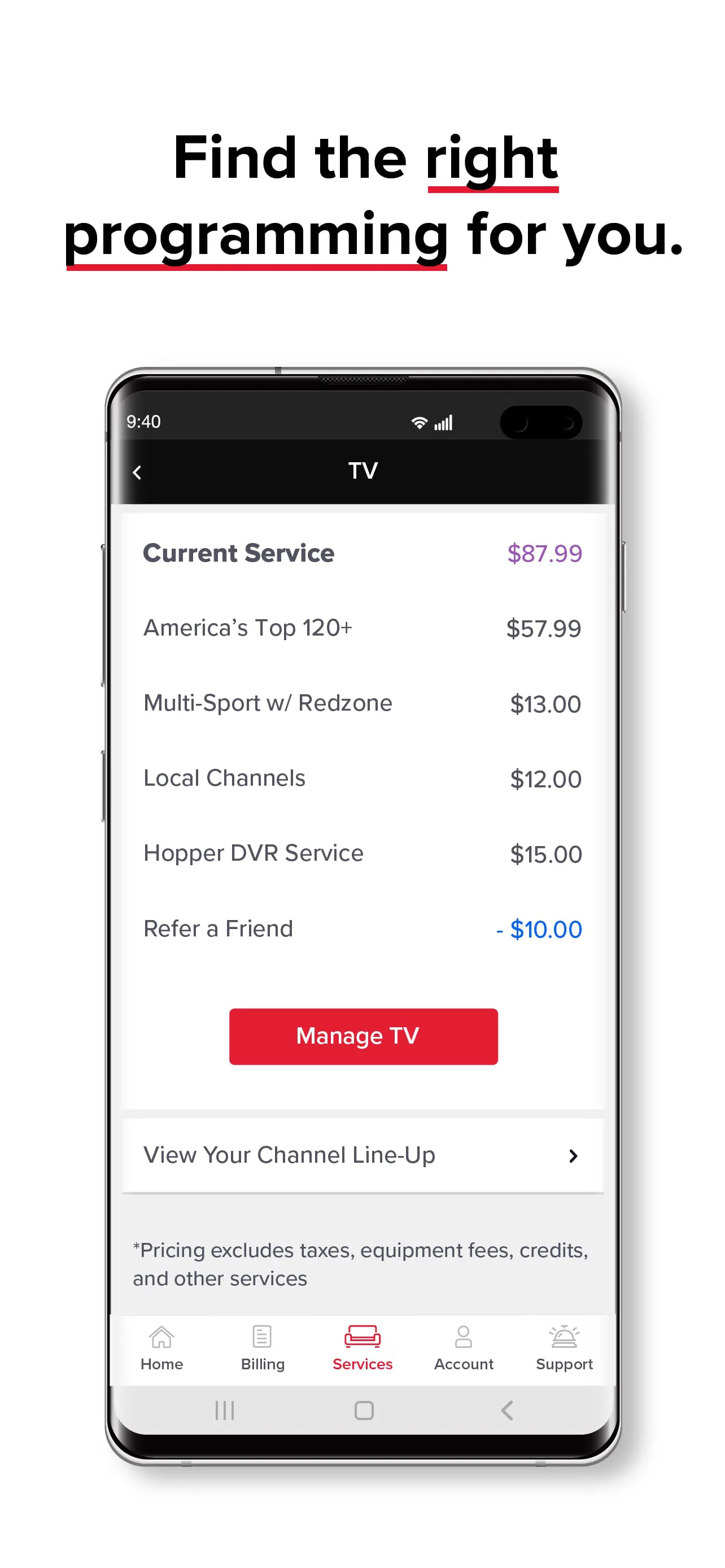
The application stands out by offering a robust set of features tailored for the modern viewer. It provides real-time access to the full interactive program guide, making it simple to see what's on and plan watching schedules. Users can set recordings for their favorite shows on their home DVR remotely from anywhere, ensuring they never miss a moment. The built-in remote control functionality turns the mobile device into a universal clicker for DISH receivers. Furthermore, it includes streamlined account management tools for reviewing bills, updating packages, and accessing customer support.
Pros & Cons
Like any service tool, MyDISH presents a balance of advantages and limitations. On the positive side, it offers unparalleled convenience for managing TV services on the go and the remote control feature is highly reliable. The user interface is generally intuitive, and the ability to set remote DVR recordings is a significant benefit for busy individuals. On the downside, some advanced features may require a specific DISH receiver model to function fully. Occasional app updates can temporarily affect stability, and the experience is, of course, exclusively valuable to existing DISH Network subscribers.
Functions
The app consolidates several critical functions into a single platform. Its primary functions include:
- Acting as a full-featured virtual remote control for compatible DISH Hopper and Joey receivers.
- Providing browsing, search, and filtering for the live TV program guide up to two weeks in advance.
- Enabling remote management of DVR recordings, including scheduling, deleting, and reviewing scheduled events.
- Offering secure access to account details, current billing statements, and payment history.
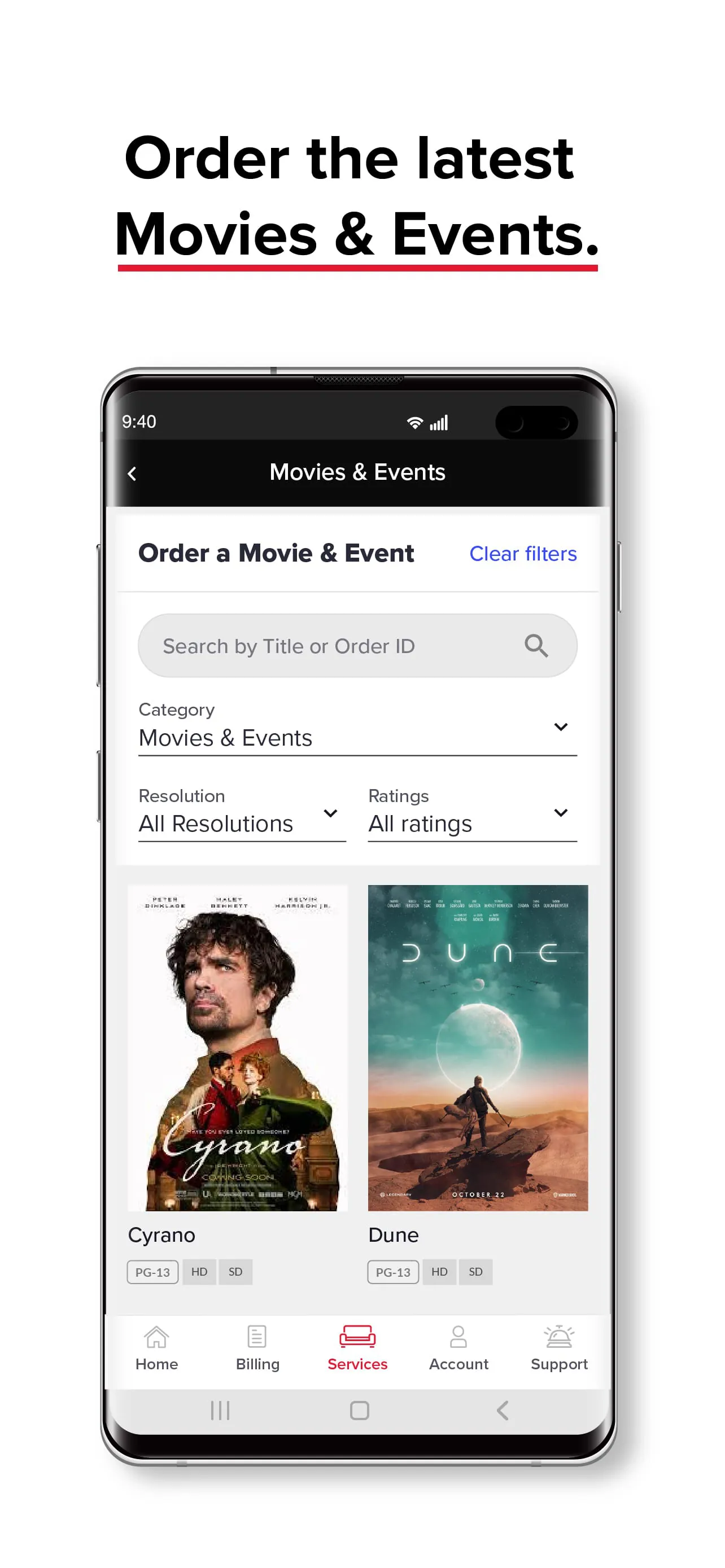
- Facilitating on-demand viewing by allowing users to browse and purchase movies and shows directly.
- Including quick links to customer service options for troubleshooting and support.
How to Use
Click the button "Check All Versions" below to download and install it. Once installed, launch the MyDISH app and log in using your DISH Network account credentials. The first step is to ensure your mobile device is connected to the same Wi-Fi network as your DISH receiver for the remote control feature to work. Then, follow the in-app prompts to pair your device with your receiver. After setup, you can immediately begin using the program guide, navigating channels with the virtual remote, or scheduling recordings. For account management tasks, simply navigate to the dedicated "My Account" section within the app menu.




 APK
APK  Google Play
  iOS
iOS  3.70
3.70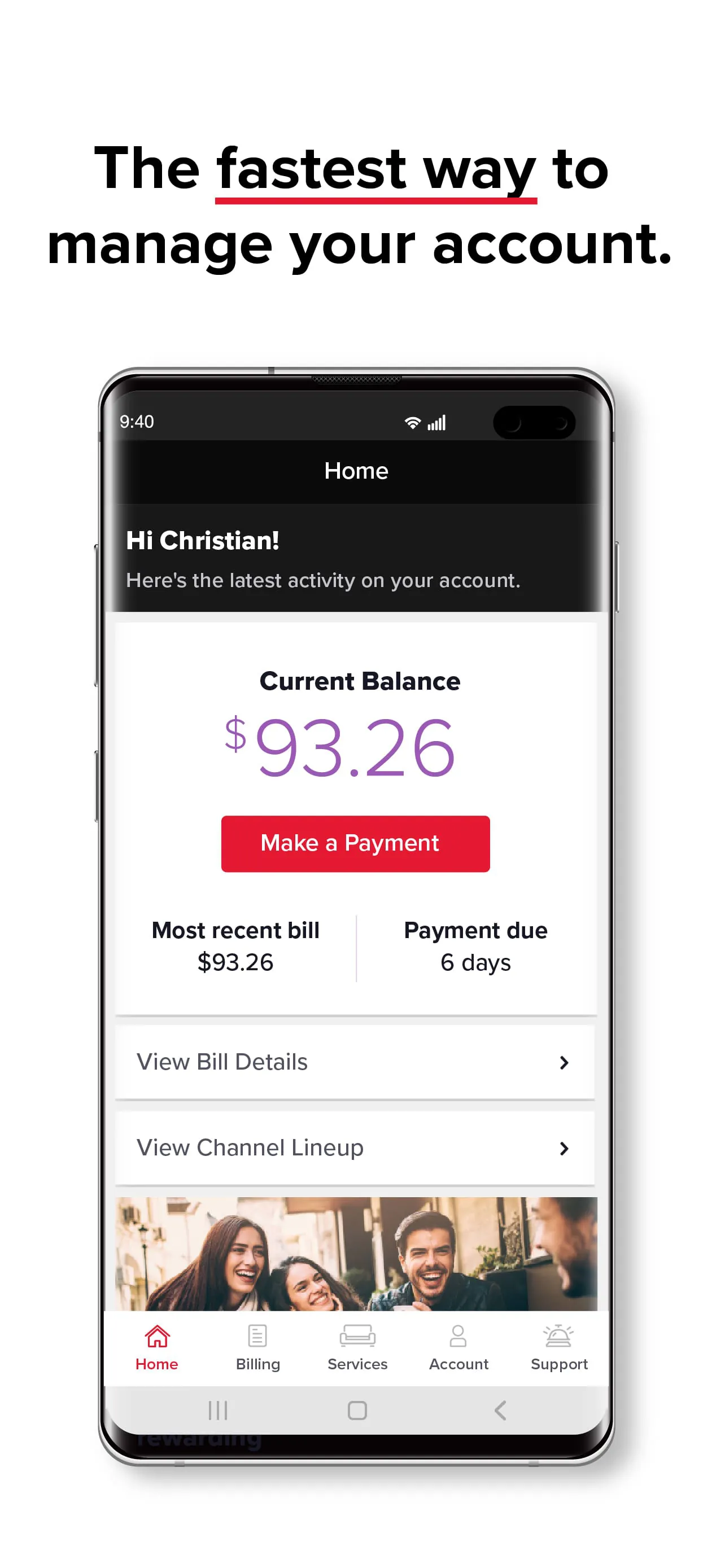
 Download








