Open Menu
ecobee
HOUSE & HOME · ANDROID

ecobee

by ecobee inc.

Control your thermostat, comfort, and home monitoring from your phone
4.30 ★
(1k+ reviews)
1M+
Downloads

A closer look

ecobeeecobeeecobeeecobee
ADVERTISEMENT

Overview

The ecobee app is the essential companion software for ecobee smart thermostats, smart sensors, and other ecosystem devices like cameras and smart lights. It serves as the central remote control and automation hub, enabling users to manage their home's climate, monitor conditions in different rooms, and create energy-saving schedules from their smartphone or tablet, transforming a standard HVAC system into an intelligently responsive network.

Key Features

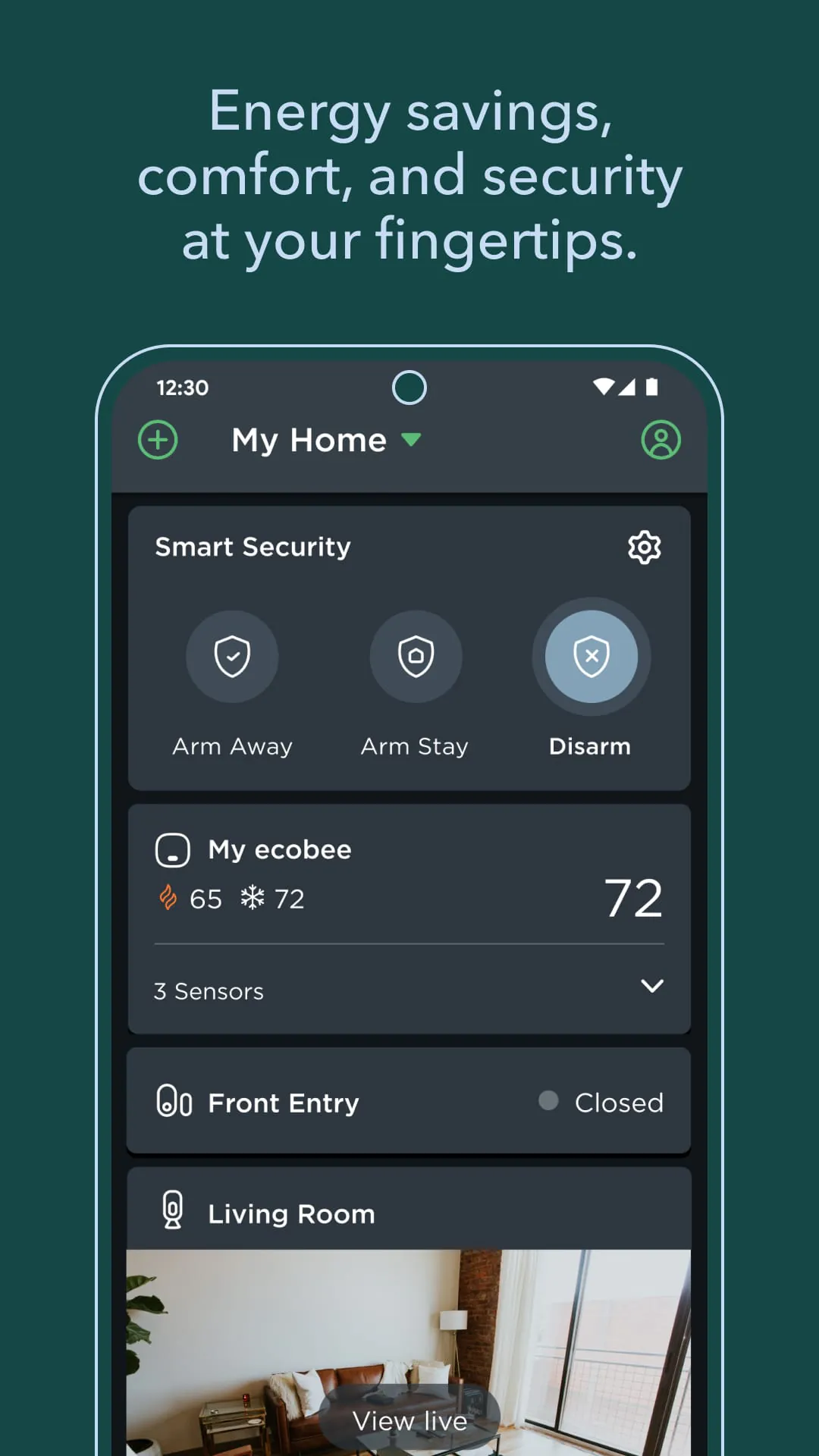
The app's design focuses on delivering detailed environmental insight and automated comfort. Its standout capability is leveraging data from remote smart sensors to manage heating and cooling based on actual room occupancy and temperature, rather than the reading from a single thermostat on a wall. This holistic approach aims to balance personalized comfort with significant energy efficiency.

  • Room-by-room comfort control using data from ecobee SmartSensors that detect occupancy and temperature.
  • Intelligent automation with features like Smart Home/Away, which automatically adjusts settings when you leave or return.
  • Comprehensive energy reporting and insights that track HVAC runtime, compare usage to local averages, and provide efficiency tips.
  • Integration with major smart home platforms including Amazon Alexa, Google Assistant, Apple HomeKit, and Samsung SmartThings.
  • Weather-adjusted scheduling, where the system considers local forecasts to optimize HVAC operation for efficiency and comfort.
  • Voice control built directly into supported ecobee thermostat models via Alexa.

Pros & Cons

Users generally find the ecobee system rewarding for its thoughtful automation, though it requires an initial setup investment. The strengths lie in its intelligent sensor-driven operation, while some limitations relate to ecosystem costs and complexity.

  • Pros: The room sensor technology effectively solves hot or cold spot issues in multi-room homes. Detailed energy reports provide tangible feedback on savings. The scheduling interface is user-friendly and highly customizable. Strong smart home compatibility makes it a versatile central device. The quality of the accompanying mobile app is consistently high and reliable.
  • Cons: The ecosystem, including extra sensors, represents a premium investment upfront. Some of the most advanced features require a paid ecobee+ subscription. Initial system setup and calibration can be more involved than with some competitors. Performance is heavily dependent on a stable home Wi-Fi network.

Functions

The app functions as the day-to-day interface for interacting with the thermostat system. It moves beyond simple temperature adjustments to offer control over the system's intelligence, providing users with both manual overrides and deep automation settings.

  • Creating and editing weekly heating and cooling schedules for different times of day, such as "Wake," "Away," "Home," and "Sleep."
  • Monitoring real-time temperature, humidity, and occupancy data from each connected SmartSensor in different rooms.
  • Manually overriding the current schedule with a "Hold" setting for a specified duration or until the next scheduled activity.
  • Reviewing the "Home IQ" reports to analyze system runtime, weather impact, and potential energy savings over days, weeks, or months.
  • Managing connected equipment settings, such as configuring heat pump reversing valves, fan control, and minimum compressor run times.

How to Use

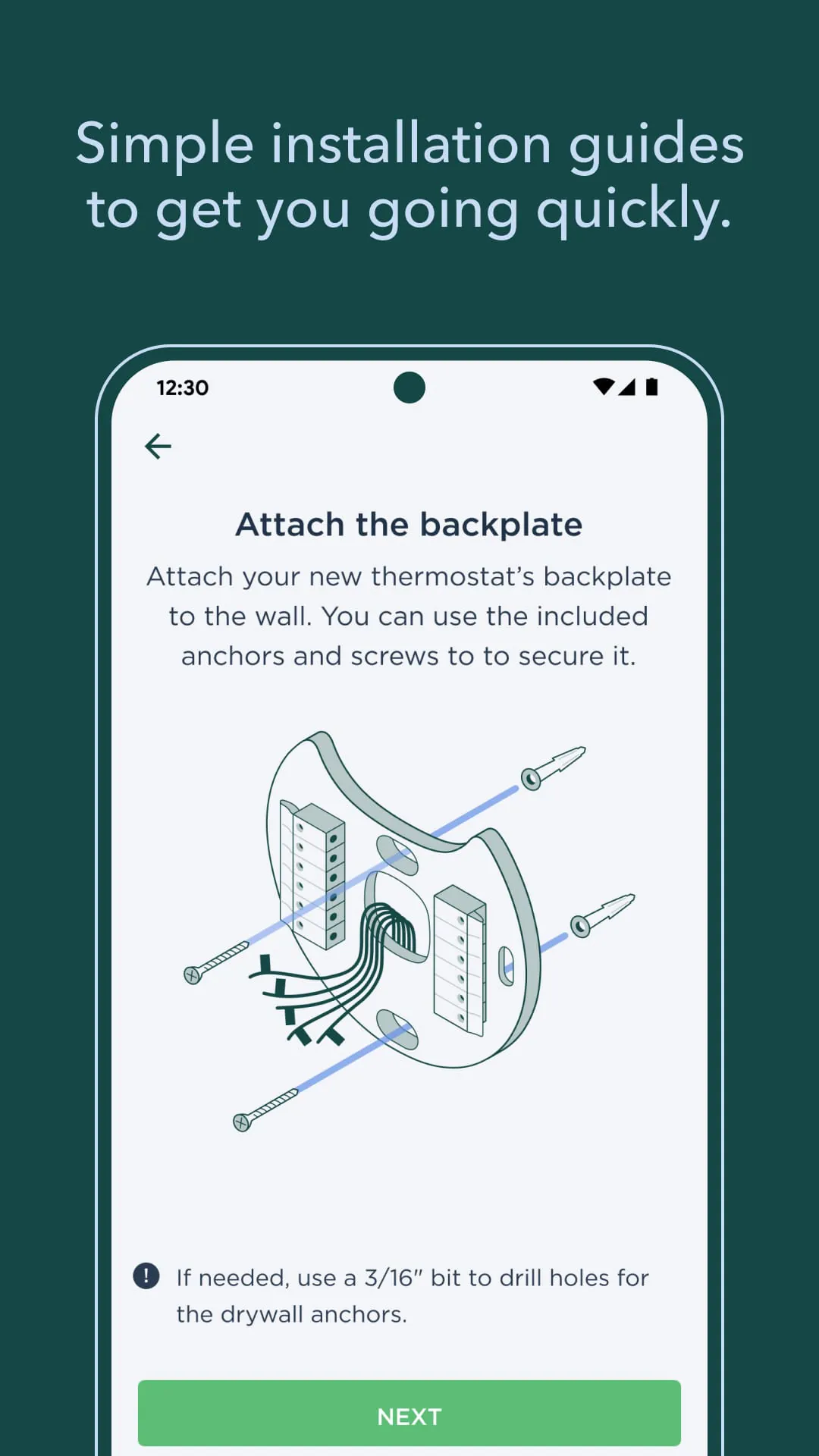
Click the button "Check All Versions" below to download and install it. First, ensure your ecobee thermostat is professionally or self-installed and powered on at your wall. After installing the app, create an ecobee account or log in. The app will guide you through connecting to your home Wi-Fi network by having you select your thermostat from the discovered devices and entering your network credentials.

  • Follow the in-app onboarding tutorial to set your basic preferences, connect any ecobee SmartSensors, and build your first weekly schedule.
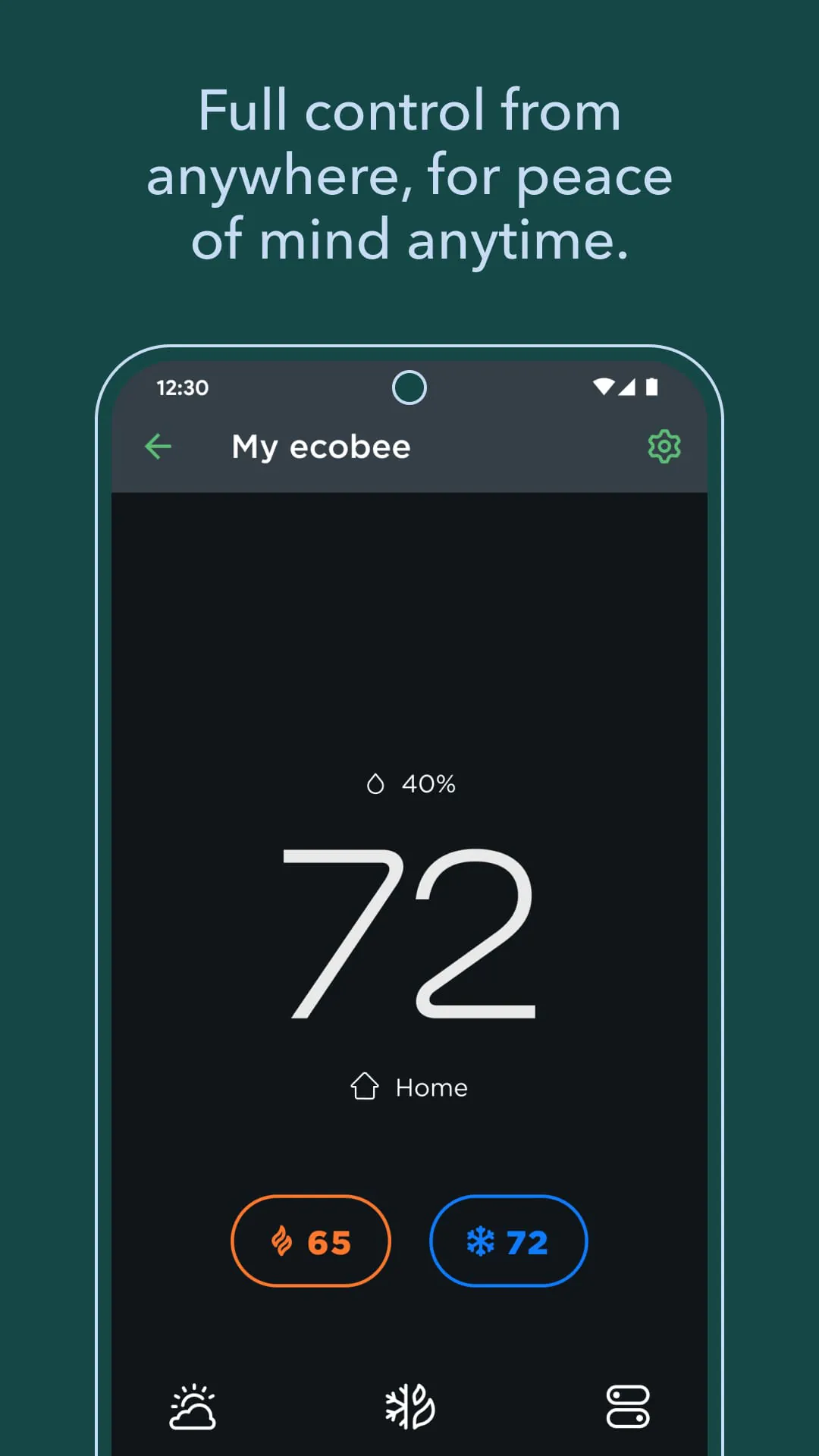
  • Use the main dashboard to see your home's current temperature, active schedule period, and sensor status; tap the temperature to adjust it manually.
  • Navigate to the "Schedule" tab to edit or create new comfort settings for different times, assigning which sensors are active during each period.
  • Explore the "More" menu to access system settings, review Energy Reports, set up Smart Home/Away, and link other smart home services like Alexa or Apple Home.
  • Regularly check for firmware updates for your thermostat and sensors within the app's settings to ensure optimal performance and access to new features.
ADVERTISEMENT

App Download

Get ecobee from an official store or available APK channel.

Available for Android

Previous Versions

ZIP files require a Split APKs Installer (e.g., SAI) from Google Play to install. Steps: 1. Download SAI from Google Play; 2. Open SAI and tap "Install APKs"; 3. Select the ZIP file; 4. Complete installation.

V11.10+254347
Download
Package Name
com.ecobee.athenamobile
Version Name
V11.10+254347
Version Code
V11.10+254347
File Size
155.89 MB
Update time
2024-6-4
V11.8+250465
Download
Package Name
com.ecobee.athenamobile
Version Name
V11.8+250465
Version Code
V11.8+250465
File Size
155.15 MB
Update time
2024-5-6
V11.0+235331
Download
Package Name
com.ecobee.athenamobile
Version Name
V11.0+235331
Version Code
V11.0+235331
File Size
117.74 MB
Update time
2024-1-16
V10.24+232955
Download
Package Name
com.ecobee.athenamobile
Version Name
V10.24+232955
Version Code
V10.24+232955
File Size
117.66 MB
Update time
2024-1-2
V10.16.0+220045
Download
Package Name
com.ecobee.athenamobile
Version Name
V10.16.0+220045
Version Code
V10.16.0+220045
File Size
116.16 MB
Update time
2023-8-30
V10.14.0+214966
Download
Package Name
com.ecobee.athenamobile
Version Name
V10.14.0+214966
Version Code
V10.14.0+214966
File Size
115.46 MB
Update time
2023-8-1
V10.12.0+209838
Download
Package Name
com.ecobee.athenamobile
Version Name
V10.12.0+209838
Version Code
V10.12.0+209838
File Size
118.08 MB
Update time
2023-7-5
V10.9.0+204773
Download
Package Name
com.ecobee.athenamobile
Version Name
V10.9.0+204773
Version Code
V10.9.0+204773
File Size
95.6 MB
Update time
2023-5-24
V10.8.0+202882
Download
Package Name
com.ecobee.athenamobile
Version Name
V10.8.0+202882
Version Code
V10.8.0+202882
File Size
94.53 MB
Update time
2023-5-8
V9.22.1+183860
Download
Package Name
com.ecobee.athenamobile
Version Name
V9.22.1+183860
Version Code
V9.22.1+183860
File Size
68.04 MB
Update time
2022-11-28
V9.21.2+183449
Download
Package Name
com.ecobee.athenamobile
Version Name
V9.21.2+183449
Version Code
V9.21.2+183449
File Size
67.05 MB
Update time
2022-11-21
ADVERTISEMENT

Frequently Asked Questions

What is the latest version of ecobee?

The latest version currently listed by Appspicked is V11.10+254347, with information updated on May 14, 2026. Versions may vary by device, region, or rollout schedule, so users should also check Google Play or announcements from ecobee inc..

Is ecobee safe to download and use?

No website can guarantee that an app is completely risk-free. Appspicked recommends downloading ecobee only from an official app store or a verified channel operated by ecobee inc.. Before installing, confirm the developer name, package ID com.ecobee.athenamobile, requested permissions, privacy policy, and download source.

Why can’t I find ecobee in the App Store?

ecobee may be unavailable because of regional restrictions, device incompatibility, account or age settings, a temporary removal, a name change, or because it has not been released for that platform. An Android package page does not necessarily mean that an iOS App Store version exists. Check ecobee inc.’s official website for current availability.

Where can I download or update ecobee?

Use Google Play or another official download channel provided by ecobee inc. whenever possible. Appspicked provides app information and store links, but users should verify the destination domain and publisher before downloading or updating the app.

Why is the version shown on Appspicked different from the app-store version?

The information on Appspicked may represent the most recently indexed snapshot. App stores sometimes release updates gradually or display different versions according to region, device, operating system, or testing group. The official store listing should be treated as the final reference.

Which devices and operating systems support ecobee?

ecobee is listed for Android, with a reported minimum requirement of Not specified. Actual compatibility may also depend on the device model, region, available storage, hardware features, and installed system components.

Is ecobee free?

The initial download may be free, but subscriptions, advertising, paid features, or in-app purchases may still apply. Prices and available purchases can vary by country and version. Check the payment information displayed by Google Play before completing a transaction.

What should I do if ecobee cannot be installed or updated?

Check the network connection, storage space, operating-system version, account region, and device compatibility. Restart the device and try again through the official store. If the problem continues, consult the support resources provided by ecobee inc..


ADVERTISEMENT
You Might Like