




EveryDollar
by Ramsey Solutions
Do more than just budget. Learn finances and how to save money with EveryDollar!
A closer look

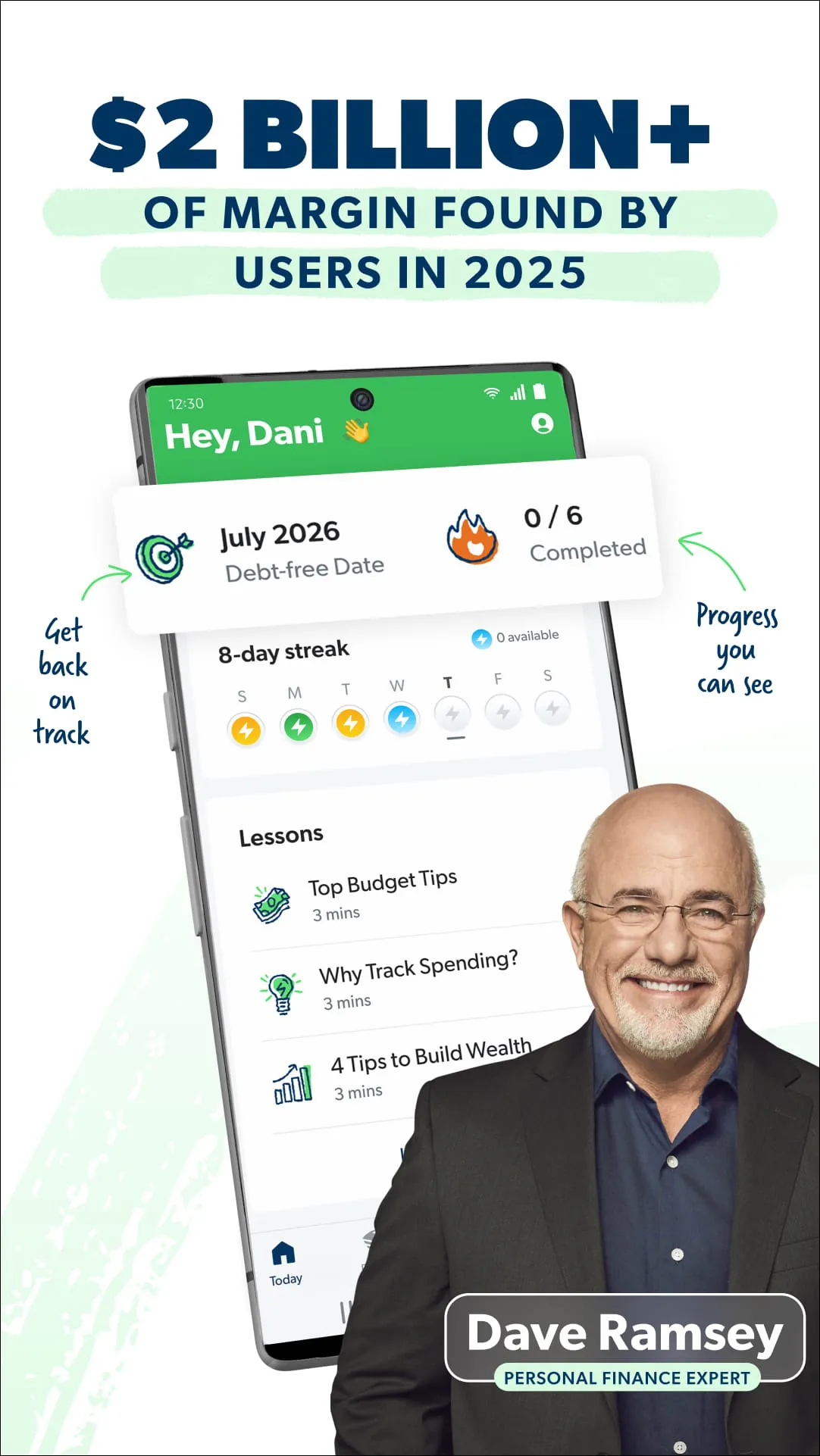
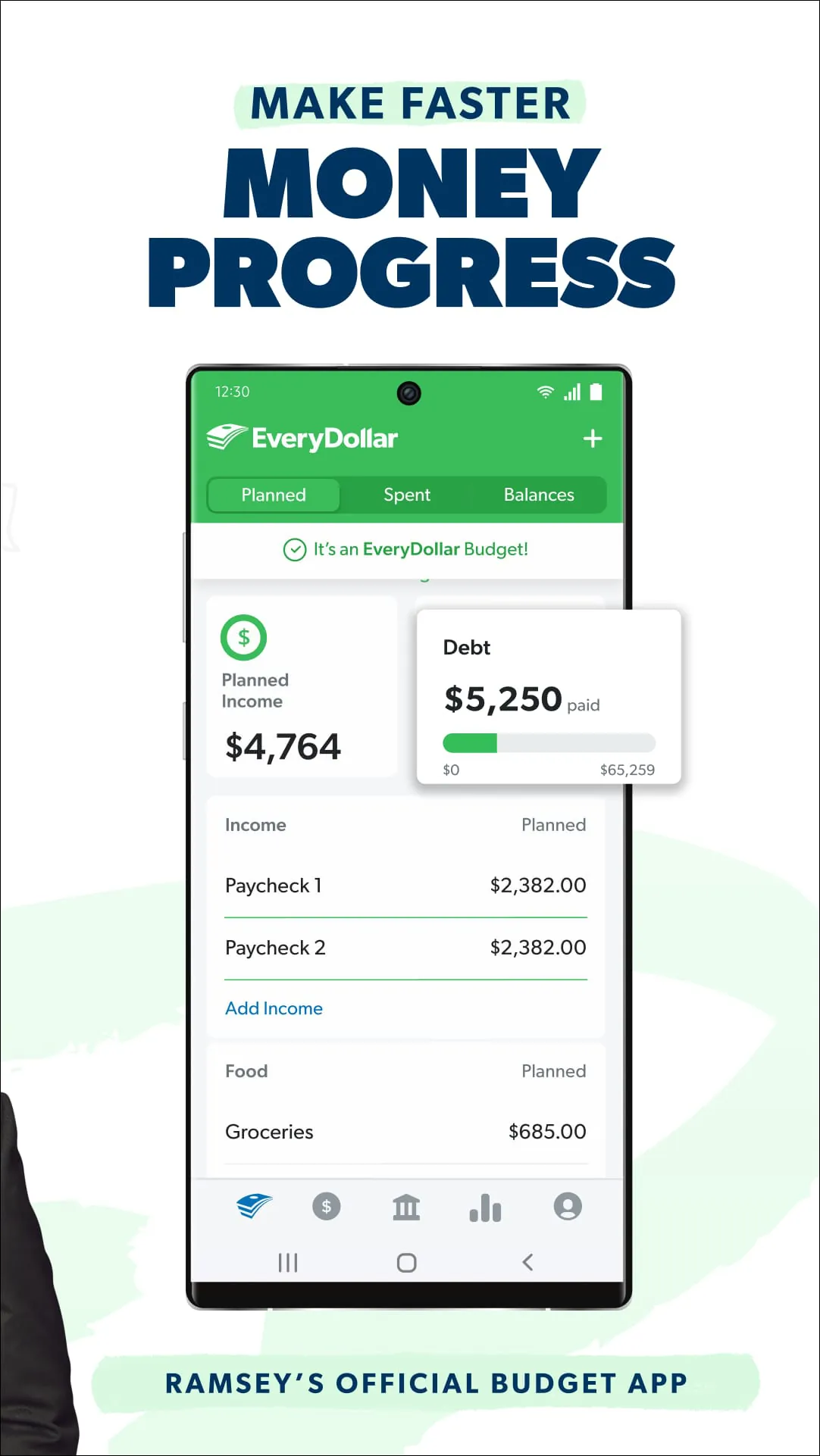
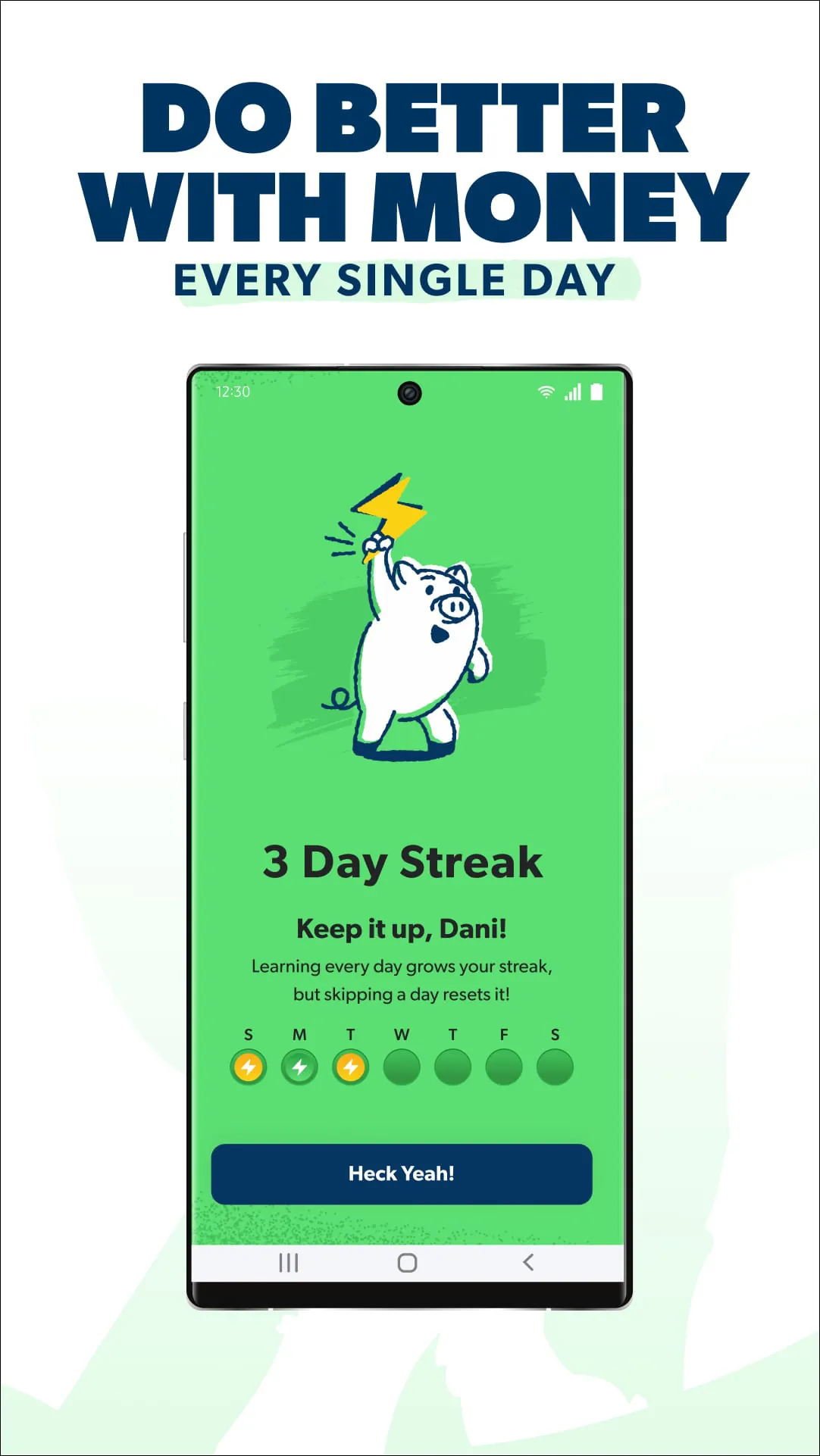
Overview
EveryDollar is a personal budgeting app designed to simplify money management by utilizing the zero-based budgeting method, where every dollar of income is assigned a specific job, such as spending, saving, or investing. The app provides a clear framework to help users track their expenses, plan for future costs, and work towards their financial goals with greater control and awareness.
Key Features
The app centers on giving users a proactive plan for their money. Its core feature is the zero-based budgeting template, which creates a starting point for financial discipline. Users can connect their bank transactions for automatic importing in the premium version, saving significant manual entry time. The platform also offers tools for setting and tracking savings goals, monitoring debt payoff progress, and generating basic spending reports to visualize where money goes each month.
Pros & Cons
- Pros: The zero-based budgeting system is highly effective for building financial awareness and discipline. The interface is clean and user-friendly, making budgeting less intimidating. The ability to connect bank accounts streamlines transaction tracking significantly. It supports creating custom budget categories tailored to individual lifestyles.
- Cons: Full functionality, including bank connectivity, requires a paid subscription. The reporting features are somewhat basic and lack the depth of some advanced personal finance tools. It operates primarily as a budgeting tool rather than a comprehensive wealth management platform, so investment tracking is limited.
Functions
- Budget Creation: Users build a monthly budget from scratch by entering their income and allocating funds to various expense, saving, and debt categories until the budget reaches zero.
- Expense Tracking: Transactions can be logged manually or imported automatically from linked financial accounts, then dragged and dropped into the appropriate budget categories.
- Goal Setting: The app allows for the creation of specific savings goals, like an emergency fund or a vacation, and tracks progress month-over-month within the budget.
- Progress Monitoring: A simple dashboard provides a snapshot of spending against the plan, remaining balances in categories, and overall financial health.
- Cross-Device Access: Budgets sync across smartphone and web platforms, allowing users to check their budget or log a transaction from anywhere.
How to Use
Click the button "Check All Versions" below to download and install it. Upon opening the app, you will begin by creating your first budget. Start by entering your total monthly take-home pay. Next, you will allocate that amount to various spending and saving categories, such as rent, groceries, utilities, and savings goals, until your income minus your allocations equals zero. As you make purchases throughout the month, you log each transaction, either manually or via automatic import, and assign it to the correct category. Regularly review your budget to see how your actual spending compares to your plan and adjust allocations for the following month based on your experience and priorities.
App Download
Get EveryDollar from an official store or available APK channel.
Previous Versions
ZIP files require a Split APKs Installer (e.g., SAI) from Google Play to install. Steps: 1. Download SAI from Google Play; 2. Open SAI and tap "Install APKs"; 3. Select the ZIP file; 4. Complete installation.
Frequently Asked Questions
What is the latest version of EveryDollar?
The latest version currently listed by Appspicked is unavailable, with information updated on May 18, 2026. Versions may vary by device, region, or rollout schedule, so users should also check Google Play or announcements from Ramsey Solutions.
Is EveryDollar safe to download and use?
No website can guarantee that an app is completely risk-free. Appspicked recommends downloading EveryDollar only from an official app store or a verified channel operated by Ramsey Solutions. Before installing, confirm the developer name, package ID com.everydollar.android, requested permissions, privacy policy, and download source.
Why can’t I find EveryDollar in the App Store?
EveryDollar may be unavailable because of regional restrictions, device incompatibility, account or age settings, a temporary removal, a name change, or because it has not been released for that platform. An Android package page does not necessarily mean that an iOS App Store version exists. Check Ramsey Solutions’s official website for current availability.
Where can I download or update EveryDollar?
Use Google Play or another official download channel provided by Ramsey Solutions whenever possible. Appspicked provides app information and store links, but users should verify the destination domain and publisher before downloading or updating the app.
Why is the version shown on Appspicked different from the app-store version?
The information on Appspicked may represent the most recently indexed snapshot. App stores sometimes release updates gradually or display different versions according to region, device, operating system, or testing group. The official store listing should be treated as the final reference.
Which devices and operating systems support EveryDollar?
EveryDollar is listed for Android, with a reported minimum requirement of Not specified. Actual compatibility may also depend on the device model, region, available storage, hardware features, and installed system components.
Is EveryDollar free?
The initial download may be free, but subscriptions, advertising, paid features, or in-app purchases may still apply. Prices and available purchases can vary by country and version. Check the payment information displayed by Google Play before completing a transaction.
What should I do if EveryDollar cannot be installed or updated?
Check the network connection, storage space, operating-system version, account region, and device compatibility. Restart the device and try again through the official store. If the problem continues, consult the support resources provided by Ramsey Solutions.









