


V11.4

- Package Name
- com.familywall
- Version Name
- V11.4
- Version Code
- V11.4
- File Size
- 45.41 MB
- Update time
- 2025-2-4



by family & Co
Shared calendar, shopping lists & tasks, meal planner, schedules, documents...
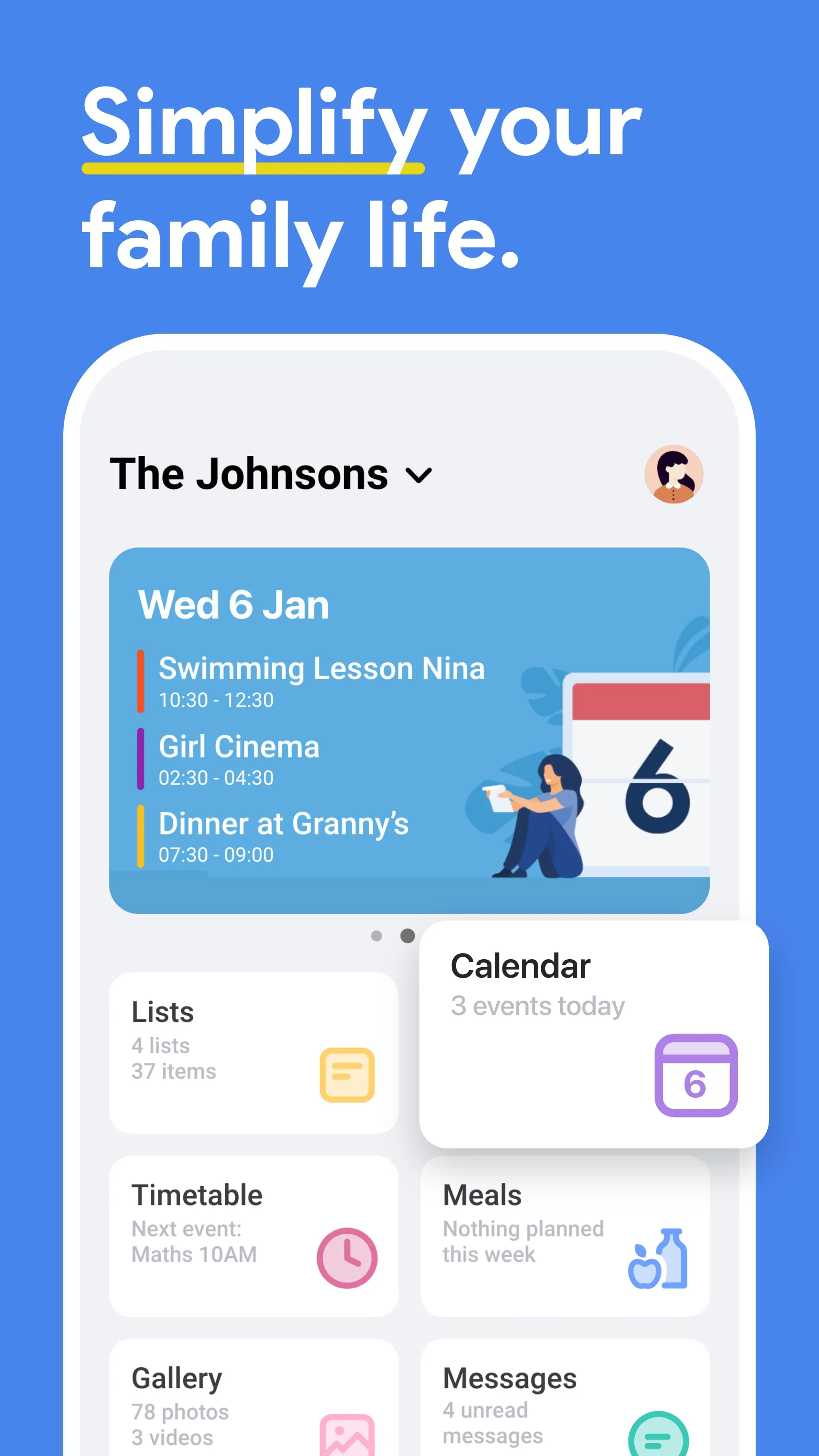
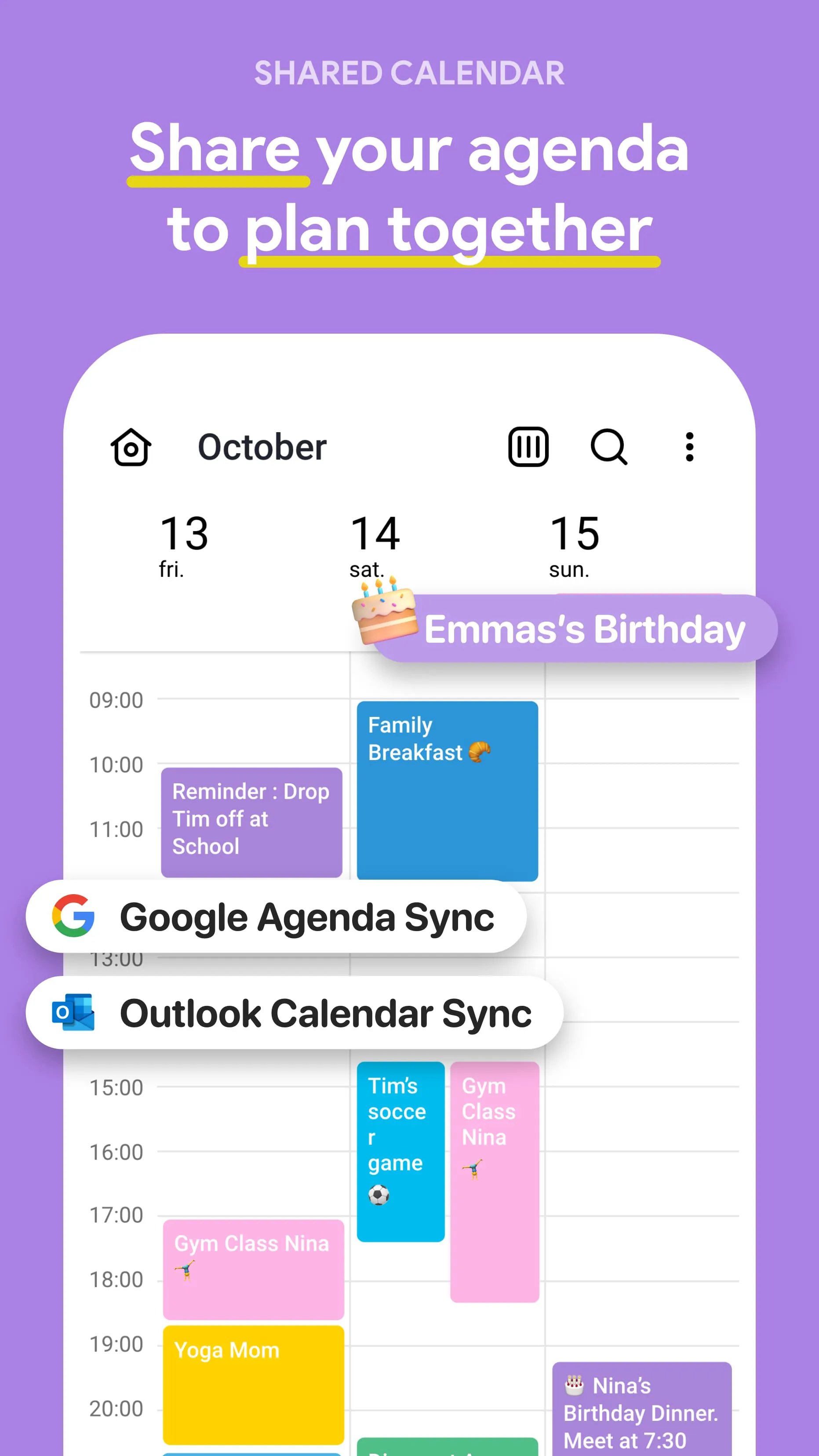
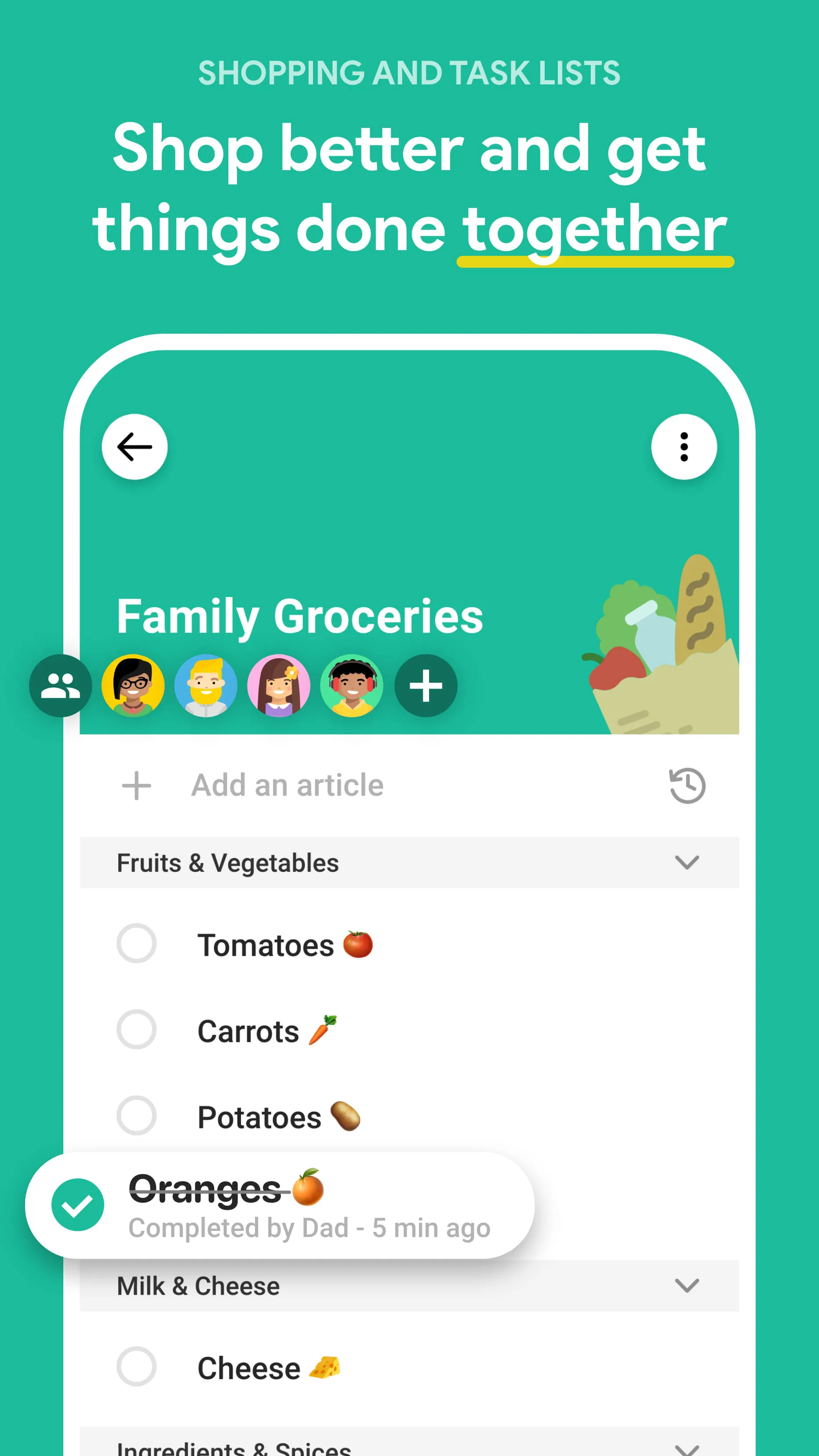
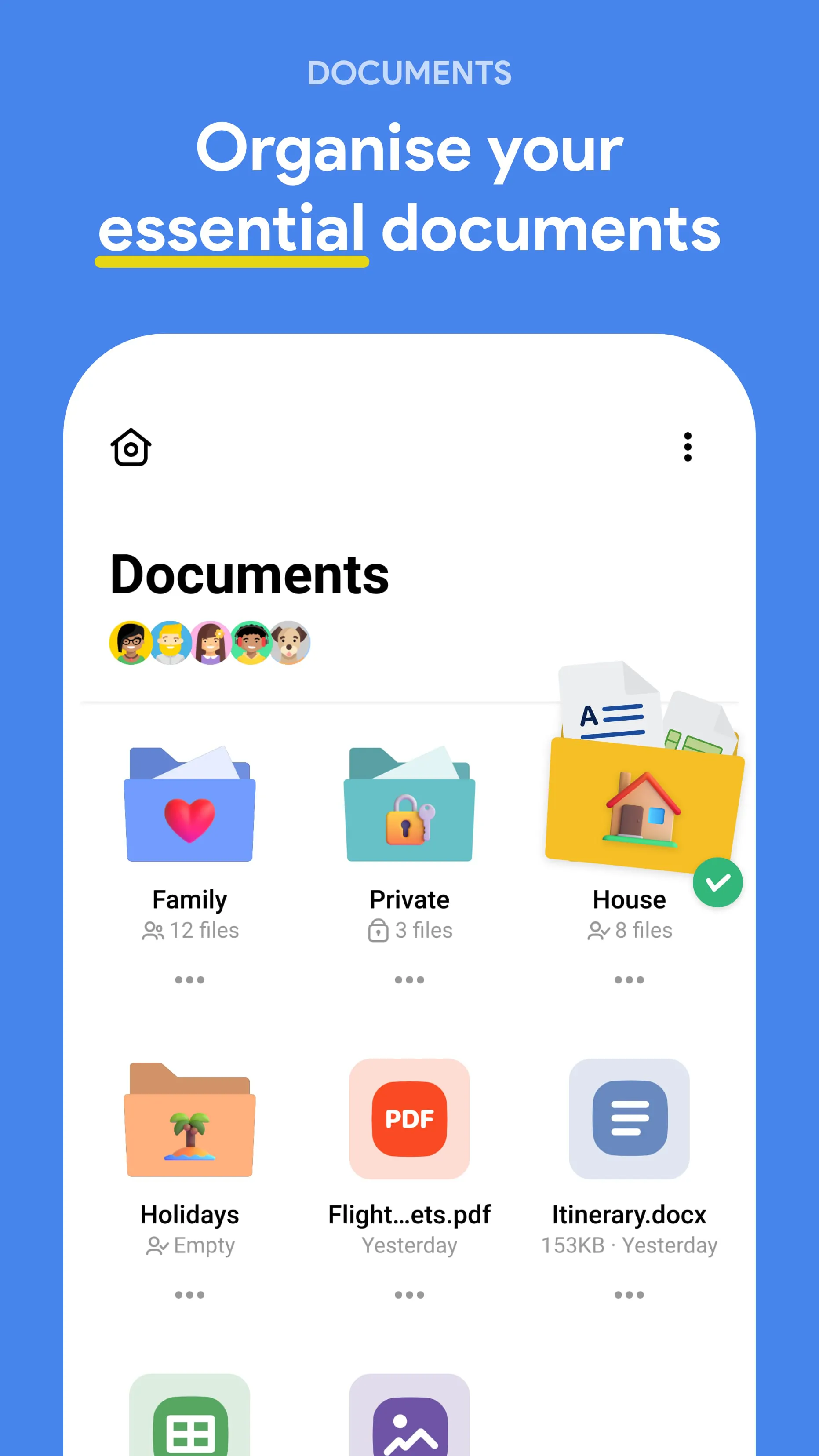
FamilyWall is a versatile family organization and communication app designed to help households stay connected, organized, and on schedule. It acts as a private digital space where family members can share calendars, coordinate tasks, post messages, and store important memories in one secure location. Unlike generic productivity apps, FamilyWall focuses specifically on the needs of families, making it easier for parents, children, and even extended relatives to collaborate without relying on scattered messaging threads or multiple platforms.
FamilyWall functions as a multi-purpose hub for everyday household management. Its calendar system allows users to set recurring events such as school schedules, work commitments, or medical appointments, ensuring everyone stays informed. Task assignments let parents allocate chores and track completion, while shopping lists update instantly so that anyone can contribute to household needs. The photo-sharing feature serves as a private gallery where families can preserve moments without exposing them to public social media. Additionally, the built-in messaging tool reduces the clutter of SMS and email by keeping conversations centralized and easily searchable.
Click the button "Check All Versions" below to download and install it. After installation, create a family group by inviting members via email or a shared code. Once joined, each member can customize their profile, set personal calendars, and start adding tasks or events. Use the dashboard to view upcoming activities, assign responsibilities, and share updates through messages or photos. Regular use ensures the app remains accurate and helpful, turning FamilyWall into the backbone of your household’s daily routine.
Get FamilyWall from an official store or available APK channel.
ZIP files require a Split APKs Installer (e.g., SAI) from Google Play to install. Steps: 1. Download SAI from Google Play; 2. Open SAI and tap "Install APKs"; 3. Select the ZIP file; 4. Complete installation.
The latest version currently listed by Appspicked is V11.2.1, with information updated on May 25, 2026. Versions may vary by device, region, or rollout schedule, so users should also check Google Play or announcements from family & Co.
No website can guarantee that an app is completely risk-free. Appspicked recommends downloading FamilyWall only from an official app store or a verified channel operated by family & Co. Before installing, confirm the developer name, package ID com.familywall, requested permissions, privacy policy, and download source.
FamilyWall may be unavailable because of regional restrictions, device incompatibility, account or age settings, a temporary removal, a name change, or because it has not been released for that platform. An Android package page does not necessarily mean that an iOS App Store version exists. Check family & Co’s official website for current availability.
Use Google Play or another official download channel provided by family & Co whenever possible. Appspicked provides app information and store links, but users should verify the destination domain and publisher before downloading or updating the app.
The information on Appspicked may represent the most recently indexed snapshot. App stores sometimes release updates gradually or display different versions according to region, device, operating system, or testing group. The official store listing should be treated as the final reference.
FamilyWall is listed for Android, with a reported minimum requirement of Not specified. Actual compatibility may also depend on the device model, region, available storage, hardware features, and installed system components.
The initial download may be free, but subscriptions, advertising, paid features, or in-app purchases may still apply. Prices and available purchases can vary by country and version. Check the payment information displayed by Google Play before completing a transaction.
Check the network connection, storage space, operating-system version, account region, and device compatibility. Restart the device and try again through the official store. If the problem continues, consult the support resources provided by family & Co.









