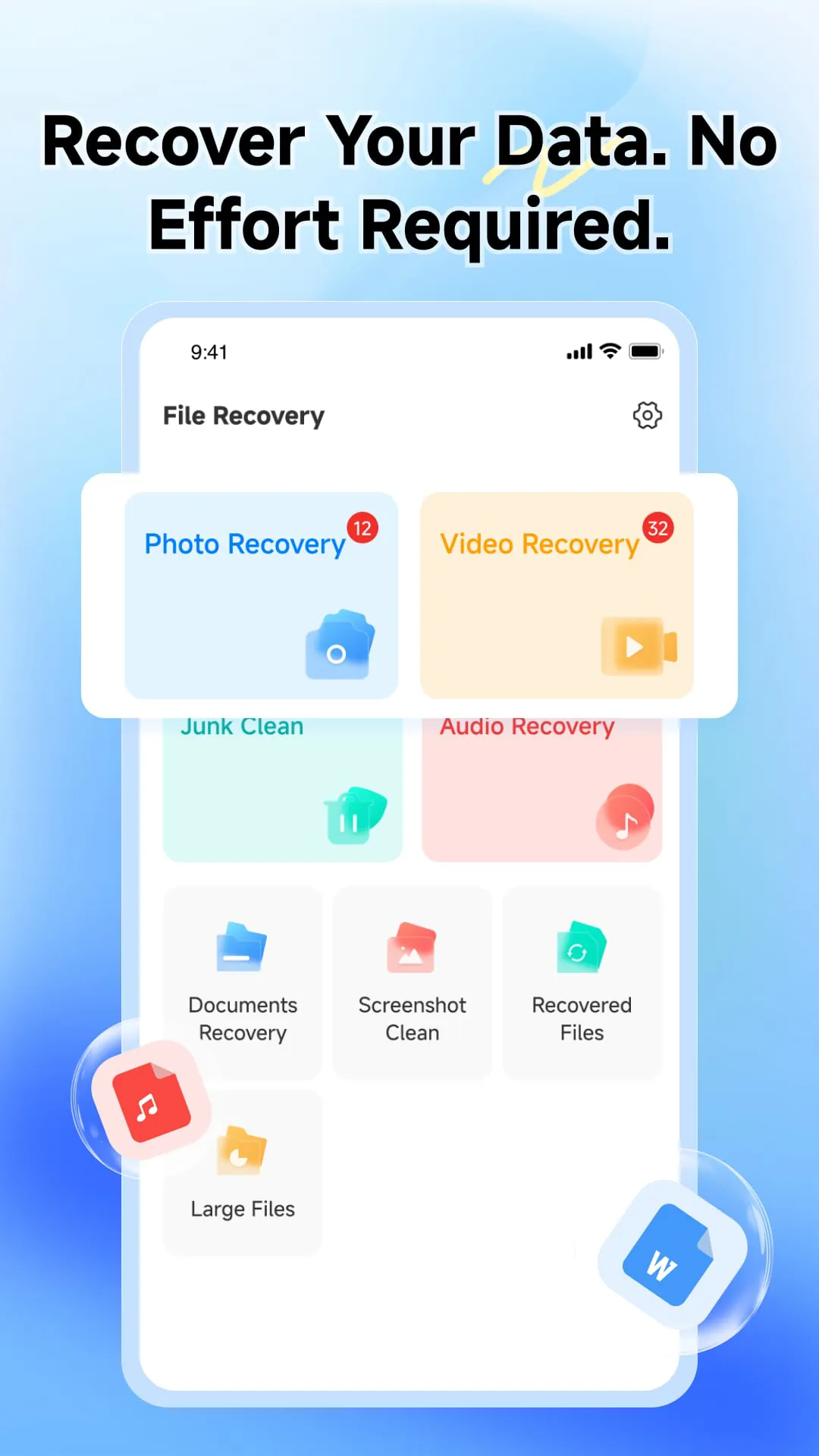
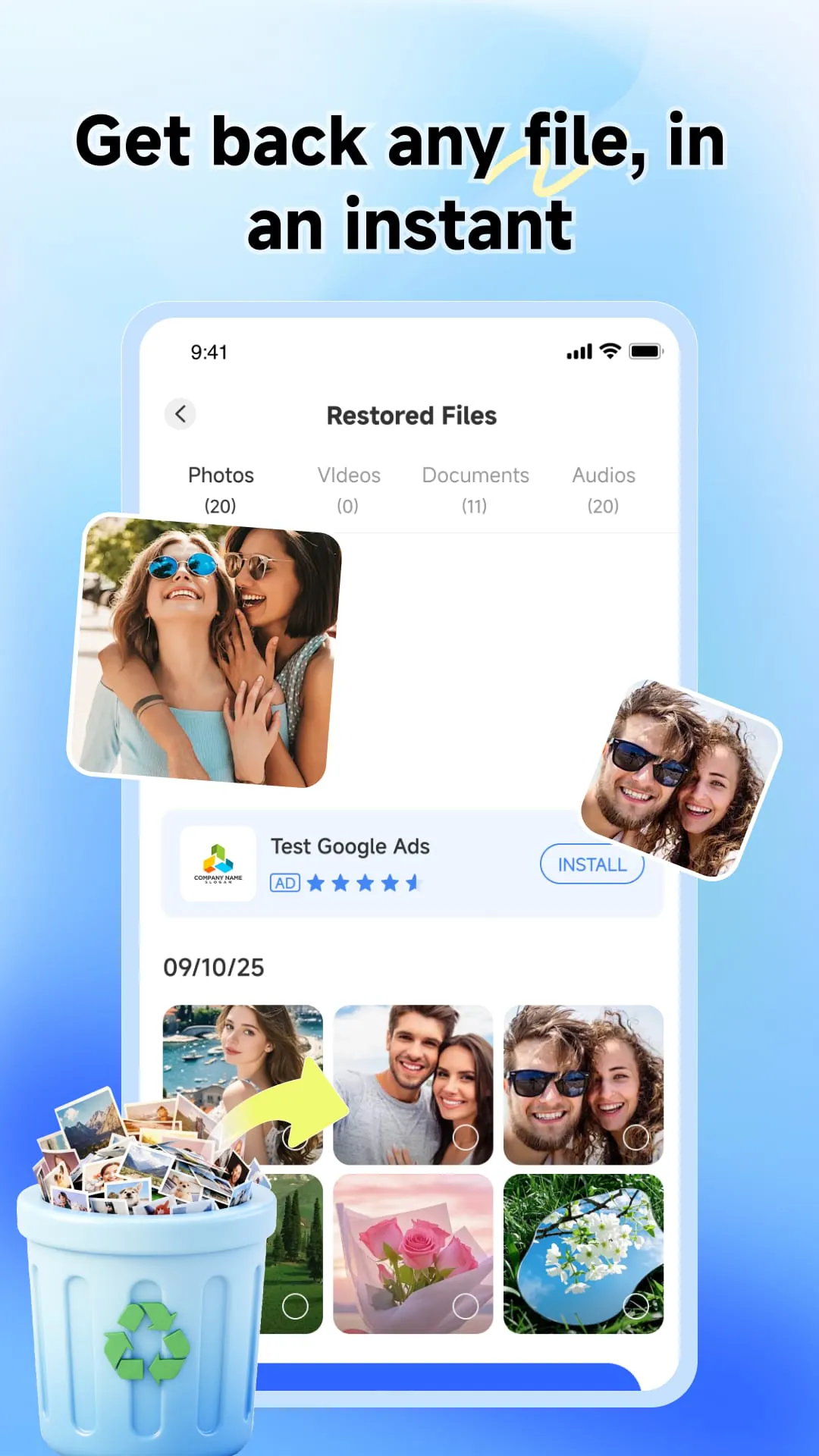
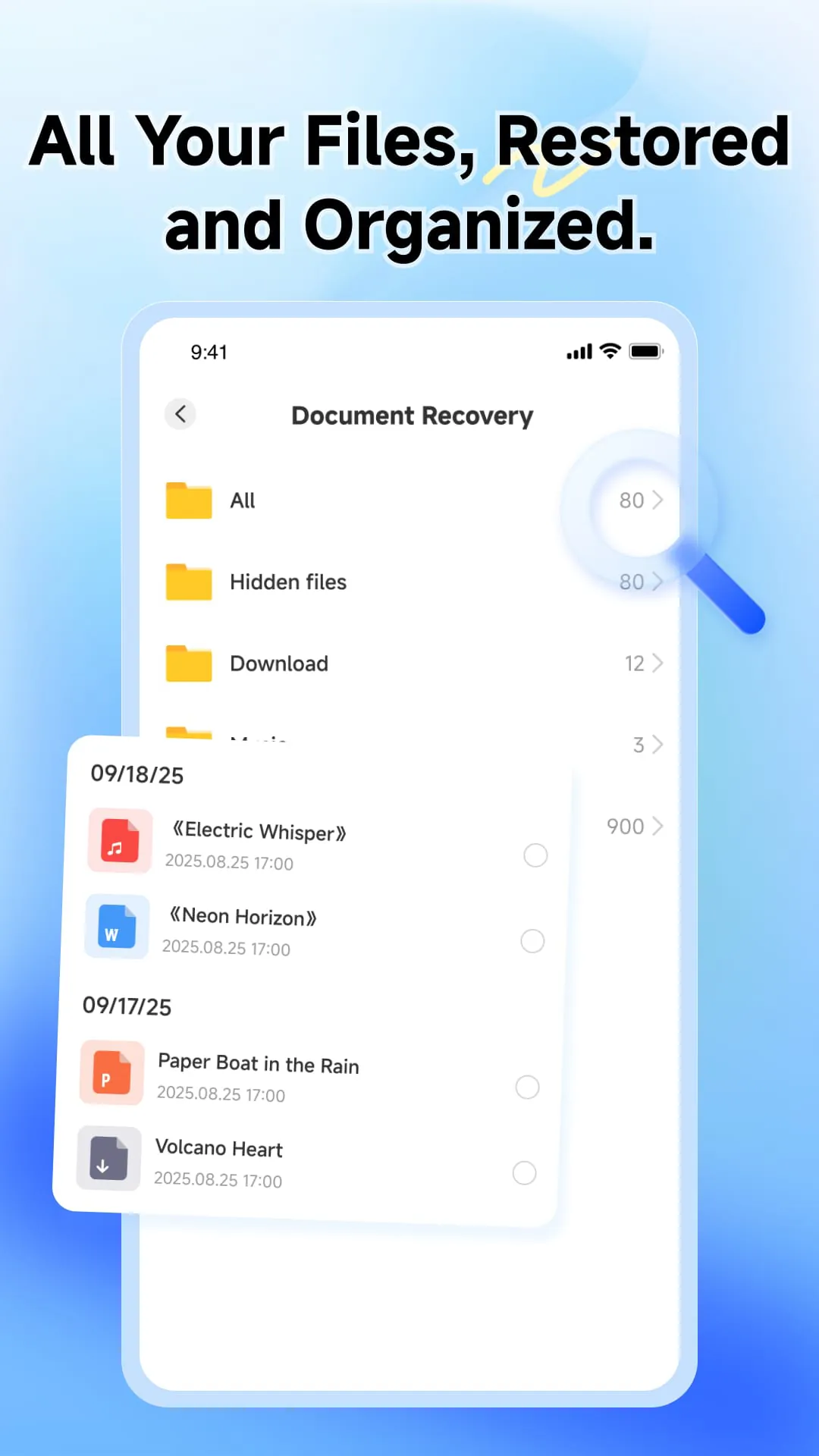
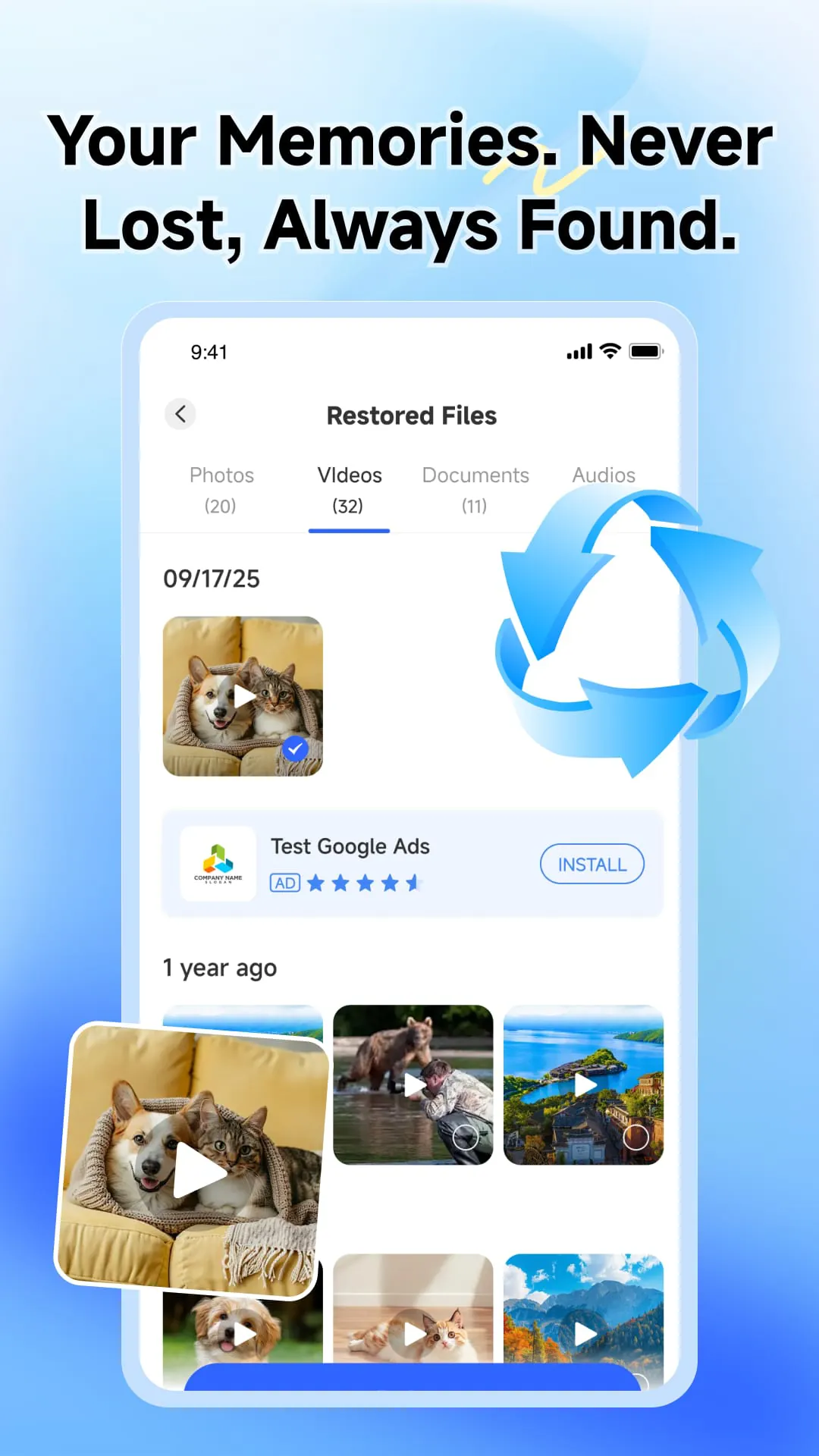
Photo & Video Recovery is presented as an essential tool designed to retrieve cherished moments that users might have thought were permanently lost. The app focuses on restoring accidentally deleted photos and important videos, emphasizing its role as a solution for recovering digital memories. The core functionality revolves around advanced scanning technology capable of finding and restoring deleted photos, videos, and audio files directly from the user's device. This comprehensive approach to data recovery makes it a versatile tool for various scenarios where media files are unintentionally removed or lost. In addition to its primary recovery capabilities, the app includes a Screenshot Cleaner feature, which helps users organize their storage by identifying and removing old, unwanted screenshots. This feature contributes to freeing up valuable space on the device, addressing a common issue for users who frequently capture screenshots. The app also provides a clear overview of all recovered files through a simple, organized list, enhancing user experience by making it easy to manage and access the restored media. The design is described as user-friendly, prioritizing ease of use and focusing on the most critical aspects of data recovery. The overall aim is to simplify the process of rescuing digital memories, making it accessible to a wide range of users regardless of their technical expertise. The combination of photo, video, and audio recovery, along with the screenshot cleaner, positions the app as a comprehensive solution for managing and protecting digital media. Furthermore, the emphasis on a user-friendly design suggests that the app is intended to be intuitive and straightforward, minimizing the learning curve for new users. The organized list of recovered files adds another layer of convenience, allowing users to quickly locate and manage their restored media. By focusing on these key features and design elements, the app aims to provide a reliable and efficient way for users to recover and preserve their digital memories, ensuring that precious moments are not lost forever. The app’s value proposition lies in its ability to address the common problem of accidental data loss, offering a practical and user-friendly solution for retrieving and managing media files. The screenshot cleaner feature further enhances its utility by helping users maintain an organized and efficient storage system, preventing the accumulation of unnecessary files. Through these features, the app aims to empower users to take control of their digital content and ensure that their memories are safeguarded against accidental deletion or loss. The combination of recovery tools and organizational features makes it a valuable asset for anyone who values their digital media and wants to protect it from potential loss. The app's focus on simplicity and ease of use ensures that even users with limited technical skills can effectively recover and manage their files, making it a truly accessible solution for a wide range of users. The organized presentation of recovered files adds to the overall user experience, allowing for quick and easy access to restored media. The emphasis on these elements highlights the app's commitment to providing a user-friendly and efficient data recovery solution, ensuring that cherished memories are not lost forever.
The app's primary function, Photo, Video, & Audio Recovery, is a comprehensive solution designed to retrieve media files that have been accidentally deleted or lost from a device. The advanced scanning technology employed by the app is capable of identifying and restoring various types of media files, including photos, videos, and audio files. This broad range of recovery capabilities makes the app a versatile tool for users who have experienced data loss in different forms. Whether it's a precious photo, an important video, or a valuable audio recording, the app is designed to help users recover their lost media files quickly and efficiently. The scanning process is optimized to locate deleted files even if they have been overwritten or partially damaged, maximizing the chances of successful recovery. The app's ability to recover different types of media files sets it apart from other recovery tools that may focus solely on photos or videos. This comprehensive approach ensures that users can rely on the app to retrieve all types of lost media, making it a one-stop solution for data recovery needs. The advanced scanning technology is constantly updated to improve its performance and compatibility with the latest devices and operating systems, ensuring that users can always rely on the app to recover their lost media files effectively. The app's recovery process is designed to be user-friendly, with clear instructions and prompts that guide users through each step. This makes it easy for even non-technical users to recover their lost media files without any assistance. The app also provides options for filtering and sorting recovered files, allowing users to quickly locate the specific files they are looking for. This feature is particularly useful when recovering a large number of files, as it helps users to narrow down the results and find the files they need more easily. The app's commitment to providing a user-friendly and efficient recovery process ensures that users can quickly and easily retrieve their lost media files, minimizing the frustration and stress associated with data loss. The combination of advanced scanning technology and user-friendly design makes the app a powerful tool for anyone who has accidentally deleted or lost their media files. The app's ability to recover different types of media files and its focus on simplicity and ease of use make it a valuable asset for anyone who values their digital content and wants to protect it from potential loss. The app is continuously updated to ensure that it remains compatible with the latest devices and operating systems, providing users with a reliable and effective data recovery solution.
In addition to its core recovery function, the Screenshot Cleaner feature is a valuable tool for maintaining an organized and efficient storage system. This feature helps users identify and remove old, unwanted screenshots that accumulate over time, cluttering their device and consuming valuable storage space. Screenshots are often taken for temporary purposes, such as capturing information or sharing something quickly, but they are often forgotten and left to accumulate on the device. Over time, these screenshots can take up a significant amount of storage space, slowing down the device and making it difficult to find important files. The Screenshot Cleaner feature simplifies the process of managing screenshots by automatically identifying and categorizing them, allowing users to easily review and delete the ones they no longer need. This feature helps users to free up valuable storage space, improve the performance of their device, and maintain a more organized and efficient storage system. The Screenshot Cleaner feature also provides options for filtering and sorting screenshots, allowing users to quickly locate specific screenshots based on date, size, or other criteria. This feature is particularly useful when dealing with a large number of screenshots, as it helps users to narrow down the results and find the screenshots they want to delete more easily. The app's Screenshot Cleaner feature is designed to be user-friendly, with clear instructions and prompts that guide users through each step. This makes it easy for even non-technical users to manage their screenshots and free up storage space without any assistance. The app also provides options for setting up automatic screenshot cleaning schedules, allowing users to automatically remove old screenshots on a regular basis. This feature helps users to maintain a clean and organized storage system without having to manually review and delete screenshots every time. The Screenshot Cleaner feature is a valuable addition to the app's core recovery function, providing users with a comprehensive solution for managing their digital content and protecting it from potential loss. The combination of recovery tools and organizational features makes the app a valuable asset for anyone who values their digital media and wants to keep it safe and organized. The app's focus on simplicity and ease of use ensures that even users with limited technical skills can effectively manage their screenshots and free up storage space, making it a truly accessible solution for a wide range of users. The Screenshot Cleaner feature also helps users to improve the performance of their device by reducing the amount of storage space consumed by unnecessary files. This can lead to faster loading times, smoother performance, and an overall improved user experience. The combination of these benefits makes the Screenshot Cleaner feature a valuable tool for anyone who wants to keep their device running smoothly and efficiently.