


V9.3

- Package Name
- com.flyersoft.moonreader
- Version Name
- V9.3
- Version Code
- V9.3
- File Size
- 37.75 MB
- Update time
- 2024-4-11



by Moon+
EBook reader with rich features.
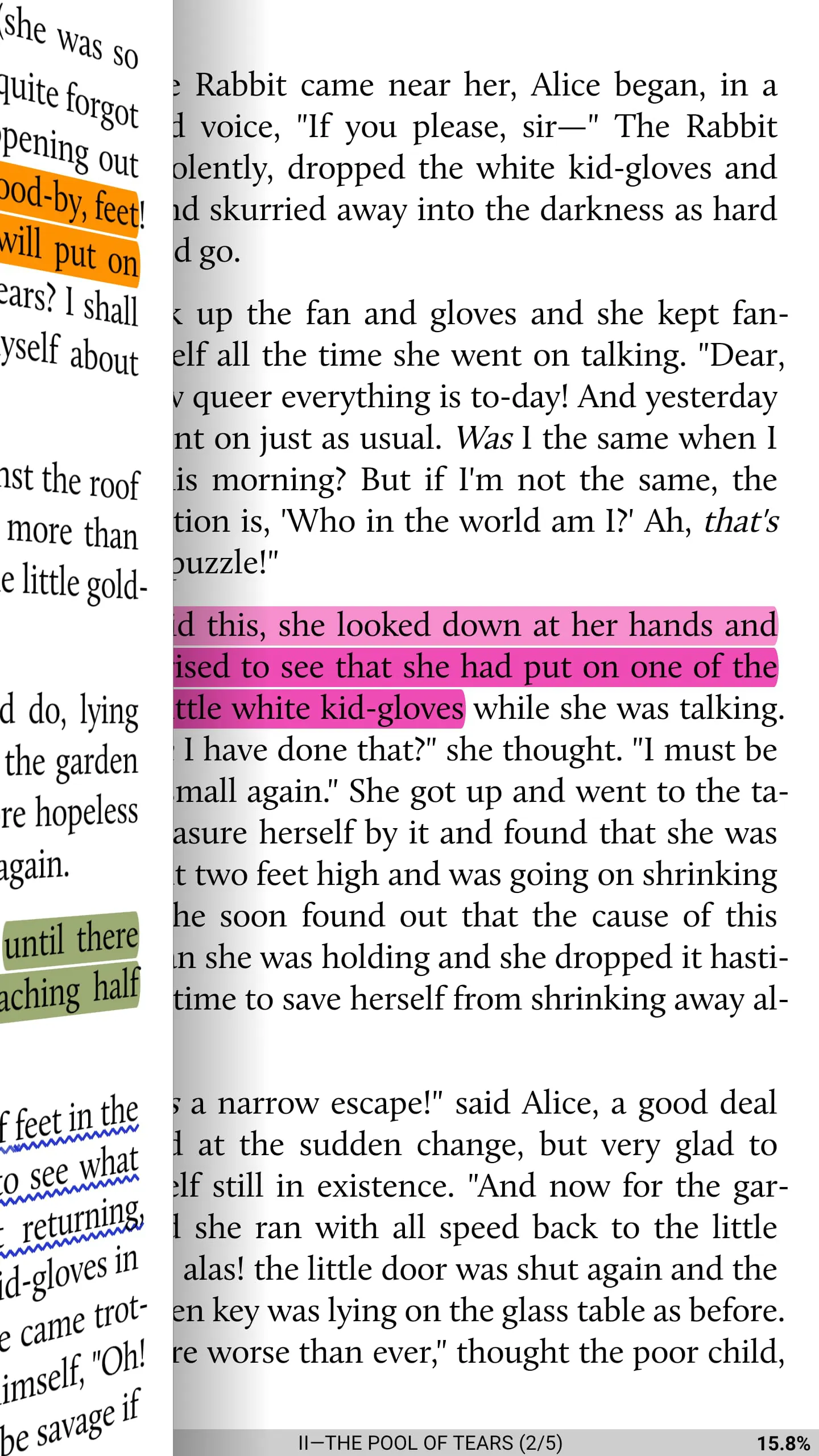
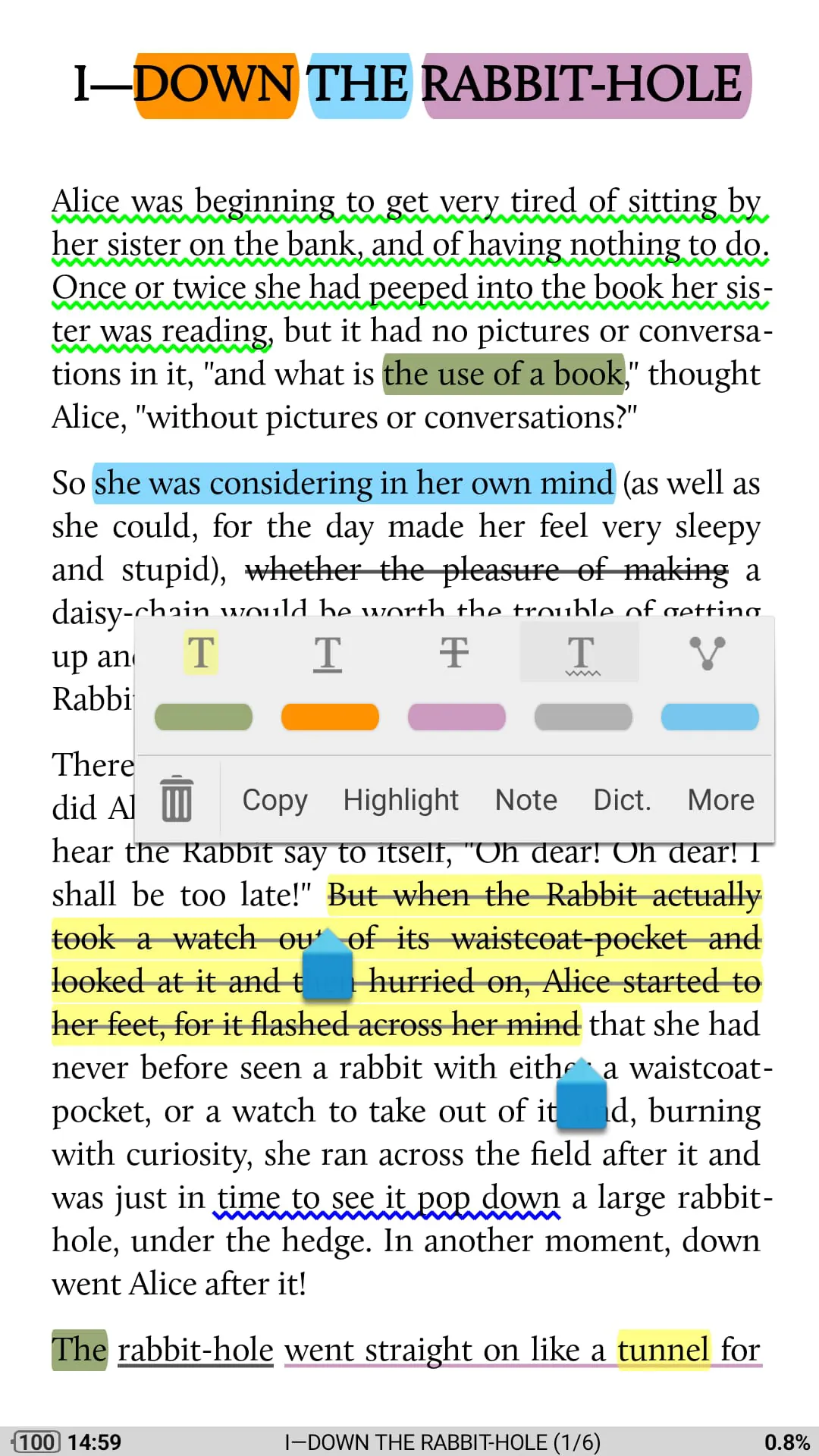
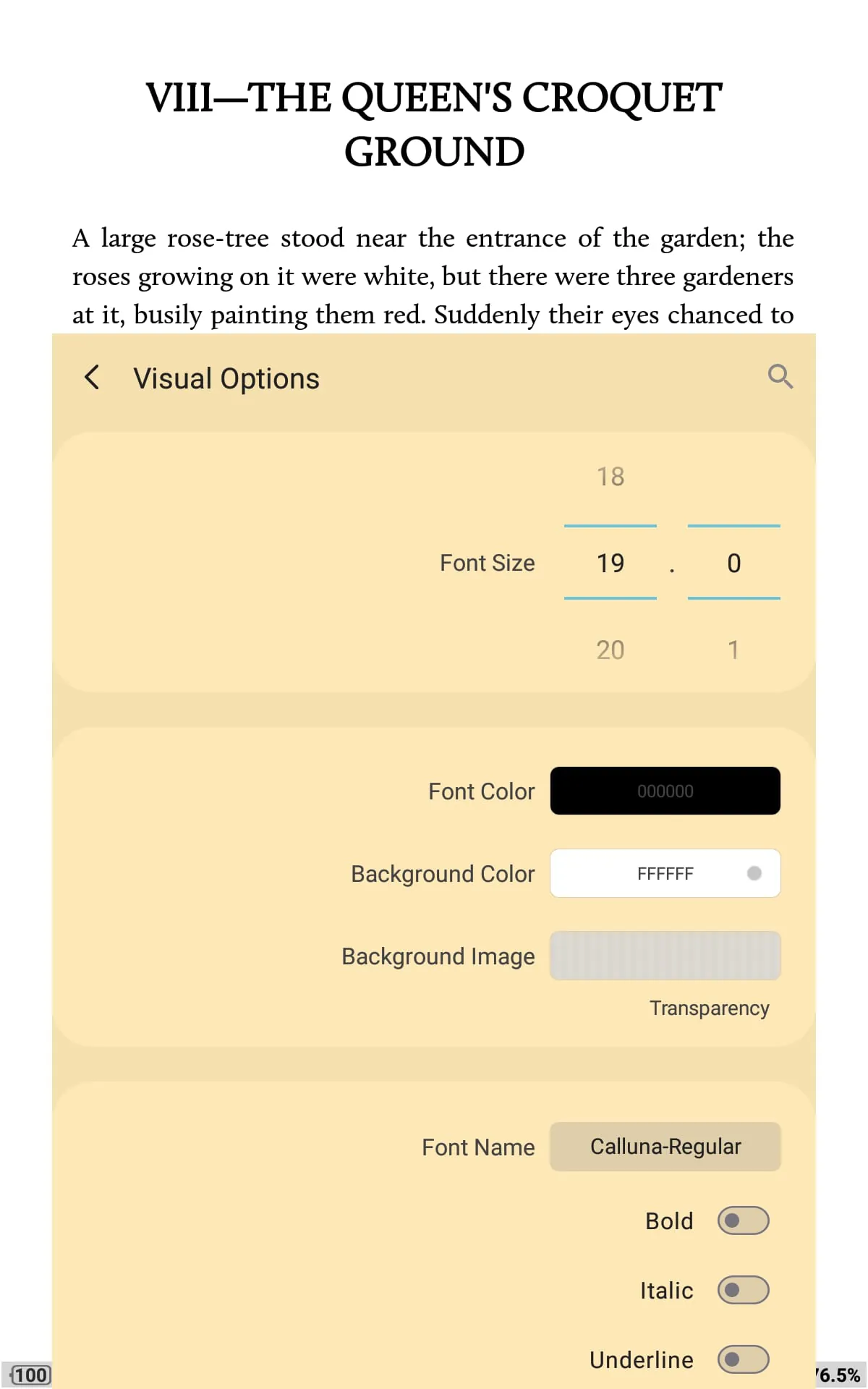
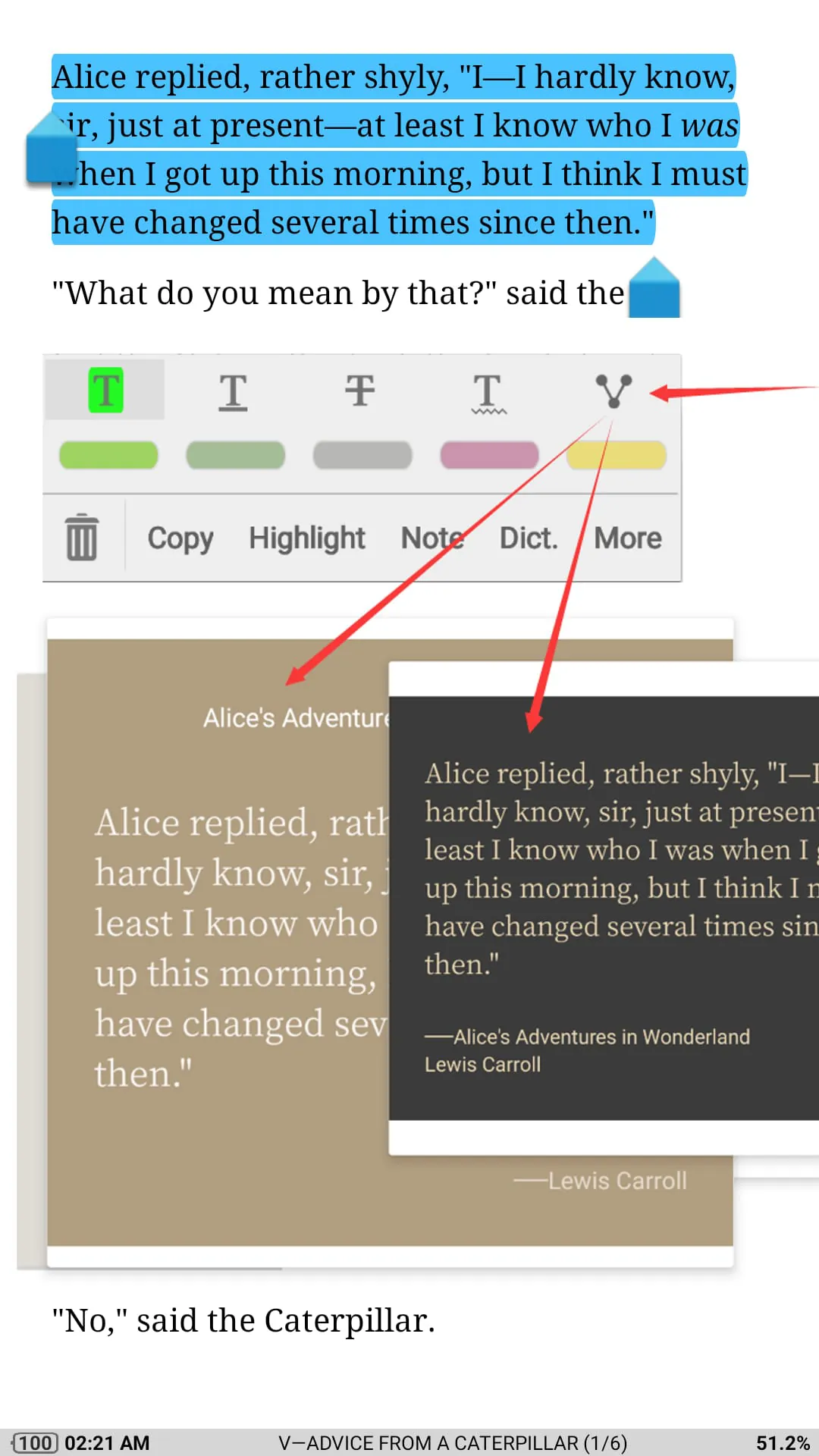
Moon+ Reader is a versatile eBook reader application designed for Android devices that offers users an exceptional digital reading experience across multiple formats including EPUB, PDF, MOBI, and more. This powerful app transforms your smartphone or tablet into a comprehensive library management system, providing customizable reading environments with advanced features like cloud synchronization, annotation tools, and extensive font customization options. Whether you're a casual reader or a serious bibliophile, Moon+ Reader delivers a seamless blend of functionality and user-friendly design that caters to diverse reading preferences and habits.
Moon+ Reader stands out in the crowded eBook market through its impressive array of sophisticated features designed to enhance every aspect of digital reading. The app supports over 20 different file formats, ensuring compatibility with virtually any eBook you might possess. Its distinctive visual customization options include adjustable margins, line spacing, and font styles, allowing readers to create their perfect reading environment. The application also incorporates innovative reading statistics that track your progress, reading speed, and time spent on each book. Additional standout features include text-to-speech functionality, translation tools, and the ability to highlight, annotate, and bookmark important passages for future reference.
The application presents numerous advantages that make it a compelling choice for digital readers. Users particularly appreciate the extensive customization options that allow for personalized reading experiences, along with the robust library management system that keeps collections organized and easily accessible. The free version offers substantial functionality without requiring immediate purchase, making it accessible to budget-conscious readers. However, some drawbacks exist, including occasional performance issues when handling large PDF files and a somewhat steep learning curve for users unfamiliar with advanced eBook features. The premium version removes advertisements but requires payment, which may deter some users from accessing the full feature set.
Moon+ Reader operates as a comprehensive digital reading ecosystem rather than just a simple viewer. The app manages your entire eBook collection through intelligent categorization, automatic metadata detection, and custom tagging systems. It synchronizes reading progress across multiple devices through cloud integration, ensuring you never lose your place when switching between phone, tablet, or e-reader. The application handles complex formatting tasks like reflowing text in fixed-layout documents, converting scanned pages to readable formats, and managing embedded media within eBooks. Advanced functions include batch operations for organizing large libraries, automated backup systems for preserving annotations and bookmarks, and integration with external dictionary services for instant word definitions while reading.
Click the button "Check All Versions" below to download and install it. After installation, launch the application and grant necessary permissions for accessing your device storage. Import your existing eBook collection by browsing to folders containing your digital books, or use the built-in web browser to download new titles directly within the app. Customize your reading experience by adjusting display settings such as brightness, font size, and background color through the intuitive settings menu. Begin reading by selecting any book from your library, then use gesture controls to navigate pages, access the table of contents, or adjust reading parameters on the fly. Take advantage of the annotation tools to highlight important passages, add personal notes, or create bookmarks for quick reference later. Regularly sync your reading progress and annotations with cloud services to ensure your data remains safe and accessible across all your devices.
Get Moon+ Reader from an official store or available APK channel.
ZIP files require a Split APKs Installer (e.g., SAI) from Google Play to install. Steps: 1. Download SAI from Google Play; 2. Open SAI and tap "Install APKs"; 3. Select the ZIP file; 4. Complete installation.
The latest version currently listed by Appspicked is V9.3, with information updated on Jun 4, 2026. Versions may vary by device, region, or rollout schedule, so users should also check Google Play or announcements from Moon+.
No website can guarantee that an app is completely risk-free. Appspicked recommends downloading Moon+ Reader only from an official app store or a verified channel operated by Moon+. Before installing, confirm the developer name, package ID com.flyersoft.moonreader, requested permissions, privacy policy, and download source.
Moon+ Reader may be unavailable because of regional restrictions, device incompatibility, account or age settings, a temporary removal, a name change, or because it has not been released for that platform. An Android package page does not necessarily mean that an iOS App Store version exists. Check Moon+’s official website for current availability.
Use Google Play or another official download channel provided by Moon+ whenever possible. Appspicked provides app information and store links, but users should verify the destination domain and publisher before downloading or updating the app.
The information on Appspicked may represent the most recently indexed snapshot. App stores sometimes release updates gradually or display different versions according to region, device, operating system, or testing group. The official store listing should be treated as the final reference.
Moon+ Reader is listed for Android, with a reported minimum requirement of Not specified. Actual compatibility may also depend on the device model, region, available storage, hardware features, and installed system components.
The initial download may be free, but subscriptions, advertising, paid features, or in-app purchases may still apply. Prices and available purchases can vary by country and version. Check the payment information displayed by Google Play before completing a transaction.
Check the network connection, storage space, operating-system version, account region, and device compatibility. Restart the device and try again through the official store. If the problem continues, consult the support resources provided by Moon+.









