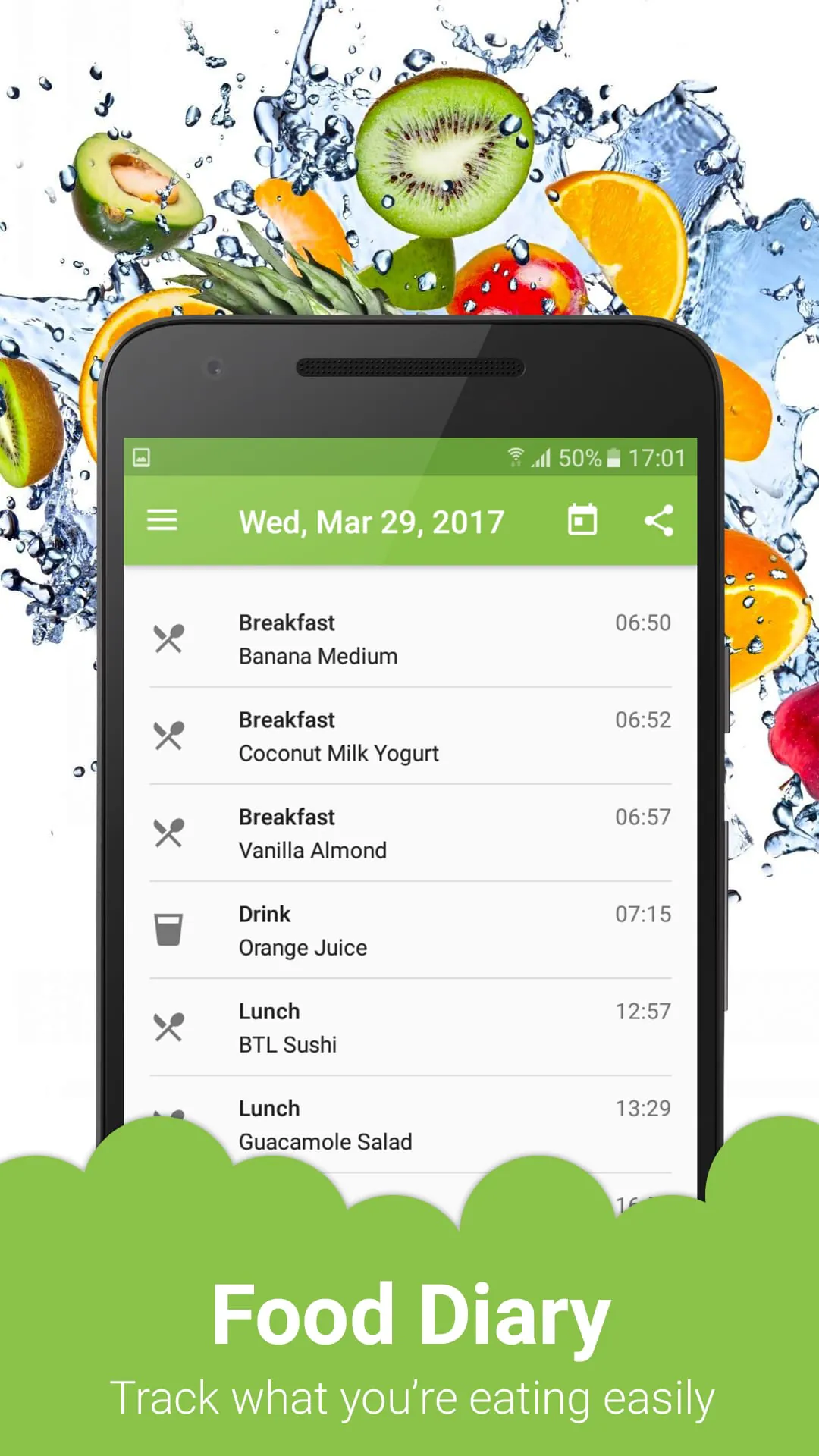
Food Diary is a comprehensive mobile application designed to help individuals track their daily food intake, monitor nutritional values, and gain insights into their eating habits. It serves as a personal digital logbook where users can effortlessly record meals, snacks, and beverages, turning casual eating into a structured journey towards better health awareness and goal-oriented nutrition management.
Key Features
The application stands out with a suite of user-centric features that simplify the tracking process. It boasts an extensive food database that allows for quick logging through barcode scanning or manual search. Advanced features include detailed macronutrient and micronutrient breakdowns, customizable calorie goals, and hydration tracking. The app also provides visual progress charts and reports, enabling users to spot trends over days, weeks, or months. Integration with popular fitness devices and apps ensures all your health data is synchronized in one convenient location.
Pros & Cons
Every tool has its strengths and limitations, and Food Diary is no exception. Understanding these can help set realistic expectations for its use.
- Pros: The interface is notably intuitive and user-friendly, lowering the barrier to consistent daily use. The barcode scanner is highly accurate and saves considerable time. The nutrient analysis is exceptionally detailed, offering insights beyond simple calorie counting. The ability to create and save custom meals and recipes is a major time-saver for those with repetitive eating patterns.
- Cons: The most comprehensive features, such as advanced analytics and an ad-free experience, are locked behind a premium subscription. The free version's food database, while large, may lack some regional or specialty items. Manually estimating portion sizes for home-cooked meals can be imprecise and requires a learning curve for accurate entries.
Functions
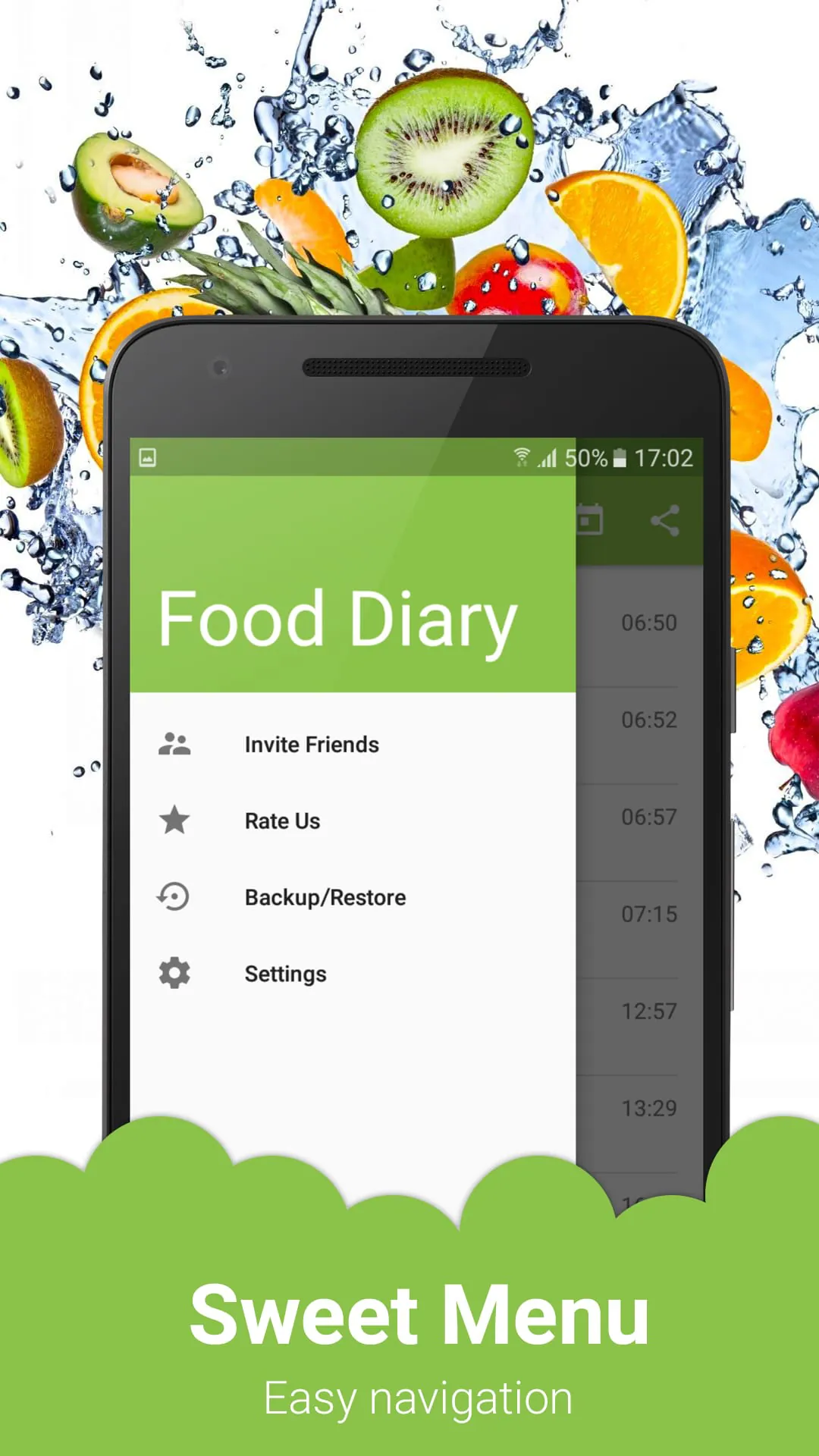
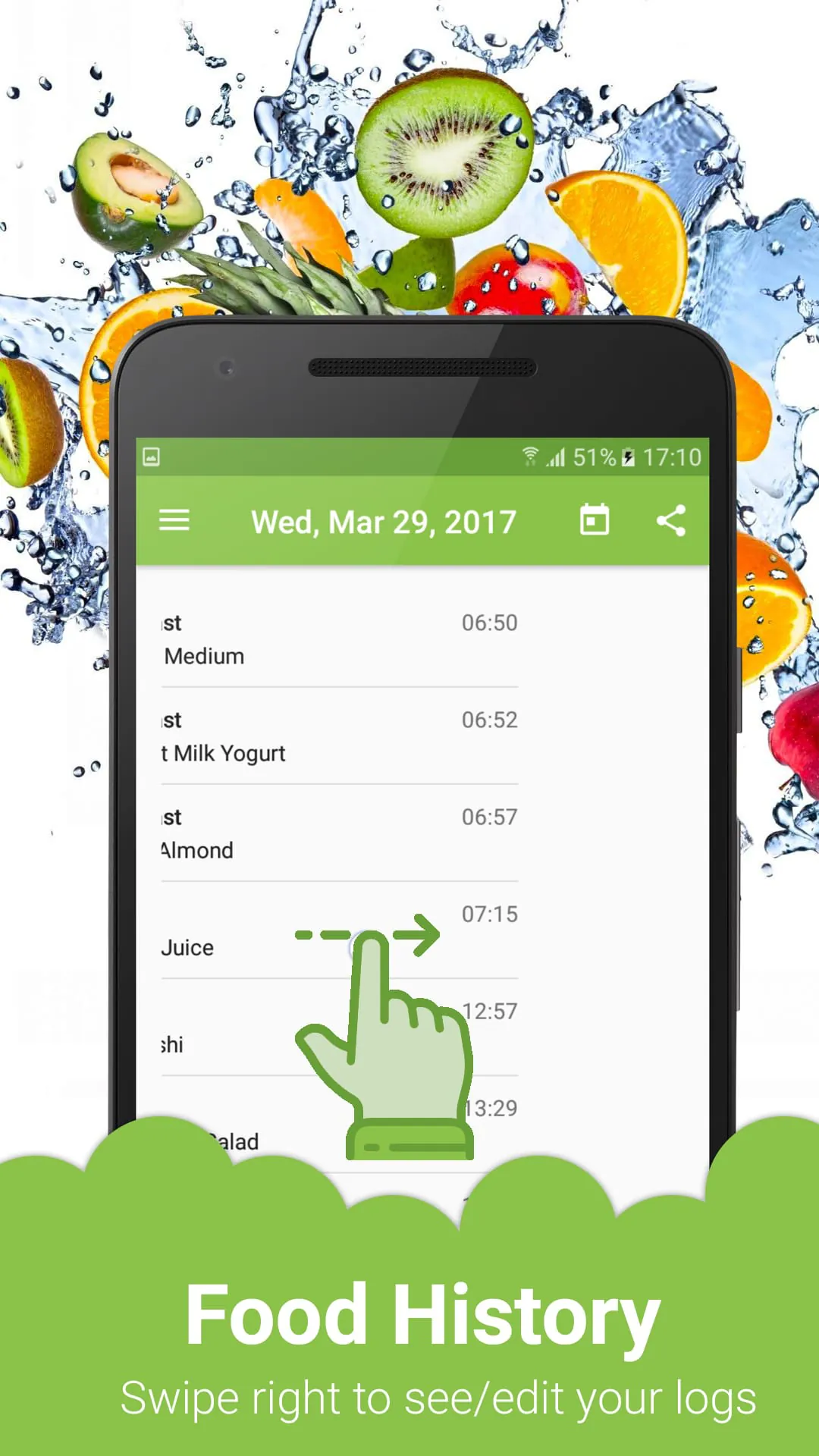
Food Diary operates through several core functional modules that work together to deliver a holistic health tracking experience. The primary function is the daily log, which acts as the central hub for all food and drink entries. Supporting this is a robust goal-setting system where users can define targets for calorie intake, macronutrient distribution, water consumption, and weight management. The analysis function automatically compiles logged data to generate easy-to-understand reports on nutritional adherence and habit patterns. Additionally, the community function allows users to connect with others, share achievements, and find motivation, though this is often a premium feature.
How to Use
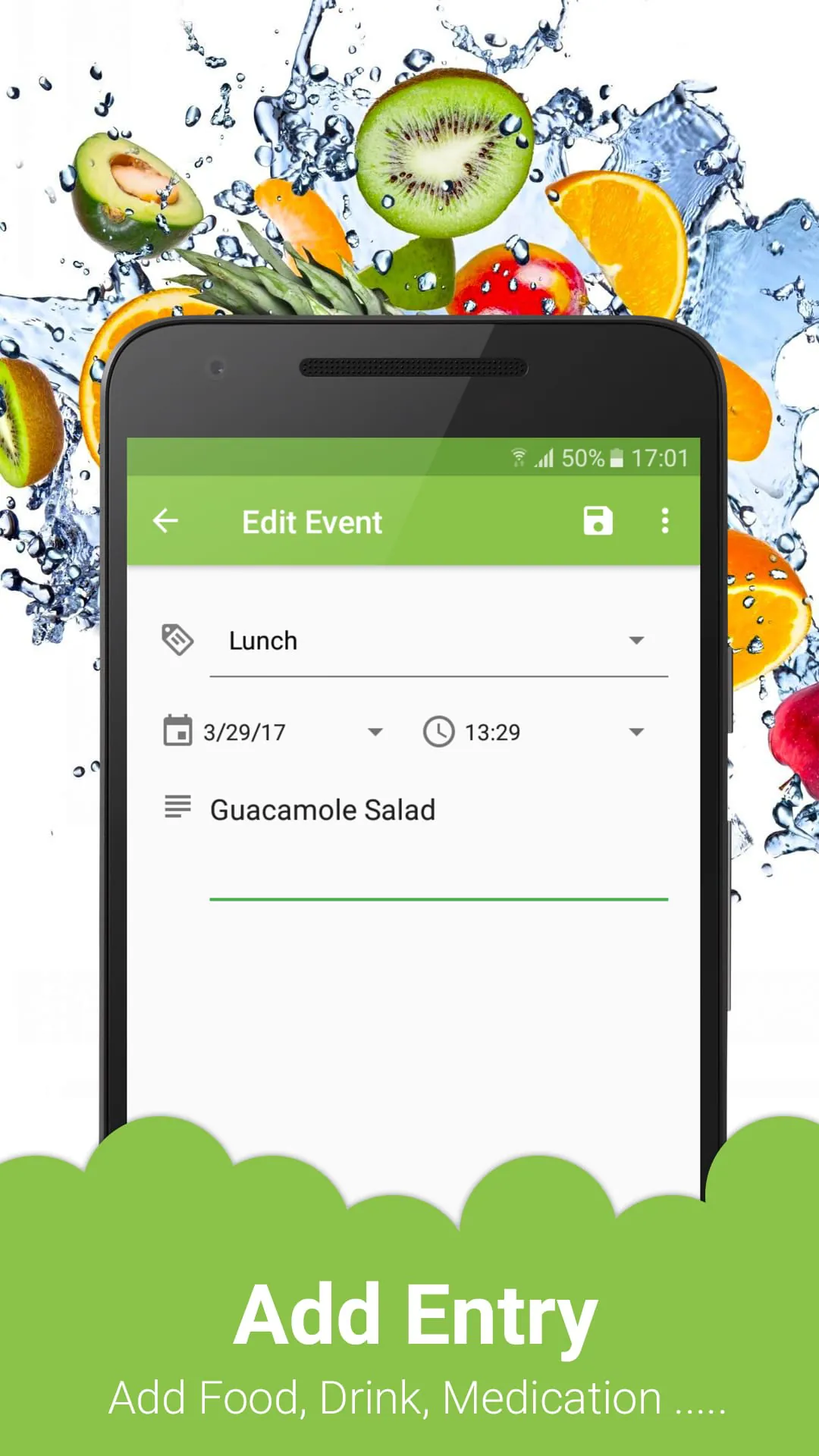
Click the button "Check All Versions" below to download and install it. After installation, launch the app and complete the quick setup by entering basic profile information such as age, weight, height, and activity level to personalize your daily goals. Begin logging by tapping the "Add Food" button on the main screen; you can search the database, scan a barcode, or manually input details. For homemade meals, it's best to create a "recipe" by listing all ingredients once, which you can then add quickly in the future. Make it a habit to log meals immediately after eating for the most accurate record. Regularly review the "Progress" or "Reports" section to visualize your weekly nutrition summary and adjust your habits accordingly for sustained improvement.





 APK
APK  Google Play
  iOS
iOS  4.40
4.40