



Garmin Explore
by Garmin
A complete mobile trip planning solution for compatible Garmin devices
A closer look
Overview
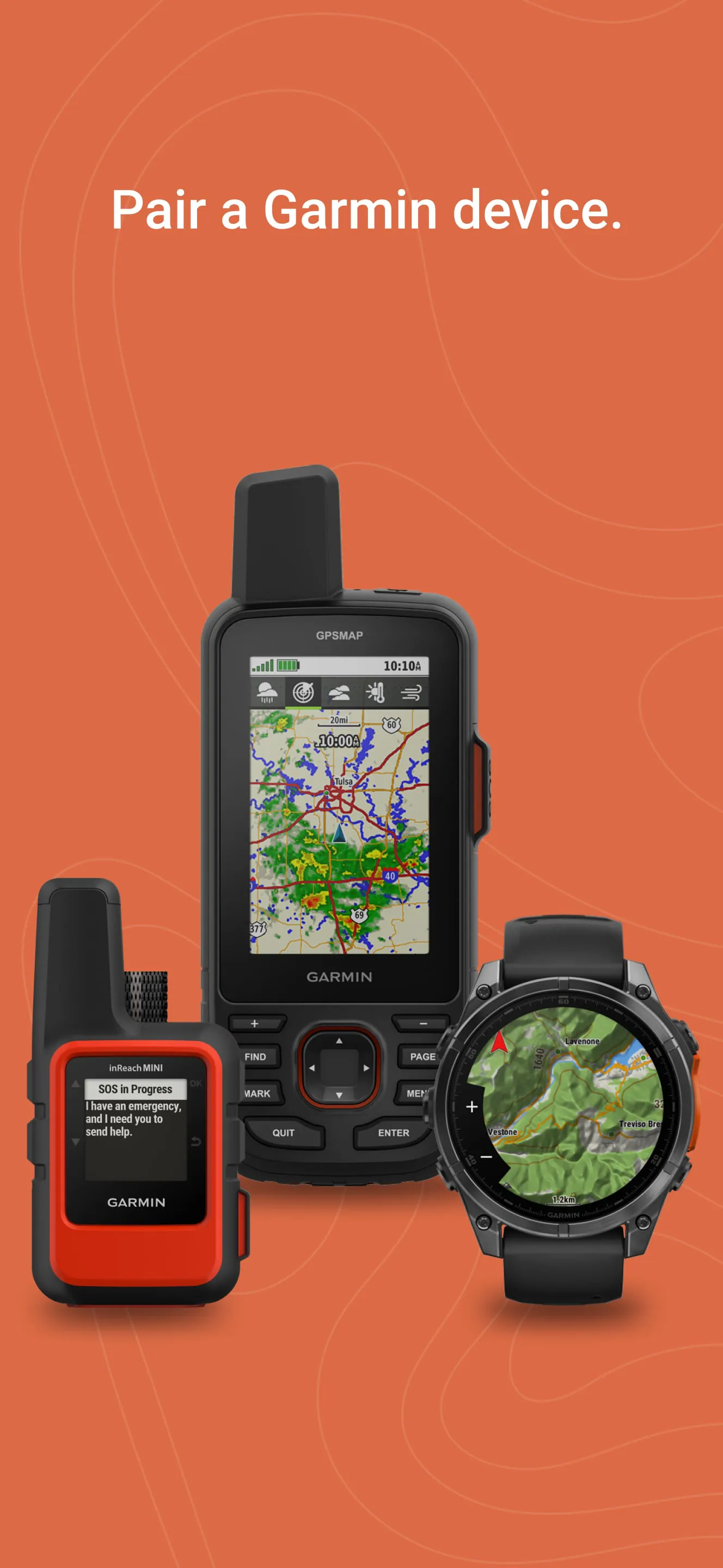
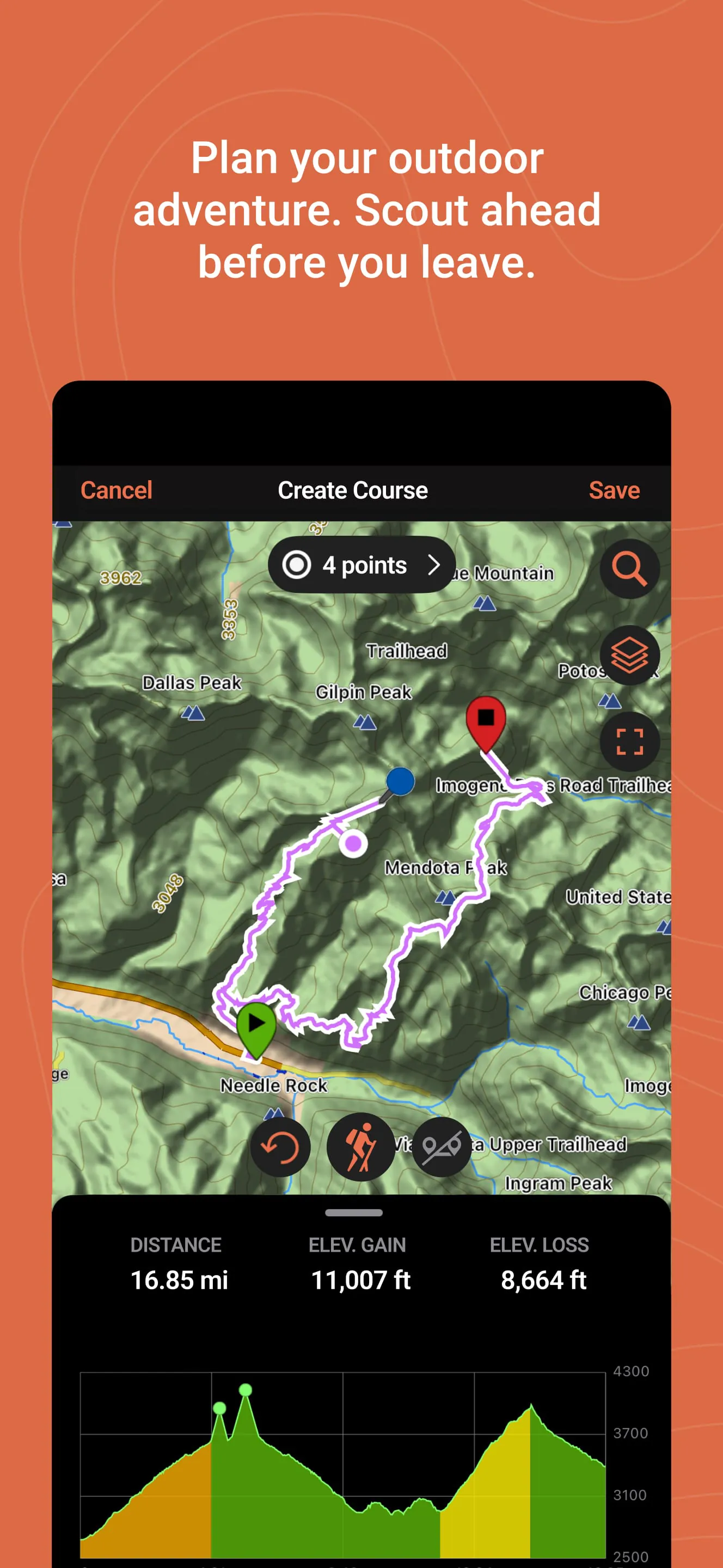
Garmin Explore is a comprehensive mobile application and web platform designed primarily for outdoor adventurers, serving as a powerful companion to Garmin GPS devices. It allows users to plan trips, navigate off-grid, and track their journeys in remote areas where cellular service is unreliable, seamlessly syncing data between the app, the web portal, and compatible Garmin handhelds, wearables, and inReach satellite communicators.
Key Features
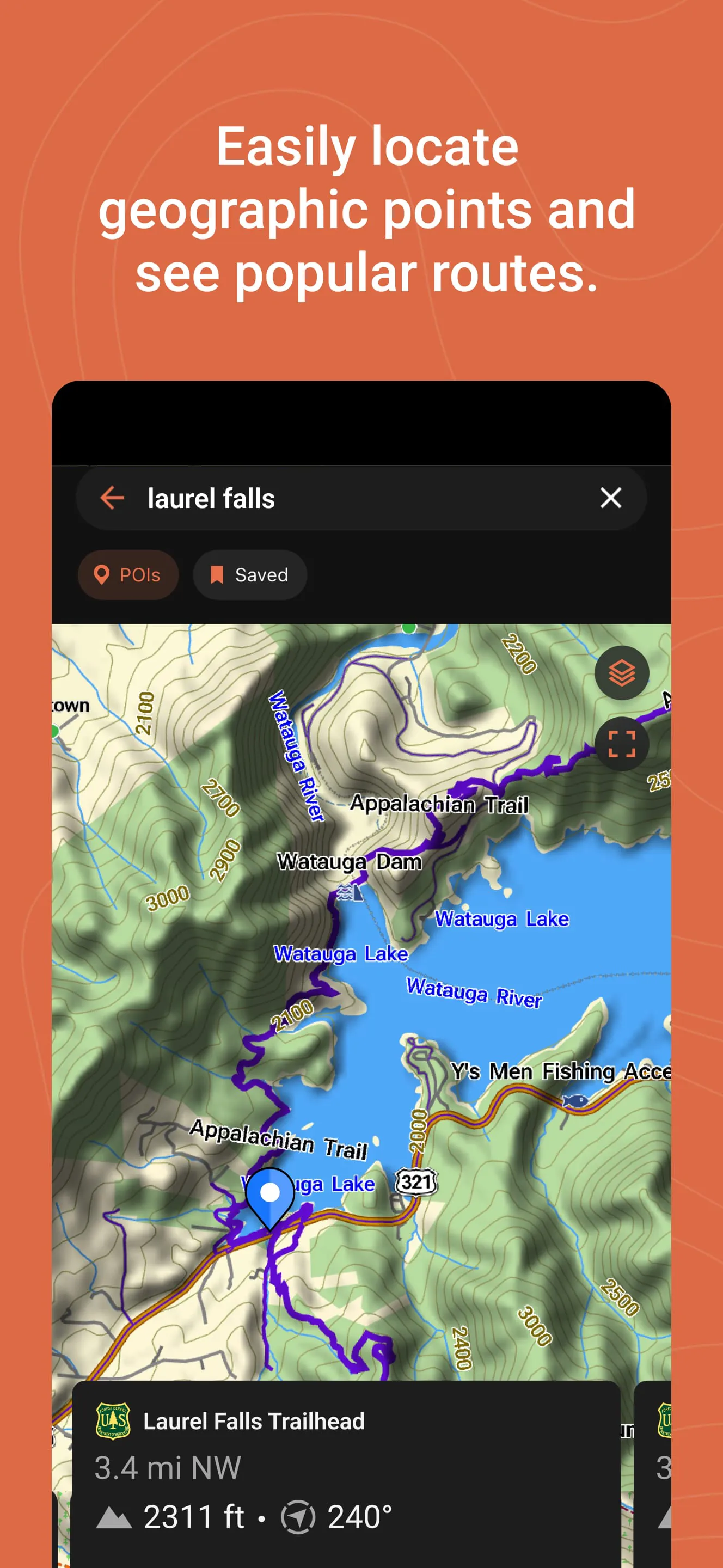
The application stands out for its robust feature set tailored for the wilderness. It provides detailed topographic maps and satellite imagery for pre-trip planning. A core function is the ability to sync routes, waypoints, and tracks wirelessly to and from your Garmin device. For users of inReach products, it enables two-way messaging, location sharing, and trigger SOS alerts directly from the smartphone. Furthermore, it allows users to save and organize their favorite spots and adventures for future reference.
Pros & Cons
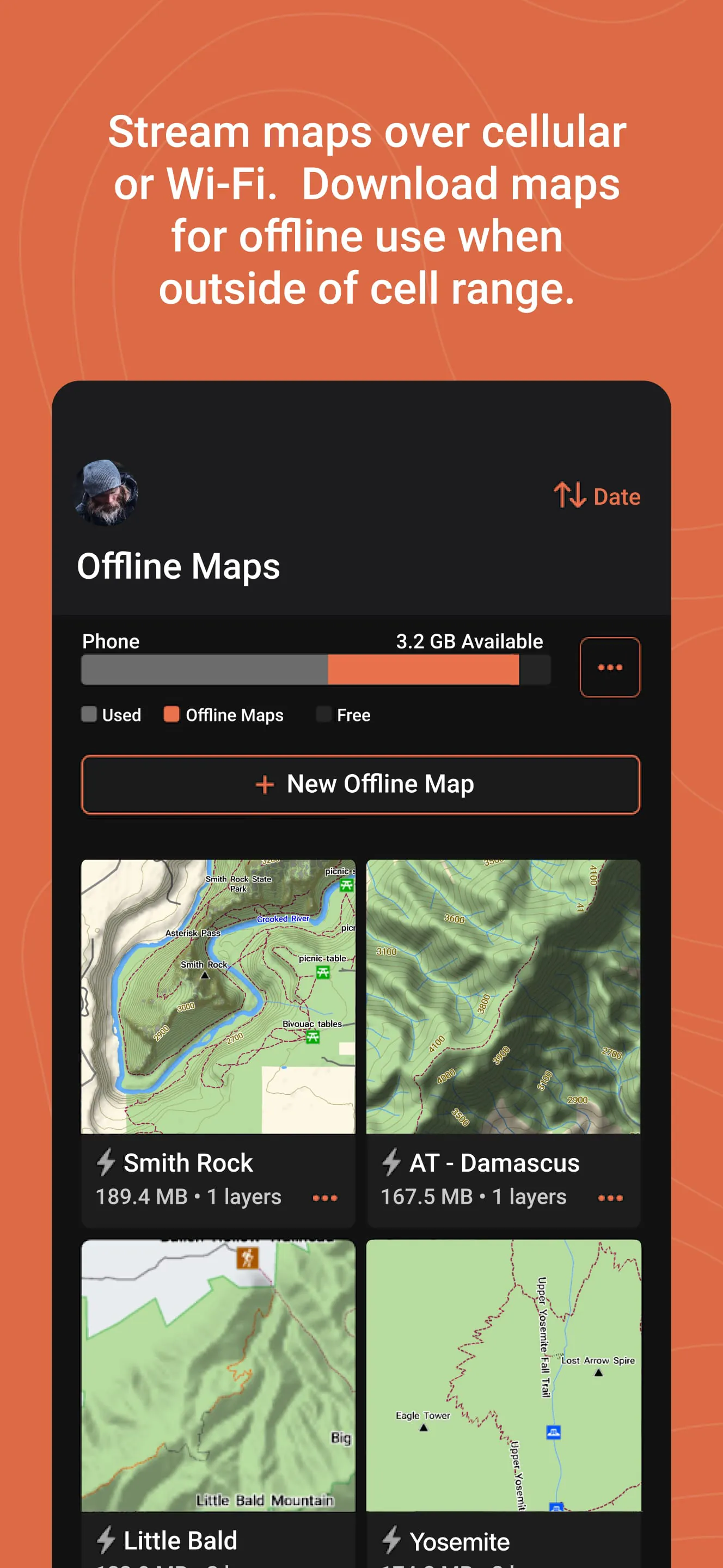
The strengths and limitations of Garmin Explore are quite distinct. On the positive side, it offers excellent offline functionality with downloadable maps, ensuring reliability in the backcountry. The integration with the Garmin ecosystem is seamless, and the interface for planning routes on the web is particularly powerful. However, some users find the mobile app interface to be less intuitive compared to consumer mapping apps. The platform's full potential is also best realized with a paid satellite plan for inReach features, and the initial setup process can be complex for beginners.
Functions
The application’s functionality can be broken down into several core areas:
- Trip Planning: Create detailed routes and mark waypoints on the web or app using various map layers.
- Data Syncing: Wirelessly send planned routes to your device and save tracks from your device to the app.
- Offline Mapping: Download vector and satellite maps for specific regions to use without a data connection.
- Communication & Safety: For inReach users, send and receive messages, share live tracking links, and access emergency services.
- Adventure Logging: Record, review, and share past travels with metrics like distance, elevation, and duration.
How to Use
Click the button "Check All Versions" below to download and install it. Begin by creating a Garmin account if you don’t have one. Open the app and pair it with your compatible Garmin device via Bluetooth. For trip planning, use the web platform (explore.garmin.com) on a computer for the best experience—create a route, add waypoints, and then sync it to your device through the app. Before heading out, download the offline maps for your adventure area. In the field, use the app to navigate with your saved routes, mark new waypoints, and, if you have an inReach, stay connected with your loved ones.
App Download
Get Garmin Explore from an official store or available APK channel.
Previous Versions
ZIP files require a Split APKs Installer (e.g., SAI) from Google Play to install. Steps: 1. Download SAI from Google Play; 2. Open SAI and tap "Install APKs"; 3. Select the ZIP file; 4. Complete installation.
Frequently Asked Questions
What is the latest version of Garmin Explore?
The latest version currently listed by Appspicked is unavailable, with information updated on May 14, 2026. Versions may vary by device, region, or rollout schedule, so users should also check Google Play or announcements from Garmin.
Is Garmin Explore safe to download and use?
No website can guarantee that an app is completely risk-free. Appspicked recommends downloading Garmin Explore only from an official app store or a verified channel operated by Garmin. Before installing, confirm the developer name, package ID com.garmin.android.apps.explore, requested permissions, privacy policy, and download source.
Why can’t I find Garmin Explore in the App Store?
Garmin Explore may be unavailable because of regional restrictions, device incompatibility, account or age settings, a temporary removal, a name change, or because it has not been released for that platform. An Android package page does not necessarily mean that an iOS App Store version exists. Check Garmin’s official website for current availability.
Where can I download or update Garmin Explore?
Use Google Play or another official download channel provided by Garmin whenever possible. Appspicked provides app information and store links, but users should verify the destination domain and publisher before downloading or updating the app.
Why is the version shown on Appspicked different from the app-store version?
The information on Appspicked may represent the most recently indexed snapshot. App stores sometimes release updates gradually or display different versions according to region, device, operating system, or testing group. The official store listing should be treated as the final reference.
Which devices and operating systems support Garmin Explore?
Garmin Explore is listed for Android, with a reported minimum requirement of Not specified. Actual compatibility may also depend on the device model, region, available storage, hardware features, and installed system components.
Is Garmin Explore free?
The initial download may be free, but subscriptions, advertising, paid features, or in-app purchases may still apply. Prices and available purchases can vary by country and version. Check the payment information displayed by Google Play before completing a transaction.
What should I do if Garmin Explore cannot be installed or updated?
Check the network connection, storage space, operating-system version, account region, and device compatibility. Restart the device and try again through the official store. If the problem continues, consult the support resources provided by Garmin.









