Garmin Golf is a dedicated mobile application designed to enhance the on-course experience for golfers, seamlessly integrating with Garmin golf watches and Approach handheld devices. It serves as a digital caddie and performance tracker, providing precise GPS distances to greens and hazards, automatically recording scores and statistics, and offering detailed maps for thousands of courses worldwide, allowing players to focus more on their game and less on manual note-keeping.
Key Features
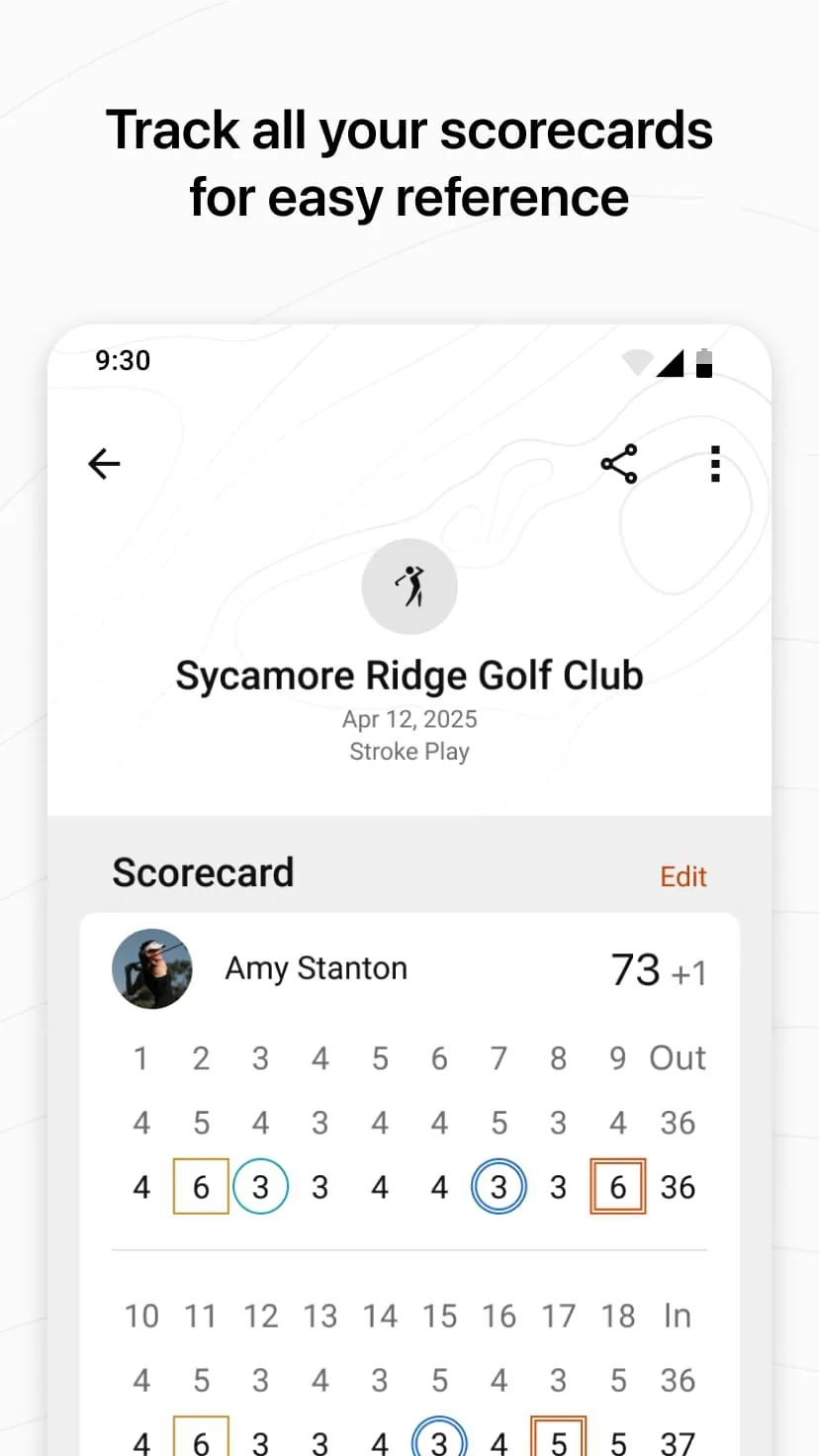
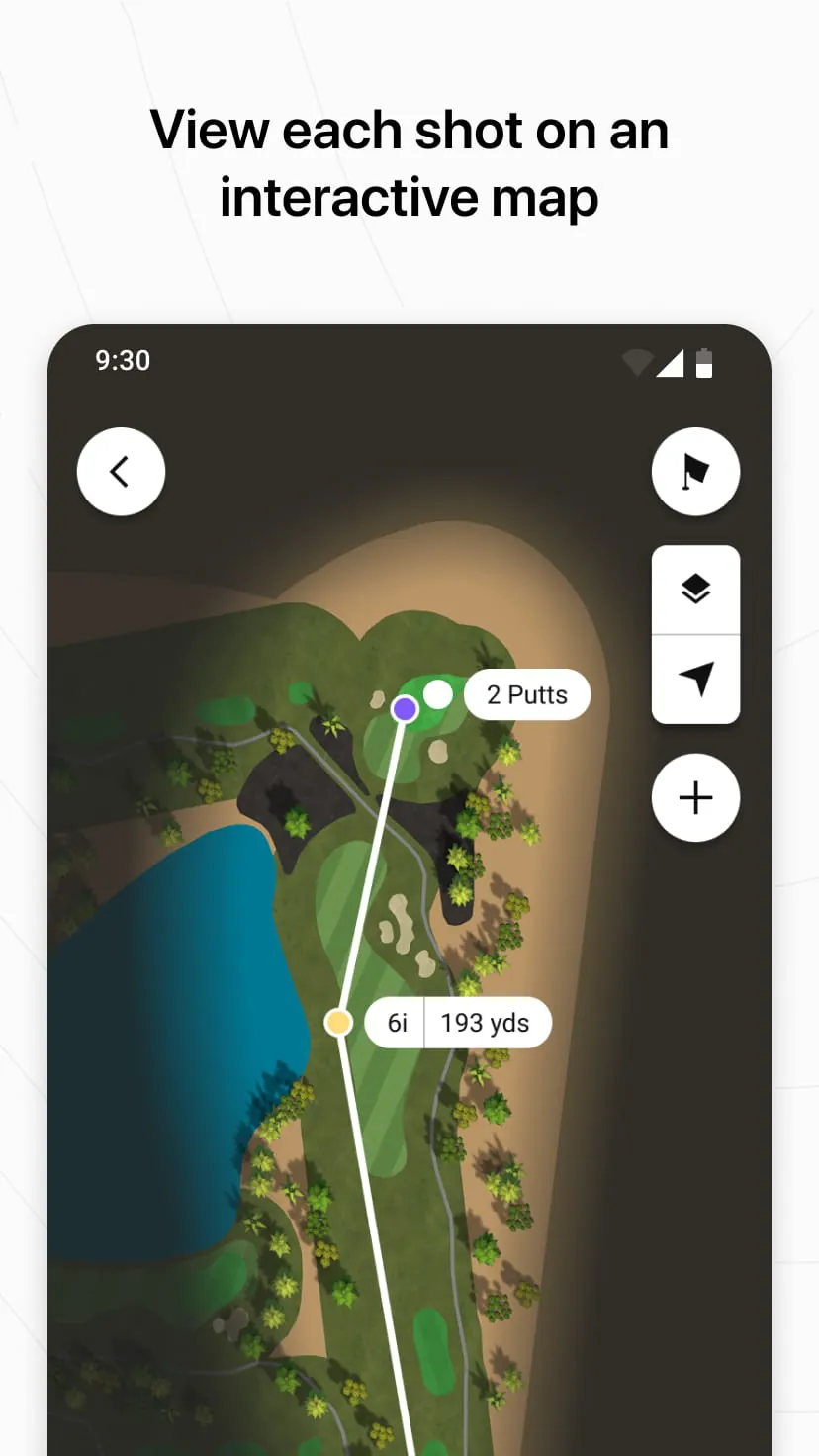
The app stands out by delivering comprehensive, real-time data directly to the golfer's wrist or phone. Its signature feature is the detailed, GPS-enabled course maps that show distances to the front, middle, and back of the green. Beyond basic yardage, it enables digital scorekeeping and automatically calculates key performance metrics like fairways hit, greens in regulation, and putts per round. For a more strategic overview, the PlaysLike Distance feature accounts for slope and elevation changes, while the Virtual Caddie function, available on compatible devices, suggests clubs based on your personal hitting history and current conditions.
Pros & Cons
Garmin Golf offers significant benefits but also has areas for consideration.
- Seamless automatic shot tracking and stat recording with compatible Garmin devices, minimizing manual input.
- Extensive database of pre-loaded, high-definition course maps available for free.
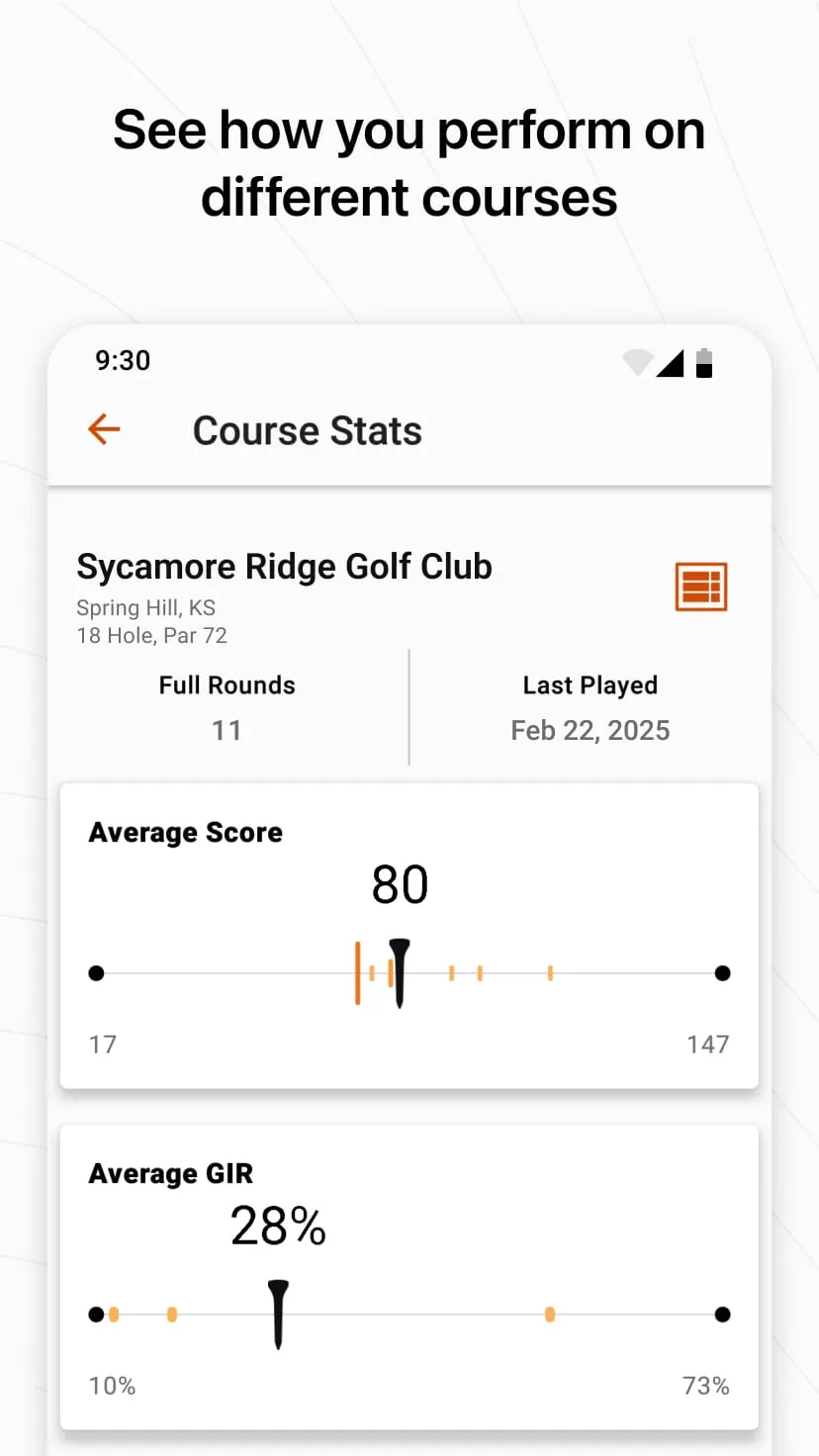
- Valuable insights from post-round analysis to identify strengths and weaknesses in your game.
- Useful social features for competing with friends in challenges and comparing rounds.
- The most powerful features, like Virtual Caddie and advanced stats, require a compatible Garmin wearable, limiting functionality for standalone app users.
- Battery consumption can be high when using GPS on the phone for an entire round.
- The user interface, while functional, can have a steeper learning curve compared to some competing apps.
Functions
The application performs several core functions that act as a golfer's digital assistant. Its primary role is precise yardage calculation and course mapping. It also functions as an automated scorecard and statistical engine, compiling data on driving accuracy, approach shots, and short game performance. Furthermore, it operates as a personal game archive, storing every round's data to track progress over time. For golfers with compatible hardware, it activates as a shot tracking system, logging the location of each shot with minimal interaction. Lastly, it provides a platform for friendly competition through leaderboards and connected tournaments.
How to Use
Click the button "Check All Versions" below to download and install it. Once installed, open the app and create or sign in to your Garmin account. For the best experience, ensure your smartphone's Bluetooth is on and pair it with your compatible Garmin golf device if you have one. Before heading to the course, you can browse and download the map for your specific golf course from the app's directory. On the first tee, open the app, select "Play Golf," and choose your course and tee box. The GPS will activate, displaying your position on the map. As you play, the app on your phone or connected watch will automatically record shots and distances. After each hole, input your score on the device, and the app will handle all the statistics, which you can review in detail after your round is finished.




 APK
APK  Google Play
  iOS
iOS  4.20
4.20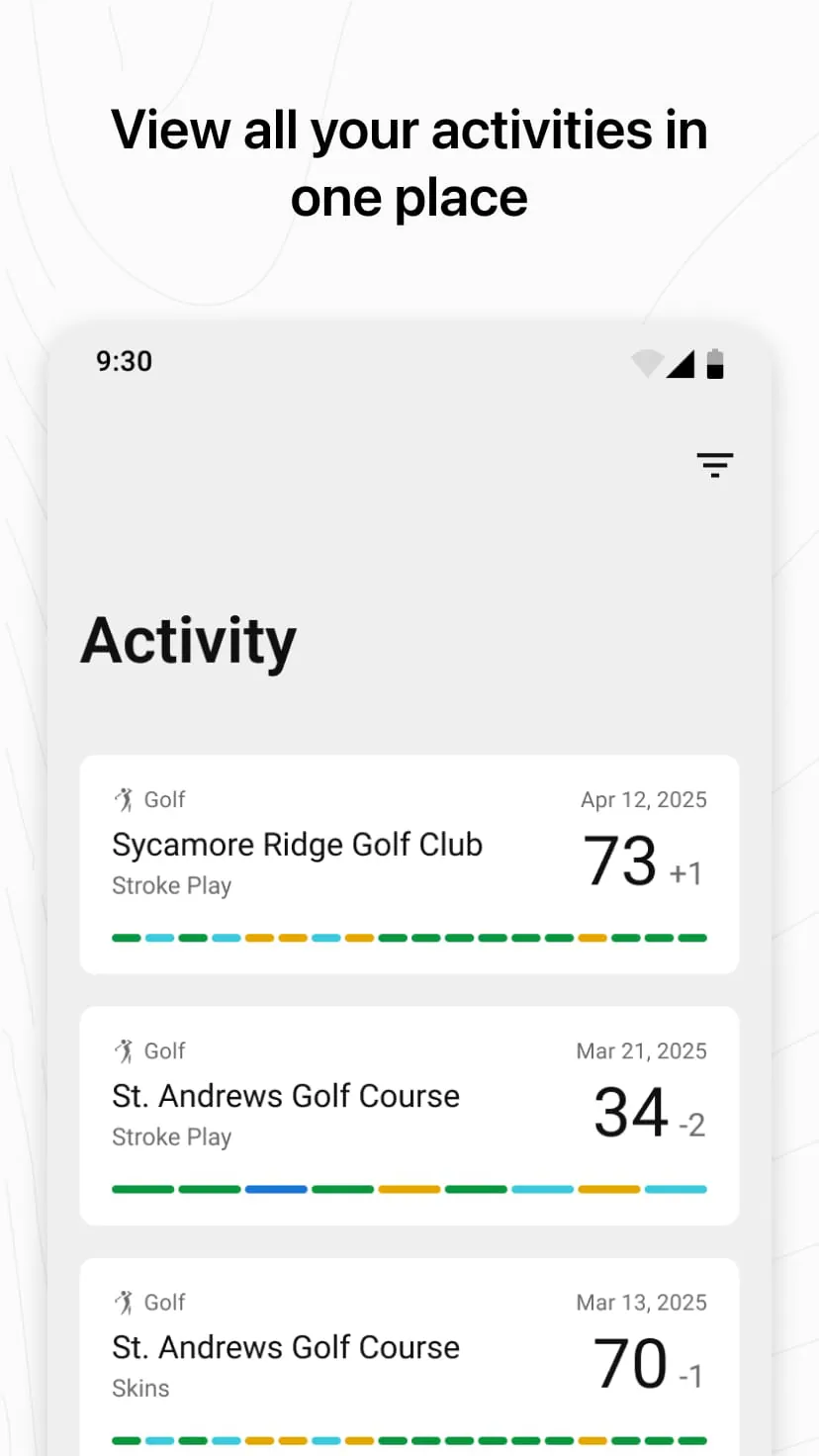
 Download








