


V24.23.1

- Package Name
- com.getyourguide.android
- Version Name
- V24.23.1
- Version Code
- V24.23.1
- File Size
- 49.83 MB
- Update time
- 2024-6-4



by GetYourGuide
A travel app to discover and book tickets, tours, and things to do on your trip.

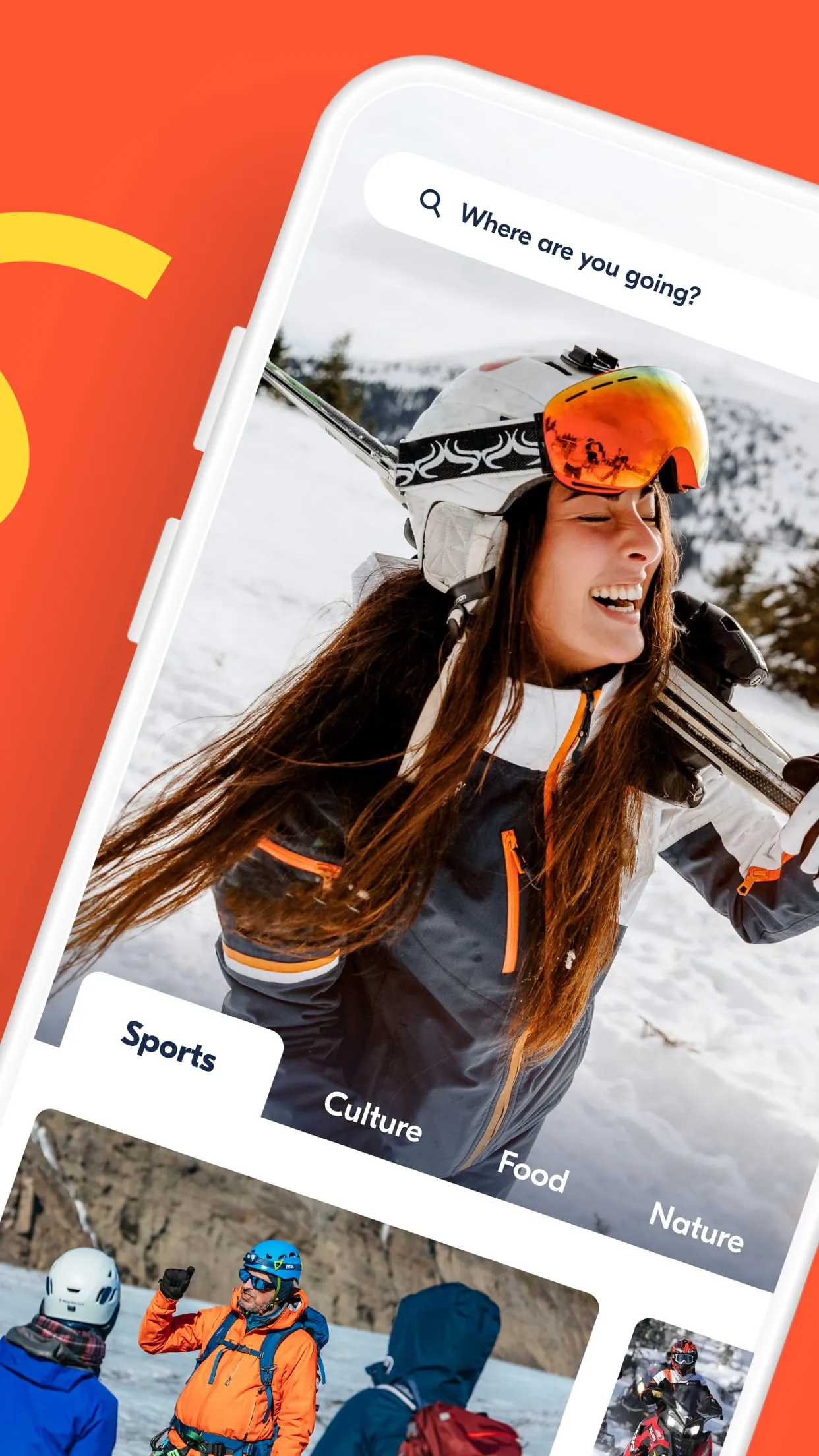
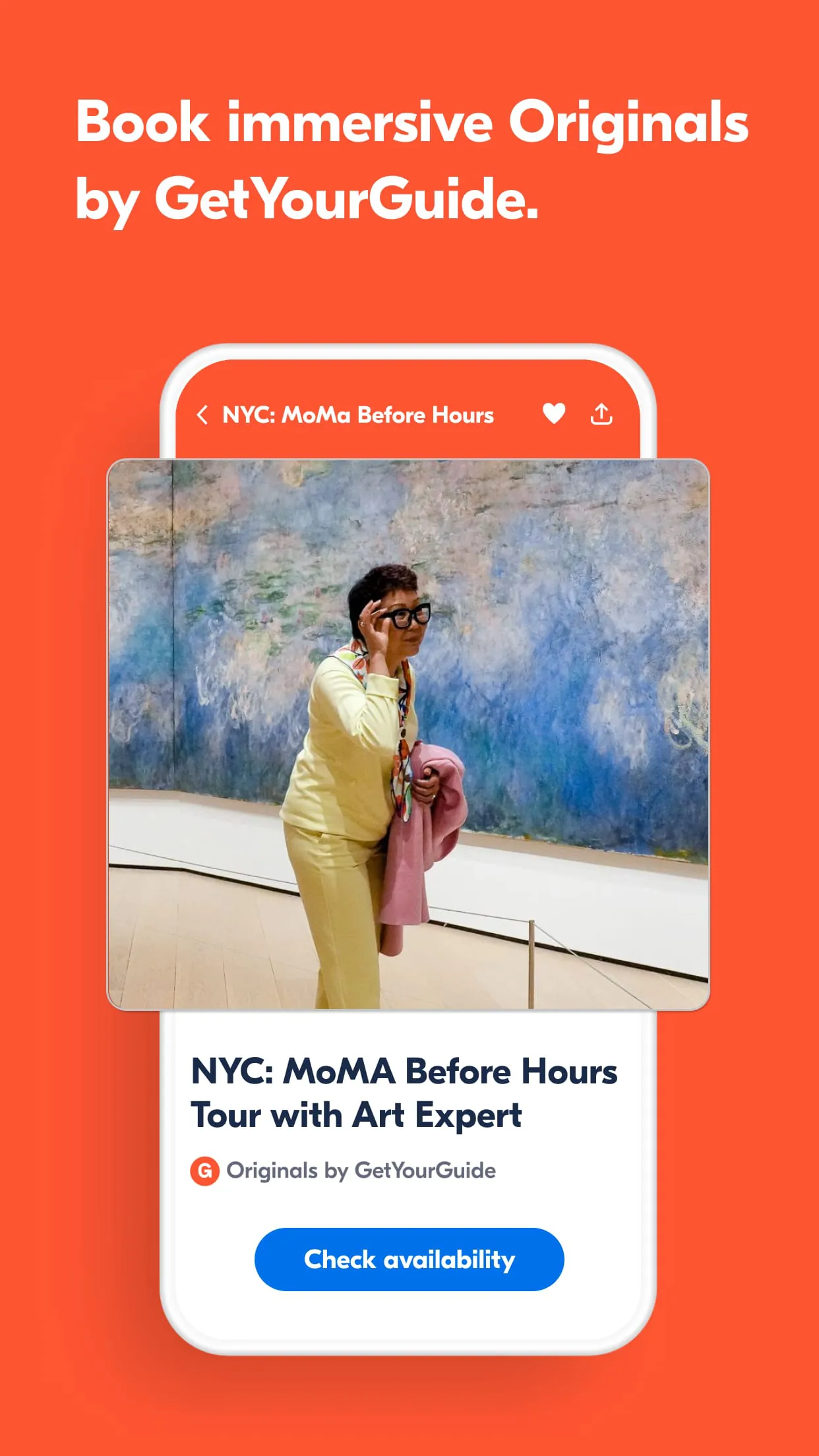
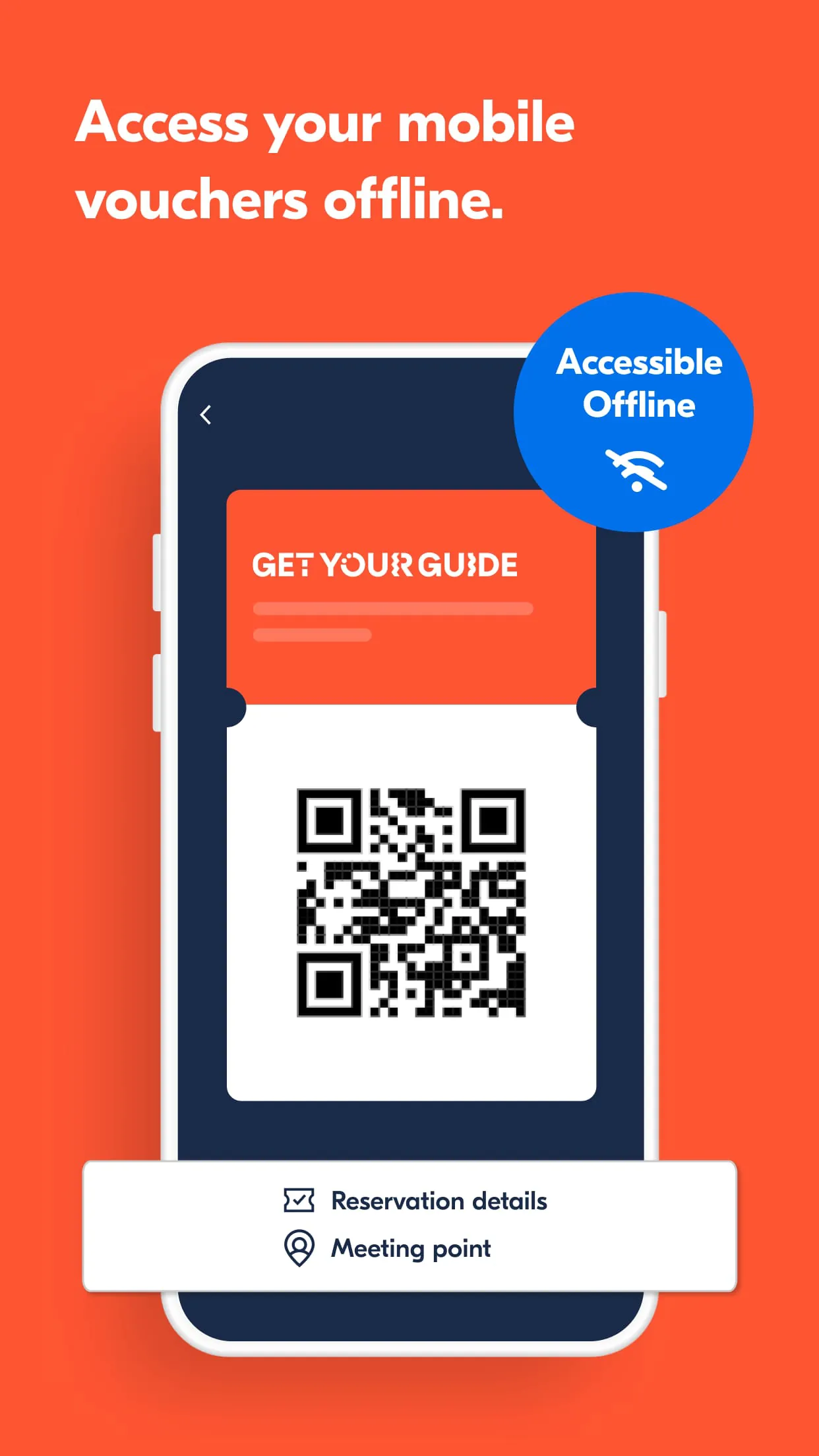
GetYourGuide is a comprehensive travel and experiences application that serves as a digital marketplace for discovering and booking a wide array of tours, activities, and attractions in destinations around the globe. It connects travelers with local guides and operators, offering everything from skip-the-line museum tickets and city walking tours to unique adventures like cooking classes and boat excursions, all designed to help users plan and enhance their trips seamlessly from their mobile device.
The app stands out with its user-centric design and powerful functionality. It provides instant booking confirmations and mobile ticket delivery, eliminating the need for paper. A robust filtering system allows users to sort activities by category, date, price, and traveler ratings. The interface supports multiple currencies and languages, catering to an international audience. Furthermore, it features a personalized recommendation engine and the ability to save favorite activities for later planning, all backed by 24/7 customer support.
When evaluating GetYourGuide, users will encounter several advantages and some limitations.
The app's functionality is built around a complete trip planning and management cycle. Core functions include:
Click the button "Check All Versions" below to download and install it. Once installed, open the app and create an account using your email or social media profile. Begin by entering your destination city and travel dates in the search bar. Browse the presented options, using filters to narrow down choices based on your interests and budget. Select an activity to read full details and reviews, then proceed to checkout to confirm your booking securely. Your confirmed bookings and e-tickets will be neatly stored in the "My Trips" tab for easy access during your journey.
Get GetYourGuide from an official store or available APK channel.
ZIP files require a Split APKs Installer (e.g., SAI) from Google Play to install. Steps: 1. Download SAI from Google Play; 2. Open SAI and tap "Install APKs"; 3. Select the ZIP file; 4. Complete installation.
The latest version currently listed by Appspicked is V24.23.1, with information updated on May 19, 2026. Versions may vary by device, region, or rollout schedule, so users should also check Google Play or announcements from GetYourGuide.
No website can guarantee that an app is completely risk-free. Appspicked recommends downloading GetYourGuide only from an official app store or a verified channel operated by GetYourGuide. Before installing, confirm the developer name, package ID com.getyourguide.android, requested permissions, privacy policy, and download source.
GetYourGuide may be unavailable because of regional restrictions, device incompatibility, account or age settings, a temporary removal, a name change, or because it has not been released for that platform. An Android package page does not necessarily mean that an iOS App Store version exists. Check GetYourGuide’s official website for current availability.
Use Google Play or another official download channel provided by GetYourGuide whenever possible. Appspicked provides app information and store links, but users should verify the destination domain and publisher before downloading or updating the app.
The information on Appspicked may represent the most recently indexed snapshot. App stores sometimes release updates gradually or display different versions according to region, device, operating system, or testing group. The official store listing should be treated as the final reference.
GetYourGuide is listed for Android, with a reported minimum requirement of Not specified. Actual compatibility may also depend on the device model, region, available storage, hardware features, and installed system components.
The initial download may be free, but subscriptions, advertising, paid features, or in-app purchases may still apply. Prices and available purchases can vary by country and version. Check the payment information displayed by Google Play before completing a transaction.
Check the network connection, storage space, operating-system version, account region, and device compatibility. Restart the device and try again through the official store. If the problem continues, consult the support resources provided by GetYourGuide.









