



Google Cloud
by Google LLC
Manage your Google Cloud solution.
A closer look
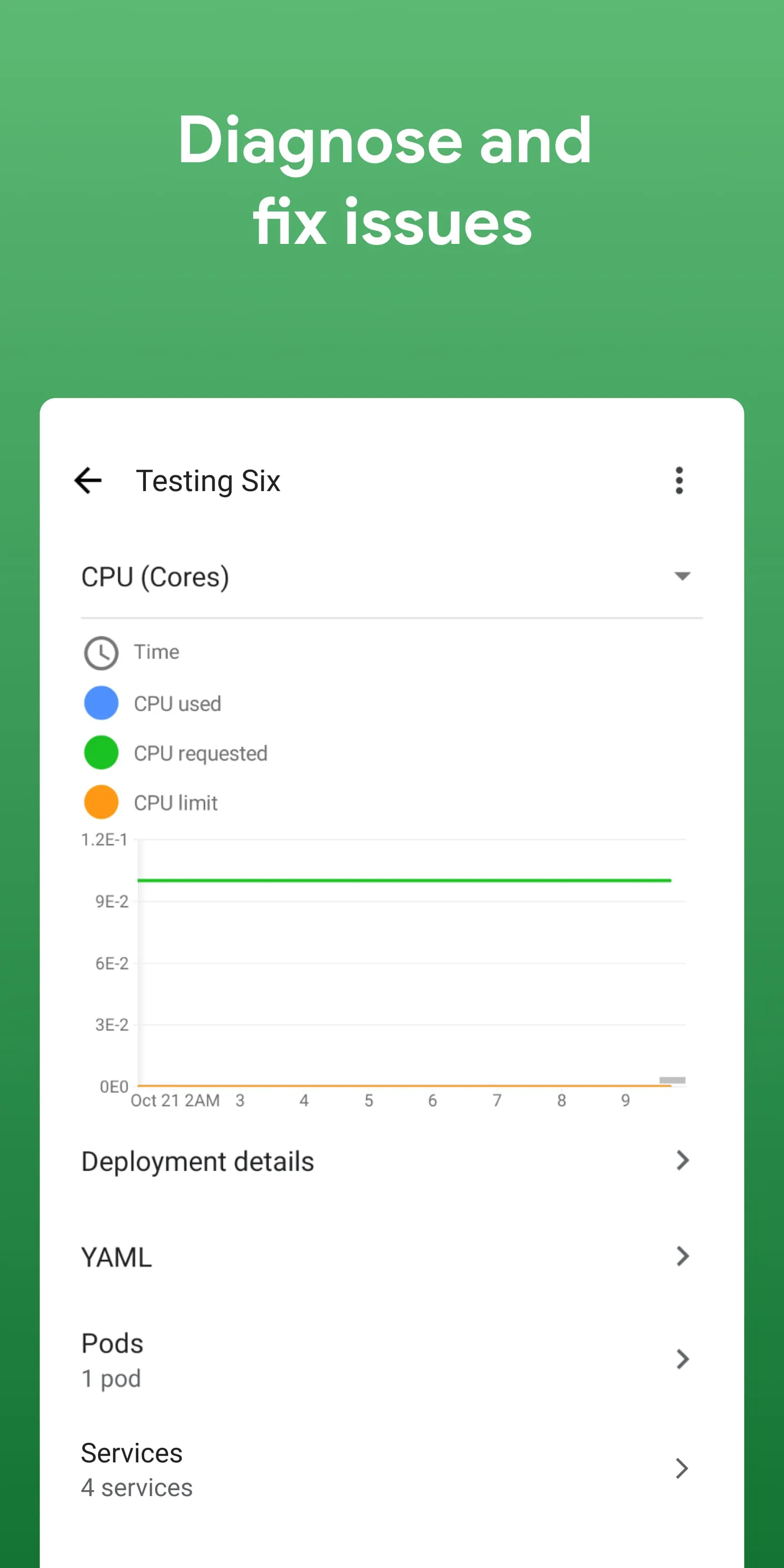
Overview
Google Cloud is a comprehensive suite of cloud computing services offered by Google that runs on the same infrastructure the company uses internally for its end-user products such as Google Search, Gmail, and YouTube. It provides developers, IT professionals, and businesses with a powerful set of tools to build, deploy, and scale applications, websites, and services efficiently in a secure and flexible environment.
Key Features
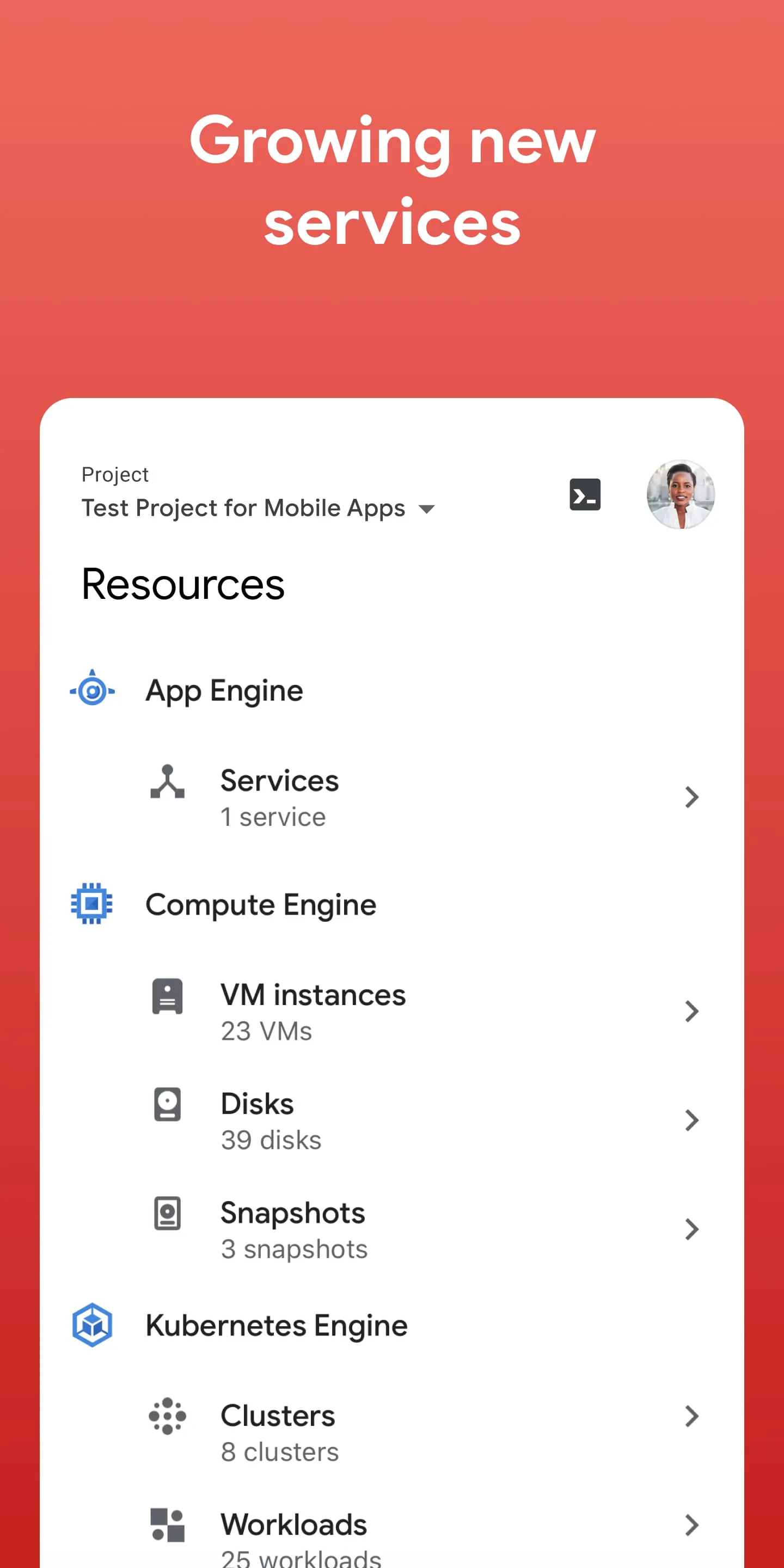
- Compute Engine – Virtual machines running in Google’s data centers.
- App Engine – A fully managed platform for developing and hosting web applications.
- Cloud Storage – Scalable and durable storage for objects, files, and backups.
- BigQuery – Serverless, highly scalable, and cost-effective multi-cloud data warehouse.
- Kubernetes Engine – Managed Kubernetes service for containerized applications.
- Cloud AI and Machine Learning – Pre-trained models and custom model training capabilities.
Pros & Cons
- Pros: High performance infrastructure, strong security measures, global network coverage, advanced data analytics, and seamless integration with other Google services.
- Cons: Steeper learning curve for beginners, pricing complexity, fewer physical data centers compared to AWS in some regions.
Functions
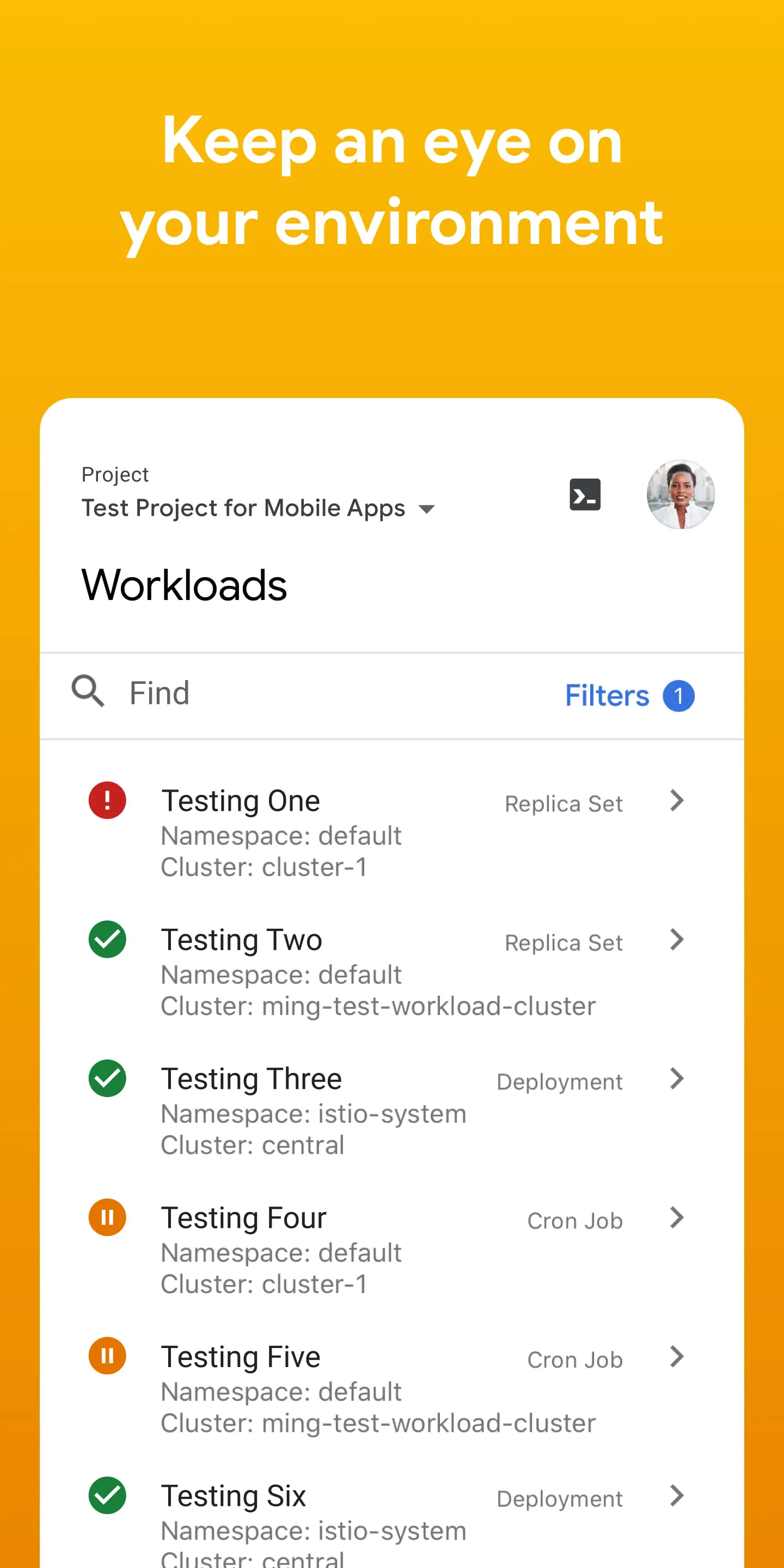
Google Cloud offers multiple layers of functionality to support different business needs. At the infrastructure level, it provides virtual machines, networking, and load balancing. In the platform layer, it supports application hosting, API management, and serverless computing. On the data front, it delivers storage solutions, real-time analytics, and machine learning pipelines. Additionally, it integrates identity management, monitoring, and logging tools to ensure operational control and compliance.
How to Use
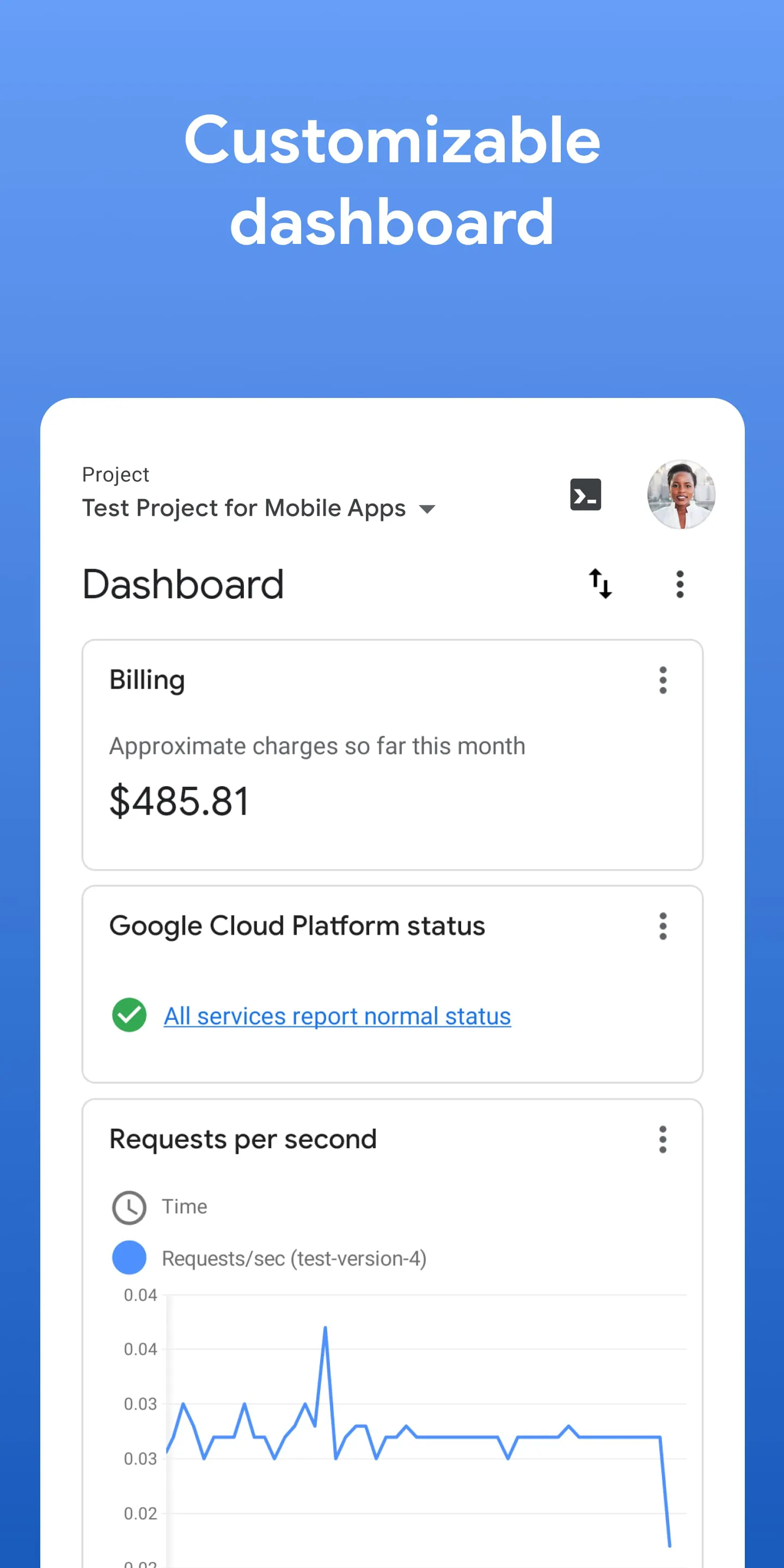
Click the button "Check All Versions" below to download and install it. Once installed, sign in with your Google account or create a new one if you don’t already have an account. From the dashboard, you can launch Compute Engine instances, configure storage buckets, or deploy applications via App Engine. For development workflows, integrate Google Cloud SDK with your local environment to manage resources directly from the command line. Monitoring tools in the console help track usage, costs, and system health in real time.
App Download
Get Google Cloud from an official store or available APK channel.
Previous Versions
ZIP files require a Split APKs Installer (e.g., SAI) from Google Play to install. Steps: 1. Download SAI from Google Play; 2. Open SAI and tap "Install APKs"; 3. Select the ZIP file; 4. Complete installation.
Frequently Asked Questions
What is the latest version of Google Cloud?
The latest version currently listed by Appspicked is unavailable, with information updated on May 24, 2026. Versions may vary by device, region, or rollout schedule, so users should also check Google Play or announcements from Google LLC.
Is Google Cloud safe to download and use?
No website can guarantee that an app is completely risk-free. Appspicked recommends downloading Google Cloud only from an official app store or a verified channel operated by Google LLC. Before installing, confirm the developer name, package ID com.google.android.apps.cloudconsole, requested permissions, privacy policy, and download source.
Why can’t I find Google Cloud in the App Store?
Google Cloud may be unavailable because of regional restrictions, device incompatibility, account or age settings, a temporary removal, a name change, or because it has not been released for that platform. An Android package page does not necessarily mean that an iOS App Store version exists. Check Google LLC’s official website for current availability.
Where can I download or update Google Cloud?
Use Google Play or another official download channel provided by Google LLC whenever possible. Appspicked provides app information and store links, but users should verify the destination domain and publisher before downloading or updating the app.
Why is the version shown on Appspicked different from the app-store version?
The information on Appspicked may represent the most recently indexed snapshot. App stores sometimes release updates gradually or display different versions according to region, device, operating system, or testing group. The official store listing should be treated as the final reference.
Which devices and operating systems support Google Cloud?
Google Cloud is listed for Android, with a reported minimum requirement of Not specified. Actual compatibility may also depend on the device model, region, available storage, hardware features, and installed system components.
Is Google Cloud free?
The initial download may be free, but subscriptions, advertising, paid features, or in-app purchases may still apply. Prices and available purchases can vary by country and version. Check the payment information displayed by Google Play before completing a transaction.
What should I do if Google Cloud cannot be installed or updated?
Check the network connection, storage space, operating-system version, account region, and device compatibility. Restart the device and try again through the official store. If the problem continues, consult the support resources provided by Google LLC.









