


V2025.11.30.839328256

- Package Name
- com.google.android.apps.googlevoice
- Version Name
- V2025.11.30.839328256
- Version Code
- V2025.11.30.839328256
- File Size
- 13.95 MB
- Update time
- 2025-12-23



by Google LLC
A customizable phone number in the cloud
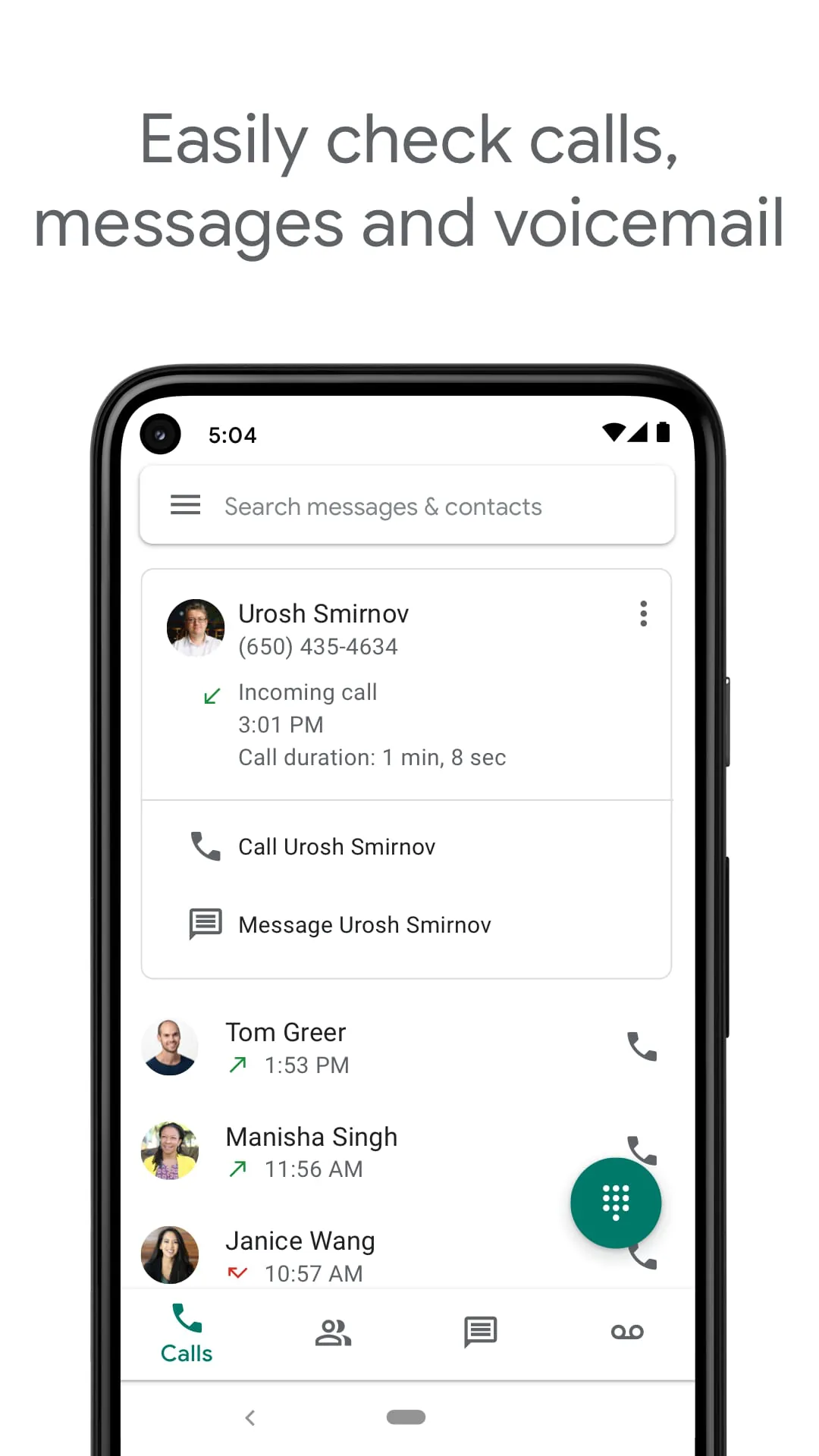
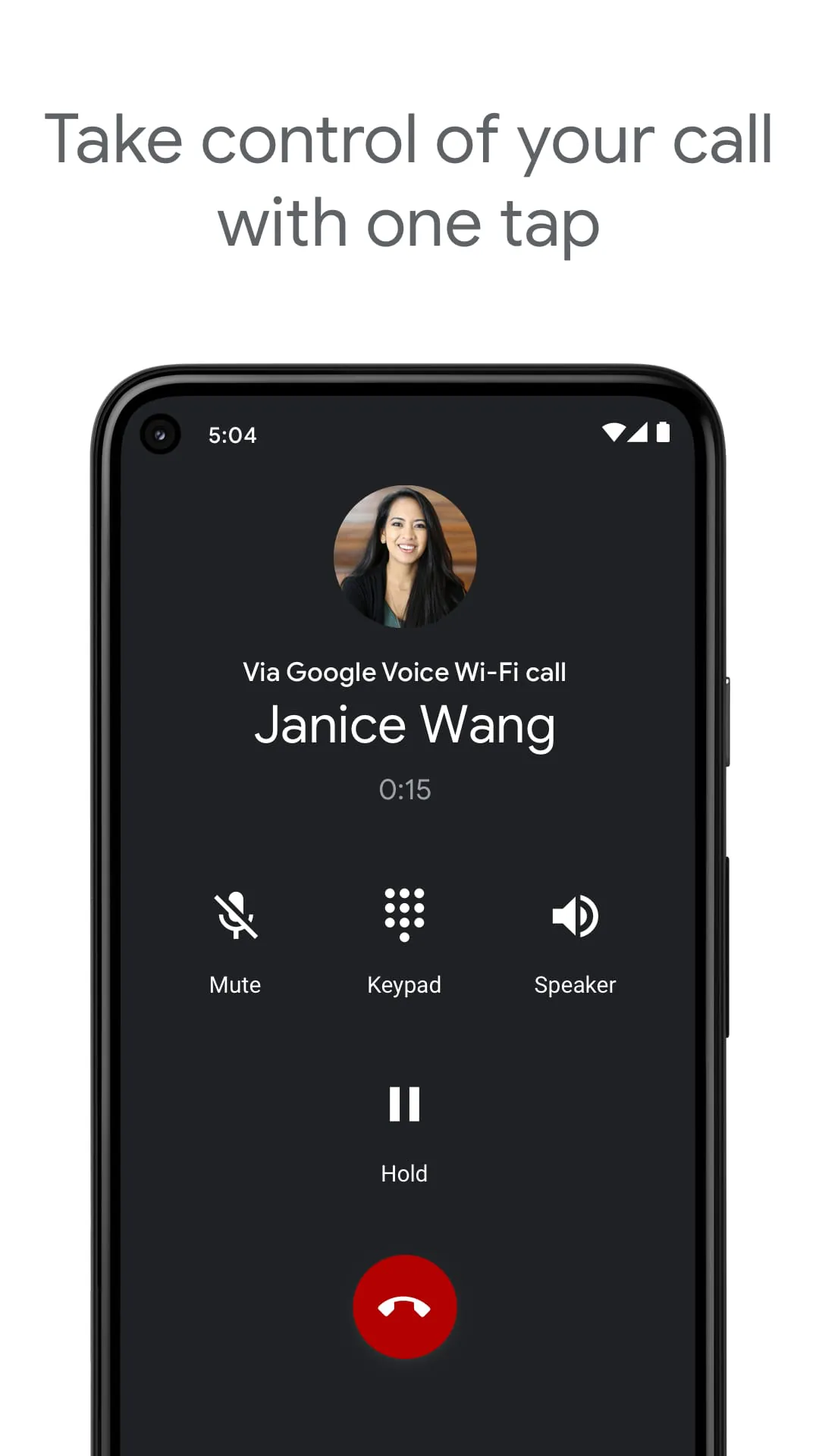
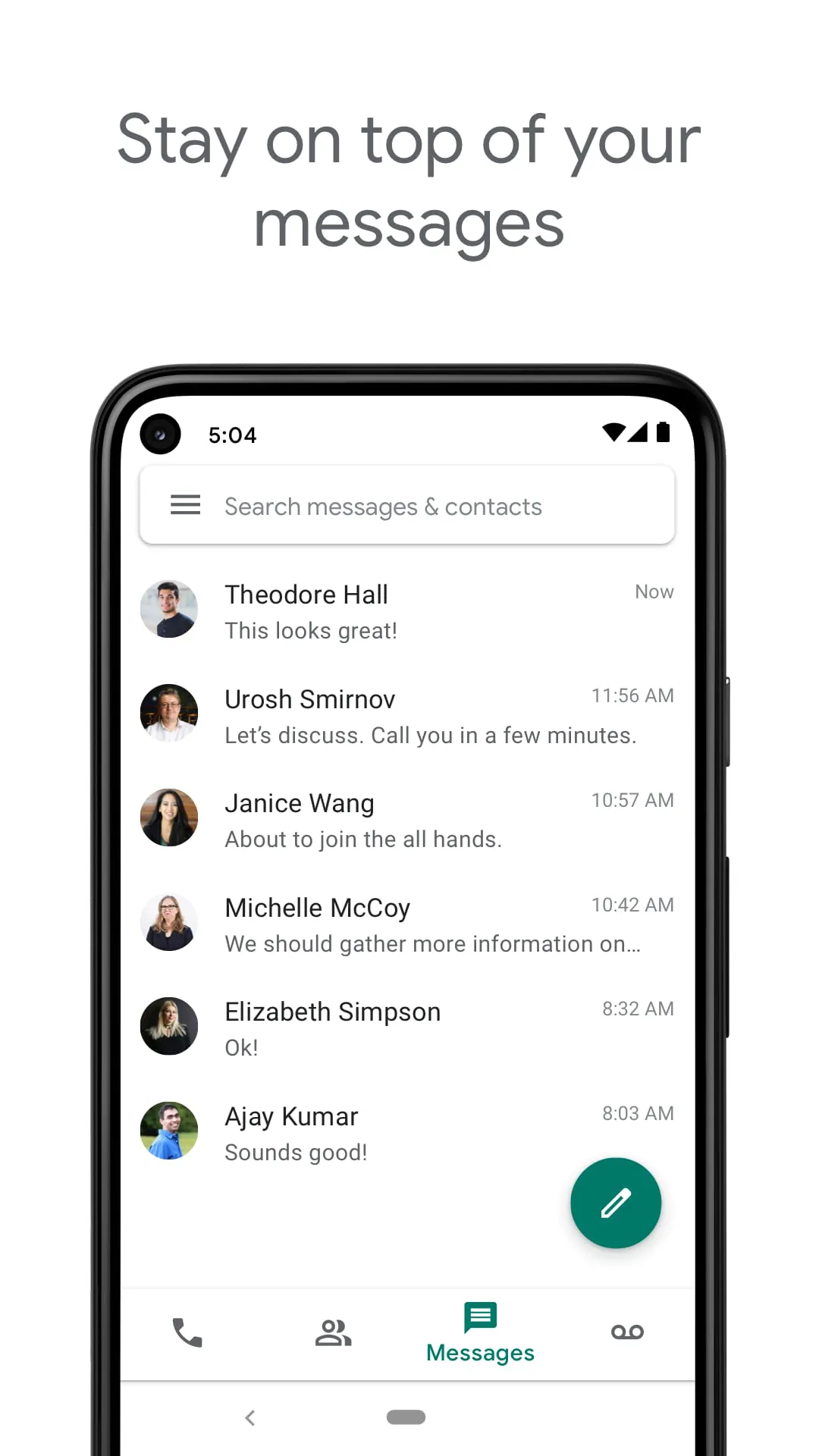
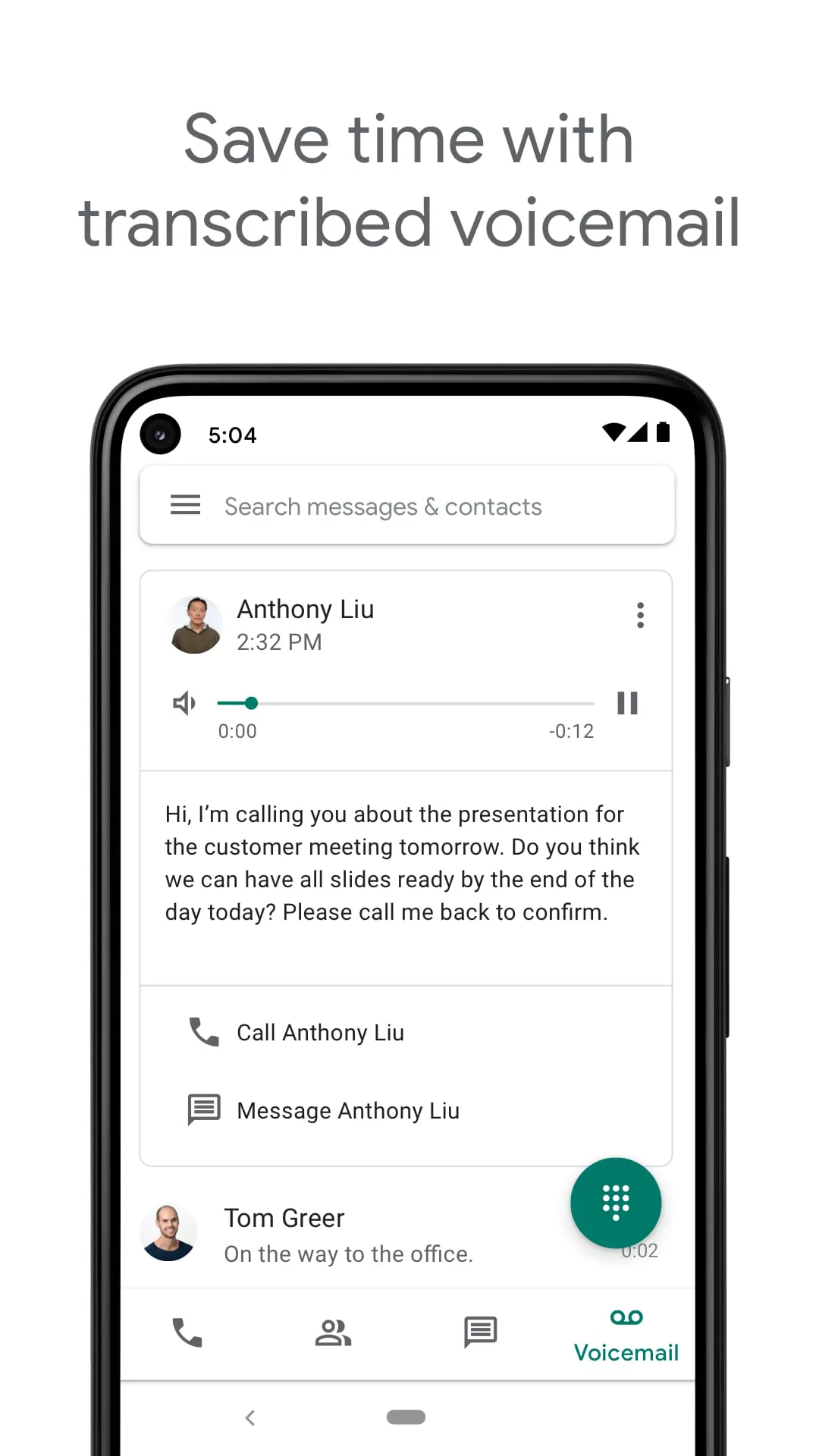
Google Voice is a telephony service developed by Google that provides users with a virtual phone number for making and receiving calls, sending text messages, and managing voicemail. It operates over the internet (VoIP), allowing seamless synchronization across smartphones, tablets, and computers. While it offers a centralized communication hub with features like spam filtering and voicemail transcription, it is important to note that the consumer version of Google Voice is primarily available to users with a US-based Google Account or through Google Workspace in select markets, and its full functionality may be limited outside these regions.
Google Voice stands out with its robust set of features designed for both personal and business communication. It offers a free US phone number that can be used to make domestic calls and send SMS messages at no cost. One of its most praised features is the automatic voicemail transcription, which converts voice messages into readable text and can forward them to your email. The service also includes intelligent spam call filtering and blocking, ensuring a cleaner communication experience. For businesses, it integrates with Google Workspace, providing advanced functionalities like call recording, multi-level auto-attendants, and an admin console for managing numbers and users. Additionally, it allows for low-cost international calls using Google Voice credits instead of traditional carrier rates.
Using Google Voice comes with several advantages and limitations. On the positive side, it offers significant cost savings on domestic and international calls, reduces spam effectively, and provides excellent cross-device synchronization, allowing you to use the same number on your phone and computer. The voicemail transcription is highly accurate and useful for quick reading. However, the service has notable drawbacks. Its availability is heavily restricted; the free personal version is essentially limited to the United States, and users in other countries (like China) often face connectivity issues or cannot register at all without a US number. Furthermore, while it supports SMS, MMS and group messaging can be unreliable. There is also a dependency on a stable internet connection for VoIP calls, which may not be ideal in areas with poor data coverage.
The core functionality of Google Voice revolves around its virtual number. Users can make and receive calls using this number, which can be set to ring multiple linked devices (like your mobile and laptop) simultaneously. The service acts as a powerful call management tool, allowing you to set custom voicemail greetings for different contacts, screen calls before answering, and block unwanted numbers with ease. Text messaging is fully supported, and all conversations are saved and searchable within the app or web interface. For voicemail, it not only stores messages but also provides automated transcripts. For international calls, users can pre-pay for credits to dial numbers worldwide at competitive rates. Business users benefit from additional features such as call forwarding rules, ring groups, and integration with Google Meet and Calendar for scheduling.
Click the button "Check All Versions" below to download and install it. To start using Google Voice, you first need a Google Account. If you are in the US, you can sign up directly via the app or website to choose a free phone number (selecting an area code of your choice). During setup, you will be required to verify an existing US phone number for security purposes. Once set up, you can install the app on your Android or iOS device, or access it via the web browser on your computer. In the settings, configure your call forwarding preferences and decide whether to use carrier minutes or Wi-Fi/data for calls. For users outside the US, accessing the full features typically requires a US Google Account and a VPN connection, but functionality may still be limited compared to being physically located in the supported region.
Get Google Voice from an official store or available APK channel.
ZIP files require a Split APKs Installer (e.g., SAI) from Google Play to install. Steps: 1. Download SAI from Google Play; 2. Open SAI and tap "Install APKs"; 3. Select the ZIP file; 4. Complete installation.
The latest version currently listed by Appspicked is V2022.10.31.485627509, with information updated on May 19, 2026. Versions may vary by device, region, or rollout schedule, so users should also check Google Play / App Store or announcements from Google LLC.
No website can guarantee that an app is completely risk-free. Appspicked recommends downloading Google Voice only from an official app store or a verified channel operated by Google LLC. Before installing, confirm the developer name, package ID com.google.android.apps.googlevoice, requested permissions, privacy policy, and download source.
Google Voice may be unavailable because of regional restrictions, device incompatibility, account or age settings, a temporary removal, a name change, or because it has not been released for that platform. An Android package page does not necessarily mean that an iOS App Store version exists. Check Google LLC’s official website for current availability.
Use Google Play / App Store or another official download channel provided by Google LLC whenever possible. Appspicked provides app information and store links, but users should verify the destination domain and publisher before downloading or updating the app.
The information on Appspicked may represent the most recently indexed snapshot. App stores sometimes release updates gradually or display different versions according to region, device, operating system, or testing group. The official store listing should be treated as the final reference.
Google Voice is listed for Android / iOS, with a reported minimum requirement of Not specified. Actual compatibility may also depend on the device model, region, available storage, hardware features, and installed system components.
The initial download may be free, but subscriptions, advertising, paid features, or in-app purchases may still apply. Prices and available purchases can vary by country and version. Check the payment information displayed by Google Play / App Store before completing a transaction.
Check the network connection, storage space, operating-system version, account region, and device compatibility. Restart the device and try again through the official store. If the problem continues, consult the support resources provided by Google LLC.









